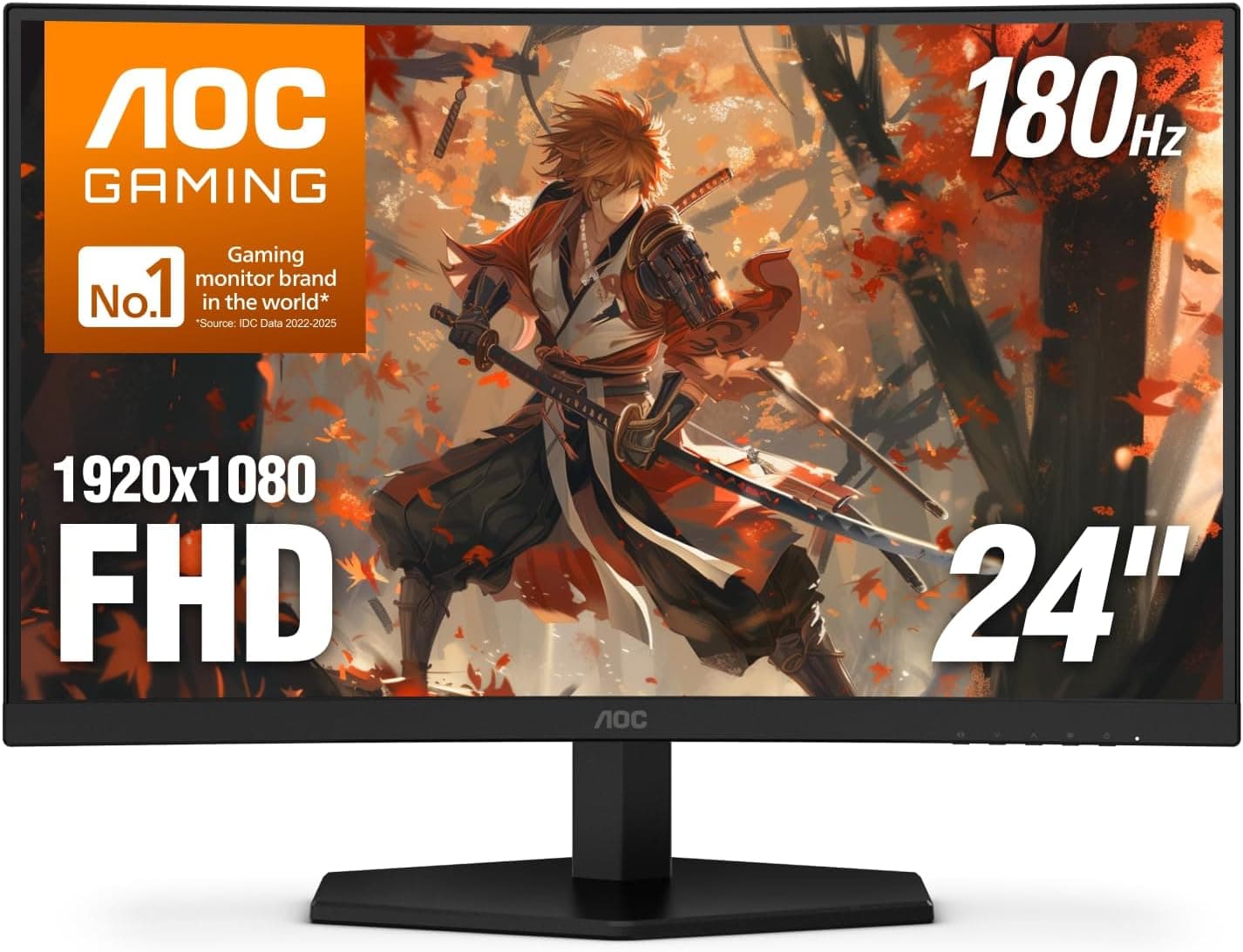
This article takes a close look at the AOC 27B3HM — 27-inch Full HD VA Panel 75Hz Monitor. Beyond the spec sheet, it covers which setups it fits, who will be happy with it, and where you have to accept compromises.
Overview
The AOC 27B3HM is an entry-level 27-inch Full HD (1920×1080) monitor built on a VA panel. The short answer: it is easy to recommend if you want a large screen for documents, browsing and video.
If you care about crisp small text or want high-refresh gaming, there are better choices. The 75Hz refresh rate makes scrolling slightly smoother than a typical 60Hz panel.
VA panels usually show deeper blacks than IPS, which helps when watching movies in a dark room. Viewing angles are 178°/178° and color gamut is 102% sRGB, which is enough for office work and everyday use.
A three-sided frameless design and VESA 100×100mm support make it easy to mount on an arm or place several units side by side.
Panel and Image Quality in Practice
At 27 inches, 1080p works out to about 81 pixels per inch. That is coarser than a 24-inch 1080p screen (about 92 PPI), so text edges can look slightly soft up close.
If your desk is shallow and you sit closer than about 50cm, you are more likely to notice. At 60-70cm, the large, easy-to-read text becomes the bigger benefit.
Contrast is where VA shines. With the lights down for films or dramas, blacks stay deeper and avoid the grayish glow common on IPS panels.
The trade-off is that VA panels tend to smear during dark-to-bright transitions. No official response time figure is included in the data here, so keep expectations modest for fast-moving games.
The 102% sRGB figure is fine for web content and casual photo viewing. It describes the range of colors the screen can show, though, not how accurate it is out of the box.
For print matching or paid photo and video editing, choose a monitor designed around calibration.
Compatibility Guide
Video inputs are limited to one HDMI and one VGA port. There is no DisplayPort or USB-C, so first check that your PC has an HDMI output.
HDMI supports up to 1920×1080 at 75Hz. The data does not state the HDMI version, but this resolution and refresh rate fit within older HDMI bandwidth.
VGA is analog and useful as a fallback for older desktops or business laptops. Analog signals tend to blur text, though, and some sources may only offer 60Hz.
Use HDMI whenever you can.
Newer laptops and Macs that only output video over USB-C need a USB-C to HDMI adapter or a dock. Some adapters top out at 60Hz, so check the spec if you want 75Hz.
Adaptive-Sync (FreeSync compatible) is supported and reduces tearing and stutter with a compatible GPU. On this monitor, variable refresh only works over HDMI.
AMD GPUs widely support FreeSync over HDMI, but NVIDIA support for variable refresh over HDMI depends on GPU generation and connection type and may not work. If variable refresh matters on an NVIDIA system, consider a monitor with DisplayPort.
There are no speakers and no audio output jack. Audio sent over HDMI will not play from the monitor, so plan for PC speakers, external speakers or headphones.
The same applies to game consoles.
| Item | AOC 27B3HM | Common pitfall |
|---|---|---|
| Video inputs | HDMI x1, VGA x1 | No DisplayPort or USB-C |
| Max output | 1920×1080 @75Hz (HDMI) | VGA may not reach 75Hz |
| Variable refresh | Adaptive-Sync (FreeSync compatible) | HDMI only; check GPU support |
| Audio | None | Separate speakers or headphones needed |
| Mounting | VESA 100×100mm | Match arm capacity to monitor weight |
As the table shows, having only two inputs is the biggest compromise. If you connect both a PC and a console, you will need to put one on VGA or add an HDMI switch.
Product Info
Key specs: 27-inch screen, 1920×1080 (Full HD), VA panel, 75Hz refresh rate, 178°/178° viewing angles, 102% sRGB, HDMI x1 and VGA x1, VESA 100×100mm, and a 3-year warranty. A 3-year warranty is reassuring for an entry-level monitor meant for long-term office use.
Check the manufacturer's warranty terms before buying.
On Amazon.co.jp, the listing was rated 4.9 out of 5 from 37 reviews as of September 23, 2026.
That is a strong score but a small sample, where a few reviews can move the average noticeably. Read the reviews from people with uses similar to yours rather than relying on the score alone.
For the reasons explained in Before You Buy, this article does not quote a specific price. Prices change often, so check the current price and seller on the product page.
The stand is reported to offer tilt only, without height, swivel or pivot adjustment. Confirm this and the included accessories on the product page before buying.
If you need to raise the screen to eye level, a VESA monitor arm is the practical answer.
Comparison With Alternatives
Comparing it with similar monitors covered on this site makes its position clearer. The table below is a rough comparison based on what each product name indicates.
| Product | Screen | Character | Best for |
|---|---|---|---|
| AOC 27B3HM | 27-inch FHD VA 75Hz | High contrast, HDMI and VGA inputs | Office and video users wanting a big screen |
| ASUS VA24EHF2 | 61cm (about 24-inch) FHD IPS 120Hz | Smaller, higher refresh rate | Sharper text plus smoother motion |
| MSI MAG 272F X24 | 27-inch FHD 240Hz | Fast gaming model | Serious competitive gamers |
| LG 27UP600K-W | 27-inch | Higher-resolution model | Text sharpness and workspace first |
If screen size comes first and your use is mostly office work or video, this monitor's compromises make sense. For sharper text at 1080p, go 24-inch.
For gaming, pick a high-refresh model. For detail and workspace, pick a higher-resolution model.
Who It's For
Home and office workers focused on documents and spreadsheets
The 27-inch 1080p screen shows large text that is easy to read, and two windows side by side is practical. The 102% sRGB gamut and 178° viewing angles are more than enough for typical office tasks.
With 60cm or more of viewing distance, the lower pixel density is much less noticeable.
People who watch movies and dramas at night
VA contrast pays off in dark scenes. Even in a dim room, blacks stay deep instead of glowing gray, giving a more immersive picture than entry-level IPS.
There are no speakers, so arrange your own audio.
Casual gamers
75Hz and Adaptive-Sync feel a little smoother than a 60Hz monitor, and tearing can be reduced with a compatible GPU, especially an AMD card over HDMI. Competitive players will be far happier with 144Hz or higher.
Budget multi-monitor builders
The frameless design and VESA support make a clean multi-screen setup easy. Your PC needs enough HDMI outputs or adapters for each unit.
Depending on the seller and price, the per-unit cost may be higher than expected, so check before buying.
Setup Tips
On Windows, the monitor may stay at 60Hz after connecting. Open Display settings, then Advanced display, and confirm the refresh rate is set to 75Hz.
If 75Hz is missing, the cable or adapter is often the cause, so try a direct HDMI connection.
For 27-inch 1080p, 100% display scaling is the usual choice. If text looks thin, running the Windows ClearType Text Tuner can help.
With an AMD GPU, enable FreeSync in the driver settings and check that the related option is enabled in the monitor menu.
Before You Buy
Do not expect razor-sharp text. About 81 PPI means small text looks coarser than on a 24-inch 1080p or higher-resolution screen at close range.
If you code or work with dense spreadsheets all day, factor this in.
75Hz mainly benefits PCs. Consoles usually output at 60Hz, so you gain little there.
On PCs, NVIDIA GPUs over HDMI may not get variable refresh. This is not a monitor to buy for high refresh rates.
Limited inputs and no audio. One HDMI port, no speakers and no audio out make it a poor fit for PC plus console setups or anyone wanting built-in sound.
It also does not suit laptop users who want single-cable USB-C video and charging.
Stand adjustment. The stand is reported to tilt only, so height is fixed.
Tall users or anyone matching a laptop screen height should plan for an arm or riser, and check the monitor's weight against the arm's capacity.
Check the seller and price. The Amazon listing is sold and shipped by 浪越商店, a third-party seller.
As of September 23, 2026, the listed price was far above the usual range for an entry-level 27-inch 1080p monitor, so this article does not quote it. Compare other sellers and direct manufacturer pricing, and skip unusually high offers.
Listing details such as price, seller and accessories can change, so confirm from the photos and title that the model is the 27B3HM.
FAQ
Q. Can I connect a PS5 or Nintendo Switch? A.
Yes, over HDMI. There are no built-in speakers, so use headphones or another audio source.
Consoles usually output at 60Hz, so 75Hz brings little benefit.
Q. Does it work with a MacBook or a USB-C-only laptop? A.
Laptops with HDMI connect directly. USB-C-only machines need a USB-C to HDMI adapter or dock.
For 75Hz, make sure the adapter supports 1080p at 75Hz.
Q. Can I use variable refresh with an NVIDIA graphics card? A.
Variable refresh works only over HDMI on this monitor, and NVIDIA support over HDMI is limited by GPU generation and setup. For reliable results, use an AMD GPU or choose a monitor with DisplayPort.
Q. Can it be rotated to portrait? A.
The included stand is reported not to pivot. Use a VESA 100×100mm arm that supports rotation if you want portrait mode.
Q. Can I use two side by side? A.
Yes, the frameless design keeps the gap small. Make sure your PC has two video outputs, either two HDMI ports or one plus an adapter.
Product Disclosure (Amazon)
- Manufacturer: AOC
- Seller: 浪越商店
- Fulfilled by: 浪越商店
- ASIN: B0CVSCWZPT
- Note: This article covers a manufacturer-made product based on Amazon listing details.