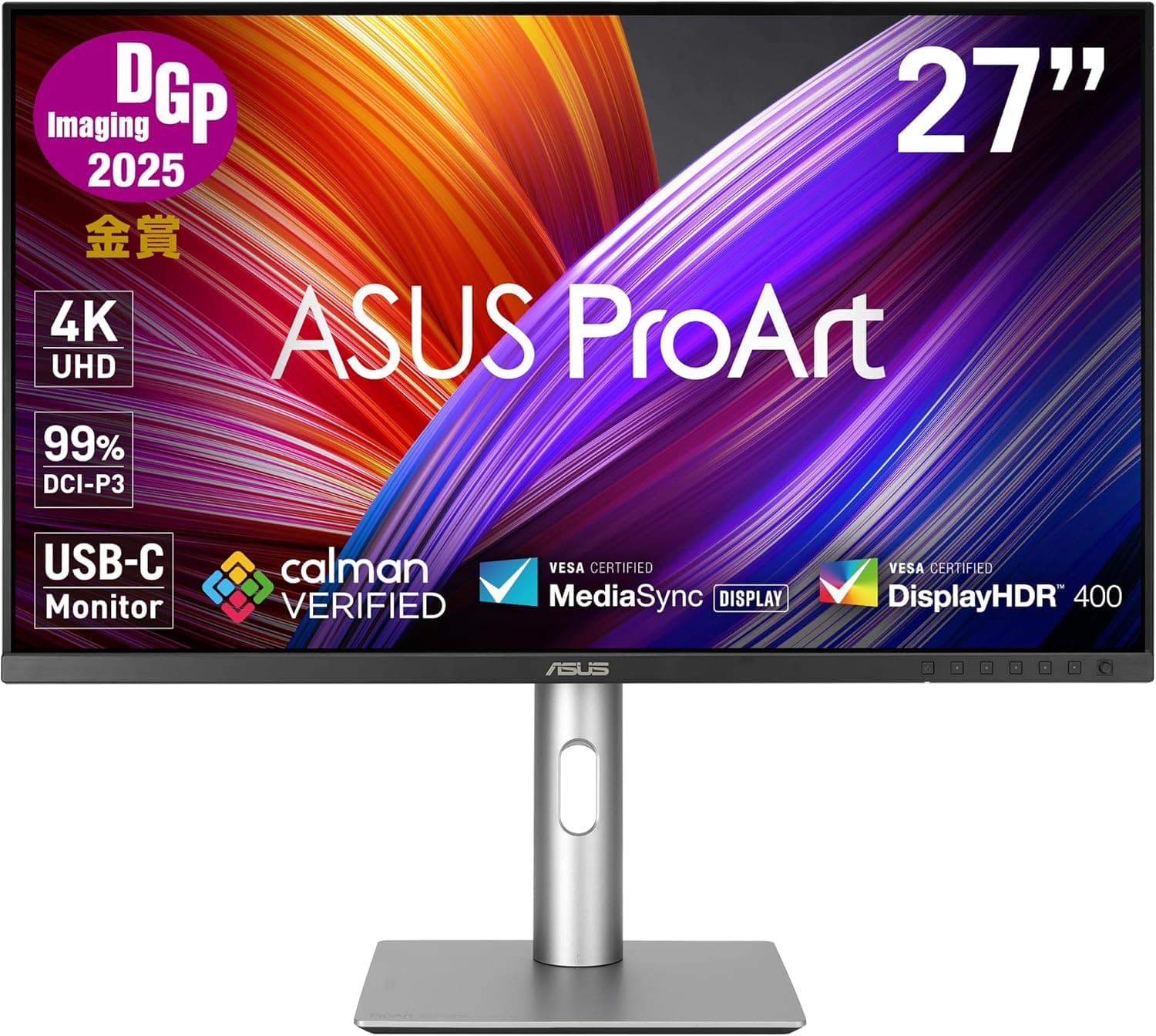
This article covers ASUS 4K モニター ProArt PA279CRV-J.
Overview
The ASUS ProArt PA279CRV-J is a 27-inch 4K IPS monitor built for creative professionals who demand color accuracy from the moment they unbox it. Each unit comes with a factory calibration report guaranteeing Delta E < 2, so you can start editing photos or grading video without a separate calibrator. The monitor also delivers up to 96W of power delivery over USB-C, making it a true hub for laptops that support USB-C video output. It earned the DGP Imaging Award 2025 Gold Prize, a testament to its color performance and build quality. With 99% DCI-P3 and 99% Adobe RGB coverage, the PA279CRV-J covers both the wide-gamut standards used in video production and the color space required for print-oriented design. Dual DisplayPort 1.4 inputs support daisy chaining, so you can set up a multi-monitor workstation with fewer cables.
Connectivity & Compatibility
USB-C port with DisplayPort Alt Mode and up to 96W USB Power Delivery – connect and charge a compatible laptop with one cable. DisplayPort 1.4 x 2 (daisy-chain capable), HDMI v2.0 x 2, USB 3.2 Gen 1 Type-A x 3, USB 3.2 Gen 1 Type-C x 1, and a 3.5mm stereo minijack. Daisy chaining works when your source device supports DisplayPort Multi-Stream Transport; a second monitor can be linked via the downstream DisplayPort. All necessary cables (DisplayPort, HDMI, USB-C) are included in the box.
Product Info
The PA279CRV-J launched in the second half of 2024 and is sold as an official Japanese model with a 4-year domestic warranty. Its street price hovers around ¥55,800, placing it in the upper-mid tier for 27-inch 4K creator monitors. The package includes a quick-release stand, calibration report, ProArt welcome card, and power cord. Positioned against premium options like the Apple Studio Display or Dell UltraSharp series, this ASUS model offers comparable factory-calibrated color accuracy at a significantly lower entry cost. It’s a practical choice for professionals who cannot justify spending double for a reference monitor but still need reliable color performance out of the box.
Best Use Cases
Photographers and graphic designers: The Adobe RGB 99% coverage and Delta E < 2 accuracy make it a dependable tool for print-oriented work. Colors that fall outside sRGB are displayed faithfully, reducing the risk of mismatched output. Gamers or general consumers, however, may find the 60 Hz refresh rate and 5 ms response time underwhelming for fast-paced content. Laptop users seeking a single-cable desktop setup: The 96W USB-C PD capability means one cable handles video, data, and charging for many modern ultrabooks and workstations. It’s a relief for anyone tired of managing a separate power brick. If your laptop doesn’t support USB-C video or you already have a dock, this feature may be redundant. Video editors working in SDR or transitional HDR: With 99% DCI-P3 coverage, the monitor can display the wider color gamut used in cinema and broadcast. The 400 cd/m² peak brightness (DisplayHDR 400) is adequate for HDR preview but not sufficient for final HDR mastering; still, it offers a balanced upgrade path from standard sRGB displays. Multi-monitor workstation builders: DisplayPort daisy chaining reduces cable clutter when connecting two or more compatible ProArt monitors. This is especially beneficial for professionals who need multiple reference screens side by side. Note that not all monitors support daisy chaining, so plan your chain carefully.
Product Disclosure (Amazon)
- Manufacturer: ASUS
- Seller: Amazon.co.jp
- Fulfilled by: Amazon.co.jp
- ASIN: B086ZSRRDB
- Note: This article covers a manufacturer-made product based on Amazon listing details.