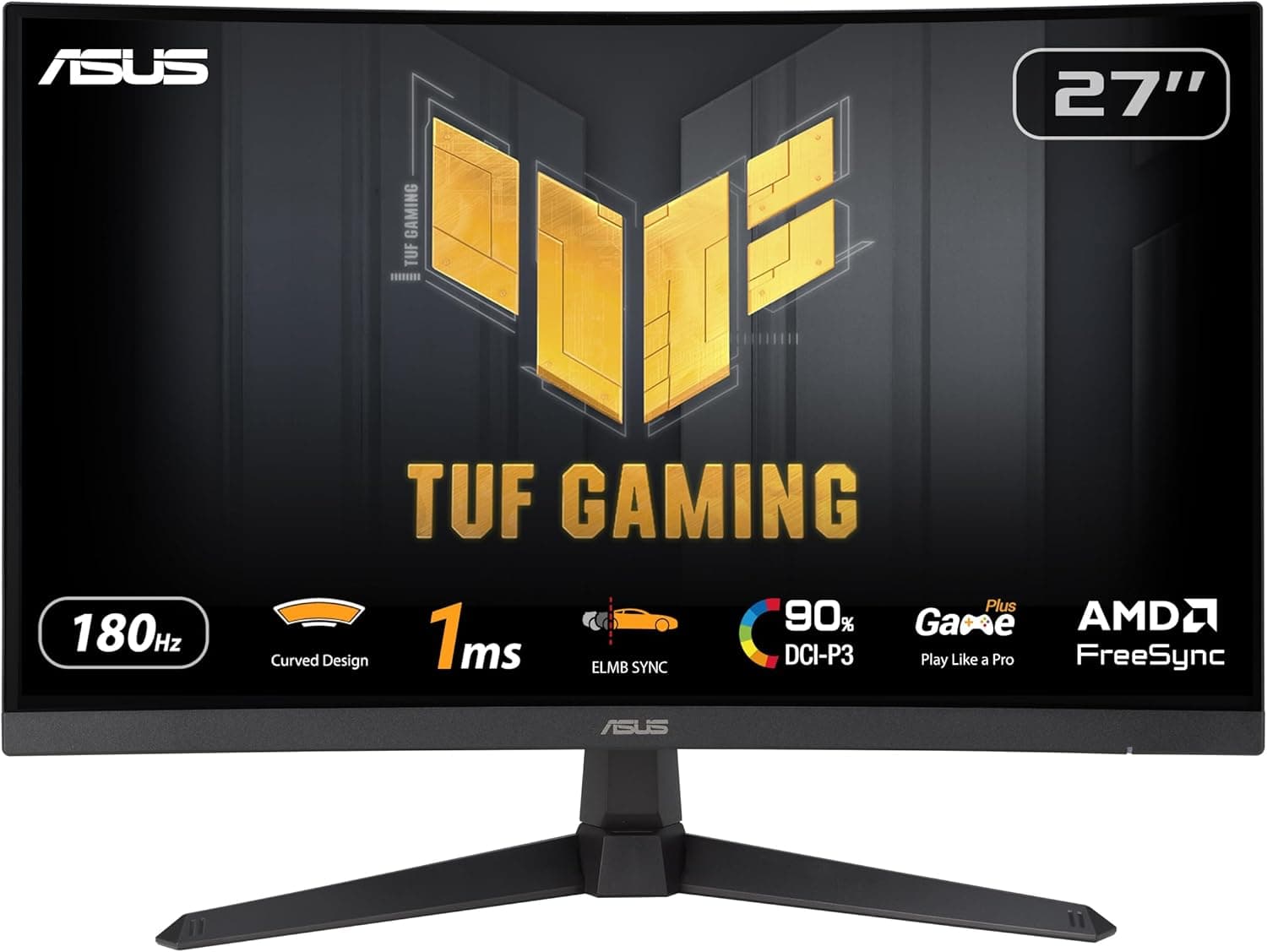
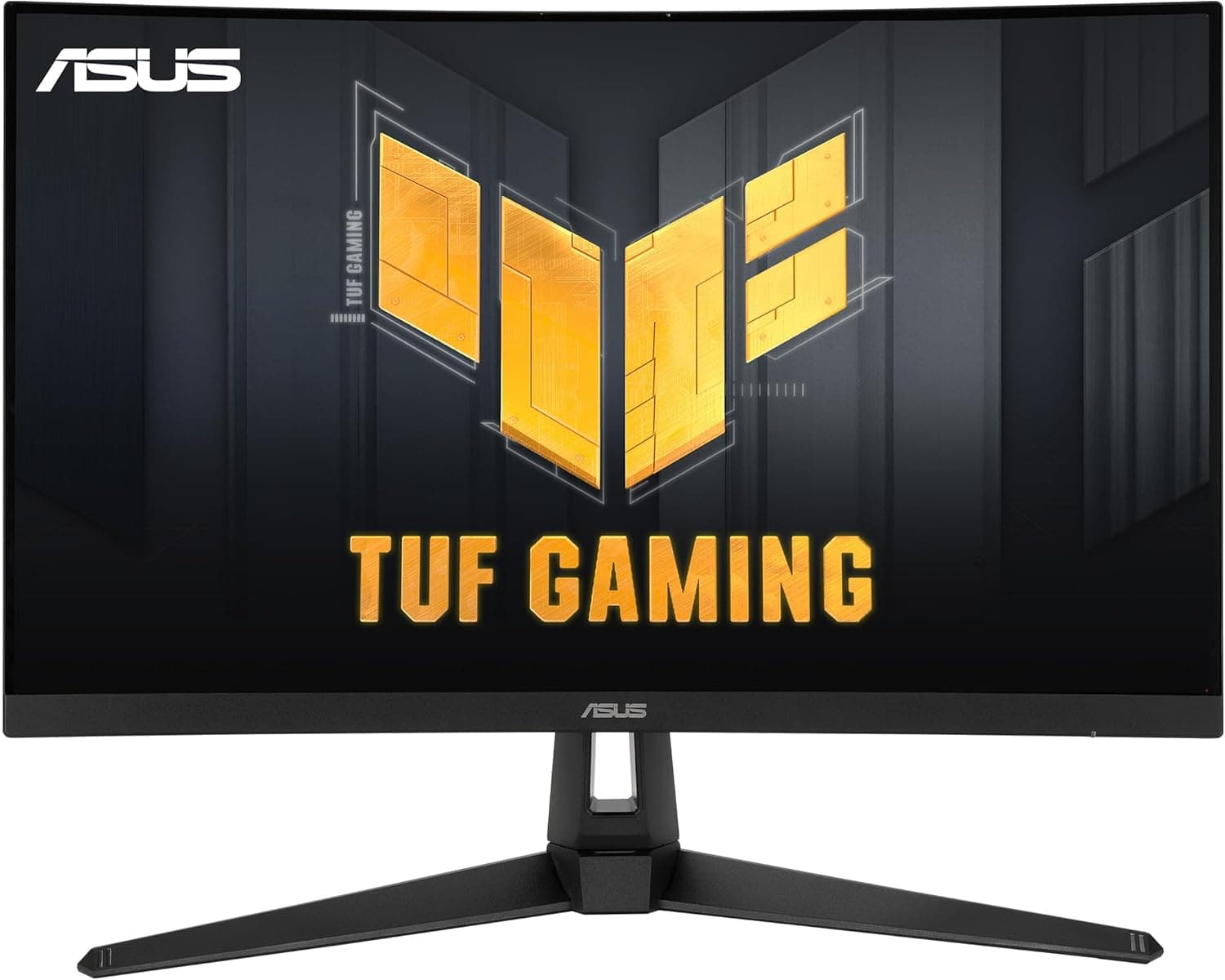
This article covers ASUS ゲーミングモニター TUF Gaming VG27AQ 27インチ.
Overview
The ASUS TUF Gaming VG27AQ is a 27-inch gaming monitor that pairs a WQHD IPS panel with a 165Hz refresh rate. It sits in the TUF Gaming lineup, ASUS's value-oriented gaming brand, offering a balanced set of specs for PC gamers who want a step up from Full HD without jumping to 4K. The 1ms response time and HDR support round out the package for fast-paced and visually rich titles alike.
With a 2560×1440 resolution, this monitor delivers noticeably more screen real estate than a 1080p panel. The IPS technology provides wide viewing angles, and the 0.233mm pixel pitch contributes to a sharp image. Input options include two HDMI ports and one DisplayPort, giving you flexibility to connect both a PC and a console at the same time.
In the market, the VG27AQ occupies the entry-to-mid tier of gaming monitors. It offers a well-rounded combination of size, resolution, and refresh rate at a price point that is more accessible than premium models. G-SYNC Compatible support is another highlight, making it a natural fit for NVIDIA GPU owners.
Compatibility Guide
The monitor provides two HDMI inputs and one DisplayPort input. To achieve the full 165Hz refresh rate, you should connect your PC via DisplayPort, as HDMI connections may be limited by bandwidth. For console use, the HDMI ports are available, but the maximum refresh rate will depend on the connected device's output capabilities.
G-SYNC Compatible means the monitor works with NVIDIA GeForce GPUs to deliver variable refresh rate functionality, reducing screen tearing and stuttering. If you use an AMD graphics card, you may still be able to use Adaptive-Sync, but you should verify compatibility before relying on it.
Built-in speakers are included, so you can get audio output without additional hardware. For a more immersive experience, you can connect external speakers or a headset through the monitor's audio output.
Product Info
The VG27AQ was released in November 2019 as part of ASUS's TUF Gaming series. It features a 27-inch IPS panel with WQHD resolution, a 165Hz refresh rate, and a 1ms response time. The pixel pitch is 0.233mm, and the viewing angles are rated at 178° both horizontally and vertically. The input voltage range is 100-240V, making it suitable for use in different regions.
Physical dimensions are approximately 507 mm wide and 620 mm high, with a weight of about 12.79 pounds. These figures should be checked against your desk space and monitor arm compatibility if you plan to use a third-party mount.
In terms of market positioning, this is a mid-tier gaming monitor. It delivers the key specs that gamers look for—27 inches, WQHD, and 165Hz—at a price that undercuts many premium alternatives. The TUF Gaming branding emphasizes durability and value, making it a sensible choice for budget-conscious builders.
Best Use Cases
- Gamers upgrading from a 1080p display who want more detail and smoother motion. The 27-inch WQHD panel and 165Hz refresh rate provide a clear visual upgrade. Those who insist on 4K resolution should look elsewhere.
- Users who need to connect multiple devices, such as a gaming PC and a console. With two HDMI ports and one DisplayPort, you can switch between sources easily. If you need USB hub functionality, this monitor does not offer it.
- NVIDIA GPU owners who want tear-free gameplay. G-SYNC Compatible support works with compatible GeForce cards over DisplayPort. AMD users should verify Adaptive-Sync support before purchasing.
Things to Consider
This monitor launched in 2019, so it lacks some of the features found on newer models. Most notably, there is no HDMI 2.1 support, which means next-gen consoles cannot take full advantage of the monitor's refresh rate capabilities over HDMI. PC users connecting via DisplayPort will get the best experience.
Driving a WQHD panel at high refresh rates requires a reasonably powerful GPU. If your graphics card is entry-level, you may not be able to hit high frame rates in demanding titles, which limits the benefit of the 165Hz panel. Check your GPU's performance before making the purchase.
The stand's adjustment options are not specified in the available data. If you need height adjustment or tilt functionality, verify the stand's capabilities or plan to use a VESA-compatible monitor arm.
FAQ
Q: Can I use this monitor with a PS5 at 165Hz?
A: No. The monitor does not support HDMI 2.1, so the PS5's output will be limited over HDMI. To get the full 165Hz refresh rate, you need to connect a PC via DisplayPort.
Q: Which GPUs are compatible with G-SYNC Compatible?
A: NVIDIA GeForce GTX 10-series and newer GPUs are supported when connected via DisplayPort. For AMD GPUs, you should check the monitor's Adaptive-Sync support.
Q: Does this monitor have built-in speakers?
A: Yes, it has integrated speakers. They are adequate for basic use, but for better audio quality, consider using external speakers or a ga
Product Disclosure (Amazon)
- Manufacturer: ASUS
- Model: VG27AQ
- ASIN: B07XVCG4B9
- Note: This article covers a manufacturer-made product based on Amazon listing details.