Overview
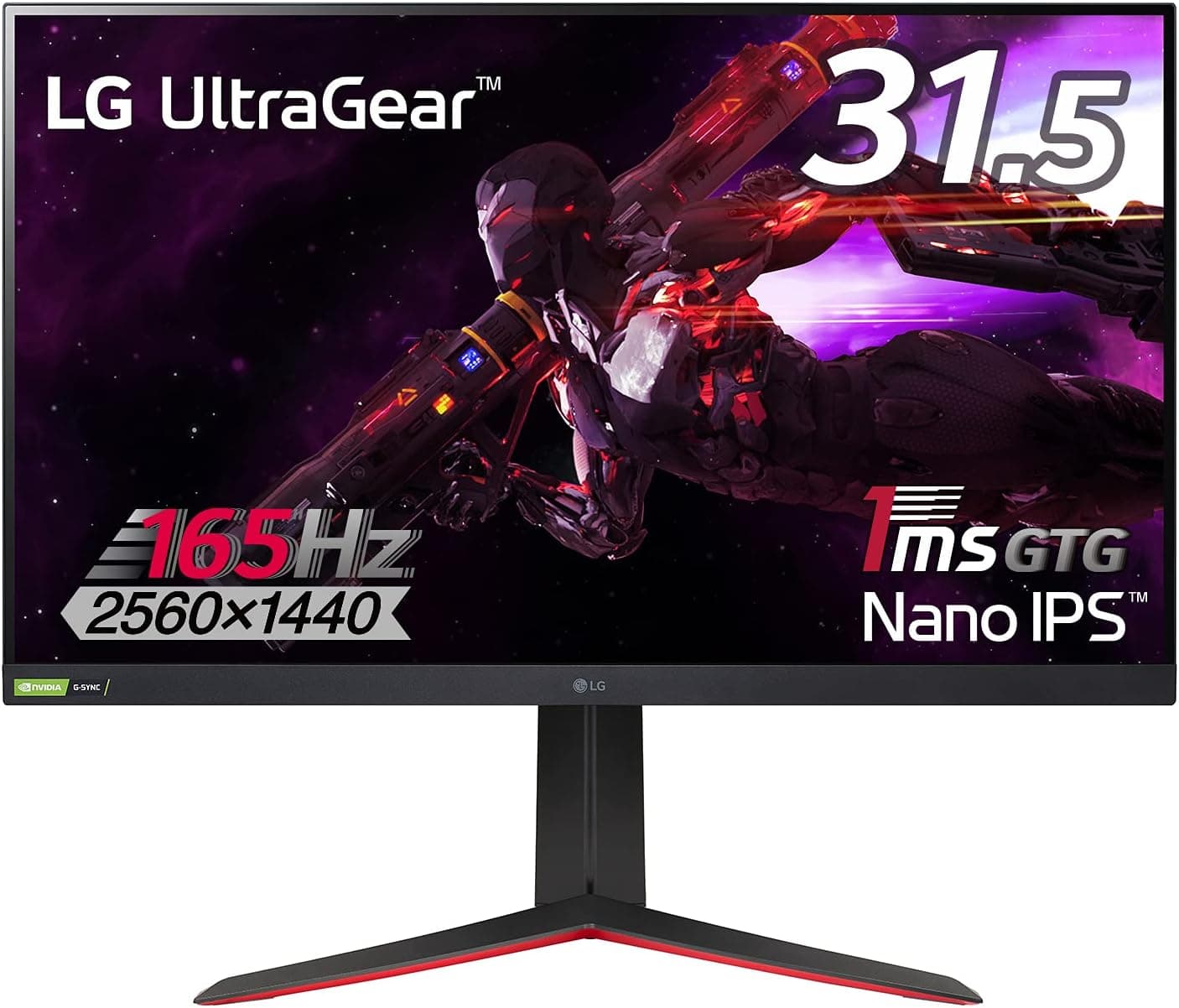
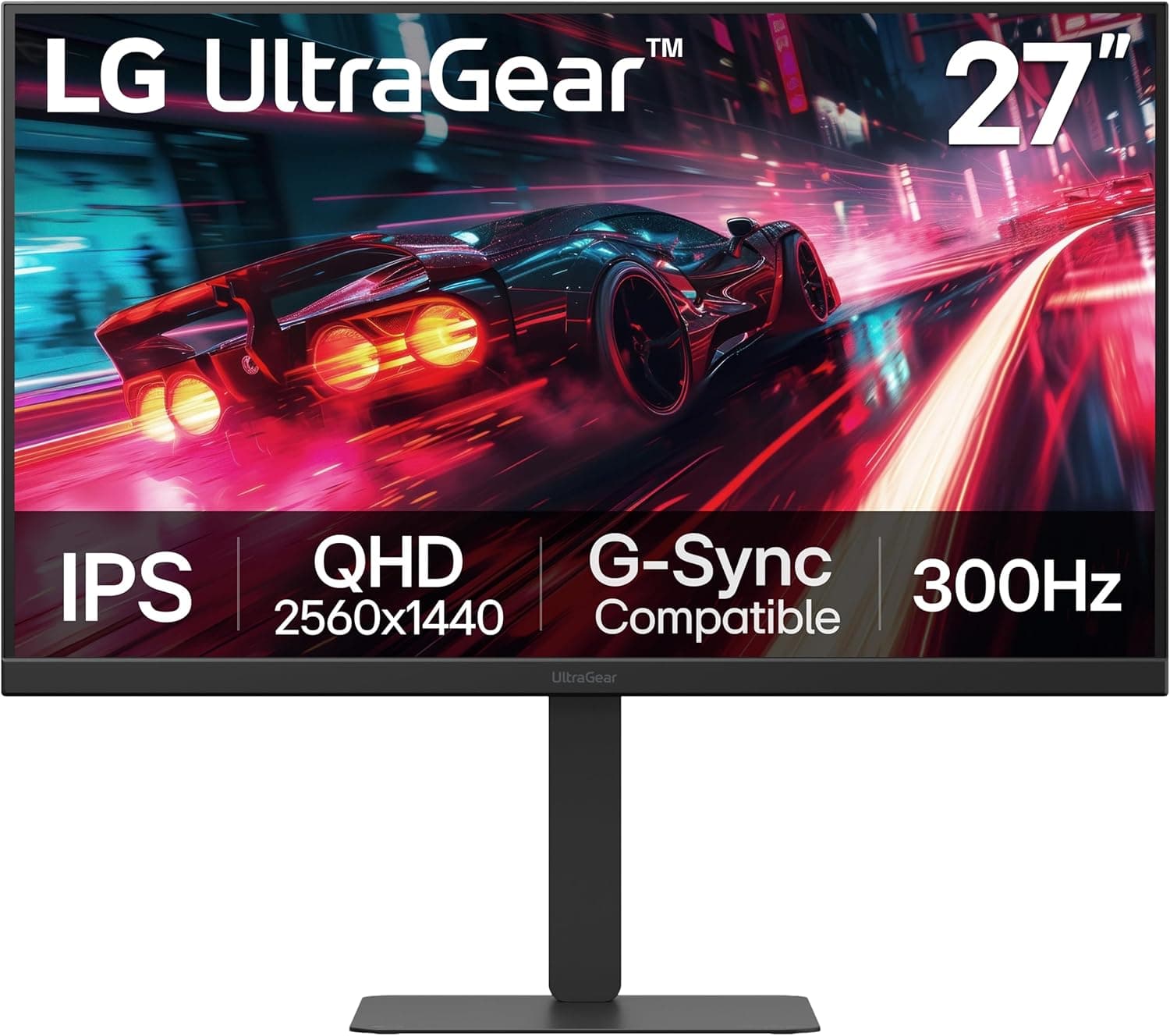
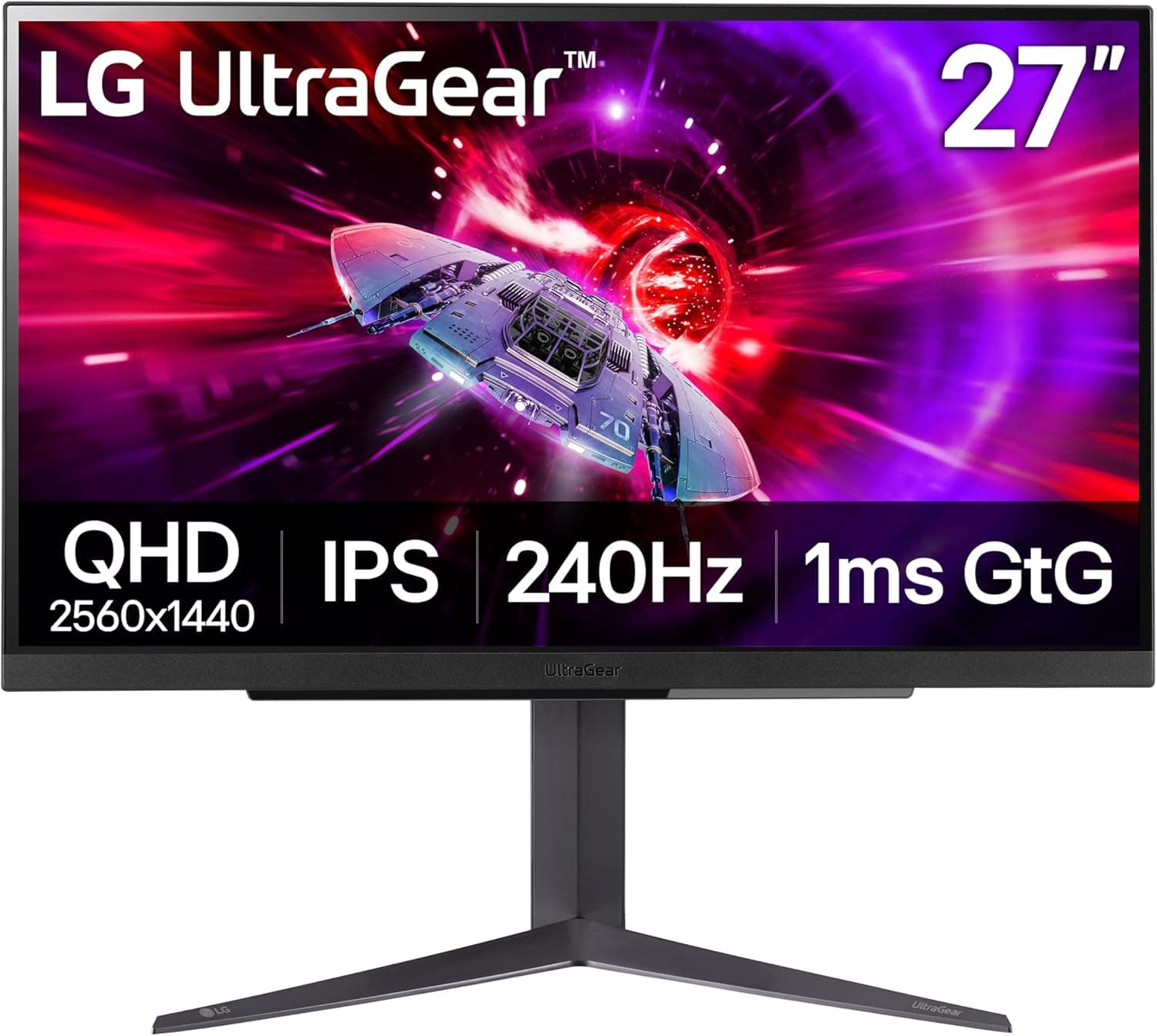
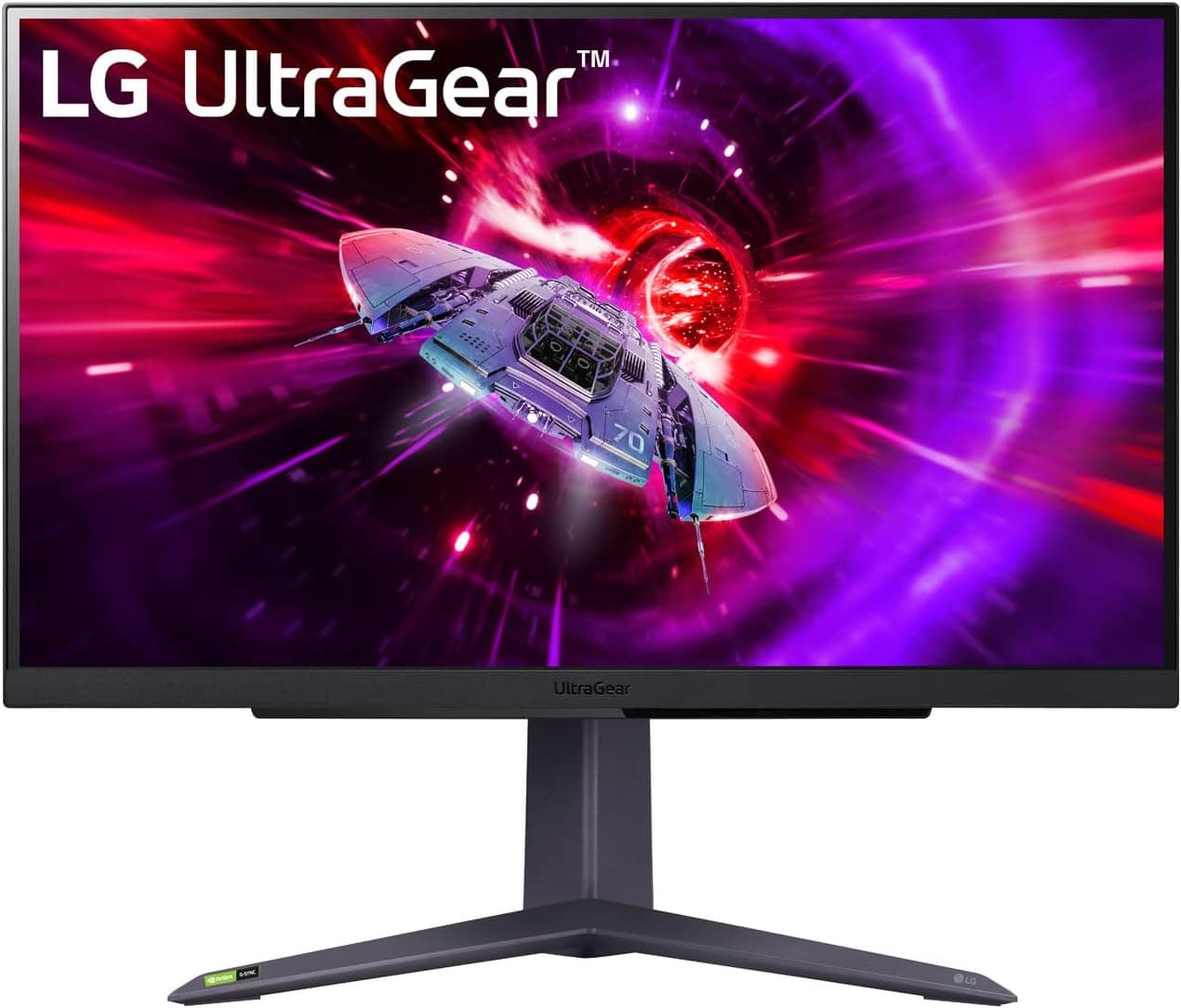
The LG UltraGear™ 27GR75Q-B Ecran PC Gaming 27" - dalle IPS résolution QHD (2560x1440) is a 27-inch QHD (2560×1440) IPS gaming monitor running at 165Hz with a 1ms GtG rating. The short version: it lands squarely on buyers who want to move up from 1080p but cannot justify a GPU capable of driving 4K at high refresh.
At 27 inches, QHD works out to roughly 109ppi, so Windows scaling can stay at 100% — games gain detail, and two windows side by side stay readable.
The panel covers 99% sRGB, accepts HDR10, and supports both AMD FreeSync Premium and NVIDIA G-Sync Compatible. Variable refresh works regardless of GPU brand, so switching between GeForce and Radeon later does not mean rebuilding your setup.
It carries 1,309 reviews at 4.6 out of 5 (92% positive, captured June 2026).
Holding 4.6 across more than a thousand reviews is reasonable evidence that unit-to-unit variance and DOA rates are not unusual for the class.
Quick Verdict
| Your situation | Verdict |
|---|---|
| Upgrading from 1080p 60–144Hz | Buy. Biggest perceived jump — resolution and smoothness together |
| Mid-range GPU or better | Buy. You can actually use QHD at 165Hz |
| Competitive FPS, want 240Hz+ | Skip. 165Hz is the ceiling here |
| DCI-P3 / Adobe RGB color work | Skip. Only 99% sRGB is published |
| HDR movies are the main goal | Temper expectations — HDR10 is an input format |
| Only an HDMI output free | Careful. 165Hz requires DisplayPort |
Two things drive that table: 165Hz only appears over DisplayPort, and the published gamut stops at sRGB. Accept both and the rest is a price argument.
Compatibility Guide
Video inputs are one DisplayPort 1.4 and two HDMI 2.0 ports.
The mistakes people actually make are about which cable they use, so here they are in order.
- Use DisplayPort for 165Hz. HDMI 2.0 does not have the bandwidth to carry QHD at 165Hz cleanly; HDMI typically tops out around 144Hz. Most "my 165Hz monitor only offers 60 or 144Hz" reports come down to HDMI, or to never changing the Windows setting.
- Stick with the bundled or certified cable. Marginal DisplayPort cables and extenders tend to produce intermittent black-screen flicker only at high refresh — a genuinely annoying fault to diagnose. Test with the included cable first.
- From a laptop: if you go out over USB-C (DP Alt Mode), confirm the adapter itself can carry QHD at 165Hz. The adapter often sets the ceiling.
- Consoles connect over HDMI 2.0. Whether 1440p output is available depends on the console's settings and the title, so check the console's video output menu. Either way, 165Hz is not a console scenario.
- Mounting: VESA 100×100mm, so standard arms and wall brackets fit. A 27-inch 16:9 panel is roughly 60cm wide as a planning figure, but check the listed dimensions for the exact bezel width and stand depth. On desks shallower than 50cm, an arm buys back useful space.
- Stand movement: height, tilt and swivel are supported. Pivot (portrait rotation) is not listed in the specifications, so verify it before buying if you need vertical orientation.
As the compatibility notes say, all this product needs is a DisplayPort 1.4 or HDMI 2.0 output and a VESA 100×100mm mounting point.
CPU generation and chipset are irrelevant here.
Product Info
Panel: 27-inch, 2560×1440, IPS, 165Hz, 1ms GtG. Treat that 1ms as a rating measured with overdrive engaged; real-world behavior depends on the overdrive setting you pick.
Gamut is 99% sRGB, HDR10 is accepted, and adaptive sync covers FreeSync Premium and G-Sync Compatible.
Pricing has moved noticeably. The Amazon listing showed ¥78,593 as captured on 21 June 2026 and ¥72,770 as captured on 26 August 2026 — close to ¥6,000 in two months.
A US marketplace listing (eBay US) showed $299.95 as captured on 3 August 2026, but power, warranty handling and returns differ from a domestic purchase, so do not decide on the gap alone.
All figures are capture-time snapshots and change with sales and stock.
Released in 2023. The warranty is listed as LG's standard three years (proof of purchase required), and the box includes a DisplayPort cable, HDMI cable, power cable and quick setup guide.
The seller and shipper are a marketplace account (PENNY LANE) rather than LG direct, so confirm who handles warranty claims before ordering.
How It Compares
Against 27-inch 1080p 144Hz panels, the real difference is less about resolution on paper and more about how coarse 1080p looks stretched over 27 inches — roughly 82ppi, where text and texture edges show. Half the reason to pick QHD is that pixel density.
The trade is GPU load: QHD is meaningfully heavier, so if a GPU upgrade is not on the table, a fast 1080p panel can still be the better balance.
Competitive 24-inch TN models at 280Hz serve a different goal entirely: they trade color and viewing angles for frames. This one aims for above-average scores across color, angles, resolution and speed.
Ranked players chasing every frame will find 165Hz limiting; anyone wanting one display for games and work will find an esports TN panel tiring day to day.
OLED panels and 40-inch-plus ultrawides clearly beat it on black levels and immersion, but they sit a price tier higher and add new concerns — burn-in management, desk space. The 27GR75Q-B is the option that raises your baseline without adding those questions.
Setup Tips
Set the refresh rate to 165Hz manually in Windows advanced display settings — connecting the cable does not do it for you.
Enable G-Sync or FreeSync in the NVIDIA or AMD control panel, and turn adaptive sync on in the monitor's OSD.
Avoid the fastest overdrive mode.
Start in the middle: the most aggressive setting can overshoot and leave pale trailing artifacts. 4.
Turn HDR off for desktop work. Left on, SDR content tends to look washed out.
- Use an sRGB-style preset when color matters; gaming presets often push saturation.
Best Use Cases
1. Gamers moving up from 1080p. 165Hz and 1ms GtG sharpen fast motion while QHD adds detail — this group sees the largest jump.
The caveat: keeping the same GPU means lower frame rates at the higher resolution. Plan on lowering settings or budgeting for a GPU.
2. One display for gaming and work. IPS viewing angles plus 99% sRGB handle photo checks and video previews well, and QHD gives about 1.8× the desktop area of 1080p.
Not recommended for work that requires DCI-P3 or Adobe RGB, since only sRGB coverage is published.
3. First-time QHD buyers. 4K raises both GPU demands and scaling headaches; 27-inch QHD runs at 100% scaling with fewer complications.
It is the low-friction step up.
Before You Buy
HDMI will not give you 165Hz. This is the single most common trap.
Two HDMI 2.0 ports invite the assumption that any port works, but 165Hz requires DisplayPort plus an OS-side change.
If your GPU's DisplayPort output is already occupied, check that first.
HDR10 support is not the same as good HDR. Accepting an HDR10 signal says nothing about peak brightness or local dimming, and neither is listed in the specifications.
If HDR movies are the point of the purchase, look those up on the product page before ordering.
IPS blacks do not sink. If you play dark games in a dark room, expect some corner glow.
That is panel behavior, not a defect. Prioritize black depth and you want VA or OLED instead.
No speakers or USB hub are listed. There is a headphone output, but confirm on the product page if you were counting on built-in audio or USB passthrough.
Wrong fit for 240Hz players and for strict color work. The 165Hz ceiling and the sRGB-only gamut figure are hard limits, not tuning problems.
About the listing itself. The product title mixes French wording (Ecran PC Gaming / dalle IPS), and one captured price is labeled "Amazon US" while quoting Japanese yen.
Listing metadata can and does get mixed up between products, so before ordering, confirm the product images, the title and the model number (27GR75Q-B) match what you expect — and assume the price has moved since capture.
FAQ
Q. Can I get 165Hz over HDMI? A.
Assume no. HDMI 2.0 lacks the bandwidth for QHD at 165Hz and generally caps around 144Hz.
Use DisplayPort.
Q. It is stuck at 60Hz. A.
Refresh rate does not rise automatically. Select 165Hz in Windows advanced display settings.
If it is not offered, check the cable and confirm you are on the DisplayPort input.
Q. Does it work with consoles? A.
Yes, over HDMI 2.0.
Whether 1440p is available depends on the console settings and the title, so check the console's video output menu. 165Hz is not a console feature.
Q. Will a monitor arm fit?
A. Yes — VESA 100×100mm. Check the arm's weight rating and how the stock stand detaches.
Q. What GPU do I need for QHD 165Hz? A.
It depends entirely on the titles and settings; heavier games raise the bar. For lighter competitive titles, a current mid-range card can realistically hold high frame rates.
Measure your actual frame rates at QHD first, then tune settings.
Q. When should I buy? A.
The listing showed ¥78,593 in June 2026 and ¥72,770 in August 2026 — thousands of yen of movement in weeks. If you are not in a hurry, waiting for a sale is worthwhile.
Product Disclosure (Amazon)
- Manufacturer: LG
- Seller: PENNY LANE
- Fulfilled by: PENNY LANE
- ASIN: B0BVWMSP1V
- Note: This article covers a manufacturer-made product based on Amazon listing details.