Overview
The LG UltraGear 32G620B-B is listed in Japan as "LG ゲーミング モニター 32G620B-B 31.5インチ".
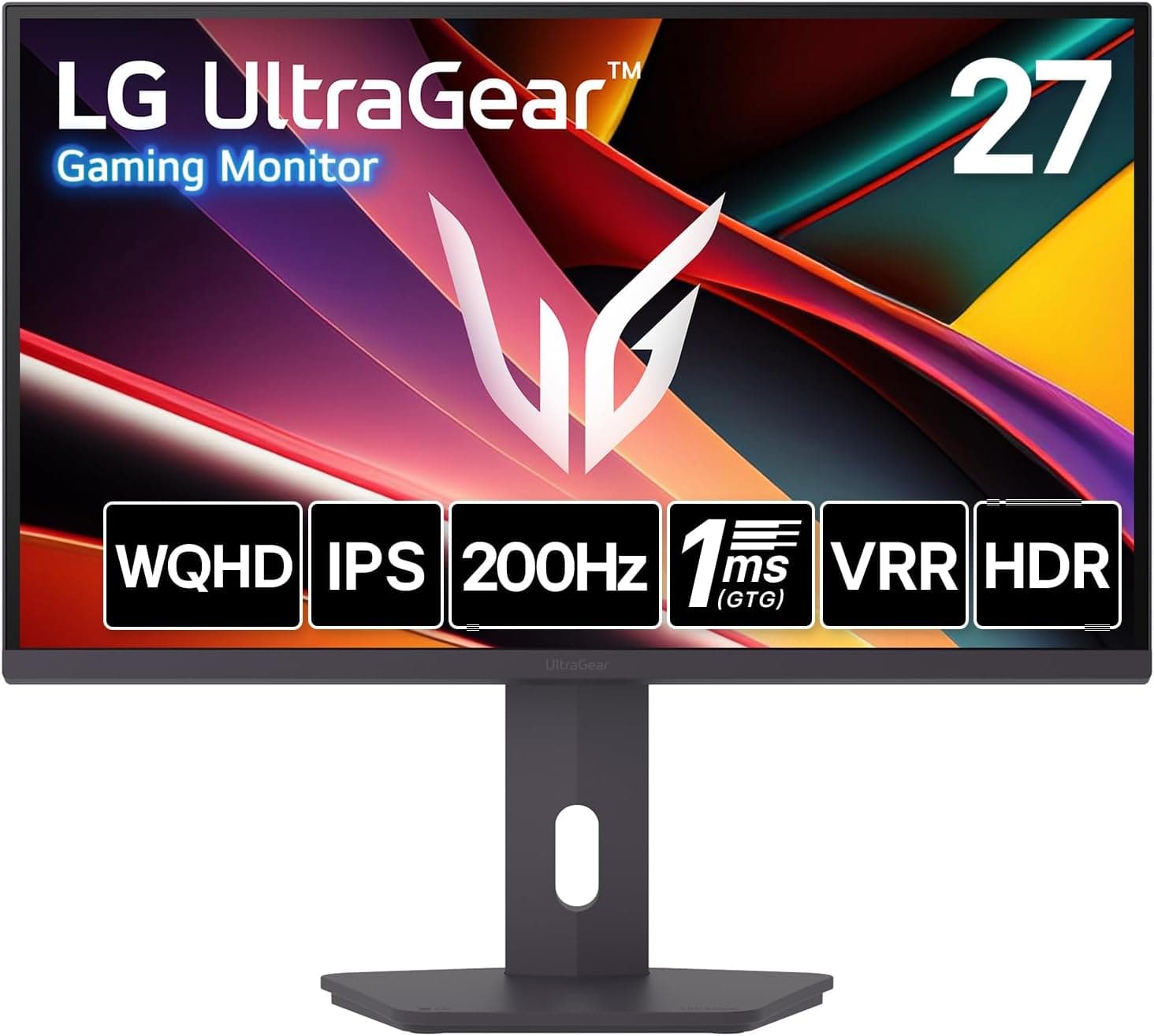
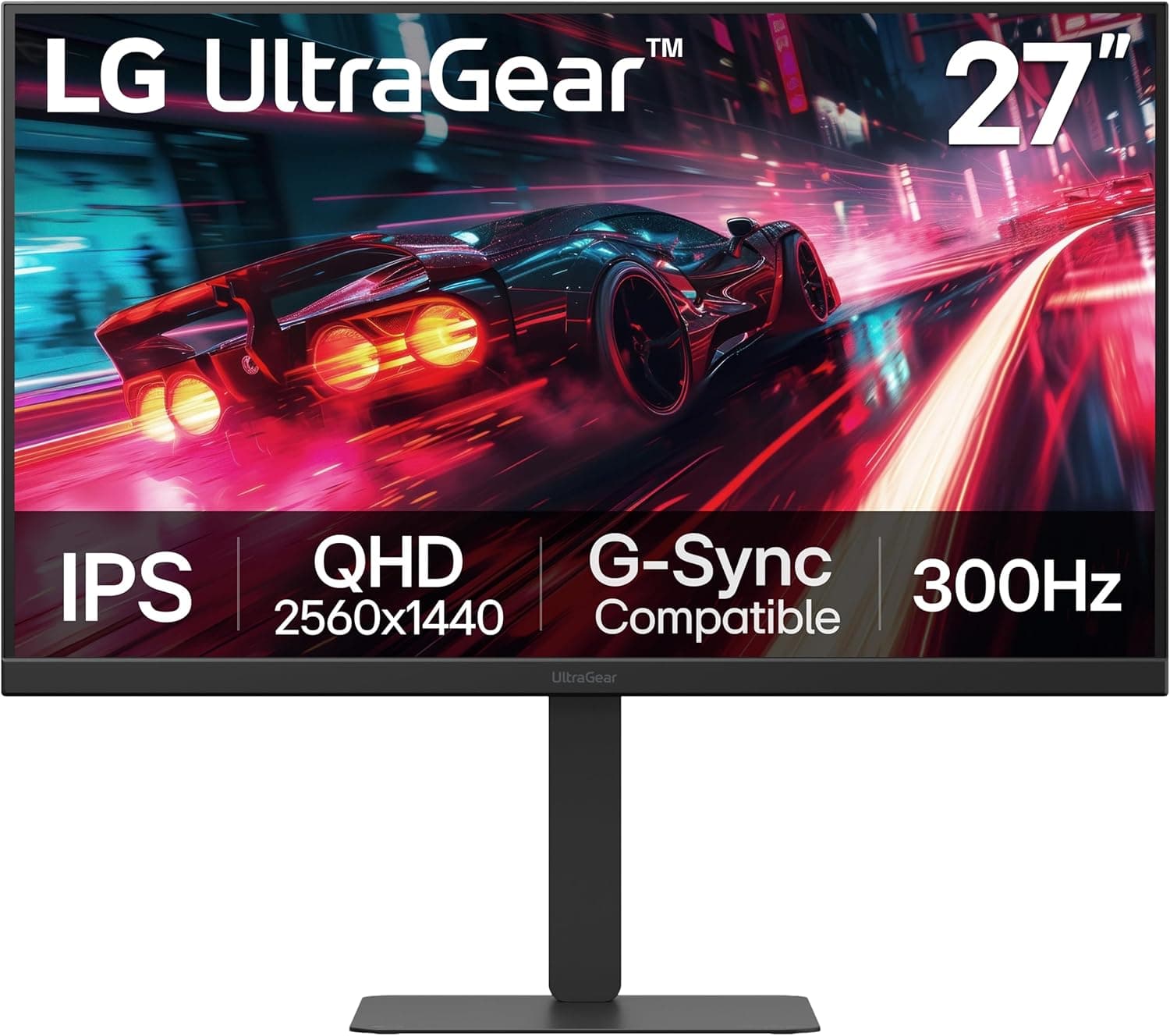
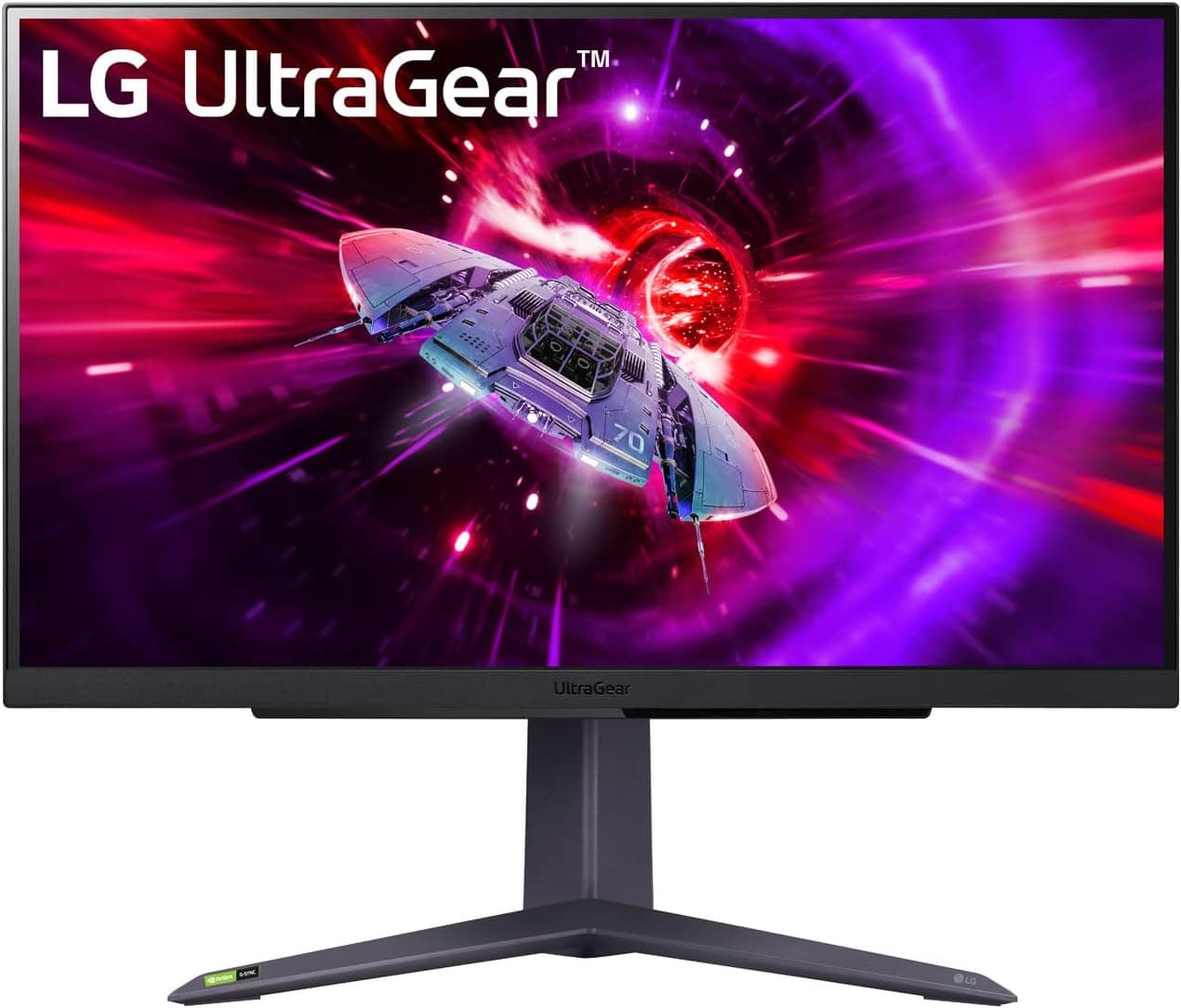
It is a 31.5-inch gaming monitor from LG's UltraGear line with a WQHD (2560×1440) IPS panel.
The short verdict: it is a well-balanced pick if you want a large WQHD screen running smoothly above 144Hz. It is not the right choice if you care most about sharp text or real HDR.
It reaches up to 200Hz over DisplayPort and up to 144Hz over HDMI, with a 1ms (GTG) response time. That is enough to keep motion blur in check in shooters and racing games.
WQHD has about 1.8 times as many pixels as Full HD (1920×1080), so distant targets and small UI elements are easier to make out.
The monitor supports both AMD FreeSync Premium and NVIDIA G-SYNC Compatible, which helps prevent tearing and stutter whichever GPU brand you use. It also accepts HDR10 signals.
With 300cd/m² brightness, though, the HDR effect is modest, as explained below.
How to Think About 31.5 Inches at WQHD
The key decision with this monitor is the pairing of screen size and resolution. At 31.5 inches and 2560×1440, pixel density is about 93 ppi.
That is coarser than a 27-inch WQHD screen (about 109 ppi) and about the same as a 24-inch Full HD screen (about 92 ppi). In other words, the screen gets bigger and so does each pixel.
You will barely notice this while gaming. With small text in browsers or spreadsheets, though, some people find it looks slightly softer than on a 27-inch WQHD screen.
The upside is that you can leave Windows scaling at 100% without text becoming too small, which gives you a large workspace with no scaling. A viewing distance of about 70 to 80cm lets you take in the whole screen.
On a desk less than 60cm deep, you will tend to turn your head more.
For competitive FPS players who want the whole screen in view at once, a 24 to 27-inch monitor can be the better tool. A 31.5-inch screen works best for immersive RPGs, racing games and open-world titles.
It also suits people who want one screen for both gaming and work.
Compatibility Guide
The inputs are two HDMI ports and one DisplayPort 1.4.
The full 200Hz is only available over DisplayPort; HDMI is limited to 144Hz. Connect your PC with DisplayPort, then check in Windows Advanced display settings that the refresh rate is set to 200Hz.
Running at the default 60Hz for months without noticing is a very common mistake.
Use a good-quality DisplayPort cable that meets the standard. WQHD at 200Hz fits within DisplayPort 1.4 bandwidth, but thin, long, cheap cables can cause brief blackouts or noise.
If that happens, switching to a short certified cable is the quickest fix.
Adaptive sync works with FreeSync Premium and G-SYNC Compatible. On GeForce cards, connect over DisplayPort and turn on G-SYNC Compatible in the NVIDIA Control Panel.
On Radeon cards, turn on FreeSync in the driver settings.
Think about GPU power as well. Light esports titles such as VALORANT or Counter-Strike 2 can approach 200fps at WQHD even on a mid-range GPU.
Demanding new AAA games, however, often stay well below 200fps even on high-end cards. Adaptive sync still helps there, so around 100fps can feel smooth.
Consoles connect over HDMI. The PS5 and Xbox Series X|S can output 1440p, but they top out at 120Hz, so the 200Hz benefit applies only to PC.
With two HDMI ports, you can keep two consoles, or a console and a second source, connected and switch between them.
The monitor accepts VESA 100×100mm mounts, so you can use a monitor arm or wall bracket. It weighs about 7.2kg with the stand.
If you plan to use an arm, check the panel-only weight on the product page and make sure the arm's load rating has some headroom. A 3.5mm headphone output lets you send audio from your PC or console to a headset or speakers.
Product Info
The table below summarizes the specifications provided.
| Item | Spec |
|---|---|
| Screen size | 31.5 inches |
| Resolution | 2560×1440 (WQHD) |
| Panel | IPS |
| Refresh rate | 200Hz (DisplayPort), 144Hz (HDMI) |
| Response time | 1ms (GTG) |
| Brightness | 300cd/m² |
| Contrast ratio | 1200:1 |
| Color gamut | sRGB 99% |
| Viewing angle | 178°/178° |
| HDR | HDR10 |
| Weight | About 7.2kg (with stand) |
Here is what the numbers mean in practice. sRGB 99% coverage and 178° viewing angles are enough for viewing web content and light photo editing.
A 1200:1 contrast ratio is typical for IPS, so blacks are not as deep as on VA or OLED panels. 300cd/m² is plenty for everyday use but leaves little room for HDR.
The price on Amazon.co.jp was ¥45,160 when checked on October 4, 2026.
Prices change with sales and stock, so check the product page for the current price. At the same time, the Amazon.co.jp rating was 4.7 out of 5 from 36 reviews.
The score is high, but the number of reviews is still small. With so few reviews, a handful of early defects or panel variations can swing the score, so it is worth reading the negative reviews as well as looking at the stars.
On warranty: many of LG's Japanese-market monitors come with a three-year manufacturer warranty and a zero-bright-dot guarantee covering pixels that stay lit, and this model is listed as covered. Terms can differ by retailer, so confirm them on the product page before buying.
In terms of positioning, it sits a step above typical WQHD 165Hz monitors by offering 200Hz. It brings 31.5 inches, WQHD and 200Hz together at around ¥45,000, for buyers who want both a large screen and a high refresh rate.
Recommended Users
PC gamers who want a big, immersive screen. At 31.5 inches, WQHD fills your view in open-world and racing games.
The 200Hz refresh rate and 1ms response keep fast camera turns from smearing.
People who play FPS and TPS games but are not chasing pro-level play. 200Hz is a clear step up from 144Hz and makes targets easier to track.
If you are serious about competitive play, though, a 24 to 25-inch high-refresh monitor keeps the whole screen in view more easily.
People who want one monitor for gaming and work. WQHD at 100% scaling gives a wide workspace for two browser windows side by side, or a video next to your research.
sRGB 99% coverage handles photo sorting and web graphics without trouble.
People who use both a PC and a console. The two HDMI ports let you keep a PS5 or Xbox Series X|S connected at WQHD and 120Hz while your PC runs at 200Hz over DisplayPort.
Before You Buy
Do not expect much from HDR. The monitor accepts HDR10 signals, but at 300cd/m² it cannot show bright highlights properly.
Turning HDR on can make the whole image look washed out or dim. Even in HDR-capable games, SDR often looks better.
Blacks look gray in a dark room. With an IPS panel at 1200:1 contrast, blacks look grayish when you play horror games or watch films with the lights off.
Some people also notice a faint glow in the corners (IPS glow). If you mostly play dark games, VA and OLED monitors are worth comparing.
Text is not as sharp as on a 27-inch WQHD monitor. As explained above, pixel density is about 93 ppi.
If you mainly read small text for long periods, such as for coding or writing, a 27-inch WQHD monitor or a 31.5-inch 4K monitor will likely satisfy you more.
200Hz needs both DisplayPort and enough GPU power. Over HDMI you are capped at 144Hz, and a weaker GPU will not reach 200fps in the first place.
Estimate what frame rates your current GPU can manage at WQHD before you buy, so you are not disappointed.
Consoles alone cannot use 200Hz. The PS5 and Xbox Series X|S output at most 120Hz.
If you will only use consoles, a cheaper monitor at around 144Hz will feel almost the same.
Check your desk and arm. A 31.5-inch monitor takes up a lot of width and depth.
On a desk less than 60cm deep it can feel too close. If you use an arm, check the panel-only weight, the arm's load rating and VESA 100×100mm support.
Double-check the model number. The UltraGear line has many models with similar names and different sizes.
Before buying, make sure the listing title and photos show 32G620B-B. Searches on overseas marketplaces may also show other LG models mixed into the results.
FAQ
Q. Can I get 200Hz over HDMI?
A. No. HDMI is limited to 144Hz. Use DisplayPort for 200Hz.
Q. Does it work with the PS5 or Xbox Series X|S? A.
Yes. Connect over HDMI and set the console to 1440p output for WQHD.
Consoles output at most 120Hz.
Q. Should I choose this or a 27-inch WQHD monitor? A.
Choose 31.5 inches for immersion and screen size, or 27 inches for sharper text and less eye movement.
If your desk is less than 60cm deep, 27 inches is the safer choice.
Q. It says HDR. Will HDR games look better? A.
Only slightly, because brightness is 300cd/m². It can display HDR10 signals, but it will not show the brightness range of a high-brightness HDR monitor.
Q. Can I mount it on a monitor arm? A.
Yes. It supports VESA 100×100mm.
It weighs about 7.2kg with the stand, so choose an arm whose load rating fits the panel-only weight.
Product Disclosure (Amazon)
- Manufacturer: LG
- Seller: Amazon.co.jp
- Fulfilled by: Amazon.co.jp
- ASIN: B0GYPLSKWT
- Note: This article covers a manufacturer-made product based on Amazon listing details.