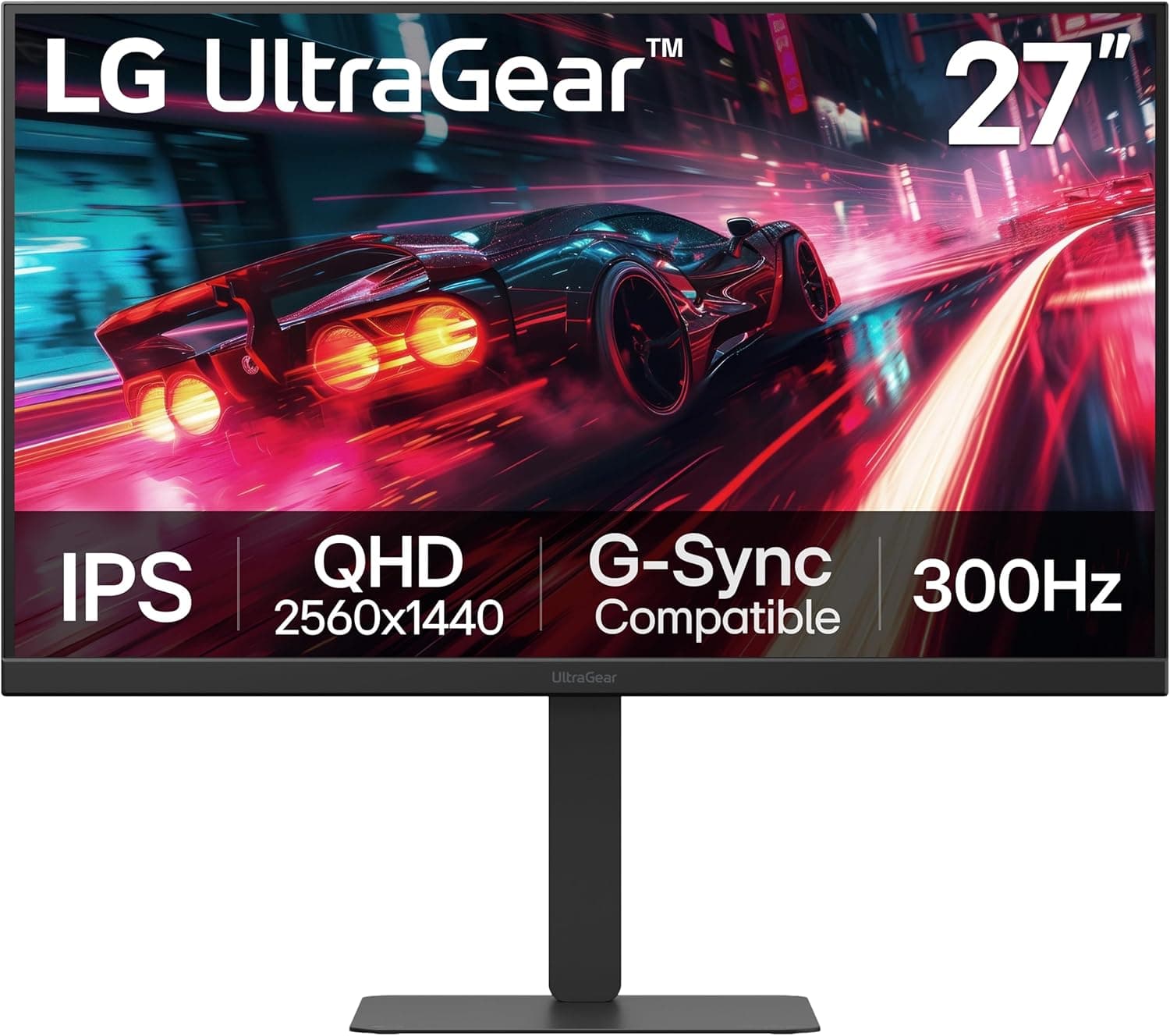
This article takes a close look at the LG モニター ディスプレイ 27UP600K-W 27インチ (LG 27UP600K-W): how to read its specs, the connection pitfalls, and who should not buy it.
Overview
The LG 27UP600K-W is a 27-inch 4K (3840×2160) IPS monitor. It covers 95% of DCI-P3, displays about 10.7 billion colors (8-bit+FRC), and is certified for VESA DisplayHDR 400.
It skips gaming features such as a high refresh rate. Instead, it focuses on 4K sharpness and wide-gamut color at a lower price, which puts it in the entry-to-mid range.
Bottom line: if you mostly do text-heavy office work, hobby photo editing that benefits from a gamut wider than sRGB, or video watching, it is good value. It is a poor fit if you want single-cable USB-C laptop docking, a height-adjustable stand, or more than 60Hz for competitive shooters.
People often discover these three limits only after buying, so the Before You Buy section covers them in detail.
On Amazon.co.jp, the monitor had 27 reviews averaging 4.0 out of 5 stars as of October 1, 2026.
That is too few reviews to show a settled trend.
Compatibility Guide
The monitor has two HDMI inputs, one DisplayPort 1.4 input, and a headphone output.
Both HDMI and DisplayPort accept 4K at 60Hz. Your PC also has to be able to output 4K at 60Hz, which generally means HDMI 2.0 or newer, or DisplayPort 1.2 or newer, on the graphics side.
Older devices limited to HDMI 1.4, such as some older laptops, run 4K at only 30Hz, and the mouse cursor feels choppy.
Cables are easy to overlook. For 4K at 60Hz over HDMI, a certified Premium High Speed cable is the safe choice.
Start with the included HDMI or DisplayPort cable. If you get a blank screen or flicker, the cable is the first thing to suspect.
There is no USB-C (DisplayPort Alt Mode) input. MacBooks and thin laptops that only output video over USB-C need a USB-C to DisplayPort or HDMI cable, or a dock.
The monitor cannot charge a laptop, so keep the laptop's own charger.
The monitor supports VESA 100×100mm mounting. The included stand only tilts (-5° to 15°), with no height adjustment, swivel, or portrait rotation.
If you need the screen at eye level, plan on a monitor arm. Power comes from an external AC adapter, and standard power consumption is 40W, so the monitor has no effect on your PC power supply sizing.
Product Info
rmation
- Resolution: 3840×2160 (4K)
- Panel: IPS (178°/178° viewing angles)
- Color gamut: DCI-P3 95%
- Colors: about 10.7 billion (8-bit+FRC)
- Brightness: 400 cd/m²
- Contrast ratio: 1200:1
- Response time: 5ms (GTG, Faster mode)
- Refresh rate: 40-60Hz
- HDR: VESA DisplayHDR 400, HDR10
- Inputs: HDMI x2, DisplayPort 1.4 x1, headphone out
- Power consumption: 40W (standard)
On Amazon.co.jp, the price was ¥36,155 as of October 1, 2026.
Prices change with sales and stock, so check the product page before buying. The monitor is reported to have launched around spring 2025.
It comes with a 3-year manufacturer warranty that includes zero-dead-pixel coverage. In the box are a power cable, an AC adapter, an HDMI cable, a DisplayPort cable, a quick setup guide, and a warranty card.
It has no built-in speakers, no USB hub, and no height adjustment. Leaving those out is how it reaches a lower price for 4K IPS.
The "10.7 billion colors" figure comes from 8-bit+FRC, not a native 10-bit panel.
FRC alternates colors from frame to frame to create in-between shades. Gradients look smoother than on a typical 8-bit panel, but this is not a strict color-management monitor for professionals.
Comparison with Alternatives
Among 27-inch 4K IPS monitors, the natural comparison is a budget 4K model such as the ViewSonic VA2756-4K-MHD. The reason to pick the 27UP600K-W is that DCI-P3 95% and DisplayHDR 400 are explicitly stated in its specs.
If smooth gameplay matters more, a high-refresh gaming monitor like LG's UltraGear 27GN65R-B will satisfy you more.
| Priority | 27UP600K-W fit | Why |
|---|---|---|
| Sharp text / workspace | Excellent | At 150% scaling, you get a WQHD-sized workspace with crisp text |
| Photo color checking (hobby to semi-pro) | Good | DCI-P3 95%, but no hardware calibration |
| HDR movies | Fair | DisplayHDR 400 is entry level, and contrast is 1200:1 |
| Competitive FPS | Poor | 60Hz max, 5ms GTG |
| Single-cable laptop connection | Poor | No USB-C input |
The monitor's strengths and weaknesses are clear-cut. If your main use falls in the Excellent or Good rows, it is worth buying.
Setup Tips
On a 27-inch 4K screen, text at Windows' 100% scaling is too small. Most people use 150%.
At 150%, you get the same workspace as WQHD (2560×1440), but text edges are much smoother. Think of it as the same space at higher sharpness, not four times the space.
HDR only works when you turn on "Use HDR" in Windows. Colors look more natural if you work in SDR and switch HDR on only for HDR videos or games.
For long sessions, use the blue light reduction mode and the flicker-safe feature. The anti-glare surface keeps reflections down, even near a window.
Recommended Users
- People who read text for long hours, such as writers and programmers: 4K makes text edges crisp and easier to read over long sessions, and the anti-glare surface and flicker-safe feature help too.
- Hobby photo and video editors: DCI-P3 95% and about 10.7 billion colors make the difference obvious if you are upgrading from a Full HD sRGB monitor. Professionals who need hardware calibration should look at higher-end models.
- People who watch a lot of video and movies: Wide IPS viewing angles and HDR10 support make compatible content look vivid. There are no speakers, so plan on headphones or external speakers.
- Casual gamers who play RPGs and strategy games: 60Hz is enough when the main draw is detailed 4K visuals.
- People who want 4K IPS on a budget: It suits buyers who want picture quality without paying for gaming features.
Before You Buy
1. No USB-C: This is the most common misunderstanding.
You cannot use one cable for both video and charging with modern laptops or MacBooks; you need an adapter cable or a dock. Some models, such as the M1/M2 MacBook Air, also support only a limited number of external displays.
If you plan to connect two or more monitors, check your computer's specs first.
2. Tilt-only stand: The height is fixed, so the screen can sit low depending on your desk and chair.
If you plan to use a monitor arm, include its cost in your budget.
3. Keep HDR expectations modest: DisplayHDR 400 is the entry tier of HDR certification.
Do not expect the deep blacks and sharp highlights of OLED or Mini LED monitors. With a 1200:1 contrast ratio, blacks show the typical IPS grayish look in a dark room.
4. Games top out at 60Hz: The refresh rate is listed as 40-60Hz, and the response time is 5ms (GTG, Faster mode).
Even if a PS5 or a powerful GPU can output 120Hz or more, this monitor cannot use it. For competitive FPS, buy a high-refresh gaming monitor.
5. PC performance: Running games at 4K takes a strong GPU. In demanding titles, expect to lower the resolution or use upscaling.
6. Few reviews so far: There were only 27 Amazon reviews, averaging 4.0 out of 5, at capture time.
That is not enough to judge how common defects or unit-to-unit variation are. The monitor has a 3-year warranty with zero-dead-pixel coverage, so check for dead pixels and uneven brightness on all-white and all-black screens as soon as it arrives.
FAQ
Q. Can I connect a MacBook? A.
Yes, but the monitor has no USB-C input, so you need a USB-C to DisplayPort or HDMI cable, or a dock. It cannot charge the laptop.
Q. Can a PS5 run 4K at 60fps?
A. Yes. The HDMI inputs accept 4K at 60Hz. 120Hz modes are not supported.
Q. What Windows scaling should I use? A.
Around 150%, which gives a WQHD-sized workspace with sharp text. If you have good eyesight, 125% is also an option.
Q. Does it have speakers?
A. No. Use the headphone output or external speakers.
Q. Can I calibrate it? A.
Hardware calibration is not supported. You can use a colorimeter and software to create a color profile and correct colors at the operating system level.
Product Disclosure (Amazon)
- Manufacturer: LG
- ASIN: B0DSH5TT8F
- Note: This article covers a manufacturer-made product based on Amazon listing details.