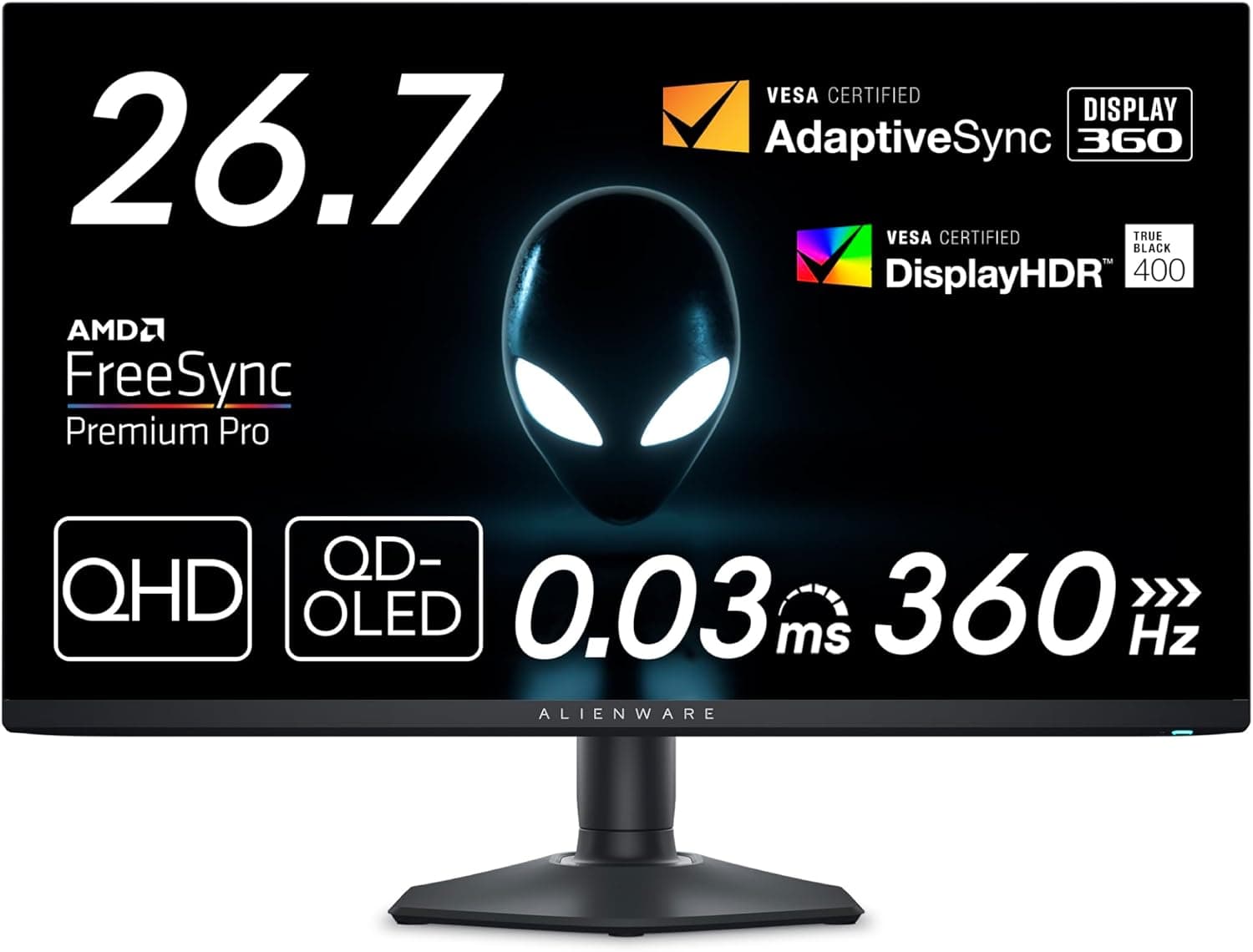
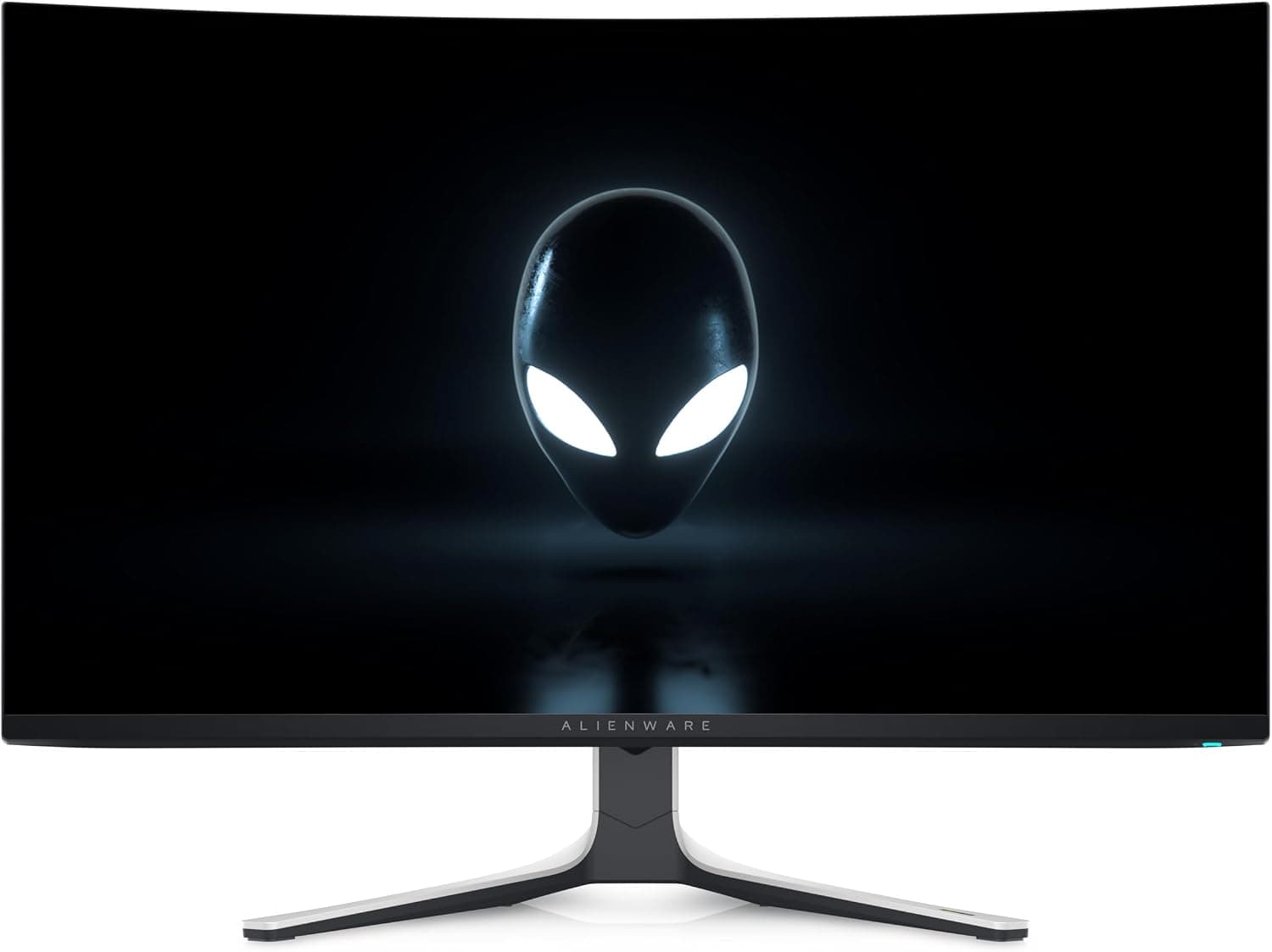
This article covers Dell AW2725Q 26.7インチ 有機EL Alienware ゲーミングモニター (the Dell Alienware AW2725Q 26.7-inch QD-OLED gaming monitor), including how to connect it, what GPU it needs, and how to live with OLED burn-in risk.
Overview
The short answer: the AW2725Q is for people who want both 4K sharpness and 240Hz smoothness in a 27-inch-class screen. It is a 26.7-inch QD-OLED monitor from Dell's Alienware gaming brand, with 3840×2160 resolution, a 240Hz refresh rate, and 0.03ms (GtG) response time.
Its 166 PPI pixel density is the highest Alienware has offered so far.
For image quality, it carries DisplayHDR True Black 400 certification and supports Dolby Vision. It covers 99% of DCI-P3 and is factory-calibrated to Delta E < 2.
Contrast is rated at 1,500,000:1, and HDR peak brightness is 1000 cd/m² at 3% APL. Because it supports NVIDIA G-SYNC Compatible, AMD FreeSync Premium Pro, and VESA AdaptiveSync, variable refresh works with GPUs from either vendor.
Getting the most out of it, though, takes a powerful GPU and a DisplayPort connection. As an OLED, it also calls for some care about burn-in and about how it looks in a bright room.
Think of it less as an all-rounder and more as a monitor that shines when the conditions are right. The sections below spell out those conditions.
Compatibility Guide
The first thing to understand is which port gives you which refresh rate. The monitor has one DisplayPort 1.4 input and two HDMI 2.1 inputs.
4K/240Hz with VRR works only over DisplayPort 1.4.
HDMI 2.1 tops out at 4K/120Hz.
| Device | Port | Max at 4K |
|---|---|---|
| Gaming PC | DisplayPort 1.4 | 240Hz (VRR) |
| Gaming PC | HDMI 2.1 | 120Hz |
| PS5 / Xbox Series X | HDMI 2.1 | 120Hz |
As the table shows, always use a DisplayPort cable if you want 240Hz on a PC. Connecting over HDMI and then wondering why 240Hz is missing is a common mistake with monitors like this.
Sending 4K/240Hz over DisplayPort 1.4 generally relies on DSC (Display Stream Compression).
If you have an older graphics card, check your GPU maker's specs to confirm DSC support.
Consoles can run 4K/120Hz over HDMI 2.1, which matches the output limit of the PS5 and Xbox Series X, so the monitor will never hold a console back.
With two HDMI ports, you can also leave both a PS5 and an Xbox plugged in at the same time.
The built-in USB hub has one USB-B upstream port, three USB-A downstream ports, and one USB-C downstream port with 15W charging. Because that USB-C port is listed as a downstream charging port, you should not count on running a laptop's video and power over a single USB-C cable.
If you mainly use a laptop, plan to connect it over HDMI or DisplayPort.
On the physical side, the monitor supports VESA 100×100 mm mounting, so you can move it to a monitor arm. The included stand adjusts for height, tilt, swivel, and pivot, and a cable slot on the back helps keep wiring tidy.
If you use an arm, check the product page to make sure the arm's weight rating is higher than the monitor's weight.
As a GPU guideline, an RTX 4070 Ti SUPER or better is recommended. That advice is for chasing high frame rates at 4K.
Running demanding games at 4K and maximum settings near 240 fps is hard even for top-tier GPUs, so in practice you will lean on upscaling or lower some settings. Lighter competitive titles reach high frame rates at 4K much more easily.
Product Info
rmation
As of September 27, 2026, the price on Amazon.co.jp was ¥92,000.
Prices change a lot with sales and stock levels, so check the product page for the current price before buying. At the same point, it had 117 Amazon reviews and a 4.4 out of 5 rating (88 on a 100-point scale).
That is not a large number of reviews, but the rating is high.
Released in 2025, this is Alienware's first 27-inch-class 4K QD-OLED monitor. The main specs are:
| Item | Value |
|---|---|
| Screen size | 26.7 inches |
| Panel | QD-OLED |
| Resolution | 3840×2160 (4K UHD) |
| Refresh rate | 240Hz |
| Response time | 0.03ms (GtG) |
| Gamut / accuracy | DCI-P3 99% / Delta E < 2 |
| HDR | DisplayHDR True Black 400, Dolby Vision |
| Brightness | 250 cd/m² typical, 1000 cd/m² HDR peak (3% APL) |
| Contrast ratio | 1,500,000:1 |
| Pixel density | 166 PPI |
The gap worth noting is between the 250 cd/m² typical brightness and the 1000 cd/m² HDR peak. The 1000 cd/m² figure is measured at 3% APL, meaning only a small part of the screen is lit, so full-screen bright scenes won't reach it.
It makes a strong impact on highlights such as city lights or explosions. On desktop work with lots of white backgrounds, however, it can feel less bright than an LCD, which is true of OLED monitors in general.
The warranty is listed as three years, including coverage for bright-pixel defects. However, the listing we captured is sold by a third-party seller (yu-hi store, fulfilled by Amazon), not by Dell directly.
Check both Dell's warranty terms and the listing to confirm how warranty service works and whether burn-in is covered. The box is said to include a power cable, a DisplayPort cable (1.8m), and an HDMI 2.1 cable (1.8m).
What Shapes the Day-to-Day Experience
At 26.7 inches and 4K, text and fine detail look extremely sharp.
The flip side is that Windows users typically set display scaling to around 150%. At 100%, text is too small to read comfortably, so it is more accurate to think of 4K here as the same workspace rendered more crisply than as a larger workspace.
QD-OLED uses a different subpixel layout from typical LCDs, so you may see slight color fringing on text edges. At 166 PPI, though, this is much harder to notice.
The more text-heavy your work, the more you benefit from the high pixel density.
Because of how QD-OLED panels are built, blacks can look slightly raised when room lights or daylight hit the screen. In a dim room, or with lights placed so they don't reflect on the screen, you get the deep blacks the panel is capable of.
With a window behind you or in a bright office, that advantage shrinks. Think about the lighting where it will sit before you buy.
Recommended Users
First, PC gamers who want high refresh rates without giving up 4K sharpness. The combination of 240Hz and 0.03ms response keeps motion clear in fast FPS and racing games.
The more capable your GPU, at around RTX 4070 Ti SUPER level or above, the better the value.
Second, creators who edit photos and video. The 99% DCI-P3 gamut, Delta E < 2 factory calibration, and Dolby Vision support handle color-critical work well.
When editing or reviewing HDR video, the deep blacks of True Black 400 help you judge the image.
Third, people who enjoy movies, HDR content, and console gaming. With two HDMI 2.1 ports, you can connect a PS5 or Xbox Series X at 4K/120Hz.
It also suits anyone who wants to switch between a PC and consoles on one monitor.
Before You Buy
Not ideal for content that stays on screen for long periods. Burn-in risk is never zero on OLED.
If you mainly keep stock charts, monitoring dashboards, or an always-visible taskbar on screen all day, a 4K IPS monitor is less worry. If you choose OLED, the basics are to auto-hide the taskbar, use a dark wallpaper, turn on a screensaver or automatic screen-off, and enable the monitor's panel-care features.
On OLED monitors, panel-care routines usually run in standby after the screen is turned off, so avoid unplugging the power cable often.
A weak GPU leaves 240Hz unused. 4K/240Hz is a very heavy target, and mid-range or lower GPUs won't reach 240 fps in most games.
If high frame rates matter most and your GPU budget is tight, a 1080p or 1440p 240Hz monitor is the more sensible choice.
Console-only use leaves performance on the table. The PS5 and Xbox Series X top out at 4K/120Hz, so the 240Hz capability goes unused.
If you will only use consoles, consider whether the price difference is worth it.
Bright rooms and white-background work change the experience. Typical brightness is 250 cd/m², and QD-OLED blacks look raised under ambient light.
If you mostly do office work in a bright room during the day, you may not see the deep blacks you expected.
Check the seller and listing details. The listing we captured was sold by a third-party seller, not Dell.
Warranty and defect support may go through a different contact, so confirm the seller and warranty terms before buying. Amazon listings can also contain incorrect details, so use the images and title to confirm the model is the AW2725Q before ordering.
FAQ
Q. Can a PS5 run at 240Hz? A.
No. The PS5 outputs up to 4K/120Hz, which is also this monitor's limit over HDMI 2.1.
240Hz is only available on a PC connected over DisplayPort 1.4.
Q. Can I connect a Mac or laptop with a single USB-C cable? A.
The USB-C port is listed as a downstream port with 15W charging, so you should not count on it for video input. Plan to connect over HDMI or DisplayPort.
Q. Should I worry about burn-in? A.
If you mostly play games or watch video, where the picture keeps changing, there is no need to worry too much. If you often leave the same screen up for hours, combine measures such as an auto-hidden taskbar and a screensaver.
Check Dell's warranty terms to confirm what is covered.
Q. Does variable refresh work with both NVIDIA and AMD GPUs? A.
Yes. The monitor supports NVIDIA G-SYNC Compatible, AMD FreeSync Premium Pro, and VESA AdaptiveSync.
4K/240Hz VRR requires a DisplayPort connection.
Q. Can I mount it on a monitor arm? A.
Yes. It supports VESA 100×100 mm, so it fits compatible arms.
Check the monitor's weight on the product page first and make sure the arm can carry it.
Product Disclosure (Amazon)
- Manufacturer: Dell
- Seller: yu-hi store
- Fulfilled by: Amazon
- ASIN: B0F23DY221
- Note: This article covers a manufacturer-made product based on Amazon listing details.