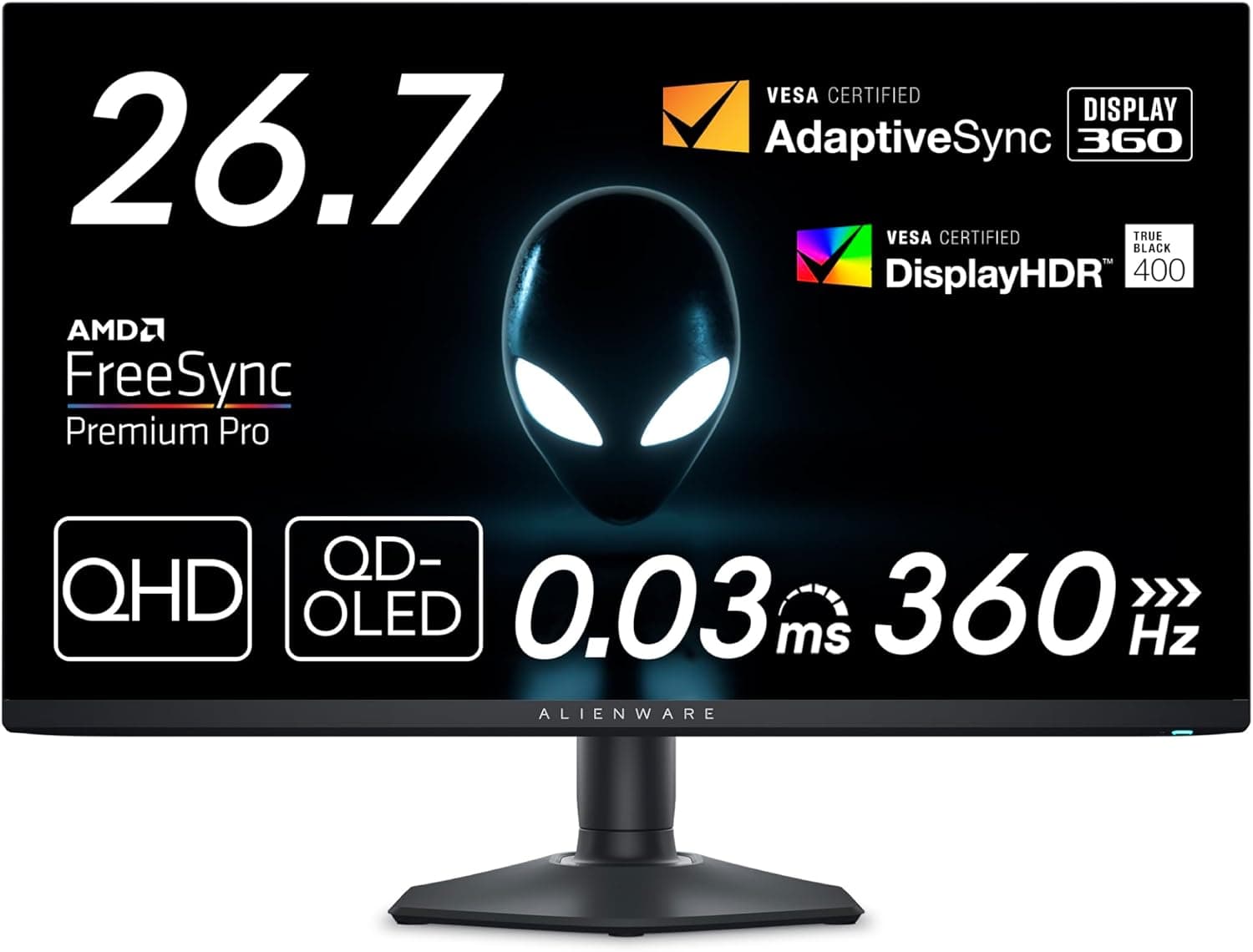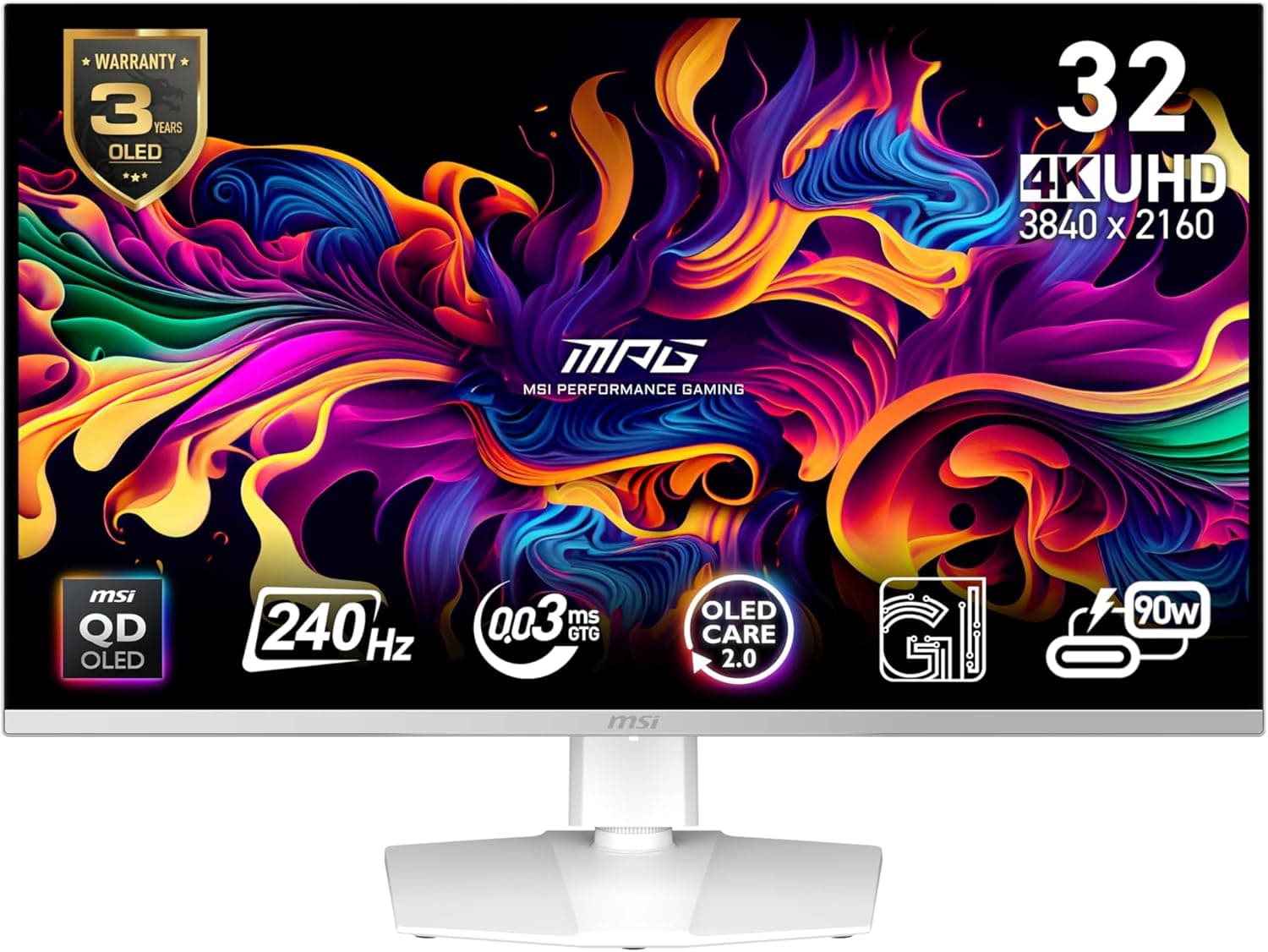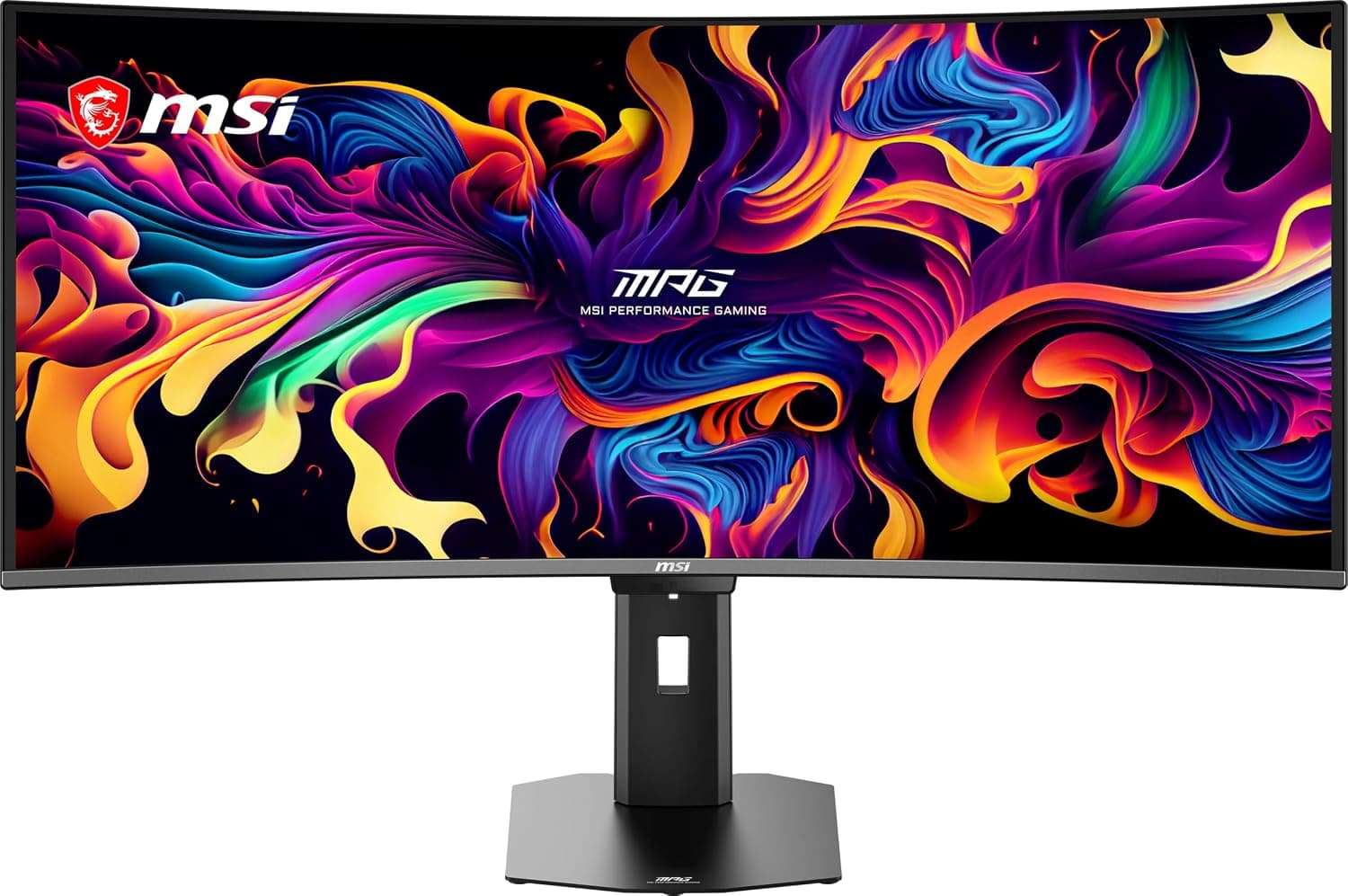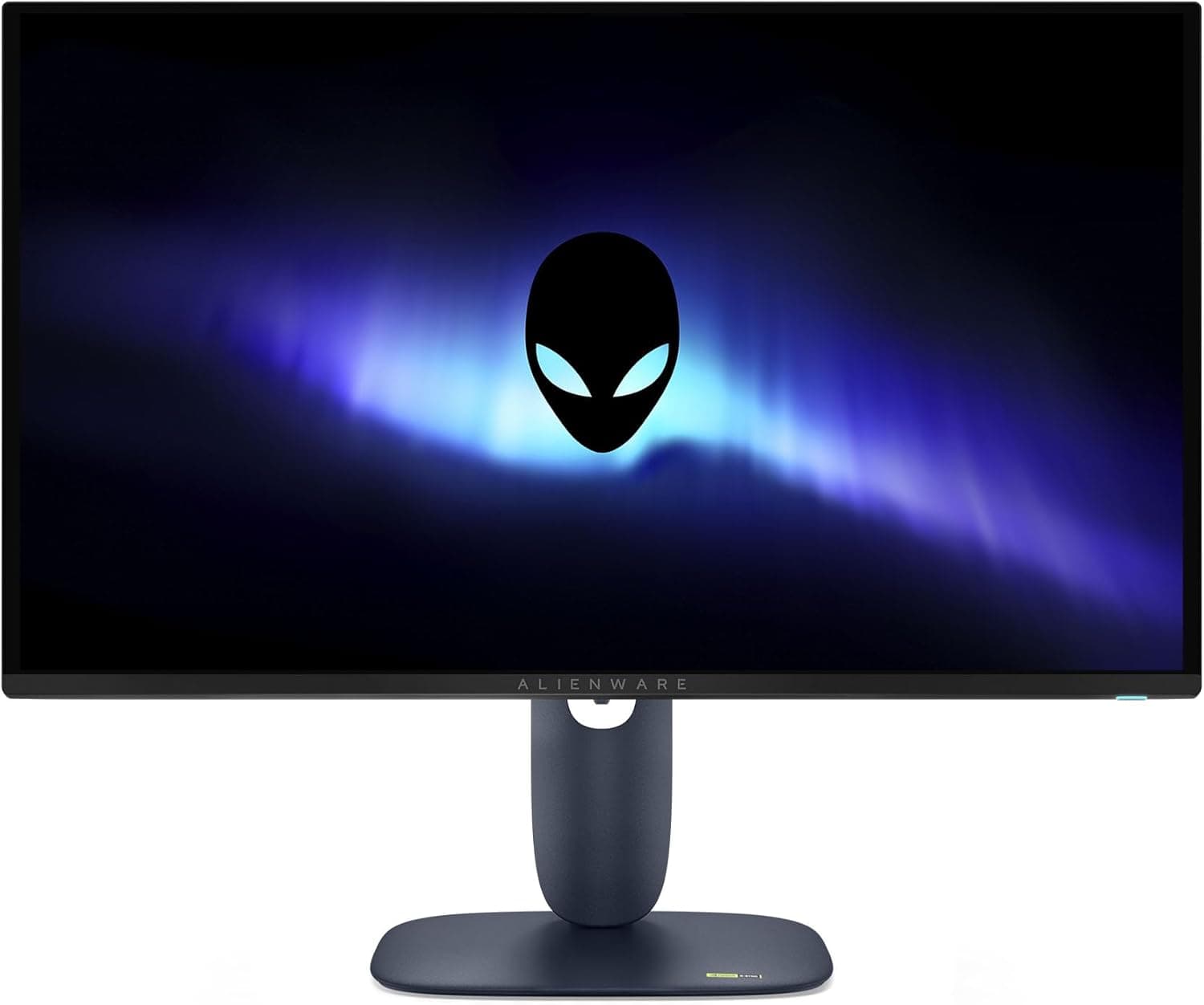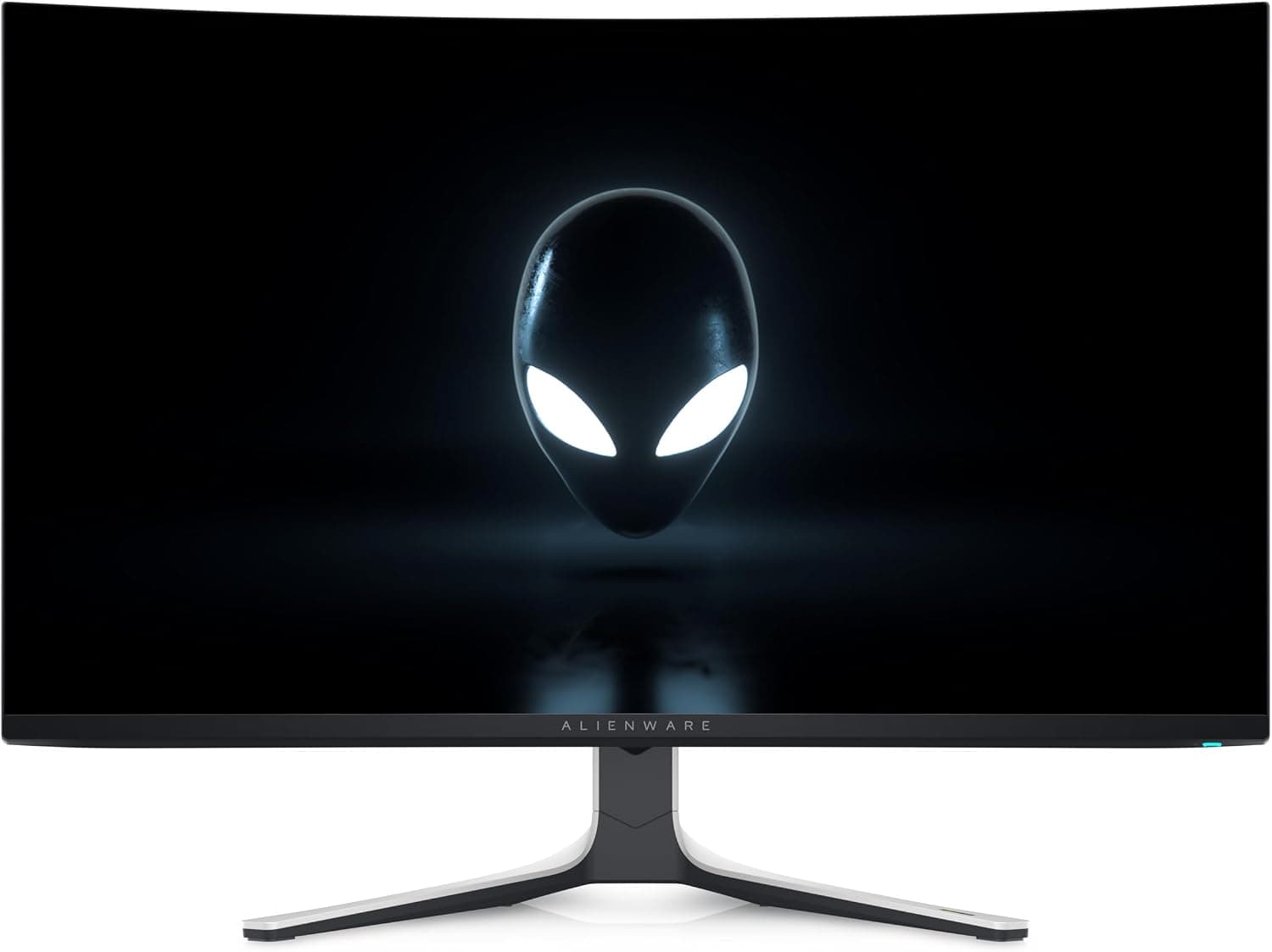
This article looks at the Alienware AW3225QF 32" 4K UHD (3840x2160) 1700R Monitor Gaming Curvo beyond the spec sheet: what your setup actually needs to exploit it, and what you will have to live with.
Overview
The Alienware AW3225QF puts a 31.6-inch QD-OLED panel behind 4K UHD (3840x2160) at 240Hz, with a 0.03ms response time, a gentle 1700R curve, Dolby Vision and HDR10 support, and NVIDIA G-Sync Compatible certification.Check the retailer's page for the latest user reviews.
The short version: this display makes sense if you own a GPU that can actually push 4K at high frame rates and you game and watch content in a dim room. It makes much less sense if you sit in a bright living room, if you stare at static UI for eight hours a day, or if your GPU is mid-range.
The reasons are spelled out under "Before You Buy".
Pixel density works out to roughly 140ppi at 31.6 inches.
At 100% scaling text is small, so 125-150% scaling is the realistic setting. If you expected four times the desktop space of a 1080p panel, the reality will not match that.
Compatibility Guide
Inputs are USB-C, DisplayPort 1.4, two HDMI 2.1 ports and four USB-A 3.0 ports.
The first practical hurdle is DisplayPort 1.4 bandwidth: driving 4K at 240Hz requires DSC (Display Stream Compression).
If your GPU does not support DSC, 240Hz either will not appear as an option or will force you to give up color depth or chroma. As a rough guide, NVIDIA RTX 20-series and AMD RX 5000-series and newer support DSC, but verify your specific card, especially if an adapter sits in the chain.
| Source | Practical ceiling | Notes |
|---|---|---|
| PC (DisplayPort 1.4 + DSC) | 4K 240Hz | Requires DSC support on the GPU |
| PC (HDMI 2.1) | 4K 240Hz with DSC | Use a certified 48Gbps cable |
| PS5 / Xbox Series X | 4K 120Hz | Console limit, not a monitor limit |
| Laptop over a single USB-C | Depends on the laptop | Limited by Alt Mode bandwidth and GPU |
The third row is where console buyers get caught out. Two HDMI 2.1 ports mean you can leave both consoles plugged in, but current consoles top out at 4K120.
The 240Hz figure only pays off on PC, so buying this panel for a console is money spent on a number you cannot reach.
USB-C carries video, power delivery and the USB hub over one cable, which is the cleanest way to dock a laptop. The exact power delivery wattage is not in the supplied data, so if you plan to charge a power-hungry creator laptop, confirm it on the product page.
Power is built-in AC, and the monitor itself needs no auxiliary power connector. The recommended PSU figure is listed as 0 (not applicable) — that refers to the monitor, not to the PC you will need to feed 4K240.
Physically, 1700R is a mild curve for a 16:9 panel this size and should feel natural from a centered seating position. It still works against you for work that depends on straight reference lines, such as CAD or layout.
VESA mounting specifications are not included in the supplied data, so check the product page before committing to a monitor arm.
Product Info
| Item | Value |
|---|---|
| Screen size (diagonal) | 31.6 inches |
| Resolution | 3840x2160 |
| Refresh rate | 240 Hz |
| Response time | 0.03 ms |
| Panel type | QD-OLED |
| Curvature | 1700R |
| HDR | Dolby Vision, HDR10 |
| Connectivity | USB-C, DisplayPort 1.4, 2x HDMI 2.1, 4x USB-A 3.0 |
| G-Sync Compatible | Yes |
| Aspect ratio | 16:9 |
Check the retailer's page for the latest price. Monitor pricing moves with sales and currency, and this article will not be updated, so always check the live product page before buying.
In the collected data the "Amazon US" entry points at the same yen price and the same listing, so both entries describe one offer. The eBay entry has no individual price.
The monitor launched in early 2024 and carries a stated three-year manufacturer warranty, though terms and support channels vary by where you buy. The box includes a power cable, a DisplayPort cable and a USB upstream cable.
Best Use Cases
- People who game and watch films in a dark room — self-emissive blacks plus Dolby Vision and HDR10 pay off most with the lights down; ambient light erodes the advantage.
- Competitive shooter players who insist on 4K — 0.03ms response and 240Hz cut motion blur, but a cheaper high-refresh panel at lower resolution is the more efficient path to the same competitive benefit.
- Laptop users who want one cable — USB-C handles video, charging and the USB hub in a single connection.
- HDR content creators — wide gamut and Dolby Vision help with grading, provided you accept burn-in risk from static editing UI.
Before You Buy
Burn-in and automatic brightness limiting. As an OLED panel, long sessions with fixed elements — taskbars, HUDs, streaming overlays — carry real risk.
You need to leave the monitor off periodically so pixel refresh routines can run. On mostly-white screens such as documents and spreadsheets, brightness is automatically reduced, so coming from an LCD it can feel dimmer than expected.
That behavior is by design, not a fault.
Text fringing. QD-OLED uses a subpixel layout that differs from the RGB stripe most operating systems assume, so thin text can show color at the edges.
It is invisible in games and video, but if you read code or spreadsheets all day, try to see it in person first. Higher scaling makes it far less noticeable.
Blacks in a bright room. QD-OLED panels can look slightly raised or purple-tinged in black areas under strong ambient light.
Facing a window or sitting under direct ceiling lights will cost you exactly the quality you paid for. Check your lighting and reflections before you buy.
GPU match. 240Hz is a ceiling, not a promise: no current GPU renders modern AAA titles at native 4K240.
With aggressive upscaling and frame generation the number becomes useful; with a mid-range card, a 4K 144Hz panel or a lower-resolution high-refresh model delivers far more per yen. Buying the monitor first does not change what you see.
Dolby Vision has limited reach. Support is genuine, but the PC applications and pipelines that actually use Dolby Vision are few.
Treat it mainly as a console and streaming-app feature and you will not be disappointed.
Listing inconsistencies. Amazon listings sometimes carry wrong metadata or mix variants.
In this dataset, the domestic and global price entries pointed at the same yen price and the same page. Before ordering, confirm from the images, title and seller that you are buying the 32-inch 4K 240Hz AW3225QF, and note that grey-import units may be serviced outside the local warranty channel.
FAQ
Q. Will an RTX 4060-class GPU work? A.
It will display fine, but you will not exploit 4K240 without heavy setting cuts or upscaling. At that tier, a cheaper 4K 144Hz or 1440p high-refresh panel is the better buy.
Q. Can a PS5 run this at 240Hz? A.
No. Current consoles cap at 4K120.
Two HDMI 2.1 ports let you keep both consoles connected, but 240Hz is a PC-side figure.
Q. Is burn-in covered? A.
A three-year manufacturer warranty is stated, but whether OLED burn-in is included depends on region and where you purchased. Confirm the terms with the seller first.
Q. Can it be my main work monitor? A.
Yes, with caveats: text fringing, dimming on white backgrounds and burn-in from static UI all work against office use. If work is secondary to gaming and video, it is a non-issue.
Q. Can it charge my laptop over one USB-C cable? A.
USB-C carries video and power delivery, but the wattage is not listed in the available data. Check the product page if your laptop draws a lot of power.
Product Disclosure (Amazon)
- Manufacturer: Alienware
- Seller: Amazon US
- Fulfilled by: Amazon US
- ASIN: B0CVQGSRZ9
- Note: This article covers a manufacturer-made product based on Amazon listing details.