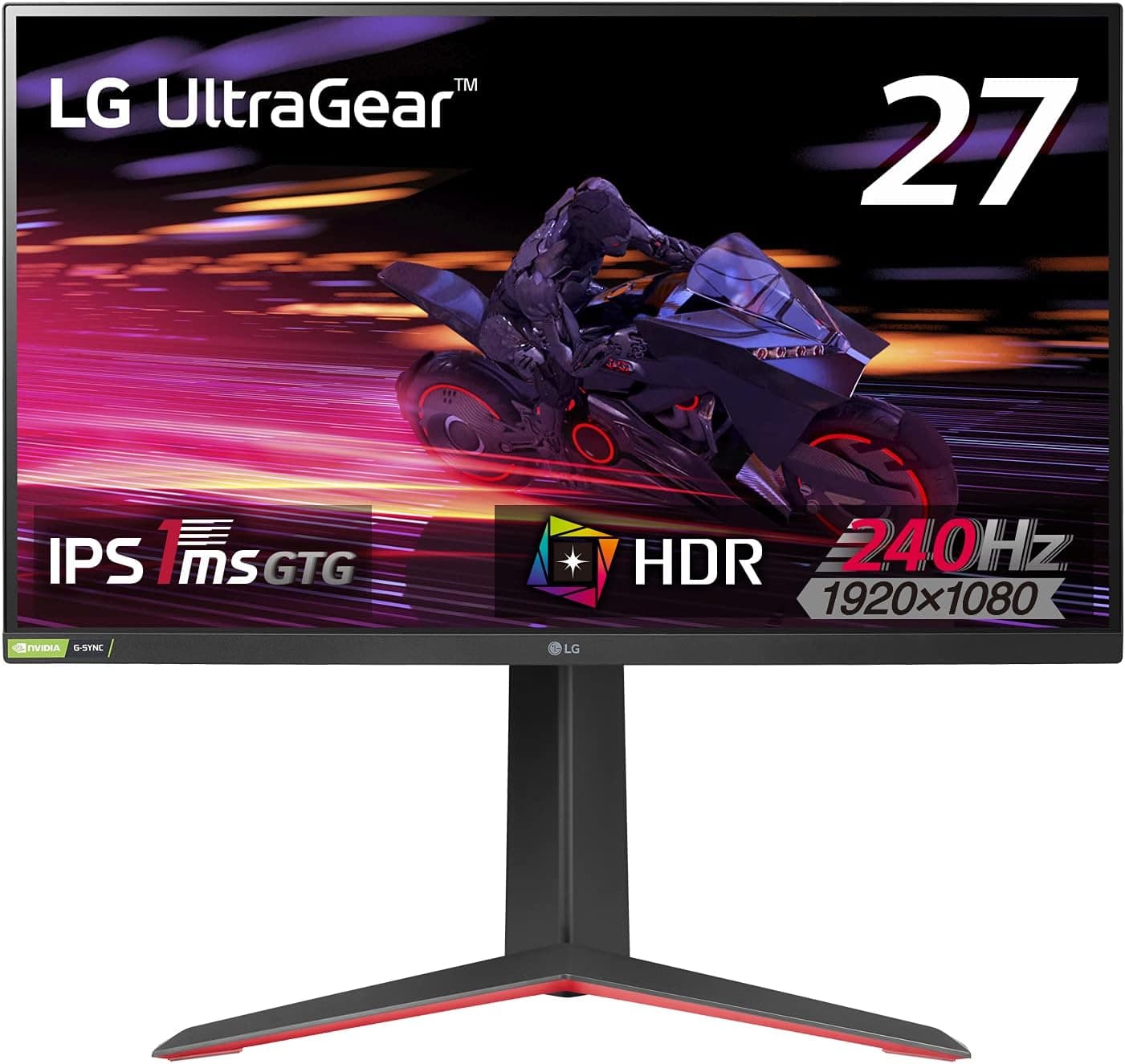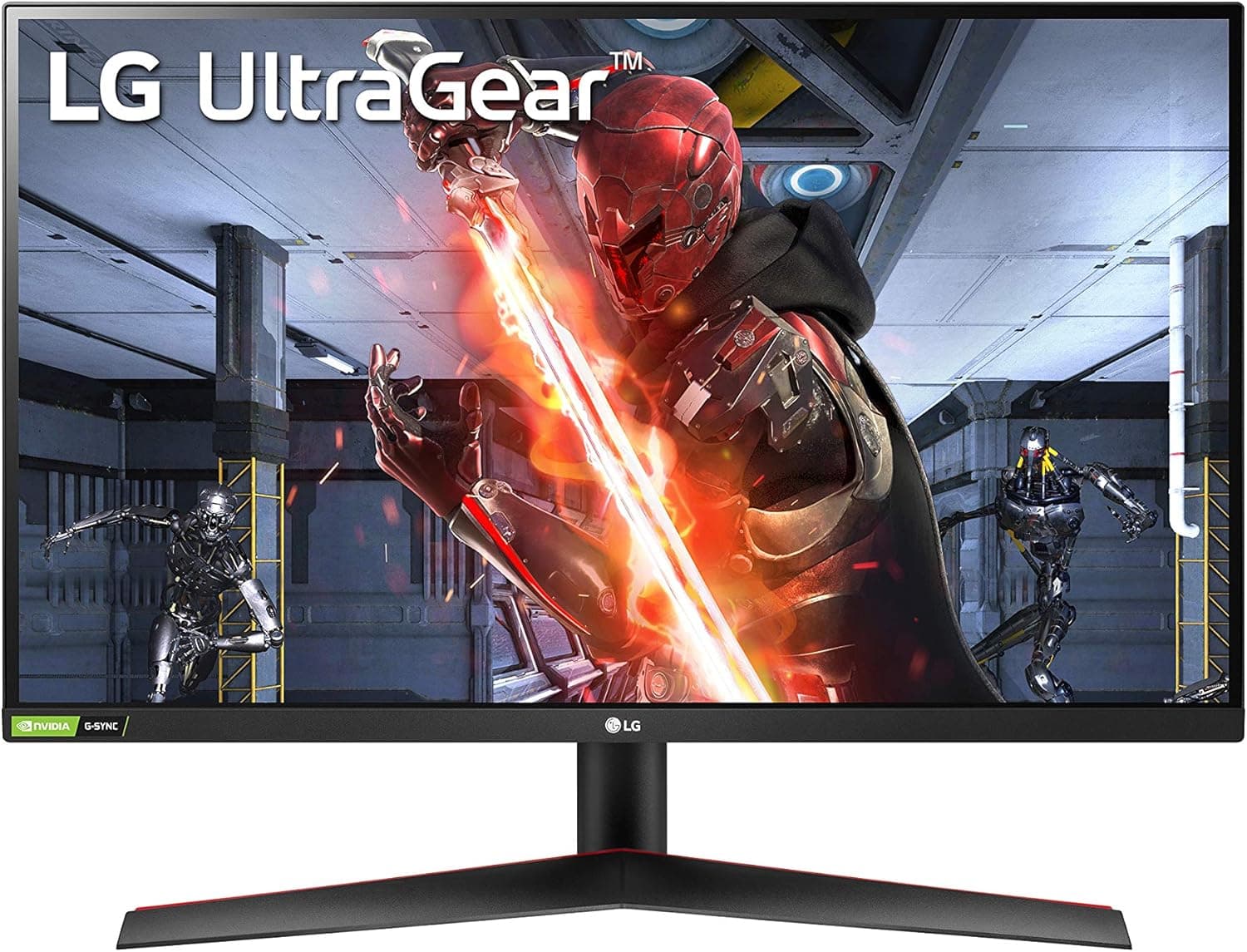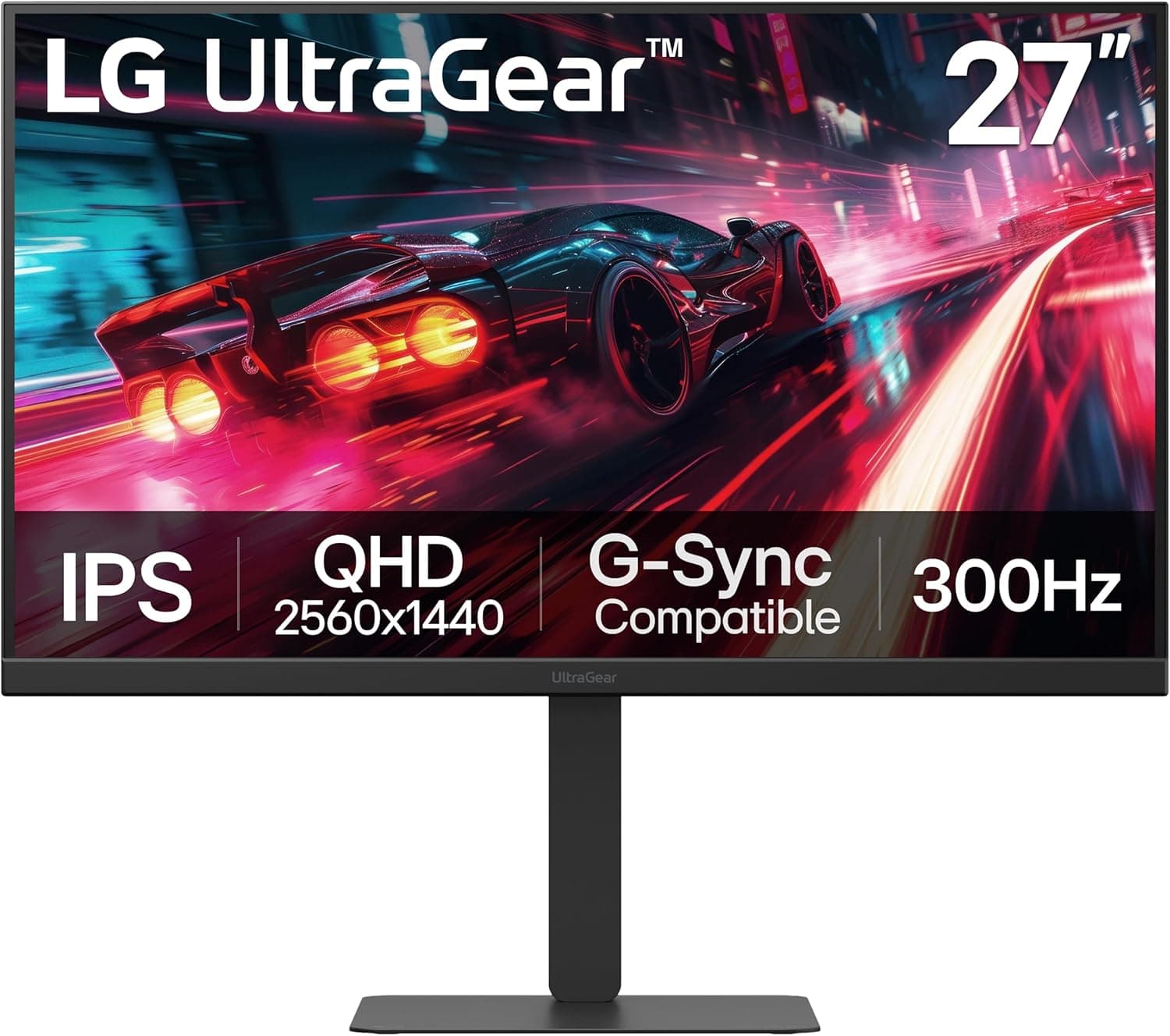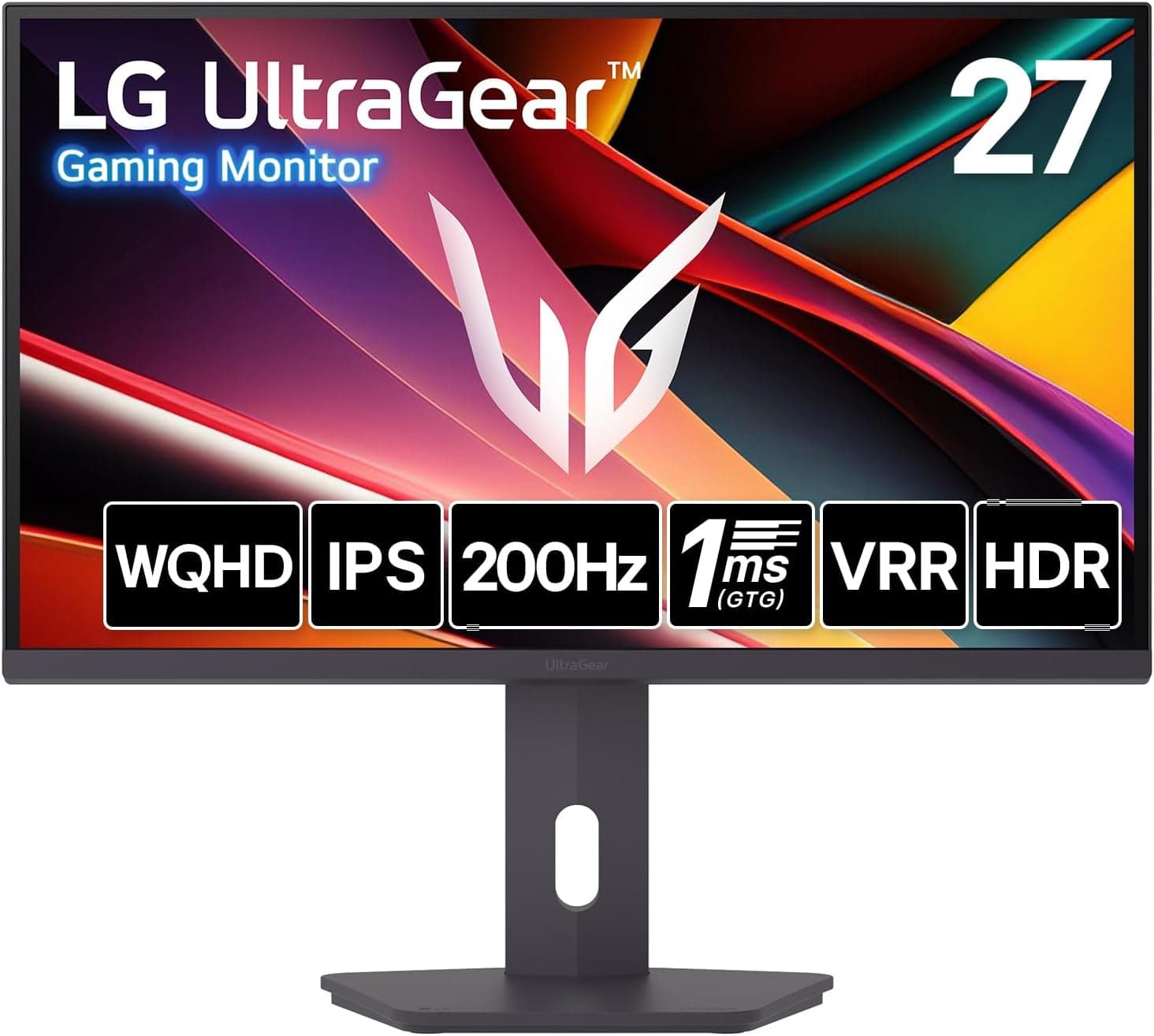
LG ゲーミングモニター LG UltraGear 27G610A-B 27インチ is a 27-inch WQHD (2560x1440) IPS gaming monitor that pushes up to 200Hz. This article works through the published specs plus the captured price and review data to show where the panel actually delivers, and where you need to accept compromises.
Overview
The short version: this is a monitor for people who want WQHD sharpness and 200Hz smoothness at a mid-range budget. At 27 inches and 2560x1440 the pixel density is roughly 109 ppi.
Compared with a 27-inch 1080p panel (about 82 ppi), text and UI elements look noticeably cleaner, which matters if you also keep a browser and a spreadsheet on screen.Check the retailer's page for the latest user reviews.
The core of the spec sheet is 200Hz over DisplayPort paired with a 1ms (GTG) response figure. 200Hz means 5ms per frame against roughly 6.9ms at 144Hz - a gap of about 1.9ms.
You do not see that difference as a dramatic change; you feel it as less smearing when you flick the view, which makes tracking targets easier. On the other hand, VESA DisplayHDR 400 with 400 cd/m² brightness and a 1000:1 contrast ratio is entry-level HDR.
Treat it as a high-refresh SDR monitor that can accept an HDR signal, not as an HDR display.
| Use case | Fit | Why |
|---|---|---|
| Competitive FPS and racing | Excellent | 200Hz over DP, 1ms GTG. Light esports titles can reach high frame rates even at WQHD |
| Heavy AAA at max settings | Good to fair | WQHD is demanding; 200fps is unrealistic. The gain shows in the 60-120fps range |
| PS5 / Xbox Series X | Good | HDMI caps at 144Hz. Console VRR assumes HDMI 2.1, so do not count on it |
| Light photo and video editing | Good | Fine where sRGB 99% is enough; not enough for DCI-P3 or Adobe RGB work |
| HDR movie watching | Fair | DisplayHDR 400 at 400 cd/m² and 1000:1 will not deliver deep blacks |
| Audio from the monitor | No | No built-in speakers. Headphone out or external speakers required |
Reading the Spec Sheet
Numbers alone do not settle a purchase, so here is what each value means in daily use.
| Spec | Value | What it means in practice |
|---|---|---|
| 27-inch / 2560x1440 | WQHD | About 109 ppi; readable at 100% scaling, with roughly 1.8x the desktop area of 1080p |
| IPS / 178°/178° | Wide angles | Minimal colour shift at the edges, forgiving in dual-monitor or raised setups |
| 200Hz (DP) / 144Hz (HDMI) | Two tiers | Only DisplayPort reaches 200Hz. Get this wrong and half the value is gone |
| 1ms (GTG) | Response | Typically measured with aggressive overdrive; too much creates inverse ghosting |
| 400 cd/m² / 1000:1 | Brightness, contrast | Bright enough for a lit room, but blacks lift noticeably in the dark |
| sRGB 99% | Gamut | Enough for web and social output; short of print or wide-gamut grading |
| No speakers | - | Audio has to leave via the headphone jack; plan your desk wiring |
The most misread number is the response time. A 1ms GTG figure is an industry convention measured with the overdrive setting pushed high, not the panel's native behaviour.
After setup, do not simply select the fastest mode: step up from the middle setting and stop before bright trailing edges (overshoot) appear.
Compatibility Guide
Connectivity is one DisplayPort 1.4, two HDMI 2.0 ports, a headphone output, and a USB Type-C port that the spec sheet describes as output only.
The single most important point: 200Hz is available on DisplayPort only, and HDMI tops out at 144Hz. HDMI 2.0 does not have the bandwidth for WQHD at 200Hz, so no cable upgrade changes that.
If your PC has no DisplayPort output, or your chain runs through HDMI devices, the headline refresh rate is simply out of reach.
On the GPU side, DisplayPort 1.4 has been standard on GeForce, Radeon and Intel Arc cards for several generations, so the connector itself is rarely the problem.
Frame rate is. Reaching close to 200fps at WQHD realistically means light competitive titles with settings tuned down.
In heavy AAA games the resolution cost lands squarely on the GPU, and 200Hz becomes headroom rather than a target. Headroom still helps: it smooths out the dips instead of clipping against the ceiling.
Variable refresh is handled by FreeSync Premium, a tier that includes Low Framerate Compensation, so the picture holds together when your frame rate drops below the sync window. AMD Radeon cards enable it directly, and NVIDIA systems commonly run it as Adaptive-Sync, but the supplied data does not state whether the model carries G-SYNC Compatible certification - check the official page if that specific badge matters to you.
Consoles connect over HDMI, so 144Hz is the ceiling. Both PS5 and Xbox Series X output 1440p, so you will get a picture without drama.
Console VRR, however, is built around HDMI 2.1, so assume it will not engage on this monitor's HDMI 2.0 inputs.
Decide first whether your priority is console 120Hz with VRR or PC 200Hz; that choice, not the spec sheet, determines whether this panel fits.
The USB Type-C port is listed as output only. That wording does not indicate DP Alt Mode video input or Power Delivery charging for a laptop, so do not buy this expecting single-cable laptop docking.
Confirm the port's role on the product page if you need it.
For mounting, the supplied specs list neither VESA compatibility nor the stand's adjustment range (height, swivel, pivot). If a monitor arm, wall mount or a precise eye-height setup is part of your plan, verify VESA 100x100mm support before ordering.
For cabling, the bundled DisplayPort cable is the safest route to 200Hz; for 144Hz over HDMI, use a Premium High Speed grade cable.
How It Compares
Everything in this price band comes down to one question: do you spend on resolution or on speed?
A 24-inch 1080p 200Hz panel (the kind of configuration MSI's MAG 242F represents) matches the refresh rate, has higher pixel density, and reaches the same frame rates with far less GPU load. For pure competitive play that is the rational pick.
This LG wins clearly on resolution, and that gap grows the more non-gaming hours you log.
A 27-inch 1080p 144Hz IPS (like Gigabyte's G27F configuration) costs less, but 1080p stretched over 27 inches falls to roughly 82 ppi and the coarse text becomes a daily irritation. At the same screen size, WQHD is the more comfortable choice.
Dedicated esports panels such as a 280Hz TN (BenQ ZOWIE's XL2540X+ class) play a different game entirely: they trade resolution and colour for raw speed. Unless you are chasing every last millisecond in tournaments, the balanced option usually leaves you more satisfied overall.
LG's own larger models - an ultrawide like the 49GR85DC-B, or an OLED such as the 39GX90SB-W - beat this panel on immersion and contrast, but they sit in a different price class. If lifted blacks bother you, go look at OLED rather than settling here.
Product Info
Check the retailer's page for the latest price. Monitors swing by thousands of yen with stock and sales, so treat that as a reference point from that date and check the current price on the listing before buying.
The overseas marketplace entry (eBay) only carried a search link with no captured amount, so no figure is quoted here.
Do not weigh it like a several-hundred-review average; a retailer with clear return terms is the more practical insurance.
The box includes a power cable, a DisplayPort cable and a quick setup guide. Shipping the DisplayPort cable matters, because the exact link needed for 200Hz is in the box.
Bundle contents can vary by channel and production run, so if you plan to run HDMI, source that cable yourself. The release date is not part of the supplied data, so this article does not assert one - check the product page if you need it.
Picture and Setup Tips
Plenty of owners never see the performance they paid for, so start here. On Windows the display often stays at 60Hz after connection; you have to switch the refresh rate to 200Hz (or 144Hz over HDMI) in advanced display settings.
That single step explains most of the "my high-refresh monitor feels the same" reports.
Leave HDR off by default. With DisplayHDR 400 and 1000:1 contrast, SDR desktops and browsers can look washed out with HDR forced on.
Enable it per title instead. If colours look oversaturated, choose an sRGB-style preset: on a 99% sRGB panel, that is the reference state.
Tune overdrive from the middle upward, as described above. Low-latency features of the kind LG puts in its gaming OSD are common on UltraGear models, but the exact menu items and granularity vary by model and firmware, so open the OSD and see what your unit actually offers.
Best Use Cases
- Competitive FPS and racing players — 200Hz over DisplayPort, 1ms GTG and FreeSync Premium is a genuinely strong package at this price, and the refresh headroom smooths out frame-rate dips. If you compete at a level where single milliseconds decide matches, a 240Hz+ 1080p panel is still worth considering.
- People who game and work on one screen — 109 ppi at 27 inches with sRGB 99% holds up for long sessions with code or spreadsheets, which is exactly what a single-monitor desk needs. It is not a colour-proofing display, but it is fine for web-facing output.
- First-time WQHD buyers — Moving up from 1080p, this raises resolution and smoothness in one step, and WQHD plus 200Hz plus IPS was a thin field at the captured price point.
- Not for dark-room movie and horror watching — 1000:1 IPS contrast lifts blacks, and no setting fixes that. Look at OLED or high-contrast VA instead of compromising here.
Before You Buy
The Amazon listing data contradicts itself. The listing metadata referenced while writing this article named a storage manufacturer (Western Digital) rather than LG, and the ASIN did not match the page the price came from.
That looks like a seller-side registration error, so this article does not reproduce the incorrect manufacturer details. You may hit the same inconsistency on the product page, so identify the item by the product images, the title and the model number (27G610A-B) rather than the manufacturer field.
Mixed listings and parallel imports are common, so do not skip that check right before ordering.
HDMI caps at 144Hz. The 200Hz headline is DisplayPort only.
If your GPU's DP output is taken by another display, if a capture device sits in the HDMI chain, or if consoles are your main source, 200Hz is off the table. Count the cable path before you buy.
Do not expect much from DisplayHDR 400. With 400 cd/m², 1000:1 contrast and no local dimming listed, HDR here means the signal is accepted.
Bright specular highlights and deep blacks belong to a different price tier, and misreading this is the most common regret at this grade.
No speakers. There is a headphone output, but no sound from the chassis.
A headset or external speakers must be in your budget, or audio simply disappears when you swap monitors.
Stand and VESA data is missing. The supplied specs do not cover height adjustment or VESA mounting.
If you plan on a monitor arm, or you are particular about eye height, confirm VESA 100x100mm support and the adjustment range on the official spec page first.
** A 4.8 average reads well, but small-sample averages move. Reduce the risk by buying where return terms are explicit.
Can your GPU feed 200Hz? The panel's ceiling is one thing; producing those frames at WQHD is the GPU's job.
If you mostly play heavy titles on a modest card, spending the same money on the GPU and settling for a 144Hz-class monitor is a perfectly defensible plan.
FAQ
Q. What do I need for 200Hz? A.
A DisplayPort 1.4 connection and the refresh rate set to 200Hz in your OS display settings.
The bundled DisplayPort cable is the safest option. Over HDMI the ceiling is 144Hz.
Q. Does it work with PS5 or Xbox Series X? A.
Yes, over HDMI, and 1440p output is fine. Refresh is limited to 144Hz, and console VRR assumes HDMI 2.1, so plan around it not engaging on this monitor's HDMI 2.0 inputs.
Q. Does it have sound?
A. No built-in speakers. Route audio out through the headphone jack to speakers or a headset.
Q. Is it good enough for photo or video editing? A.
For web and social deliverables, sRGB 99% on an IPS panel is practical. For print or wide-gamut grading that needs DCI-P3 or Adobe RGB coverage, it falls short.
Q. Will HDR games look better? A.
Only modestly. DisplayHDR 400 limits the brightness and contrast gains, and some titles look more natural left in SDR, so switch per game.
Q. Can I use a monitor arm? A.
The supplied spec data does not mention VESA mounting, so this article cannot confirm it. Verify VESA 100x100mm support on the official spec page before committing to an arm.