Overview
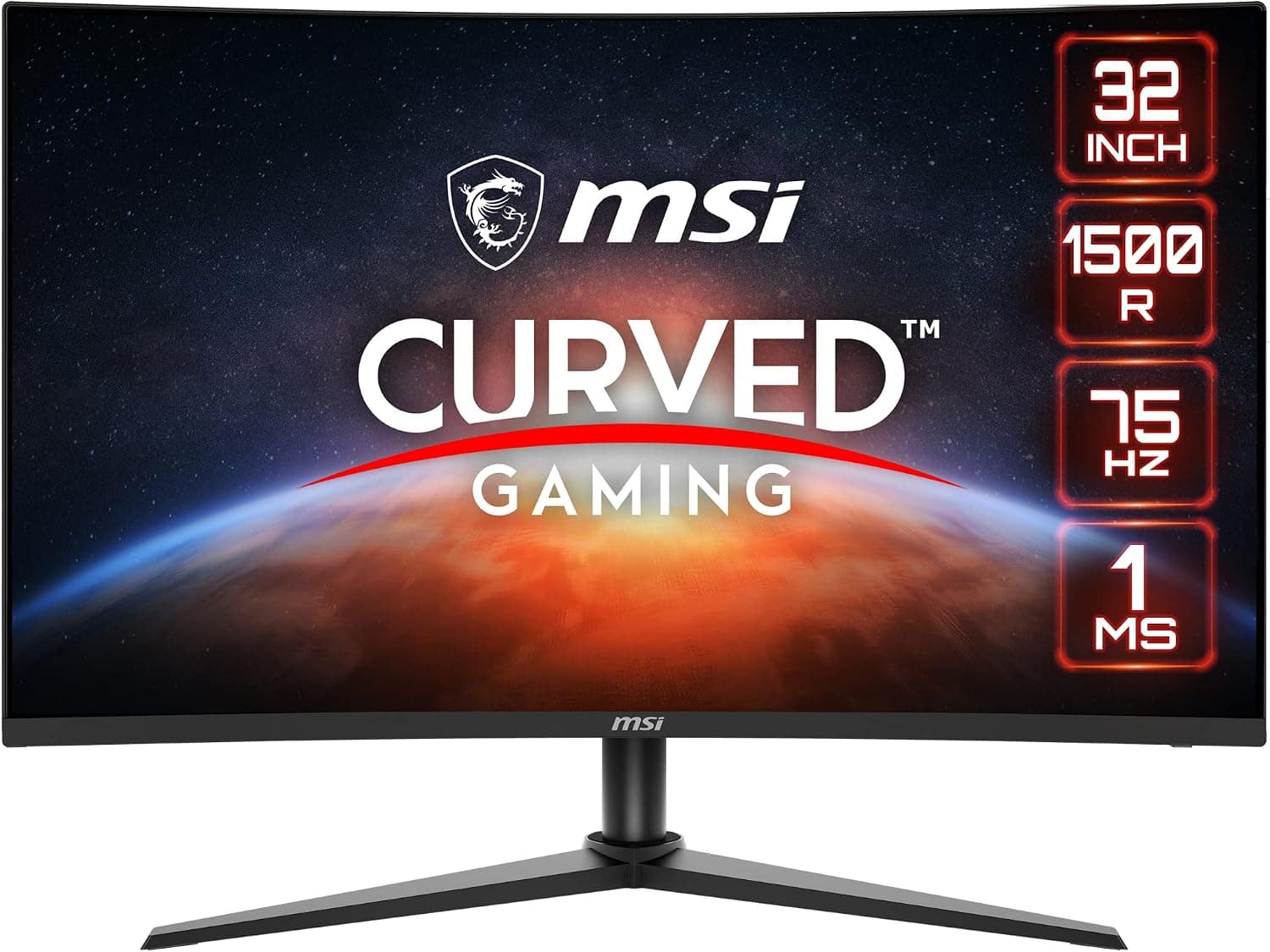
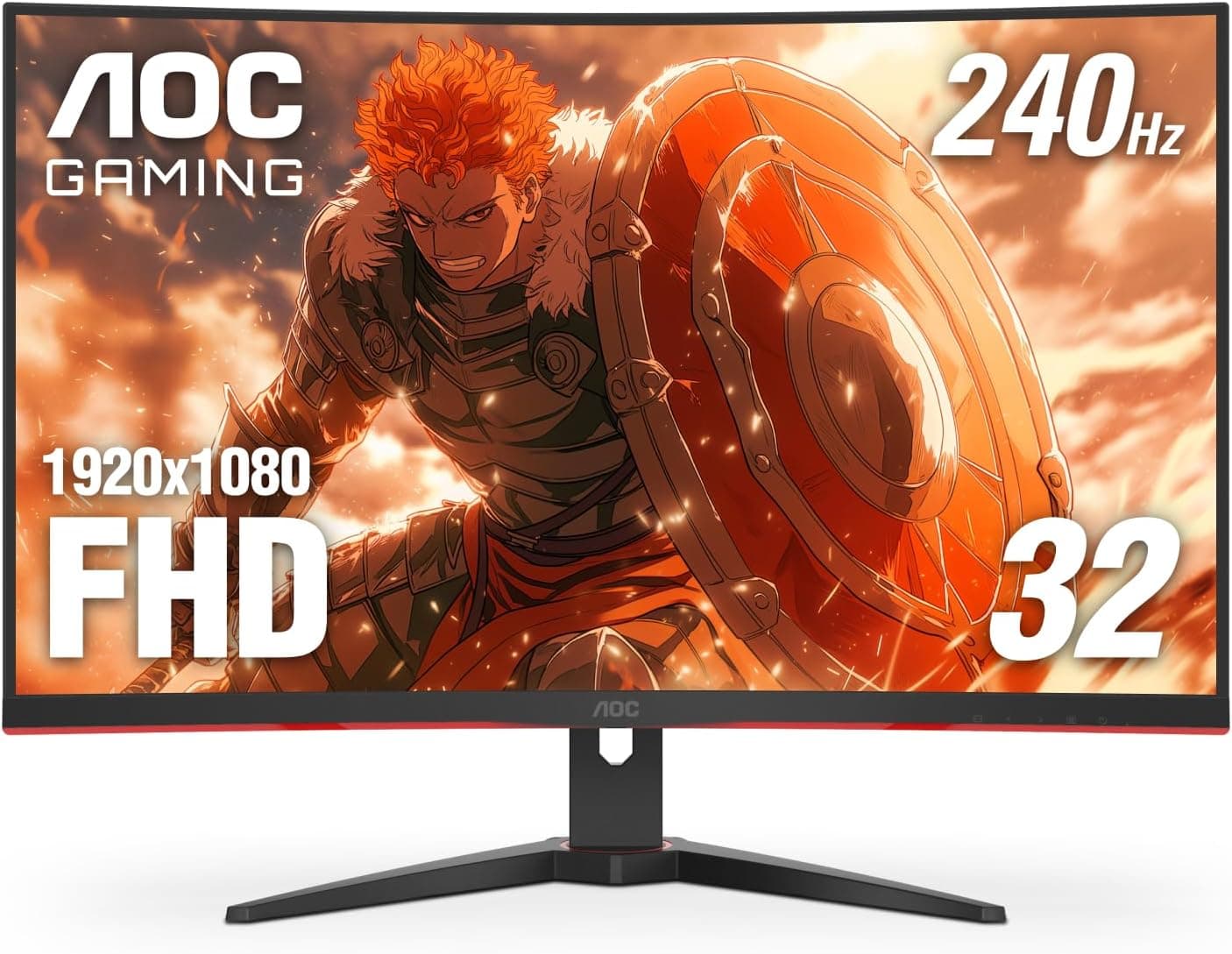
According to the official MSI Japan specification page, the MSI MAG 32C6X 31.5-inch 1920 x 1080 (FHD) computer monitor (MSI MAG 32C6X — 31.5-inch 250Hz Curved Gaming Monitor) has a 31.5-inch panel, a 16:9 aspect ratio and a maximum resolution of Full HD (1,920 × 1,080).
The panel type is VA with a non-glare surface, and the official page lists a panel curvature of 1,500R.
The refresh rate is 240Hz (250Hz with overclock setting) and the response time is 1ms (MPRT). The official feature list includes Anti-Flicker, Anti-Motion Blur, Night Vision, Blue-Light cut, AI Vision, Adaptive-Sync, HDR, PIP / PBP and VESA100.
Compatibility Guide
The official page lists HDMI 2.0b ×2, DisplayPort 1.4a ×1 and a headphone output ×1.
The maximum per input is listed separately: DP is 1,920 × 1,080 / 250Hz and HDMI is 1,920 × 1,080 / 240Hz. Check which output your source device uses, because the ceiling depends on it.
For placement, the official dimensions (W × D × H) are about 710 × 250 × 508 (mm) and the weight is about 5.4kg.
Tilt is -5° to 20°, and VESA100 is listed among the features. Compare these values with your desk depth and any wall or arm mount.
The scanning frequency is 52.7 to 1125 KHz (H) / 48 to 250 Hz (V). Power input is 100 to 240V, 50 / 60Hz, and the power supply is built in.
Product Info
rmation
The values below come from the specification section of the official page.
| Item | Official listing |
|---|---|
| Panel size | 31.5 inches |
| Max resolution | Full HD (1,920 × 1,080) |
| Refresh rate | 240Hz (250Hz with overclock) |
| Response time | 1ms (MPRT) |
| Panel / surface | VA / non-glare |
| Color gamut | sRGB coverage 92 percent, DCI-P3 coverage 78 percent |
| Max colors | about 1.073 billion |
| Viewing angle | 178° (H) / 178° (V) |
| Brightness | 250 |
| Contrast ratio | 3,000:1 |
| Pixel pitch | 0.36375 × 0.36375 (mm) |
| Packed weight | about 10kg |
The gamut is stated as sRGB and DCI-P3 coverage, so those two are the figures to use for color work. The 3,000:1 contrast ratio is listed alongside the VA panel type.
The official warranty entry reads: domestic warranty on the main unit for 3 years from the purchase date. The accessories are one DisplayPort cable, one power cable and one quick start guide.
The notes field says specifications and features vary by country.
Recommended For
- Users with a DisplayPort 1.4a output on their graphics card who want the 250Hz listed for DP.
- Users who want to connect several devices through HDMI 2.0b ×2. PIP / PBP is in the feature list.
- Users who plan to use an arm or wall mount. VESA100 is listed and tilt is -5° to 20°.
Before You Buy
The maximum resolution is Full HD (1,920 × 1,080) on a 31.5-inch panel, and the official pixel pitch is 0.36375 × 0.36375 (mm).
If sharp small text matters to you, check that value.
Over HDMI the listed ceiling is 240Hz, and 250Hz is listed for DP. Confirm your device's output and the overclock setting before buying.
The dimensions are about 710 × 250 × 508 (mm) and the packed weight is about 10kg, so check your space and delivery route. Check the sales page for price and stock.
FAQ
Q. Which input gives 250Hz?
The official input listing shows DP at 1,920 × 1,080 / 250Hz and HDMI at 1,920 × 1,080 / 240Hz.
Q. Does it come with an HDMI cable? No HDMI cable appears in the official accessories field.
If you connect over HDMI, first check whether you already own a cable.
Q. Can I use a wall mount or arm?
VESA100 is listed in the official features. Choose a mount that fits VESA100.