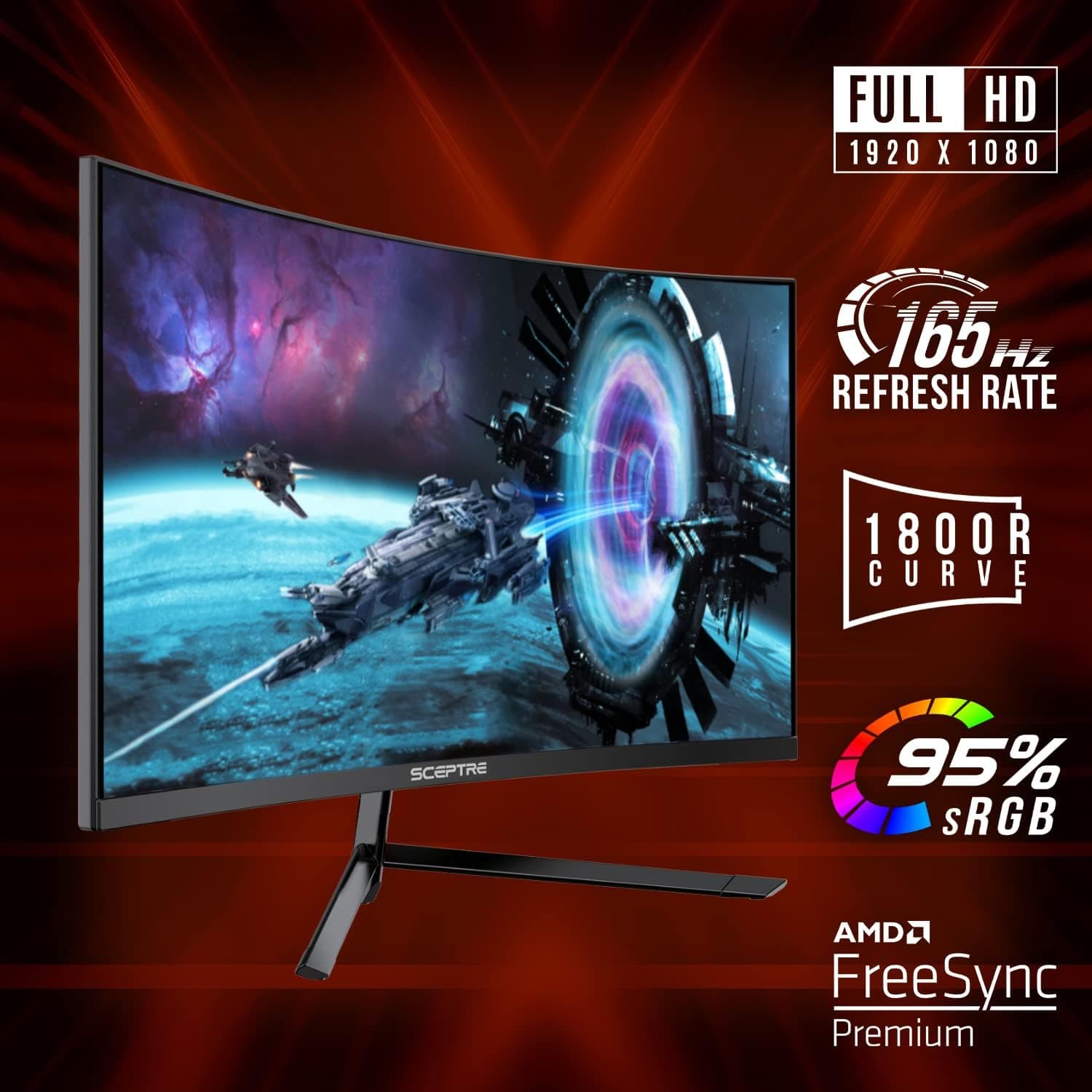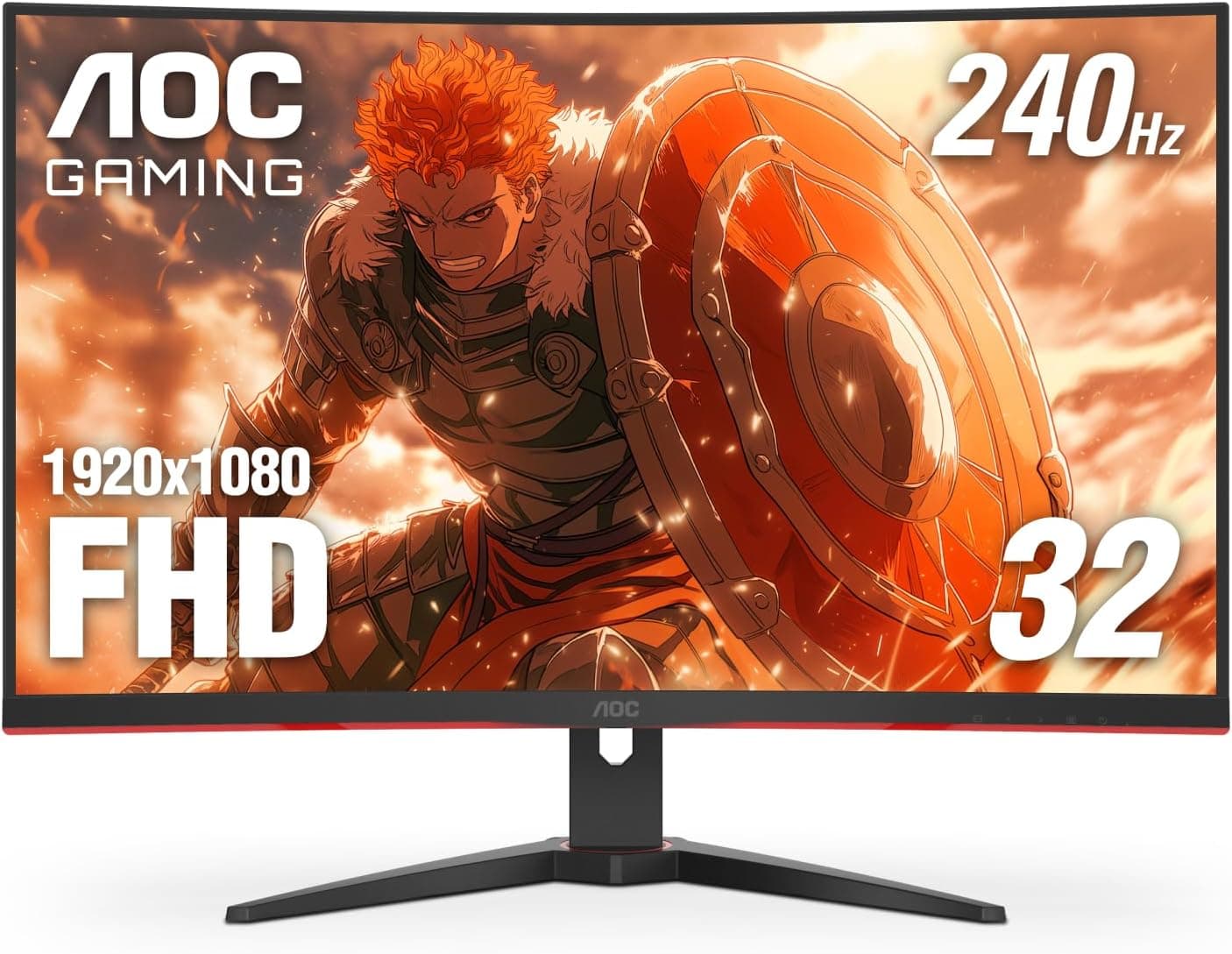
This article covers AOC C32G2ZE 32インチ カーブフレームレスゲーミングモニター. In short, the AOC C32G2ZE is for players who value smoothness over resolution and want to try 240Hz on a large curved 32-inch-class screen without paying premium prices.
It is not a good fit for work that depends on sharp text or accurate color. Below we cover how to read the spec sheet, what to watch for with each kind of device, and the pitfalls people tend to discover only after buying.
Overview
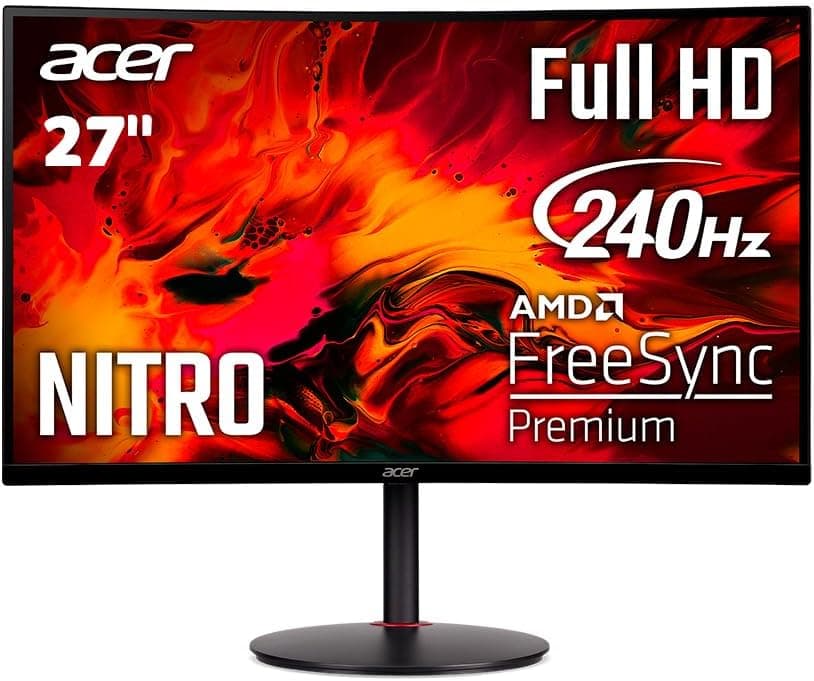
The AOC C32G2ZE is a 31.5-inch curved VA gaming monitor with a 1500R curvature.
It pairs full HD 1920x1080 resolution with a 240Hz refresh rate and a 0.5ms MPRT response time.
That combination targets fast shooters, racing games, and any title where smooth motion is an advantage. The curve pulls the edges of the screen toward your peripheral vision, which you notice more at this size than on smaller flat displays.
Adaptive sync comes from AMD FreeSync Premium, with a 48-240Hz variable refresh range and low framerate compensation (LFC). With LFC, even when a heavy scene drops below 48fps, the monitor repeats frames so variable refresh keeps working.
Radeon users can avoid tearing and stutter when frame rates fluctuate.
The three-sided frameless design makes it a good fit for multi-monitor setups. The product name says 32 inches, but the actual viewable size is 31.5 inches.
Calling a 31.5-inch panel a 32-inch-class display is common practice in the industry and does not indicate a different product.
For a 32-inch-class curved 240Hz monitor, the price is on the low side. It is a natural pick for first-time high-refresh buyers.
Just make sure you are comfortable with the trade-off of a large screen at only 1080p.
Compatibility Guide
Connecting to a PC
Inputs are DisplayPort, HDMI, and VGA. For 240Hz you need a digital connection, so treat VGA as a fallback for legacy PCs and office equipment.
If you want reliable 240Hz, DisplayPort is the safe default. The maximum refresh rate over HDMI depends on the port's specification, so check the product page or manual before relying on HDMI for 240Hz.
After connecting, open Windows Advanced Display Settings and change the refresh rate to 240Hz. The display often runs at 60Hz out of the box, and that missed setting causes most "it doesn't feel smoother" complaints.
Also confirm that FreeSync is enabled in the monitor menu and that variable refresh is turned on in your GPU driver.
On NVIDIA GeForce systems, FreeSync monitors can often run variable refresh as G-SYNC Compatible over DisplayPort. Stability can depend on whether a model is officially certified, so if you see flicker, switch the feature off and compare.
GPU Requirements
To benefit from 240Hz, your games need to run at roughly 200fps or more. Full HD is light on the GPU, so lighter competitive shooters can reach high frame rates.
Demanding AAA titles often will not hit 240fps. In those games, FreeSync keeps motion smooth anywhere in the 48-240Hz range.
Connecting Game Consoles
HDMI-equipped consoles such as PS5 and Xbox will work, but their output tops out at 120Hz, not 240Hz. Support for 120Hz also varies by game, and whether this monitor's HDMI input accepts 120Hz depends on the port specification.
If consoles are your main use, the 240Hz panel will go largely unused.
Desk Space and Mounting
Based on the math for a 31.5-inch 16:9 panel, the screen alone is about 700 mm wide (check the product page for full dimensions).
Curved monitors also tend to sit deeper than flat ones, so on a desk shallower than 600 mm you may end up too close to the screen. As a guideline, the 1500R curve feels natural if you can sit roughly 600-800 mm away.
VESA mounting is supported, so you can use a monitor arm or a wall mount. Check that the VESA hole spacing and the monitor's weight are within the arm's rated range.
Curved monitors tend to be front-heavy, so pick an arm with weight capacity to spare. The power supply accepts 100-240V and works with standard Japanese outlets.
Product Info
| Item | Detail |
|---|---|
| Panel size | 31.5 inches |
| Panel type | VA |
| Resolution | 1920x1080 (16:9) |
| Curvature | 1500R |
| Refresh rate | 240Hz |
| Response time | 0.5ms (MPRT) |
| Variable refresh | AMD FreeSync Premium (48-240Hz, LFC) |
| Inputs | DisplayPort / HDMI / VGA |
| VESA mount | Supported |
| Power input | 100-240V |
The spec that is easiest to misread is response time. 0.5ms MPRT describes how much motion blur you perceive, which is different from GtG (gray-to-gray), the measure of how fast pixels actually change color.
MPRT figures are usually measured with a backlight-strobing mode turned on, so 0.5ms does not apply to every setting.
As of September 6, 2026, Amazon.co.jp listed it at ¥42,135.
Prices change with sales and stock, so check the listing before you buy. It is a mid-range option among curved 1080p 240Hz monitors and has stayed on sale for years.
Check the retailer's page for the latest user reviews. That many reviews with that high a score suggests strong satisfaction for the price.
However, most of those ratings judge it as "smooth for the money," so buyers who want sharp image detail should not take them at face value.
The original article mentioned AOC's 3-3-1 Re-Spawn Program. Warranty terms vary by region and sales channel, so in Japan, confirm the warranty period and terms on the listing or with the retailer.
The box usually contains power and video cables, but the contents can vary between production batches.
Comparison With Alternatives
If you are shopping for a 31.5-inch gaming monitor, the LG 32G620B-B 31.5-inch is a natural comparison.
Because the sizes match, lining up panel type, resolution, and refresh rate side by side shows which trade-off suits you better.
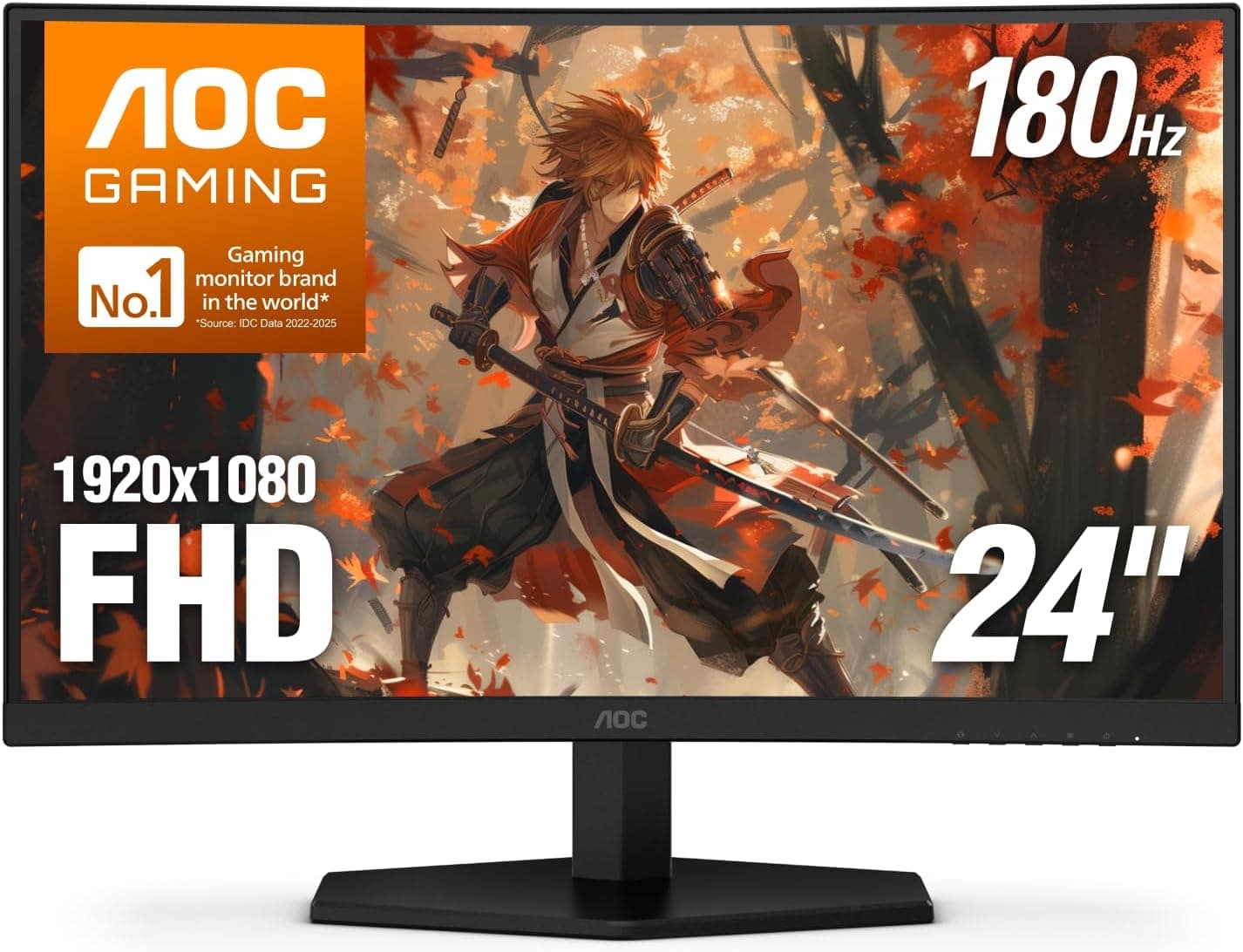
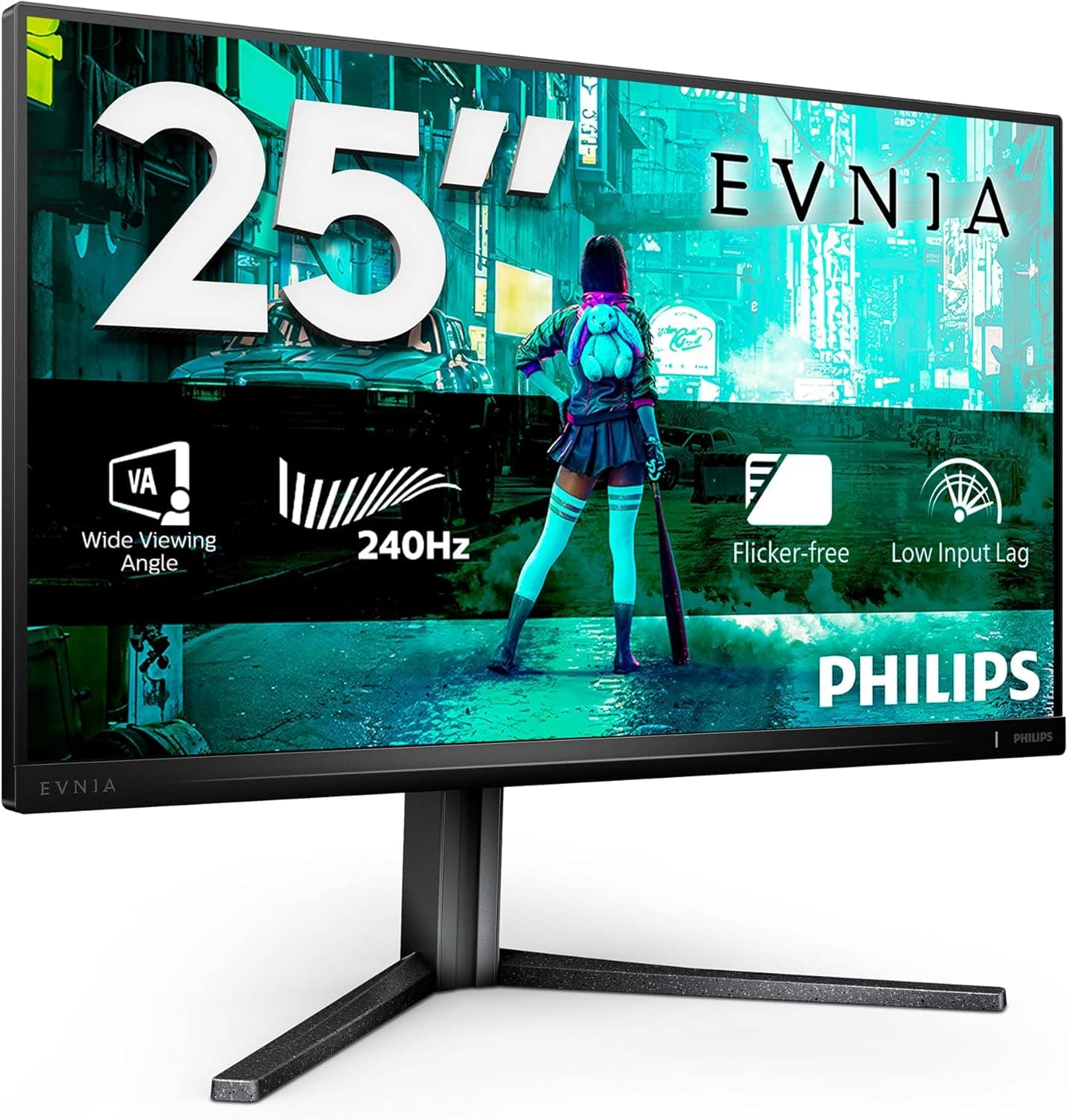
For the most competitive play, a smaller and faster model such as the ASUS ROG Swift PG259QNR (24.5-inch, 1080p, 360Hz, Fast IPS) makes a useful contrast.
It has the same resolution, but on a 24.5-inch panel the pixels are much denser and the whole screen fits in view without moving your eyes.
The C32G2ZE is about big-screen immersion plus 240Hz, while the PG259QNR is about competitive clarity and maximum refresh.
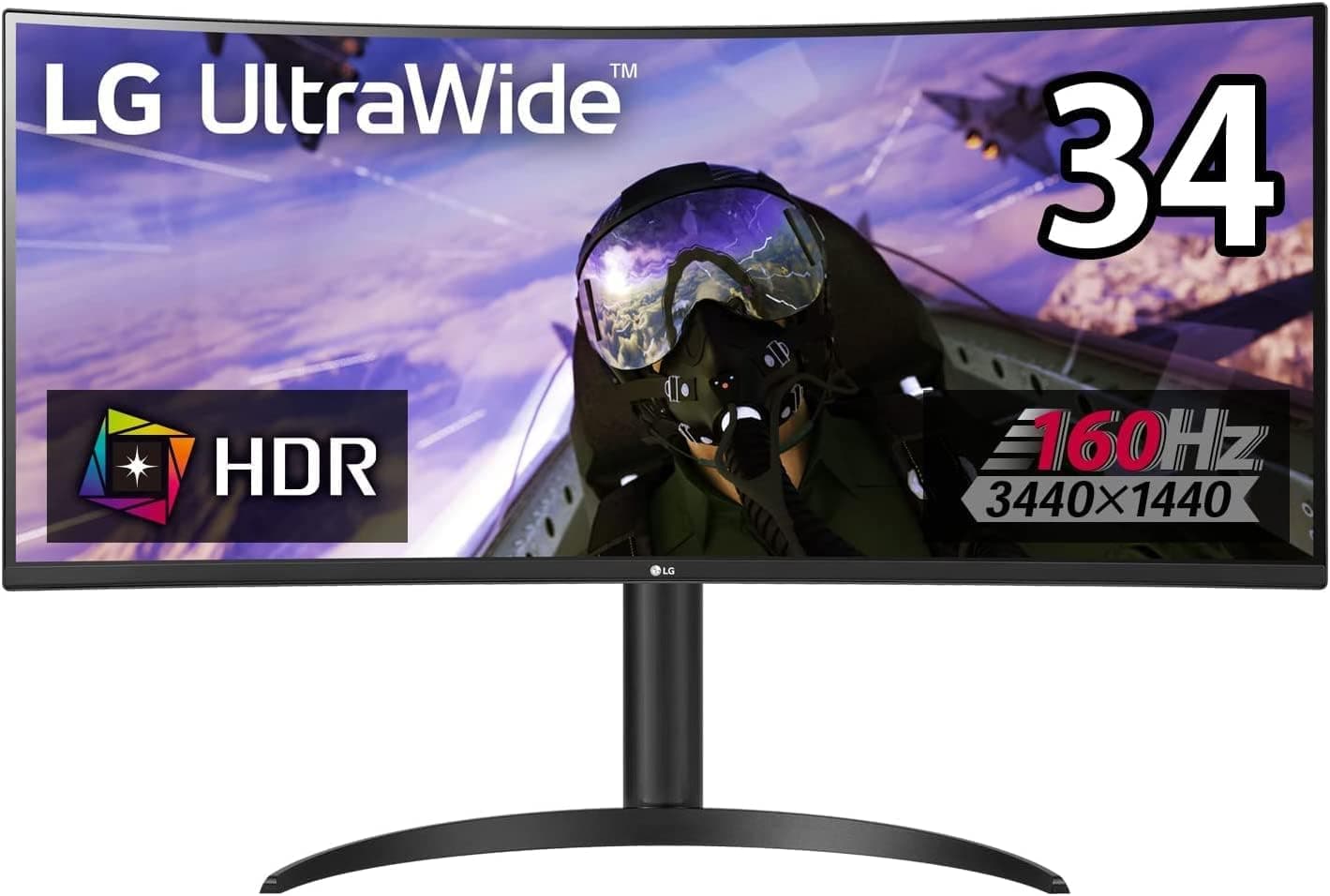
If you care more about sharp text and video than about gaming, a high-resolution model such as the ViewSonic VA2756-4K-MHD (27-inch IPS 4K) will be more satisfying. The C32G2ZE puts refresh rate ahead of resolution, so choose based on where your use leans.
Setup Tips
VA panels offer high contrast and deep blacks. The downside is that dark-to-dark transitions can be slow, so fast motion in dark scenes may leave black smearing.
If the menu has overdrive levels, start in the middle rather than at the strongest setting to avoid inverse ghosting (color fringing).
Backlight-strobing blur reduction dims the image and often cannot be used together with variable refresh. A practical approach is strobing for light games that stay near 240fps, and FreeSync for games with fluctuating frame rates.
Best Use Cases
PC players focused on FPS and battle royale games
The 240Hz refresh rate and 0.5ms MPRT response reduce visible motion blur during fast camera movements. The VA panel's strong contrast also helps you pick out enemies and objects in dark areas. Hardcore competitive players may still prefer a smaller IPS-type model.First-time curved monitor buyers
The 1500R curve feels immersive at 32 inches without the extreme width of an ultrawide. It fits ordinary desks and works well as an entry point to curved panels.Multi-monitor builders
Thin bezels minimize the gap between panels, and VESA mounting lets you line up several screens neatly on monitor arms.Budget buyers who want both size and high refresh
At around ¥42,000 as of September 2026, few options offer both a 32-inch-class screen and 240Hz. Because 1080p is light on the GPU, it also pairs well with mid-range graphics cards.
Before You Buy
1080p at 31.5 inches looks soft. Pixel density works out to about 70 PPI, well below 24-inch 1080p (about 92 PPI) or 27-inch 1440p (about 109 PPI).
In games you may not notice, but small text in browsers, spreadsheets, or code editors shows visible pixels, especially up close. If you also work or study on this screen, you will need to accept that trade-off.
Curved panels are not ideal for every task. The 1500R curve adds immersion in games and video, but straight lines in spreadsheets or drawings appear bent.
For photo or video editing, where color gamut and resolution matter, a flat WQHD or higher model is the better choice.
Consoles cannot use 240Hz. PS5 and Xbox output at most 120Hz, and many games run at 60Hz.
For a console-only setup, paying for 240Hz makes little sense, and a higher-resolution monitor or a TV may serve you better.
Do not over-trust the response time figure. 0.5ms is an MPRT number, and VA smearing in dark scenes does not disappear completely.
If you are sensitive to it, check how it looks in a store or in review videos.
Check the stand and your desk space. Confirm the stand's height and swivel adjustment on the product page.
If you cannot get the height you want, mounting the monitor on an arm via VESA is the usual fix. Curved monitors are deep, so measure your desk first.
Double-check the listing details. On this listing, the seller is shown as "Amazon US" while prices appear in yen, so the listing information is inconsistent.
When buying, confirm the model number C32G2ZE and the product photos. AOC has closely related models whose names differ by one character, so check the full model number.
FAQ
Q. How do I get 240Hz? A.
Connect with a DisplayPort cable and set 240Hz in Windows Advanced Display Settings, since it often defaults to 60Hz. Whether HDMI can reach 240Hz depends on the port specification, so check the manual.
Q. Does FreeSync work with NVIDIA GPUs? A.
FreeSync monitors can often run as G-SYNC Compatible over DisplayPort. If you see flicker, toggle the setting and compare.
Q. Will a PS5 run at 240Hz? A.
No. The PS5 outputs at most 120Hz, and only in supported games.
If you mainly play on consoles, consider a model that puts resolution ahead of refresh rate.
Q. Isn't 1080p too soft at 32 inches? A.
At about 70 PPI, small text does look soft. Many people find it acceptable for games and video, but if most of your time goes to reading text, WQHD or higher will be more comfortable.
Q. Is it 32 inches or 31.5 inches? A.
The actual viewable size is 31.5 inches.
"32-inch" is the common rounded industry label for the same product.
Product Disclosure (Amazon)
- Manufacturer: AOC
- Seller: Amazon US
- Fulfilled by: Amazon US
- ASIN: B08Z66BHWW
- Note: This article covers a manufacturer-made product based on Amazon listing details.