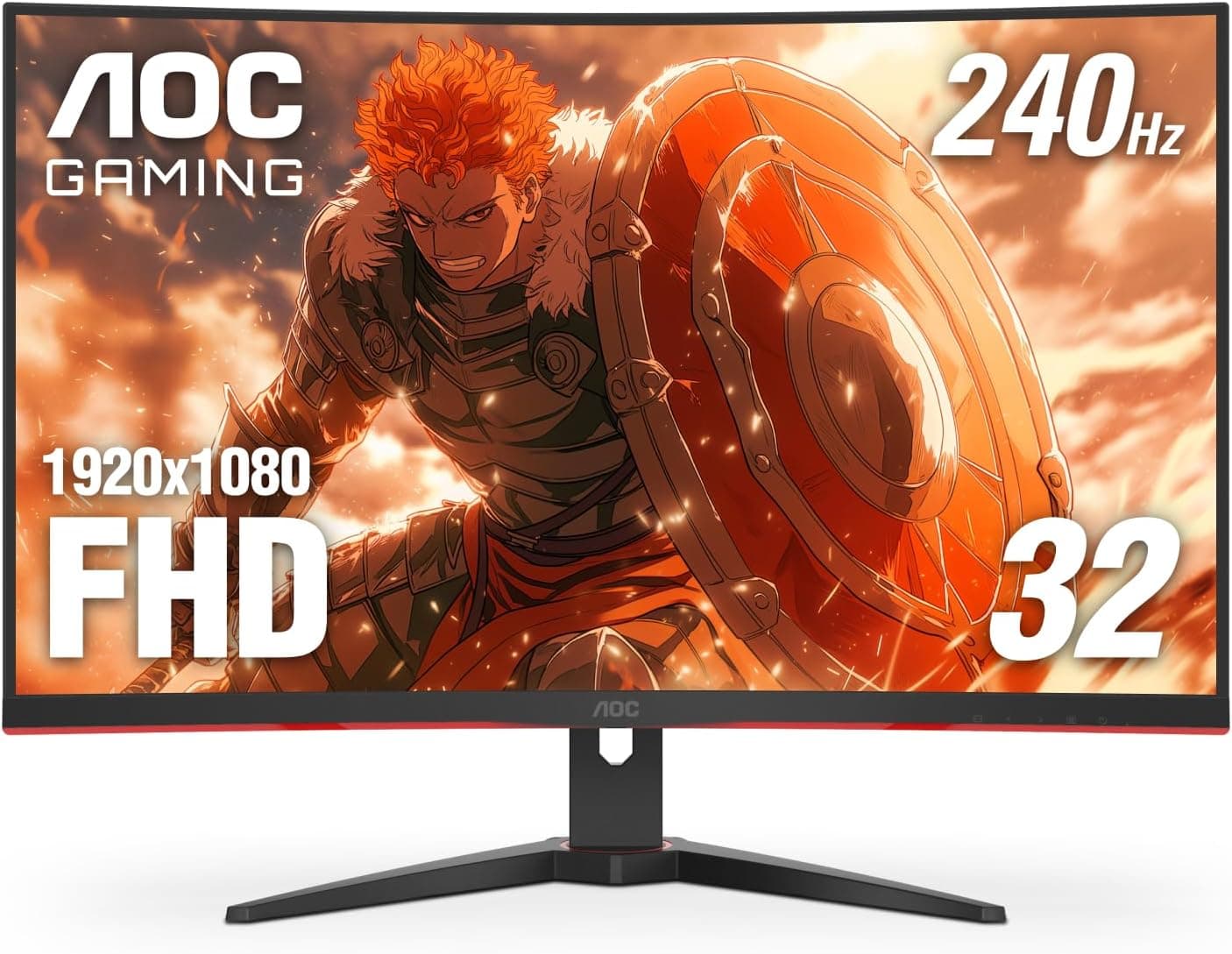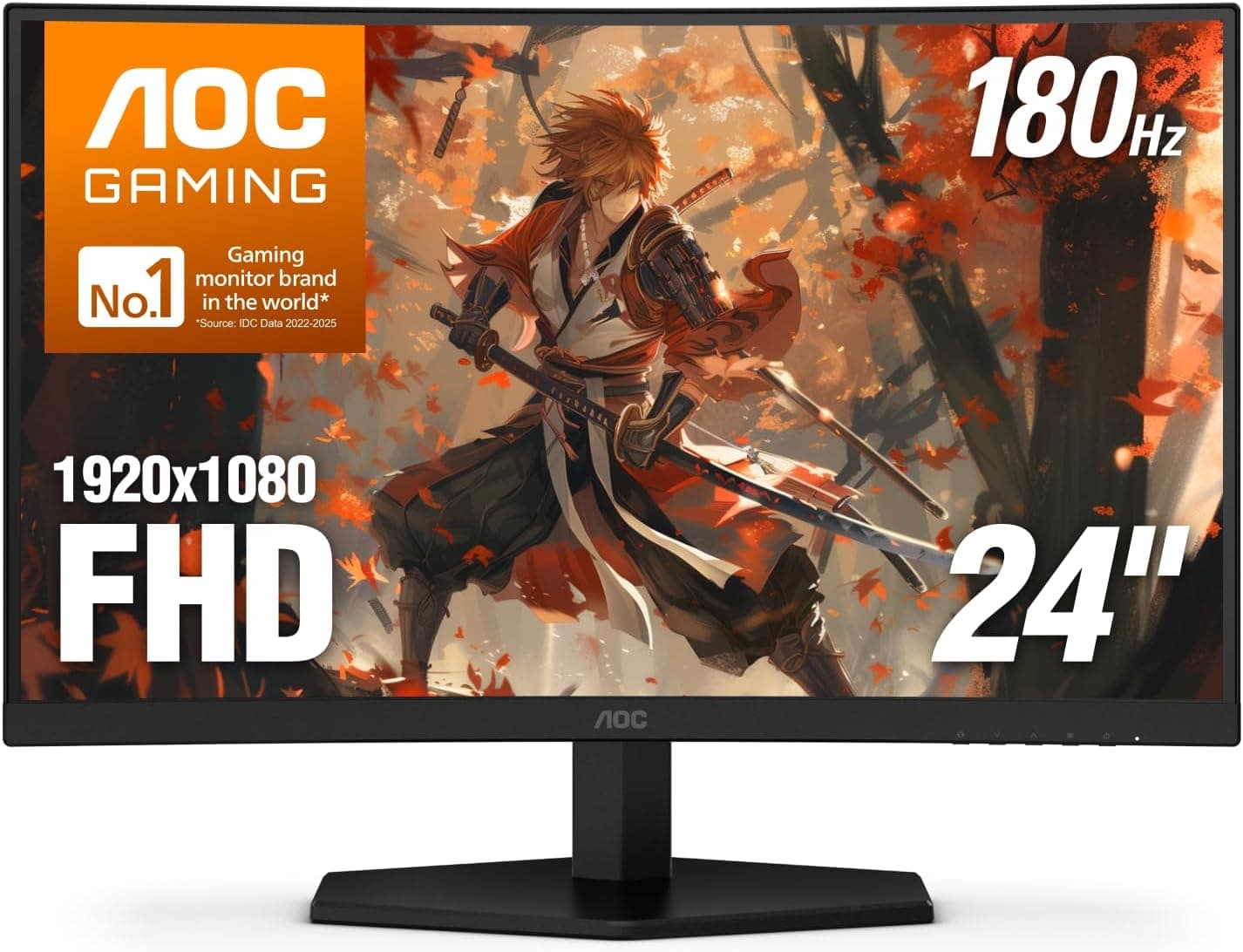
This article takes a close look at the AOC C24G42E — 24-Inch Curved 180Hz Gaming Monitor, based on its spec sheet and Amazon listing data, with a focus on what you should know before buying.
Overview
The short version: the AOC C24G42E is a good fit if you want 180Hz, a curved screen, and the deep contrast of a VA panel for around ¥20,000.
The screen is a 24-inch Full HD (1920×1080) VA panel with a 1500R curve. That keeps tearing and stutter in check, even in fast games like shooters and racing titles.
The listed color gamut is 119.9% sRGB and 89.8% DCI-P3, which is generous for this class.
The three-sided frameless design suits multi-monitor setups, and the 3-year warranty includes zero bright dot coverage.Check the retailer's page for the latest user reviews.
That is a fairly small sample, so treat the rating as a rough signal only.
Reading the Spec Sheet
| Spec | Value | What it means in practice |
|---|---|---|
| Panel / Curve | VA / 1500R | Deep blacks. At 24 inches, 1500R is a gentle wrap |
| Adaptive Sync | AMD FreeSync Premium | Keeps the image clean when frame rates fluctuate |
| Color Gamut | 119.9% sRGB, 89.8% DCI-P3 | Vivid colors; needs calibration for color-accurate work |
| Viewing Angle | 170° | Meant to be viewed head-on; color and contrast shift off-axis |
Two numbers in this table deserve a closer look: response time and color gamut. It describes perceived blur, usually with backlight strobing or a similar mode turned on.
And an sRGB figure above 100% means photos and web content made for sRGB will look more saturated than intended. That helps games pop, but it works against you in color-critical work.
Compatibility Guide
Connecting to a PC
Use DisplayPort if you want 180Hz. The most common mistake is plugging in over HDMI and wondering why 180Hz is missing from the settings.
After connecting, go to Windows Advanced Display Settings and switch the refresh rate to 180Hz.
Any graphics card with a DisplayPort output will work. To actually feel the 180Hz, though, your games need to run at around 180fps.
At 1080p that is not a heavy target, and a mid-range GPU can reach it in lighter competitive games. If a demanding AAA game only runs at 60 to 90fps on your system, the high refresh rate matters much less.
NVIDIA GPUs can often run variable refresh rate on FreeSync monitors in G-SYNC Compatible mode. Whether this model is officially certified by NVIDIA cannot be confirmed from the spec data.
Connect over DisplayPort, turn it on manually in the NVIDIA Control Panel, and check for flicker.
Connecting to a Console
Physical Setup
Curved monitors have a rounded back, so some arms may need the mounting plate position or depth adjusted. The spec data does not list the stand's height or tilt range.
If eye-level placement matters to you, check the product page or plan on using an arm from the start. The curve also takes up more depth than a flat panel, so on a shallow desk, make sure the screen will not end up too close to your eyes.
Product Info
Check the retailer's page for the latest price. Prices change often with sales and stock, so check the product page for the current price before you buy.
For a 24-inch 180Hz curved VA monitor, that is an easy price to justify.
Most reviews are positive, but a sample of about 160 is too small to say anything about long-term failure rates. The warranty runs three years and includes zero bright dot coverage, which applies even if a single stuck-bright pixel appears.
That is reassuring if you worry about panel defects.
The monitor reportedly launched around early 2025. The box is listed as containing a power cable, an HDMI cable, a DisplayPort cable, and a quick start guide.
Box contents can change by batch or seller, so check what arrives. The DisplayPort cable matters most, since you need it for 180Hz.
If it is missing, get one separately.
This is an entry-level to mid-range product. What it offers is a balance of smooth motion, contrast, and immersion on a limited budget.
Compared With Alternatives
| Model | Size | Panel | Refresh Rate | Best for |
|---|---|---|---|---|
| AOC C24G42E (this model) | 24-inch curved | VA | 180Hz (DP) | Cheap contrast and immersion |
| LG UltraGear 27GN65R-B | 27-inch | Check product page | Check product page | The same use case on a bigger screen |
Against other 24-inch-class monitors, the IPS-based ASUS VA24EHF2 wins on viewing angles and color consistency. This AOC model wins on refresh rate, curvature, and black depth.
The C24G42E sits a step below that and covers a wider range of play. If you want a bigger screen, a 27-inch model like the LG UltraGear 27GN65R-B is also worth comparing.
Best Use Cases
People who play dark games or watch films. The VA panel's high contrast shines in horror games, night stages, and space settings where much of the screen is black.
Compared with IPS panels at the same price, blacks are less likely to look washed-out gray.
**PS5 and Xbox Series X|S players gaming at a desk. And 24 inches is a comfortable size for desk play.
Multi-monitor builders. The three-sided frameless design and 1500R curve keep the seams between screens unobtrusive and create a wide view for sim racing and similar uses.
At 1080p, a triple setup stays relatively light on the GPU.
Before You Buy
VA panels have dark-scene smearing. VA pixels tend to be slow when switching between dark shades.
When you whip the camera around in a dark area, dark parts of the image can leave a trail. You will notice it less in bright competitive maps, but if winning fights in dark areas is your priority, look at fast IPS models too.
Setting overdrive too high causes overshoot artifacts (bright halos around edges), so start from the middle setting.
** The difference likely comes from different measurement methods or modes. Either way, neither figure is likely to be GtG, so they cannot be compared directly with other monitors' numbers. Do not judge motion clarity from these figures alone.
Do not expect much from the HDR label. The listing title mentions HDR, but the spec data lists no HDR certification or peak brightness.
Entry-level 24-inch VA monitors usually accept an HDR signal without showing the bright highlights that real HDR depends on. If HDR matters to you, choose a model with a stated certification and brightness rating.
** A PC connected over HDMI will not reach 180Hz. If you connect both a PC and a console, put the PC on DisplayPort and the console on HDMI.
The curve has trade-offs for office and editing work. Even at a gentle 1500R, spreadsheet gridlines and straight lines in drawings can look slightly bent.
The wide gamut and 170° viewing angle also make it a poor choice for color-critical work. If work is a big part of your use, a flat IPS monitor will be easier to live with.
Check the stand adjustment range and whether it has speakers. Neither appears in the spec data.
A stand without height adjustment may leave the screen at the wrong eye level, and without speakers you will need headphones or external audio for consoles.
The listing data has inconsistencies. In the collected pricing data, the global seller was labeled Amazon US, but the link pointed to an Amazon Japan product page.
Before buying, check the seller and fulfillment details, and confirm the product from its images and model number (C24G42E).
FAQ
Q.
A. Yes, at 1080p over HDMI.
Q. What do I need for 180Hz? A.
A DisplayPort connection and a GPU with a DisplayPort output. After connecting, set the refresh rate to 180Hz in your OS settings.
Q. Does variable refresh rate work with NVIDIA GPUs? A.
FreeSync monitors often work in G-SYNC Compatible mode, but this model's certification cannot be confirmed from the spec data. Connect over DisplayPort, turn it on manually, and check for flicker.
Q. Is a curve worth it at 24 inches? A.
The 1500R curve is subtle and mainly makes the edges of the screen easier to take in. The immersion gain is smaller than on large screens, but multi-monitor setups line up more naturally.
Q. Is it good enough for competitive FPS?
A.
Product Disclosure (Amazon)
- Manufacturer: AOC
- Seller: Amazon US
- Fulfilled by: Amazon US
- ASIN: B0DZ4QJY65
- Note: This article covers a manufacturer-made product based on Amazon listing details.