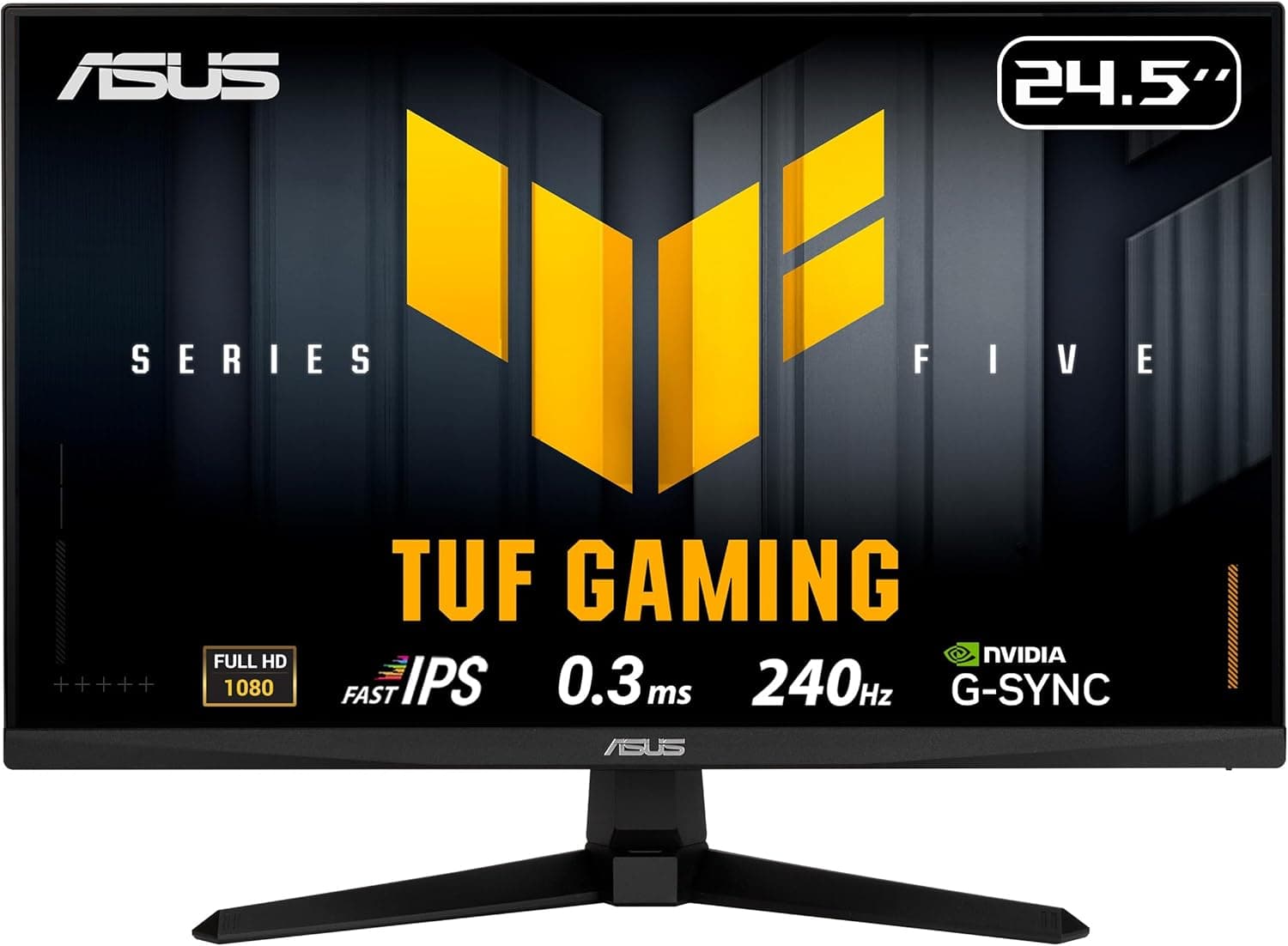
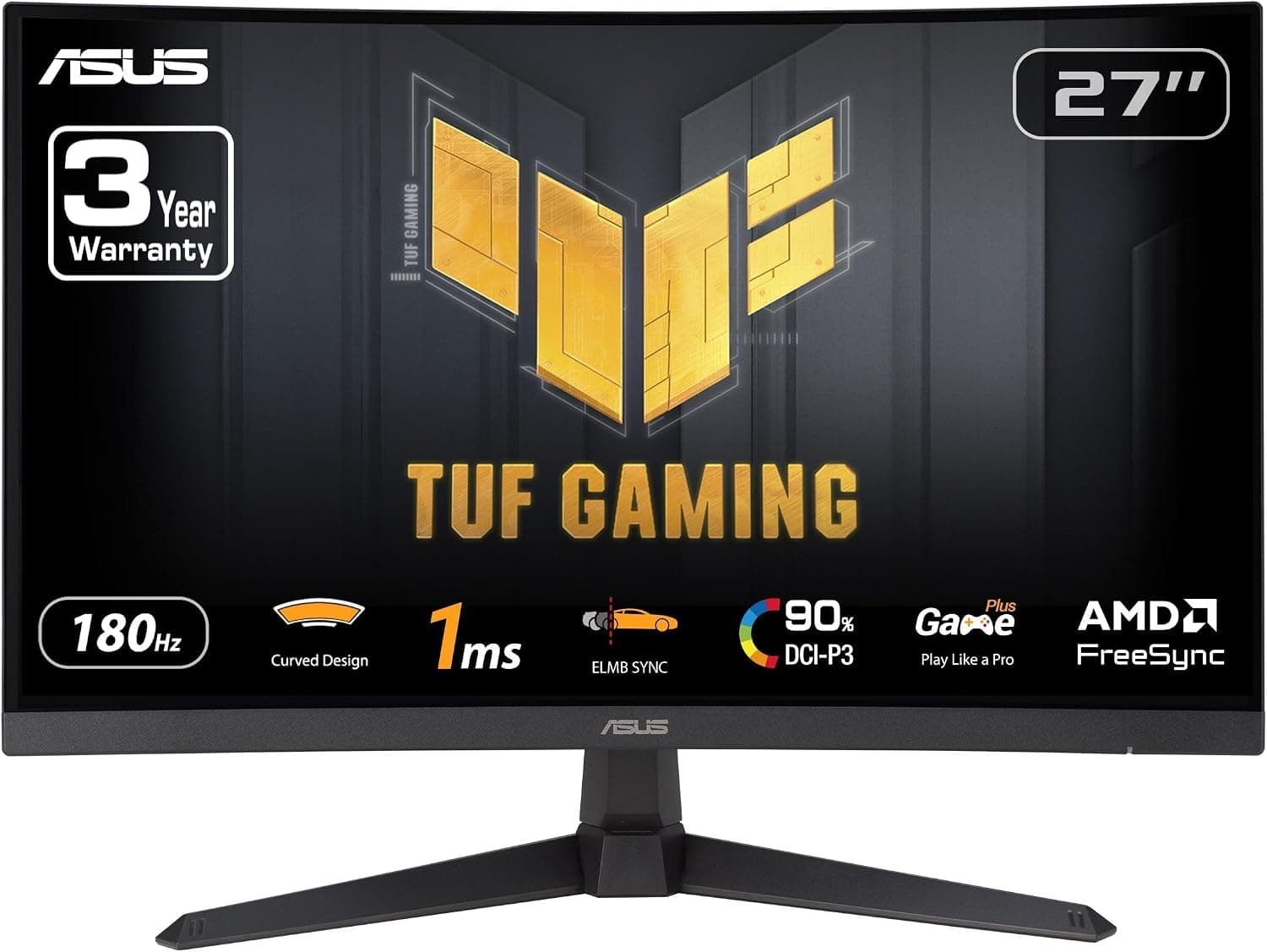
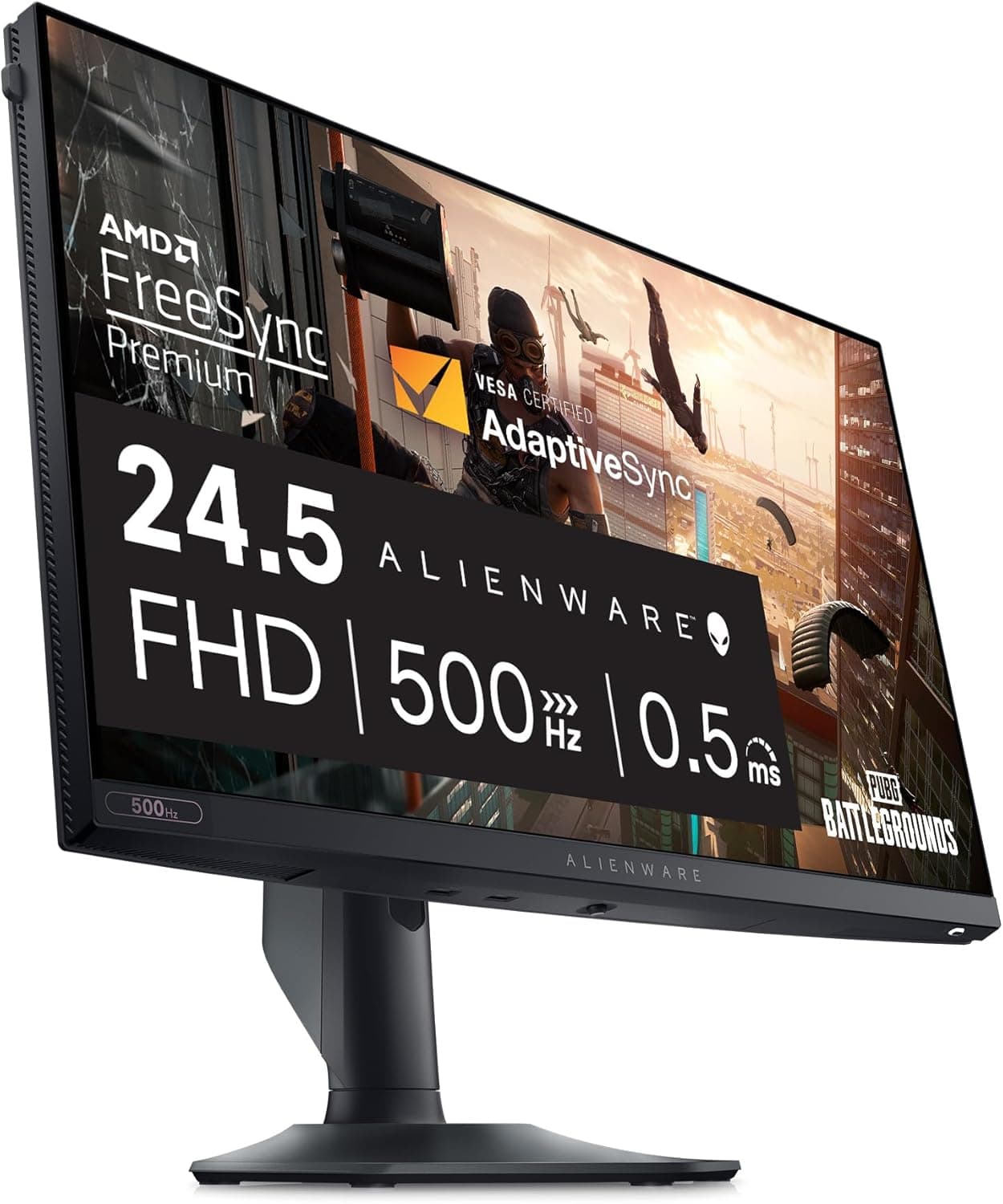
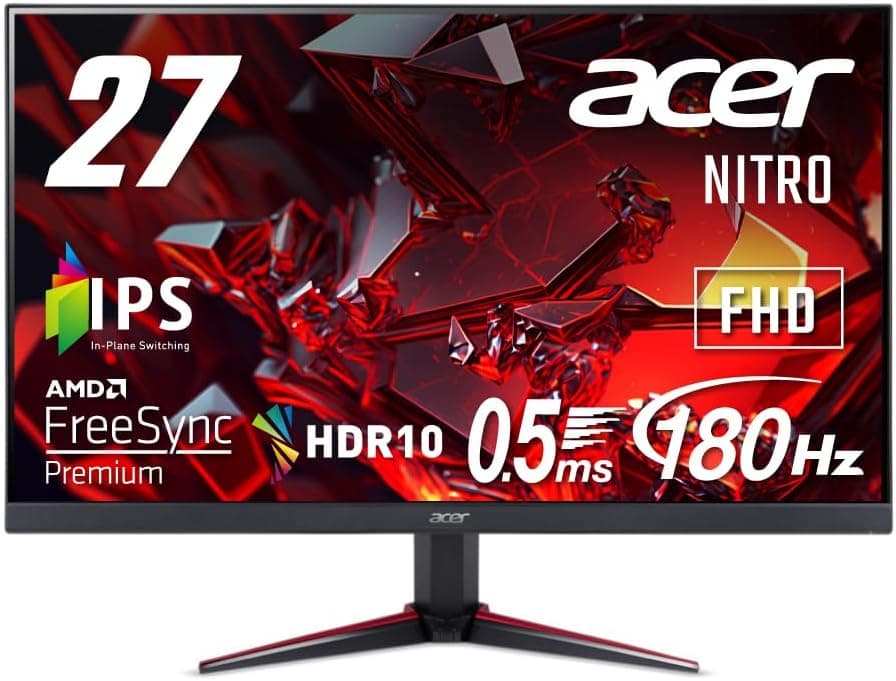
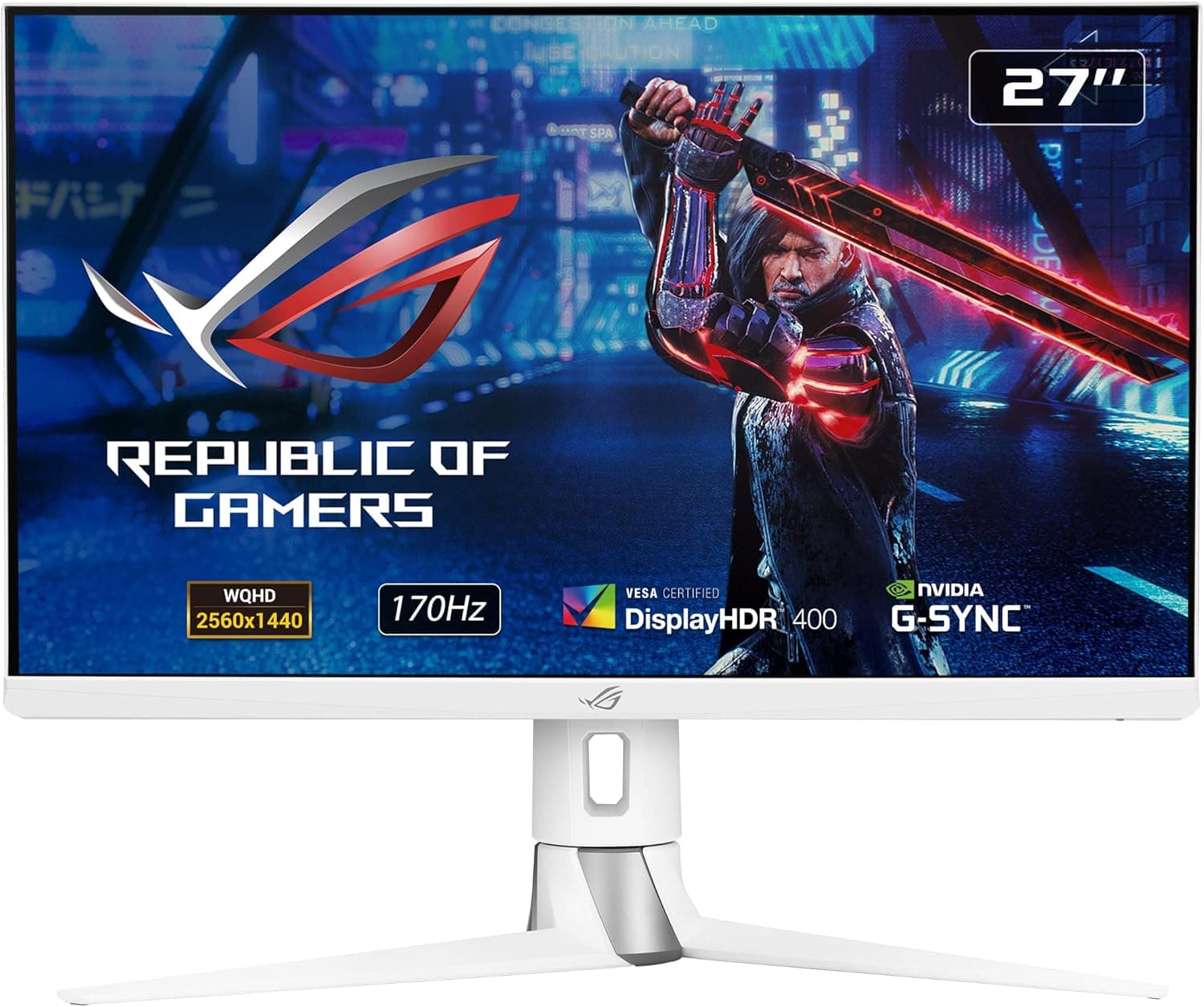
This article reviews the ROG Strix XG259CS-J — 24.5-inch 180Hz Fast IPS gaming monitor from ASUS.
It explains what the specs mean in practice and what to check before you buy.
Overview
The short version: the ASUS ROG Strix XG259CS-J suits people who have a PC that can push high frame rates at 1080p and who want to play shooters and other competitive games with good color. It has a 24.5-inch Fast IPS panel at 1920x1080, a 180Hz refresh rate, and a 1ms GTG response time.
A 60Hz monitor shows each frame for about 16.7ms.
At 180Hz that drops to about 5.6ms, which greatly reduces blur and stutter when you flick your view quickly.
The other notable feature is a USB-C port with DisplayPort Alt Mode. With a compatible laptop, one cable carries the video signal, and the port also supplies 7.5W of power.
However, 7.5W is very little for charging a laptop, so this is not a monitor where one USB-C cable handles everything.
We cover this in detail under Before You Buy.
Check the retailer's page for the latest user reviews. That is not a large number of reviews, but the rating is high.
Compatibility Guide
Inputs and how to get 180Hz
There are three video inputs: one DisplayPort 1.4, one HDMI 2.0, and one USB-C with DP Alt Mode.
For a gaming PC, DisplayPort is the safest choice, since DisplayPort 1.4 has plenty of bandwidth for 1080p at 180Hz.
HDMI 2.0 also has enough bandwidth in principle for high refresh rates at 1080p.
However, the highest refresh rate the monitor accepts over HDMI depends on the monitor itself. If you want 180Hz over HDMI, check the supported timings on the official product page.
USB-C requirements
To send video over USB-C, the laptop's USB-C port must support DisplayPort Alt Mode. Many USB-C ports only handle charging and data and cannot output video.
Check your laptop's spec sheet for DisplayPort output, or look for a display icon next to the port. Because the monitor supplies only 7.5W, it is safest to plan on using the laptop's own charger at the same time.
Desk space and monitor arms
With the stand attached, the monitor measures 558 x 492 x 218 mm, and it weighs about 5.9 kg.
A depth of 218 mm is fairly compact. A comfortable viewing distance for a 24.5-inch screen is roughly 500-700 mm, so a desk at least 600 mm deep gives you some room.
The stand tilts, swivels, adjusts in height, and pivots to portrait, so the included stand makes it fairly easy to line the screen up with your eyes.
The monitor supports 100x100mm VESA mounting, so it works with most monitor arms and wall brackets. When choosing an arm, make sure its weight capacity is higher than the weight of the monitor with the stand removed.
Check the product page to confirm whether the 5.9 kg figure includes the stand.
GPU guidance
Whether you benefit from 180Hz depends on your PC's frame rate, not on the monitor. 1080p is much lighter to render than 1440p or 4K, so mid-range graphics cards can often reach high frame rates in competitive shooters.
Demanding AAA games at maximum settings, however, often fall short of 180fps. They will still look smoother than on a 60Hz monitor, but you will only get part of the benefit.
Product Info
| Item | Detail |
|---|---|
| Screen size | 24.5 inches |
| Resolution | 1920x1080 (Full HD) |
| Panel | Fast IPS |
| Refresh rate | 180Hz |
| Response time | 1ms (GTG) |
| Brightness | 400 cd/m2 (typical) |
| Viewing angles | 178° / 178° |
| Inputs | DisplayPort 1.4 x1, HDMI 2.0 x1, USB-C x1 (DP Alt Mode, 7.5W power) |
| VESA | 100x100mm |
| Adjustments | Tilt / swivel / height / pivot |
| Weight | About 5.9 kg |
| Warranty | 3 years (Japan) |
That puts it at around ¥20,000 on the market. Its main selling point is offering both a Fast IPS panel and 180Hz at that price.
Prices change with sales and stock levels, so check the current price on the product page before buying.
A brightness of 400 cd/m2 is enough for gaming and work in a bright room. As expected from an IPS-type panel, the viewing angles are 178° in every direction.
Colors stay consistent when you look from the side, and the picture holds up when the screen is rotated to portrait. The 3-year Japanese warranty is a reassuring length for a gaming monitor.
Getting 180Hz to Work
Windows often keeps running at 60Hz after you plug in a new monitor. This is the most common reason people buy a high-refresh monitor and see no improvement.
- Connect the DisplayPort cable to the graphics card's output, not to the motherboard's video port 2.
In Windows, go to Settings > System > Display > Advanced display and set the refresh rate to 180Hz 3. In each game, check that the frame rate cap or refresh rate setting is not locked to 60
Step 2 is the one people miss most often. Once it is set, quickly move your mouse cursor.
If the trail behind it is clearly shorter, the setting has taken effect.
Comparison With Similar Monitors
Below are similar monitors covered on this site, compared using only what their product names tell us.
| Model | Size | Resolution | Refresh rate | Position |
|---|---|---|---|---|
| ASUS ROG Strix XG259CS-J | 24.5-inch | Full HD | 180Hz | Mid-priced Fast IPS with USB-C |
| ASUS ROG Swift PG259QNR | 24.5-inch | Full HD | 360Hz | Higher-end esports model at the same size |
| ASUS VA24EHF2 | about 24-inch | Full HD | 120Hz | Everyday-use IPS |
| MSI MAG 272F X24 | 27-inch | Full HD | 240Hz | Larger screen, high refresh rate |
The XG259CS-J fits buyers who find 120Hz too slow but don't need a 360Hz monitor. Pixels are easier to see on a 27-inch 1080p screen, so for 1080p gaming a 24.5-inch panel looks sharper (about 90 ppi on the XG259CS-J).
If you need every possible frame for competitive play, a 360Hz model is worth considering.
Recommended Users
First, players of shooters, battle royales, and other genres where frame rate decides matches. The 180Hz refresh rate and 1ms GTG response make enemy movement easier to track and keep input lag to a minimum.
If you are moving from a TN esports monitor, you keep the speed and gain better color and viewing angles.
Second, laptop users who want fewer cables on their desk. With a DP Alt Mode laptop, one cable carries the video, which makes this a handy second screen for remote work or study.
Since the port supplies only 7.5W, you will still need to charge the laptop separately.
Third, people who want to make the most of their desk space. The 24.5-inch size is compact, and the stand adjusts for height, pivot, and swivel, so you have a lot of freedom in where you put it.
It also works well in portrait mode as a second screen for chat or stream management.
Before You Buy
The 7.5W USB-C power is not enough to charge a laptop. Most laptops need tens of watts or more to charge.
If you buy it expecting one USB-C cable to handle both video and charging, your battery will slowly drain. If a single-cable setup is the goal, use a dock with higher power delivery or consider a different monitor.
It is not suited to creative work or people who want high resolution. At 1080p, photo and video editors who need fine detail, and anyone who wants a large workspace for spreadsheets, will be better served by a 1440p or 4K monitor.
The specs we have do not list color gamut or HDR support, so if color accuracy matters, check the manufacturer's spec sheet.
180Hz is wasted if your PC is too slow. If your graphics card only manages around 60fps, there is little reason to choose a high-refresh model.
Most console games are also capped at 60 or 120fps, so 180Hz is really a PC feature.
Know how IPS panels behave. On IPS-type panels, the corners can glow faintly when a dark image is shown in a dark room.
This is called IPS glow. If you play dark horror games in a dark room, you might notice it.
Any panel can also have dead pixels or uneven backlighting. Check your unit soon after it arrives so that an exchange goes smoothly if needed.
Check the seller and warranty terms. At capture time, the listing was sold and shipped by a third-party seller, not by Amazon itself.
Amazon listings can also contain wrong details or information from a different model. Before ordering, make sure the product photos and title show the XG259CS-J model number.
FAQ
Q. Which port should I use for 180Hz? A.
DisplayPort is the reliable choice. After connecting, set the refresh rate to 180Hz in the Windows display settings.
To find the maximum refresh rate over HDMI, check the specs on the product page.
Q. Can it charge my laptop over USB-C? A.
It supplies only 7.5W, which is not enough to keep most laptops charged.
Use USB-C for video and charge the laptop with its own adapter.
Q. Can I use a monitor arm? A.
Yes. It supports 100x100mm VESA mounting, so most monitor arms will fit.
Make sure the arm's weight capacity is higher than the weight of the monitor with the stand removed.
Q. Does 1080p look grainy at 24.5 inches? A.
Pixel density is about 90 ppi. At a normal viewing distance of about 500-700 mm, most people find it sharp enough for gaming.
For office work with a lot of small text, a 27-inch 1440p monitor may be more comfortable.
Q. Can it be used in portrait mode?
A. Yes. The stand pivots, so you can rotate the screen to portrait without buying a separate mount.
Product Disclosure (Amazon)
- Manufacturer: ASUS
- Seller: 【迅速・丁寧】オンラインストアすみれ堂
- ASIN: B08HYH95Z8
- Note: This article covers a manufacturer-made product based on Amazon listing details.