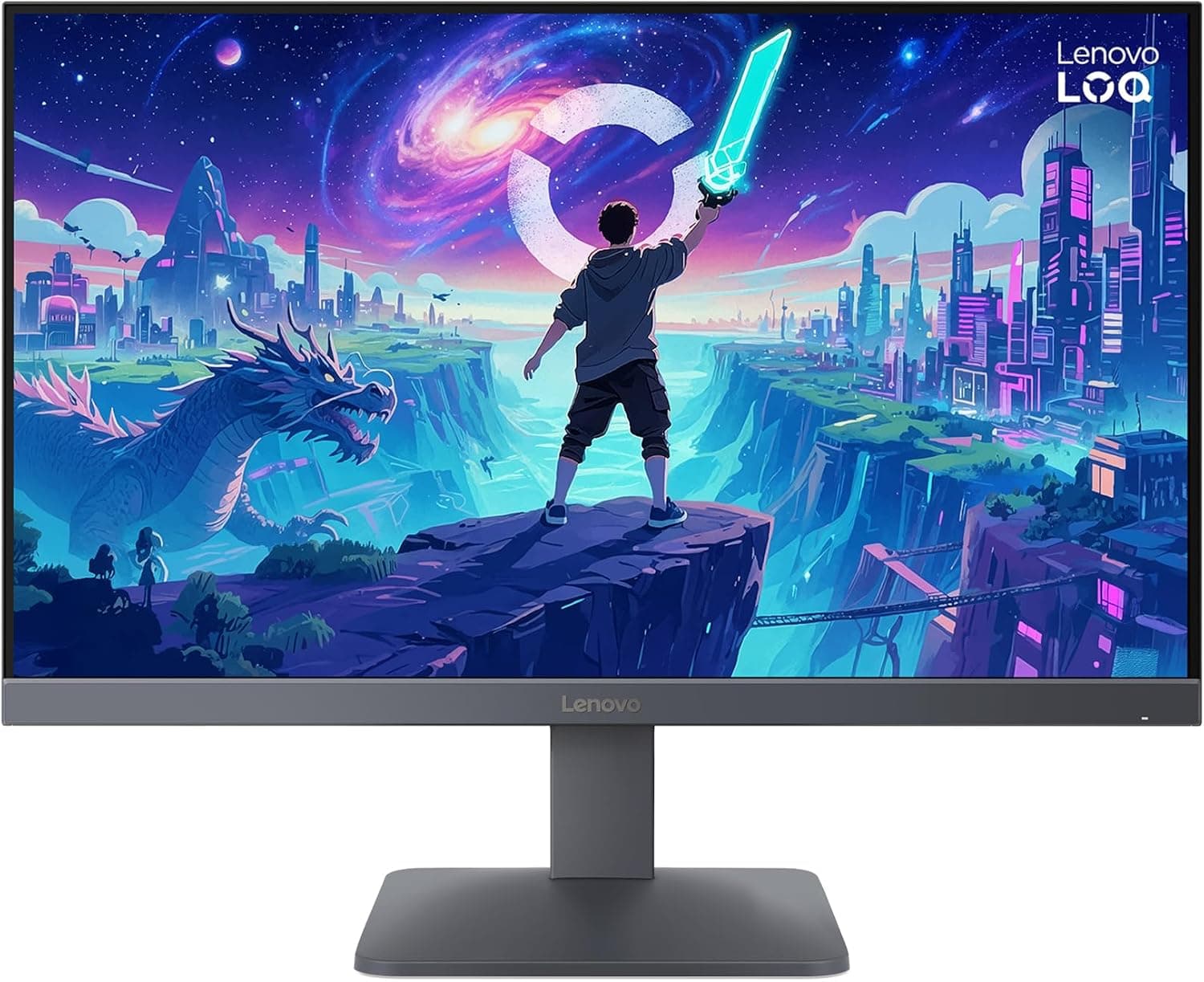
This article covers the Lenovo LOQ 24-10 — 23.8-inch FHD 200Hz IPS Gaming Monitor with HDR10, focusing on how to read its specs and what to check before you buy.
Overview
The Lenovo LOQ 24-10 pairs a 23.8-inch IPS panel with Full HD (1920×1080) resolution and a 200Hz refresh rate.
In short, it is built for PC gamers who can push high frame rates at 1080p and want smooth motion on a budget. It spends its budget on motion clarity rather than premium image quality.
Lenovo rates it at 0.5ms (MPRT), and it supports AMD FreeSync Premium and VESA Adaptive Sync.
On the image side, it offers 300 cd/m² brightness, a 1000:1 contrast ratio, 99% sRGB coverage, and HDR10 support. 99% sRGB is enough to show web content and most games with natural colors, and it handles light photo edits and video well.
However, 300 cd/m² is not bright enough to deliver real HDR contrast, so treat HDR10 as 'accepts an HDR signal' rather than a true HDR experience. According to the listing, it has a three-sided near-edgeless design that suits multi-monitor setups.
How to Read 200Hz and 0.5ms MPRT
200Hz means the screen refreshes 200 times per second. Compared with a 60Hz monitor, each frame is shown for about 5ms instead of about 16.7ms.
To benefit, though, your games need to run close to 200fps. Lightweight competitive titles such as VALORANT or Counter-Strike 2 can reach 150-200fps at 1080p on mid-range GPUs, which fits this monitor well.
In heavy titles that sit around 100fps, the difference from a 144Hz monitor is hard to notice.
The 0.5ms figure is an MPRT value, which assumes a backlight strobing mode used to reduce blur.
Such modes generally dim the image and often cannot be used together with variable refresh rate (FreeSync). Do not expect zero ghosting based on the 0.5ms number alone.
Pixel response is usually expressed as GtG, which is not listed in our data, so check the product page if it matters to you.
Pixel density is about 92 ppi at 23.8 inches and 1080p.
That is typical for a 24-inch Full HD screen and sharper than 1080p at 27 inches or larger. If you are used to 1440p or 4K, though, text may look coarse.
Compatibility Guide
The inputs are two HDMI 2.1 TMDS ports and one DisplayPort 1.4.
The key point: full 200Hz requires a DisplayPort connection. Connect your GPU's DisplayPort output to the monitor's DisplayPort input.
Despite the HDMI 2.1 name, the TMDS ports use HDMI 2.0-class bandwidth, not the faster FRL signaling of full HDMI 2.1.
For consoles, PS5 and Xbox Series X|S can output 1080p at 120Hz over HDMI. You need to enable 120Hz output on the console and play titles that support it.
The listing also mentions PS4, Nintendo Switch, and Xbox One X, but those consoles mostly output 60Hz, so the 200Hz panel is not used to its potential.
For variable refresh rate, the monitor supports AMD FreeSync Premium and VESA Adaptive Sync. Radeon cards use it as FreeSync, and GeForce GTX 10-series or newer cards can often enable it as G-SYNC Compatible.
On NVIDIA systems, connect via DisplayPort and confirm the setting in the NVIDIA Control Panel.
VESA 100×100mm mounting is supported. According to the listing, the included stand offers tilt only (-5° to +20°), with no height or swivel adjustment.
If you need to match your eye level, plan on a monitor arm or a riser.
| Device | Port | Expected output |
|---|---|---|
| Gaming PC | DisplayPort 1.4 | 1080p at 200Hz |
| PS5 / Xbox Series X/S | HDMI 2.1 TMDS | 1080p at 120Hz |
| PS4 / Switch / Xbox One X | HDMI | Mostly 60Hz |
| Laptop with HDMI only | HDMI | Depends on the laptop |
The table is a guide based on the listed specs and the typical output of each device. On PCs, it is common to end up running at 60Hz by accident because of the cable or GPU settings.
After connecting, always check that the refresh rate is set to 200Hz in Windows advanced display settings.
Product Info
Key specs: 23.8 inches (60.5cm), 1920×1080 (FHD), 200Hz, 0.5ms (MPRT), IPS (anti-glare), 300 cd/m², 1000:1, 99% sRGB, and HDR10.
Adaptive sync covers AMD FreeSync Premium and VESA Adaptive Sync, inputs are 2x HDMI 2.1 TMDS and 1x DisplayPort 1.4, and the VESA mount is 100×100mm.
The anti-glare coating helps reduce reflections from windows and lights.
As of August 29, 2026, the price on Amazon.co.jp was ¥23,662.
Monitor prices swing a lot with sales and stock, so check the product page for the current price.Check the retailer's page for the latest user reviews.
According to the listing, Lenovo provides a 3-year limited warranty. The box includes a DisplayPort 1.4 cable (about 1.8m), a power cable, and a quick setup guide.
No HDMI cable is included, so buy one if you plan to connect a console. It is a relatively new model, but release timing and warranty details may vary by seller, so confirm them on the product page.
Comparison with Competitors
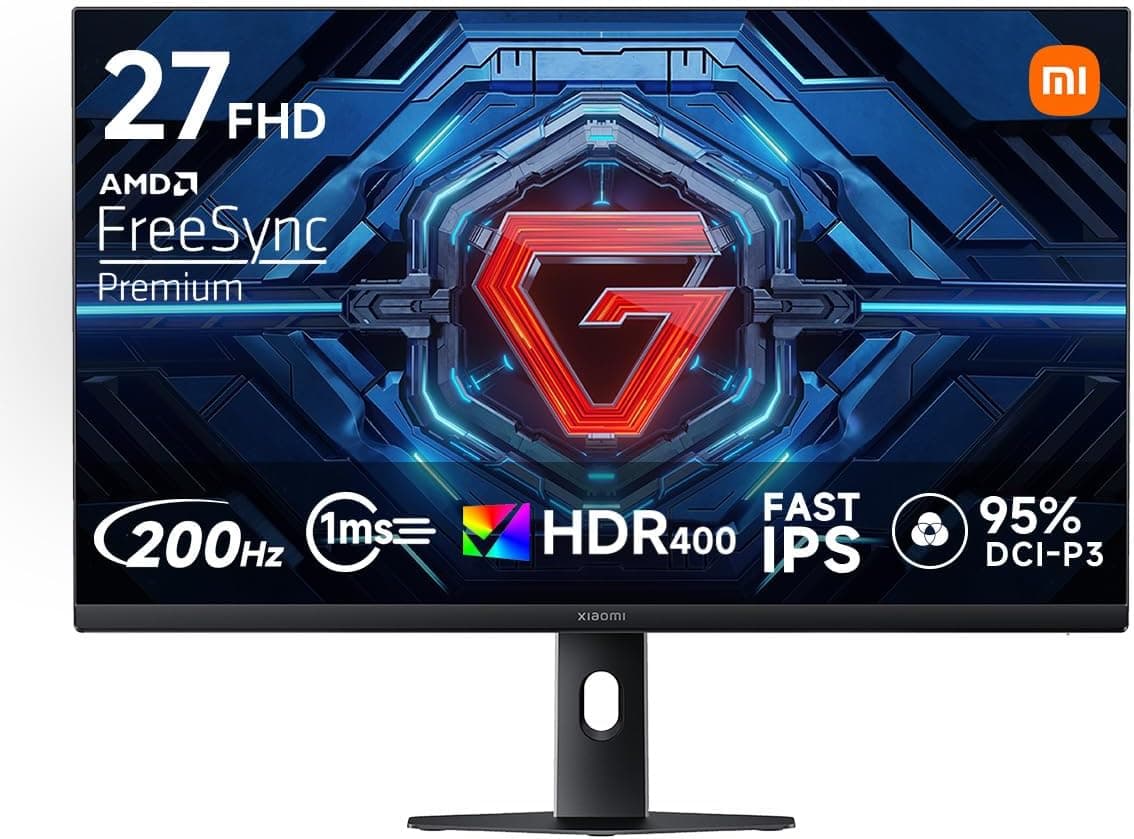
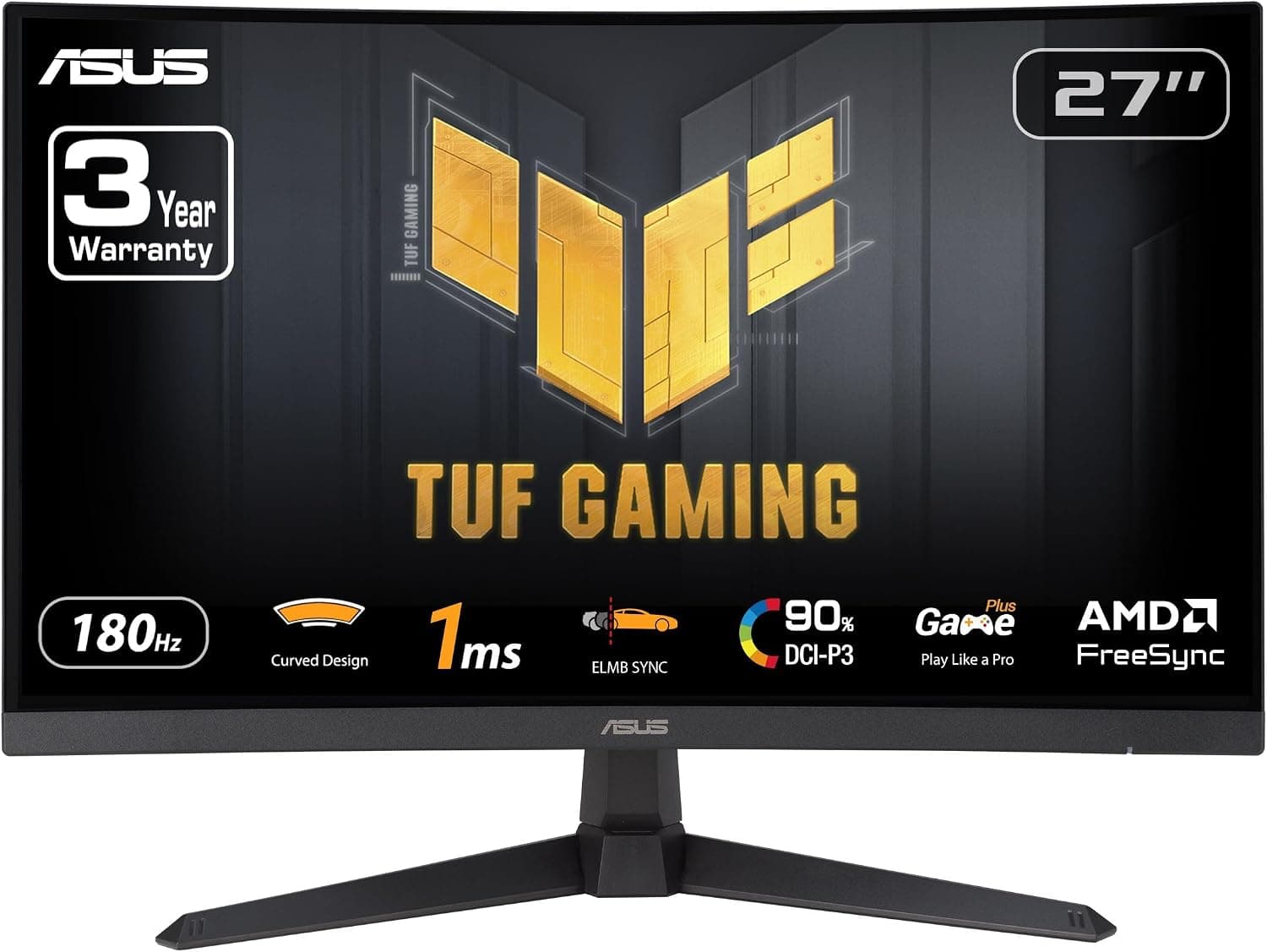
The 24-inch 1080p IPS segment is crowded with 120Hz models. Monitors such as Acer's 23.8-inch IPS 120Hz model or the ASUS VA24EHF are general-purpose screens that are a bit smoother than 60Hz.
The LOQ 24-10 steps up to 200Hz, which is a clear difference for people who mainly play shooters. The Acer model also uses HDMI 1.4 and DisplayPort 1.2, a generation behind this monitor's DisplayPort 1.4.
Above it sit 360Hz competitive monitors such as the ASUS ROG Swift PG259QNR. That 24.5-inch model adds features like NVIDIA Reflex, but 360Hz demands a much stronger GPU and sits in a different price class.
200Hz is close to what mid-range systems can realistically sustain, so it offers a sensible balance of cost and benefit.
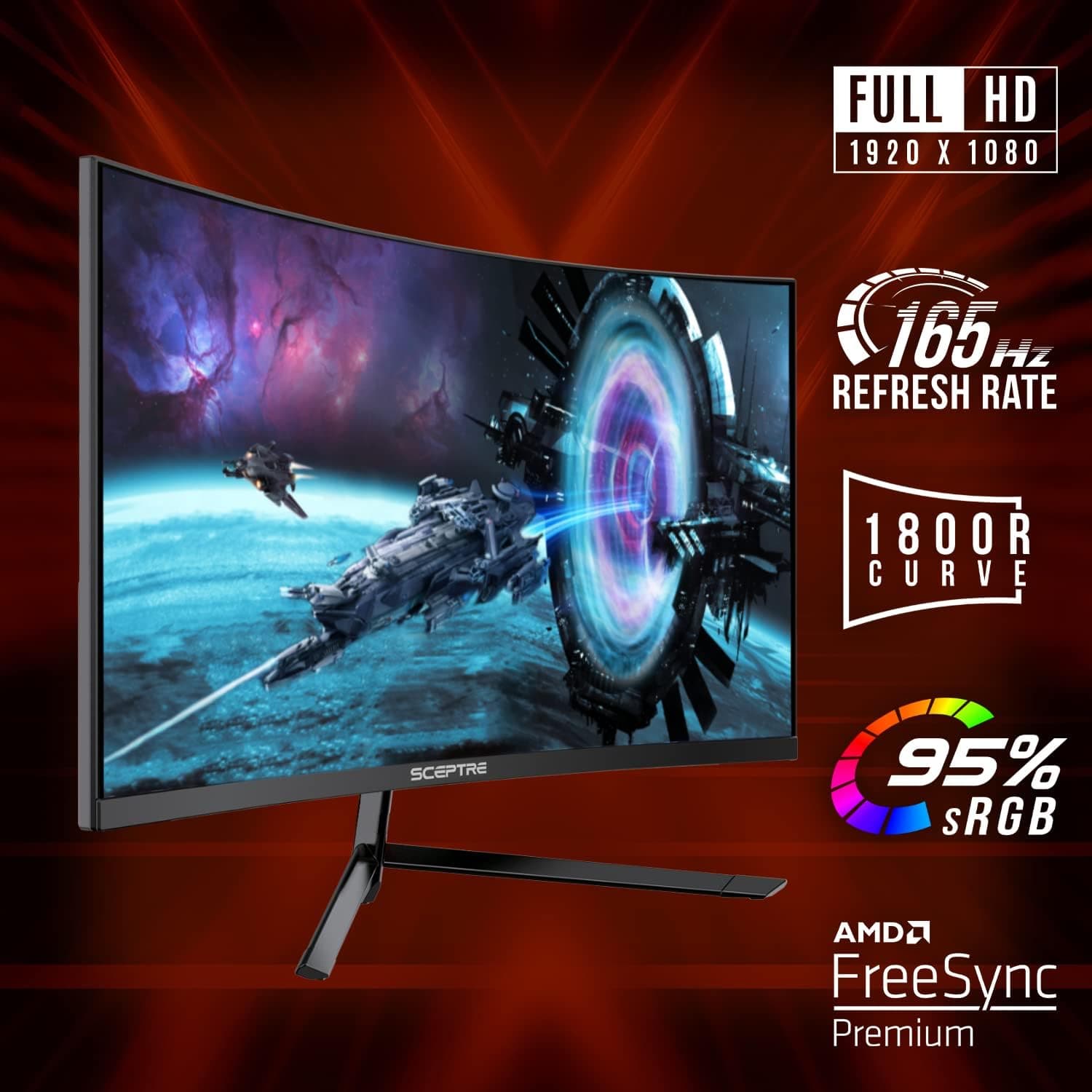
If screen size matters more, 27-inch models such as the LG UltraGear 27GN65R-B are worth a look. A larger screen means more eye and head movement, though, so many competitive players find a 24-inch class screen easier to take in at a glance.
Choose based on whether you mainly game or also watch video and work.
Who It's For
- Budget PC gamers chasing high refresh rates — Players of VALORANT, Apex Legends, or Overwatch 2 who can hold 150fps or more at 1080p. Coming from a 60Hz or 75Hz monitor, the smoother camera movement is very noticeable.
- PS5 / Xbox Series X|S players using 120Hz titles — HDMI supports 1080p at 120Hz, which suits players sitting closer than they would to a TV. It cannot display 4K, so it is not for anyone seeking 4K image quality.
- People looking for a secondary monitor — Slim bezels and 200Hz over DisplayPort mean cursor movement feels consistent next to a high-refresh main screen. If its color and brightness differ from your main display, the mismatch may be visible side by side.
Before You Buy
200Hz depends on the cable and settings. 200Hz requires DisplayPort.
Running over HDMI and wondering why it feels less smooth, or leaving Windows at 60Hz, are classic mistakes with high-refresh monitors. Use the included DisplayPort cable and select 200Hz in settings.
Do not expect much from HDR. 300 cd/m² and 1000:1 are fine for SDR games and video, but not enough for bright HDR highlights or deep blacks.
With HDR enabled, the image can look washed out, and SDR often looks better. If HDR matters, consider a brighter model or an OLED.
IPS glow and raised blacks. IPS panels offer wide viewing angles and stable color, but in a dark room the corners can glow on black scenes.
If you enjoy dark games or movies in a dark room, decide whether you can accept this.
Limited stand adjustment. According to the listing, the stand only tilts.
A screen at the wrong height can strain your neck and shoulders, so budget for a monitor arm if you play for long sessions. The 100×100mm VESA mount fits most common arms.
1080p is cramped for work. 1920×1080 is tight for spreadsheets or coding with several windows side by side.
If you will use one monitor for both work and gaming and work more than you play, a 1440p model will likely satisfy you more.
**Few reviews so far. That is not enough to judge defect trends such as dead pixels or uneven backlighting, so check the return and exchange terms.
Double-check the listing. The Amazon reference at the end of this article lists the seller and shipper as Amazon US, while the price was captured from Amazon.co.jp.
The listing data may be inconsistent. When buying, confirm from the images and product name that it is the LOQ 24-10, and check the seller details on the actual page.
FAQ
Q. Can I get 200Hz over HDMI? A.
For reliable 200Hz, use DisplayPort. The HDMI 2.1 TMDS ports have HDMI 2.0-class bandwidth, so choose DisplayPort for high refresh rates on PC.
Q. Does it support 120Hz on PS5? A.
Yes, 1080p at 120Hz over HDMI. Enable 120Hz output in the PS5 settings and play a title that supports it.
Q. Does FreeSync work with NVIDIA GeForce cards? A.
GTX 10-series or newer cards can often enable it as G-SYNC Compatible. Connect via DisplayPort and check the NVIDIA Control Panel.
It is not guaranteed on every setup.
Q. Is the height adjustable? A.
According to the listing, the stand only tilts (-5° to +20°). For height adjustment, use a VESA 100×100mm monitor arm.
Q. Is an HDMI cable included? A.
According to the listing, only a DisplayPort cable is included. Buy an HDMI cable separately if you plan to connect a console.
Product Disclosure (Amazon)
- Manufacturer: Lenovo
- Seller: Amazon US
- Fulfilled by: Amazon US
- ASIN: B0GYZZ8GB9
- Note: This article covers a manufacturer-made product based on Amazon listing details.