Overview
This article covers the monitor sold on Amazon Japan as "Acer ゲーミングモニター 23.8インチ IPS フルHD 非光沢 120Hz 1ms sRGB 99% Adaptive-Sync HDMI 1.4 DisplayPort v1.2 ミニD-Sub 15ピンスピーカー・ヘッドフォン端子非搭載 PS5 Xbox Series X", identified as the Acer Nitro KG241YGbip.
It is an entry-level gaming monitor that combines a 23.8-inch IPS panel, Full HD (1920x1080) resolution, a 120Hz refresh rate, a 1ms (VRB) response time, and 99% sRGB coverage.
In short, it is for people who want an affordable 120Hz screen for PS5, Xbox Series X|S, or an entry-to-midrange gaming PC. It is not for competitive FPS players chasing 144Hz or more, or for anyone who needs audio from the monitor itself.
The non-glare finish keeps reflections from windows and lights down, which helps during long gaming or work sessions. IPS gives wide viewing angles, so colors shift less off-axis than on VA or TN panels.
At 23.8 inches and Full HD, pixel density is about 93ppi.
That is a proven combination for desk use at around 60cm, where text stays reasonably crisp.
Compatibility Guide
The monitor has one HDMI 1.4 port, one DisplayPort 1.2 port, and one mini D-Sub 15-pin input.
HDMI and DisplayPort go up to 120Hz, while mini D-Sub tops out at 75Hz. Use HDMI or DisplayPort if you want 120Hz in games.
The analog input is handy for an older PC or a secondary machine.
| Source | Recommended input | Expected output | Notes |
|---|---|---|---|
| Gaming PC | DisplayPort 1.2 | 1080p / 120Hz + Adaptive-Sync | Check the listing to see whether a DP cable is included |
| PS5 | HDMI 1.4 | 1080p / 120Hz (supported games only) | PS5 VRR requires HDMI 2.1, so expect it not to work |
| Xbox Series X|S | HDMI 1.4 | 1080p / 120Hz (supported games only) | Enable 120Hz in the console's video settings |
| Older PC / laptop | mini D-Sub | Up to 75Hz | Analog signal, so image quality is limited |
On PC. For Adaptive-Sync (variable refresh rate), DisplayPort is the reliable choice.
NVIDIA GeForce cards from the GTX 10 series onward can typically enable it as "G-SYNC Compatible" over DisplayPort. AMD Radeon cards usually detect it as FreeSync.
This reduces tearing and stutter when demanding games drop below 120fps.
On consoles. The compatibility notes list PS5 and Xbox Series X|S support, with 120Hz available over HDMI.
HDMI 1.4 has enough bandwidth for 1080p at 120Hz.
The console must still have 120Hz output enabled, though, and the game itself needs a 120fps mode. PS5 VRR is built on the HDMI 2.1 standard, so it is safest to assume it will not work over this monitor's HDMI 1.4.
Audio. There are no speakers and no headphone jack, so audio sent over HDMI cannot be taken out at the monitor.
Plan to use the PS5 controller's headphone jack, or your PC's motherboard or USB audio output.
Product Info
This is an entry-class gaming monitor in Acer's Nitro series. When the data was captured in October 2026, the price on Amazon.co.jp was ¥14,058.
Prices change often with sales and stock, so check the product page for the current price before buying.
| Item | Detail |
|---|---|
| Panel | 23.8-inch IPS, non-glare |
| Resolution | 1920x1080 (Full HD) |
| Refresh rate | 120Hz (HDMI / DisplayPort) |
| Response time | 1ms (VRB) |
| Color gamut | sRGB 99% |
| Inputs | HDMI 1.4 x1 / DisplayPort 1.2 x1 / mini D-Sub 15-pin x1 |
| Variable refresh | Adaptive-Sync supported |
| Audio | No speakers, no headphone jack |
At capture time, the rating was 4.3 out of 5 stars (86% positive), but from only 15 reviews.
That sample is too small to lean on, so it is more reliable to judge by whether the specs and ports above fit your use. Check the product page or Acer's official site for the included cables, stand adjustment range, VESA mount support, and warranty period.
99% sRGB covers almost all of the color standard used by the web and most games, and accurate color is a strength at this price.
Comparison with Competitors
In the same 24-inch-class, Full HD, IPS, 120Hz segment, the ASUS VA24EHF2 is a close alternative. Both aim to cover office work and light gaming, so choose based on ports, stand usability, and the price gap at the time you buy.
One thing this model offers is both DisplayPort and mini D-Sub, which makes it easy to connect old and new PCs side by side.
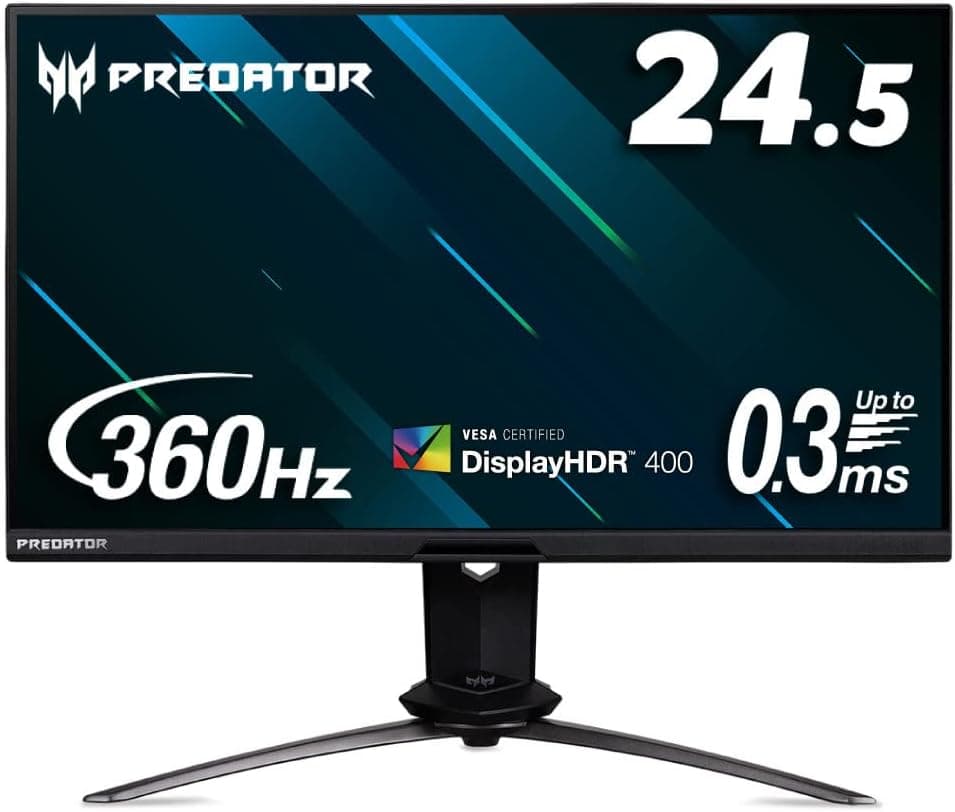
If you play competitive shooters to win, 120Hz can start to feel limiting. A 360Hz monitor like the ASUS ROG Swift PG259QNR is built for a different purpose and sits in a different price bracket.
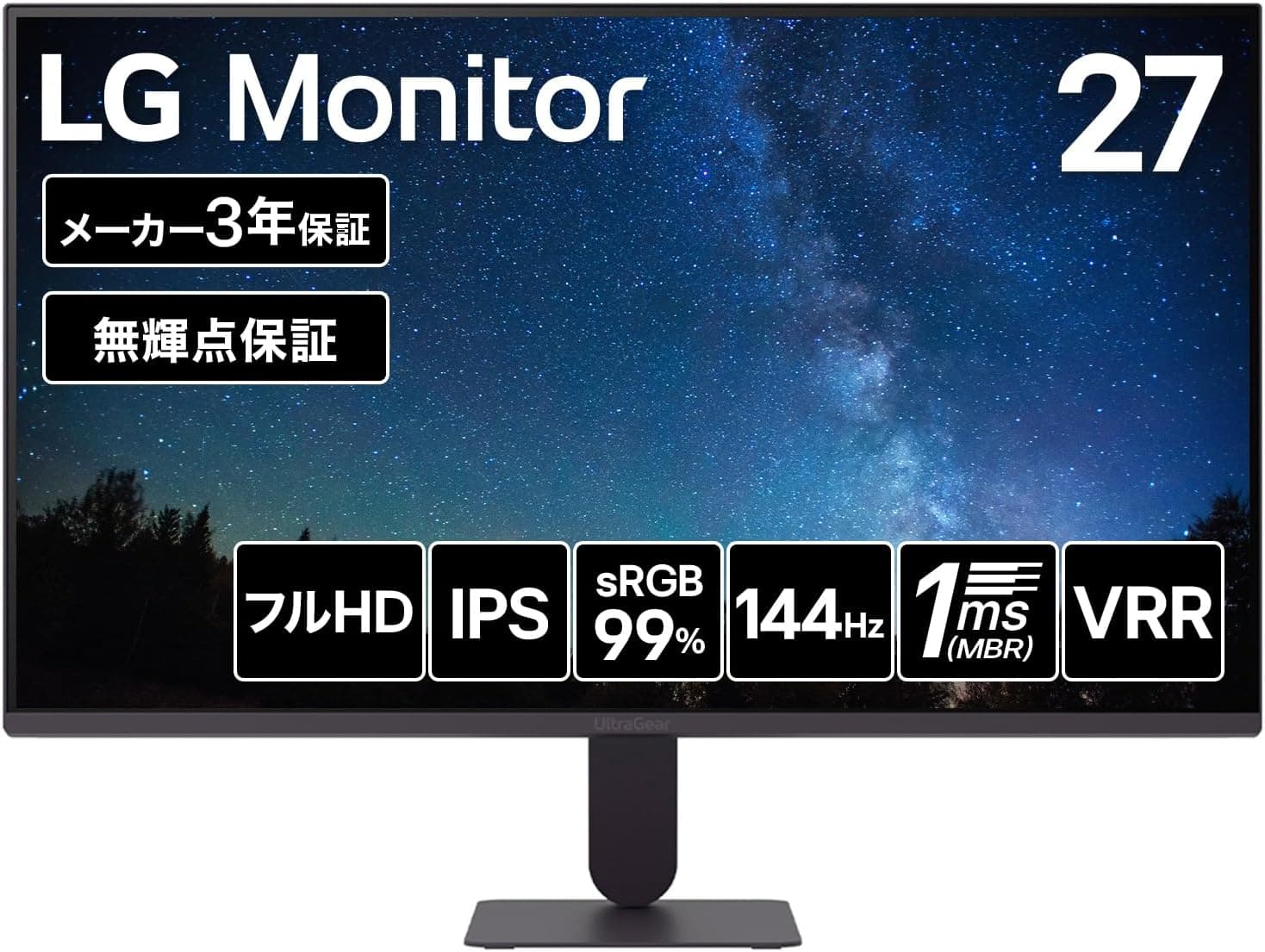
A simple rule: pick this monitor to try 120Hz for the first time, and a high-refresh model when you want to cut every frame of delay. If you want a bigger screen or sharper text for work, the 27-inch LG UltraGear 27GN65R-B and the 4K LG 27UP600K-W are also worth a look.
Best Use Cases
- PS5 and Xbox Series X|S players: Plug in HDMI, change one console setting, and play supported games at 1080p/120Hz. It also fits on a desk more easily than a TV.
- Budget PC gamers: Plenty of games reach around 120fps at Full HD on entry-to-midrange graphics cards. With Adaptive-Sync, the picture holds together even when the frame rate moves around.
- People who game and work from home on one screen: Non-glare IPS keeps text easy to read, and 120Hz makes scrolling and moving windows smoother.
- Multi-monitor builders: Two 23.8-inch Full HD panels take up little space and add screen area at low cost.
On the other hand, it does not suit users who need 4K, a wide gamut such as DCI-P3, HDR, or built-in speakers.
Before You Buy
Treat "1ms" as a guide figure. The 1ms figure applies when VRB (Visual Response Boost) is on.
VRB cuts blur by strobing the backlight, so the screen usually gets darker when it is enabled. Many Acer models also cannot run it at the same time as variable refresh.
You will be less disappointed if you use Adaptive-Sync by default and try VRB only to see whether you like it.
It is easy to forget there is no audio. The listing title says so, but the missing speakers and headphone jack are what most often catch buyers out after delivery.
Many people connect a console and find there is no sound. Get a headset or external speakers ready, and decide in advance where the sound will come from.
HDMI 1.4 sets the limit. It handles 1080p at 120Hz, but you will not get PS5 VRR or any feature that requires HDMI 2.1.
If you want to get the most out of a console in the future, choose a monitor with HDMI 2.1.
If 120Hz does not appear, check the port and settings. People often stay stuck at 60Hz without noticing, because they are on mini D-Sub, the PC is still set to 60Hz, or the cable is old.
After connecting, always check that 120Hz is selected in Windows display settings.
Check the listing details too. The Amazon title lists specs without a model number, and several similarly named Acer monitors can appear side by side.
Before buying, confirm it is the right product using the product images, the model number shown on the page, and the ASIN (B0DPL3CMV1).
FAQ
Q. Does it really do 120Hz on PS5? A.
The compatibility notes say it supports 120Hz over HDMI. You need to enable 120Hz output in the PS5 settings and play a game with a 120fps mode.
Do not expect VRR to work.
Q. HDMI or DisplayPort on PC? A.
DisplayPort. Both reach 120Hz, but DisplayPort is the reliable route for variable refresh on GeForce cards.
Q. Will it feel worse than a 144Hz or 165Hz monitor? A.
Coming from 60Hz, the jump to 120Hz is clearly noticeable. If your PC pushes high frame rates in competitive shooters, though, a 144Hz+ panel is worth it.
Q. Where do I plug in headphones? A.
The monitor has no jack. Use the PS5 controller's headphone jack, or your PC's audio output or a USB audio device.
Q. Is it good for photo editing or design? A.
With 99% sRGB, it is fine for web images and hobby photo editing. For strict print color management or DCI-P3 video work, a higher-tier monitor is a better fit.
Product Disclosure (Amazon)
- Manufacturer: Acer
- ASIN: B0DPL3CMV1
- Note: This article covers a manufacturer-made product based on Amazon listing details.