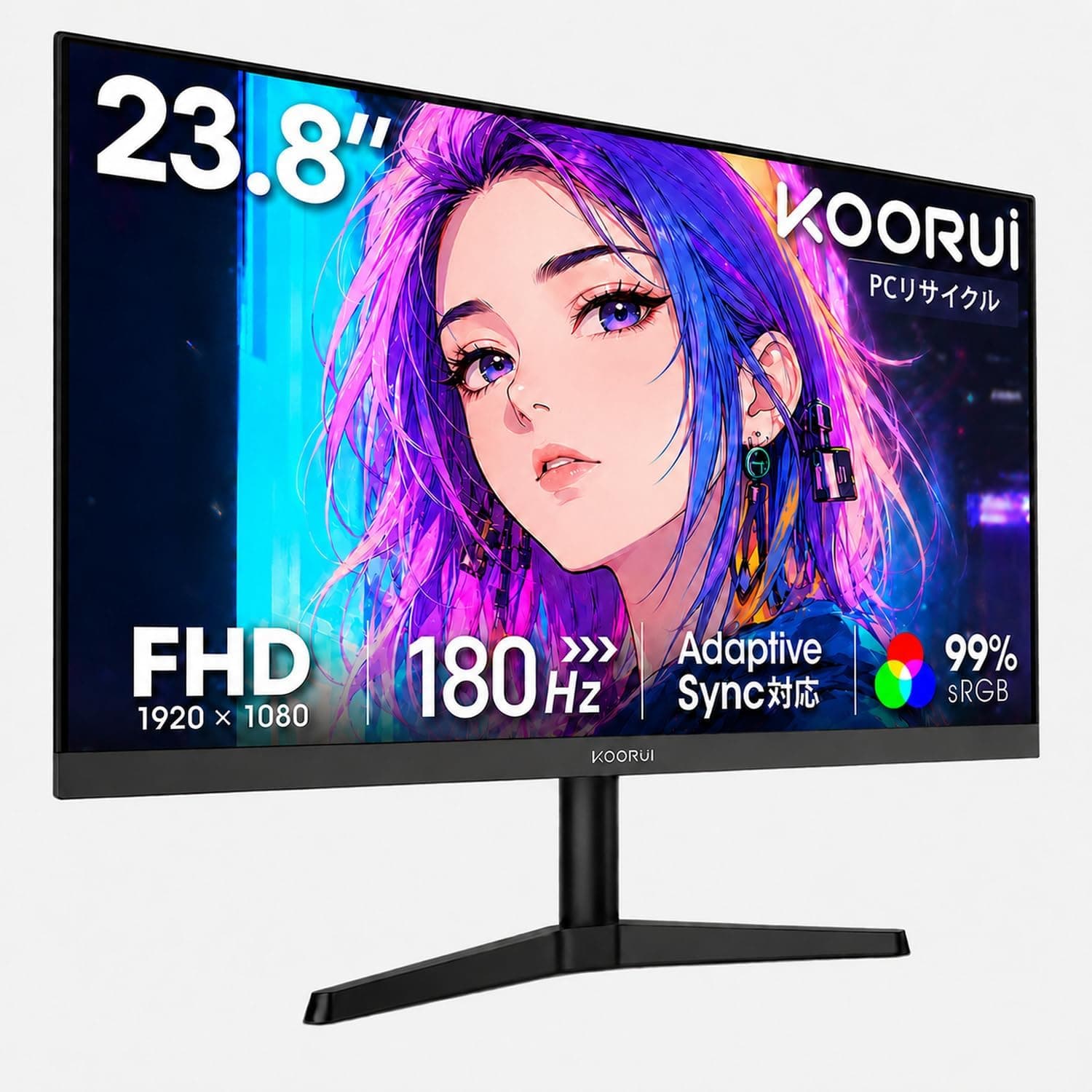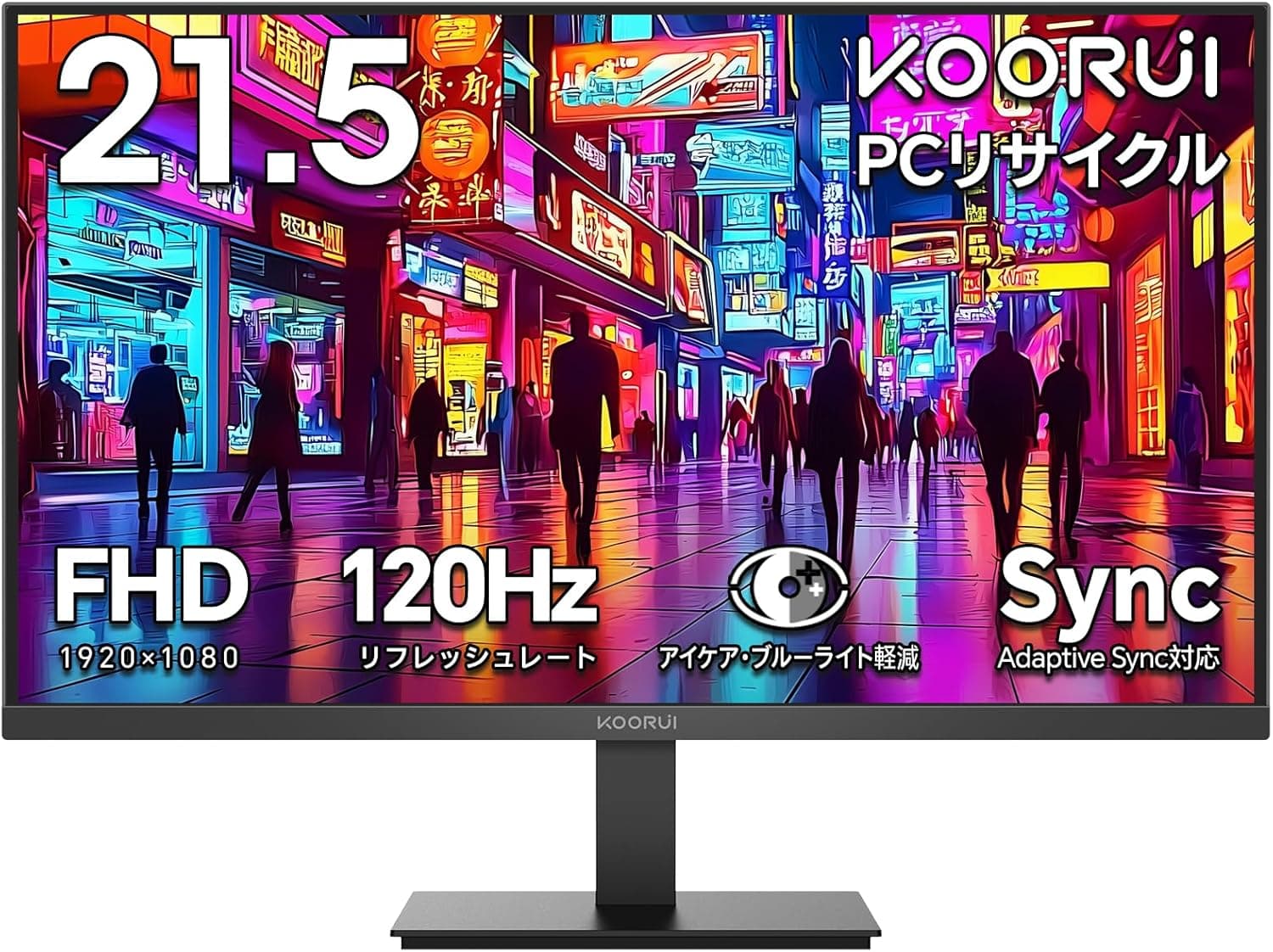
This article takes a close look at the KOORUI モニター 21.5インチ 100Hz フルhd 非光沢 VAパネル液晶ディスプレイ Adaptive Sync (model E2212H), from how to read its spec sheet to the mistakes buyers actually make with it.
Overview
The KOORUI E2212H pairs a 21.5-inch VA panel with Full HD (1920×1080) resolution.
It runs at 100Hz (some listings say 120Hz), quotes an OD response time of 5ms, a 3000:1 contrast ratio, and sRGB 99% coverage. That combination covers everyday work such as documents and web browsing, plus light gaming, from a single entry-level display.
The short version: this monitor is for people who want smoother motion and deep blacks on a tight budget, and who can live without DisplayPort, USB-C, built-in speakers, and stand height adjustment. Whether you can accept those omissions is what decides your satisfaction.
The non-glare (anti-glare) coating cuts reflections from lights and windows, and the monitor includes blue-light reduction and flicker-free operation. On Amazon.co.Check the retailer's page for the latest user reviews.
Panel and Image Quality
Start with pixel density. Full HD across 21.5 inches works out to roughly 102ppi, which is comfortable at 100% scaling in Windows.
That matters if you use apps that look blurry when scaling is raised. The same Full HD stretched to 27 inches drops to about 82ppi, where individual pixels become visible at desk distance.
Full HD is often called dated, but at 21.5 inches it is a well-matched resolution.
The 3000:1 contrast ratio is classic VA. IPS panels typically land near 1000:1, so dark scenes and night-time work look noticeably deeper here.
Watching films or atmospheric games in a dim room is where this panel punches above its price.
VA has trade-offs too. Transitions between dark shades are slow, so fast movement in dark scenes can trail (black smearing), and brightness and color shift more readily once you move off-axis.
The 178°/178° viewing angle figure means the image remains discernible at that angle, not that colors stay identical. It is not the panel to gather several people around at a sharp angle.
Brightness of 250 cd/m² assumes normal indoor lighting; next to a sunlit window it can feel short. There is no HDR claim in the specs, and that brightness level would not satisfy HDR expectations anyway.
Color is 8-bit (16.7 million colors) with sRGB 99% coverage — usable for web-oriented image work, but no factory calibration data is listed, so treat color-critical jobs as requiring your own calibration.
Compatibility Guide
Video inputs are limited to HDMI 1.4 ×1 and VGA ×1.
HDMI works out of the box with the bundled cable, and Full HD at 100Hz fits comfortably within HDMI 1.4 bandwidth, so this port does deliver the panel's full speed.
VGA is analog and exists to keep older desktops and notebooks usable; high refresh rates are not guaranteed over analog, so plan on HDMI if 100Hz matters.
The most common stumble is that plugging in does not give you 100Hz. Most systems default to 60Hz.
On Windows, go to Settings → System → Display → Advanced display and set the refresh rate to 100Hz; macOS has an equivalent display setting. Miss this and you will run a 100Hz monitor at 60Hz indefinitely.
Check it the day it arrives.
There is no DisplayPort and no USB-C. A thin laptop with only USB-C video output needs a USB-C (DP Alt Mode) to HDMI adapter — and cheap adapters often cap at 60Hz even at Full HD, so verify the adapter's supported refresh rate before buying.
If you wanted a single USB-C cable carrying power and video, this is the wrong monitor from the start.
Adaptive Sync support over HDMI 1.4 depends on your GPU.
AMD cards commonly enable FreeSync over HDMI, while NVIDIA's variable refresh support is centered on DisplayPort and may not be selectable over HDMI in some combinations. If VRR is a requirement rather than a bonus, confirm it against your GPU and the product page before ordering.
Mounting uses the VESA 75×75mm pattern. Most arms target 100×100mm and many support both, but a 100×100-only arm needs an adapter plate.
The spec sheet lists no height adjustment, swivel, or pivot for the stand, so if eye-level positioning matters, budget for an arm from the outset.
There are no built-in speakers. If you connect over HDMI and then switch your PC's audio output to the monitor, sound disappears entirely.
Keep audio on PC speakers or headphones. No headphone jack is listed either, so do not plan to route audio through the display.
In Everyday Use
The clearest benefit of 100Hz over 60Hz is not gaming — it is the mouse cursor and scrolling. Frame intervals drop from about 16.7ms to about 10ms, which makes skimming long web pages easier to track.
The less you game, the more this shows up in ordinary hours.
As a workspace, splitting a 21.5-inch Full HD screen gives each window roughly 960 pixels of width.
Writing while referencing a document works; spreading a spreadsheet, or lining up an editor, terminal, and browser, does not. For those workflows this is better cast as the secondary display.
The matte finish earns its keep in rooms with ceiling LEDs or bright windows. Colors are less punchy than a glossy panel, but long text sessions are easier on the eyes.
Product Info
Check the retailer's page for the latest price.co.jp as of 27 May 2026.
Sales move that figure, so check the listing for the current price. The eBay result shows no confirmed amount, so it is not usable as an overseas reference.
That price is reasonable for a 21.5-inch VA 100Hz panel; if you ever see an amount an order of magnitude off, suspect the listing has picked up a different product.
| Spec | Value |
|---|---|
| Screen size | 21.5 in |
| Panel type | VA |
| Resolution | 1920 × 1080 (Full HD) |
| Refresh rate | 100Hz (120Hz listed in places) |
| Response time | OD 5ms |
| Contrast ratio | 3000:1 |
| Brightness | 250 cd/m² |
| Color gamut | sRGB 99% |
| Colors | 16.7 million (8-bit) |
| Viewing angle | 178° / 178° |
| Video inputs | HDMI 1.4 ×1, VGA ×1 |
| VESA mount | 75 × 75mm |
Two entries stand out in opposite directions: a strong 3000:1 contrast ratio and a very thin input selection. Budget monitors always show where the money went, and here it clearly went into the panel rather than connectivity or extras.
The box includes an HDMI cable, a power adapter, and a stand, so setup is immediate. The bundled adapter implies an external power brick rather than an internal supply — worth planning around if you mount it on an arm.
Product information lists a 1-year warranty on the panel and 3 years on accessories; confirm the terms on the listing at purchase.
How It Compares
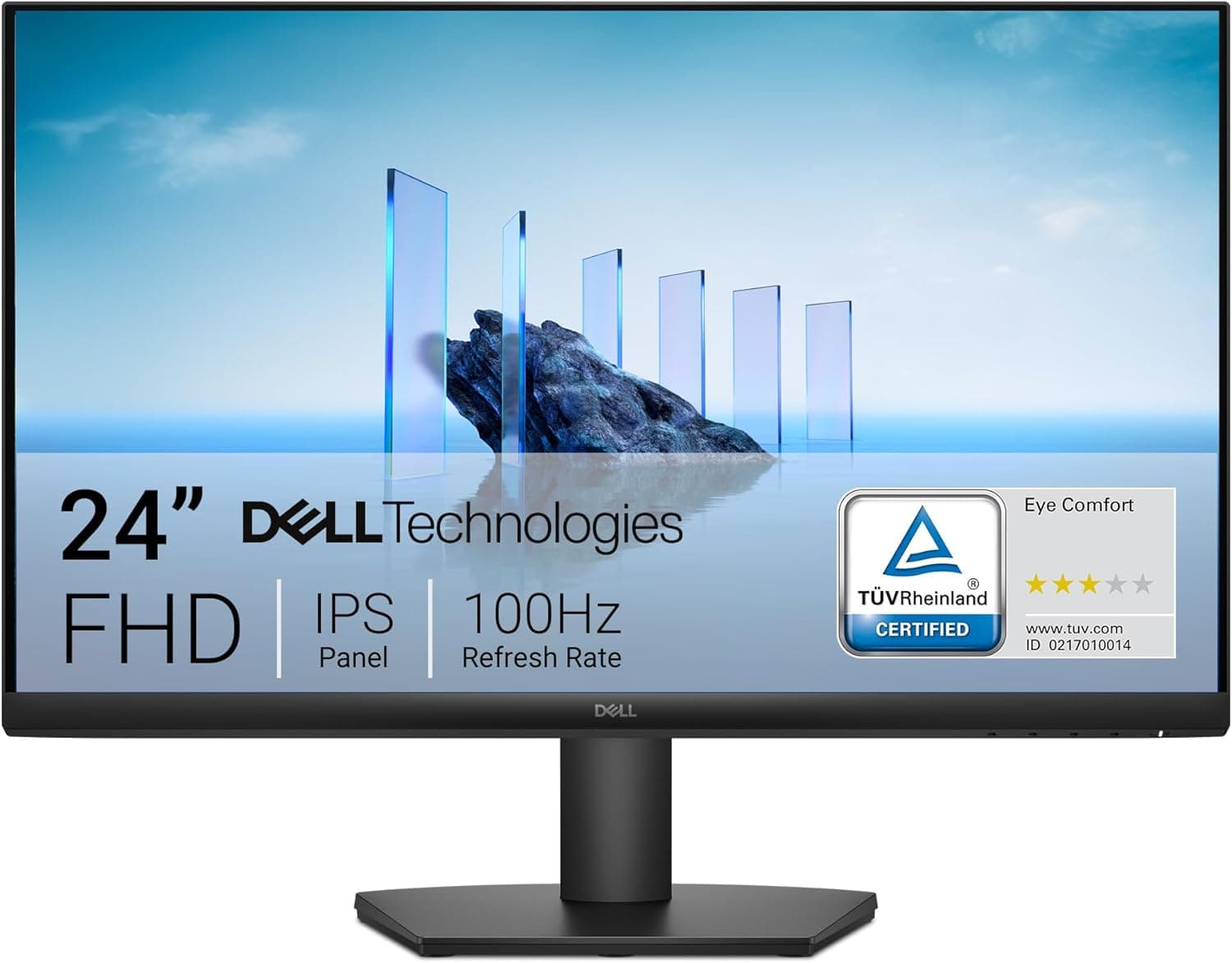
Size changes the character more than the spec sheet suggests. A 24-inch office model like the Dell E2420HS spreads the same Full HD over more area, making text physically larger — helpful if your eyes prefer that.
Push to a 27-inch Full HD panel such as the MSI MAG 274F and pixel structure becomes visible unless you sit back.
If gaming leads your priorities, a 24-inch model like the MSI MAG 242F with 200Hz, DisplayPort, and height adjustment is the natural step up — and the real difference is the port and stand flexibility, not just the refresh number. If color coverage leads, an IPS panel such as the Gigabyte G27F with 144Hz and 95% DCI-P3 is the alternative.
Both cost more.
Want the same VA contrast on a larger canvas? A 32-inch model like the MSI G323CV trades speed for size at 75Hz.
If you want VA blacks but have a shallow desk, the 21.5-inch E2212H remains the tidy answer.
Best Use Cases
- Budget dual-monitor builds: VESA 75×75 support and 100Hz mean it can sit on an arm beside a main display without a jarring refresh mismatch. Good for reference docs, chat, or monitoring panes.
- Casual gamers: the jump from 60Hz to 100Hz is clearly felt in racing, action, and casual shooters. For non-competitive play it is honest value.
- Film and video watchers in dim rooms: 3000:1 contrast is a visible advantage over similarly priced IPS panels.
Before You Buy
The refresh-rate figure is inconsistent. The spec says 100Hz, but some listings say 120Hz.
That kind of mismatch usually means an overclocked figure mixed with the standard one, or listing data borrowed from another model. Buy it on the assumption of 100Hz. More broadly, Amazon listing metadata does drift from reality — confirm from the images and title that you are ordering the KOORUI E2212H.
Not for competitive FPS. VA panels are slow on dark-to-dark transitions, and an OD-rated 5ms is a different premise from panels advertising 0.5–1ms.
Pushing overdrive to its highest setting can introduce overshoot (bright trailing edges), so start from a middle setting rather than maximum.
The thin port selection bites later. With no DisplayPort or USB-C, you must keep an HDMI output free on every future PC.
Single-cable USB-C docking and monitor-side USB hubs are simply off the table.
Do not count on audio or the stand. No built-in speakers, and no documented height, swivel, or pivot adjustment.
If eye-level matters, include an arm — and a check that it supports 75×75 — in your budget.
Bright rooms and wide-gamut work are poor fits. 250 cd/m² can fall short beside a sunny window, and sRGB 99% at 8-bit does not cover print or DCI-P3 video work.
Step up to an IPS model for those.
Prices move. The ¥14,980 quoted here is from 27 May 2026. Always decide against the current listing.
FAQ
Q. It is connected but will not run at 100Hz. A.
On Windows, open Settings → System → Display → Advanced display and set the refresh rate to 100Hz. Use the bundled HDMI cable rather than VGA, since analog does not guarantee high refresh rates.
Q. Can I connect a game console? A.
The HDMI input can accept a Full HD signal, but there are no built-in speakers, so unlike a TV you get no sound from a direct connection. Route audio through a controller or amplifier.
Features like 120Hz output and VRR often assume HDMI 2.1 and are not guaranteed here, so check the console maker's requirements.
Q. Does Adaptive Sync work with an NVIDIA GPU? A.
With HDMI 1.4 as the only modern input, it depends on the GPU.
AMD cards commonly enable it over HDMI; NVIDIA may require DisplayPort. Verify before buying if VRR is essential.
Q. Can I use it in portrait orientation? A.
No pivot or height adjustment is listed for the stand. For portrait use, plan on a VESA 75×75mm monitor arm.
Q. Is it good enough for photo or video color work? A.
sRGB 99% at 8-bit is workable for web-oriented output. There is no factory calibration data and no wide-gamut coverage (DCI-P3 or Adobe RGB), so color-critical work needs a calibrator or a higher-tier display.
Q. Can I run it as part of a dual-monitor setup? A.
This display offers one HDMI and one VGA input. Whether a dual setup works depends on the outputs on your PC or laptop, so check those first.
Product Disclosure (Amazon)
- Manufacturer: KOORUI
- Seller: KOORUI OFFICE
- Fulfilled by: Amazon
- ASIN: B0G8J8J3NQ
- Note: This article covers a manufacturer-made product based on Amazon listing details.