Overview
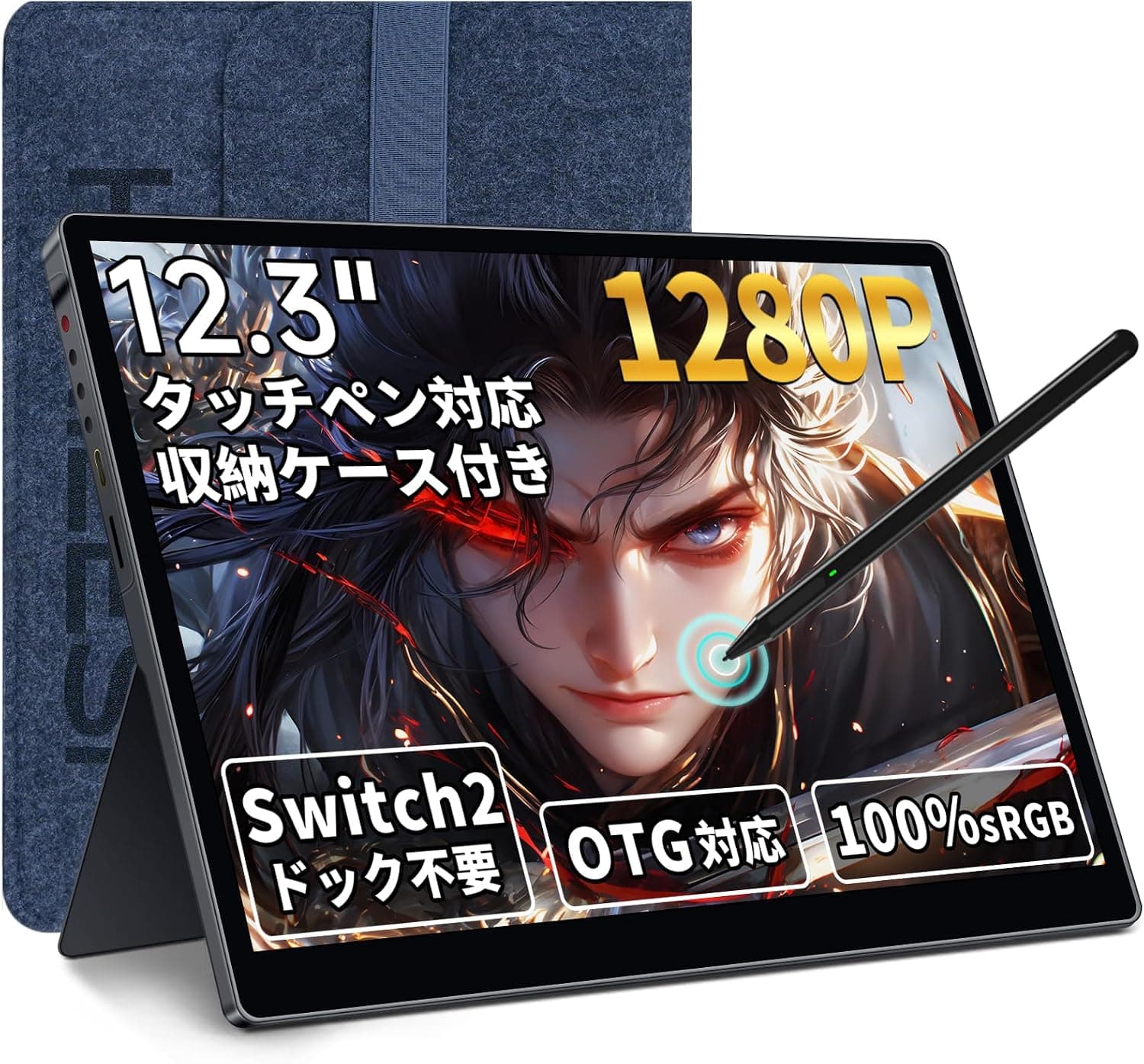
The S123E-GS — 12.3 Inch Touchscreen Portable Monitor with Active Pen Support is a portable display sold by HAILESI.
The short verdict: it makes a lot of sense as a tall, touch- and pen-capable second screen for a Windows laptop or Android phone. As a dedicated way to play Nintendo Switch 2 on a bigger screen, though, it involves trade-offs.
The panel is 3:2, so 16:9 game output leaves empty bands at the top and bottom.
The IPS panel runs at 1920×1280 with 100% sRGB coverage and 300 nits of brightness, and it accepts HDR input. Its standout feature is 10-point multi-touch plus support for Wacom AES 1.0/2.0 and WGP active pens.
Inputs are one full-function USB-C port and one Mini HDMI port, and the monitor also has dual built-in speakers and comes with a carrying case.
On Amazon.co.Check the retailer's page for the latest user reviews.
A 4-plus average across a few hundred reviews suggests opinions are not sharply divided. An average can hide complaints about power or device compatibility, though, so it is worth skimming the low-rated reviews before you buy.
What 12.3 Inches at 3:2 Really Means
Whether this monitor suits you mostly comes down to the 3:2 aspect ratio. The figures below are estimates calculated from the screen size and aspect ratio.
| Item | Value | What it means |
|---|---|---|
| Screen size | 12.3 in | Display area about 260 x 173 mm |
| Resolution | 1920×1280 | About 188 ppi |
| 16:9 content | 1920×1080 area | 200 px of empty space top and bottom combined |
| Effective 16:9 size | About 11.8 in diagonal | Same width as the full panel |
A 12.3-inch 3:2 panel is as wide as a roughly 11.8-inch 16:9 screen, but taller.
In documents, browsers, and spreadsheets, that extra height shows several more lines. This is where the ratio pays off as a laptop companion.
Switch 2, PS5, and Xbox Series X|S output 16:9. Shown at native scale on a 1920×1280 panel, 1080p leaves empty bands above and below the picture.
The game area works out to about 11.8 inches diagonally.
That is clearly larger than the Switch 2's built-in 7.9-inch screen, but you will not be gaming on the full 12.3 inches.
At about 188 ppi, the panel is sharp for its size. At 100% scaling in Windows, text looks very small.
Plan on 125–150% scaling, which leaves less usable workspace than a 1080p 16:9 monitor. This screen is for people who value a crisp, tall display more than sheer screen space.
Compatibility Guide
The table below assumes the connected device supports video output.
| Device | Typical connection | Video | Touch | Notes |
|---|---|---|---|---|
| Windows laptop | Full-function USB-C | Yes | Yes | Check that the laptop's USB-C port outputs video |
| Android phone/tablet | Full-function USB-C | Model-dependent | Yes | Needs DisplayPort Alt Mode |
| Mac | USB-C / Mini HDMI | Yes | No | Touch not supported |
| iPhone / iPad | USB-C | Model-dependent | No | Touch not supported |
| Switch 2 | Direct USB-C | Advertised as yes | N/A | Confirm how power is supplied |
| PS5 / Xbox Series X/S | Mini HDMI | Yes | N/A | Monitor needs separate power |
Common USB-C Pitfalls
One USB-C cable can carry video, touch, and power only when both the source port and the cable support video. A charge-only USB-C cable will show nothing.
Start with the included USB-C to USB-C cable, and if the screen stays blank, check the source device's port specs. The OTG support mentioned in the product name refers to connecting USB peripherals.
It does not mean a phone can output video, and plenty of OTG-capable phones cannot.
Touch Needs USB When Using HDMI
Over Mini HDMI, the cable carries only video and audio. On typical portable monitors, touch needs a separate USB connection to send touch data.
The included USB-A to USB-C cable is likely meant for this, but check the manual for the exact wiring.
Confirm Power and Port Count Before Buying
The connector list in the specs shows only one full-function USB-C port and one Mini HDMI port. From that data alone, we cannot tell which port powers the monitor when a Switch 2 or PS5 is connected.
A power-only port may simply be missing from the list. Check the port photos and the manual before buying.
Running a Switch 2 without its dock needs enough power for both the console and the monitor, so also check whether your USB PD charger or power bank can deliver it.
Refresh Rate Not Listed
The specs do not list a refresh rate, and nothing advertises 120Hz or 144Hz. Do not count on it for fast competitive games that benefit from high refresh rates.
Product Info
Key specs: 12.3-inch IPS, 1920×1280 (3:2), 100% sRGB, 300 nits, HDR support, 10-point multi-touch, Wacom AES 1.0/2.0 and WGP pen support, one full-function USB-C port, one Mini HDMI port, and dual built-in speakers.
Check the retailer's page for the latest price. Prices change often with sales and stock, so check the listing for the current price.
The seller is Hailesi Official Store and Amazon handles fulfillment.
The box includes a carrying case, a USB-C to USB-C cable, a USB-A to USB-C cable, a Mini HDMI to HDMI cable, and a USB-C adapter. The accessories field in our data was cut off, though, so confirm the full contents, including any manual, on the listing.
The active pen is sold separately. Warranty terms and the support contact are also best confirmed on the listing.
At around ¥20,000, its selling point is that it supports both touch and pen input. If you only need a display, larger and cheaper portable monitors exist.
You pay for the ability to touch and write on the screen, and for the tall 3:2 layout.
About Pen Input
The listed pen protocols are Wacom AES 1.0/2.0 and WGP.
Do not assume any other pen will work. Apple Pencil, Surface Pen (MPP), and Galaxy S Pen (EMR) are not listed.
If you plan to reuse a pen you already own, check its protocol first.
Pressure levels and tilt support are not listed in our data. Rather than treating it as a replacement for a pen display, start with meeting notes, PDF markup, and rough sketches.
Pen behavior also depends on the OS and app, so if you are serious about drawing, plan to use it with Windows.
How It Compares
| Product | Focus | Difference from the S123E-GS |
|---|---|---|
| HAILESI S135 (13.5 in) | Same brand, Switch-oriented | Slightly larger screen |
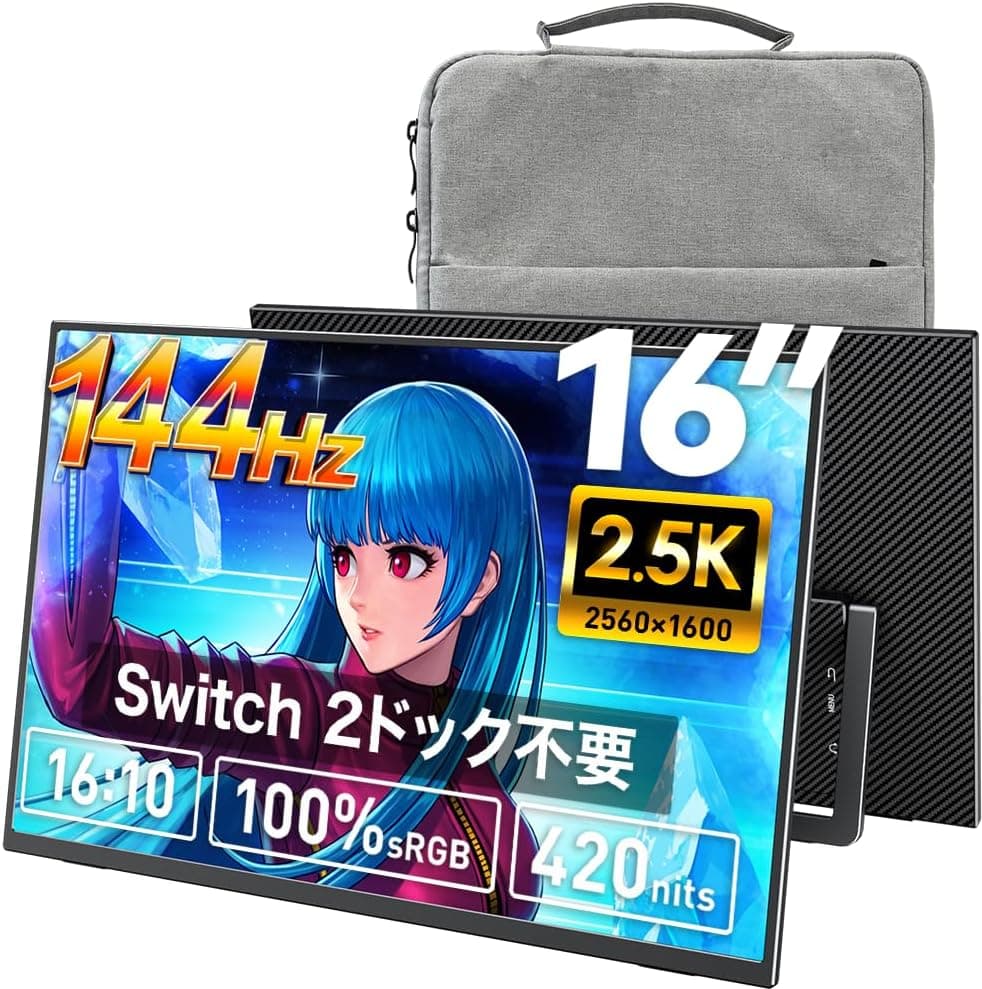
| VisionOwl 16 in 2.5K 144Hz | Large 16:10, high refresh rate | Title does not mention touch |
| 14 in laptop screen extender | Mounts on a laptop | Not aimed at handheld consoles |
For gaming, the larger 16:10 VisionOwl leaves less empty space around the picture. For portability plus touch and pen input, the S123E-GS fits better.
If you only want a permanently attached second screen for a laptop, an extender-style model is worth a look.
Recommended Users
- Windows laptop users who work with documents: The tall 3:2 screen shows more of manuscripts, slides, and web pages. Touch scrolling makes it an easy reference display.
- People who take handwritten notes or mark up PDFs: With an AES or WGP pen, it can replace a paper notebook. Buy a matching pen separately.
- Android users who want a bigger screen: On phones with video output, you get a 12.3-inch touch display for video and light work.
- Switch 2 owners who want a slightly bigger screen on the go: It beats the 7.9-inch built-in screen, as long as you accept the empty bands and the extra power setup.
- Light color work: 100% sRGB is fine for checking photos and web images.
Before You Buy
Can You Live With the Empty Bands in Games?
On this panel, 16:9 output from Switch 2, PS5, and Xbox Series X|S leaves empty bands at the top and bottom. The game area is about 11.8 inches diagonally.
For a gaming-only screen, a larger 16:9 or 16:10 portable monitor will likely satisfy you more.
Check the Power Setup First
Only one USB-C port and one Mini HDMI port appear in the spec list. Confirm how power is supplied for consoles before you buy, and check that your power bank can deliver enough.
Too little power can cause flicker or a blank screen.
No Touch on Mac, iPhone, or iPad
On Apple devices, the picture works but touch does not. Since touch and pen input are this monitor's main strengths, a cheaper non-touch monitor may serve Apple-centric users better.
Keep Expectations for 300 Nits and HDR in Check
300 nits is fine indoors but hard to see by a window or outdoors. At this brightness, HDR support mostly means the monitor accepts an HDR signal, not that you will see a dramatic HDR effect.
Built-in Speakers Are a Fallback
Speakers in a thin chassis have limited quality and volume. Plan on earphones or headphones for games and movies.
About the Listing Data
In our price data, the entry shown as the overseas price also pointed to the same Amazon Japan page. We could not confirm availability on Amazon US.
The accessories field was also cut off. Listings for products with long names are sometimes abbreviated or mixed up, so check the photos and the S123E-GS model number before ordering.
FAQ
Q. Does it work with Switch 2 without the dock? A.
The product is advertised for direct USB-C connection. Both the console and the monitor need power, so confirm the power port and wiring on the listing and in the manual.
Expect empty bands above and below 16:9 games.
Q. Can I use it as a second screen for a MacBook?
A. Yes, on Macs that output video, but touch will not work.
Q. Will my Surface Pen or Apple Pencil work?
A. Only Wacom AES 1.0/2.0 and WGP are listed. Assume MPP and Apple Pencil will not work.
Q. Why does my phone show nothing? A.
Your phone may not support video output over USB-C (DisplayPort Alt Mode), or the cable may be charge-only. OTG support is not the same as video output.
Q. How much does it cost? A.
It was ¥19,670 on Amazon Japan as of September 15, 2026. Prices change, so check the listing before buying.
Product Disclosure (Amazon)
- Manufacturer: HAILESI
- Seller: Hailesi Official Store
- Fulfilled by: Amazon
- ASIN: B0HHM65T2M
- Note: This article covers a manufacturer-made product based on Amazon listing details.