Overview
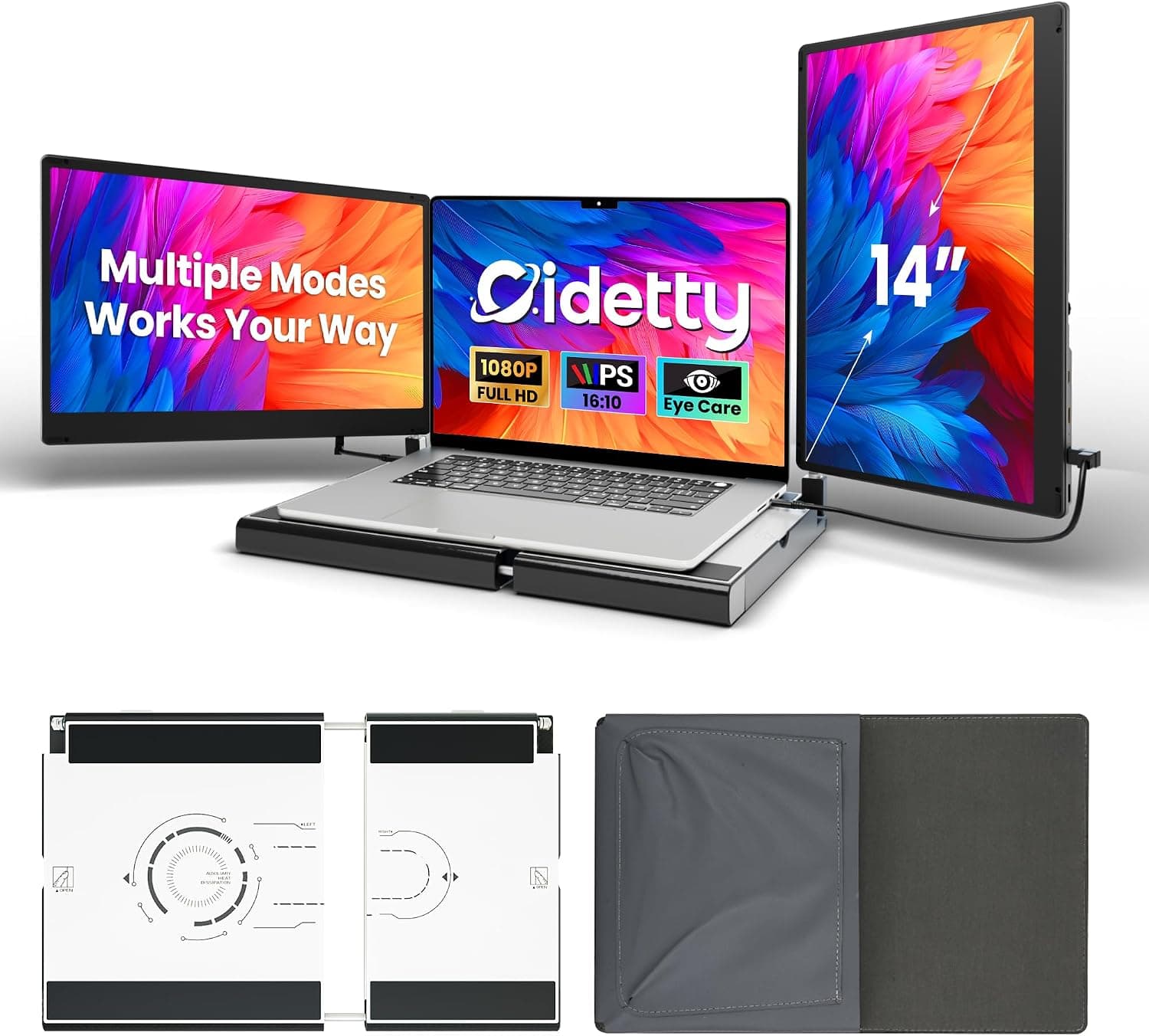
The DZVW 14" FHD Dual Laptop Screen Extender — Plug-and-Play Portable Monitor with HDMI/USB-A/Type-C adds a second screen next to your laptop. It uses an IPS panel with 1920×1080 (FHD) resolution, a 60Hz refresh rate, 300-nit brightness and a 1000:1 contrast ratio.
In short, it is a sensible choice if your laptop can output video over USB-C and you want two screens for office work on the road. It is not a good fit if gaming is your main use or if you often work in bright outdoor light.
No drivers are needed. You connect it with a single USB-C cable, or with HDMI plus a separate power cable.
It is 0.9 inches (about 2.3 cm) thick and weighs 2.5 pounds (about 1.13 kg).
That makes it portable, but heavier than many slim standalone portable monitors. If you buy it knowing it is portable but not light, you are less likely to regret it.
Compatibility Guide
Two ways to connect
| Method | What you need | Notes |
|---|---|---|
| Single USB-C | A USB-C port with video output (DisplayPort Alt Mode) | One cable carries both video and power |
| HDMI | An HDMI output plus the USB-A to USB-C power cable | HDMI alone does not power the screen |
The most common problem is a USB-C port that looks normal but cannot output video. Some ports only handle data and charging, and the screen stays blank when you plug into them.
Check your laptop's spec sheet for DisplayPort Alt Mode, Thunderbolt or USB4 support. If your port has none of these, use HDMI and power the monitor from a USB-A port.
OS and device notes
The monitor supports Windows, macOS, Chrome OS, Android and Linux, and the listing says Macs with M1/M2/M3 chips work too. What people often miss is Apple's limit on external displays.
Base M1 and M2 Macs, such as the MacBook Air, support only one external display. Connecting this monitor on its own is fine, but it will not work alongside another external monitor you already use.
Android phones only work if the model can output video over USB-C. The maker's compatibility note also says some devices, such as the Surface Pro, may not be supported.
If you use a Surface, check the product page and its Q&A for confirmed working setups before you buy.
Laptop size and weight
The listing says it is meant for laptops from 13.3 to 17 inches.
At about 1.13 kg, its weight matters when you set it up next to your laptop.
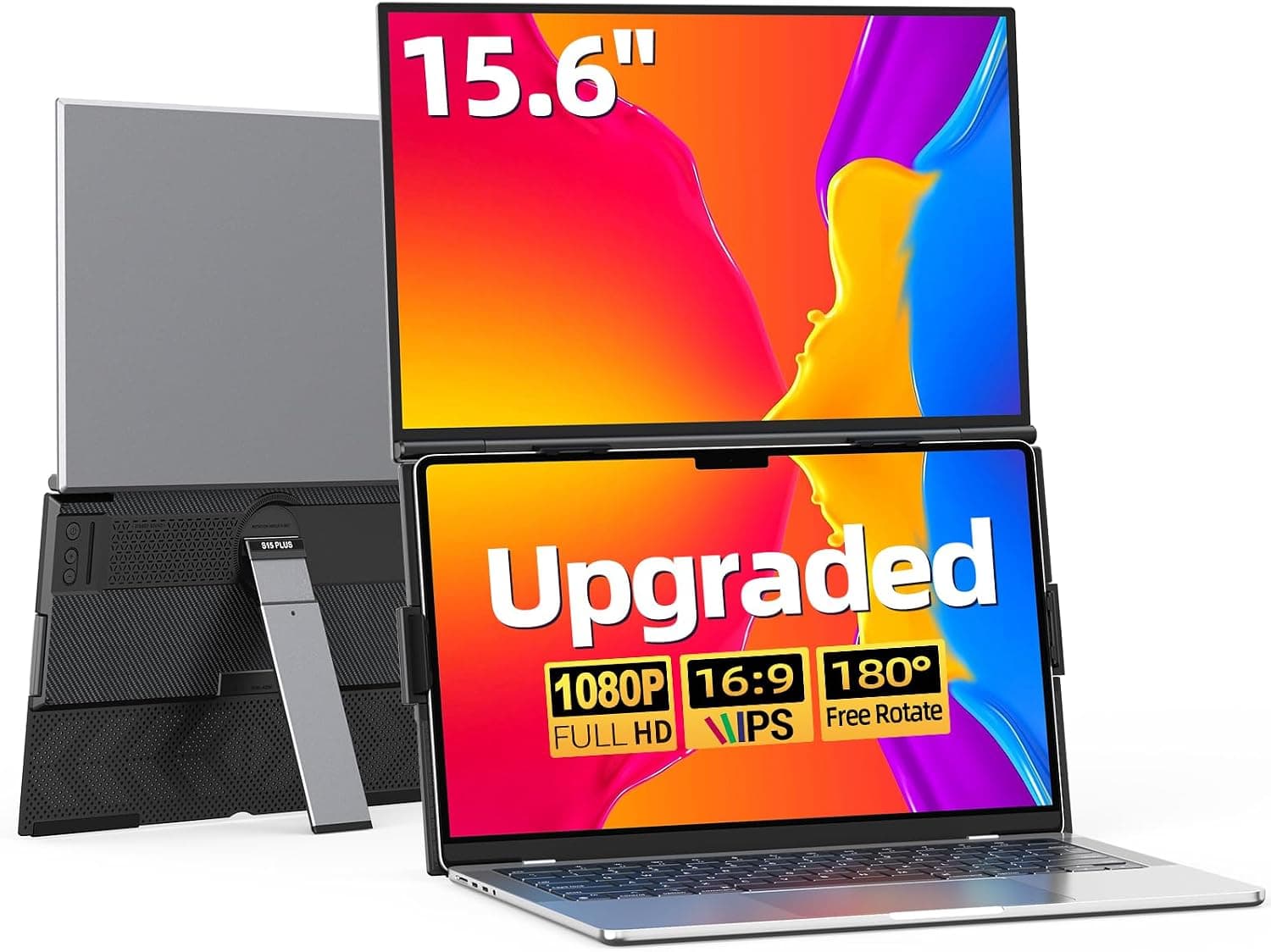
Check the product photos to see how it attaches or stands. With a light ultraportable of around 1 kg, think ahead about whether the setup will feel unbalanced or strain the lid.
Power budget
With the single-cable setup, the laptop powers the monitor. On battery, that shortens your laptop's runtime.
For long sessions, plug the laptop in, or use HDMI and take the monitor's power from a separate USB charger.
Setup and First-Day Tips
- Connect the laptop and monitor with the USB-C cable (or HDMI plus the power cable) 2.
When the image appears, choose Extend in your OS display settings (it may start in Duplicate mode) 3. Arrange the screens to match where they actually sit 4.
Adjust the text size (scaling)
A 14-inch FHD panel is fairly dense, so text can look small at 100% scaling in Windows. Around 125–150% is a good starting point.
If the laptop screen uses a different scaling level, windows will change size as you move them between screens. Matching text size on both screens from the start makes a long day of dual-screen work less tiring.
Product Info
rmation
Key specifications of the DZVW 14-inch FHD laptop screen extender:
| Item | Value |
|---|---|
| Screen size | 14 inches |
| Resolution | 1920×1080 (FHD) |
| Refresh rate | 60Hz |
| Contrast ratio | 1000:1 |
| Brightness | 300 nits |
| Thickness | 0.9 in (about 2.3 cm) |
| Weight | 2.5 lb (about 1.13 kg) |
| Video inputs | USB-C, HDMI, USB-A |
| Supported OS | Windows, Mac, Chrome OS, Android, Linux |
As of September 28, 2026, Amazon.co.jp listed it at ¥17,260.
Prices for these monitors change often with sales and coupons, so check the product page for the current price. At that time it had 144 Amazon reviews with a 4.7 out of 5 rating (94%).
The rating is strong but the sample is still small, so also read the low-star reviews for recurring problems, such as laptops it would not work with or cable issues.
The listing says the box includes USB-C, HDMI and USB-A to USB-C cables, with a 365-day warranty. Contents and warranty terms can vary between batches, so check what you received as soon as it arrives.
Reading 300 nits, 1000:1 and 60Hz
300 nits is a typical brightness for indoor lighting and is enough for an office or hotel room. Near a sunny window or outdoors it can be hard to read, and it may not match your laptop screen's brightness.
A 1000:1 contrast ratio is standard for IPS and works well for documents, spreadsheets and browsing. 60Hz is fine for office work and video, but it will not make fast games look smooth.
Comparison with Alternatives
A screen extender like this is only one way to add a screen to a laptop.
| Option | Best for | Trade-off |
|---|---|---|
| Screen extender like this one | People who carry it with the laptop and want two screens anywhere | Extra weight; the screen tops out at 14 inches |
| Slim standalone portable monitor | People who want a lighter bag or also use a game console | You have to work out where and how to stand it |
| Desktop monitor | People who mostly work in one place | Not portable |
| Dock or adapter | Running several external monitors at home or the office | Monitors are bought separately |
If you mostly work at a home desk and only travel a few times a month, a 27-inch desktop monitor for similar money will help your work more. If you want two screens every time you work at a hotel or coworking space, this extender's ability to travel with your laptop is its real strength.
Recommended Users
- Remote workers: writing while reading reference material, or taking notes during a video call, without switching windows.
- IT professionals: keeping code and server logs, or a terminal and documentation, side by side. Plug-and-play setup takes very little time.
- Frequent travelers: a dual-screen setup in hotels and client offices. Plan for about 1.13 kg of extra weight in your bag.
- Gamers and creators: useful for guides, a stream view or an editing preview on the side. At 60Hz, though, it is not a main screen for competitive gaming.
Before You Buy
Whether your USB-C port outputs video is the deciding factor. Having a USB-C port is not enough; without video output, the single-cable setup will not work.
This is the most common reason for a blank screen, so check your laptop's specs first. Using HDMI instead means two cables, and you lose the one-cable convenience.
It is not for people who put low weight first. At 2.5 lb (about 1.13 kg), it weighs about as much as a 13–14-inch ultraportable.
If carrying over 2 kg together with your laptop is a problem, compare it with slim standalone portable monitors before deciding.
Be careful if you often work in bright places. 300 nits is meant for indoor use and can look washed out outdoors or by a window.
Macs have a limit on external displays. Base M1 and M2 Macs support one external display.
If you want to add this as another screen next to an existing external monitor, it may not work as you expect.
Some devices, such as the Surface Pro, may not be supported. They are named in the compatibility note, so owners should check with extra care.
Watch for listing inconsistencies. In the data we collected, the global price entry also pointed to the Japanese Amazon page, and the seller and shipper were listed as Amazon US.
Many portable monitors look alike, so before buying, check the product photos and title (14-inch, FHD, HDMI/USB-A/Type-C) to make sure it is this product.
FAQ
Q. Do I need to install drivers? A.
No. It is recognized once you plug it into a supported port.
When the image appears, switch to Extend mode in your OS settings.
Q. Can I use it with only an HDMI cable? A.
No. HDMI carries video only, so you also need to power the monitor with the included USB-A to USB-C cable.
Q. Does it work with a MacBook? A.
The listing says it works over USB-C. Base M1 and M2 models support only one external display, though, so you cannot use it alongside another external monitor.
Q. Can I connect a smartphone? A.
The listing says Android phones that output video over USB-C will work. Phones without that feature will not show an image.
Q. Is it good for gaming? A.
At 60Hz it is fine for casual games or as a second screen, but not as the main screen for competitive games where high refresh rates matter.
Product Disclosure (Amazon)
- Manufacturer: DZVW
- Seller: Amazon US
- Fulfilled by: Amazon US
- ASIN: B0F6K5TXD5
- Note: This article covers a manufacturer-made product based on Amazon listing details.