Overview
Listed on Amazon Japan as UPERFECT ポータブルモニター 4K 120HZ QLED 17.3インチ, this is a portable monitor that fits 3840×2160 (4K UHD) resolution and a 120Hz refresh rate into a carry-around size.
It sits near the top of the portable monitor range. The short version: it is a strong pick if you want desk-monitor sharpness and smoothness away from your desk.
But you only get 4K and 120Hz at the same time if the device you plug in can output that. Before buying, check your own devices more carefully than the screen itself.
The panel is QLED (quantum dot), covering 100% of DCI-P3, with 500 nits peak brightness and a rated 0.1ms response time.
It has three inputs, two USB-C ports and one HDMI port, so it works with laptops, desktop PCs, and consoles such as the PS5 and Xbox Series X/S. The chassis is aluminum and supports VESA 75×75mm (M4 screws).
The original listing says it has a built-in stand that adjusts up to 180 degrees.
It is built for three jobs: a second screen when traveling or working from a café, a secondary monitor at home, and a portable console setup. As of October 2026, it had 39 Amazon reviews with a 4.3 out of 5 rating (86% positive).
That is still a small number of reviews, so treat the score as a rough signal.
What 4K on a 17.3-inch Screen Really Means
At 17.3 inches and 3840×2160, pixel density is about 255 PPI.
That is much denser than a typical 27-inch 4K monitor (about 163 PPI), so text at 100% scaling is too small to use. In practice, you will run Windows at about 200-250% scaling, or pick a 1920×1080-equivalent mode on macOS.
So you do not get 4K worth of workspace. You get roughly Full HD workspace with much sharper text.
This is easy to miss if you want a portable monitor for more workspace. You can lower the scaling to fit more on screen, but small text on a 17.3-inch screen tires your eyes.
Where 4K clearly helps is checking photo focus, reading fine text or drawings, and watching high-resolution video.
Running games at 4K and 120Hz takes a lot of GPU power. On a laptop or mid-range GPU, you can render heavy games at 1920×1080 instead.
4K is exactly twice 1080p in each direction, so upscaling from 1080p blurs less than upscaling from 1440p. Your GPU driver's integer scaling feature can make it sharper still.
| Use | Starting setting | Where 4K helps |
|---|---|---|
| Office work and browsing | About 200% scaling | Smoother text |
| Photo and video editing | 150-200% scaling | Fine detail, wide color |
| PC gaming (mid-range GPU) | Render at 1080p, 120Hz | Clean 2x upscaling |
| PC gaming (high-end GPU) | 4K / 120Hz | Sharp and smooth together |
| Consoles | Depends on model and connection | See next section |
These values are only a starting point. Portable monitors are often viewed from about 50cm, and the best setting depends on your viewing distance and eyesight.
Try a few settings when the monitor arrives.
Compatibility Guide
Connecting a laptop or desktop over USB-C
To send video and power over a single USB-C cable, the host's USB-C port must support DisplayPort Alt Mode (video output). Many ports have the USB-C shape but only carry data, and nothing will appear on screen.
Look for a DisplayPort or Thunderbolt mark next to the port, or check that your PC's specifications list video output.
4K at 120Hz needs a lot of bandwidth. Many hosts only output 4K at 60Hz over USB-C, and in that case 120Hz will not be available.
If you want 4K at 120Hz, confirm in your PC or GPU specifications that it can output that. Also note that MacBooks with a base Apple M1 or M2 chip support only one external display.
Power matters too. If the host cannot supply enough power, the screen may flicker or be held to lower brightness.
The listing says to use the included power adapter if the host cannot deliver at least 15W. If you plan to run a 500-nit, 17.3-inch panel bright, assume you will plug it into the wall from the start.
Connecting consoles over HDMI
The PS5, Xbox Series X/S, and Nintendo Switch connect over HDMI. According to the listing, HDMI input also needs separate USB-C power.
A console's USB port often cannot supply enough power, so plan on using the power adapter and a wall outlet.
4K at 120Hz on a PS5 needs HDMI 2.1-class bandwidth across the whole chain, from cable to monitor.
The data we have does not confirm this monitor's HDMI version or whether HDMI input accepts 4K at 120Hz. If you are buying it for 4K 120Hz console gaming, confirm the maximum resolution and refresh rate over HDMI in the manufacturer's specifications or the product page's Q&A.
The original Nintendo Switch outputs at most 1080p to a TV, so it will not use the 4K panel.
Mounting
The VESA 75×75mm (M4) support lets you attach the monitor to an arm or wall mount, which few portable monitors offer. You can keep it on an arm at home and take it off only when you travel.
A 17.3-inch monitor is noticeably bigger and heavier than 15.6-inch models, though.
Check the weight on the product page before choosing an arm's load rating.
| Device | Port | Power | What to check |
|---|---|---|---|
| Laptop (video-capable USB-C) | USB-C | Host power, plus wall power if needed | Alt Mode support, 4K 120Hz output |
| Desktop PC | USB-C or HDMI | Wall power recommended | GPU ports and supported refresh rates |
| PS5 / Xbox Series X/S | HDMI | Separate USB-C power | Max resolution and Hz over HDMI |
| Nintendo Switch | HDMI (via dock) | Separate USB-C power | Output tops out at 1080p |
Product Info
rmation
Key specifications:
| Item | Value |
|---|---|
| Screen size | 17.3 inches |
| Resolution | 3840×2160 (4K UHD) |
| Refresh rate | 120Hz |
| Panel | QLED |
| Response time | 0.1ms (rated) |
| Peak brightness | 500 nits |
| Color gamut | 100% DCI-P3 |
| Inputs | USB-C ×2, HDMI |
| VESA | 75×75mm (M4) |
| Material | Aluminum |
QLED usually means an LCD whose backlight uses a quantum dot layer to produce more vivid color. Unlike OLED, the pixels do not light themselves.
Black levels are therefore LCD-like, but burn-in is much less of a concern than on OLED. The underlying LCD type (such as IPS) is not stated in our data.
When we checked on October 4, 2026, Amazon Japan listed it at ¥120,010. That is expensive for a portable monitor and in a completely different price range from Full HD models.
Prices move with sales and stock, so check the current price before buying. On Amazon, it is sold and shipped by a third-party seller, Maison Rêve (メゾンレーヴ), not by Amazon itself.
Price and warranty handling can differ by seller.
The original listing suggests it became available through Japanese online stores around late 2025. It lists a one-year manufacturer warranty, though handling varies by retailer.
Listed accessories are a USB-C cable, an HDMI cable, a USB-C power adapter, and a quick start guide. Box contents can change over time, so check them on arrival.
How It Compares
Other portable monitors aim at different needs. Here is how this one compares with models we cover.
- VisionOwl 16-inch 2.5K QHD 144Hz: As the name says, it is 2.5K at 144Hz with a slightly taller 16:10 screen. This UPERFECT is sharper, but 2.5K can be more practical for vertical document space and is easier on the GPU.
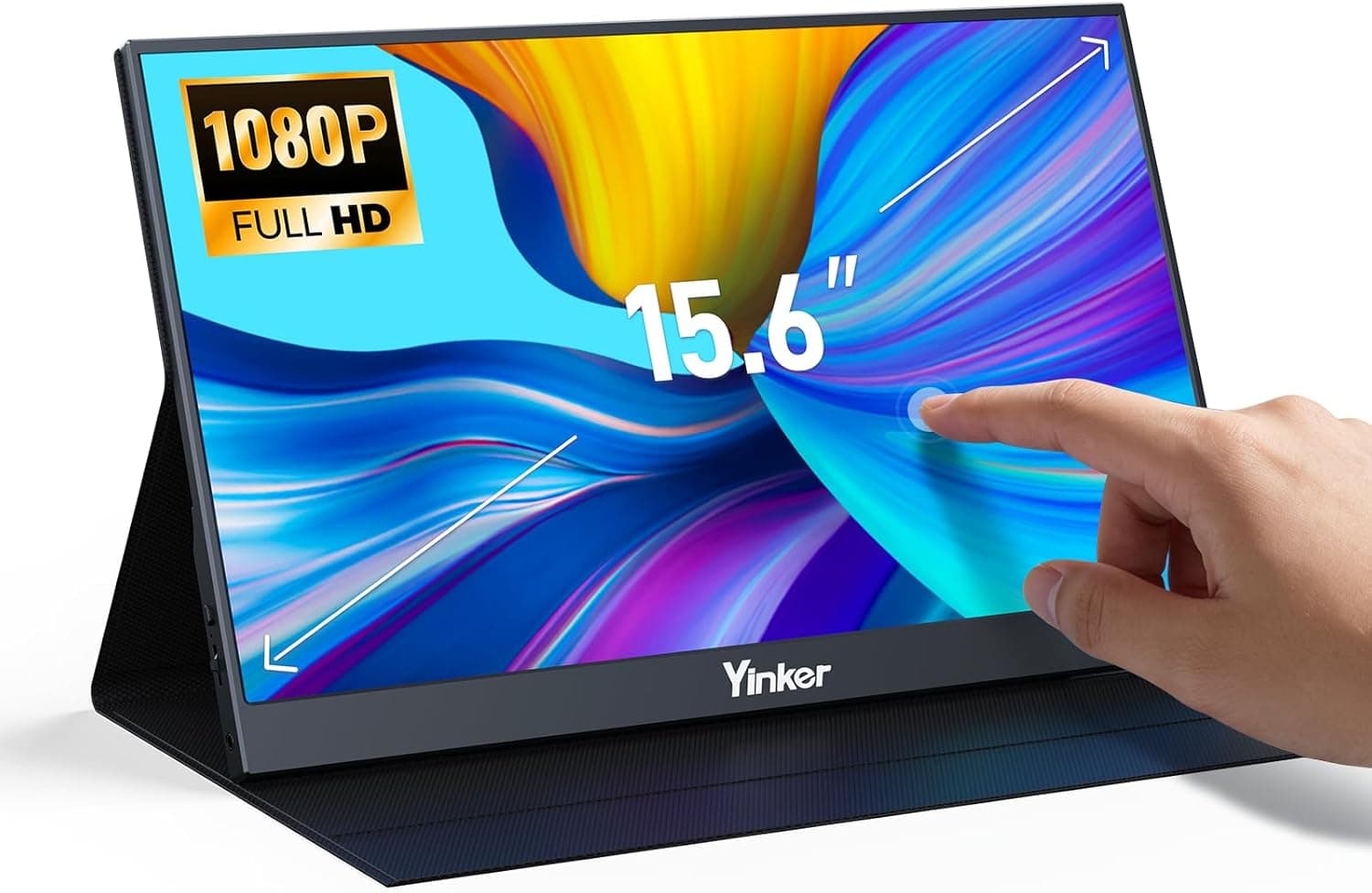
- 15.6-inch touch monitor with stylus: Choose this if hands-on input matters more than sharpness. Our data shows no touch support for this UPERFECT model.
- HAILESI S135 13.5-inch: If portability comes first, a screen this size is the realistic choice. A 17.3-inch screen limits which bags you can use.
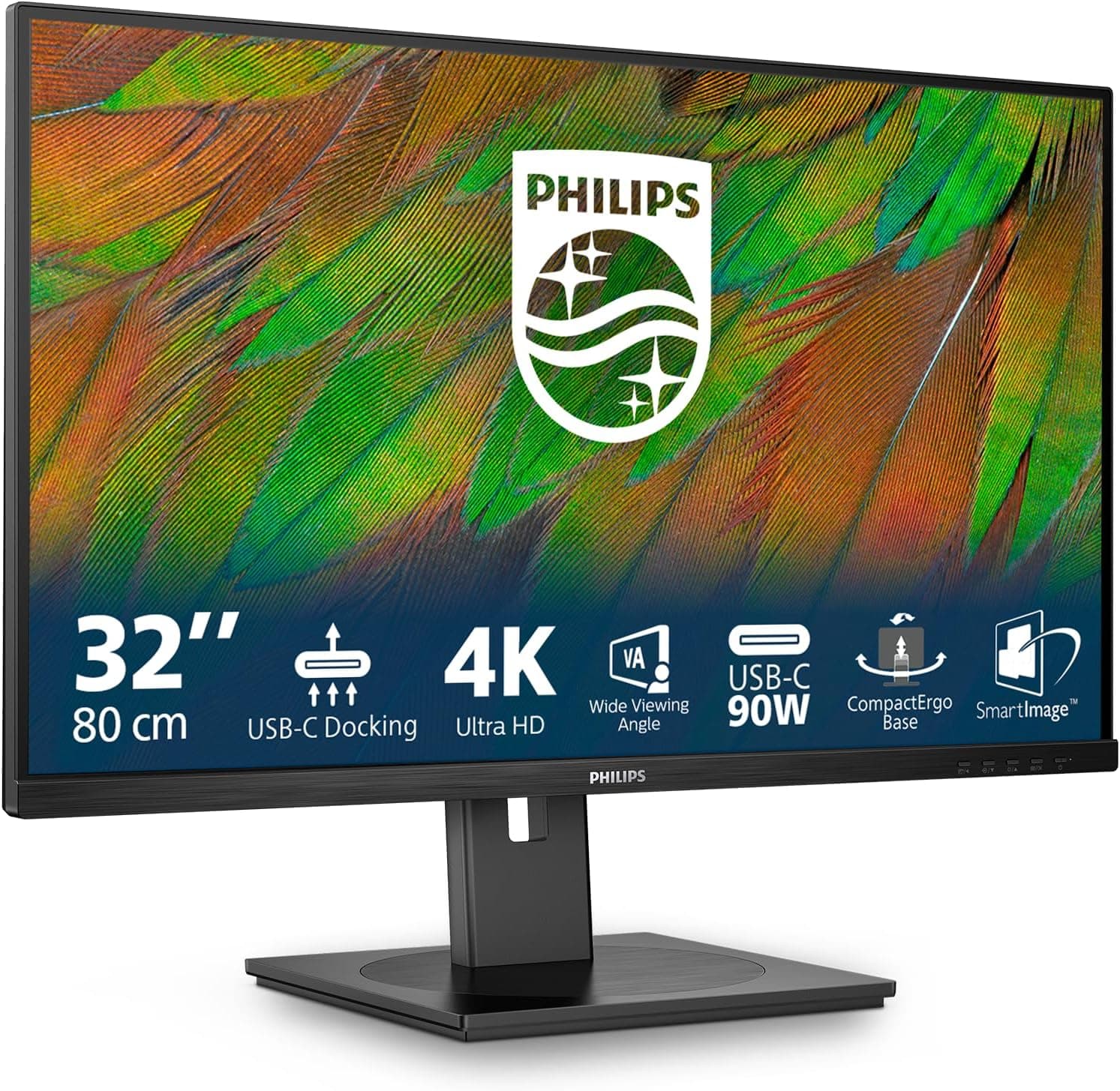
- LG 27UP600K-W 27-inch: If you rarely travel with it, a desktop 27-inch 4K monitor gives you a bigger screen and readable text at lower scaling.
This model's strength is carrying both 4K and 120Hz. If you need only one of the two, another model may be cheaper and lighter.
Recommended Users
- Photo and video creators: The 100% DCI-P3 coverage and about 255 PPI help with culling photos and reviewing footage on location. Plan to calibrate it with a hardware calibrator for color-critical work.
- Gamers with capable laptops or gaming PCs: A PC that outputs 4K at 120Hz over USB-C gets the most from this screen. Mid-range GPUs can still render at 1080p and play at 120Hz.
- Frequent travelers and remote workers: With a PC that supports single-cable USB-C, setup is simple. If sharp text matters to you, the difference from a Full HD portable monitor is clear.
- People who want one monitor for home and travel: Thanks to VESA support, you can keep it on an arm and take it with you when needed.
- Streamers: It works as a secondary screen for chat and streaming software, with room for a fair amount of information.
Before You Buy
No 4K 120Hz without host support. The most common mistake is finding out after delivery that 120Hz is not available or nothing appears on screen.
Before buying, check that your PC's USB-C supports DisplayPort Alt Mode and can output 4K at 120Hz. For consoles, confirm what this monitor's HDMI input supports.
You will almost always need wall power. Our specifications list no battery, and the original listing assumes external power.
HDMI input needs separate USB-C power. Power from a laptop can also be too weak, which affects brightness and stability.
If you plan to use it in cafés or while traveling, make sure you can get a seat near an outlet.
It does not add workspace. A 255 PPI screen is meant to be used with scaling.
If you mainly want more on screen, a lower-resolution 15.6-16 inch model will feel similar and may be cheaper and lighter.
Wide-gamut screens can make everyday content look oversaturated. On a wide DCI-P3 screen, ordinary web images and photos made in sRGB can look more saturated than intended.
Our data does not confirm whether there is an sRGB mode. If accurate color matters to you, check the product page or manual.
0.1ms is a rated figure. The 0.1ms response time is a rated number whose test method is often not stated.
QLED is a type of LCD, so do not expect OLED-like motion clarity. For gaming, the real benefit is the smoothness of 120Hz.
Size and weight. 17.3 inches is much larger than a 14-inch laptop and will not fit every work bag.
Our data does not list the weight, so check the weight and dimensions on the product page against your bag. Speakers and touch support are not listed in our data either.
Price and seller. When we checked on October 4, 2026, the price was ¥120,010, sold by a third-party seller.
Warranty contacts and handling of defective units vary by seller, so check before ordering. For a product this expensive, it is worth comparing other stores.
Inconsistent listing details. Descriptions of this product vary.
For example, some text describes two inputs, while the specifications list three ports: two USB-C and one HDMI. Do not rely on the listing text alone.
Check the port photos, including whether each USB-C port carries video or only power. With only 39 reviews so far, read individual reviews from people whose setup is similar to yours.
FAQ
Q. Can I use it with a laptop over a single USB-C cable? A.
Yes, if your laptop's USB-C supports video output (DisplayPort Alt Mode) and can supply enough power. The listing says to add the included power adapter if the host cannot deliver at least 15W.
External power is the safer choice at higher brightness.
Q. Can I play PS5 games at 4K and 120Hz? A.
Our data does not confirm that this monitor's HDMI input supports 4K at 120Hz. 4K 120Hz on a PS5 needs HDMI 2.1-class bandwidth, so check the manufacturer's specifications or the product page Q&A before buying.
Q. Is text too small at 4K? A.
At 100% scaling, yes. Most people use about 200% on Windows or a 1920×1080-equivalent mode on macOS.
Your workspace is then about Full HD, but text is very sharp.
Q. Does it have a built-in battery? A.
Our specifications list no battery, and the original listing assumes external power. Plan to power it from your PC or the included adapter.
Q. How is QLED different from OLED? A.
QLED usually means an LCD that uses quantum dots for more vivid color. The pixels do not light themselves.
Blacks are not as deep as OLED, but burn-in is much less of a concern.
Product Disclosure (Amazon)
- Manufacturer: UPERFECT
- Seller: メゾンレーヴ
- Fulfilled by: メゾンレーヴ
- ASIN: B0F9L1BY1W
- Note: This article covers a manufacturer-made product based on Amazon listing details.