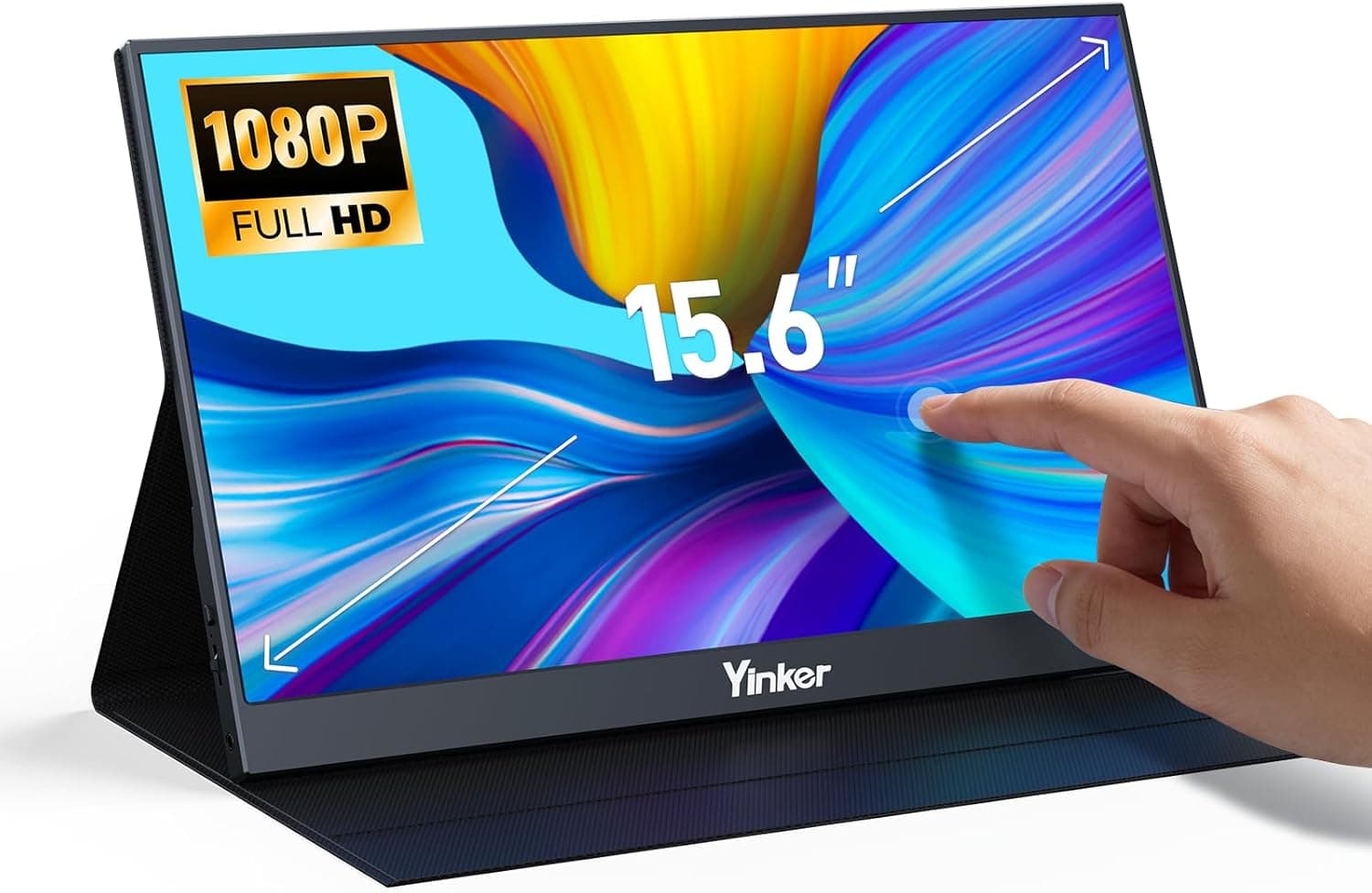
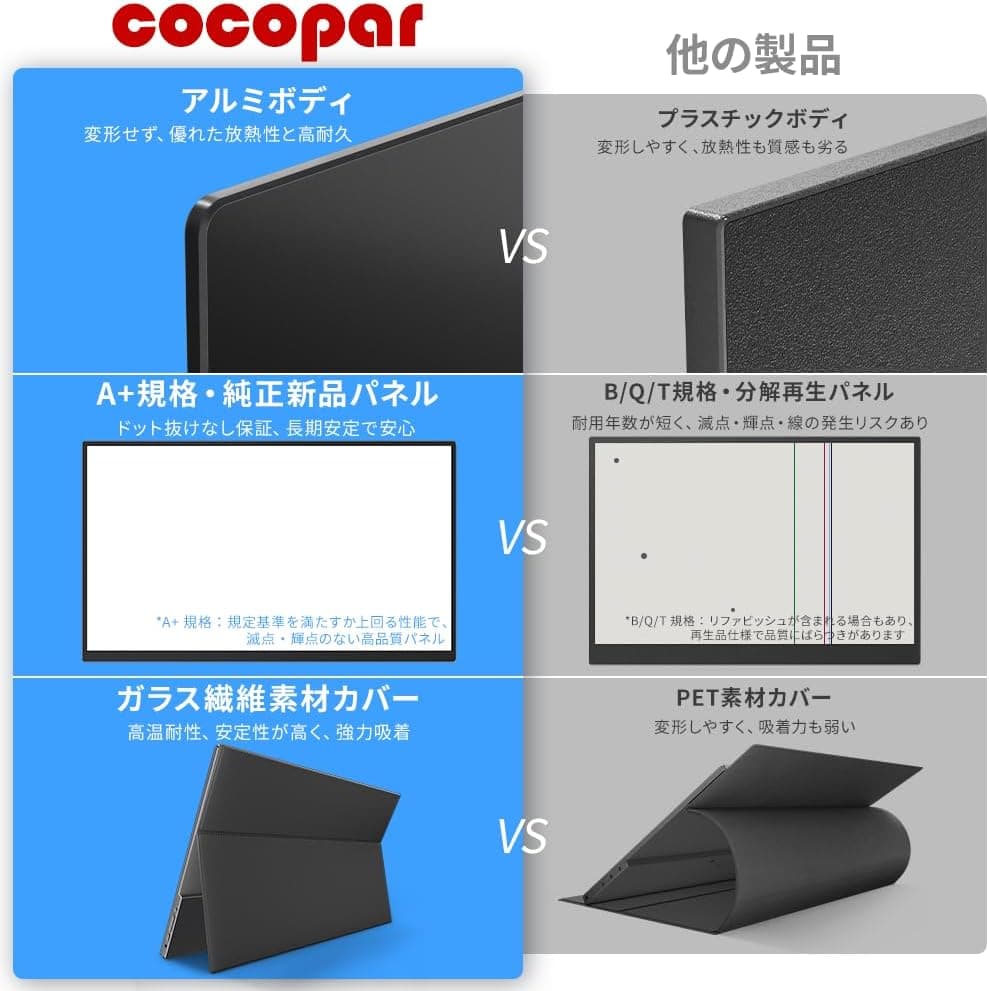
Overview
The VisionOwl portable monitor is a 16-inch travel display that pairs a 2560x1600 (16:10) IPS panel with a 144Hz refresh rate. The short answer: it is a strong choice if you own a laptop whose USB-C port supports DP Alt Mode and you want both more screen real estate and smooth motion for games.
It is a weaker fit if you only want a screen for a home console, or if color accuracy directly affects your paid work.
The panel uses 8-bit + 2FRC to display about 1.07 billion colors, covers a 110% sRGB gamut, and reaches 470 nits.
The metal chassis weighs 0.67 kg and includes an adjustable kickstand and VESA mounting holes.
Video inputs are two USB-C ports (DP Alt Mode) and one full-size HDMI port.
The box includes a sleeve case, an AC adapter, an HDMI cable, and two USB-C cables. That covers the main setups out of the box: a single-cable laptop connection, an HDMI connection to a console, and power from the AC adapter.
The sections below explain what the spec sheet means in daily use and where buyers tend to run into problems.
What 16 Inches at 2560x1600 Looks Like
At 16 inches, 2560x1600 works out to roughly 189 ppi. A common 15.6-inch 1920x1080 portable monitor is about 141 ppi, so text on this panel looks noticeably sharper and smoother.
The active area is roughly 34.5 x 21.5 cm (calculated), so it sits comfortably beside a laptop without feeling oversized.
At 100% scaling, text is too small for most people to read comfortably. On Windows, a scaling setting of 125 to 150% is a realistic starting point.
At 150% the usable workspace is equivalent to about 1707x1067, and at 125% it is about 2048x1280. Expect this monitor to show a similar amount of content more crisply, rather than a dramatically larger desktop.
The 16:10 ratio gives you more vertical space than 16:9 at the same width. Compared with 2560x1440, you get about 11% more height.
That helps with documents, spreadsheets, code editors, and web pages. Laptops and MacBooks with 16:10-style screens mirror with little or no letterboxing.
Models whose screens are not exactly 16:10, such as MacBooks with a notch, may show a thin border.
Compatibility Guide
The most common problems with this monitor are connection-related: no picture at all, or a picture that refuses to go above 60Hz. Here is a quick guide by source device.
| Source | Recommended connection | Notes |
|---|---|---|
| Laptop or MacBook with USB-C DP Alt Mode + PD | One USB-C cable | Make sure the port supports video output. Thunderbolt 3/4 ports usually do |
| PC with USB-C but no video over USB-C | Use HDMI | Charge-only or data-only USB-C ports will not show a picture |
| PC with HDMI output only | HDMI + separate USB-C power | Power the monitor from the included AC adapter |
| PS5 / Xbox Series X/S | HDMI + separate USB-C power | Consoles output up to 120Hz in 16:9 |
| Nintendo Switch | Direct USB-C or HDMI via the dock | A direct connection may not work under some power conditions |
To send video and power over one cable, the host's USB-C port must support both DP Alt Mode and Power Delivery. USB-C ports look identical, but video support varies by model.
Before buying, check your laptop's spec sheet for terms such as DisplayPort output or Thunderbolt.
Whether you actually get 144Hz usually depends more on the host than on the monitor. 2560x1600 at 144Hz needs a lot of bandwidth.
Even with DP Alt Mode, a port with limited bandwidth (for example, one that is not DisplayPort 1.4 class, or one that shares lanes with USB data) may only offer 60Hz.
Over HDMI, 144Hz depends on the HDMI version of both the monitor and the source, so check the product page if you plan to game at high refresh rates over HDMI.
On a MacBook, watch the external display limit. MacBooks with a base M1 or M2 chip support only one external display by default.
If you already use one external monitor, you cannot run this one alongside it.
Powering the monitor from a laptop over one cable drains the laptop battery faster, especially at high brightness or when using the speakers. Because there are two USB-C ports, you can use one for video and the other for power from the AC adapter.
When an outlet is available, that setup helps avoid flicker and dropouts.
FreeSync reduces screen tearing with compatible AMD GPUs. Variable refresh may also work with NVIDIA GPUs as G-SYNC Compatible, but the data does not confirm official support.
Whether console VRR works also depends on the monitor and cannot be confirmed here, so do not count on it.
For mounting, the compatibility data lists VESA 75x75 mm, but the spec sheet says two holes. A standard VESA 75x75 mount uses four holes, so a regular monitor arm may not attach directly.
If you plan to use an arm, check the hole layout and any required bracket in the product photos.
Product Info
Key specifications:
| Item | Value |
|---|---|
| Screen size | 16 inches |
| Resolution | 2560x1600 (QHD) |
| Refresh rate | 144Hz |
| Aspect ratio | 16:10 |
| Panel | IPS (8bit+2FRC) |
| Color gamut | 110% sRGB |
| Brightness | 470 nits |
| Weight | 0.67 kg |
| Inputs | USB-C (DP Alt Mode) x2, full-size HDMI |
| Speakers | Yes |
| VESA mount | Supported (two holes) |
The Japanese Amazon listing title is 「VisionOwl ポータブルモニター 16インチ 2.5K QHD 144Hz 16:10秒画面 USB-C HDMI HDR FreeSync トラベルモニター ノートパソコン MacBook PC PS5 Xbox VESA用スピーカー付き調節可能キックスタンド」.
The odd phrase in it is most likely a translation glitch for a 16:10 screen.
As of October 2026, the price on Amazon.co.jp was ¥39,251.
Prices change often with sales and stock levels, so check the product page for the current price before buying. At the same time, the listing had a 4.8 out of 5 rating from 38 reviews (96% positive).
That is a strong score, but 38 reviews is still a small sample. Read the low-rated reviews for specific reports such as no signal, no 144Hz, or units that arrived defective.
The release date and warranty length could not be confirmed from the available data. Check the product page or the manufacturer for warranty terms and support contacts.
In the portable monitor market, this model sits in the mid-to-upper price range. Its main strength at this price is combining 2560x1600 with 144Hz, which makes it a single-screen answer for both sharp productivity work and smooth gaming.
How It Compares
There are three main alternatives to compare against.
| Alternative | Typical trade-off | Why pick this model instead |
|---|---|---|
| 15.6-inch 1080p 60Hz portable monitors | Common and often cheaper, but less sharp and less smooth | You care about crisp text and 144Hz |
| 13 to 14-inch compact portable monitors | Lighter and fit smaller bags | You want more screen area and more vertical space |
| 27-inch desktop QHD monitors | Much larger screen for similar money | You need to carry the monitor with you |
If the monitor will only ever sit on a desk at home, a 27-inch desktop QHD monitor at a similar budget will usually feel better because of the larger screen. If weight and size matter most, a 13 to 14-inch compact model is worth considering.
This VisionOwl model fits the middle ground: as much screen size, sharpness, and smoothness as you can get while still carrying it around.
If your laptop is short on USB-C ports, or you want one cable at your home desk, a Thunderbolt dock is an option. Some dock setups cannot pass 144Hz, though, so connect the monitor directly to the laptop first to confirm it works at 144Hz.
Best Use Cases
- Laptop users who travel or work remotely: With a DP Alt Mode USB-C port, you get a dual-screen setup from one cable. The tall 16:10 screen works well for documents and email side by side, and at 0.67 kg it is light enough to carry with a laptop.
- PC gamers on the go: With a gaming laptop or another setup that can output 144Hz, shooters and racing games feel noticeably smoother than at 60Hz. FreeSync works with compatible AMD GPUs.
- People who read a lot of text: Around 189 ppi makes long writing and coding sessions easier on the eyes. If text looks jagged on your 15.6-inch 1080p monitor, this is a meaningful upgrade.
- Hobbyist photo editors and designers: 110% sRGB and 470 nits are enough for general creative work. Strict professional color work needs more, as explained below.
- Console players who want a screen away from the TV: Connect a PS5 or Xbox over HDMI and play anywhere with power. Note that the consoles cannot use the monitor's full capability.
Before You Buy
144Hz is not automatic. As covered in the Compatibility Guide, a host port with limited bandwidth may only offer 60Hz.
Even with enough bandwidth, the OS often defaults to 60Hz. After connecting, check the refresh rate in Advanced display settings on Windows or in Displays under System Settings on macOS.
Consoles cannot use the panel's full capability. PS5 and Xbox Series X/S output up to 120Hz, not 144Hz.
They also output 16:9 video, so this 16:10 screen shows black bars at the top and bottom or stretches the picture. If you only need a console screen, a 16:9 1080p or 1440p monitor is often enough.
Treat HDR as a checkbox feature. The listing mentions HDR, but the available data shows no certification such as DisplayHDR.
At 470 nits, the HDR effect is limited. Do not buy this monitor mainly for HDR.
Color accuracy has limits. A 110% sRGB figure is sometimes a gamut area ratio rather than coverage, so it does not necessarily mean the panel covers all of sRGB.
The data also does not say whether units are factory calibrated. For color-critical work such as print matching, plan to use a calibrated monitor or a colorimeter.
Do not expect much from the built-in speakers. Speakers in thin monitors are generally quiet and light on bass.
For games and video, plan on headphones or external speakers.
Think about total carry weight. The monitor alone is 0.67 kg, but add a laptop, AC adapter, cables, and sleeve and your bag gets heavy quickly.
If you plan to carry it daily, picture the full load before you buy.
Check the VESA mount design. The spec sheet lists two holes, so a standard four-hole VESA 75x75 arm may not attach directly.
If an arm is part of your plan, confirm the mounting method first.
Check the seller and shipper. The listing shows Amazon US as both seller and shipper.
Overseas shipping can mean longer delivery times and different return and warranty contacts than domestic shipping, so confirm the seller, shipper, and return terms on the product page when you order. Many portable monitors have similar names, so use the photos and title to make sure the listing is the 16-inch, 2560x1600, 144Hz model.
FAQ
Q. It only runs at 60Hz. Is it defective? A.
Usually not. First, check whether your OS display settings let you select 144Hz.
If 144Hz is not listed, the port, cable, or dock may not have enough bandwidth. Try a direct connection with the included USB-C cable.
Q. Does it work with a MacBook? A.
Yes. It is designed to connect to a USB-C (Thunderbolt) port with one cable.
MacBooks with a base M1 or M2 chip support only one external display by default, so you cannot use it alongside another external monitor.
Q. Can I play at 144Hz on PS5 or Xbox? A.
No. The consoles output up to 120Hz.
They also output 16:9 video, so the 16:10 screen shows black bars at the top and bottom or stretches the picture.
Q. Can I use it without the AC adapter? A.
Yes, with a laptop whose USB-C port supports both DP Alt Mode and Power Delivery: one cable carries power and video. Consoles and PCs connected over HDMI need separate power through the included AC adapter and a USB-C cable.
Q. Is it good enough for color-accurate photo editing? A.
Its color is good enough for hobby use. The data does not confirm calibration or true sRGB coverage, though.
For professional color work, calibrate it with a colorimeter or choose a monitor with guaranteed color accuracy.
Product Disclosure (Amazon)
- Manufacturer: VisionOwl
- Seller: Amazon US
- Fulfilled by: Amazon US
- ASIN: B0GHP4MKMP
- Note: This article covers a manufacturer-made product based on Amazon listing details.