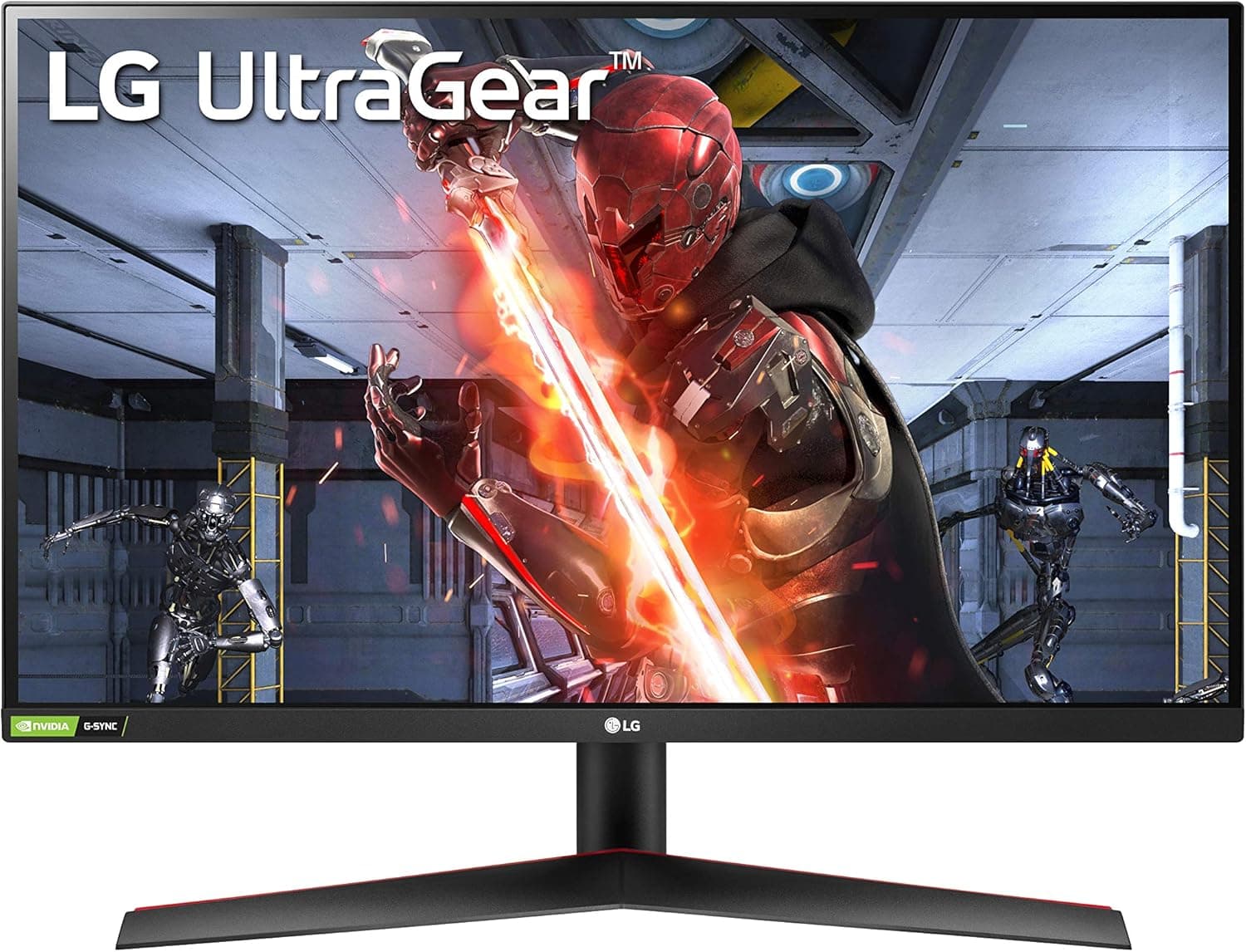
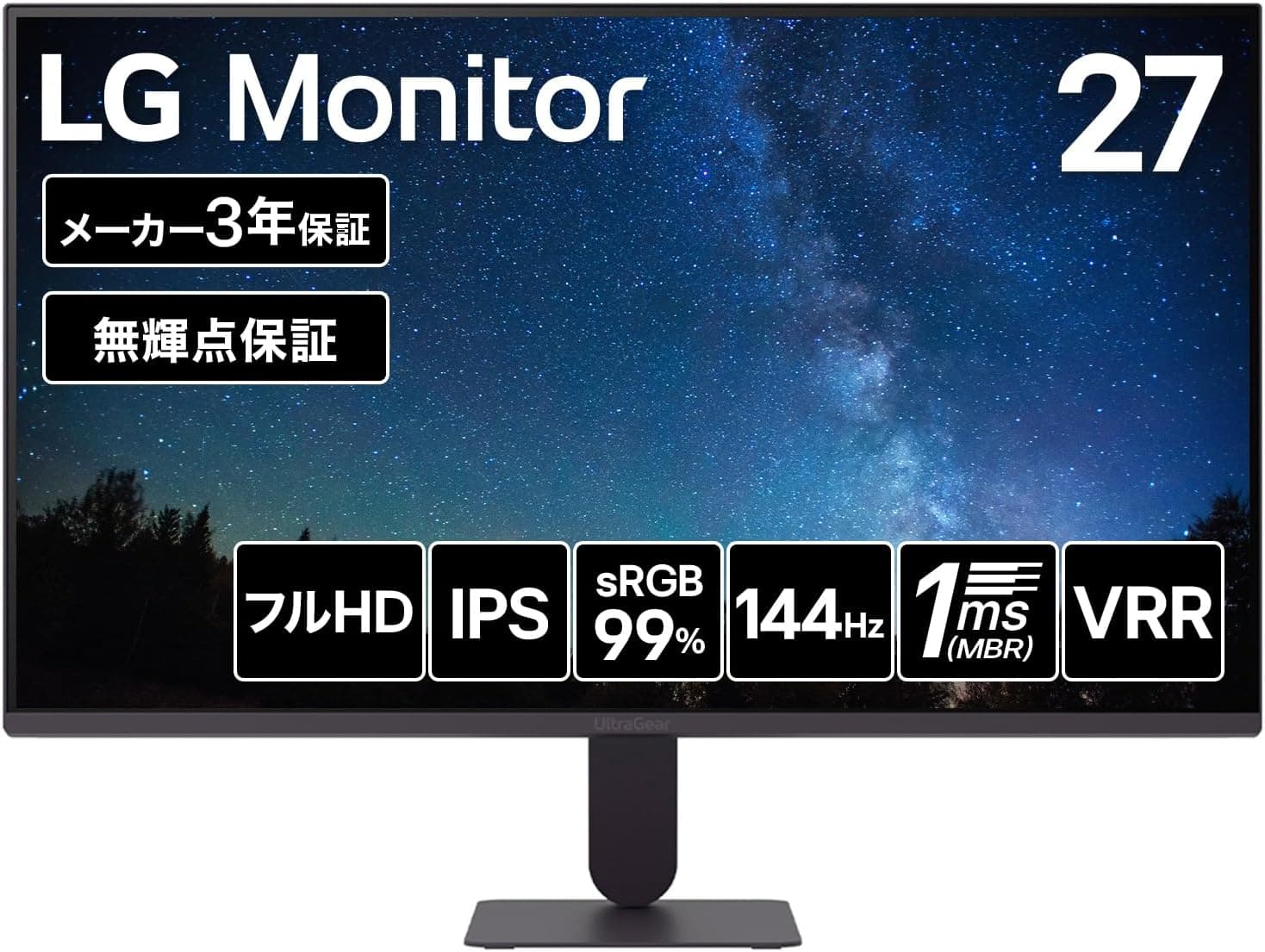
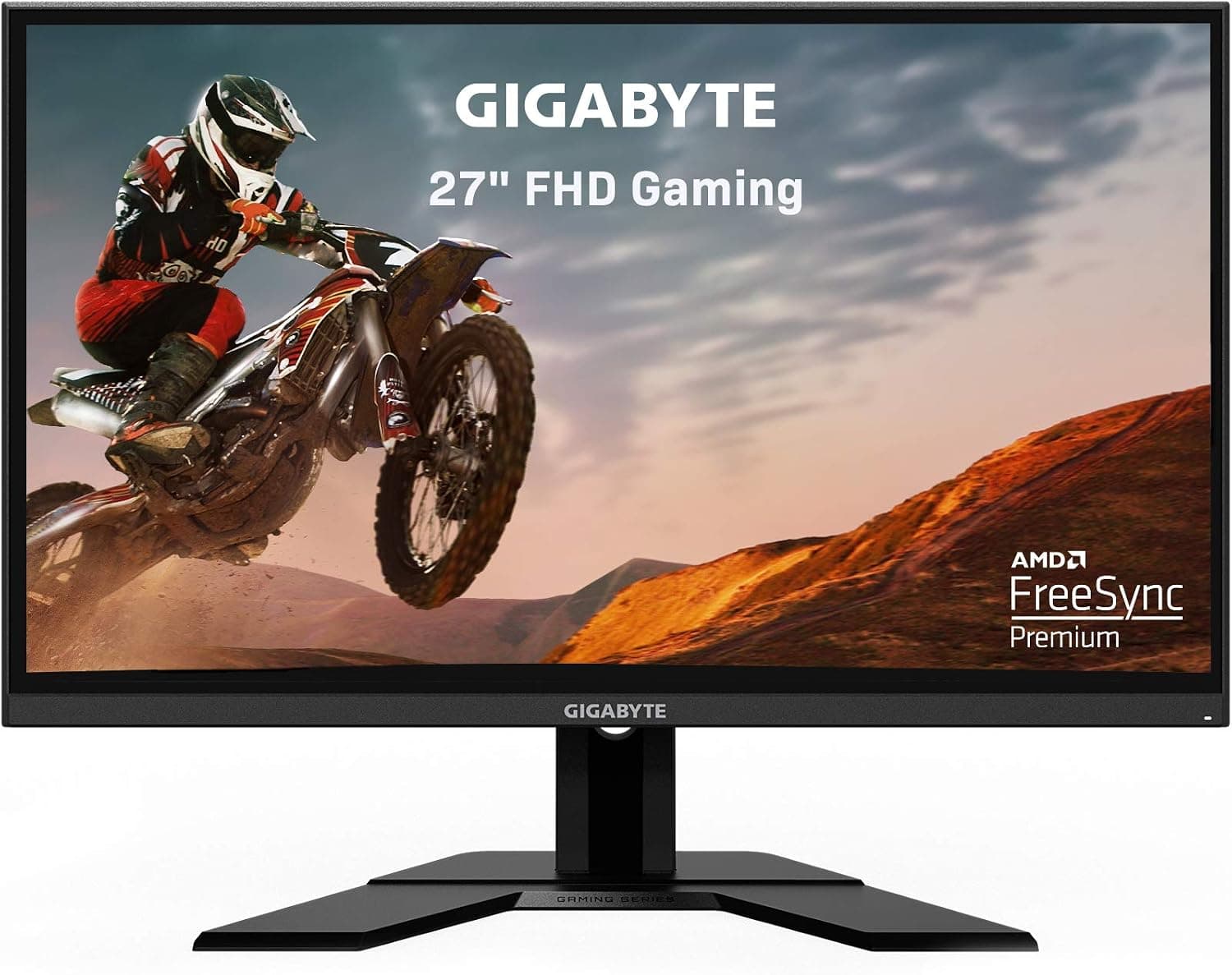
This article takes a close look at the LG 24G411B-B — 23.8-inch 144Hz IPS Gaming Monitor.
Using its spec numbers, it works out who should buy it and who should skip it.
Overview
The bottom line: the LG 24G411B-B suits people moving up from a 60Hz monitor to a high refresh rate for the first time. It is a 23.8-inch Full HD (1920×1080) IPS monitor running at 144Hz.
It covers 99% of sRGB, supports HDR10, and has a 1ms Motion Blur Reduction (MBR) mode, so one screen can handle both gaming and office work. Its limits are just as clear, though.
At 250cd/m², it cannot show real HDR impact, and players who want 240Hz or more will find it lacking.
The IPS panel has 178°/178° viewing angles (CR≧10). An anti-glare finish keeps reflections down, and flicker-safe and low-blue-light modes help during long sessions.
Response time is 5ms (GTG) normally and 1ms in MBR mode. It is a value-focused display that targets everyone from office users to casual gamers.
Compatibility Guide
Inputs are two HDMI ports and one DisplayPort, plus a headphone output. The monitor supports variable refresh rate (VRR) and has been verified with AMD FreeSync and NVIDIA G-Sync Compatible.
With a supported graphics card, it reduces tearing and stutter even when frame rates drop below 144fps.
On a PC, DisplayPort is the safe default. HDMI can sometimes run at high refresh rates too.
However, whether the HDMI inputs reach 144Hz, and whether NVIDIA GPUs can use VRR over HDMI, depends on the GPU generation and settings. Check the manual or product page.
DisplayPort avoids these questions. Note that only an HDMI cable is included, so you will need to buy a DisplayPort cable.
PS5 and Xbox Series X/S can output 120Hz over HDMI, but only in supported titles; most games run at 60Hz. HDR10 playback is supported, so you can turn on HDR on the console and connect directly.
With two HDMI inputs, you can keep a PC and a console connected at the same time and switch between them.
Physically, the monitor measures 539×412×220mm with the stand and weighs 3.3kg.
The 220mm depth includes the stand foot, so on a shallow desk, check how much room is left for your keyboard. The 100×100mm VESA mount lets you move it to a monitor arm or wall mount later.
Power comes from an external AC-DC adapter, so plan a spot for it under or behind the desk. There are no built-in speakers; use the headphone output or separate speakers.
Product Info
Key specifications:
| Item | Value |
|---|---|
| Screen size | 23.8 inches |
| Panel | IPS (anti-glare) |
| Resolution | 1920×1080 (FHD) |
| Refresh rate | 144Hz |
| Response time | 5ms (GTG), 1ms MBR |
| Brightness | 250cd/m² |
| Contrast ratio | 1500:1 |
| Color gamut | sRGB 99% |
| Viewing angle | 178°/178° (CR≧10) |
| Inputs | HDMI×2, DisplayPort×1, headphone out |
| Dimensions with stand | 539×412×220mm |
| Weight with stand | 3.3kg |
When the price was captured on September 23, 2026, Amazon.co.jp listed it at ¥16,900.
Prices change often with sales and stock, so check the product page for the current price before buying. At the same point, the Amazon customer rating was 4.4 out of 5 from 291 reviews.
Neither the count nor the score suggests serious complaints.
Included in the box are a power cord, AC-DC adapter, HDMI cable, quick setup guide, and warranty card. The manufacturer warranty runs three years and covers the panel and backlight.
A zero-dead-pixel guarantee is also included. Some budget monitors carry shorter warranties, so this coverage is a real reason to choose it.
The LG 24G411B-B is a relatively recent model, sold by Japanese online retailers, major electronics stores, and PC shops. It sits in the entry-to-mid tier of gaming monitors.
Its size works well whether you are upgrading from 60Hz or adding a secondary screen.
What the Numbers Mean in Practice
At 23.8 inches and Full HD, pixel density is roughly 92ppi.
At typical viewing distances of about 50 to 70cm, text looks reasonably clean, and Windows scaling can stay at 100%. Text doesn't get too small, as it can on same-size WQHD or 4K panels, so there is no fiddling with scaling.
For office-focused users, that is a real advantage.
The 144Hz refresh rate makes the biggest difference in shooters and battle royales, where you turn the camera quickly. The screen updates more than twice as often as at 60Hz.
That cuts the smearing you see when you turn, and makes enemies easier to track. Cursor movement and web scrolling get smoother too, so you notice the difference even outside games.
The 1ms MBR mode reduces motion blur by strobing the backlight, which generally makes the picture dimmer. On many monitors, MBR and VRR (FreeSync or G-Sync Compatible) cannot run at the same time.
Check the manual to see whether this model allows both. In practice, use MBR in titles that hold close to 144fps and VRR in heavier titles where frame rates swing.
The listed contrast ratio is 1500:1. In dark games you may notice IPS glow, a faint brightening in the corners of a dark screen when seen at an angle.
It is common to all IPS panels and varies from unit to unit.
Comparison with Alternatives
Comparing it with nearby options makes its position clearer.
| Factor | LG 24G411B-B | Alternative |
|---|---|---|
| Refresh rate | 144Hz | For 240Hz or more: MSI MAG 272F X24 (240Hz) or ASUS ROG Swift PG259QNR (360Hz) |
| Screen size | 23.8 inches | For a bigger screen: the 27-inch LG UltraGear 27GN65R-B |
| Main use | Gaming plus office work | Mostly office work, 120Hz is enough: ASUS VA24EHF2 |
Around 24 inches, Full HD, and 144Hz is a standard, easy combination for a first gaming monitor. Going higher in refresh rate costs more, and you also need a GPU that can drive those frame rates.
A 27-inch Full HD screen, on the other hand, has lower pixel density and looks coarser up close. As a rule of thumb, choose 23.8 inches for a desk about 60cm deep, and 27 inches if you sit farther back.
Who It's For
- Gamers trying high refresh for the first time: Coming from 60Hz, you get 144Hz smoothness at an affordable price. Competitive shooters and battle royales play well, but top-level esports players who need 240Hz or more should look elsewhere.
- Home office and productivity users: Wide IPS viewing angles and sRGB 99% are plenty for spreadsheets, documents, and video calls. Flicker-safe and low-blue-light modes help with long workdays.
- Console gamers: Connect a PS5 or Xbox Series X/S over HDMI and play supported titles at 120Hz. With two HDMI inputs, a PC and a console can stay connected together.
- Entry-level creators: sRGB 99% coverage handles web-focused photo editing and light design work.
- Dual-monitor builders: Two 23.8-inch screens side by side don't force much head movement, and VESA support lets them fit on a dual arm.
Before You Buy
Keep HDR expectations low. Accepting an HDR10 signal is not the same as showing HDR contrast.
At 250cd/m², there is little headroom for bright highlights. Think of HDR here as compatibility, not impact.
If picture impact matters, look at brighter models. In some games, the image is easier to read with HDR turned off.
No DisplayPort cable in the box. Only an HDMI cable is included.
DisplayPort is the safe way to get 144Hz and VRR on a PC, so buy a cable along with the monitor. After connecting, check in Windows advanced display settings that the refresh rate is set to 144Hz.
Leaving it at 60Hz without noticing is a common mistake.
Not a professional color monitor. sRGB 99% is fine for web work, but it does not cover the wide gamuts such as DCI-P3 or Adobe RGB needed for video production or print.
Not for 240Hz or faster. 144Hz is smooth, but there is a clear gap to the 240Hz and 360Hz class that top competitive players use.
If you plan to invest in higher refresh rates anyway, buying that class now avoids a second purchase.
Check the stand adjustment. The spec data available here does not mention height adjustment or swivel.
If you need the right height, check the range on the product page or plan to use a VESA 100×100mm monitor arm.
Confirm the exact model. Marketplace search results can include models with a different suffix or used units.
When buying, make sure the model number is 24G411B-B and that the photos and title match this product.
FAQ
Q. Does it have built-in speakers?
A. No. Use the headphone output, or add external speakers.
Q. Can a PS5 run at 120Hz on it?
A. Yes, over HDMI, but only in titles that support 120Hz.
Q. Does it work with G-Sync? A.
It is verified as NVIDIA G-Sync Compatible. On an NVIDIA GPU, the reliable setup is to connect via DisplayPort and enable G-SYNC in the driver settings.
Q. Is it good for photo editing? A.
With sRGB 99%, it is fine for photos meant for the web. For print or video work that needs a wide gamut, choose a higher-tier model.
Q. What does the warranty cover? A.
Three years from the manufacturer, covering the panel and backlight, plus a zero-dead-pixel guarantee.
Product Disclosure (Amazon)
- Manufacturer: LG
- Seller: Amazon.co.jp
- Fulfilled by: Amazon.co.jp
- ASIN: B0GYPP63DR
- Note: This article covers a manufacturer-made product based on Amazon listing details.