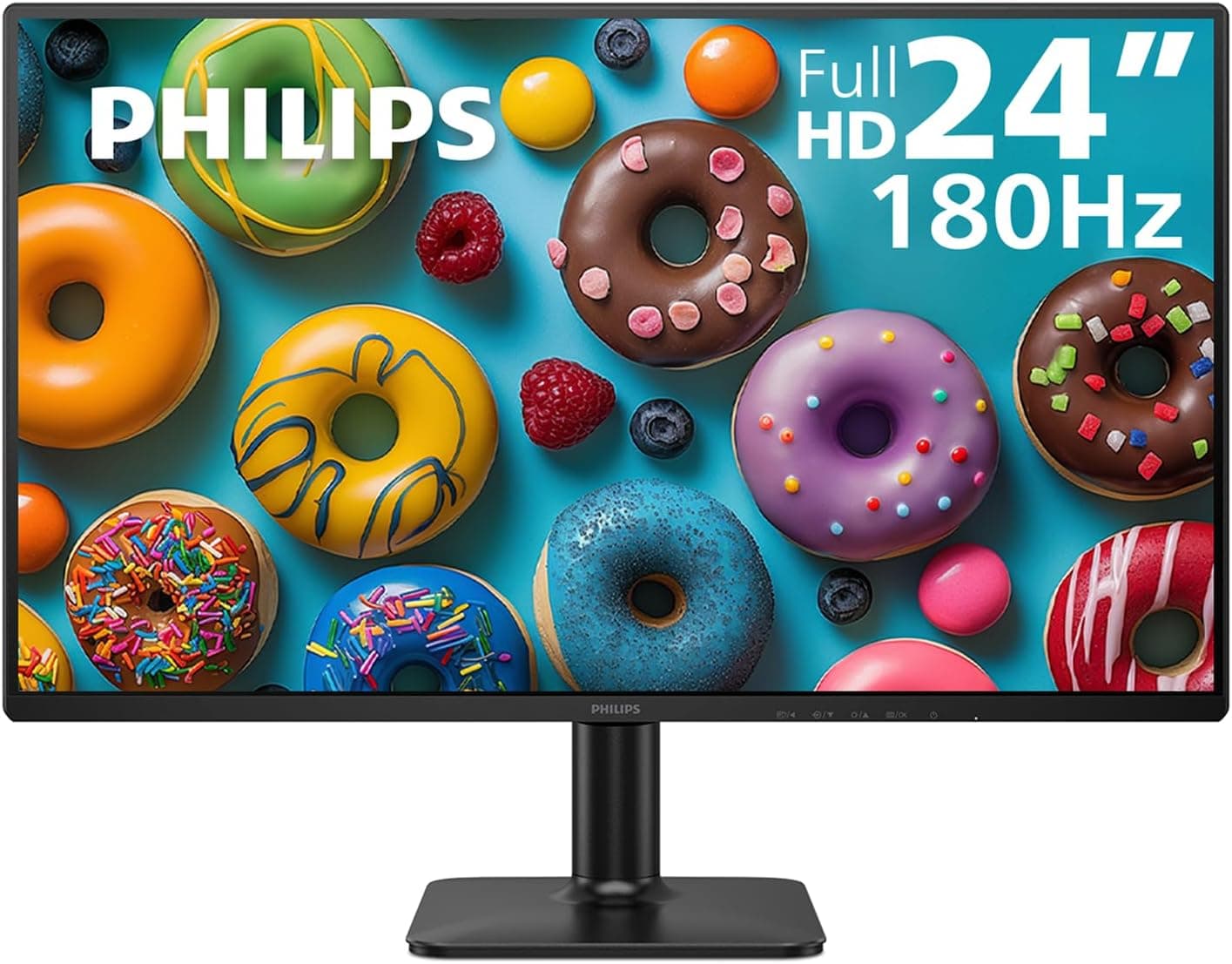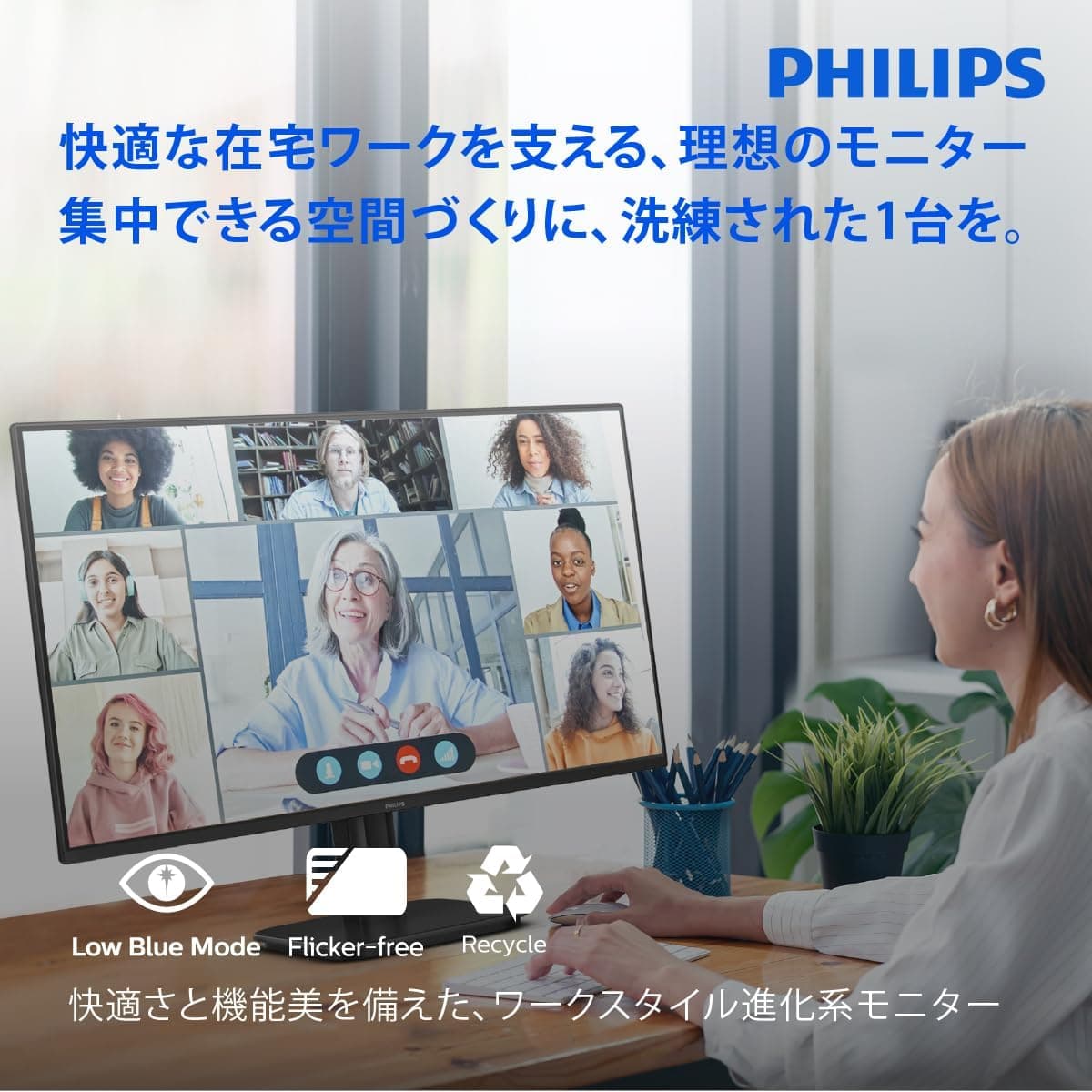
This article takes a detailed look at the PHILIPS 24E1N2100D/11 23.8-inch LCD Monitor.
Overview
The short version: the PHILIPS 24E1N2100D/11 is a 23.8-inch Full HD (1920×1080) monitor for buyers who want an IPS panel, 120Hz, and a 5-year warranty for a low price.
Its compromises are easy to spot. It reaches 120Hz with a 1ms MPRT response time, which covers office work and casual gaming.
On the other hand, it has no DisplayPort, the stand only tilts, and there are no built-in speakers.
SoftBlue technology cuts blue light, and the flicker-free backlight helps with eye strain over long sessions. The power supply is built in, and HDMI, DVI-D, and D-Sub cables come in the box, so it works straight out of the box.Check the retailer's page for the latest user reviews.co.
That rating is encouraging, but with so few reviews it is only a rough guide.
Compatibility Guide
The inputs are HDMI 1.4, D-Sub (VGA), and DVI-D, plus a headphone jack.
The most important point is this: use HDMI if you want 120Hz. HDMI 1.4 has enough bandwidth for 1080p at 120Hz.
D-Sub is analog and generally tops out around 60Hz. Single-link DVI often cannot reach 120Hz either, so check the product page to see what refresh rate this model's DVI-D input accepts.
| Connection | Best for | Caveat |
|---|---|---|
| HDMI 1.4 | 120Hz gaming and everyday use | Needs a free HDMI output on the PC |
| DVI-D | Older desktops and business PCs | 120Hz support needs confirming |
| D-Sub (VGA) | Legacy PCs with neither HDMI nor DVI | Analog, softer text, about 60Hz |
As the table shows, HDMI is the connection that gets the most out of this monitor. Treat DVI-D and D-Sub as fallbacks for older machines.
There is no DisplayPort. Many current graphics cards have three DisplayPort outputs and only one HDMI.
If that HDMI port already goes to a TV or another device, you have nowhere to plug this monitor in. A DisplayPort-to-HDMI adapter will work, but cheap passive adapters can limit you to 60Hz.
If you need 120Hz through an adapter, choose an active adapter that clearly lists 1080p at 120Hz.
Laptops with only USB-C ports need a USB-C-to-HDMI adapter. The monitor has no USB-C input, so you cannot send video and charge a laptop over a single cable.
For mounting, the monitor supports VESA 100×100mm, so you can attach a monitor arm or wall mount. The included stand only tilts, from -5° to 20°.
The specifications list no height adjustment, swivel, or pivot. If you need a different height or want to use the screen vertically, plan on buying a monitor arm.
With no built-in speakers, audio sent over HDMI comes out of the headphone jack. Connect headphones or powered speakers there, or use your PC's own audio output.
Product Info
Key specs: a 23.8-inch IPS panel at 1920×1080, up to 120Hz, 4ms GtoG / 1ms MPRT response time, 300 cd/m² brightness, and 178°/178° viewing angles.
Color gamut is sRGB 102.66%, Adobe RGB 87.82%, and DCI-P3 81.39%.
That covers essentially all of sRGB, which is the standard for web browsing, photo viewing, and office work.
The 80,000,000:1 contrast figure comes from SmartContrast, which raises and lowers the backlight to match the picture. It is not the panel's native (static) contrast.
Typical IPS panels manage about 1,000:1 static contrast. Do not expect deep blacks because of the headline number.
As of July 2026, Amazon.co.jp listed it at ¥12,800.
Prices change with sales and stock, so check the product page for the current price. It reportedly launched in late 2025.
It comes with a 5-year warranty with free repairs, which is generous at this price.
In the box: D-Sub cable (1.5m), DVI-D cable (1.8m), HDMI cable (1.8m), power cable (1.8m), quick-start guide, warranty card, stand base, and stand pillar.
Because an HDMI cable is included, most PCs need no extra cable. The power supply is built in, so there is no external power brick to find room for under the desk.
It sits in the entry-to-mid-range segment. With 120Hz for gaming, good IPS color, and a long warranty that suits work use, it is a well-balanced choice.
Comparison with Competitors
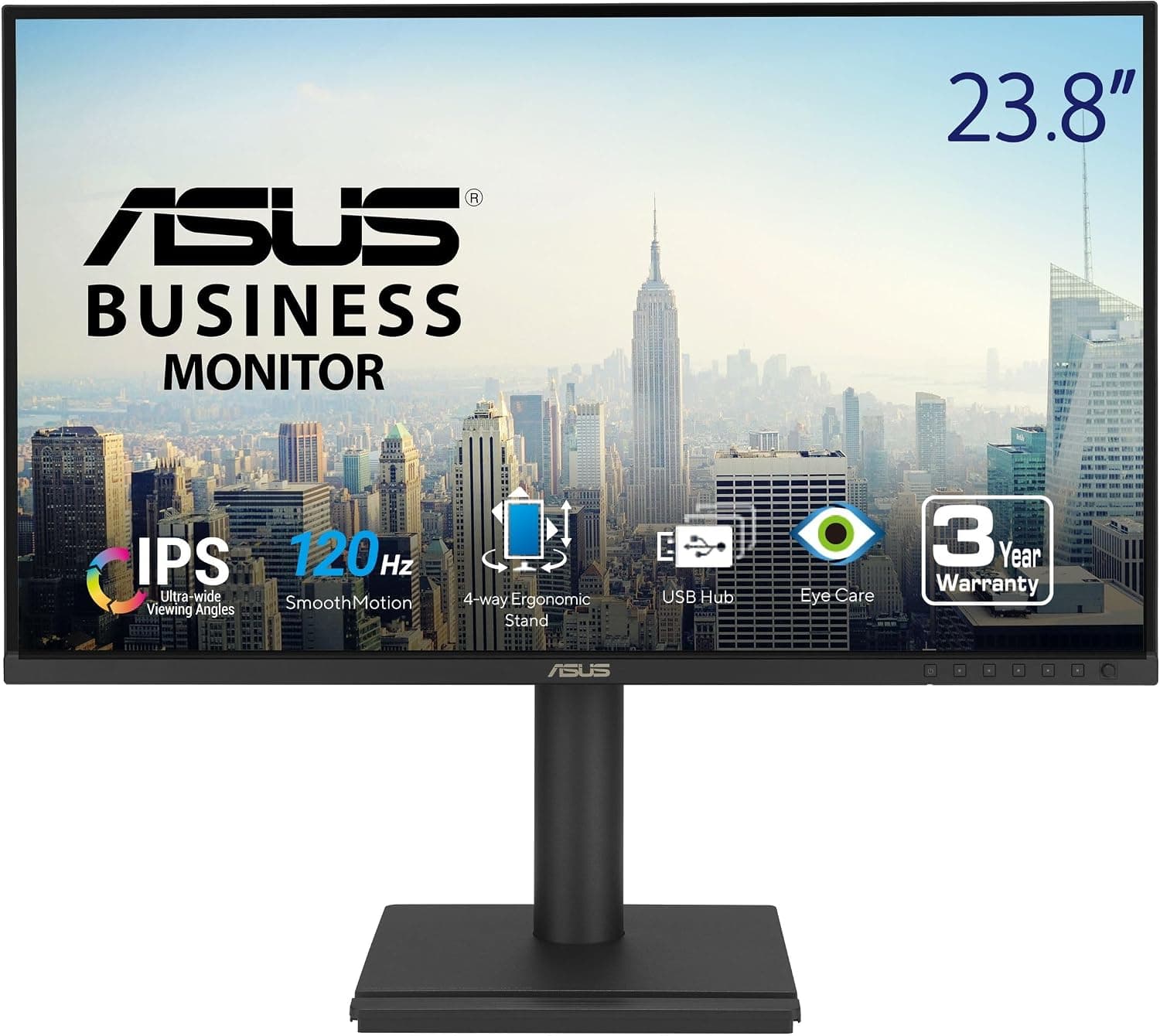
This 23.8–24-inch, Full HD, IPS, 120Hz class also includes models from Acer and ASUS.
Going by its product name, Acer's 23.8-inch IPS 120Hz model has DisplayPort 1.2 but no headphone jack.
The ASUS VA24EHF2 is in the same Full HD, 120Hz, IPS class.
The ports are what should decide it. If your graphics card's HDMI port is taken, or you want a direct DisplayPort connection, pick a model with DisplayPort.
If your PC only has DVI-D, or you want to plug headphones into the monitor, the PHILIPS 24E1N2100D/11 is the better match. Warranty length is also worth comparing, so check each product page.
If you want more, you can go in two directions. You can move to a larger, higher-resolution screen for more workspace, or to a 360Hz competitive model for faster response.
Both cost much more. If your goal is a reliable, inexpensive first monitor, this class is enough.
Best Use Cases
- Home office and office workers: SoftBlue and the flicker-free backlight reduce eye fatigue over long workdays. At 23.8 inches, Full HD gives comfortable text size with enough room to put a document and a spreadsheet side by side. There are no speakers, so you will need a headset or external speakers for video calls.
- Casual gamers: 120Hz and 1ms MPRT make shooters and racing games noticeably smoother than 60Hz. AdaptiveSync reduces screen tearing, where the image looks split horizontally. Competitive players who want 240Hz or more should look elsewhere.
- Budget multi-monitor builders: You get IPS and 120Hz at a low price. Identical units are easy to color-match, VESA support makes arm mounting simple, and the slim bezels keep the gaps between screens small.
- People still using older PCs: Few current monitors offer DVI-D and D-Sub. Being able to connect a legacy business PC or an older desktop with no HDMI is a quiet strength of this model.
Before You Buy
There is no DisplayPort. This is the easiest thing to miss.
If your graphics card's HDMI port already goes to a TV or VR headset, you may only have DisplayPort outputs left. Then you need an adapter, and cheap ones may not deliver 120Hz.
Before buying, confirm that your PC has a free HDMI output.
120Hz is not switched on automatically. Many people plug the monitor in and keep using it at 60Hz without noticing.
In Windows, open Advanced display settings and set the refresh rate to 120Hz. Over D-Sub, 120Hz will most likely not appear as an option at all.
The stand only tilts. You cannot raise or lower the screen, so it may sit too low for your desk and chair.
Include a monitor riser or arm in your budget from the start.
Do not take the contrast figure at face value. 80,000,000:1 is a dynamic figure, and dark scenes look like any typical IPS panel.
If you want deep blacks for dark films or games, consider a VA panel or OLED instead.
Do not expect HDR or high brightness. At 300 cd/m², it is bright enough for everyday use away from a sunny window, but it is not designed to make HDR content stand out.
Who should skip it: competitive players chasing 240Hz or more, and anyone doing color-critical work that needs wide Adobe RGB coverage (this model covers 87.82%).
It is also a poor fit if you want single-cable laptop charging or height adjustment from the stock stand.
Note that the Amazon listing name sometimes leaves out the model number. PHILIPS sells several similarly named 23.8-inch models, so check that the model number 24E1N2100D/11 and the ASIN match before you buy.
FAQ
Q. Does it work with a PS5 or Nintendo Switch? A.
Yes, over HDMI. The original Nintendo Switch outputs at most 60Hz, so 120Hz makes no difference.
Some PS5 games can output 1080p at 120Hz, but whether that works over HDMI 1.4 depends on your setup.
It is safest to expect 60Hz.
Q. What do I need for 120Hz? A.
An HDMI connection and the right refresh-rate setting on the PC. If your graphics card supports 120Hz output, the included HDMI cable is all you need.
Q. Does it play sound? A.
There are no built-in speakers. Audio sent over HDMI comes out of the headphone jack, so connect headphones or powered speakers there.
Q. Can it rotate to portrait or adjust height? A.
The included stand is only listed with tilt (-5° to 20°). A VESA 100×100mm monitor arm adds height adjustment and portrait use.
Q. Can I use it with a MacBook or other laptop? A.
Models with an HDMI port connect directly. USB-C-only models need a USB-C-to-HDMI adapter.
For 120Hz, also check which refresh rates the adapter supports.
Product Disclosure (Amazon)
- Manufacturer: PHILIPS
- Seller: Amazon.co.jp
- Fulfilled by: Amazon.co.jp
- ASIN: B0FV856B9M
- Note: This article covers a manufacturer-made product based on Amazon listing details.