This article covers フィリップス 24インチ コンピュータモニター FHD 180Hz IPS (model 24E2G2200), from how to read the spec sheet to the things that trip people up after the box is open.
Overview
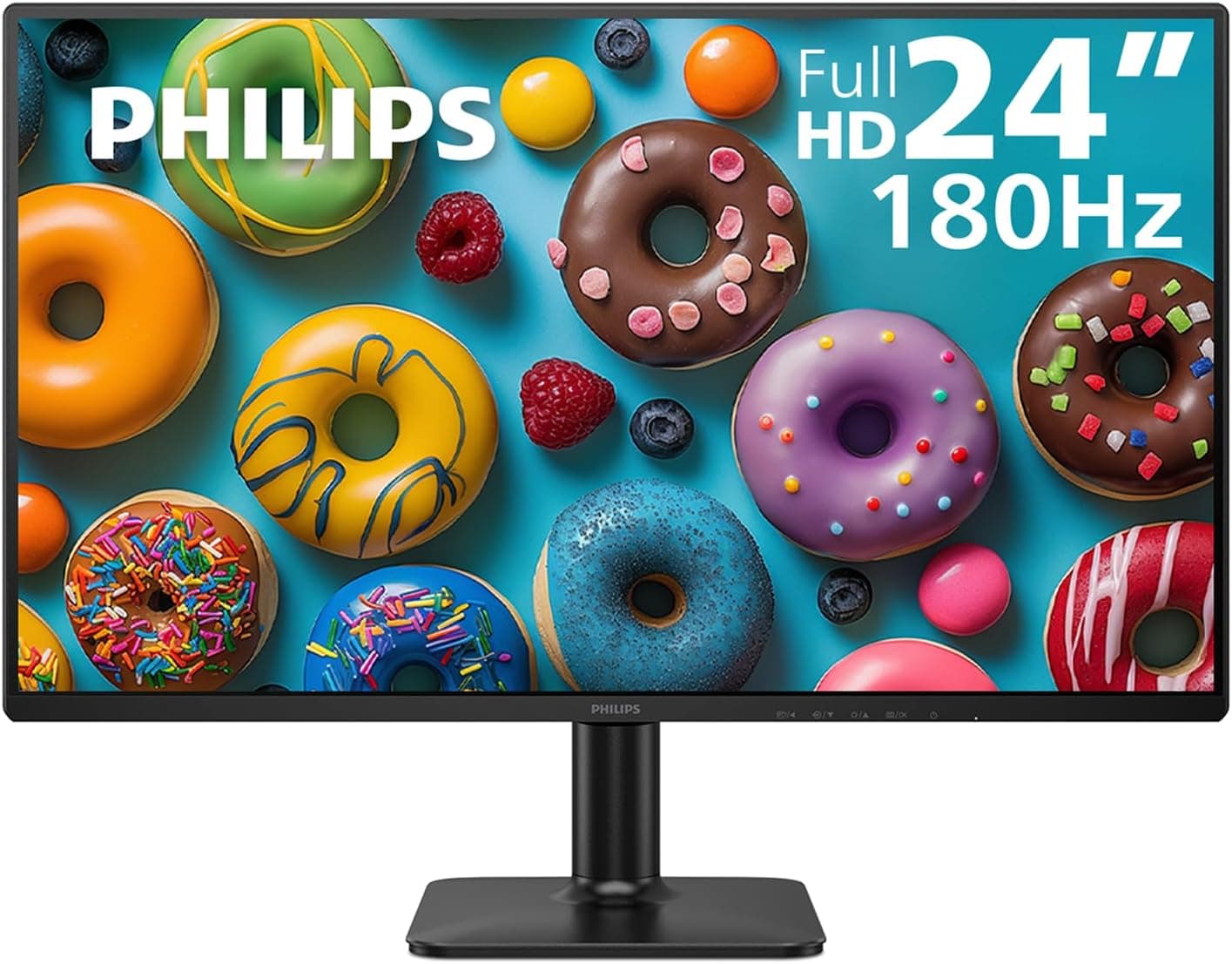
The Philips 24E2G2200 is a 23.8-inch Full HD IPS gaming monitor running at 180Hz.
The short version: it fits anyone happy to stay at 1080p who wants smooth motion at a low price. It does not fit anyone chasing desktop space or a convincing HDR image.
Key specs are 1920×1080, an IPS panel, 180Hz refresh, 0.5ms MPRT response, 250 cd/m² typical brightness, 1000:1 typical contrast, 16.7 million colors and a 16:9 aspect ratio.
Inputs are HDMI 2.1 ×1, DisplayPort 1.4 ×1 and VGA ×1, with VESA 100×100mm mounting, HDR10 input and Adaptive Sync (VRR).
The 16.7 million color figure implies 8-bit output, but the spec sheet does not say whether that is native 8-bit or 6-bit+FRC.
1920×1080 spread across 23.8 inches works out to roughly 92 ppi.
Text stays readable at 100% scaling, which keeps Windows setup simple, but you get exactly one 1080p canvas and no more.
Compatibility Guide
The first thing to internalise is that only one input reaches 180Hz. The manufacturer compatibility note recommends DisplayPort 1.4 for full 180Hz and states HDMI tops out at 120Hz at 1080p.
If a PC is the source, budget for a DisplayPort cable from the start.
Listed accessories are a power cable, an HDMI cable and a quick-start guide; whether a DisplayPort cable ships in the box needs checking on the product page. DP 1.4 cables are cheap, and having one on day one avoids the classic why-can-I-only-pick-120Hz moment.
Check the source device too. Driving 180Hz requires a DisplayPort output on the GPU.
Plenty of laptops and mini PCs only expose HDMI, which caps them at 120Hz here. USB-C (DP Alt Mode) adapters are an option, but the refresh rates they can pass vary by adapter, so read that spec as well.
For consoles, PlayStation 5 and Xbox Series X|S output 1080p/120Hz over HDMI, so console-first buyers lose nothing meaningful. The VGA port is a legacy safety net for old PCs and office terminals; being analog, treat it as an it-displays connection rather than a high-refresh one.
Adaptive Sync (VRR) is supported, but the documented VRR range is not provided in the given specs. If low-framerate behaviour matters to you, confirm that range on the product page.
For mounting, VESA 100×100mm support means standard arms and wall brackets work. Screw standards and required screw length differ per arm, and some combinations need spacers.
Stand height adjustment and pivot are not listed in the supplied spec sheet, so verify those if you rely on them.
On audio: there are no built-in speakers, and a headphone jack is not listed either, so plan to take sound from the PC side via its own output, a USB DAC or a headset. Assuming one HDMI cable will also deliver audio leads to a silent desk after setup.
Product Info
Check the retailer's page for the latest price.co.jp as captured on 2026-09-09.
Prices move constantly with stock and sales, so check the product page for the current figure. The eBay entry is only a search link with no listed price, so it is not usable even as a reference point.
Check the retailer's page for the latest user reviews.
The release is given as late 2024, with a standard three-year manufacturer warranty (conditions apply). Warranty handling differs by sales channel and country, so read that together with the cautions below.
Accessories are a power cable, an HDMI cable and a quick-start guide.
Its market position is the crowded 24-inch Full HD high-refresh segment, where TN panels at 280Hz and IPS panels from 144Hz to 200Hz all compete. This model takes the middle road: IPS viewing angles and neutral color, pushed to 180Hz.
Competitor Comparison
Placing it next to similar panels makes its character obvious. Below are published-spec differences against related products we cover.
| Product | Size / Resolution | Refresh | Panel | Character |
|---|---|---|---|---|
| Philips 24E2G2200 | 23.8in / 1920×1080 | 180Hz | IPS | Balanced; 180Hz needs DisplayPort |
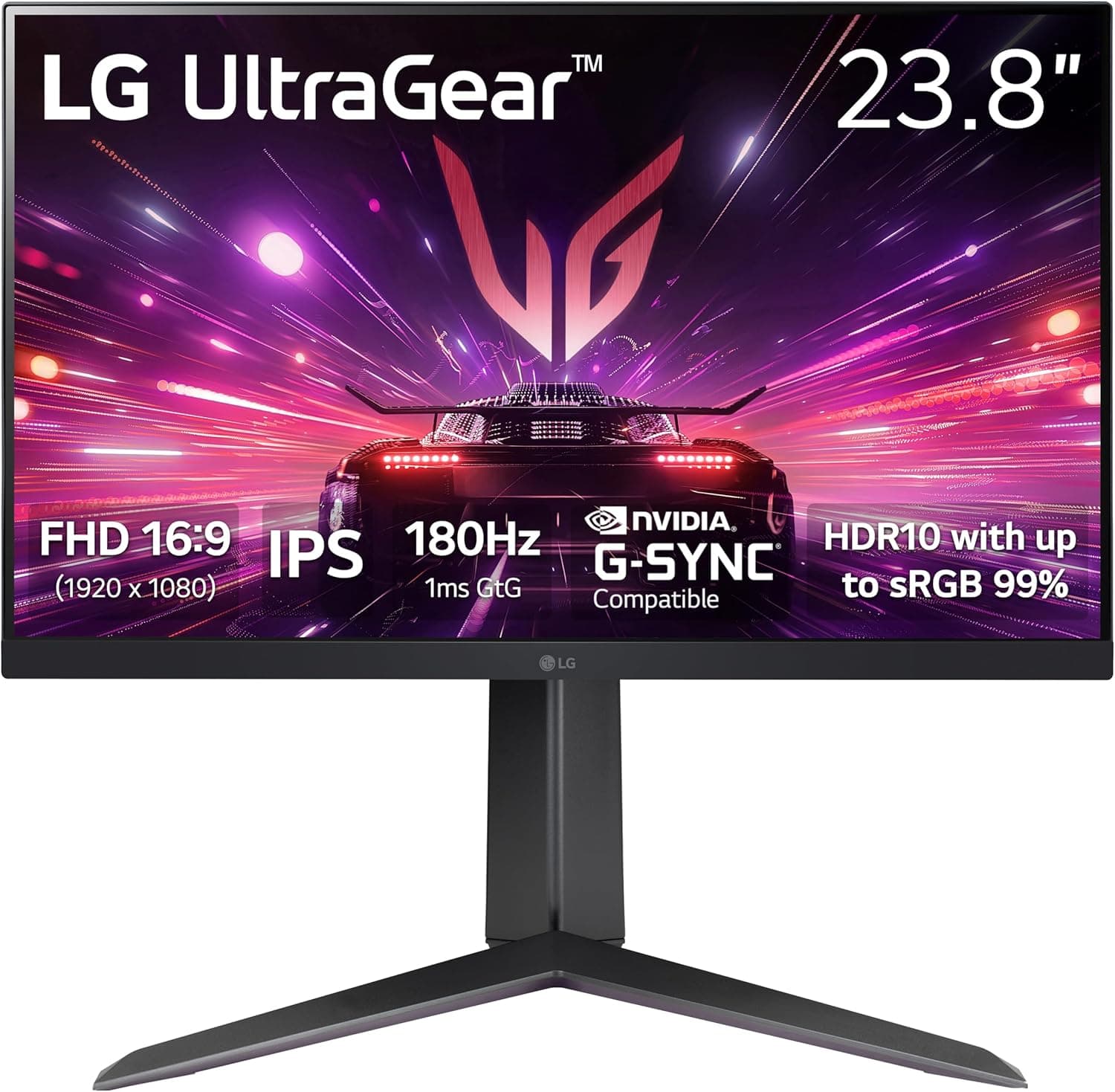
| MSI MAG 242F | 24in / 1920×1080 | 200Hz | not published | Built-in speakers, height adjust |
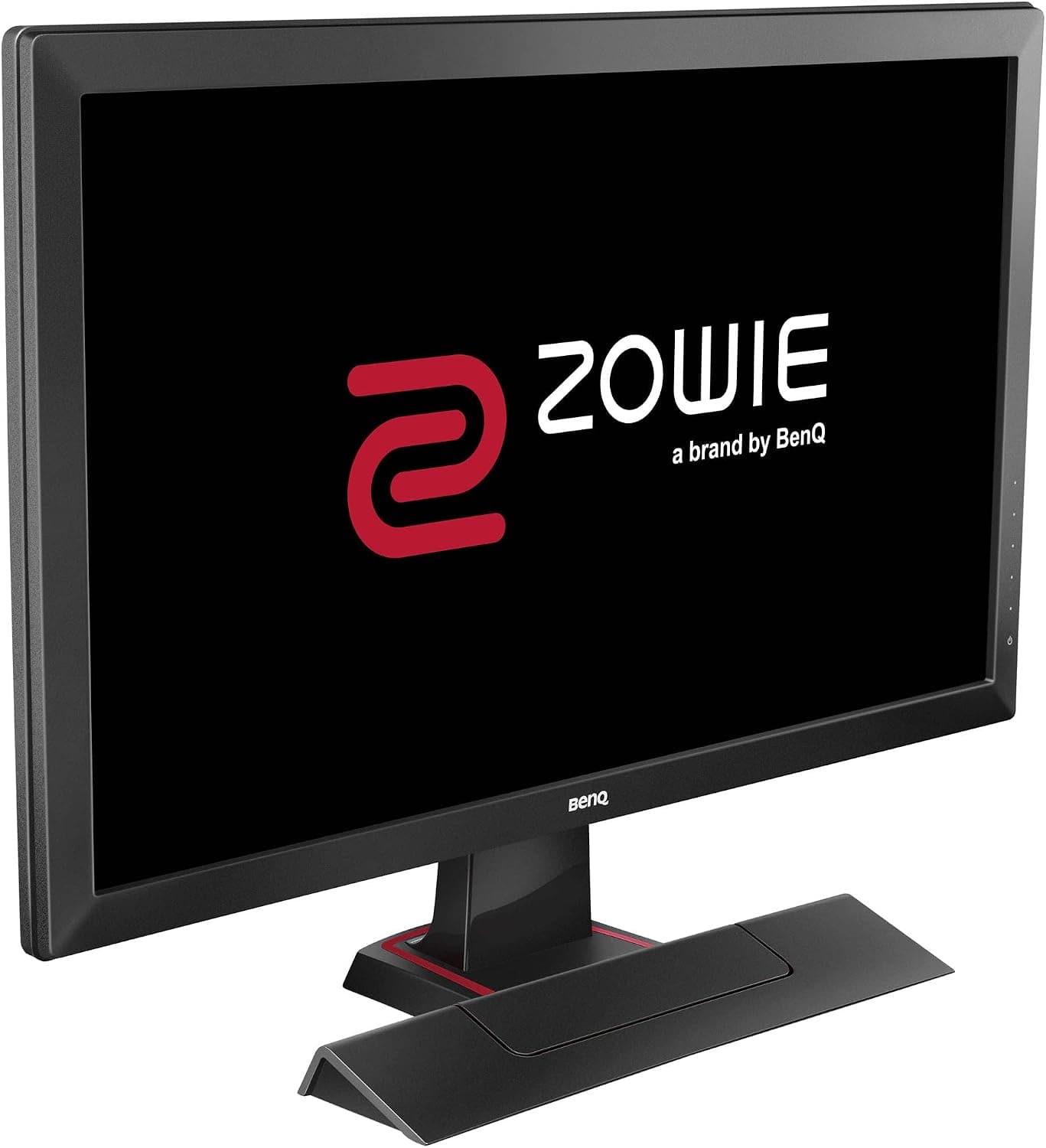
| BenQ ZOWIE XL2540X+ | 24.1in / 1920×1080 | 280Hz | TN | Esports-first; speed over color |
| Gigabyte G27F | 27in / 1920×1080 | 144Hz | IPS | Bigger screen, lower pixel density |
The split is simple: absolute speed points to TN at 280Hz, while color and viewing angles point to IPS. This monitor sits on the IPS side but climbs to 180Hz, which reads as not enough for hardcore competitors and plenty for everyone else.
Note that the same 1080p stretched to 27 inches lowers pixel density, so screen size and sharpness trade against each other.
Setup After Purchase
On Windows, open the display settings and confirm the refresh rate is actually set to 180Hz. Monitors frequently connect at 60Hz by default, and missing this step means never seeing what you paid for.
Next, enable Adaptive Sync (VRR) in the NVIDIA or AMD control panel. VRR earns its keep when framerates fall below the panel refresh, so the heavier the title, the more it matters.
Finally, do not max out overdrive. Aggressive overdrive creates white trailing edges (overshoot) behind moving objects, so start from a middle setting and balance blur against artifacts with your own eyes.
Best Use Cases
- Staying at 1080p but wanting high refresh — 180Hz at 1080p is a realistic target without replacing your GPU, especially in lighter competitive titles.
- First gaming monitor around the ¥20,000 mark — at ¥20,443 as captured on 2026-09-09 (subject to change), IPS plus 180Hz plus VRR is a straightforward package.
- Multi-monitor builds — ultra-slim bezels and VESA 100×100mm make it easy to line up on arms, and matching IPS panels keep color consistent.
- PS5 / Xbox Series X|S at 1080p/120Hz — HDMI delivers 120Hz, which is the console ceiling anyway.
- One desk for work and play — LowBlue mode, flicker-free operation and ~92 ppi text keep long document sessions comfortable.
Before You Buy
Do not read HDR10 as good HDR. At 250 cd/m² typical brightness, 1000:1 typical contrast and no documented local dimming, the panel accepts an HDR signal but cannot expand the dynamic range.
Treat HDR as input compatibility and enjoy accurate SDR instead.
Do not confuse 0.5ms MPRT with GtG. MPRT describes perceived motion blur and is usually measured with backlight strobing involved; GtG describes how fast pixels change state.
Real-world smearing depends on overdrive settings and content.
180Hz only exists over DisplayPort. Plan your cables and source device around HDMI being limited to 120Hz at 1080p, regardless of the HDMI 2.1 label.
24-inch 1080p is small by today's workspace standards. For multiple spreadsheets or a wide editing timeline, 27-inch QHD or 4K is the more honest purchase.
No built-in speakers changes your desk layout. Decide in advance between desktop speakers and a headset.
The 4.9-star, 24-review score is an early-sample figure (captured 2026-09-09). Confirming return windows and defect-handling contacts is worth more than the rating itself.
Watch for inconsistent listing data. In the source data, the price origin is recorded as Amazon US while the amount is in Japanese yen and the link points to Amazon Japan.
When seller or fulfilment fields show an overseas source, plug shape, manual language and warranty contact can differ from a domestic unit. Listing metadata such as manufacturer, model number and compatibility notes is also sometimes registered incorrectly, so confirm the product image, title and fulfilment line before ordering.
FAQ
Q. Can HDMI do 180Hz? A.
No. The manufacturer note recommends DisplayPort 1.4 for 180Hz and caps HDMI at 120Hz at 1080p.
Use DisplayPort from a PC.
Q. Is a DisplayPort cable included?
A. If the product page does not confirm a DP cable, buy one separately.
Q. Does it work with PS5 or Xbox Series X? A.
Yes, at up to 1080p/120Hz over HDMI. Consoles do not output 180Hz, so 120Hz is the ceiling.
Q. Does it have sound?
A. No built-in speakers. Use external speakers, headphones or a headset.
Q. Can I use a monitor arm?
A. Yes, it supports VESA 100×100mm. Check the arm's load rating, screw standard and required screw length.
Q. Is it good as a work display? A.
At roughly 92 ppi, text is readable without scaling, and LowBlue plus flicker-free help on long sessions. The catch is that you only ever get 1920×1080 of workspace.
Product Disclosure (Amazon)
- Manufacturer: PHILIPS
- Seller: Amazon US
- Fulfilled by: Amazon US
- ASIN: B0H3C512RZ
- Note: This article covers a manufacturer-made product based on Amazon listing details.