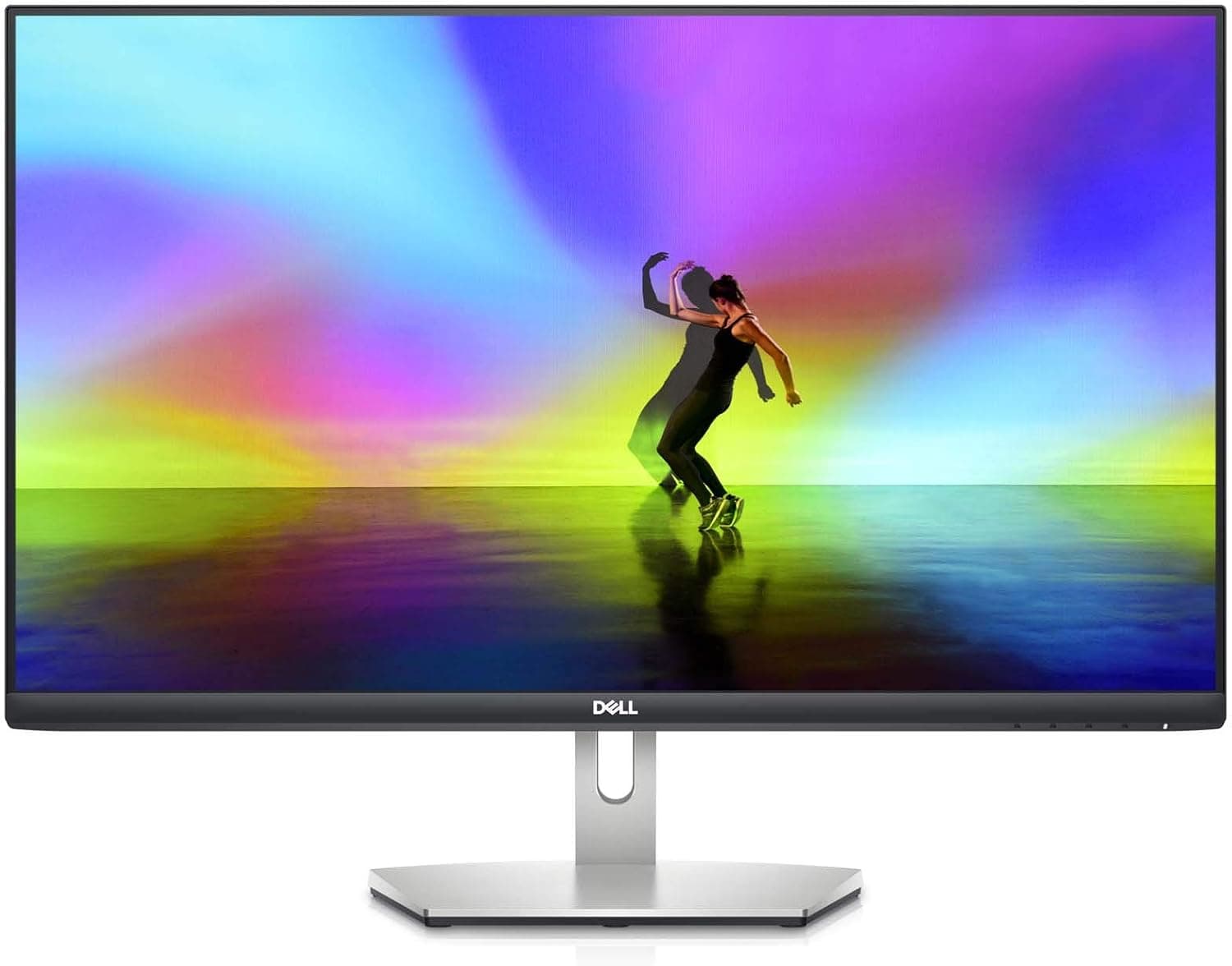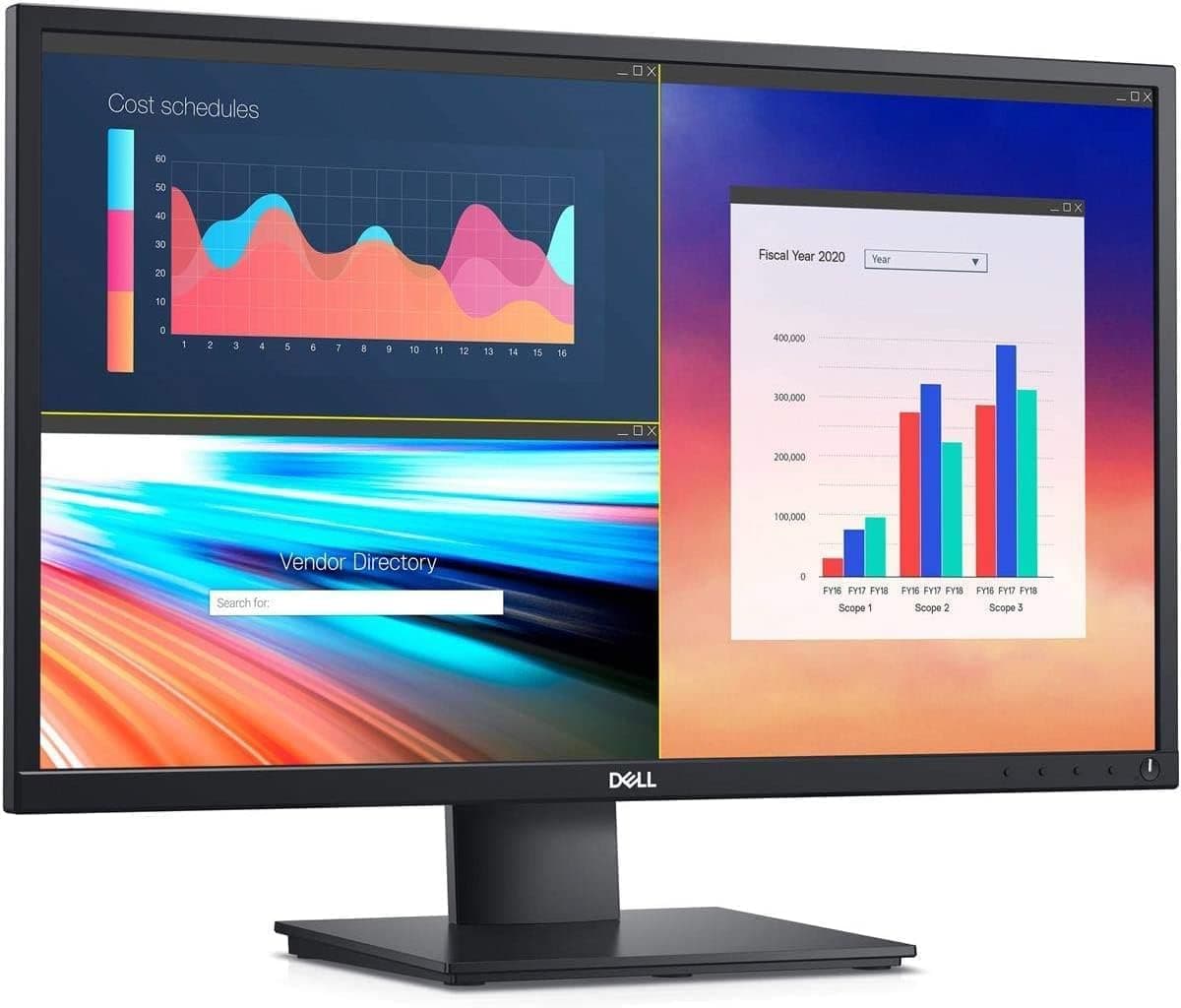
This article covers Dell E2420HS 24 1080p FHD HDMI VESA. The short version: it is a straightforward, easy-to-live-with 24-inch monitor for documents, video calls and spreadsheets.
It is not a good fit for gaming, or for setups that expect to connect over DisplayPort or USB-C. Below we go through its strengths and the trade-offs you have to accept, based on the spec data.
Overview
The Dell E2420HS pairs a 24-inch IPS panel with a 1920×1080 (Full HD) resolution and is aimed at business and home-office use. It has 250 cd/m² brightness, a 1000:1 static contrast ratio, an 8 ms (GtG) response time and 178°/178° viewing angles.
The screen has a 3H hard-coated anti-glare (matte) finish, which keeps reflections down near windows or under office lighting.
A 24-inch Full HD panel works out to roughly 92 pixels per inch. That is the standard look: at 100% Windows scaling, text is not uncomfortably small.
You don't have to adjust scaling the way you do on high-resolution panels, and older business apps rarely render oddly, which is a small but real advantage.
Inputs are HDMI 1.4 and VGA.
The stand only tilts (-5° to +21°), and the monitor has a 100×100 mm VESA mount. This is a product that delivers enough image quality and leaves out extras.
It suits people who want a dependable first or second screen for a work desk, not people looking for extra performance.
Compatibility Guide
Video inputs: HDMI 1.4 and VGA only
HDMI 1.4 has enough bandwidth for Full HD at 60 Hz.
At this resolution, the older port does not hold back image quality. The real issue is when the device you want to connect has no HDMI output.
There is no DisplayPort or USB-C input, so check your devices' outputs first.
| Source device | How to connect | Watch out for |
|---|---|---|
| Desktop or laptop with HDMI | Direct HDMI cable | The most reliable option |
| Graphics card with DisplayPort only | DisplayPort-to-HDMI cable | Direction matters; HDMI-to-DP products will not work |
| USB-C-only laptop | USB-C-to-HDMI adapter | The laptop's USB-C port must support video output (DisplayPort Alt Mode) |
| Game consoles (PS5, Switch, etc.) | Direct HDMI | Up to Full HD at 60 Hz; high refresh output goes unused |
| Older PC with VGA only | VGA cable | Analog signal; text tends to look softer than over HDMI |
The most common adapter mistake is buying a cable that converts the wrong way. Many DisplayPort/HDMI converters only work in one direction, so look for one labeled DP out to HDMI in.
Also, not every USB-C port can output video. Check your laptop's spec sheet for DisplayPort Alt Mode or Thunderbolt support.
Mounting: VESA 100×100 mm and a tilt-only stand
The included stand only tilts (-5° to +21°). There is no height adjustment, swivel or pivot.
If you want the top of the screen at eye level, use a monitor riser or move the panel to a VESA 100×100 mm monitor arm.
When choosing an arm, check its weight capacity as well as the VESA pattern. The monitor's weight is not part of this spec data, so compare the weight on the product page with the arm's rated load.
Portrait use is physically possible on an arm that rotates. You then change the display orientation in your OS settings.
Things that rarely cause compatibility problems
You hardly need to think about power supply capacity or GPU performance. Full HD at 60 Hz is something almost every PC can output, integrated graphics included.
For a dual-monitor setup, two video outputs on the PC are enough. DisplayPort daisy-chaining is not supported, though, so each monitor needs its own output.
Product Info
Key specifications:
| Item | Value |
|---|---|
| Screen size | 24 inches |
| Panel | IPS |
| Resolution | 1920×1080 (FHD) |
| Brightness | 250 cd/m² |
| Contrast ratio | 1000:1 (static) |
| Response time | 8 ms (GtG) |
| Viewing angle | 178°/178° |
| Inputs | HDMI 1.4, VGA |
| Tilt | -5° to +21° |
| VESA mount | 100×100 mm |
| Surface | Anti-glare (3H hard coating) |
On Amazon.co.Check the retailer's page for the latest price.
The seller and shipper on that listing is not Dell but a marketplace seller called Reg shop. That is on the high side for an entry-level 24-inch, Full HD, 60 Hz monitor, so compare Dell's own store, electronics retailers and other sellers before buying.
Prices change often, so check the product page for the current figure.
Check the retailer's page for the latest user reviews. That is not a large sample, but the rating is consistently high.
It is fair to read this as the monitor meeting the basic expectation for an office display: it shows a clean picture and just works.
In market terms, this is an office monitor that puts practical features first: a wide-angle IPS panel, a matte screen and VESA support. Gaming performance and color accuracy come second.
Comparison with Alternatives
Even among Full HD monitors around 24 inches, the right choice depends on what you do.
| Use case | Dell E2420HS | Alternatives to consider |
|---|---|---|
| Mostly office work | Matte IPS and VESA, enough for the job | - |
| Some casual gaming | Not ideal at 60 Hz and 8 ms | 120 Hz models such as the ASUS VA24EHF2 |
| Serious gaming | Not suitable | 240 Hz models such as the MSI MAG 272F X24 |
| Dense text and more workspace | Standard Full HD sharpness | 4K models such as the ViewSonic VA2756-4K-MHD |
If you plan to game at all, a 24-inch Full HD IPS monitor with 120 Hz is worth a look. For office work alone, refresh rate makes little practical difference, so the E2420HS's trade-offs make sense.
If you want more spreadsheet columns on screen or finer text, a higher-resolution 27-inch 4K monitor will likely satisfy you more.
Best Use Cases
- Remote workers and office staff — Ideal for Word, Excel and video calls. The IPS panel's 178° viewing angles mean colors barely shift when viewed from the side, which helps when two people share the screen. It is not a reference display for color-critical photo retouching or video editing.
- Multi-monitor setups — Matte IPS, slim bezels and VESA 100×100 mm support make it easy to line up two of the same model for a consistent look. Putting them on arms to match heights also fixes the tilt-only stand's limitation.
- Expanding a laptop's workspace — If your laptop has HDMI, one cable adds a 24-inch work screen. USB-C-only laptops can use an adapter, as long as the port supports video output.
- Budget-minded students and beginners — The image quality is plenty for a primary or secondary everyday screen. Prices vary a lot by seller, so compare before you buy.
Before You Buy
Not built for gaming
The E2420HS runs at 60 Hz with an 8 ms (GtG) response time. Refresh rate is not listed in this spec data, so confirm it on the product page.
There is no variable refresh rate support such as FreeSync or G-SYNC. Slow-paced RPGs and simulation games are fine, but fast shooters and fighting games will show blur and display lag.
Connecting a PS5 or other console will not unlock 120 Hz output.
Limited future-proofing on ports
With no DisplayPort or USB-C, modern thin laptops and MacBooks will almost always need an adapter. You also cannot run video and charging over a single USB-C cable.
If you plan to tidy your desk around USB-C or a docking station later, buying a model with USB-C input from the start saves trouble.
Brightness and contrast are office-grade
250 cd/m² and a 1000:1 contrast ratio are fine for indoor document work. They fall short next to a bright, sunny window or for HDR content.
Black levels also can't match VA panels or OLED. If movie and game visuals matter to you, look elsewhere.
The stand has no height adjustment
The included stand only tilts, with no height or pivot adjustment. If you need to match the height of a laptop stand or another monitor, budget for a riser or a VESA arm.
Check the seller and the listing details
This Amazon listing is sold and shipped by a third-party seller, Reg shop, not by Dell. Warranty handling and included accessories can differ from buying through official channels, so check the seller information and warranty terms first.
The spec data also lists the color count as 16.7 万色 (167,000 colors).
The usual figure for full-color displays is about 16.7 million colors, so this is likely a notation error.
Listing details can contain mistakes, so confirm the product from the images and title, and check Dell's official specifications for anything that looks off.
FAQ
Q. Does it work with a PS5 or Nintendo Switch? A.
Yes. It connects over HDMI and displays Full HD at 60 Hz.
High refresh output such as 120 Hz and variable refresh rate are not available.
Q. Can I connect a graphics card that only has DisplayPort? A.
Yes, with a DisplayPort-to-HDMI cable. It won't work if the direction is wrong, so pick a product labeled DP out to HDMI in.
Q. Does it work with a MacBook or a USB-C laptop? A.
Usually yes, through a USB-C-to-HDMI adapter. Check beforehand that the laptop's USB-C port supports video output.
Q. Can I use it in portrait (pivot) mode? A.
Not on the included stand. Mount it on a VESA 100×100 mm arm that rotates, then switch the orientation in your OS settings.
Q. Does it have built-in speakers? A.
Speakers are not listed in this spec data. If you want audio from the monitor, confirm on the product page or in Dell's specifications, and plan on external speakers or headphones if needed.
Product Disclosure (Amazon)
- Manufacturer: Dell
- Seller: Reg shop
- Fulfilled by: Reg shop
- ASIN: B084GWG1DM
- Note: This article covers a manufacturer-made product based on Amazon listing details.