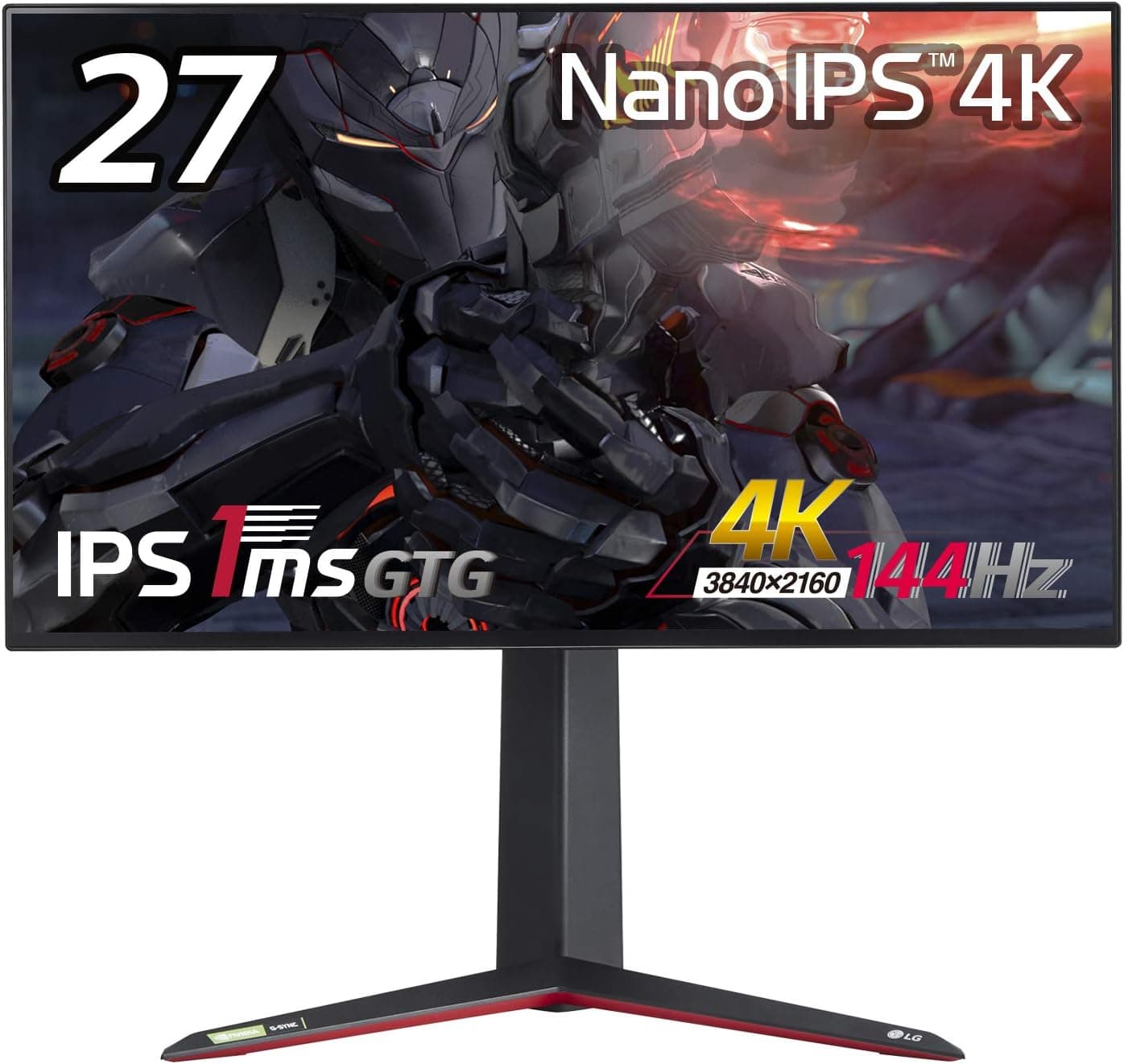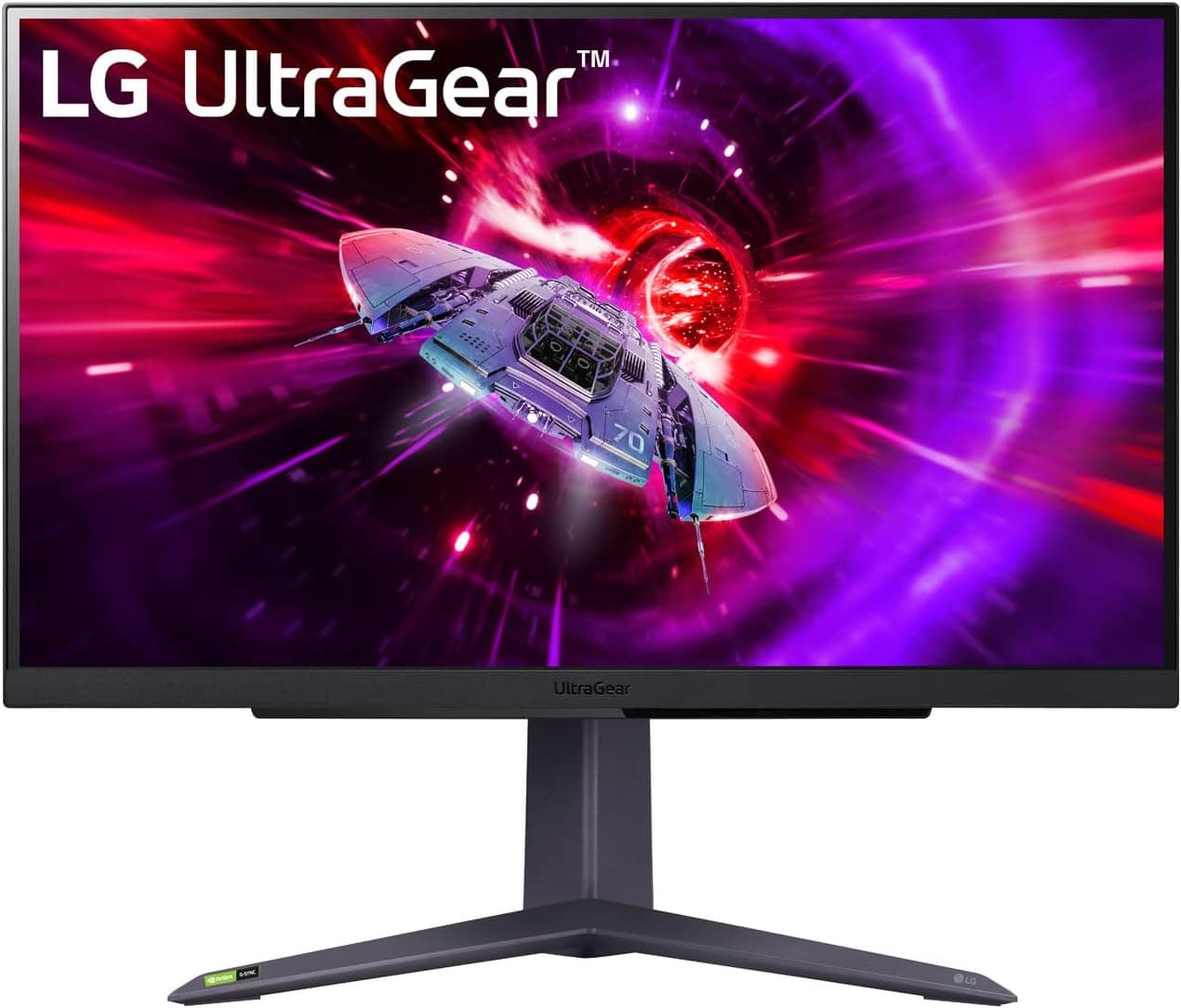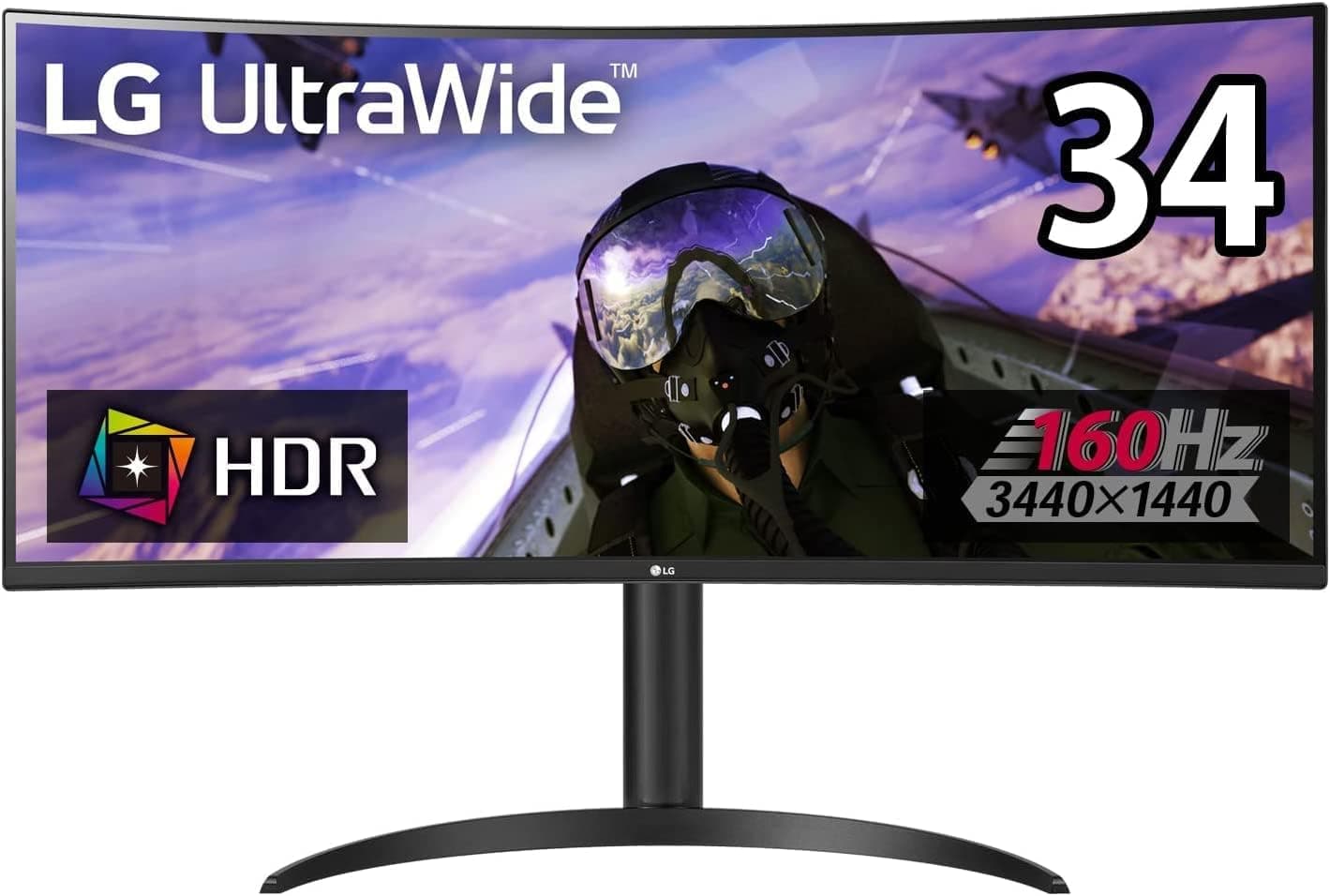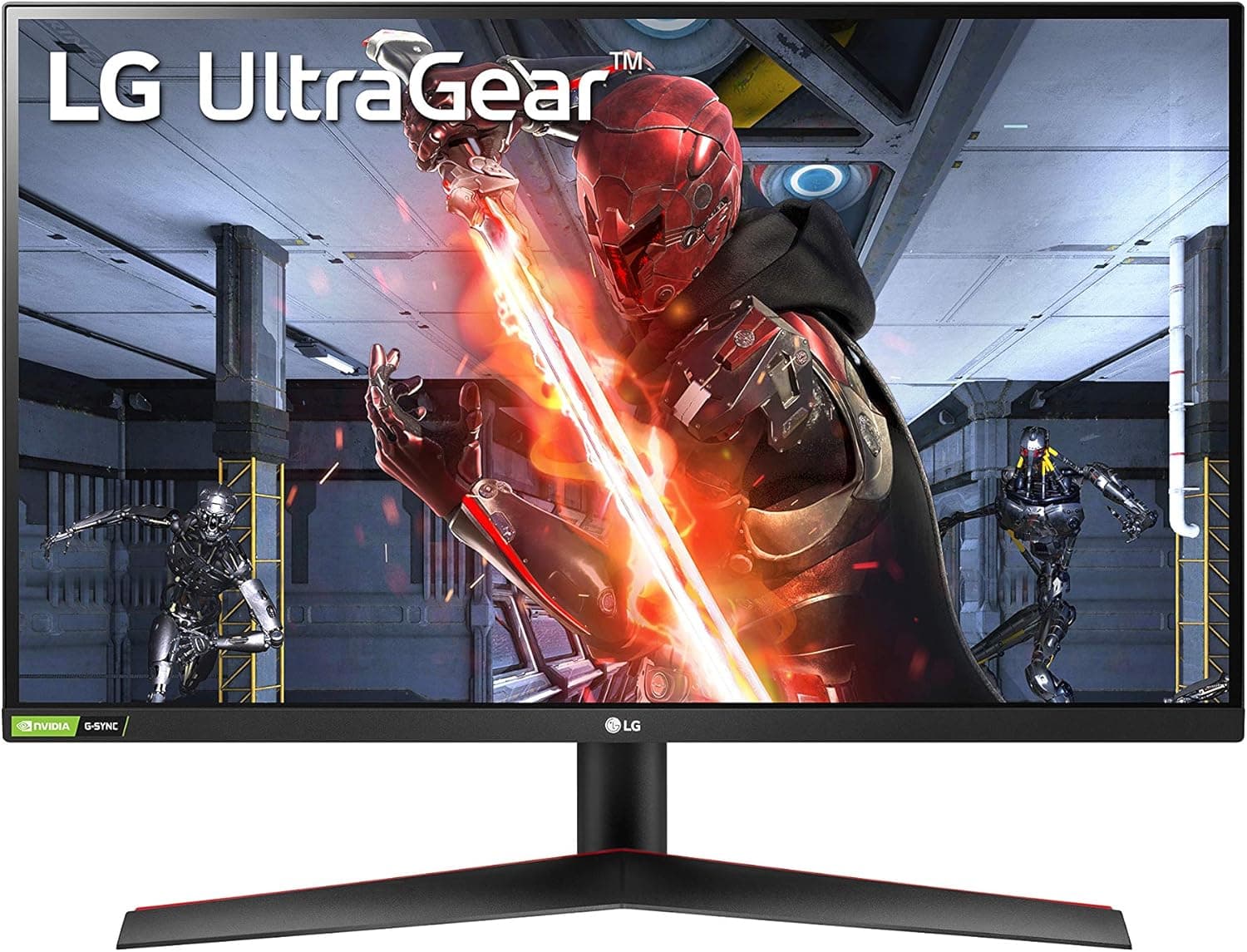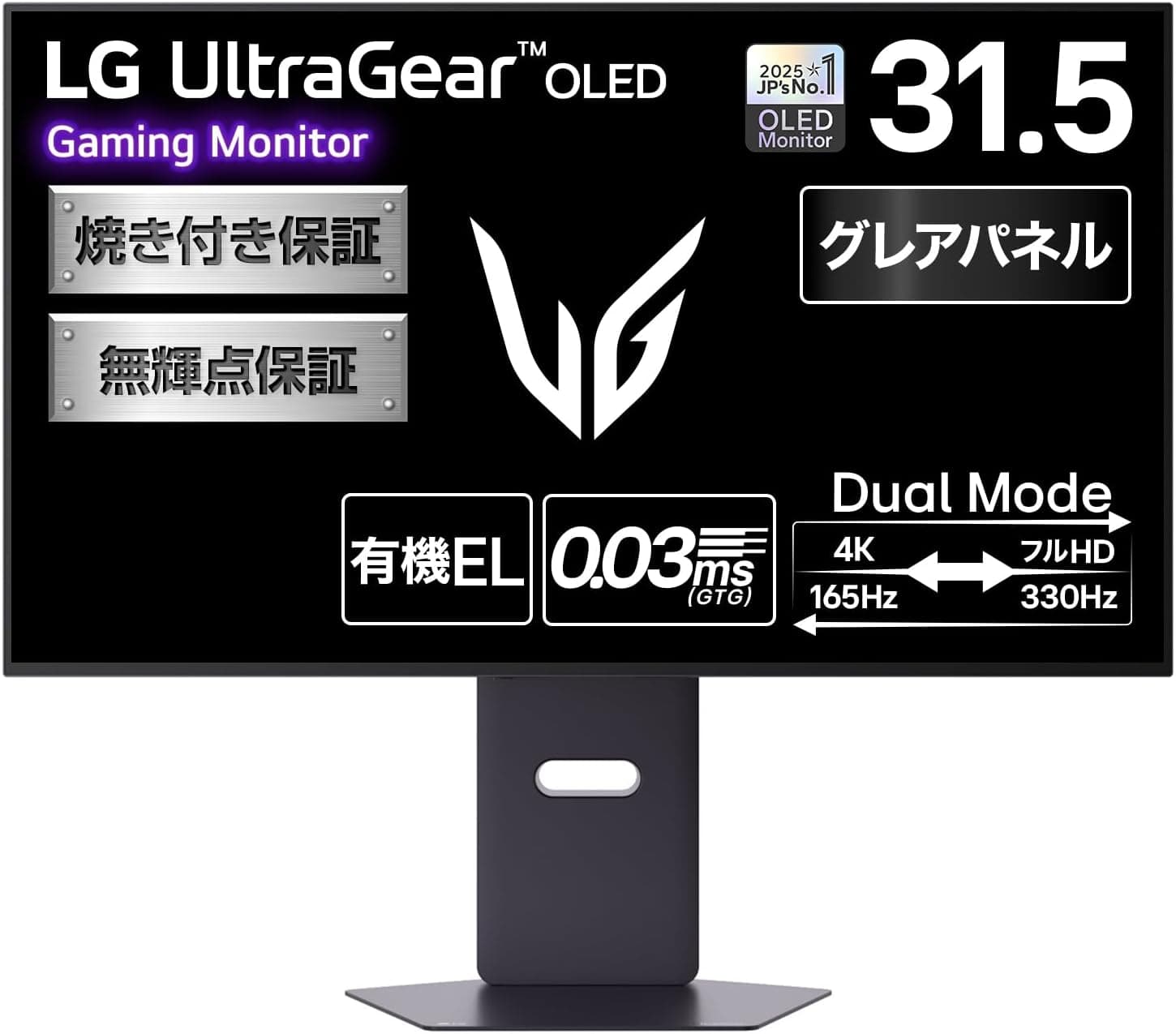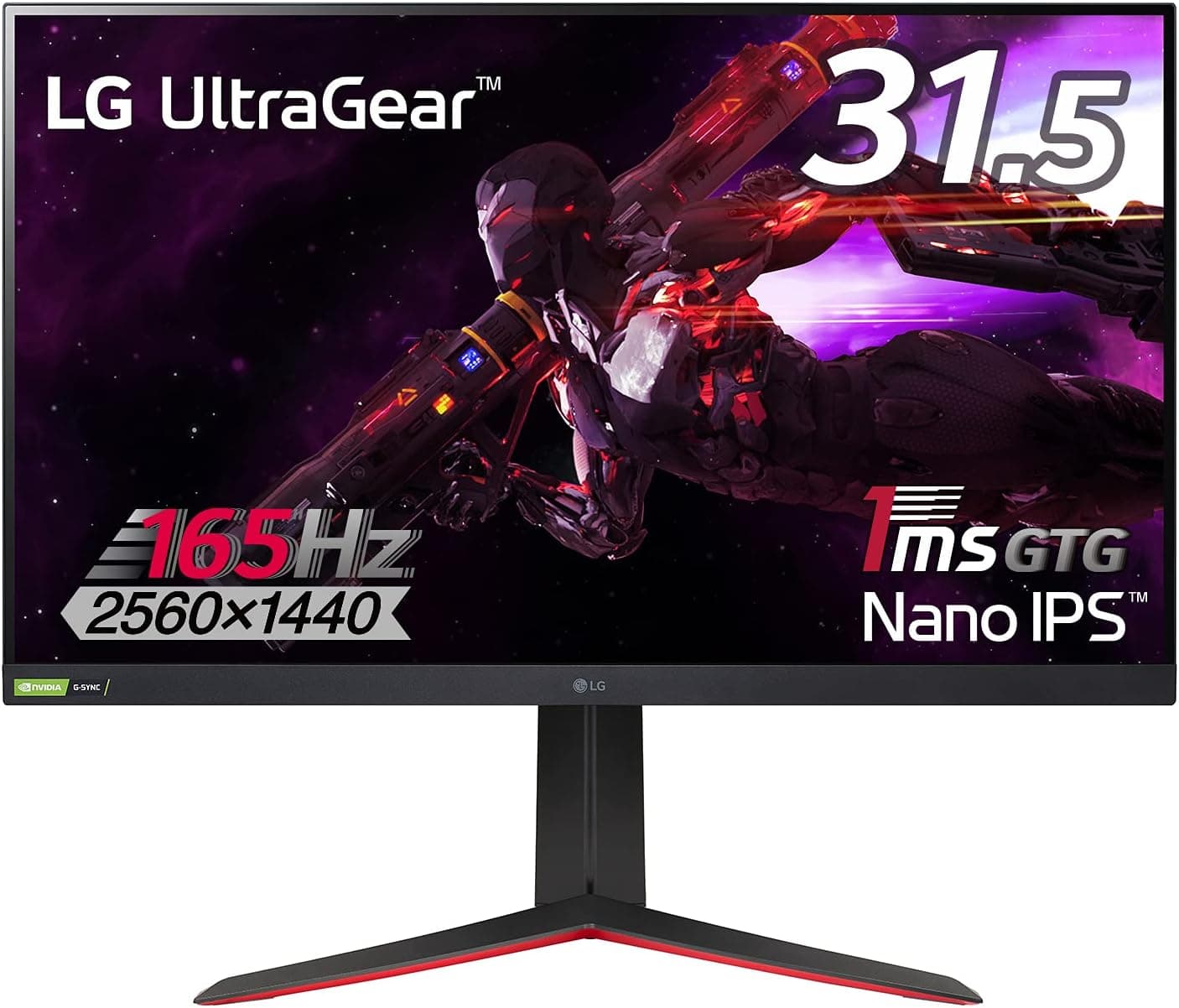
The monitor covered here is LG ゲーミングモニター UltraGear 32GP83B-B 31.5インチ — the LG UltraGear 32GP83B-B, a 31.5-inch gaming display that tries to deliver both speed and color accuracy at a mid-tier price.
This article looks at what the spec sheet actually feels like in daily use, and who should walk away from it.
Overview
The 32GP83B-B pairs a Nano IPS panel with WQHD (2560×1440) resolution, a 165Hz refresh rate, and a 1ms GTG response time. The short version: it fits people who want one screen for both fast games and color-sensitive work.
It does not fit people who read fine text from close range, people with shallow desks, or competitive players who want 240Hz or more.
Panel specs include DCI-P3 98% coverage, 350 cd/m² brightness, and HDR10 input support. Adaptive sync works through both NVIDIA G-SYNC Compatible and AMD FreeSync Premium, so tearing and stutter stay under control even when frame rates move around.
On Amazon.co.jp the monitor held a 4.4 out of 5 rating across 137 reviews as of the data captured on 2026-06-24 (88% positive).
A 2021 release holding that score for years says a lot: this is a balanced product, not a one-trick spec sheet.
What 31.5-inch WQHD Really Means
A 2560×1440 grid stretched across 31.5 inches works out to roughly 93 PPI.
That is coarser than a 27-inch WQHD screen (about 109 PPI) and almost identical to a 24-inch 1080p display. In other words, this is not "big and sharp" — it is 1440p scaled up to fill a large surface.
That trade cuts both ways. For immersion in games, and for laying out a video timeline or several windows side by side, it beats a 27-inch WQHD clearly.
But if you sit 60 cm away and read code or dense text all day, some people will notice the pixel structure and slightly softer font edges. A viewing distance of roughly 70–80 cm makes the coarseness effectively disappear.
Measure how far back you can actually place the panel on your desk before you buy.
Nano IPS favors wide color within the IPS family, and DCI-P3 98% is meaningfully broader than a typical sRGB-only monitor. Being IPS, though, it still shows IPS glow — corners lifting toward gray on a black screen in a dark room.
If deep blacks in dark games are your top priority, VA or OLED still holds the advantage there.
Compatibility Guide
Video inputs are two HDMI 2.0 ports and one DisplayPort 1.4.
This is where most buyers trip: the full 165Hz is only available over DisplayPort 1.4, while HDMI tops out at 144Hz.
Plugging in an HDMI cable and then wondering why 165Hz is missing from the display settings is the single most common complaint in this class. Use the bundled DisplayPort cable and confirm your GPU has a DisplayPort output first.
Adaptive sync can be enabled on NVIDIA GeForce GTX 10-series or newer and AMD Radeon RX 500-series or newer GPUs. Enabling it and actually hitting 165fps are two different things, though: driving WQHD at 165Hz in recent titles takes either a capable GPU or some settings compromises.
Even if you settle around 100fps, G-SYNC Compatible / FreeSync Premium keeps the motion smooth, so this is not a reason to over-spend.
The stand offers height adjustment (about 11 cm), tilt, and pivot, and VESA 100×100 mm mounting is supported. Weight with the stand is about 8.7 kg, normal for the size.
If you move it to an arm, the arm carries the panel alone — but the spec sheet does not list panel-only weight, so pick an arm rated comfortably above 8 kg. There are no built-in speakers, so plan for headphones or external audio.
The spec list also does not mention a USB hub, so do not buy this expecting downstream USB ports.
Product Info
Pricing captured from Amazon.co.jp on 2026-08-26 was ¥24,349.
Treat that as a snapshot only — monitor pricing moves constantly with sales and stock, so check the current price on the product page before ordering. eBay listings exist as well, but no fixed price is quoted (terms vary per listing), and domestic stock with local warranty coverage is the safer route.
Key specifications: Nano IPS panel, 31.5-inch screen, WQHD (2560×1440), 165Hz refresh, 1ms GTG response, DCI-P3 98% gamut, 350 cd/m² brightness, HDR10 support, two HDMI 2.0 inputs plus one DisplayPort 1.4, VESA 100×100 mm mounting, and about 8.7 kg with the stand.
The warranty runs three years and includes a zero-bright-pixel guarantee: even a single stuck bright pixel qualifies for free repair. IPS panels vary between units, so that clause is worth more than it first appears.
In the box you get a power cable, a DisplayPort cable, an HDMI cable, and a quick setup guide — notably, the cable you need for 165Hz is included.
Read the 1ms GTG figure as a best case with overdrive at its strongest setting. Pushing IPS overdrive too far introduces overshoot halos, so test a bright object moving across a dark background and back the setting off until the artifacts disappear.
How It Compares
| Size / Resolution | Approx. pixel density | Best suited to |
|---|---|---|
| 31.5-inch WQHD (this model) | ~93 PPI | Immersion plus desktop space; gaming and editing on one screen |
| 27-inch WQHD | ~109 PPI | Text sharpness; comfortable at close range |
| 24-inch 1080p | ~93 PPI | Competitive FPS; less eye travel, more 240Hz+ options |
The table frames the trade clearly: this model gives up a step of sharpness to buy screen area and color coverage. A 27-inch 1440p panel renders text noticeably crisper but feels smaller in games.
A 24-inch 240–280Hz panel serves competitive play better. The 32GP83B-B sits between them, optimized for someone who spends most of the day in front of a single display.
Best Use Cases
The strongest match is a hybrid user: someone who plays fast-moving shooters or racing games and also edits photos and video at the same desk. The 165Hz refresh and 1ms GTG response cut smearing during quick camera swings, and DCI-P3 98% widens the range of color available while editing.
It also suits anyone who lacks the desk space for two monitors and needs one panel to cover both roles.
Players who favor co-op or open-world titles on a large canvas benefit too — 31.5 inches fills noticeably more of your field of view than 27 inches.
The same width helps when you keep a reference document and a browser side by side.
Look elsewhere if you want 4K-level text sharpness, if you need 240Hz or more for competitive play, if your desk is only about 50 cm deep so you cannot sit back from the screen, or if you are shopping for genuine high-impact HDR.
Before You Buy
Do not buy it for HDR. HDR10 input is supported, but brightness is 350 cd/m² and the spec sheet lists no local dimming or higher-tier HDR certification.
Treat HDR as "accepted and displayed" rather than a headline feature: run SDR day to day and switch only when a specific title looks better that way. Misreading this is why some owners feel HDR makes the image look washed out.
165Hz does not mean 165Hz over HDMI. HDMI caps at 144Hz here.
If your setup is mostly HDMI-based, you are paying for a number you cannot use. Whether DisplayPort is available decides half the value of this monitor.
93 PPI is hard to judge from a spec sheet. Numerically it matches a 24-inch 1080p display.
Gaming hides it; text work does not, and opinions differ. If you can, look at any 31.5-inch WQHD panel in a store from close range and decide for yourself.
Footprint and weight. About 8.7 kg with the stand, and physically wide.
On a shallow desk your eyes end up too close, which amplifies both the pixel coarseness and neck fatigue. A monitor arm can push the panel back, but choose one rated for VESA 100×100 mm with headroom on load capacity.
Listing data can disagree with the physical product. Retailer spec fields are often populated automatically, and details from a different revision or a similar model number sometimes slip in.
Confirm from the product photos and title that you are ordering the 32GP83B-B. The same applies to price: the figure above is the value captured at that moment, and a 2021-era model sees wider swings depending on remaining stock.
Check console compatibility in advance. Game consoles support specific resolution and refresh-rate combinations, and adaptive sync over HDMI varies by setup.
If a particular console is your main source, verify support on the manufacturer's product page before ordering.
FAQ
Q. What do I need to actually get 165Hz? A.
A DisplayPort 1.4 connection (HDMI is limited to 144Hz), the bundled DisplayPort cable, a GPU with a DisplayPort output, and then selecting 165Hz manually in your OS or driver settings.
It does not always default to the maximum.
Q. Will text look coarse at 31.5 inches and 1440p? A.
Density is about 93 PPI, essentially the same as a 24-inch 1080p screen. Beyond roughly 70 cm most people stop noticing, but if you read long documents from 50–60 cm, a 27-inch WQHD or a 4K panel will be more comfortable.
Q. Is it usable for creative work? A.
Yes — DCI-P3 98% covers far more than an sRGB-only panel, which is practical for photo and video editing. For strict print matching, a monitor with hardware calibration support or factory measurement data remains the better tool.
Q. What does the zero-bright-pixel warranty cover? A.
Even one permanently lit pixel qualifies for free repair, within the three-year warranty period. IPS panels vary unit to unit, so this is real insurance.
Display full black and full white screens soon after delivery to check.
Q. Are there speakers or a USB hub? A.
No speakers — plan for headphones or external audio. The spec list mentions no USB hub either, so do not build your desk around connecting peripherals through the monitor.
Q. Can I mount it on an arm? A.
Yes, via VESA 100×100 mm. Given roughly 8.7 kg with the stand, pick an arm with load capacity to spare; a 31.5-inch panel on an under-rated arm wobbles noticeably.