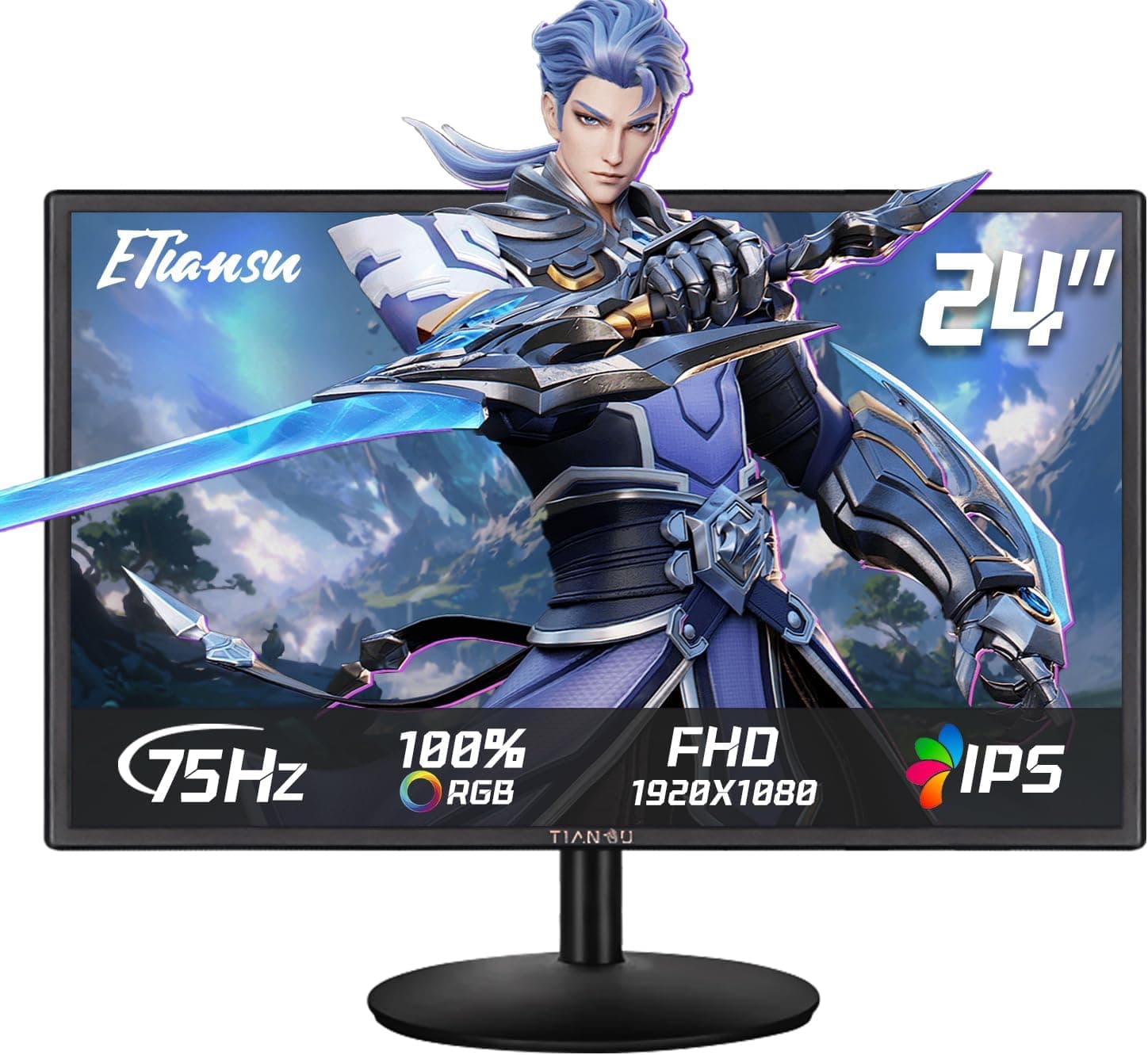
The ETiansu B0H2MFMZHX 24-inch Full HD IPS Gaming Monitor is an entry-level 24-inch display with a 1920×1080 IPS panel, 75Hz, AMD FreeSync, and 100% sRGB coverage. This article goes beyond the spec sheet to explain which setups bring out its strengths and where you will have to compromise.
Overview
The short version: this monitor is for people who want a 24-inch IPS screen that is slightly smoother than 60Hz, for office work and light gaming. It runs at 75Hz with a 2ms (MPRT) response time, which puts it in a different class from competitive monitors built around 144Hz and up.
The IPS panel gives 178° viewing angles, and the listed color gamut is 100% sRGB and 90% DCI-P3. Web browsing, video, and basic photo touch-ups should all look natural.
The catch is the inputs: one HDMI 2.0 port and one VGA port, with no DisplayPort or USB-C.
That affects which GPUs can use FreeSync and how you connect laptops and consoles. Connectivity matters more than panel quality when deciding on this monitor, so this article spends extra time on compatibility and pitfalls.
Compatibility Guide
Inputs and Supported Devices
Video input is HDMI 2.0×1 and VGA×1.
HDMI 2.0 can carry Full HD at 75Hz, so use HDMI if you want 75Hz.
VGA is analog and best kept for older PCs or legacy equipment. Text tends to look softer over VGA, and whether 75Hz is available on VGA should be checked in the manual.
| Source | Recommended connection | Notes |
|---|---|---|
| Desktop PC (AMD Radeon) | HDMI | The easiest pairing for FreeSync |
| Desktop PC (NVIDIA GeForce) | HDMI | Picture works, but VRR likely will not |
| GPU or PC with DisplayPort only | DP-to-HDMI adapter | FreeSync generally will not work through an adapter |
| USB-C-only laptop or Mac | USB-C-to-HDMI adapter | 75Hz depends on the adapter and the PC |
| PS5 / Nintendo Switch | HDMI | Usually runs at 60Hz, so no gain from 75Hz |
| Older PC or legacy equipment | VGA | Analog, lower image quality than HDMI |
As the table shows, you only get all of the monitor's features with an AMD Radeon desktop over HDMI. Other setups will display a picture without trouble, but you will usually lose 75Hz, FreeSync, or both.
FreeSync and NVIDIA GPUs
The compatibility notes say FreeSync works with AMD GPUs and select NVIDIA GPUs. However, NVIDIA's G-SYNC Compatible variable refresh generally requires a DisplayPort connection or a monitor that supports HDMI 2.1 VRR.
With only HDMI 2.0 and VGA, VRR will likely not work on GeForce cards with this monitor.
If you own a GeForce card and want a FreeSync monitor to stop tearing, a model with DisplayPort is the safer choice.
75Hz Needs a Settings Change
Windows often outputs 60Hz when you first plug in a monitor. Go to Settings > System > Display > Advanced display and set the refresh rate to 75Hz.
Skipping this step and concluding the monitor looks no smoother than a 60Hz one is a common mistake with 75Hz models. Use the included cable or one clearly rated for HDMI 2.0.
Mounting
The monitor supports 100×100mm VESA mounts, so standard monitor arms and wall brackets will fit. The spec sheet does not say how much height or tilt adjustment the included stand offers.
If you want to set the screen at exactly the right eye level, plan on using an arm from the start.
Product Info
Key specifications from the spec sheet:
- Panel: 24-inch, 1920×1080 (Full HD), IPS
- Display: 75Hz, 2ms (MPRT), 100% sRGB and 90% DCI-P3
- HDR / Sync: VESA DisplayHDR 400, AMD FreeSync
- Inputs: HDMI 2.0×1, VGA×1
- Other: built-in 2W×2 speakers, VESA 100×100mm, 36-month warranty
Check the retailer's page for the latest price. Prices change often with sales and stock, so check the product page before buying.
Frankly, that is on the high side for a 24-inch Full HD 75Hz monitor. On a similar budget, Full HD IPS monitors at 120Hz or more are worth considering, so read the comparison section below.
Check the retailer's page for the latest user reviews. With so few reviews, a couple of defect reports can swing the average a lot.
Reading the individual reviews is more useful than looking at the star rating.
The release date is described as around 2024, but we could not confirm an official announcement date from the manufacturer. The 36-month warranty is generous, and the listing says customer support is based in the United States.
Listed accessories are a power cable, HDMI cable, stand, and quick setup guide, but they can vary between batches, so check the product page.
Comparison with Alternatives
If you are considering this monitor, compare it with Full HD IPS models around 24 inches with higher refresh rates. Acer's 23.8-inch IPS model runs at 120Hz and has DisplayPort v1.2 and mini D-Sub.
Those ports make it a better fit if you want VRR on a GeForce card. The ASUS VA24EHF2 is another 120Hz Full HD IPS option if smoothness is your priority.
For serious competitive FPS play, a 360Hz monitor like the ASUS ROG Swift PG259QNR is in a completely different league. It costs far more, but it is a useful reference point for deciding whether 75Hz is enough for you.
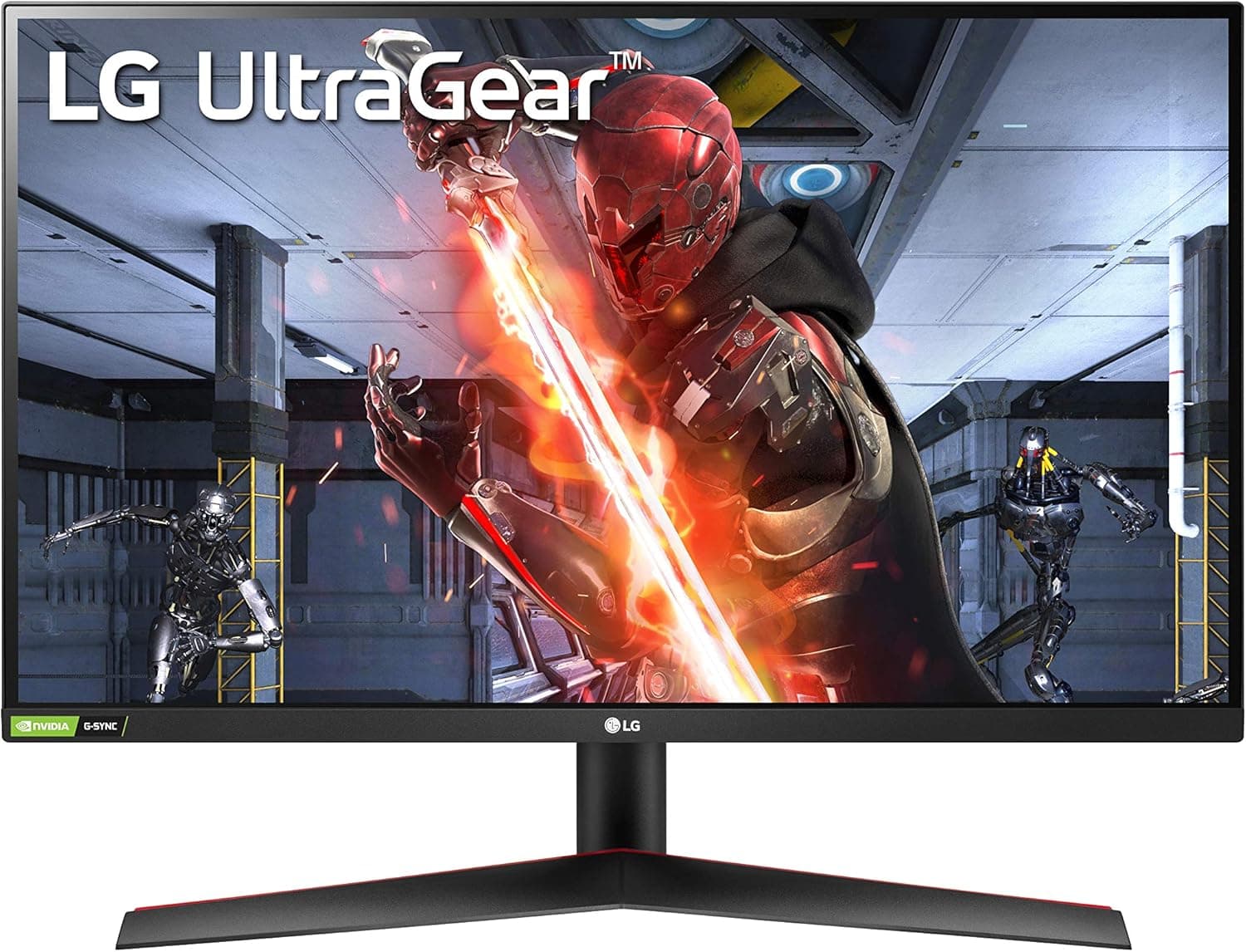
If you want a bigger screen, a 27-inch gaming model such as the LG UltraGear 27GN65R-B is another option.
Where this monitor wins is the built-in 2W×2 speakers, the VGA input, and the 36-month warranty. The Acer 23.8-inch model mentioned above, for example, has no speakers and no headphone jack.
The 120Hz alternatives win on smoothness and work with more GPUs. Pick based on which of those matters more to you.
Best Use Cases
- Light gaming on an AMD Radeon desktop: FreeSync works best in this pairing, and motion looks smoother than at 60Hz.
- Home office and study: Wide viewing angles and a low-blue-light eye care mode make it comfortable for documents and video calls.
- People who do not want separate speakers: The built-in 2W×2 speakers are enough for meetings and video audio.
- Anyone who needs VGA for older PCs or equipment: Fewer new monitors include VGA, so this is a genuine advantage.
- Beginner creators: 100% sRGB is a reasonable baseline for web-focused photo editing and design, but not for print work that needs AdobeRGB-class gamut.
Before You Buy
GeForce Users: Do Not Buy It for FreeSync
As covered in the compatibility guide, the monitor has neither DisplayPort nor HDMI 2.1, so VRR will likely not work on GeForce cards.
Displaying a picture is fine. But if FreeSync is your main reason for choosing it, you may not get the benefit you expect.
The 2ms Figure Is MPRT
The 2ms response time is an MPRT (motion picture response time) figure, which is a different measurement from how fast pixels change color (GtG). MPRT numbers are often achieved with backlight strobing or black frame insertion.
Turning that feature on can make the screen dimmer or cause visible flicker. You cannot compare it directly with the 1ms GtG figures that competitive monitors advertise.
Keep HDR400 Expectations Low
The spec sheet lists VESA DisplayHDR 400. That is the most basic tier of the DisplayHDR standard, and it is not the same as the higher tiers that use local dimming to separate bright and dark areas.
Do not expect a dramatic contrast boost when you turn HDR on. If certification matters to you, you can look up the model in VESA's public list of certified products.
Gamut Figures Do Not Mean Factory Calibration
100% sRGB and 90% DCI-P3 describe the range of colors the panel can show. They do not mean the monitor was color-calibrated at the factory.
For color-critical work, plan on calibrating it with a colorimeter.
Price and Review Count
Before buying, read the low-star reviews for reports of dead pixels, early failures, or shipping damage.
Seller and Returns
The listing shows mauloa!Riru as both seller and shipper, so it is not shipped by Amazon.
Returns and exchanges for defects go through this seller. Check the return terms, and who handles claims under the 36-month warranty, before you order.
Since support is listed as US-based, also check whether you can contact them in your language.
Check the Listing Details
Amazon listings sometimes contain incorrect information. When buying, use the photos and product name to confirm it is this 24-inch, 75Hz model with HDMI and VGA inputs.
The Speakers Are a Backup
The 2W×2 speakers are fine for calls and video, but too weak for enjoying games or music. The spec sheet does not say whether there is a headphone jack, so check the product page if you plan to use a headset.
FAQ
Q. Can it run at 120Hz or 144Hz? A.
No. The maximum refresh rate is 75Hz.
If you want a higher refresh rate, choose a 120Hz-or-higher model.
Q. Does FreeSync (G-SYNC Compatible) work with GeForce cards? A.
The compatibility notes mention select NVIDIA GPUs, but this monitor has neither DisplayPort nor HDMI 2.1, so expect it not to work.
The picture works fine over HDMI.
Q. Can I use it with a PS5 or Nintendo Switch? A.
Yes, over HDMI. Consoles usually run at 60Hz, though, so the 75Hz refresh rate adds little.
Q. Can I connect a MacBook or USB-C laptop? A.
Yes, with a USB-C-to-HDMI adapter. Whether you get 75Hz depends on the adapter and the computer.
Q. Can I use a monitor arm? A.
Yes, it supports 100×100mm VESA mounts. The weight is not on the spec sheet, so check the product page before matching it against an arm's load rating.
Product Disclosure (Amazon)
- Manufacturer: ETiansu
- Seller: mauloa!Riru
- Fulfilled by: mauloa!Riru
- ASIN: B0H2MFMZHX
- Note: This article covers a manufacturer-made product based on Amazon listing details.