Overview
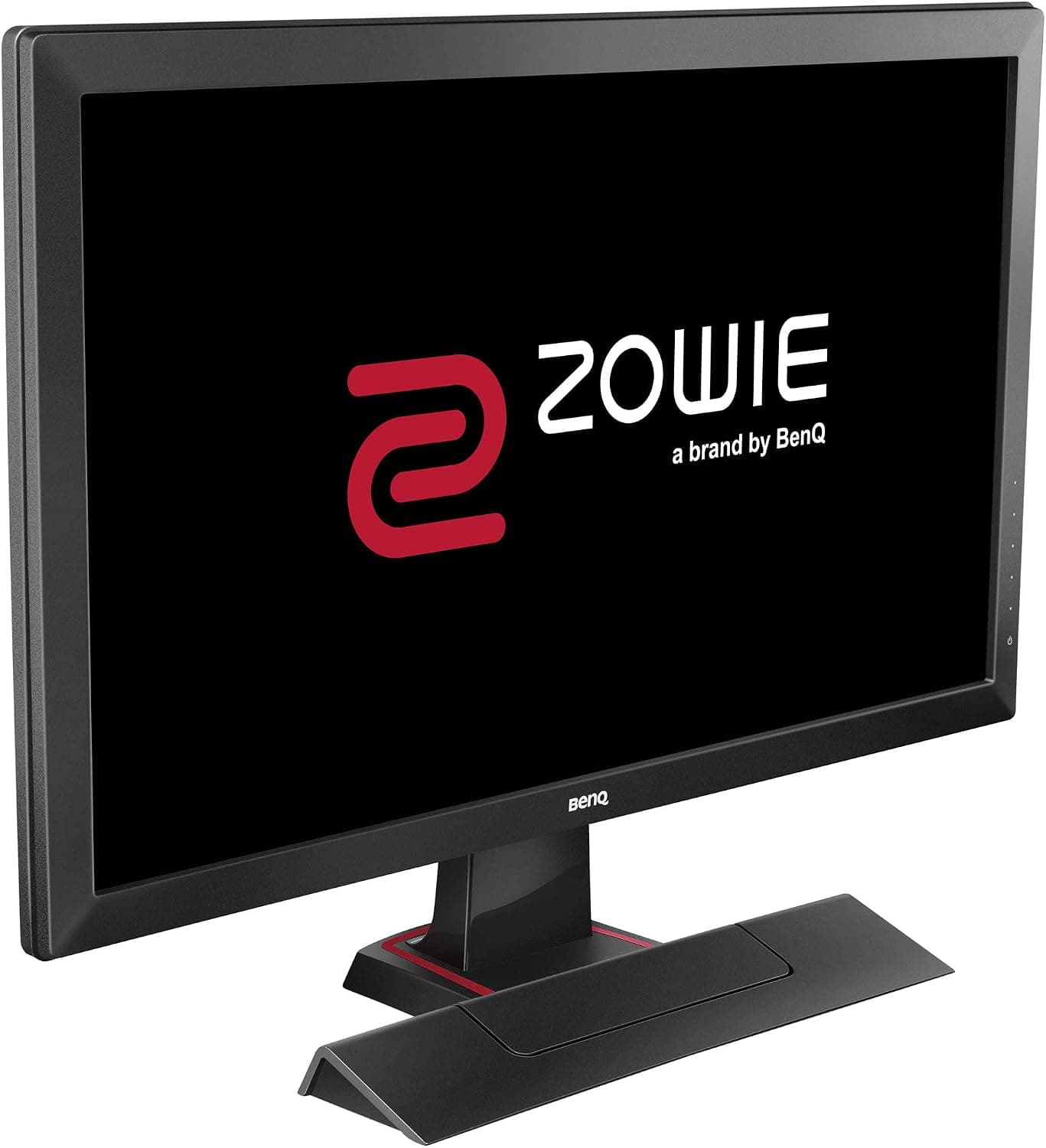
According to the official manufacturer page, the BenQ ZOWIE XL2411K (ベンキュージャパン BenQ ZOWIE XL2411K gaming monitor, 24-inch) has a 24-inch screen with a 16:9 aspect ratio. The panel type is TN and the refresh rate is listed as 144 Hz.
The maximum resolution is 1920 x 1080.
The official display specs list typical brightness as 320 cd/㎡ and contrast ratio as 1000:1. The display area is 531.36x298.89 mm and the pixel pitch is 0.276 mm.
For gaming, the official spec sheet lists DyAc, Black eQualizer and Color Vibrance.
Compatibility Guide
The official page lists the following inputs.
| Port | Count |
|---|---|
| HDMI (v2.0) | 1 |
| DisplayPort (v1.2) | 1 |
| HDMI (v1.4) | 2 |
For PC, the official maximum resolution reads "1920 x 1080 at 144Hz (HDMI 2.0, DP 1.2)".
In other words, the 144 Hz figure is tied to HDMI 2.0 or DisplayPort.
The official page does not state 144 Hz for the HDMI v1.4 ports.
For home consoles, the official page says "1920 x 1080 at 120Hz for PS5 / Xbox series X (HDMI 2.0)".
Because that figure is given for HDMI 2.0, check that you connect the console to the HDMI 2.0 side.
If you plan to use an arm or wall mount, the official VESA mount value is 100x100 mm. The Kensington lock is also marked as supported.
Product Info
rmation
Everything below comes from the official manufacturer page.
| Item | Official listing |
|---|---|
| Screen size | 24 inch |
| Panel type | TN |
| Refresh rate | 144 Hz |
| Brightness (typical) | 320 cd/㎡ |
| Contrast ratio | 1000:1 |
| Height adjustment | 155 mm |
| Tilt (down/up) | -5˚- 23˚ |
| Swivel (left/right) | 45˚/ 45˚ |
| Net weight (approx.) | 5.9 kg |
| Gross weight | 8.5 kg |
| Max power consumption | <45W |
| Power supply | Built-in (100-240V) |
The official external dimensions (WxHxD) read "525.56(High)/370.56(Low)/442.84(HAS Handle Top)x571x200.18", reproduced here as listed.
The height adjustment range is 155 mm.
On the display side, the official page marks both low blue light and flicker-free as supported. It also lists the "XL Setting to Share" software.
The headphone jack is marked as supported.
The accessory entries list a DisplayPort video cable and a power cable. Check the official accessory list to see whether you need to buy a separate cable for DisplayPort.
Recommended For
- Buyers who already own a VESA 100x100 mm arm or wall mount; the official VESA value lets you judge whether it fits.
- Buyers who want to connect a PS5 or Xbox series X over HDMI 2.0, the combination for which the official page states 1920 x 1080 at 120Hz.
- Buyers who want to adjust the screen position on the desk; the official listing gives 155 mm height adjustment, 45˚/ 45˚ swivel and -5˚- 23˚ tilt.
Before You Buy
- The official maximum resolution is 1920 x 1080. Higher resolutions are not listed in the official specs.
- For 144 Hz, connect via HDMI 2.0 or DisplayPort. There are two HDMI v1.4 ports, but the official page links 144 Hz only to HDMI 2.0 and DisplayPort.
- The net weight is about 5.9 kg and the gross weight is 8.5 kg. Compare these values with the load rating of your desk or arm.
- The power supply is built in, with an official voltage listing of 100-240V.
- Check the sales page for price and stock.
FAQ
Q. Which connection gives 144 Hz on a PC?
A. The official page lists HDMI 2.0 and DisplayPort as the conditions for 1920 x 1080 at 144Hz.
Q. What refresh rate can I get on PS5 or Xbox series X?
A. The official page states 1920 x 1080 at 120Hz over HDMI 2.0.
Q. Can I connect headphones?
A. The headphone jack entry on the official page is marked as supported.