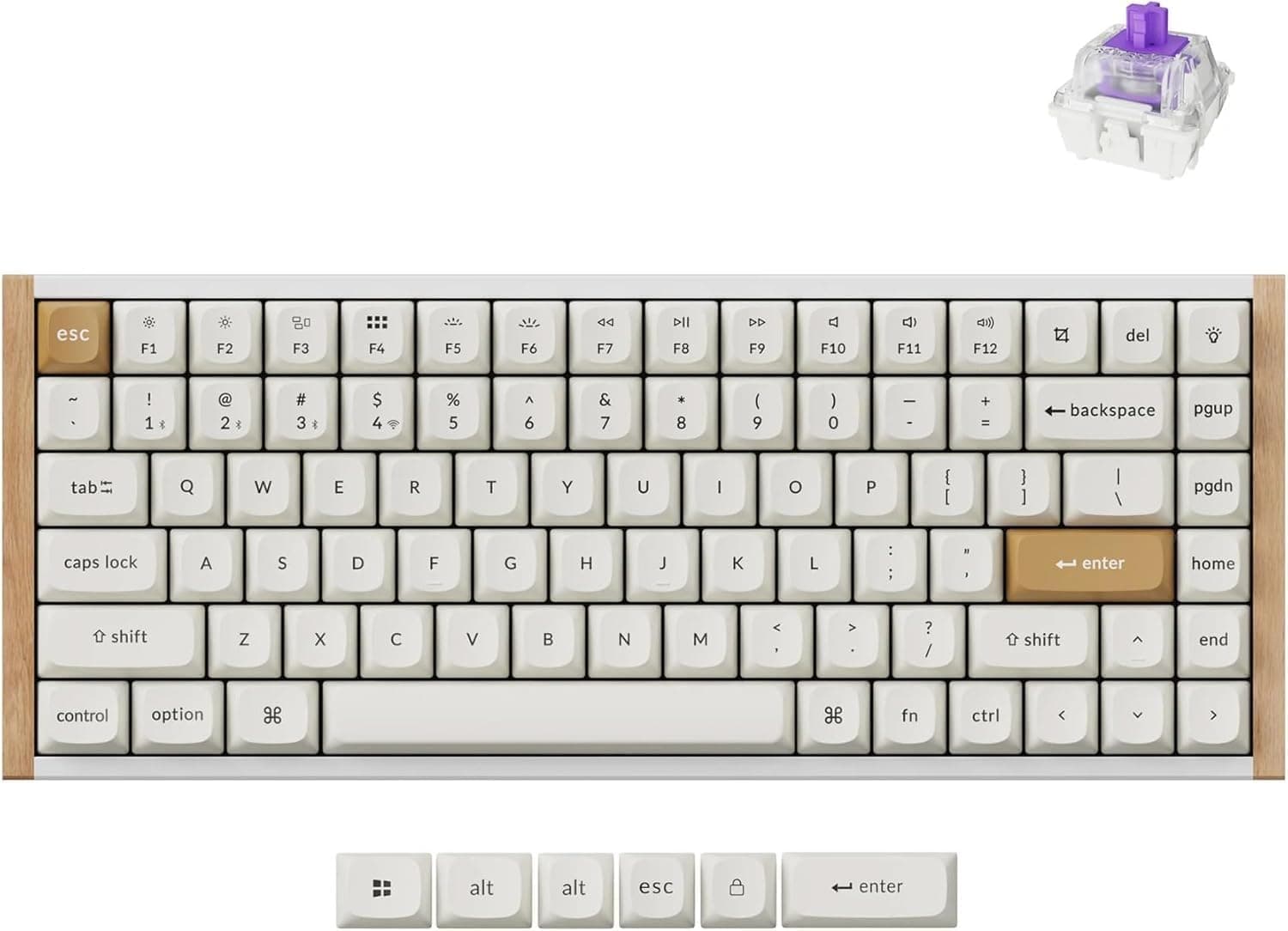
Overview
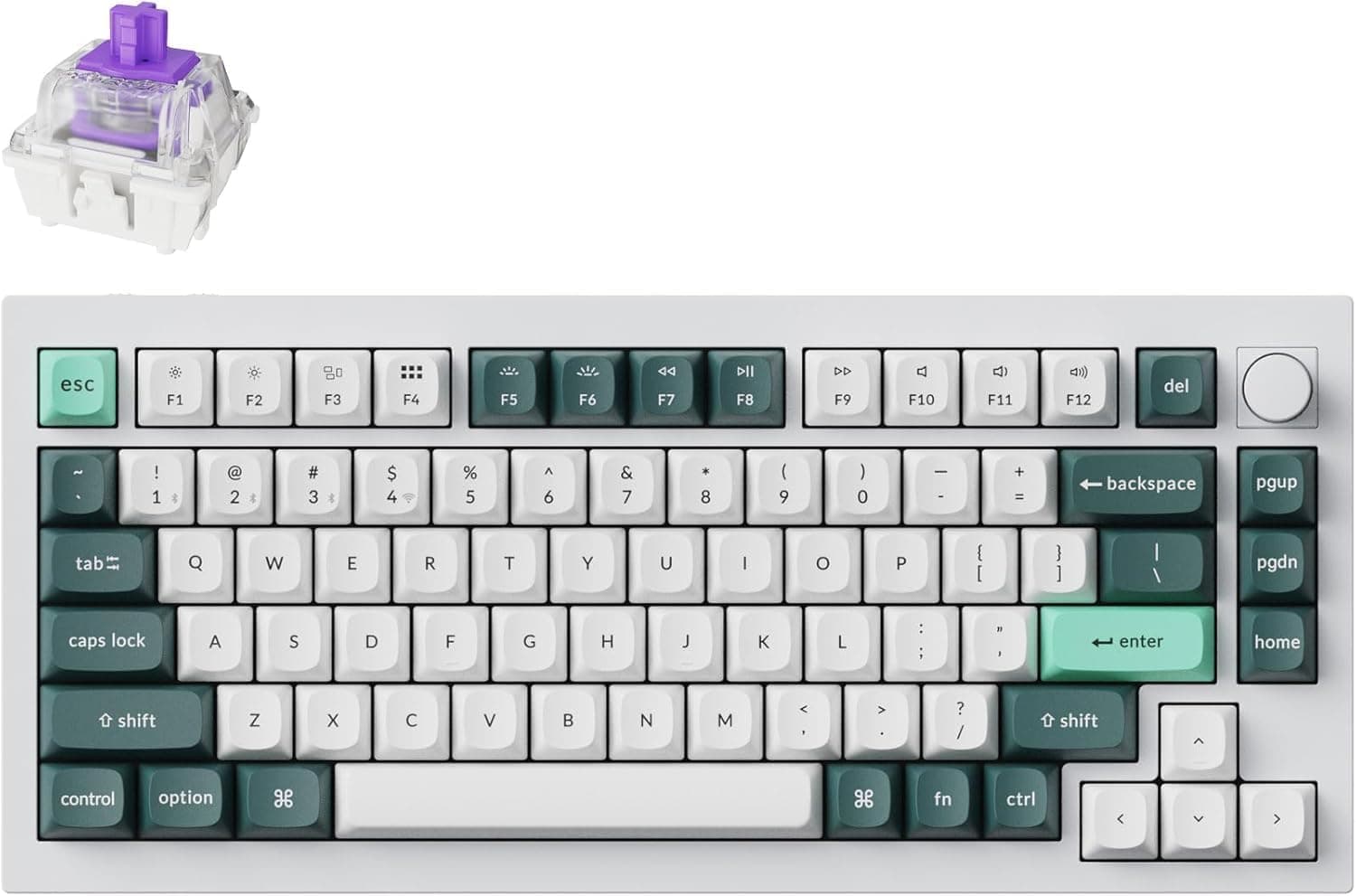
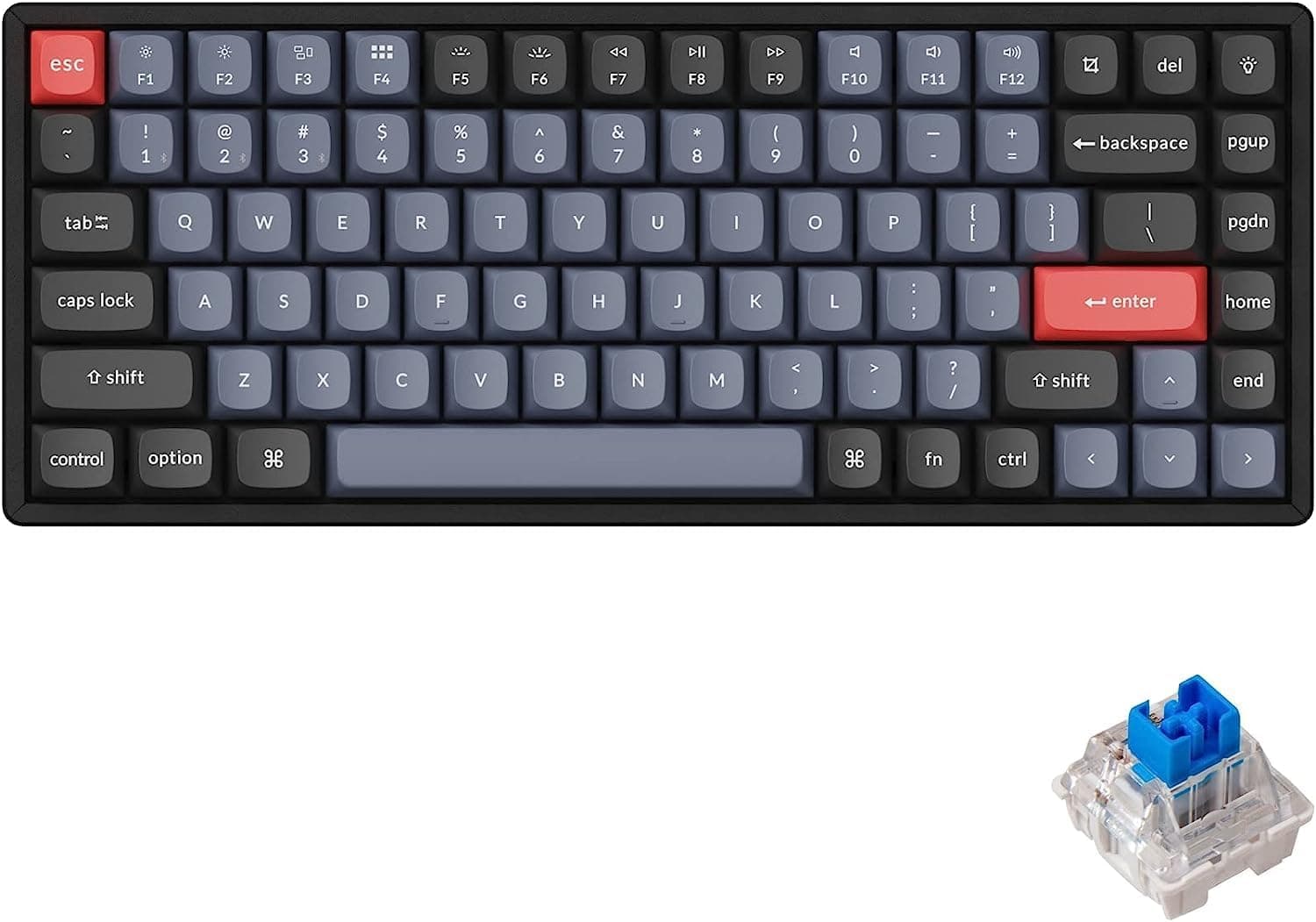
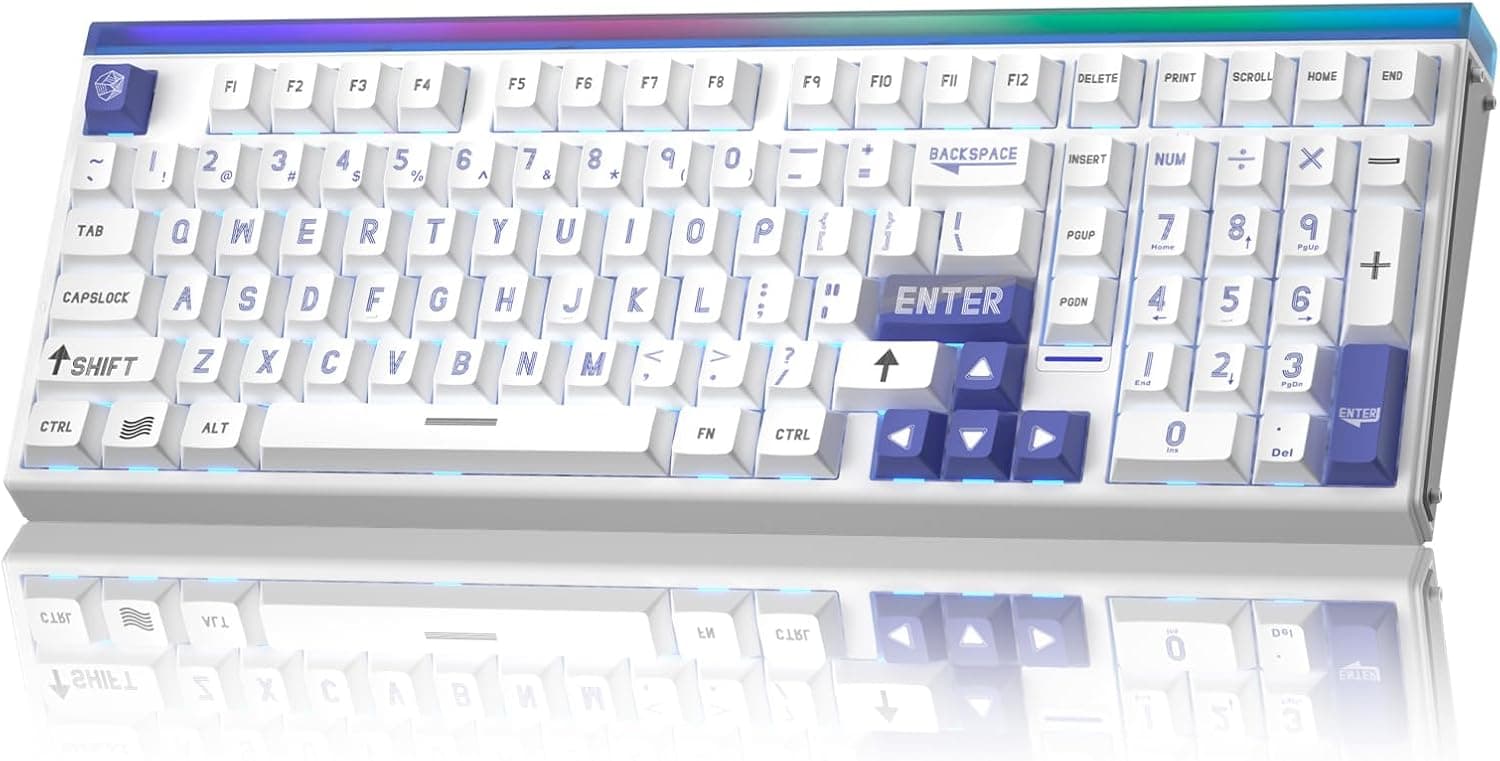
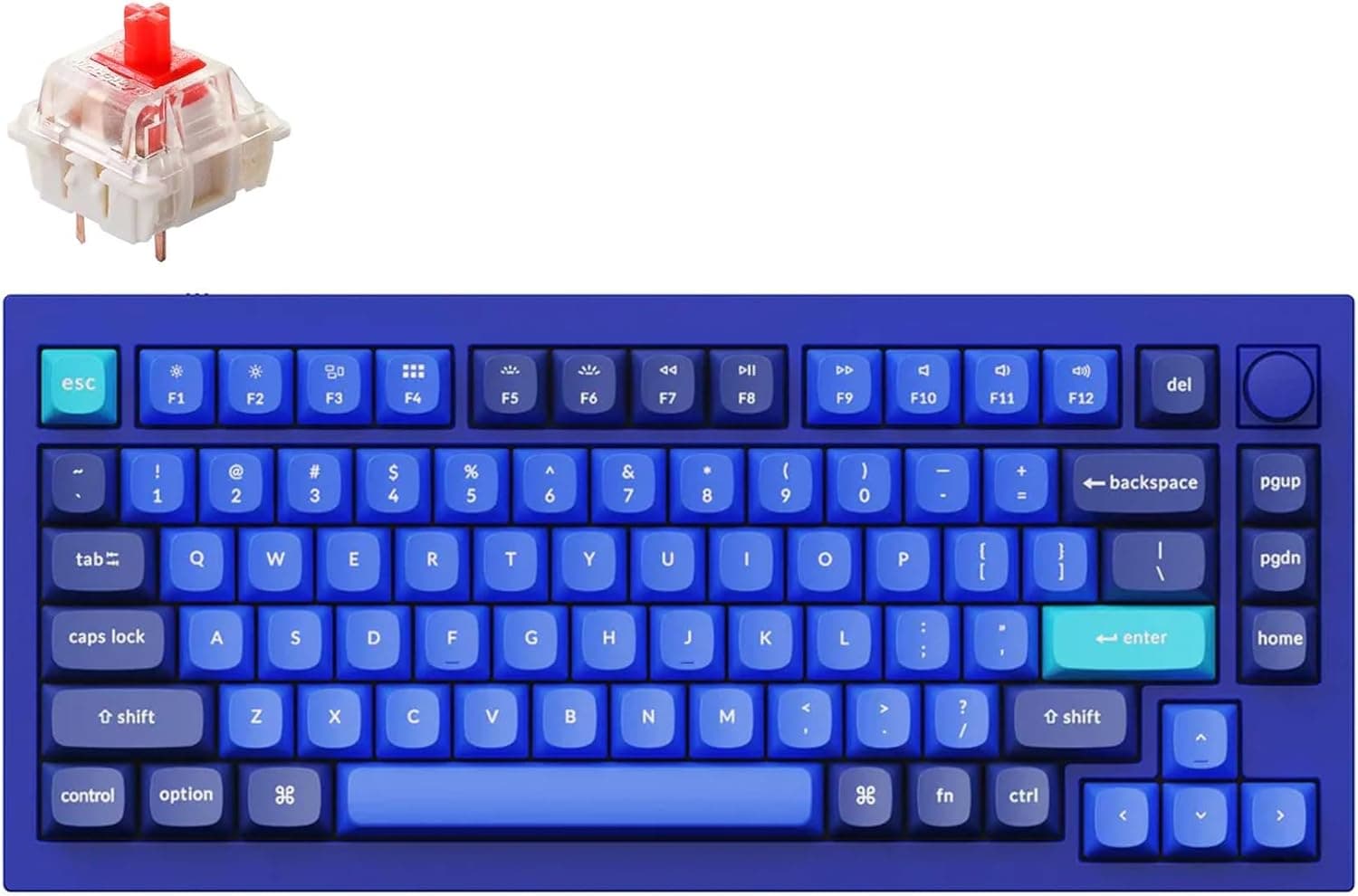
The Keychron K2 HE — Wireless Custom Mechanical Keyboard with Rapid Trigger puts magnetic Hall Effect switches and rapid trigger into a 75% tri-mode wireless board. It suits people who want one keyboard for both FPS gaming and everyday work.
It is not built to win a spec contest against wired-only tournament boards. It is also a poor fit for anyone who wants to swap in regular mechanical switches.
The switches are Gateron double-rail magnetic switches. The actuation point, meaning the depth at which a key registers, can be set anywhere from 0.2mm to 3.8mm in 0.1mm steps.
The case pairs an aluminum frame with natural rosewood side panels: light wood on the white model, dark wood on the black one. The keycaps are double-shot PBT in the OSA profile, so the legends will not wear off.
You can connect over 2.4GHz wireless (dongle included), Bluetooth 5.2, or a USB-C cable.
The listed polling rate is 1000Hz, and it supports Windows, macOS, and Linux. The 75% layout (about 84 keys) drops the number pad but keeps the function row and arrow keys.
What Magnetic Switches and Rapid Trigger Change
A regular mechanical switch turns on and off at fixed points, and you cannot change them. A magnetic switch reads the key's position continuously, so you choose where it activates.
Rapid trigger builds on this: a key turns off as soon as it starts to rise and turns on again as soon as you press it back down.
The difference is easiest to feel in tactical shooters, where letting go of a movement key stops your character. The input cuts out as soon as your finger starts lifting, so you stop and change direction faster.
Fighting and rhythm games also benefit from faster repeated presses.
The downside is that a very shallow setting can register keys you only meant to rest your fingers on, which causes typos. If you type a lot, keep two profiles: a deeper one for writing (around 2mm is a reasonable start) and a shallow one for games.
You set these in Keychron Launcher.
Compatibility Guide
| Item | Details | Notes |
|---|---|---|
| 2.4GHz wireless | Included dongle | Use this for gaming; without the dongle this mode does not work |
| Bluetooth 5.2 | Switches between devices | Higher latency; better for office work and tablets |
| USB-C wired | Included cable | Powers and charges the board; the most reliable mode when changing settings |
| OS | Windows / macOS / Linux | See the manual for how to switch key layouts |
| Software | Keychron Launcher (web-based) | Nothing to install; check which browsers it supports |
The keyboard runs on USB-C power, so you do not need a separate power adapter. For 2.4GHz mode you need the included dongle.
A dongle plugged into the back of a PC can lose signal behind the case or desk. A front USB port or an extension adapter that brings it closer to the keyboard usually helps.
Keychron Launcher runs in your browser and handles remapping, macros, and actuation settings. Web tools like this usually expect a Chromium-based browser, so if you mainly use Safari or Firefox, check support first.
QMK/VIA compatibility is listed in the specs, but you will do most everyday setup in Launcher.
Switch compatibility is where people most often get it wrong. The board is hot-swappable, but it only takes compatible magnetic switches.
Standard Cherry MX-style mechanical switches (3-pin or 5-pin) use a different socket and will not work. If the word custom made you think of swapping in mechanical switches, this is the catch.
If you plan to replace the keycaps, some keys near the right Shift use sizes specific to 75% layouts. Before you buy a set, make sure it covers 75% or K2-series layouts.
Product Info
rmation
| Item | Details |
|---|---|
| Layout | 75% (about 84 keys) |
| Switches | Gateron double-rail magnetic (Hall Effect) |
| Actuation point | Adjustable in 0.1mm steps (0.2mm to 3.8mm) |
| Polling rate | 1000Hz |
| Connection | 2.4GHz / Bluetooth 5.2 / USB-C |
| Keycaps | Double-shot PBT (OSA profile) |
| Frame | Aluminum with natural rosewood side panels |
| Customization | QMK/VIA, Keychron Launcher (web-based) |
The box includes a Type-A to Type-C cable, a keycap puller, a switch puller, and a hex wrench, among other items. With the switch puller included, you can remove and clean switches from day one.
The price has moved a lot. On Amazon.co.jp it was ¥27,940 when captured on June 21, 2026, and ¥22,352 when captured on August 26, 2026.
That is a gap of more than ¥5,000 in about two months, so if you are not in a hurry, watch the price for a while. On eBay a listing showed $243.65 when captured on August 3, 2026.
That price may not include shipping or import duties, and it does not come with Japanese domestic support. Prices change with sales and stock, so check the product page for the current price.
On Amazon.co.jp the keyboard was rated 4.6 out of 5 from 56 reviews as of June 21, 2026.
The rating is strong, but 56 reviews are not enough to judge unit-to-unit variation or long-term durability.
Alternatives
| Model | Switch type | Layout | Connection | Best for |
|---|---|---|---|---|
| Keychron K2 HE | Magnetic (Gateron) | 75% | Two wireless modes + wired | One board for gaming and daily use |
| Wooting 60HE+ | Magnetic | 60% | Wired | A wired board used only for competitive play |
| Razer Huntsman V3 Pro | Analog optical | Full-size and others | Wired | People already using Razer gear |
| AULA Hero 68 HE | Magnetic | 60%-class (68 keys) | Wired | A small wired board with a high polling rate |
| Keychron K10 HE | Magnetic | Full-size | Wireless | People who need a number pad |
The K2 HE's main advantage is that it offers rapid trigger and still works over both 2.4GHz and Bluetooth.
A wired competitive board like the Wooting 60HE+ is all you need for games alone, but you cannot switch it between a laptop and a tablet.
If you never use the function row, or you want as much desk space as possible for wide mouse swipes, a 60% board fits better. Because the K2 HE keeps the function row and arrow keys, it is wider than a 60% board.
If you also need a number pad, Keychron's K10 HE is the model to consider.
Recommended Users
- People who want one keyboard for gaming and work. Play VALORANT or CS2 with rapid trigger over 2.4GHz or cable, then switch to a deeper profile for office work.
- People who still want function keys. The 75% layout keeps the F-row and arrow keys in a narrower body, which is easier for shortcut-heavy work than a 60% board.
- People who switch between devices. Use 2.4GHz for a desktop and Bluetooth for a laptop or tablet instead of keeping several keyboards on the desk.
- People who care how it looks. The aluminum frame and real wood panels suit desks where flashy gaming styling feels out of place.
Before You Buy
You cannot swap in mechanical switches. This is the most common misunderstanding.
The board only accepts compatible magnetic switches; ordinary mechanical switches will not fit. If you want to change the typing feel with different switches, choose a standard hot-swap mechanical keyboard instead.
Check the layout (US or JIS) on the product page. Even domestic Japanese models are often sold only in US layout.
Kana legends, the Enter key shape, and symbol positions differ between the two, so confirm this before you buy if you are used to JIS.
Use 2.4GHz for wireless gaming. The listed polling rate is 1000Hz, but Bluetooth generally adds latency and takes away much of the benefit of rapid trigger.
Use 2.4GHz or a cable for games and Bluetooth for office work.
The keyboard sits fairly high. With OSA keycaps and wood side panels, the front edge is taller than on a low-profile keyboard.
If you type for long stretches, consider buying a palm rest with it.
It does not match the specs of wired tournament boards. Its polling rate is 1000Hz, and some wired models advertise 8000Hz.
1000Hz is plenty for normal gaming, but it may disappoint buyers who choose by the numbers on the spec sheet.
The price varies a lot. As noted above, the price differed by more than ¥5,000 between captures.
With only 56 reviews so far, buying from a seller that handles domestic warranty claims is the safer choice in case of an early defect.
FAQ
Q. Can I use non-Gateron mechanical switches? A.
No. The hot-swap sockets only take compatible magnetic switches.
Standard 3-pin and 5-pin mechanical switches will not work.
Q. Does rapid trigger work wirelessly? A.
Yes. For lower latency, use the 2.4GHz dongle or a cable, and treat Bluetooth as a mode for office work.
Q. Does it work with a Mac?
A. macOS is supported. See the included manual for how to switch between Mac and Windows key layouts.
Q. Do I need to install software? A.
No. Keychron Launcher runs in your browser and lets you change remaps and actuation settings.
Check which browsers it supports first.
Q. Will rapid trigger cause typos? A.
It can if the actuation point is very shallow. Keep a deeper profile for typing and switch to a shallow one only for games.
Product Disclosure (Amazon)
- Manufacturer: Keychron
- Seller: Keychron Japan
- Fulfilled by: Amazon
- ASIN: B0DSG2XW3G
- Note: This article covers a manufacturer-made product based on Amazon listing details.