This article takes a closer look at 【国内正規品】Keychron K2 Pro ワイヤレス・カスタムメカニカルキーボード, focusing on the details that actually decide whether you should buy it.
Overview
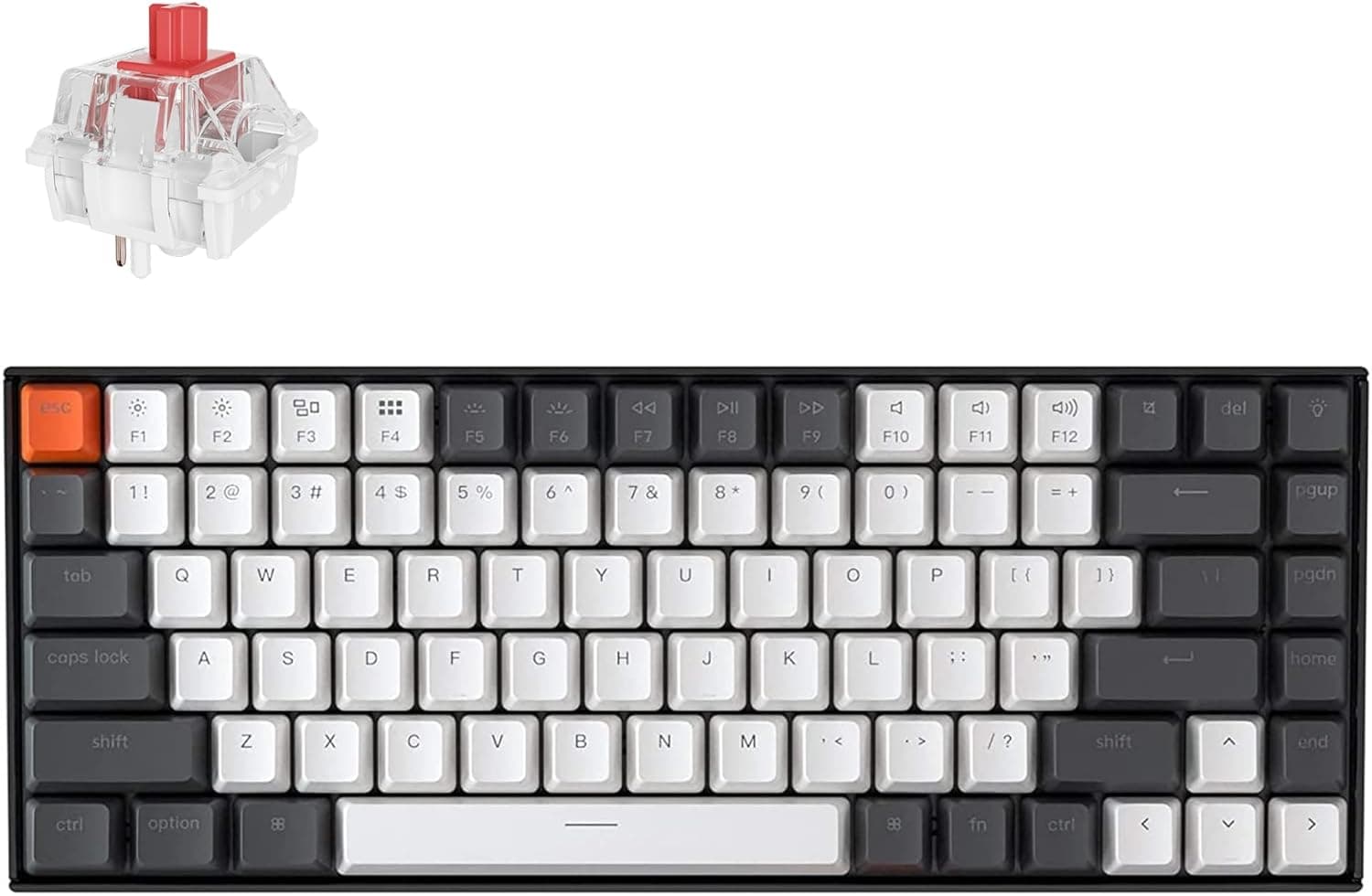
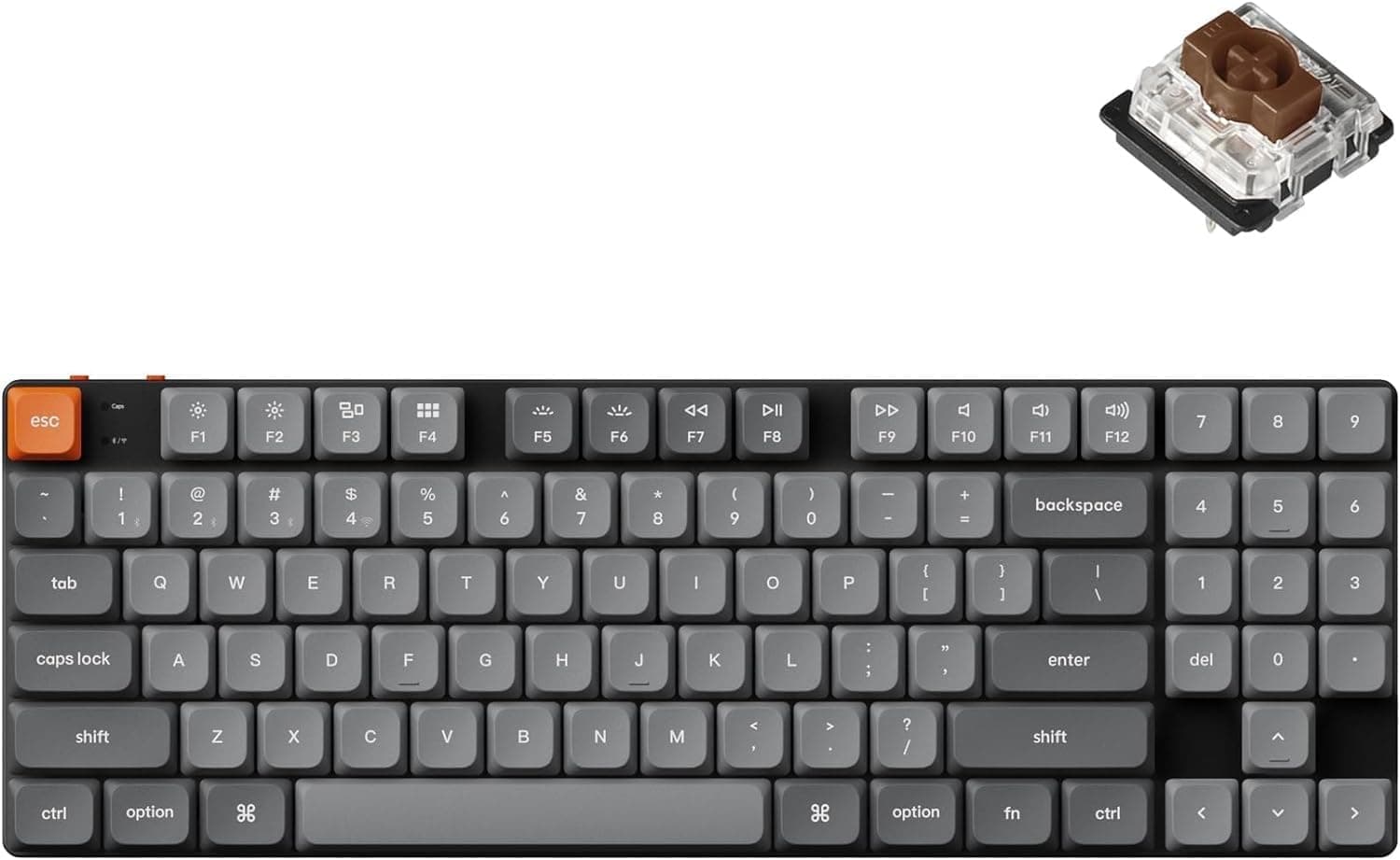
The Keychron K2 Pro is an 84-key, 75% wireless mechanical keyboard built around hot-swappable switch sockets and QMK/VIA firmware programmability. The short version: this board is for people who move between macOS and Windows and want to tune switches and keymaps themselves.
Distributed in Japan by Copeck, it offers both Bluetooth 5.1 and detachable USB-C wired operation, and supports macOS, Windows and Linux.
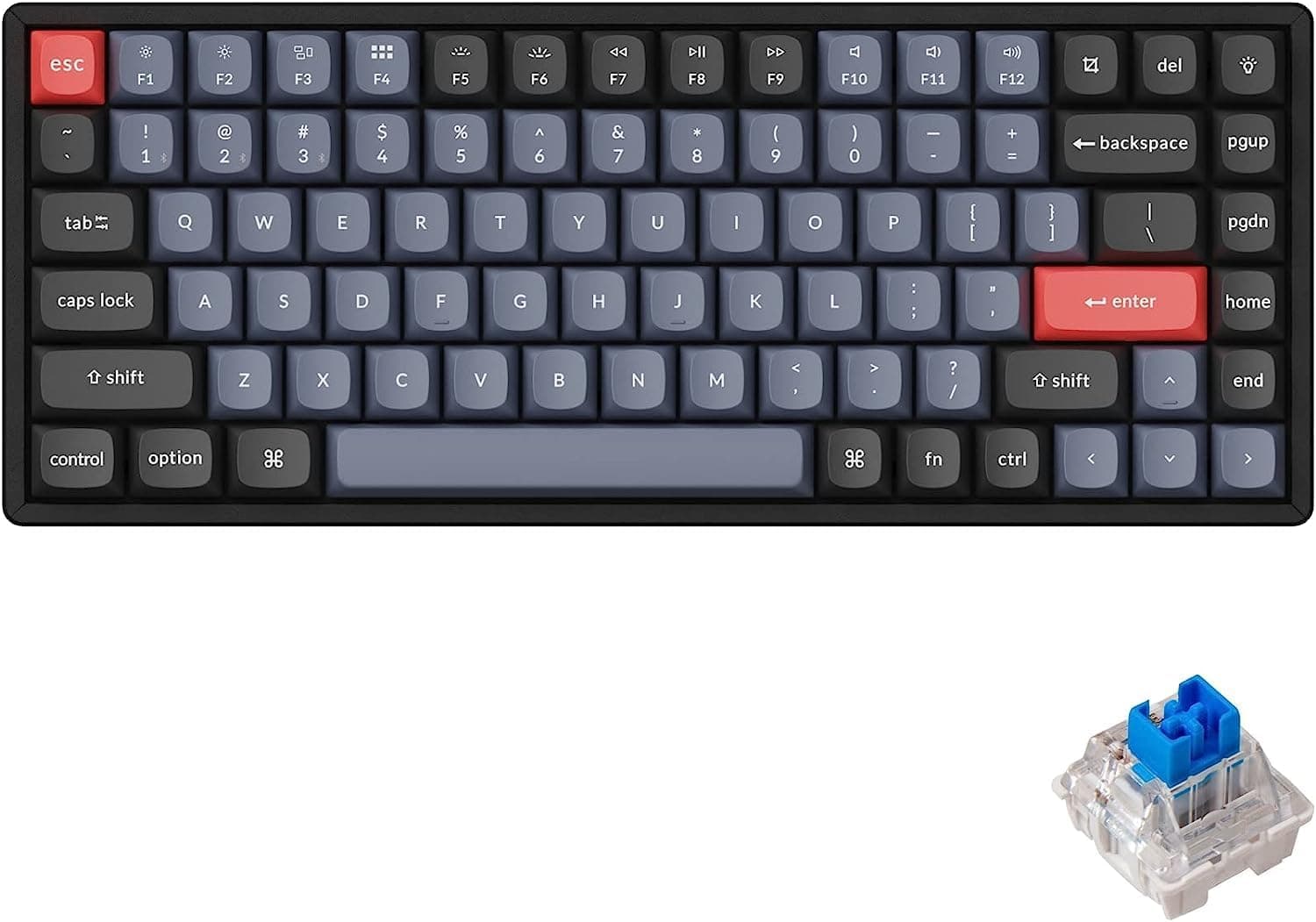
It ships with Keychron K Pro Blue clicky switches, which can be swapped without soldering, and double-shot PBT keycaps in an OSA profile that resist shine and keep their legends for years. Backlighting is south-facing RGB with 22+ effects — a mounting orientation that avoids interference with the keycap profile.
The Numbers That Matter
| Spec | Value | What it means |
|---|---|---|
| Layout | 84 keys (75%) | Keeps F-row and arrows, drops the gaps |
| Dimensions | 312 x 127 x 34 mm | Narrow footprint, but tall |
| Weight | ~800 g | Desk-bound, not a travel board |
| Battery | 4000 mAh | Large for this class |
| Wireless | Bluetooth 5.1 (3 devices) | Pairs with the OS-switch slider |
| Wired | Detachable USB-C | Works where wireless is banned |
| Firmware | QMK/VIA | Remap per layer, no flashing needed |
The two numbers to sit with are 34 mm of height and ~800 g of weight. A 75% layout saves horizontal desk space — 312 mm wide — but this is not a low-profile keyboard.
At 34 mm, your wrists sit far higher than on a laptop keyboard, so a wrist rest is effectively mandatory rather than optional. The 800 g weight is the flip side: the board simply does not slide around while you type.
A 4000 mAh cell is generous here. Real runtime swings enormously with backlight brightness and effect choice, so no single figure is honest.
If battery life matters to you, dimming or disabling RGB is by far the most effective setting to change.
Connectivity & Compatibility
Supported systems are macOS, Windows and Linux, over Bluetooth 5.1 or USB-C.
Bluetooth remembers up to three devices and switches between them with a key combination. Both Mac and Windows keycap sets are in the box, so after flipping the OS slider you can swap the modifier caps to match the legends to actual behaviour.
The board carries Japanese Technical Conformity certification, which is the clearest advantage of buying the domestic authorized version rather than a grey import.
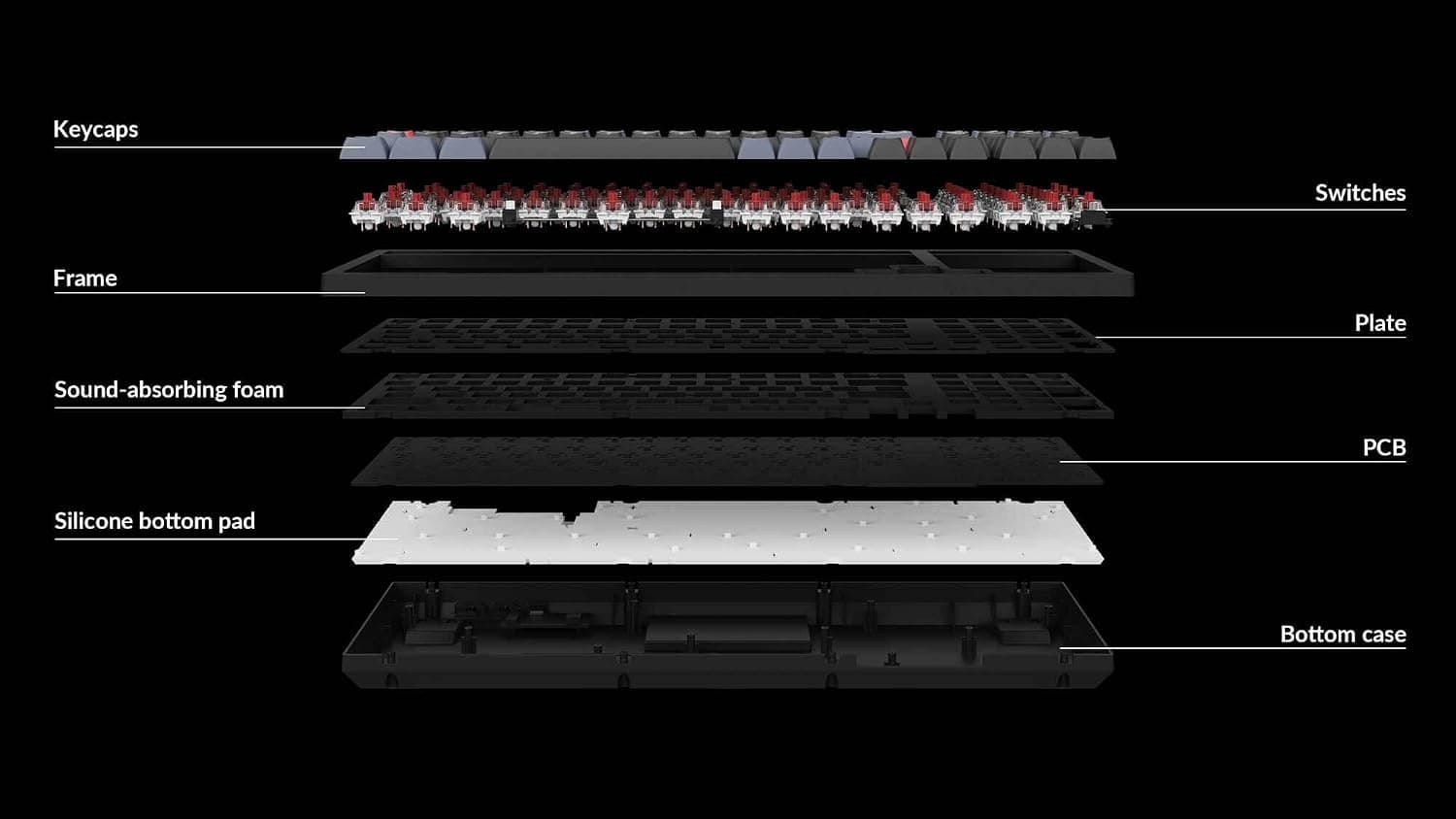
Hot-swap sockets accept MX-style (cross-stem) switches without soldering. Pull switches with the supplied puller and check the pins are straight before reinserting — bent pins damage sockets, and that is the single most common self-inflicted failure.
Three-pin or oddly shaped switches may need their legs trimmed or aligned.
Physically, a 127 mm depth and 34 mm height rarely conflict with monitor-arm clamps or rear cable trays. The risk is on the near side: in a sliding keyboard tray, the 34 mm height plus the typing angle can leave your fingers brushing the tray edge.
Measure the tray's internal clearance first.
Remapping through VIA works per layer, and the Mac and Windows layers are separate. If you do not account for the OS slider position, you will conclude that an edit "did not apply" when in fact you edited an inactive layer.
That is behaviour by design, not a defect.
Product Info
Prices differ by capture date. On Amazon.co.jp the listing read ¥15,950 as captured on 28 June 2026, and ¥11,165 as captured on 26 August 2026 — nearly ¥5,000 of movement on the same page in two months, so timing changes the value proposition a lot.
The eBay US listing showed $159.99 as captured on 2 August 2026, meaning the domestic authorized unit was clearly the cheaper route in Japan.
All of these are captured-at-the-time figures; check the product page for the current price.
Check the retailer's page for the latest user reviews. That sample is too small to be statistically meaningful.
Read it as "ratings have not settled yet" rather than "proven reliable"; you cannot infer unit-to-unit variation or DOA rates from eight data points. Keychron's track record and the one-year domestic distributor support are better inputs to your decision than the average score.
The box includes a USB-C cable, keycap and switch pullers, and both Mac and Windows keycap sets. Warranty is one year through the authorized Japanese retailer.
It is sold on Amazon and through some electronics retailers and direct channels.
How It Compares
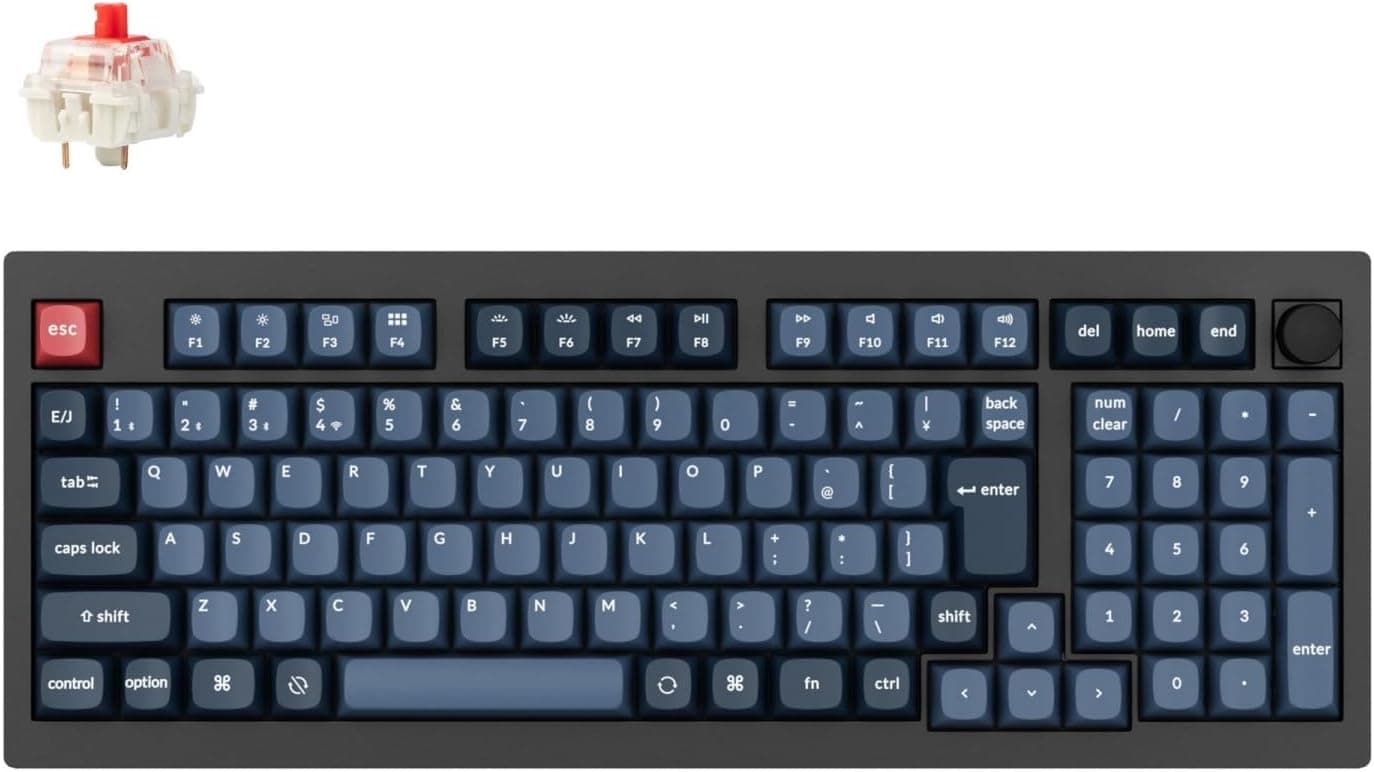
Within Keychron's own range the positioning is distinct. The Q1 Pro is a gasket-mounted aluminium board — better acoustics and rigidity, at noticeably higher weight and cost.
The V1 is a wired-only 75% board that delivers similar programmability for less if you do not need wireless. The K2 Pro's niche is wireless plus QMK/VIA in a plastic chassis at a realistic price.
Against gaming-oriented hot-swap boards, the K2 Pro's weak point is polling rate. Boards with 2.4 GHz dongles advertise 1000 Hz wireless; the K2 Pro offers Bluetooth 5.1 and USB-C only.
For competitive FPS on wireless, a dedicated 2.4 GHz board fits the requirement better.
For typing, Bluetooth latency is a non-issue.
Before You Buy
Start with who should not buy it. If you use one device and never remap, more than half the product's value goes unused; the same budget spent on a wired, non-programmable board buys better caps or a more solid case.
It is also a poor travel keyboard — ~800 g and 34 mm are not daily-carry numbers.
Assume the Blue switches are louder than you expect. Clicky switches are mechanically designed to click; they are not silenced.
In a shared office, a shared room, or over a video-call microphone, other people will hear it. If quiet matters, buy it planning to swap in silent switches, or pick a different switch variant from the start.
O-rings will not fix this — they reduce bottom-out noise, not the click mechanism.
Be careful with factory-lube claims. Some K Pro switches are advertised as pre-lubed, and clicky variants are often handled differently for mechanical reasons.
Confirm the lube status for your specific switch on the product page before buying, or your out-of-box expectations will be off.
A word on the listing data itself. The manufacturer shown on this listing is Keychron, which matches the product, so there is no conflict here.Check the retailer's page for the latest price.
Other common pitfalls: remapping without understanding the OS-slider-to-layer relationship; leaving the Mac caps on while using Windows so Alt/Win legends do not match; and skipping a wrist rest tall enough for the typing angle. All avoidable once you know the design.
Best Use Cases
Mac-and-Windows users get the strongest case. Three Bluetooth devices plus the OS slider and swappable modifier caps mean you no longer keep two keyboards on the desk.
A work MacBook, a home Windows PC and a tablet land exactly at the three-device limit.
Customization hobbyists are the other clear fit. Hot-swap plus QMK/VIA supports both the hobby side (buying switches to compare feel) and the practical side (macros and layers).
Heavy typists benefit from the OSA-profile double-shot PBT caps: PBT resists finger-oil shine, and double-shot legends never wear off. Over a multi-year ownership window that material difference is genuinely noticeable — just pair it with that wrist rest.
FAQ
Q. Can it run fully wired, for workplaces that ban wireless? A.
Yes. The detachable USB-C cable gives full wired operation with the radio unused, and the cable can be replaced with any length or colour.
Q. How long does the battery last? A.
The cell is 4000 mAh. Actual runtime varies widely with backlight brightness and effect, so no fixed figure is trustworthy; turning RGB off extends it substantially.
Check the product page spec sheet for the manufacturer's figure.
Q. Can I replace the Blue switches if I dislike them? A.
Yes — hot-swap sockets accept MX-style switches with no soldering. Use the supplied puller and insert replacements straight so the pins do not bend.
Q. What do I gain over a grey import? A.
Technical Conformity certification for Japanese radio law, plus one year of support from the authorized domestic retailer. For a wireless device, certification is not a detail you can ignore.
Q. How is 75% different from TKL? A.
75% keeps the F-row and arrow keys but removes the gaps, shrinking width to 312 mm. It is narrower than TKL and more functional than 60% — good if you want mouse room without losing the F-row.
Product Disclosure (Amazon)
- Manufacturer: Keychron
- ASIN: B0C9JFM4YP
- Note: This article covers a manufacturer-made product based on Amazon listing details.