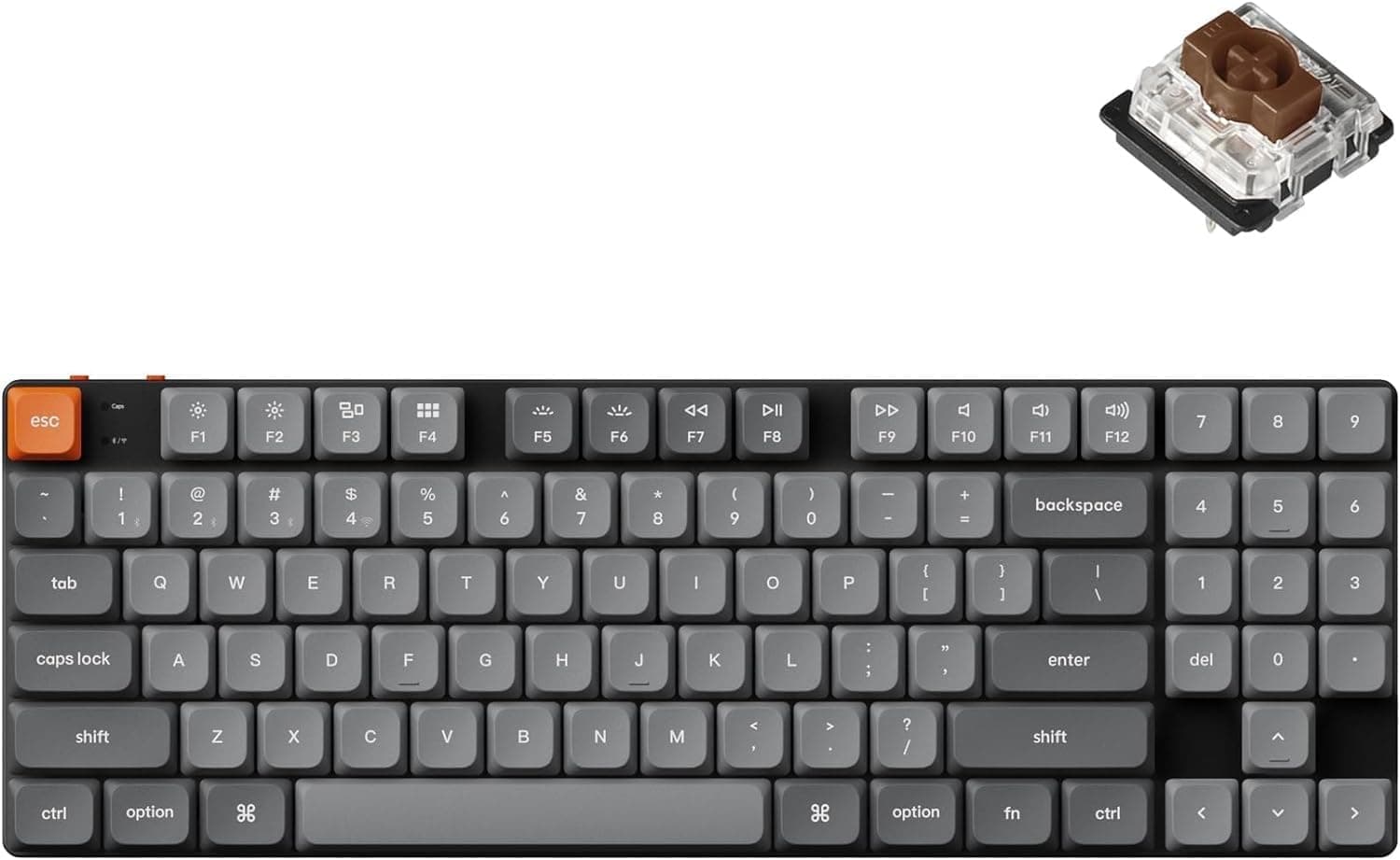
This article covers 【国内正規品】Keychron K13 Max QMK.
Overview
The Keychron K13 Max is a wireless mechanical keyboard that stands out with its unique 80% layout featuring a built-in numeric keypad. It uses low-profile Gateron switches, which are approximately 31% thinner than standard mechanical switches, offering a comfortable typing experience without sacrificing portability. The keyboard supports three connection modes: 2.4GHz wireless (1000Hz polling rate), Bluetooth 5.1, and USB-C wired, allowing seamless switching between up to three devices. The aluminum chassis gives it a premium feel that fits well on any desk. Full QMK/VIA support enables complete key mapping customization, letting users remap every key and create macros to suit their workflow. Inside, IXPE sound-absorbing foam and latex foam reduce typing noise while maintaining a responsive feel. White LED backlighting helps in low-light conditions, and the keyboard is compatible with macOS, Windows, and Linux out of the box.
Connectivity & Compatibility
The K13 Max offers three connectivity options: 2.4GHz wireless with a dedicated dongle for low-latency gaming, Bluetooth 5.1 for up to three paired devices, and USB-C wired mode for charging and simultaneous use. The 2.4GHz mode delivers a 1000Hz polling rate, making it suitable for fast-paced gaming, while Bluetooth is ideal for office work and mobile device pairing. It supports macOS, Windows, and Linux with dedicated keycaps included for each OS. The layout is US ANSI, so Japanese layout users should be aware of the difference. The keyboard can be used wired or wirelessly, and the built-in battery provides several weeks of typical use on a single charge.
Product Info
Released in late 2024, the Keychron K13 Max sits in the mid-range segment of the low-profile mechanical keyboard market. It offers a compelling balance of features and build quality at its price point. The standard warranty is one year. Included accessories: USB-C cable, 2.4GHz dongle, keycap puller, and extra keycaps for macOS/Windows.
Best Use Cases
Desk workers who need a numpad: The 80% layout with a dedicated number pad is ideal for accountants, data entry specialists, or anyone who frequently inputs numbers. The low-profile switches reduce finger fatigue during long typing sessions. However, the function row is slightly compressed, so heavy F-key users should check the layout before buying. Multi-device users: Switching between a PC, tablet, and smartphone is effortless with Bluetooth multipoint connectivity. Use the 2.4GHz dongle for your main PC and Bluetooth for mobile devices. Note that Bluetooth has higher latency than 2.4GHz, so competitive gamers should stick to wired or 2.4GHz mode. * Mechanical keyboard newcomers or low-profile enthusiasts: The shorter key travel and lighter actuation force make the K13 Max an excellent entry point into mechanical keyboards. Users who prefer deep, tactile feedback or want to swap keycaps with standard MX-compatible sets may find traditional-profile keyboards more suitable.
Product Disclosure (Amazon)
- Manufacturer: Keychron
- Seller: Keychron Japan
- Fulfilled by: Amazon
- ASIN: B0DCVWG4HQ
- Note: This article covers a manufacturer-made product based on Amazon listing details.