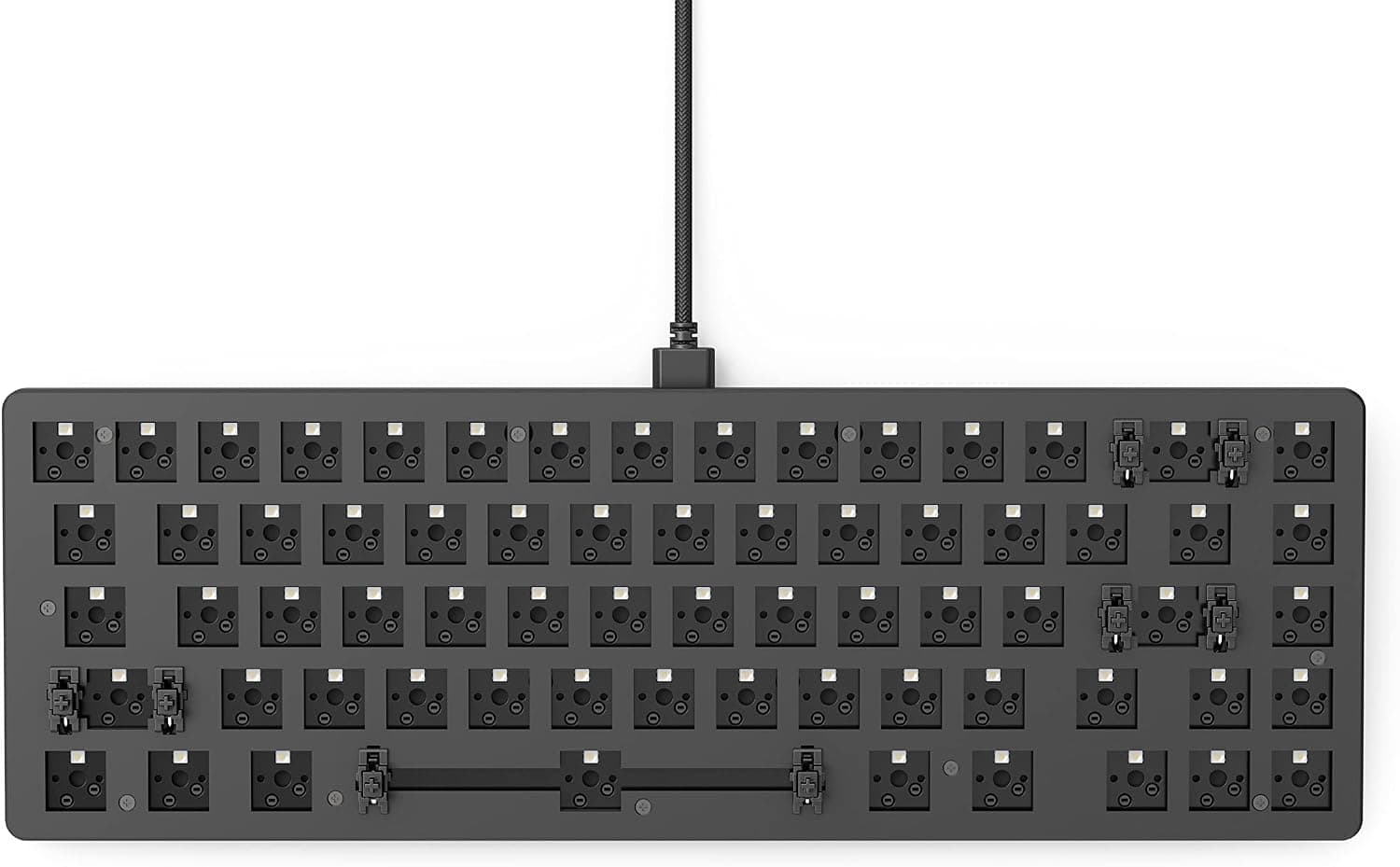
This article covers GLORIOUS GMMK 2 コンパクト TKL (65%) ベアボーンズ ISO ブラック。.
Overview
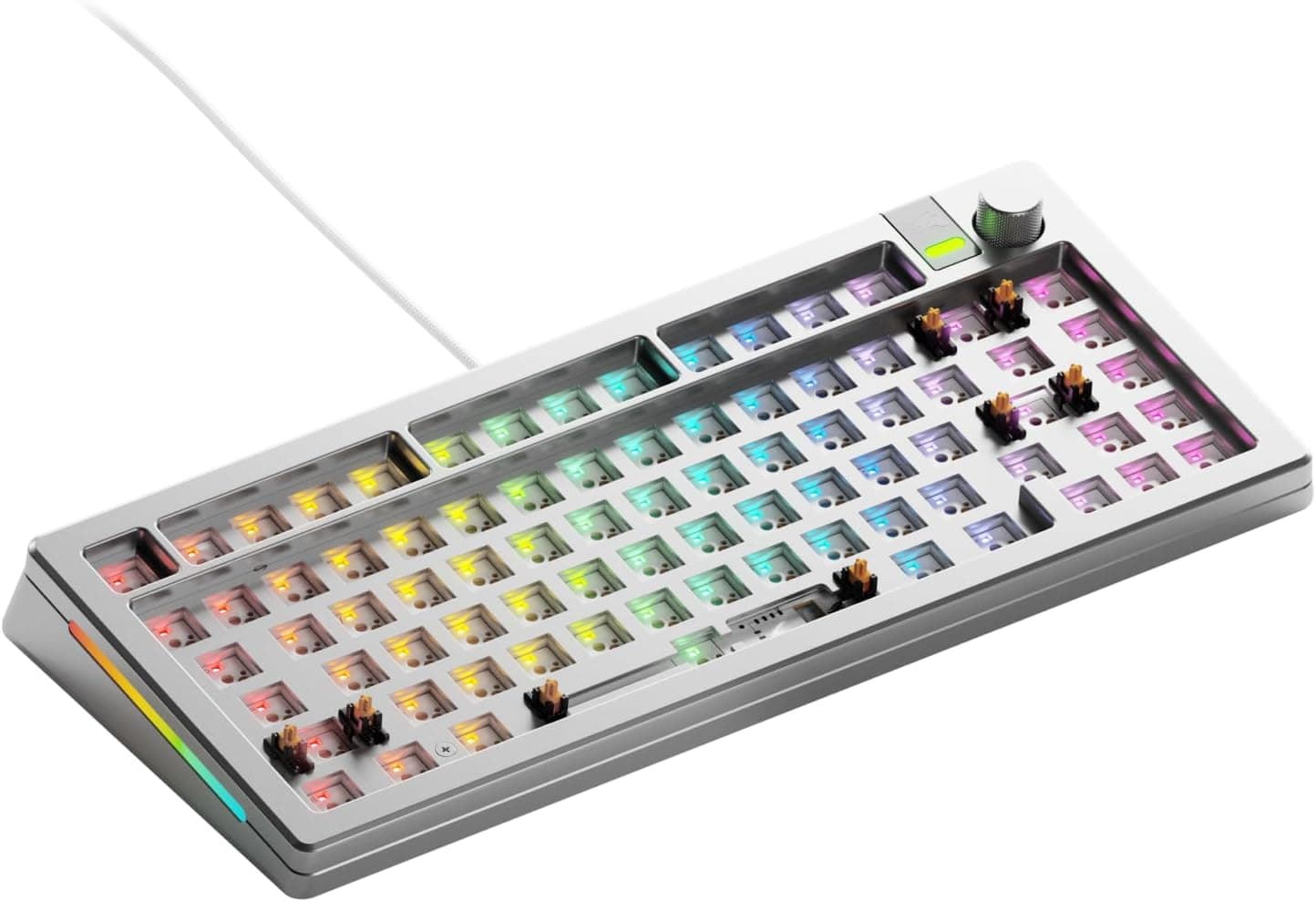
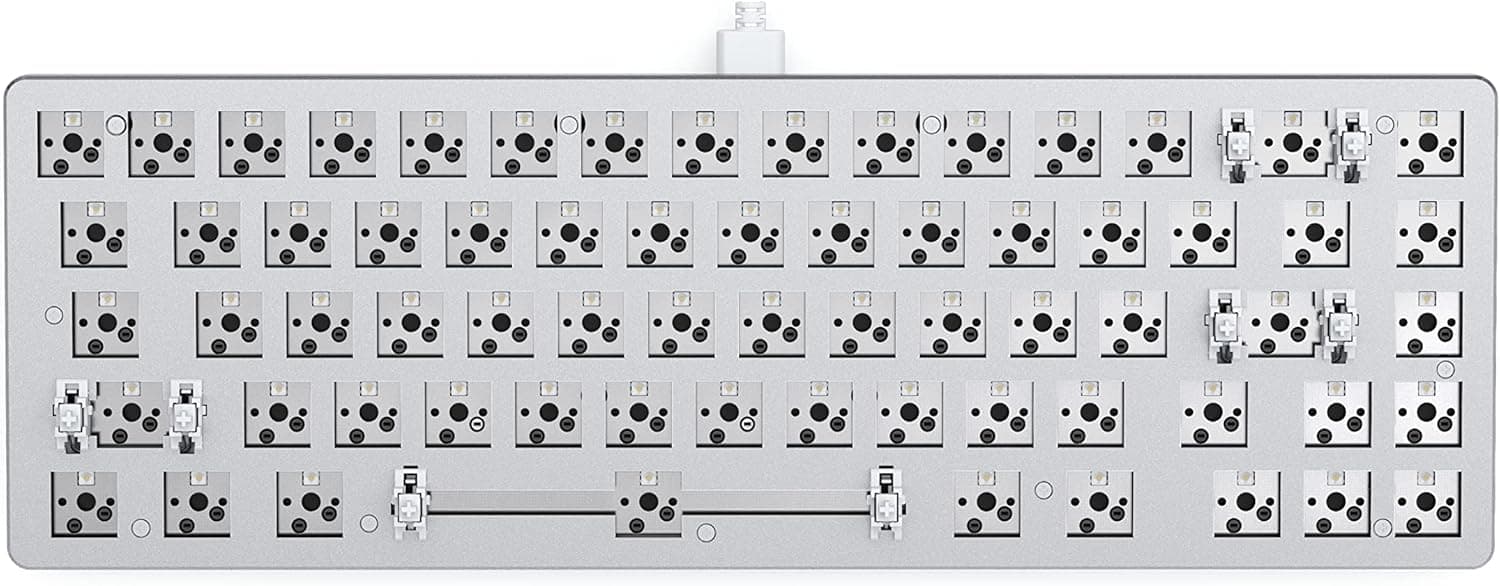
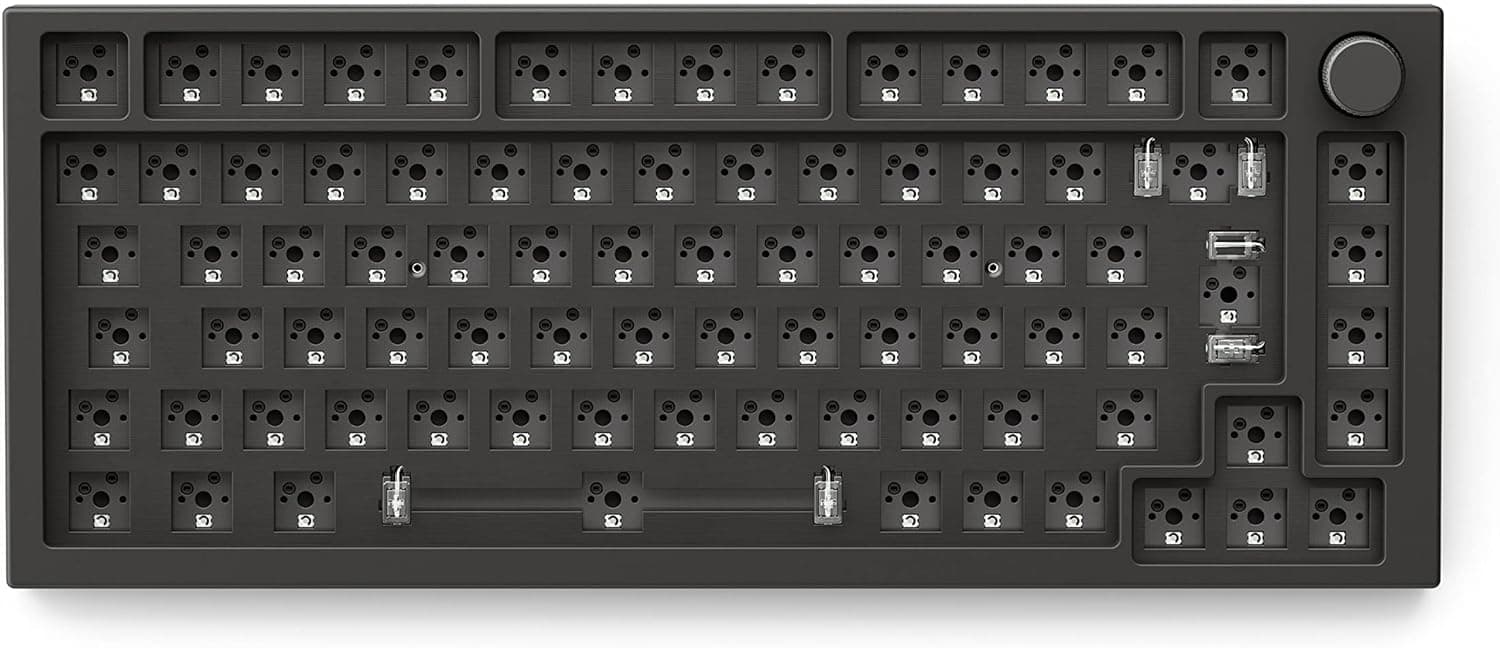
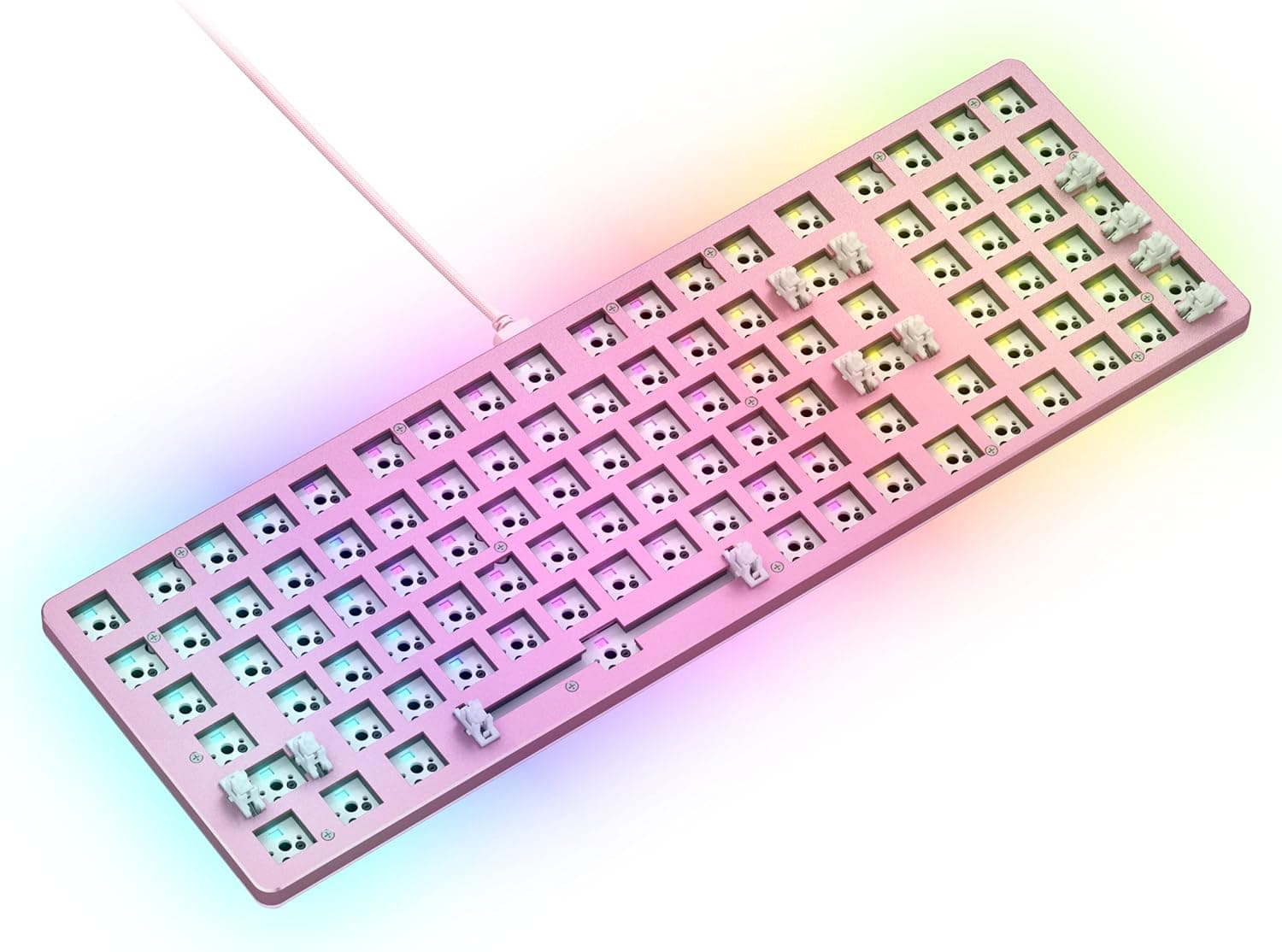
The GLORIOUS GMMK 2 Compact TKL (65%) Barebones ISO Black is a barebones kit: it ships without switches and without keycaps. That single fact decides whether it is right for you.
This is not a finished gaming keyboard — it is a foundation for people who want to choose their own typing feel, with 5-pin hot-swap sockets that let you change switches without a soldering iron.
The listed specifications are a 65% layout (68 keys, ISO), USB-C wired connection only, 16.8 million color per-key RGB backlighting, full N-key rollover (NKRO), and a brushed aluminum top frame.
Pre-lubed stabilizers and internal foam are fitted from the factory, so a reasonably tidy sound profile is achievable without any modding.
On Amazon.co.Check the retailer's page for the latest user reviews.
With a sample of only 15, treat that as "no widespread defect reported" rather than as a firm quality verdict.
Compatibility Guide
| Item | Specification | Watch out for |
|---|---|---|
| Layout | 65% / 68 keys / ISO | Not JIS. Tall Enter, shortened left Shift |
| Switch socket | 5-pin hot-swap (Cherry MX compatible) | 3-pin switches also fit |
| Keycap standard | Cherry MX cross stem | Set must include ISO Enter and short left Shift |
| Connection | USB-C (wired) | No Bluetooth, no 2.4 GHz wireless |
| OS support | Windows / macOS / Linux | Glorious CORE targets Windows and macOS |
| Backlight | Per-key RGB, 16.8M colors | Opaque keycaps only glow at the edges |
Keycaps are the biggest trap. ISO differs physically from ANSI: Enter is a tall reverse-L spanning two rows, the left Shift is one unit shorter, and an extra key sits beside it.
Many aftermarket sets are ANSI-only, and buying one leaves two bare switches where Enter and left Shift should be. Confirm that the set explicitly includes ISO support before ordering.
Switch compatibility is broad. Any Cherry MX-style cross-stem mechanical switch — Cherry MX, Gateron, Kailh, Glorious Panda and so on — drops straight in.
The 5-pin sockets also accept 3-pin plate-mount switches. Low-profile switches, optical switches, and electro-capacitive designs will not work, as their form factor and sensing method differ.
Connection is wired only. There is no wireless option and no upgrade path to one.
If you want a cable-free desk or Bluetooth multi-device switching, stop here.
The board types fine on Windows, macOS and Linux as a standard USB HID device with no driver. The Glorious CORE software used for remapping, macros and RGB tuning assumes Windows or macOS, so Linux users should configure the board on another machine and then use it as-is.
Product Info
The 65% layout drops the numpad and function row while keeping dedicated arrow keys, which is why it is easier to adapt to than a 60%. F1–F12 are entered with the Fn layer.
NKRO means simultaneous presses are never dropped, per-key RGB gives 16.8 million colors, and the brushed aluminum top frame provides noticeably more rigidity than a plastic entry-level board.
The price on Amazon.co.jp was ¥15,151 as captured on September 10, 2026.
Keyboard prices move often with stock and sales, so treat that figure as a snapshot from that date and check the product page for the current price before buying. Listings also exist on eBay, but marketplace pricing varies by seller.
Crucially, that is the price of the kit alone. You still need 68 switches and an ISO-compatible keycap set.Check the retailer's page for the latest price.
Budgeting as if this were a ¥15,000 keyboard will leave you short.
Competitive Comparison
The usual alternatives are Keychron's custom line. The Q1 Pro and V1 use a 75% layout, often with a knob, and support QMK/VIA — remapping lives in firmware rather than in a vendor app, which matters if you run Linux or distrust proprietary software.
GMMK 2 instead relies on Glorious CORE, which carries the OS limitation noted above.
Layout is the other axis. A 65% frees the most desk space for wide mouse sweeps in FPS play, but a 75% gives you a dedicated function row and more breathing room around the arrows — better if your work involves constant navigation keys.
If raw actuation speed is your priority, Hall-effect boards with rapid trigger are the current answer, but their switches are fixed and cannot be swapped. The GMMK 2's value is not cutting-edge latency; it is the freedom to change how the board feels as many times as you like.
If that freedom does not appeal to you, a finished keyboard at the same price will satisfy you more.
Building and Living With It
Assembly is simple: press each switch straight down into the plate until it clicks, repeat 68 times, then fit the keycaps. The included switch puller and keycap puller cover everything, so no extra tools are needed.
Allow 30–60 minutes for a first build.
The one real hazard is bent pins. If a switch's two metal legs are even slightly skewed when you push it in, they fold under instead of entering the socket and that key stays dead.
Check the pins are parallel before inserting, and press vertically. If a single key fails to register, pull that switch and inspect the pins first — this accounts for most hot-swap faults.
Pre-lubed stabilizers and foam keep the Space and Enter keys from rattling, but do not expect the sound of a machined high-end custom board out of the box. Tape mods and extra foam still have room to improve it.
Best Use Cases
- First-time builders — no soldering, and any mistake is reversible by pulling the switch back out. A low-risk entry into the hobby.
- Switch experimenters — swap linear for gaming and tactile for writing in minutes. The more switch sets you own, the more value you extract.
- Small-desk users — 68 keys with no numpad or function row leaves plenty of mouse room, and the aluminum frame does not flex under heavy typing.
- ISO layout users — a natural fit for UK English or Nordic layouts. Not recommended if you need JIS or ANSI.
- Anyone fine with a cable — no battery to manage and no wireless latency to think about.
Before You Buy
No switches, no keycaps. This is the most common misunderstanding.
Open the box and there is not a single pressable key. Order 68 switches and an ISO keycap set at the same time or the board will sit unused.
Do not underestimate ISO. Most keycap sets sold in Japan assume ANSI and omit the ISO Enter and short left Shift.
Coming from JIS, you will also find symbol positions differ and there are no henkan/muhenkan keys, so IME switching needs a different habit. "I'm used to US layout" does not automatically mean ISO will feel natural.
Wired only, permanently. USB-C is the entire connectivity story and there is no wireless upgrade.
Check the Amazon listing carefully. The product is manufactured by GLORIOUS but sold and shipped by a third-party store.
Marketplace listings can swing in price and, occasionally, the registered layout or color on the page does not match the stock actually shipped. Before ordering, verify the Enter key in the product photos is the reverse-L ISO shape and that it matches the title.
Discovering the wrong layout after delivery means rebuying keycaps too.
Calibrate expectations. An aluminum top frame is not the same as a fully machined gasket-mounted case.
FAQ
Q. What is the real total cost? A.
The kit was ¥15,151 as captured on September 10, 2026, plus 68 switches and an ISO keycap set. Budget roughly ¥10,000 on top for a mainstream choice.
Q. Can I use it as a Japanese JIS keyboard?
A. No. The PCB and plate are ISO, so the key count and key shapes cannot be made into JIS.
Q. Do 3-pin switches work? A.
Yes. "5-pin" only means the plate has holes for the extra plastic legs; contact is made by the two central metal pins, so 3-pin switches fit fine.
Q. Is the software required? A.
No. It is recognized as a standard keyboard over USB and types immediately on Windows, macOS and Linux.
Glorious CORE is only needed for remapping, macros and detailed RGB settings.
Q. One key stopped working — is it broken? A.
Usually a bent switch pin. Pull the switch, straighten the two metal legs with tweezers, and reinsert it vertically.
Only suspect the socket if that fails.
Q. Will it drop simultaneous key presses in games?
A. No. It supports full N-key rollover.
Product Disclosure (Amazon)
- Manufacturer: GLORIOUS
- Seller: ゆづきストア
- Fulfilled by: ゆづきストア
- ASIN: B096DH3PGW
- Note: This article covers a manufacturer-made product based on Amazon listing details.