Overview
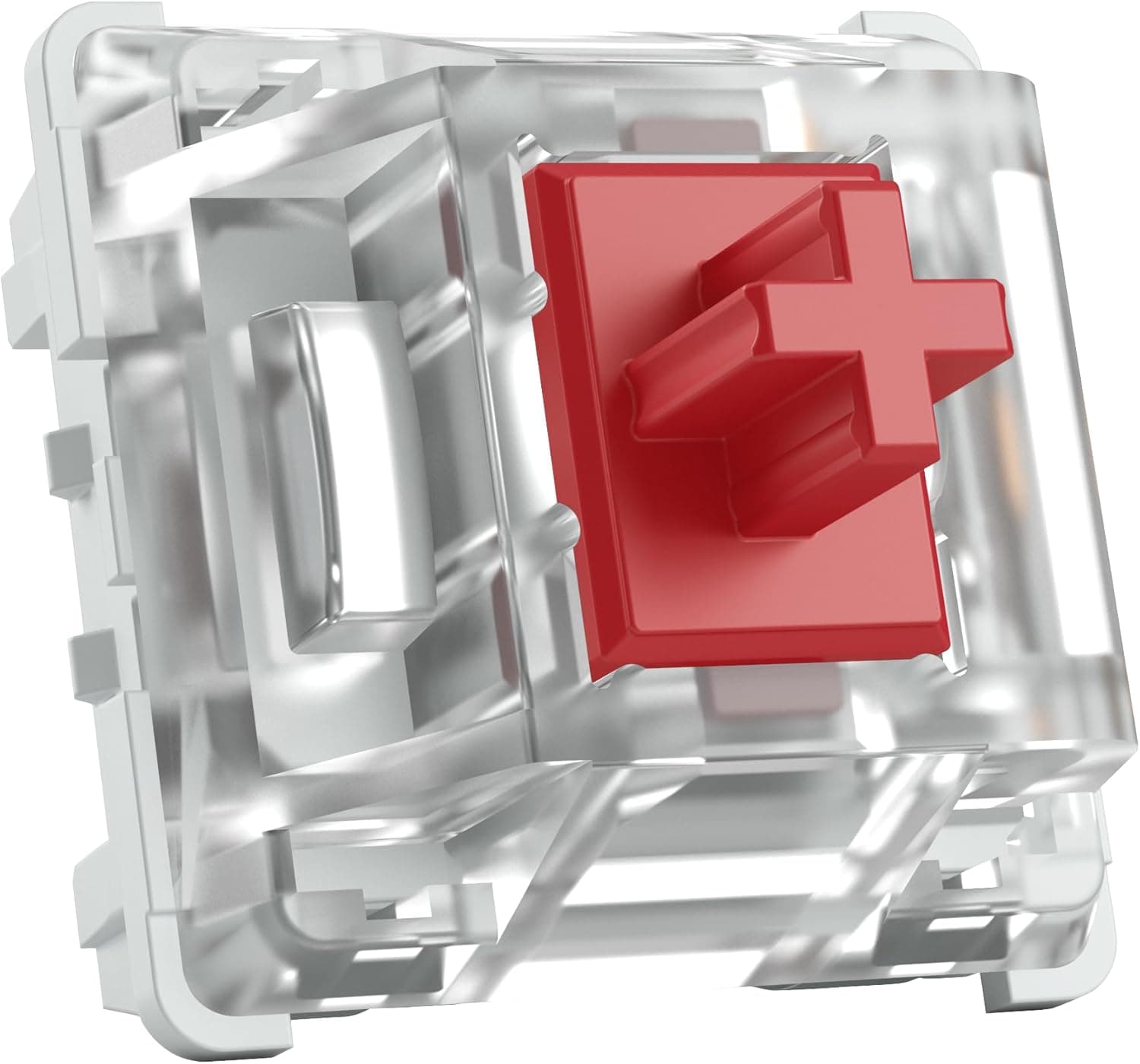
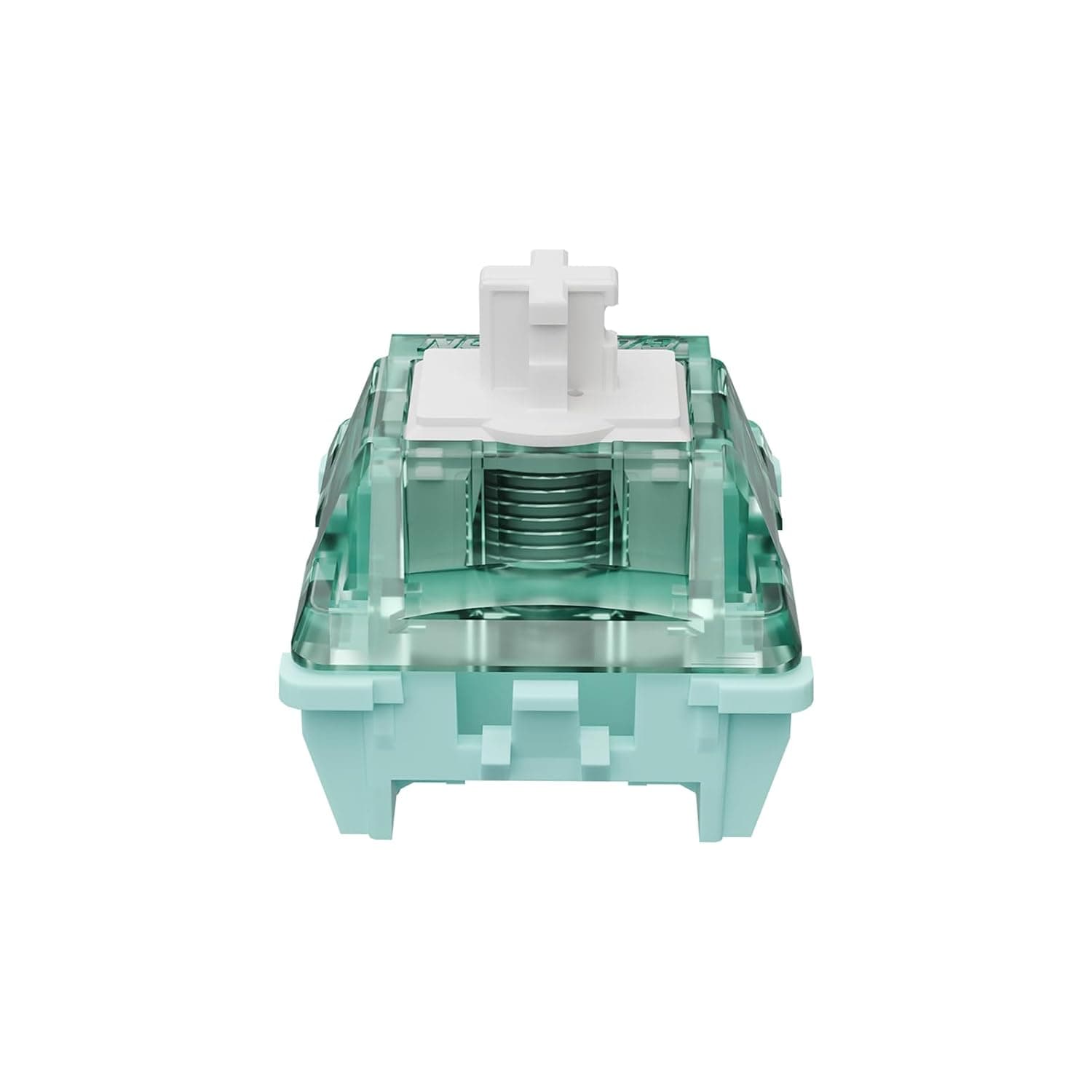
This product is listed on Amazon Japan as Gateron Ink v2 5ピンスイッチ透明スモーキー ハウジングブルー イエロー レッドブラックサイレントブラックメカニカルキーボードカスタムスイッチ (10個. It sells the second version (v2) of Gateron's Ink keyboard switches in packs of 10.
The listing name includes several colors: Blue, Yellow, Red, Black, and Silent Black. You choose a color (that is, a switch type) on a single product page.
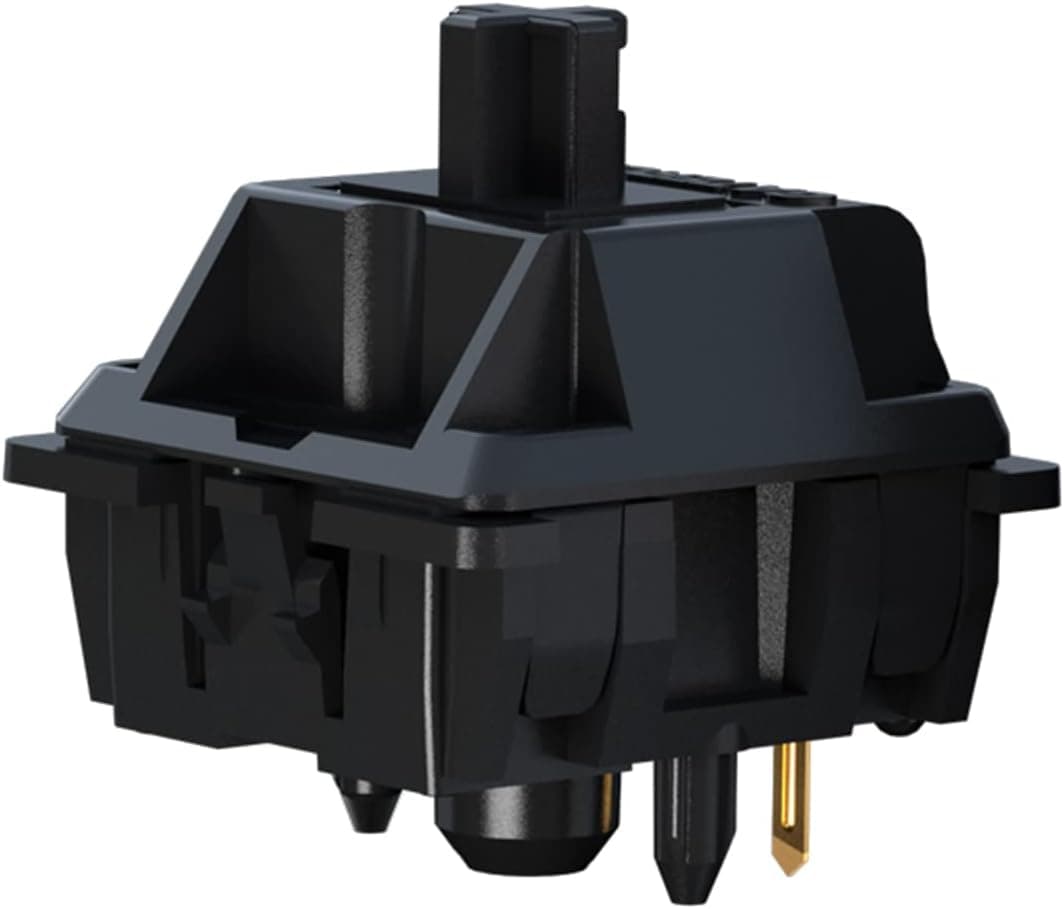
The specs in this article are for Black, commonly called Black Ink.
Black Ink is a linear switch with 60g actuation force, 70g bottom-out force, and 4mm total travel. Its smoky translucent housing lets RGB lighting shine through well.
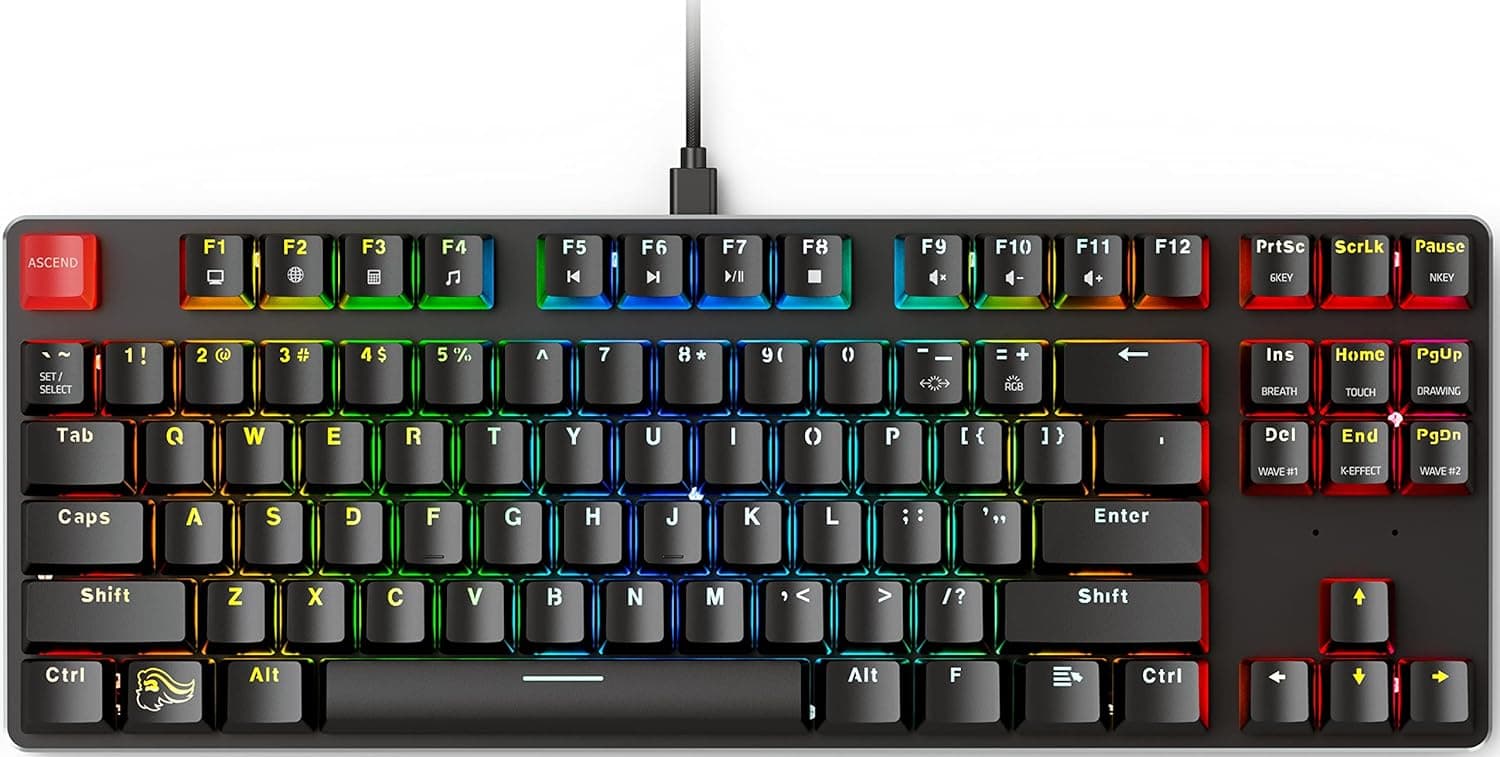
In short, it is an easy pick if you own an MX-style hot-swap keyboard and want to try a heavier linear, or want to change the feel of only a few keys. It is not for people who like a light touch, people who need silence above all, or anyone using a low-profile or optical keyboard.
As of September 25, 2026, the Amazon.co.jp listing had 47 reviews and a rating of 4.8 out of 5 (96% positive).
That is a strong score, but the review count is still small. Weigh it together with the cautions below.
What the Specs Mean for Feel
| Item | Value | What it means in use |
|---|---|---|
| Switch type | Linear | No bump or click; smooth travel from top to bottom |
| Actuation force | 60g | Heavier than a Cherry MX Red (45g); resting fingers rarely trigger keys |
| Bottom-out force | 70g | Strong push-back near the bottom helps fingers return |
| Total travel | 4mm | Standard MX depth, not the short travel of low-profile boards |
| Mount type | 5-pin PCB mount | Needs pin clipping on 3-pin boards |
If you are used to light linears, 60g will feel heavy at first. The upside is that you can rest your fingers on the keys without typing anything, which helps during long writing sessions.
The 10g gap to bottom-out means resistance builds clearly near the bottom. It suits a style where you lightly touch bottom and return, rather than hammering the keys.
For gaming, the extra weight cuts down on accidental presses on held keys like WASD. In titles with fast repeated tapping, though, it tires fingers faster than lighter switches, so accept that trade-off.
This is exactly why testing a 10-pack on a few keys first makes sense before switching the whole board.
Compatibility Guide
Most failures come from the keyboard not supporting the switch, not from the switch itself. Check these points before buying.
- 5-pin hot-swap PCBs: Plug in directly. This covers keyboards with MX-compatible hot-swap sockets.
- 3-pin-only PCBs: Clip the two thin plastic legs on the left and right of the switch bottom with flush cutters. Clipped legs cannot be restored, so think first if you may move them to a 5-pin board later. Forcing an unclipped switch in can damage the PCB or the area around the socket.
- Keycaps: Any Cherry MX-compatible (cross-stem) keycap fits.
- Keyboards that will not work: Low-profile switch keyboards, and optical, analog, or magnetic (Hall effect) keyboards, cannot physically take these switches.
- Soldered (non-hot-swap) keyboards: You would need to desolder and resolder. This may void the manufacturer warranty.
- Bent pins: Check that both metal pins are straight before inserting. A bent pin folds under the switch and leaves one key dead. This is the most common hot-swap mistake.
Confirm in your keyboard's specs that it is hot-swappable and supports 3-pin or 5-pin switches. That alone tells you almost everything about whether this switch will work for you.
How Many Packs You Need and the Cost
Since each pack holds 10, replacing a whole keyboard takes several packs. The table uses the price captured on September 25, 2026 (¥1,557 per 10).
Prices change with sales and color choice.
| Layout | Keys (approx.) | Packs needed | Total at captured price |
|---|---|---|---|
| 60% | about 61 | 7 packs | ¥10,899 |
| 65% | about 68 | 7 packs | ¥10,899 |
| 75% | about 84 | 9 packs | ¥14,013 |
| Tenkeyless (US 87 / JIS 91) | 87 to 91 | 9 to 10 packs | ¥14,013 to ¥15,570 |
| Full size (US 104 / JIS 108) | 104 to 108 | 11 packs | ¥17,127 |
Key counts vary by maker even within the same layout, so count your keys before ordering. One spare pack guards against bent pins and unit variance, so you do not run short mid-swap.
Product Info
This is the second version (v2) of Gateron's Ink switch, with a 5-pin PCB mount, sold in packs of 10. As of September 25, 2026, the Amazon.co.jp price was ¥1,557, or about ¥156 per switch.
Prices change often, so check the product page for the current figure.
Specs are linear, 60g actuation, 70g bottom-out, and 4mm total travel (values for Black). The rating was 4.8 out of 5 from 47 reviews as of September 25, 2026.
For the exact changes from the original Ink, whether the switches are factory-lubed, and warranty terms, check the manufacturer's information or the seller's listing.
Best Use Cases
- Owners of MX-style hot-swap keyboards who want a heavier linear: A clear step up in weight from 45g Red-style switches.
- People who want to change only some keys: Making WASD or frequently used keys heavier to cut mistakes fits neatly within 10 switches.
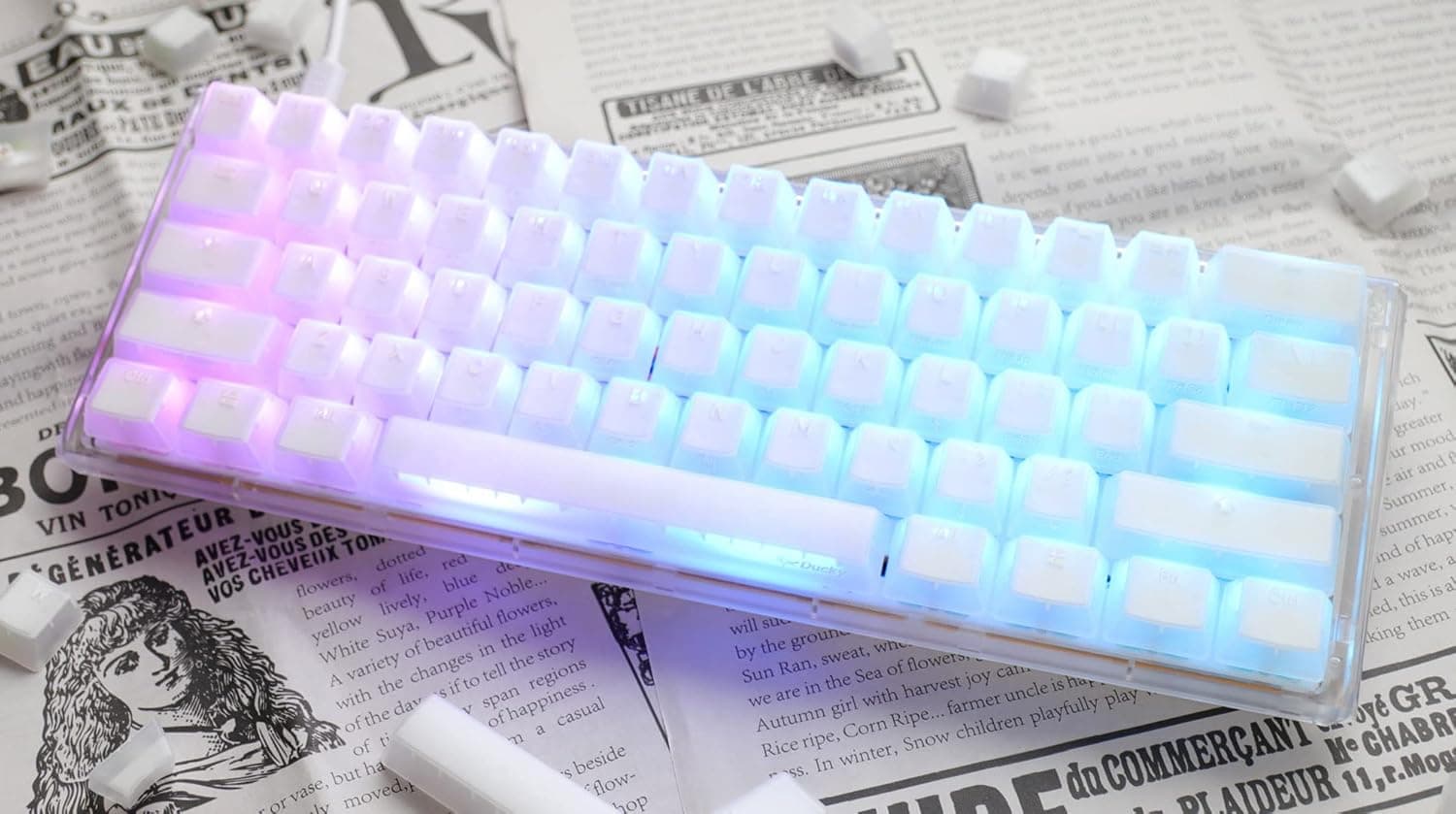
- RGB-focused builds: The smoky translucent housing passes light well.
- Custom keyboard beginners: One pack teaches you the swap process and the bent-pin pitfall at low cost.
Before You Buy
Pick the right color (type). The listing name includes Blue, Yellow, Red, Black, and Silent Black, but these are variants selected on one page.
Each color is a different product with its own feel, weight, and sound. The specs here (60g, 70g, 4mm) are for Black, so confirm the selected color at checkout.
It is not a silent switch. Black is not a silent variant, so you will hear both bottom-out and return noise.
If typing noise matters in a shared room or on voice chat, consider Silent Black on the same page.
Not for light-touch typists. Coming from light Red-style switches, 60g is noticeably heavier and can tire fingers until you adjust.
Try one pack for a few days before replacing every key.
Ten switches are not a full keyboard. As the table shows, even a 60% board needs 7 packs.
Buying one cheap pack and then realizing it does not cover the board is a common mistake.
Read reviews carefully. On listings that group color variants, reviews may not say which color they refer to.
The 4.8 rating may not reflect Black alone.
Listing details or images can also appear mixed with other colors. When the switches arrive, check the stem and housing color to confirm you received the type you ordered.
FAQ
Q. How many packs do I need for a full 60% keyboard? A.
About 61 keys, so 7 packs (70 switches). That was about ¥10,899 at the price captured on September 25, 2026.
Get 8 packs if you want spares.
Q. Can I use them on a 3-pin hot-swap PCB? A.
Yes. Clip the two thin plastic legs on the left and right of the switch bottom.
Clipped legs cannot be restored.
Q. Are they quiet?
A. Black is not a silent variant. If you need quiet, choose Silent Black on the same page.
Q. Are they good for gaming? A.
They help in games where you want fewer accidental presses. In tap-heavy titles, the 60g weight can tire your fingers faster.
Q. Can I mix them with my current switches? A.
On an MX-compatible hot-swap board, yes. You can swap only some keys, and setting different weights per key is one of the benefits of hot-swap.