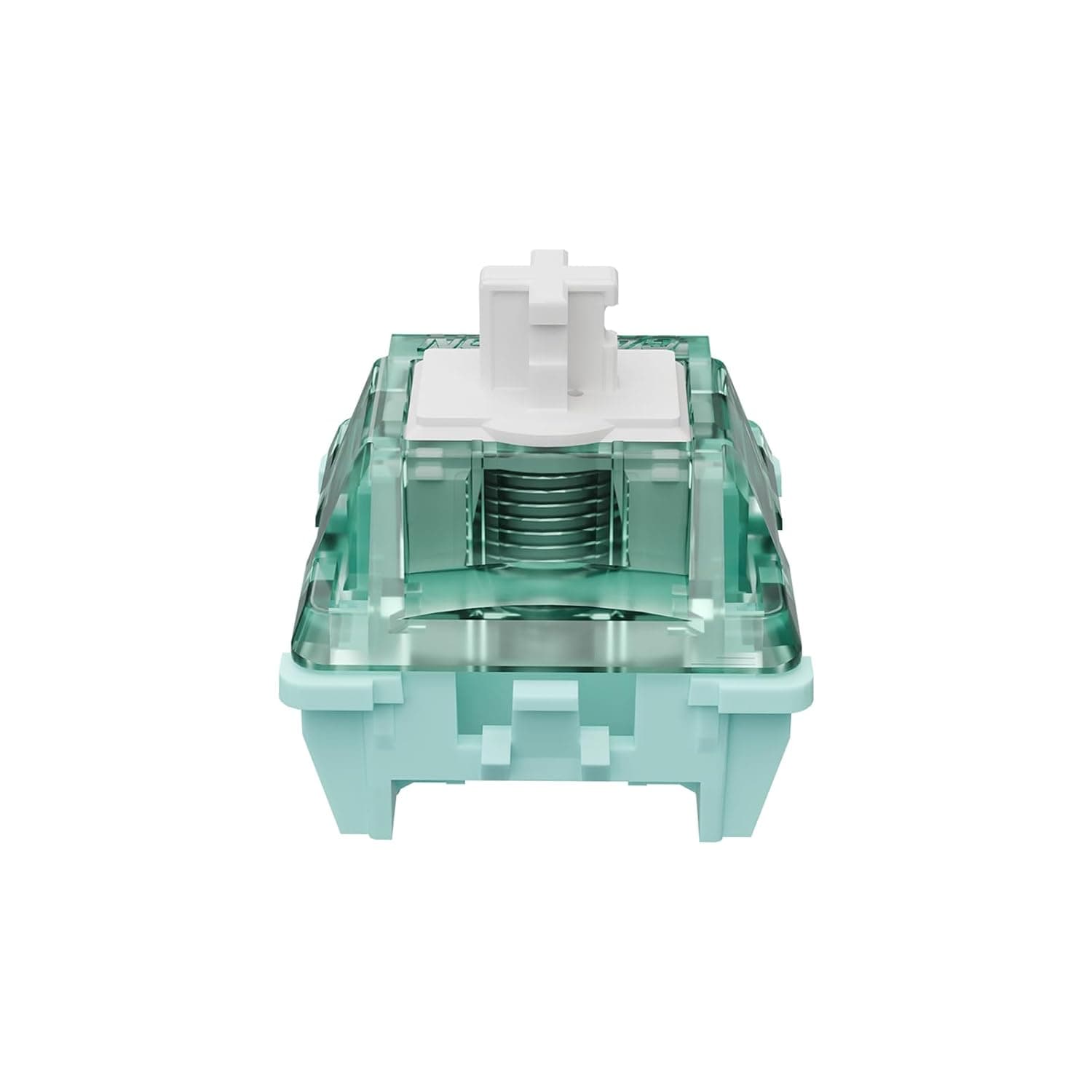
GATERON 磁気玉プロスイッチリニア (70PCS) — the GATERON Magnetic Jade Pro Linear Switch, 70-pack — is a set of contactless Hall-effect keyboard switches. This article covers how to check compatibility, how to read the spec sheet, and the pitfalls buyers discover only after installing them.
Overview
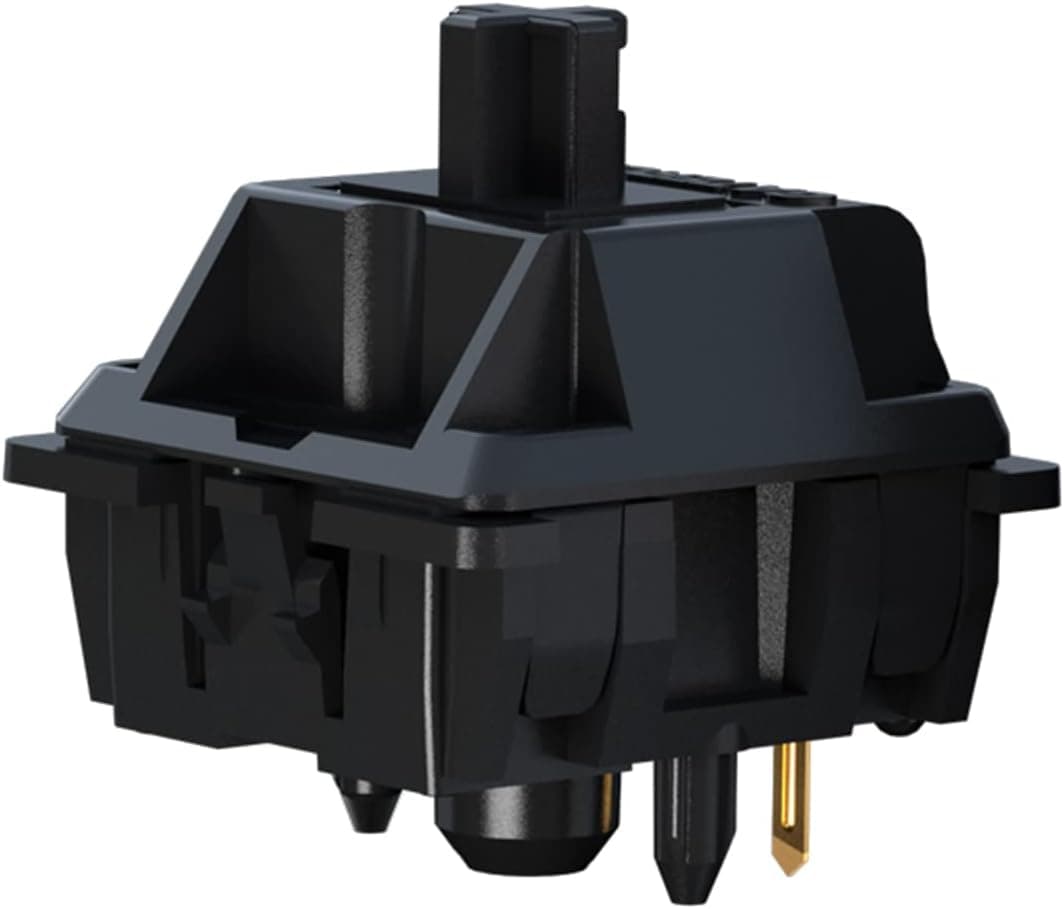
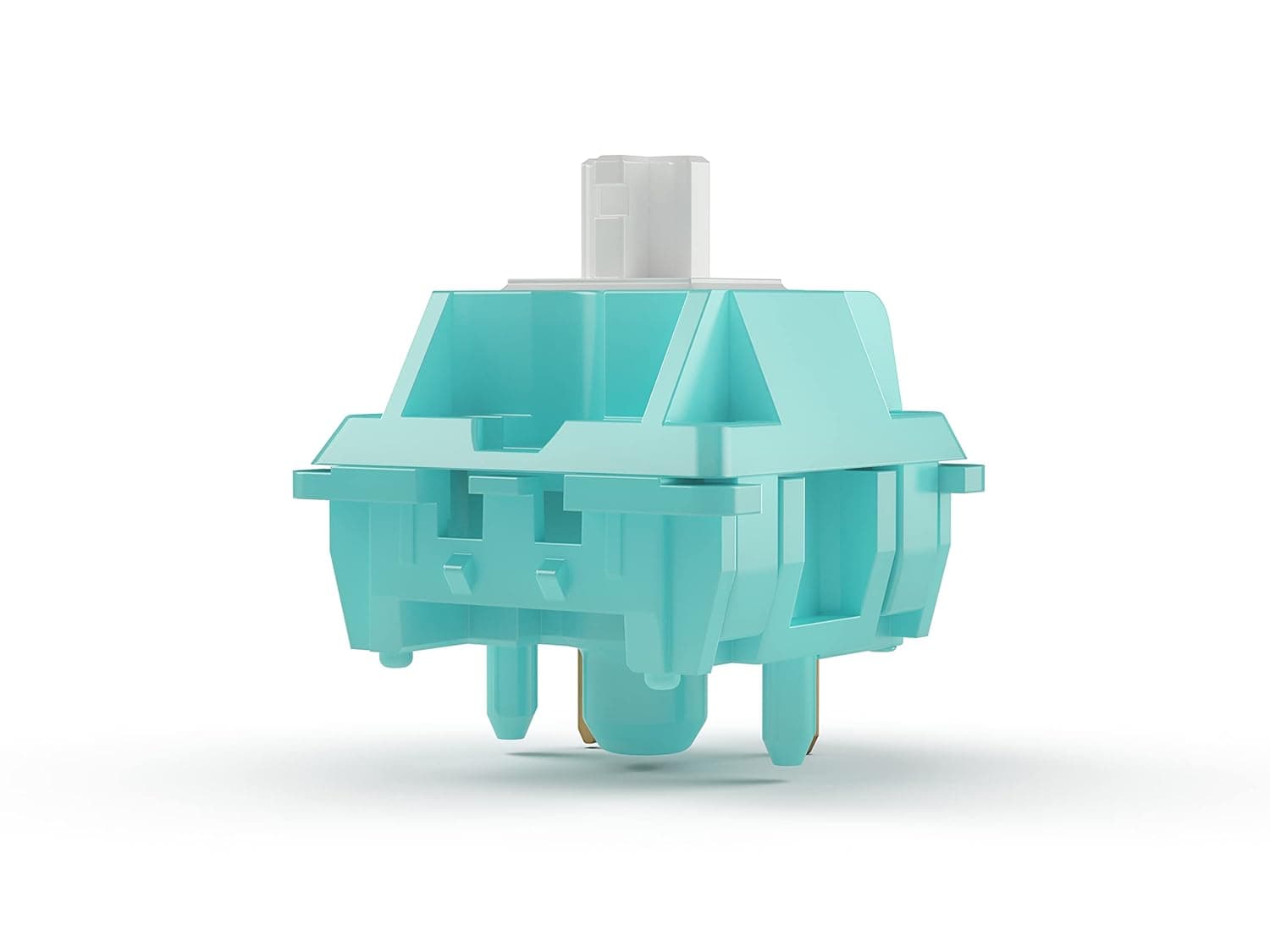
The Magnetic Jade Pro is a linear switch with no metal contacts. Key specs: 36±7 gf initial force, 3.5±0.2 mm total travel, a 20 mm long spring, factory pre-lubing, and a rated durability of 100 million keystrokes.
On Amazon.co.Check the retailer's page for the latest user reviews.
The short verdict: this pack makes sense only if you already own (or plan to buy) a keyboard that supports magnetic switches. If your board uses conventional MX metal-contact sockets, these switches will physically fit and register absolutely nothing.
That single fact drives nearly every pre-purchase check below.
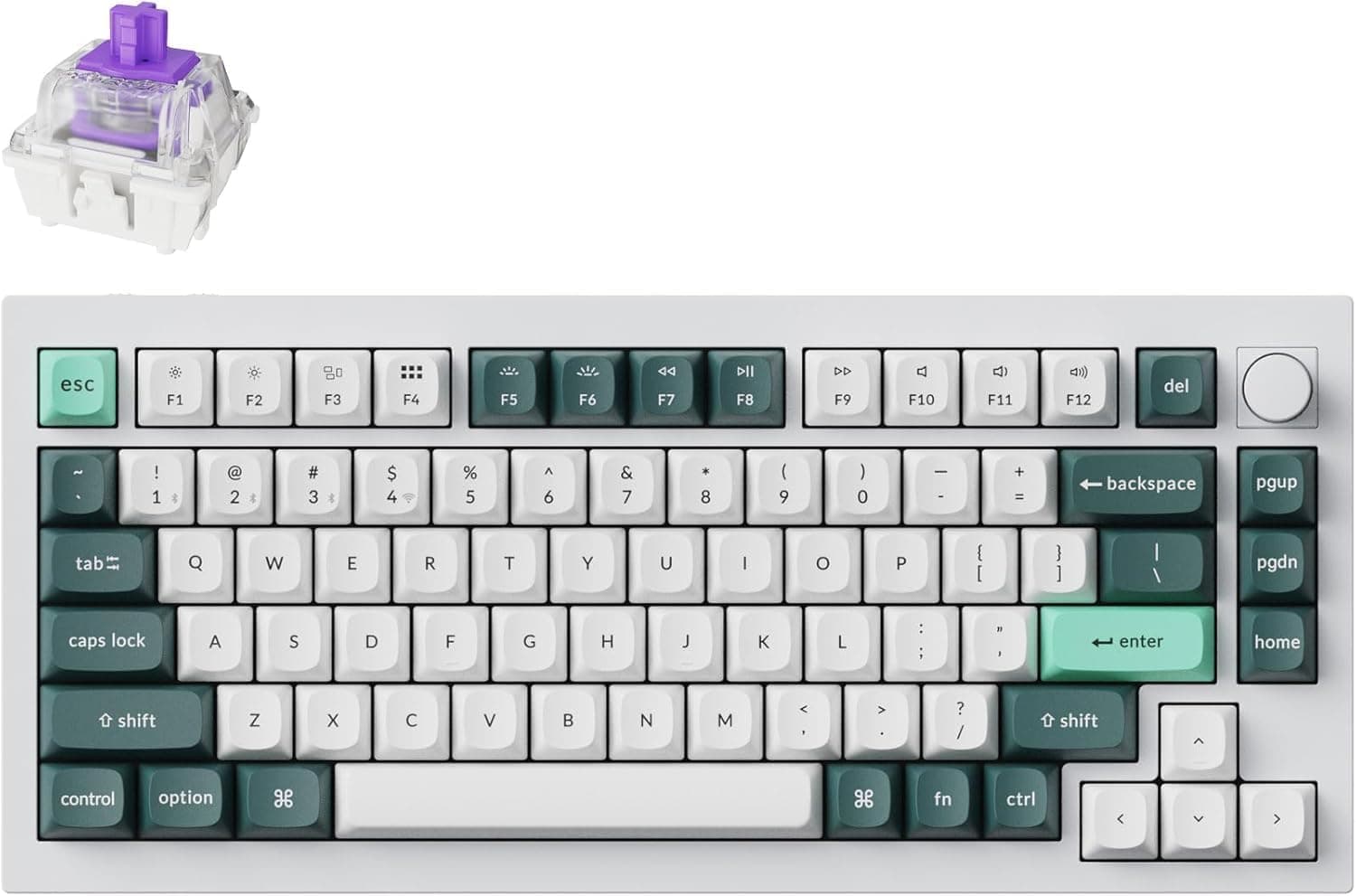
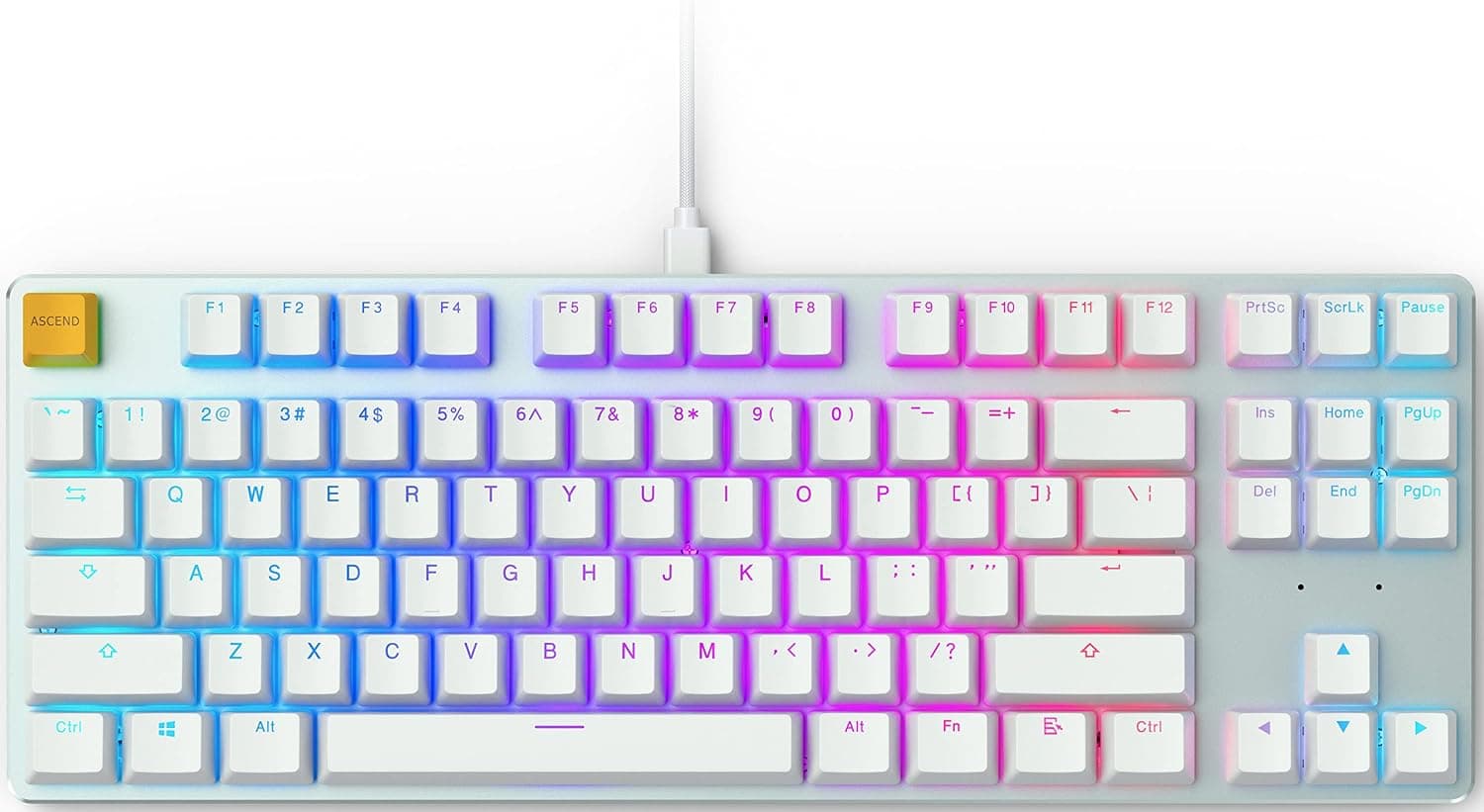
Seventy switches will not fill a full-size 104–108 key board, but they comfortably cover a 60%, 65%, 75%, or TKL layout with spares left over — enough slack for swapping and experimenting on a hot-swap build.
How Magnetic Switches Differ
A traditional mechanical switch closes when a metal leaf makes contact. The actuation point is fixed by physics, and firmware needs debounce logic to suppress chatter.
A Hall-effect switch instead has a magnet in the stem whose position a sensor on the PCB reads continuously. The keyboard doesn't just know whether a key is pressed — it knows how far down it currently is.
That is what the spec line "Pre-travel: Adjustable" actually means. Set the actuation shallow and the input registers on the slightest press; set it deep and mistypes drop off.
It also enables rapid trigger (resetting the key the instant you lift, for faster counter-strafing) and analog-style input where press depth maps to a range of values.
Crucially, all of that is delivered by the keyboard's sensor and firmware, not by the switch. The Magnetic Jade Pro is a linear stem carrying a magnet; the adjustment granularity and feature set come from whatever board you install it in.
Expect the available actuation steps and rapid-trigger tuning to differ between models.
Compatibility Guide
The listed compatible brands are SteelSeries, Wooting, Corsair, Rakka, HM, NuPhy, Varmilo, MelGeek, Fnatic, Teamwolf, MAGNET, SIKAKEYB, Matrix lab, and KBDfans. Other boards may work as long as they are hot-swappable and explicitly support magnetic switches.
When in doubt, confirm against your keyboard's official specifications before ordering.
Work through these four checks in order:
| Check | Where to look | If it fails |
|---|---|---|
| Magnetic (Hall effect) support | Spec sheet mentions "magnetic", "Hall Effect", or "HE" | Switches register nothing |
| Hot-swap sockets | Socketed vs. soldered PCB | Cannot swap at all |
| Stem shape | Cross-shaped MX-compatible stem | Keycaps won't fit |
| Firmware features | Actuation adjustment, rapid trigger | Stuck at a fixed actuation point |
The pin layout is standard MX-compatible, so the physical install is the same routine as any hot-swap switch. But an MX-compatible stem does not make the switch work in a contact-based board — magnetic sockets are a different system entirely.
This is the single most common misunderstanding, so it bears repeating.
One more thing: some boards ship calibrated for a specific switch's magnetic profile, and swapping in different switches can shift the effective actuation point until you recalibrate. If the configuration software offers a "Calibrate" option, run it once after installation.
Since most magnetic boards use south-facing SMD LEDs, also glance at the LED cutout orientation on the switch housing.
Product Info
Full specifications: linear switch type, 36±7 gf initial force, adjustable pre-travel, 3.5±0.2 mm total travel, 20 mm long spring, factory pre-lubed, 100 million keystroke durability, contactless Hall-effect operation, 70 pieces per pack.
At 36 gf the initial force sits on the light end of the linear spectrum, which keeps finger fatigue low over long sessions. The ±7 gf tolerance is fairly wide, though, so be aware that key-to-key weight can vary slightly.
The price on Amazon.co.jp was ¥9,560 as of the 2026-09-05 capture — roughly ¥137 per switch.
Prices move with sales and exchange rates, so always confirm the current figure on the product page. That places it in the mid-to-high band for magnetic switches and clearly above commodity linear switches, though the contactless, wear-free design softens the long-term cost picture.
Only the switches are included — no switch puller or keycap puller. Budget a few hundred yen for one if you don't already have it.
Packaging is a simple tray. No warranty terms are stated, so in practice the retailer's return policy is your only recourse.
Tuning in Practice
Because they arrive factory-lubed, the downstroke is already smooth out of the box. A 20 mm long spring tends to produce a flatter force curve than a short spring, so the press rarely feels like it suddenly stiffens partway down.
Combined with the 36 gf weighting, the character is light and quick rather than heavy and deliberate.
For actuation, start deep — around 1.5–2.0 mm — and shorten it gradually until just before mistypes appear.
Jumping straight to the shallowest setting usually means keys firing while your fingers merely rest on them. If your board supports per-key settings, the best balance is shallow actuation on WASD and standard depth everywhere else.
Rapid trigger works the same way. The smallest reset distance gives the fastest counter-strafe but can drop inputs from tiny finger tremors.
If your movement stutters in game, widen the reset slightly. All of this lives in firmware, so when something misbehaves, suspect your settings before you suspect the switch.
Versus the Alternatives
Magnetic switches split into first-party designs tuned for one keyboard family (Wooting's own switches, SteelSeries OmniPoint) and third-party universal options like this one. First-party switches are matched to their board's sensor profile but leave you no choice of feel.
Universal switches move between boards and let you pick a weighting you actually like.
The Magnetic Jade Pro sits in the light, smooth corner of that space. If you want a heavier, more planted bottom-out, a higher-force magnetic switch suits you better.
And if you prefer tactile or clicky feedback, a linear switch is off your list by definition.
If you are still choosing the keyboard itself, it is often faster to start from a finished Hall-effect board than from loose switches — see the related keyboard articles below.
Best Use Cases
- FPS and esports players who already own a magnetic keyboard. With actuation tuning and rapid trigger available, the 36 gf weighting translates directly into faster direction changes. A solid upgrade path if your stock switches feel stiff.
- Custom builders with a hot-swap magnetic board. Seventy switches fill a 60%–TKL layout with spares, and the factory lube means no hand-lubing session before you get a polished feel.
- Typists who want a genuinely light linear. The 36±7 gf and 3.5 mm travel combination rewards a light, gliding typing style and keeps fatigue down over long sessions.
- Anyone burned by chatter. With no physical contacts, contact wear and oxidation chatter simply cannot occur — which is also where the 100 million keystroke rating comes from.
Things to Check Before Buying
The biggest trap is not owning a compatible keyboard. These only function in boards with Hall-effect sensors.
Drop them into an ordinary MX hot-swap board and they seat perfectly but produce no input at all. Discovering that after paying ¥9,560 (as captured on 2026-09-05) stings, so verify "magnetic / Hall Effect support" in your keyboard's specs first.
Second, buying these does not guarantee adjustable actuation or rapid trigger. Those are firmware features of the keyboard.
Even among boards advertising magnetic support, the adjustment granularity and range vary. Expecting the switch itself to deliver rapid trigger leads to disappointment.
On weighting: 36 gf is light. If you normally use 45–60 gf switches, resting your fingers may feel dangerously close to actuating, especially with a shallow actuation point.
Start deep and work down. The ±7 gf tolerance also means competitive users who want perfectly matched key weights will have to accept some variance.
Being linear, there is no tactile bump or click anywhere in the stroke. If you want mechanical feedback in the finger or the ear, look elsewhere.
Factory pre-lubing cuts both ways too — convenient for most, less appealing if you enjoy dialing in your own lube job.
Finally, listings on Amazon and similar sites sometimes carry registration details (manufacturer, model number, compatibility text) that don't match reality, and multi-variant pages mix quantities and colors. Confirm from both the product images and the title that the selected option really is the linear, 70-piece version, and treat the price here as a point-in-time reference.
FAQ
Q. Will these work in a normal MX mechanical keyboard? A.
No. The stem is MX-compatible, but detection is magnetic, so a board without Hall-effect sensors registers nothing.
Q. Is 70 enough for a full-size board? A.
It covers 60%, 65%, 75%, and TKL layouts with spares. A 104-key full-size board needs two packs.
Q. Is soldering required? A.
No, provided the magnetic keyboard is hot-swappable — they simply press into the sockets. Soldered PCBs can't be swapped.
**Q. The actuation feels wrong after swapping. A. Run the calibration routine in your keyboard's software. Magnetic boards judge depth against a magnetic baseline, and recalibration usually fixes it.
Q. Is a switch puller included?
A. No. The pack contains switches only, so supply your own puller.
**Q. I prefer a heavy press.
A. Probably not. At 36±7 gf these are on the light side; consider a higher-force magnetic switch instead.