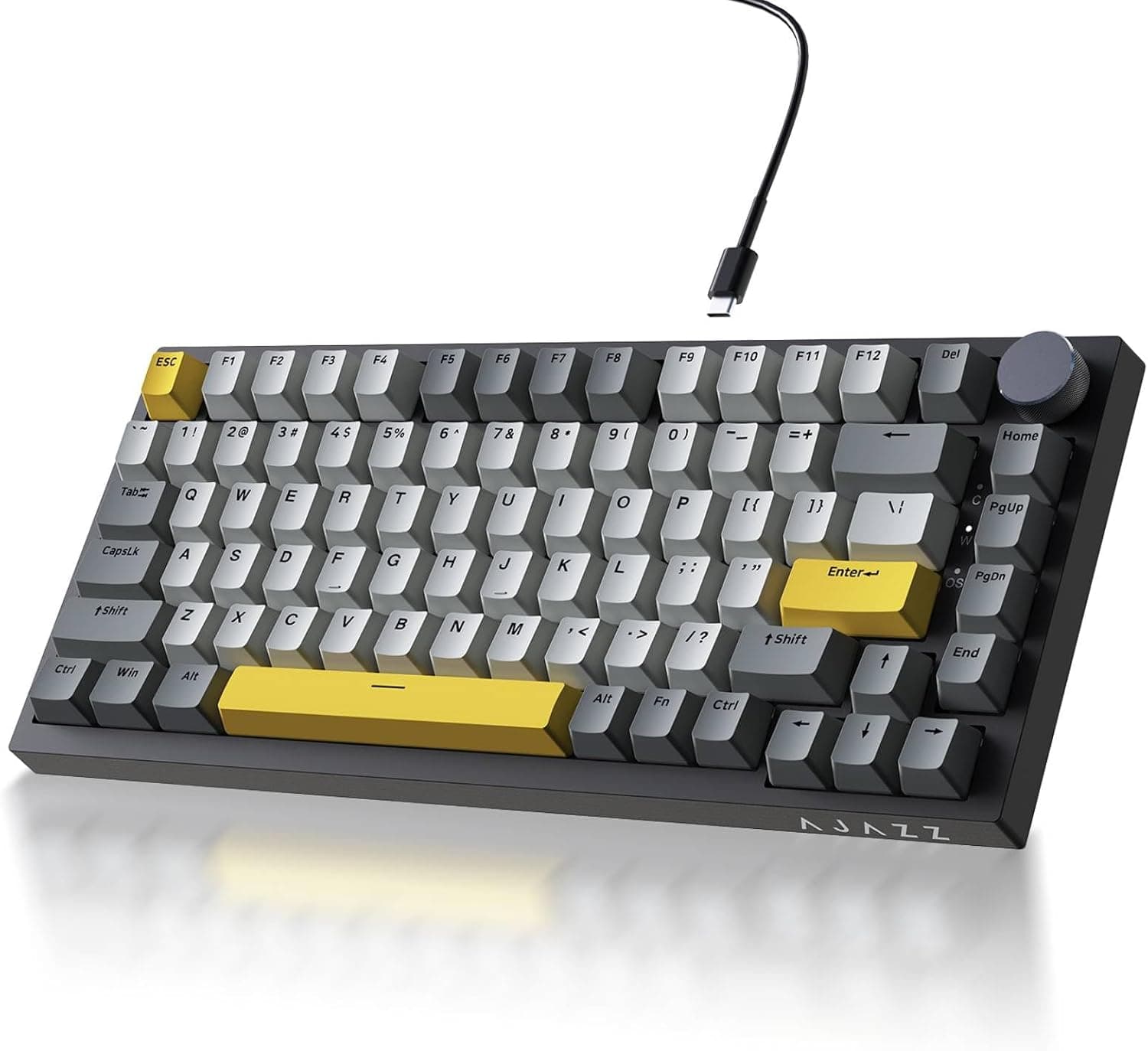
This article covers the Ajazz AK820 — listed in Japanese as Ajazz AK820 TKL 75% ホットスワップ可能メカニカルキーボードボリュームノブ付きガスケットマウント有線ゲーミングクリーミーキーボード潤滑済みリニアスイッチ南向き RGB PBTキーキャップ. It packs gasket mounting, hot-swap sockets and PBT keycaps into a sub-¥10,000 wired board, and below we separate what it actually does from what it cannot do.
Overview
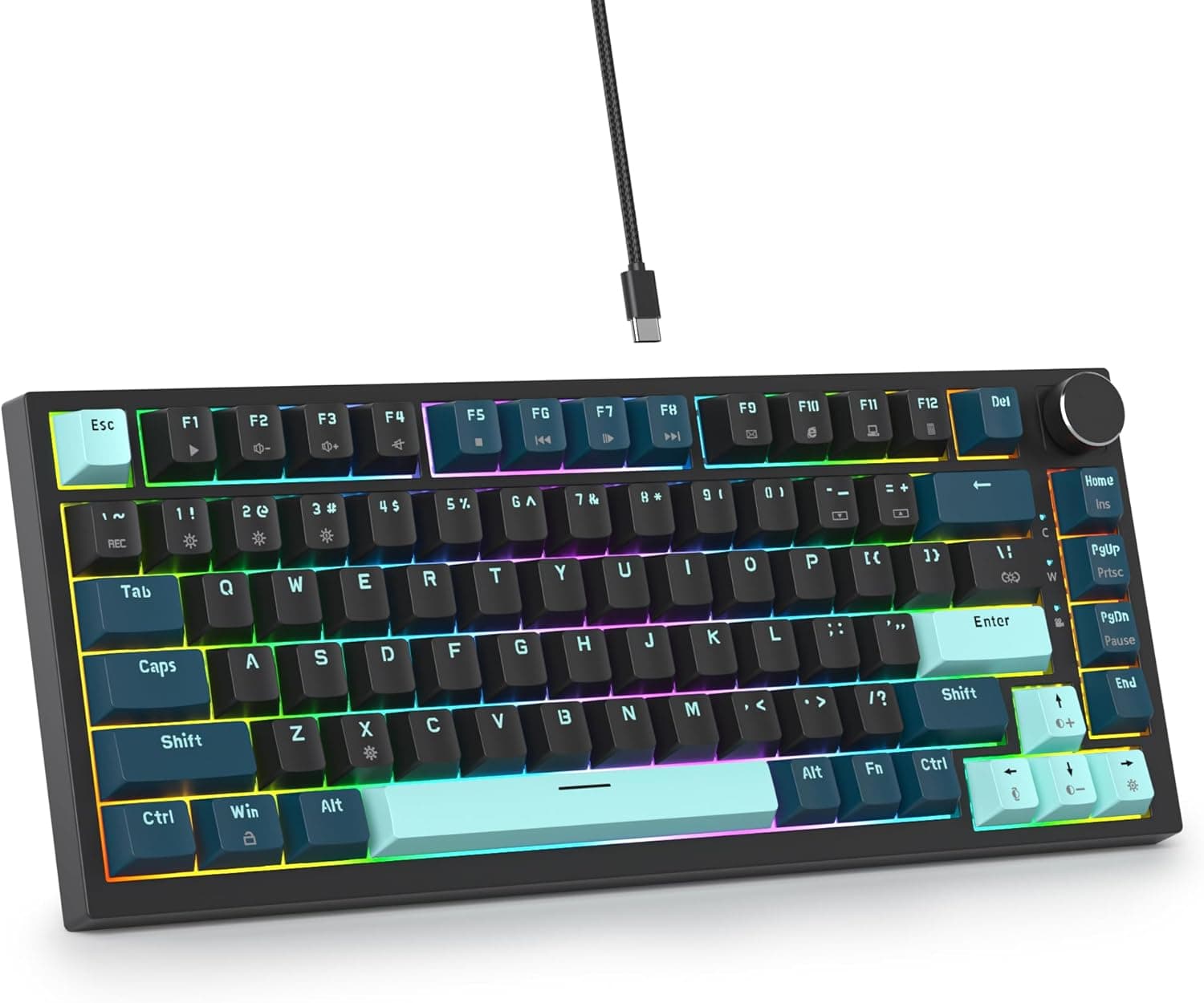
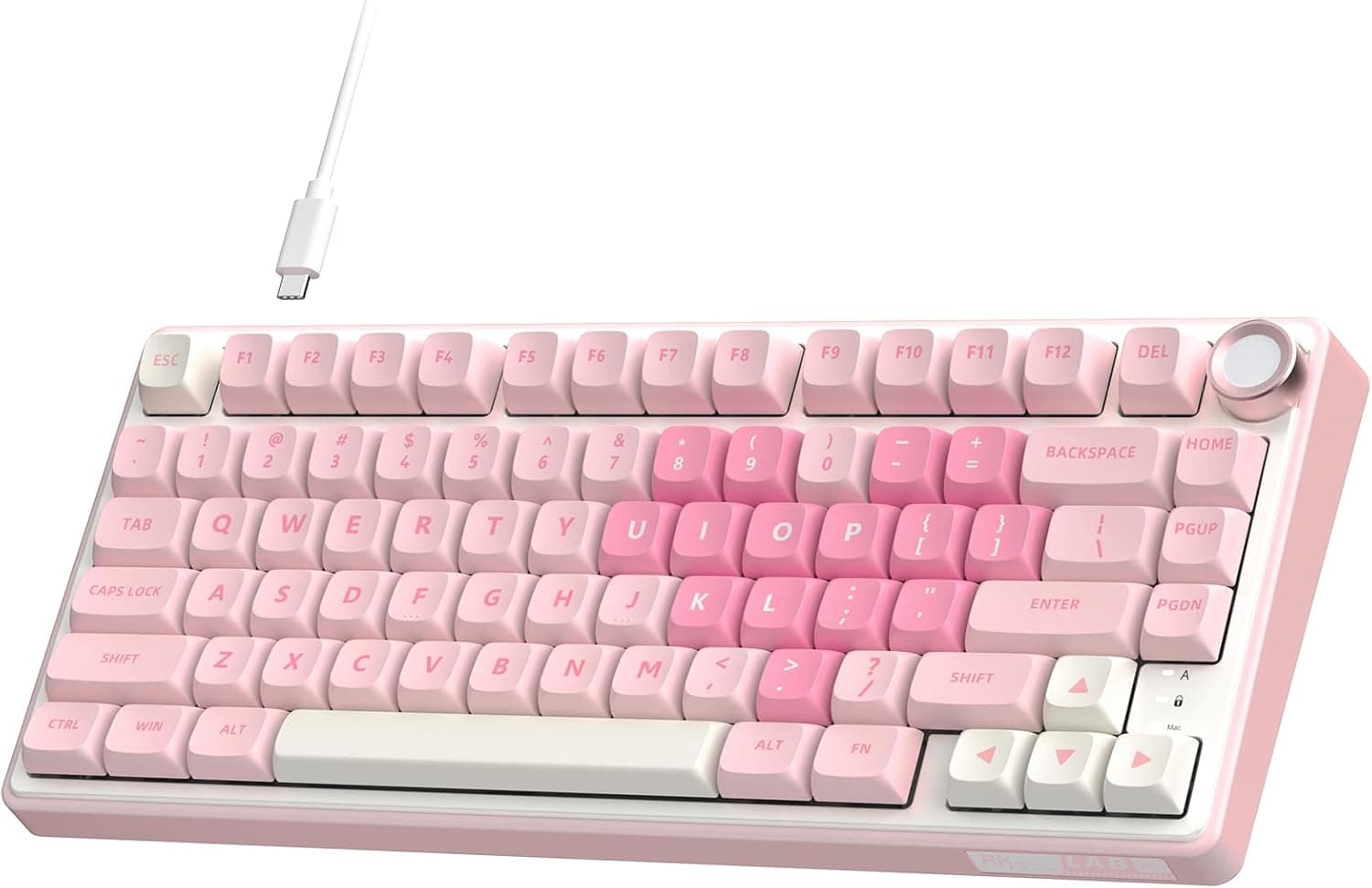
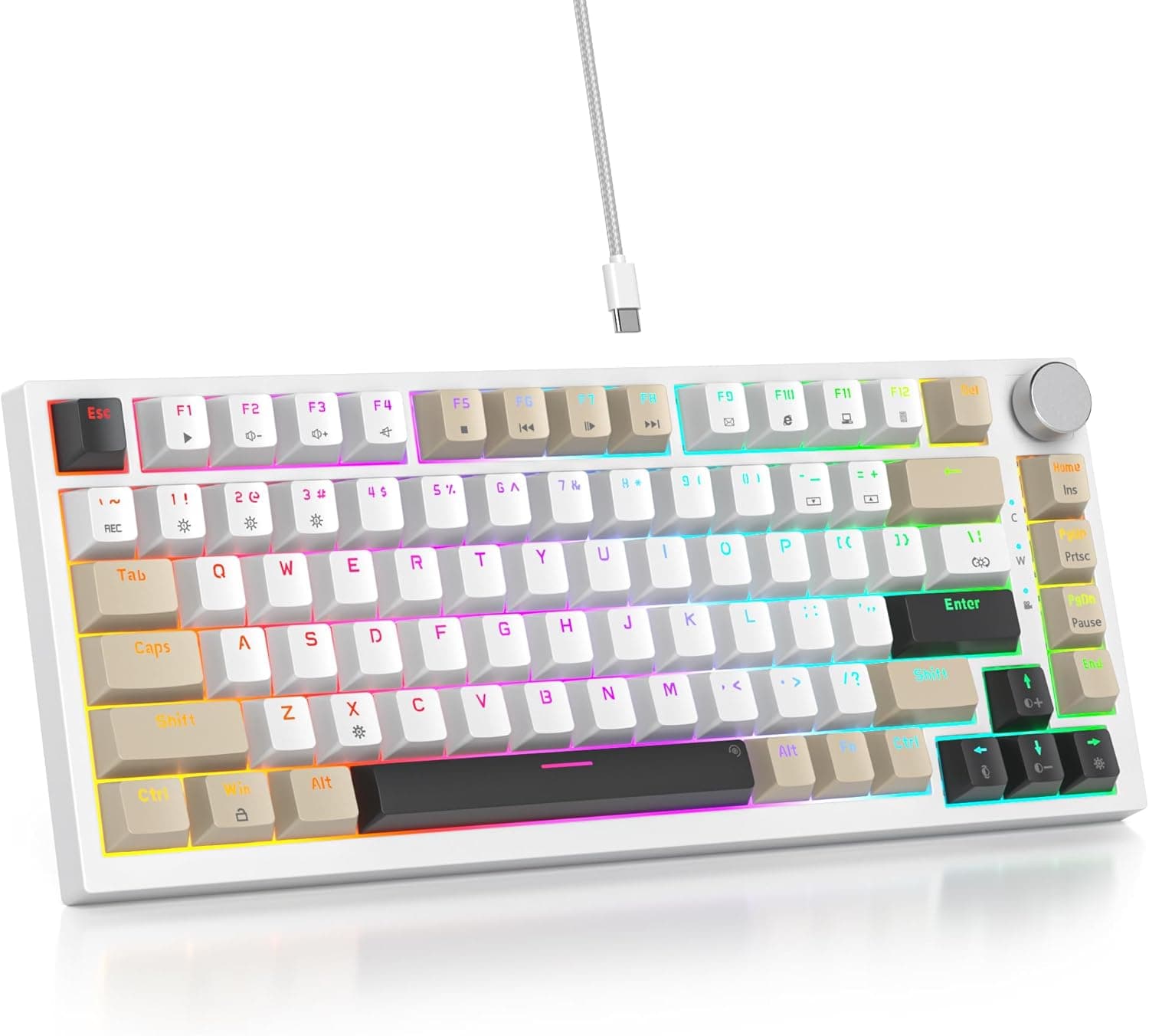
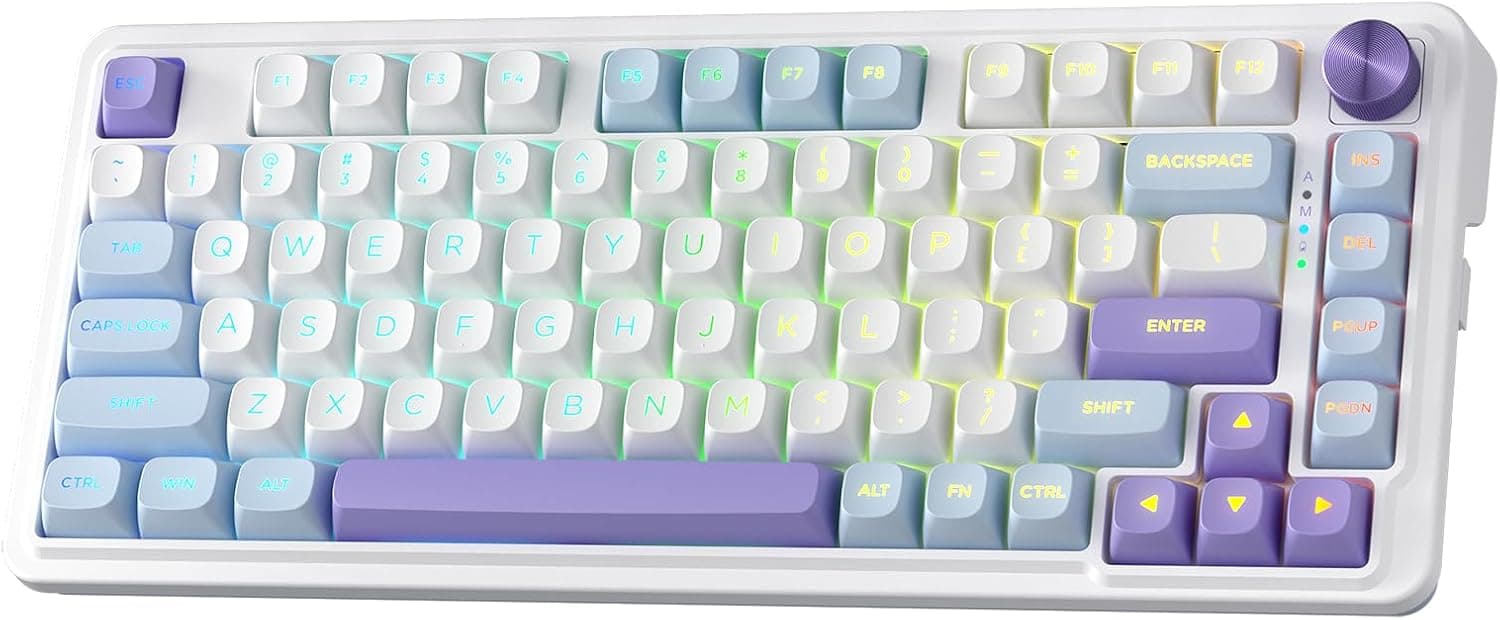
The Ajazz AK820 is a 75% (84-key) USB-C wired mechanical keyboard measuring 301×102×40 mm. It keeps the function row and arrow keys while dropping the numpad, which frees up mouse room without forcing you to learn a new Esc or F-key muscle memory.
On Amazon.co.Check the retailer's page for the latest user reviews.
| Use case | Fit | Why |
|---|---|---|
| FPS / MOBA gaming | Excellent | 75% frees mouse space; wired means no dropouts |
| Long typing sessions | Good | Gasket mount and pre-lubed linears soften bottom-out |
| First custom keyboard | Excellent | 3/5-pin MX switches swap with no soldering |
| Heavy number entry | Limited | No numpad; you'll want a separate pad |
| Travel / tablet use | Poor | No wireless at all; desk-bound by design |
In short, this is a desk-bound board for someone who wants a trimmed layout without giving up typing feel. The moment wireless or a numpad becomes a requirement, it drops out of contention.
Compatibility Guide
Connectivity is USB-C wired only — there is no Bluetooth and no 2.4GHz mode.
The board takes USB-C, but the far end of the cable is USB-A, so you need a free USB-A port. Laptops and mini PCs with USB-C only will need an adapter or a hub.
This is easy to miss on a spec sheet and is the most common post-purchase surprise.
Windows, macOS and Linux all recognise it as a standard HID device, so no driver install is required. On macOS, though, the modifier order (Alt/Command, Ctrl/Option) differs from Apple's default; you'll either remap them in System Settings or swap the keycaps.
No Mac-legend keycaps are included.
The 84-key count corresponds to a US (ANSI) layout. If you need a Japanese JIS layout, check the listing's layout description and keycap photos before ordering — with ANSI there are no henkan/muhenkan or zenkaku keys, so IME switching has to be reassigned at the OS level.
Whether that one-time adjustment is acceptable is the real decision point.
Physically, 102 mm of depth coexists comfortably with a mousepad even on a shallow desk. The 40 mm height appears to include keycaps, and the profile is fairly tall and angled, so a palm rest is worth budgeting for if you type all day.
Hot-swap sockets accept both 3-pin and 5-pin MX-compatible switches, so buying switches later is a supported path rather than a hack.
How It Feels (Gasket Mount and Pre-Lubed Linears)
A gasket mount suspends the switch plate between elastic strips instead of screwing it to the case. The point is to reduce rigidity deliberately: the plate flexes slightly on impact, rounding off the bottom-out.
That is also where the "creamy", lower-pitched sound comes from. The flip side is that anyone who prefers the firm, sharp response of a top-mount board may find this one too soft.
The switches are pre-lubed linears: no tactile bump, just a straight travel from top to bottom. That suits fast repeats and diagonal inputs in games, but because nothing confirms actuation to your finger, some people make more typos when writing prose.
The saving grace is hot-swap — if linears don't suit you, tactile or silent switches drop straight in.
PBT keycaps resist the shine that ABS develops from skin oils, and they hold their texture over years. PBT is also fairly opaque, so the south-facing RGB reads as light spilling between keys rather than glowing legends.
If you want lit legends, you'll need shine-through (double-shot) caps. South-facing LEDs do avoid interference with keycap interiors, which helps if you later fit low-profile Cherry-profile caps.
Product Info
| Item | Value |
|---|---|
| Layout | 75% (84 keys) |
| Connection | USB-C wired |
| Switches | Linear (pre-lubed) |
| Hot-swap | Yes (3/5-pin Cherry MX compatible) |
| Keycap material | PBT |
| Backlight | South-facing RGB |
| Dimensions (W×D×H) | 301×102×40 mm |
The price captured on Amazon.co.jp was ¥9,135 on 2 September 2026.
Boards in this class swing by thousands of yen with sales and stock, so always confirm the current price on the product page. The marketplace (eBay) entry is a search link only, with no fixed street price captured.
The model arrived in late 2023 and sits in the entry-to-mid tier. A USB-C cable plus keycap and switch pullers are the commonly listed inclusions, but bundle contents vary by lot and seller, so check the listing.
A standard one-year manufacturer warranty is indicated.
Swapping Switches
Always unplug the cable first. Pull each keycap straight up with the keycap puller — angling it stresses the stem.
Grip the switch's top and bottom latches with the switch puller and lift vertically. Before installing a new switch, check that neither pin is bent; this is the number-one failure, and a pin forced in at an angle will snap.
Press the switch in squarely, check from the side for lift, then plug in and test every key. Any dead key is almost always a bent or under-seated pin.
O-rings and thicker caps will tune the sound further, but case mods that require disassembly may void the warranty.
How It Compares
The 75% field splits three ways: wired hot-swap complete boards like this one, wireless 75% boards, and barebones kits. If you need to move between machines or hide cables, no amount of build quality here substitutes for wireless.
If you want maximum freedom, a kit lets you pick every part — at a higher entry cost and with more decisions up front. The AK820's niche is "usable out of the box, modifiable later": you don't have to source parts, but you still have an escape route if the switches disappoint.
What it does not promise is competition-tier extras such as advanced remapping software or 8000Hz polling; if those are requirements, buy a board that lists them explicitly.
Best Use Cases
- Competitive FPS and MOBA players: dropping the numpad creates room for low-sensitivity arm aiming, and a wired link removes battery and latency questions entirely.
- Newcomers to keyboard customisation: solder-free swapping lets you compare linear, tactile and silent switches by feel for the cost of the switches alone.
- Home workers with small desks: 102 mm of depth sits neatly beside a laptop or second monitor, PBT caps stay matte for years, and the volume knob handles calls and music without a reach to the taskbar.
- Anyone upgrading from a membrane board: gasket mounting plus pre-lubed switches is where the perceived difference is largest for the money.
Before You Buy
Start with the listing metadata. The product brand is Ajazz, yet the page's manufacturer field names a different business, and the seller and fulfilment fields read "Amazon US" while the price is captured in yen on the Japanese page.
Amazon shows whatever the seller registered, so mismatches like this are common. Identify the product from the title and photos, not the manufacturer field.
We removed that disclosure block from this article rather than present incorrect manufacturer data as fact.
There is no wireless mode, full stop. If you need to roam between machines or keep the desk cable-free, this board cannot meet that requirement no matter how good the typing feel is.
There is also no numpad, and the right-hand key cluster is compressed — sustained number entry needs a separate pad or a full-size board.
The ANSI layout deserves a second mention: JIS users must relearn symbol positions and reassign IME switching, and mixing layouts between a work machine and this one tends to prolong the error rate on both. Linears may not suit you either; if you write more than you game, tactiles can be faster and more accurate.
Hot-swap solves that, but budget a few thousand yen for a switch set.
Finally, software support, knob remapping and polling rate cannot be confirmed from the published specs. If VIA/QMK support or a reassignable knob is a hard requirement, verify it on the listing or choose a board that states it.
FAQ
Q. Does it work wirelessly?
A. No. USB-C wired only.
Q. Do I need to solder to change switches? A.
No. Both 3-pin and 5-pin MX-compatible switches pull out and push in by hand; just watch for bent pins.
Q. Will it work on a Mac?
A. Yes, but plan on remapping the modifier keys in System Settings or swapping the keycaps.
Q. Do the PBT keycaps light up? A.
The legends don't glow through. The south-facing RGB shows as light escaping between the keys; shine-through caps are needed for lit legends.
Q. Can I plug it into a USB-C-only laptop?
A. Not directly — the cable ends in USB-A, so you'll need an adapter or hub.