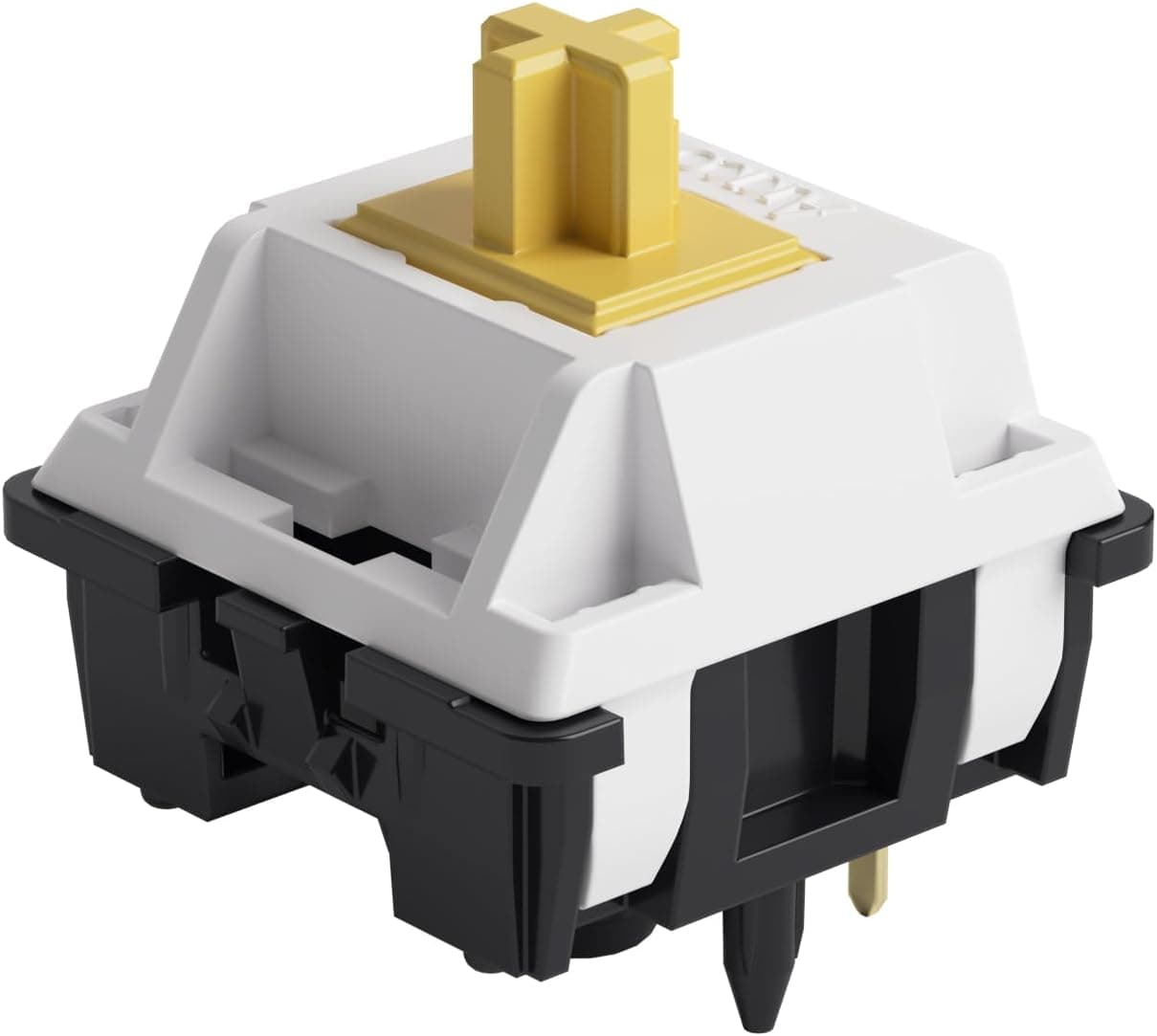
This article covers 【国内正規品】Akko(アッコ) Penguin スイッチ (Silent) 押下圧50gf サイレントタクタイル 5ピンメカニカルキーボード対応静音 45個入り, including the pitfalls buyers usually discover only after the parcel arrives.
Overview
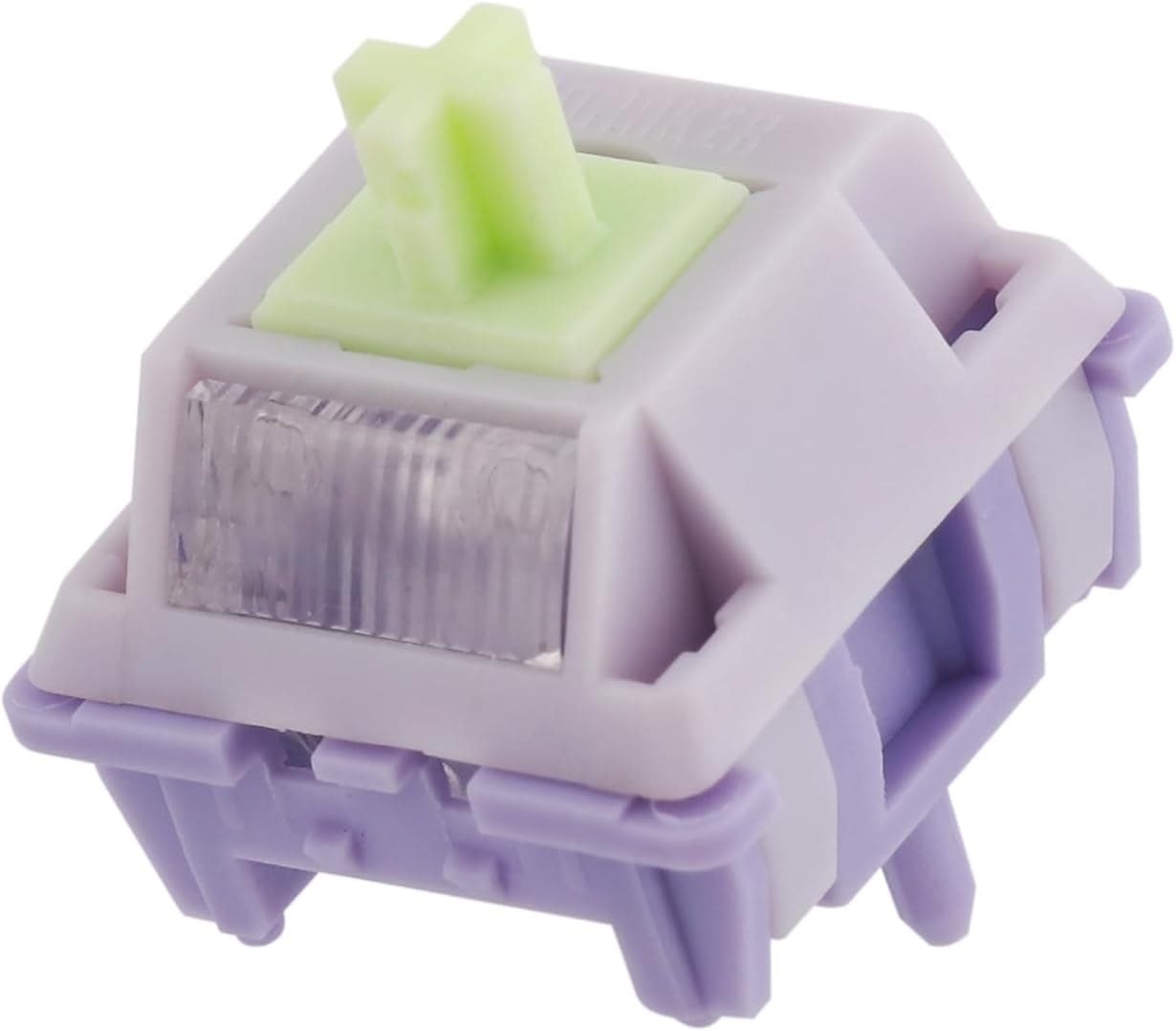
The Akko Penguin (Silent) is a 50gf silent tactile mechanical switch. The short version: it suits people who want to keep the tactile bump while removing the bottom-out and return noise.
That matters in an office, in a room shared with family, or when you type during calls and voice chat. It does not suit people who enjoy the sound of typing, or who expect silence.
The spec sheet is straightforward: 50gf actuation force, 5-pin (PCB mount), dustproof stem, factory lubrication on the rails, MX-compatible keycap support, an SMD LED slot, an estimated 60 million keystroke lifespan, and 45 switches per pack.Check the retailer's page for the latest user reviews.
Factory lubrication is the other selling point. Hand-lubing a full board takes hours, so switches that are usable straight out of the tray are worth more to a first-time builder than the spec list suggests.
Where Silent Tactile Sits
Silent switches place a dampening material at the contact points inside the stem and housing to absorb the impact noise on bottom-out and return. The Penguin follows that pattern, and the trade is predictable: the bottom-out changes from a firm knock to a softer, slightly cushioned landing.
Whether that reads as pleasant or mushy is the main dividing line in silent switch reviews.
Figures for bump position, pre-travel, and total travel vary between sources, so check the product page if you need exact numbers to compare. The 50gf figure sits between typical 45g linears and heavier 60g-plus tactiles — a middle weight that is not a handicap for long typing sessions or for gaming.
Compatibility Guide
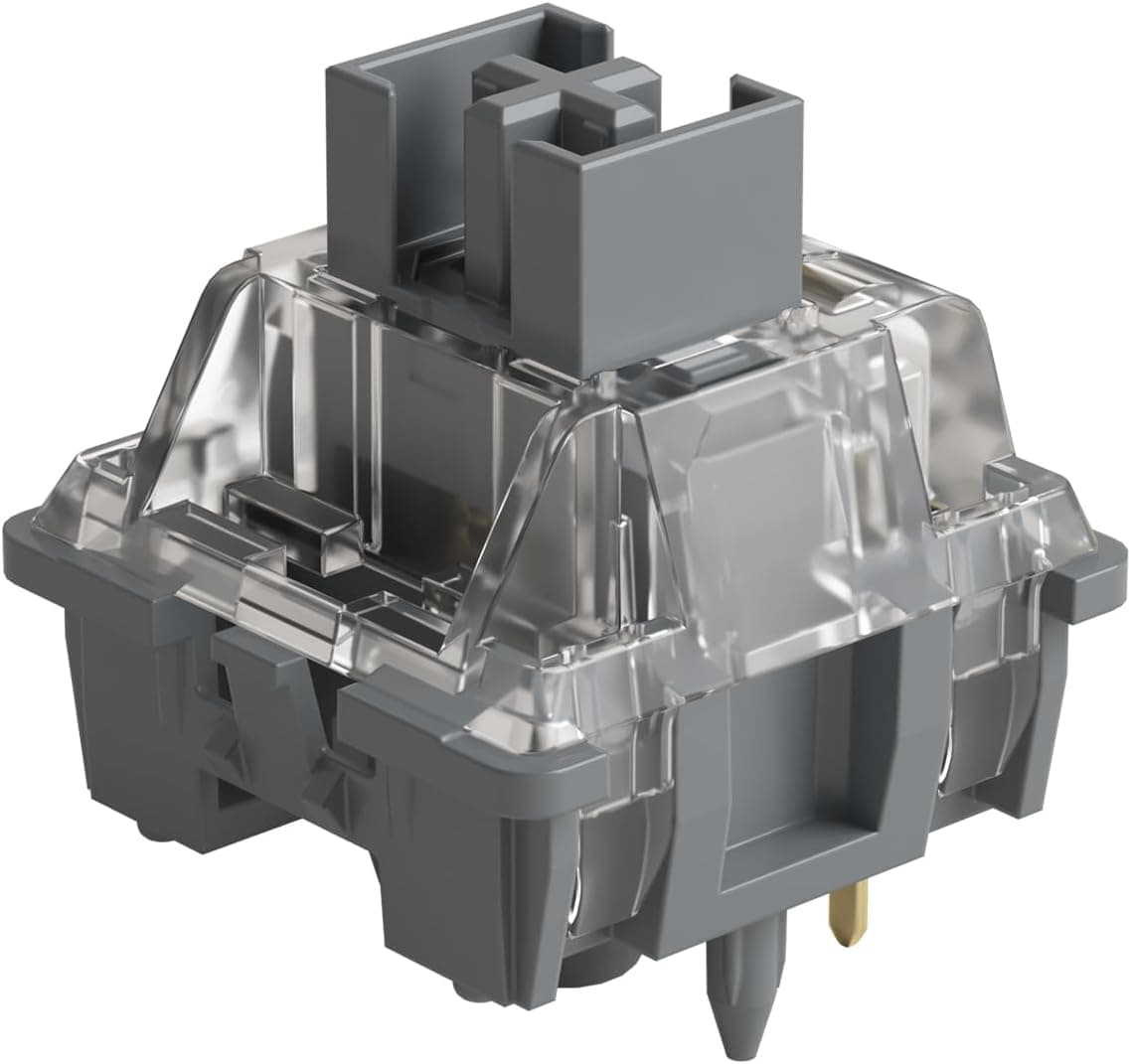
Start with the pin count of your PCB. This switch is 5-pin: two metal contacts, two plastic alignment legs, and a center pole.
It mounts on a hotswap PCB that accepts 5-pin switches, or on a solder PCB.
For a 3-pin board, clip the two plastic legs with flush cutters. That change is permanent — once clipped, the switch is less stable on a plateless 5-pin build.
Confirm the board first and clip only what you need.
Keycaps are simple: any MX-compatible (cross-stem) set will fit. For lighting, there is a slot in the top housing, so per-key SMD LEDs on the PCB shine through.
The switch itself does not emit light.
Some boards cannot take it at all. Magnetic (Hall effect / rapid trigger) and optical keyboards use a different sensing method entirely, so a mechanical switch will not work in them.
Buyers who picked a magnetic board for rapid trigger and later try to make it quieter by swapping switches run straight into this wall.
How Many Switches You Actually Need
A 45-pack does not cover most layouts. This is the single most common miscalculation with this product.
| Layout | Approx. key count | Packs of 45 needed |
|---|---|---|
| 40% boards | ~40-47 | 1 (may fall slightly short) |
| 60% (ANSI) | 61 | 2 |
| 65% | ~67-68 | 2 |
| 75% | ~81-84 | 2 |
| TKL | 87 | 2 |
| Full size (JIS) | ~108 | 3 |
Key counts shift with split layouts, so count your own PCB before ordering. A 60% or TKL build means two packs and double the switch budget.
If you only want to silence part of a board — the space row, the pinky column — one pack is plenty.
Product Info
Check the retailer's page for the latest price. For a factory-lubed silent tactile, that is an easy entry point.
Prices move with sales and stock, so check the listing for the current figure.
The auction/marketplace entry has no captured amount at all (search results only), so it says nothing about street price either.
The pack ships with the switches and a plastic storage tray, which helps you avoid bending pins during swaps and storage. Warranty terms are not published, but buying the domestic authorized version makes any defective-unit exchange easier than a personal import.
Comparison With Other Options
| Option | Best for | What you give up |
|---|---|---|
| Penguin (silent tactile, 50gf) | Quiet typing with feedback | A softer, less defined bottom-out |
| Non-silent tactile | Enjoying sound and a firm bottom-out | Unusable in shared spaces |
| Silent linear | Maximum quiet, no bump | Harder to feel the actuation |
| Pre-lubed linear (e.g. Gateron Oil King V2) | Smoothness, 90 per pack covers a full board | No tactility at all |
On quantity: switches sold in 90-packs cover a TKL in one purchase. Compare this 45-pack on total packs required, not on sticker price alone.
If you want quiet without building anything, buying a keyboard that ships with silent switches is a valid alternative — as is buying a hotswap board first and moving to these switches later.
Installation
Confirm the PCB: hotswap or solder, and whether it accepts 5-pin switches.
Remove keycaps, then pull existing switches straight up with a proper puller.
Pulling at an angle damages the socket. 3.
Check that the pins are straight. A bent pin pushed into a socket will snap off inside it.
- Align the LED window with the PCB marking and press straight down.
A switch that sits proud causes chatter. 5.
Only for 3-pin boards: clip the two plastic legs flush before inserting. 6.
Run a key tester across every key before putting the keycaps back on.
Best Use Cases
- Office and shared-space users — the noise reaching nearby desks drops sharply while the tactile bump stays, so you still feel each keypress during calls or in a quiet room.
- Partial silencing — 45 switches will not fill a full layout, but it is exactly the right amount for swapping only the loudest keys.
- Linear users moving to tactile — 50gf is neither light nor heavy, so the transition is gentle and the switch works for both typing and gaming.
Before You Buy
45 switches will not fill most boards. This is the big one.
Even a 61-key 60% layout leaves you 16 short, a TKL needs two packs, and a full-size JIS board needs three. The per-switch price looks cheap; the actual spend is two to three times what you first estimate.
Silent is not silent. These switches only damp the switch's own impact noise.
Stabilizer rattle on space, Enter and Shift, case resonance, and keycaps striking the plate all remain. Most disappointment with silent switches traces back to this — fixing it means lubing stabilizers and adding foam, which is separate work.
The feel changes along with the noise. With a damper in the path, the bottom-out will never feel as crisp as a non-silent switch.
If you like a firm landing or enjoy typing sound, this whole category is the wrong direction.
Clipping for 3-pin boards is permanent. Once the legs are off, the switch is less stable if you later move it to a plateless 5-pin build.
Clip only the number you actually need.
Magnetic and optical keyboards are out. Rapid-trigger magnetic boards sense travel differently, so a mechanical switch cannot work there electrically or physically.
Check which type your keyboard uses before ordering.
Factory lube covers the rails. Spring ping can still show up on individual units.
Also, whether a published actuation force refers to actuation or bottom-out varies by maker, so treat 50gf as a guide rather than a measured constant.
Listing metadata is sometimes wrong. Manufacturer, model number, and compatibility fields on retail pages are auto-populated and occasionally carry another product's data.
Before ordering, confirm from the product images and title that you are buying the Penguin, Silent variant, 45-piece pack. The price is a captured snapshot and moves with sales and stock.
FAQ
Q. Will my keyboard be completely silent? A.
No. Switch noise drops a lot, but stabilizer rattle and case resonance remain.
The realistic change is lower volume and a duller, lower-pitched sound.
Q. Can I build a 60% keyboard with one pack? A.
No. An ANSI 60% layout has 61 keys, so 45 switches leaves you 16 short.
Plan on two packs (90).
Q. Do they work on a 3-pin hotswap PCB? A.
Yes, after clipping the two plastic legs from the bottom of each switch. The modification cannot be undone.
Q. Can I reuse my current keycaps? A.
Yes, if they are MX-compatible cross-stem caps. Proprietary stems and caps bundled with non-standard keyboards are the exceptions — check your set.
Q. Can I install them in a rapid-trigger keyboard? A.
No. Magnetic (Hall effect) and optical keyboards use a different sensing method and will not register a mechanical switch.
Q. Should I re-lube them? A.
Usually not. They arrive usable.
Experienced builders may refine the finish, but lubricant reaching the dampening parts of a silent switch changes the feel, so beginners should leave them alone.