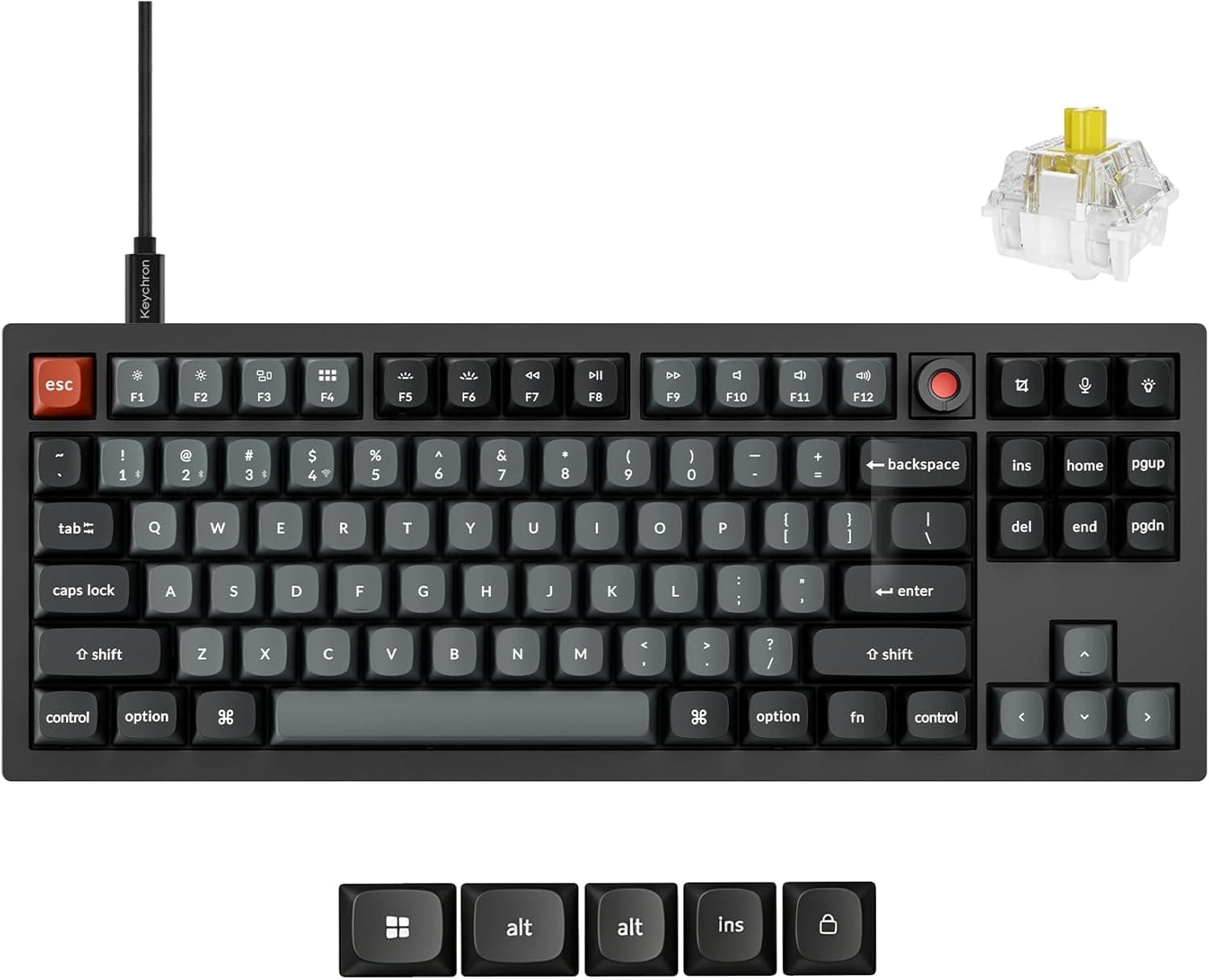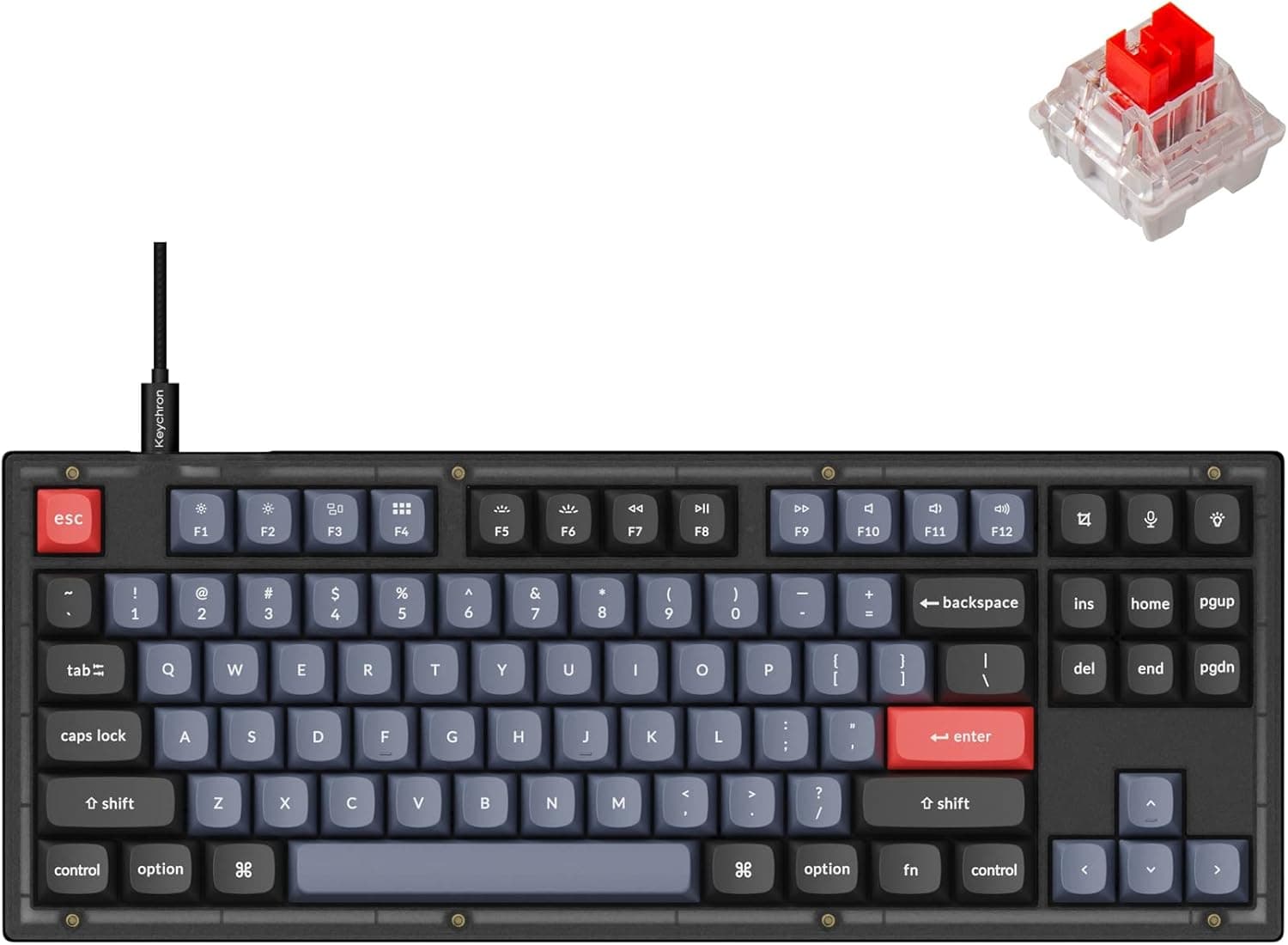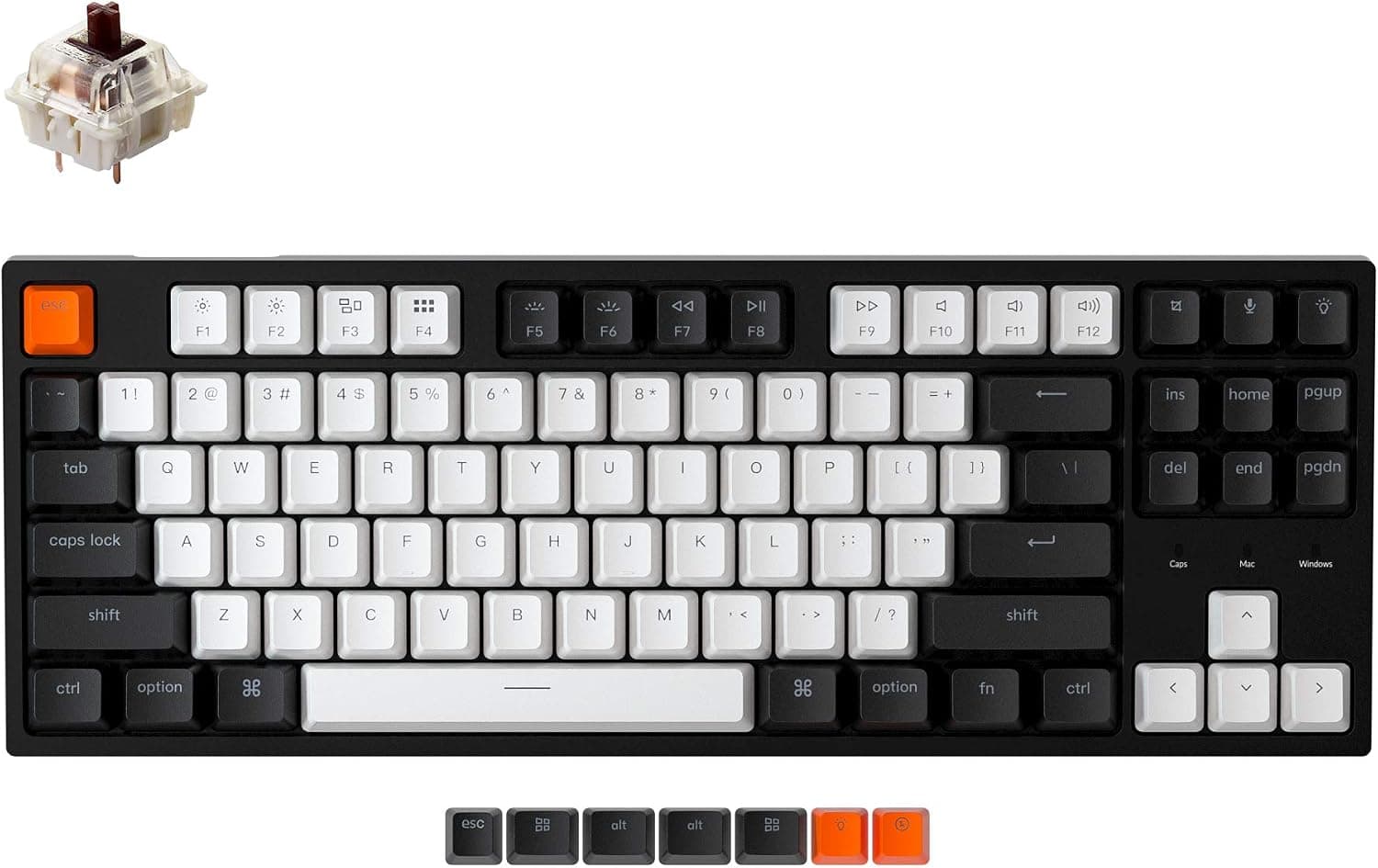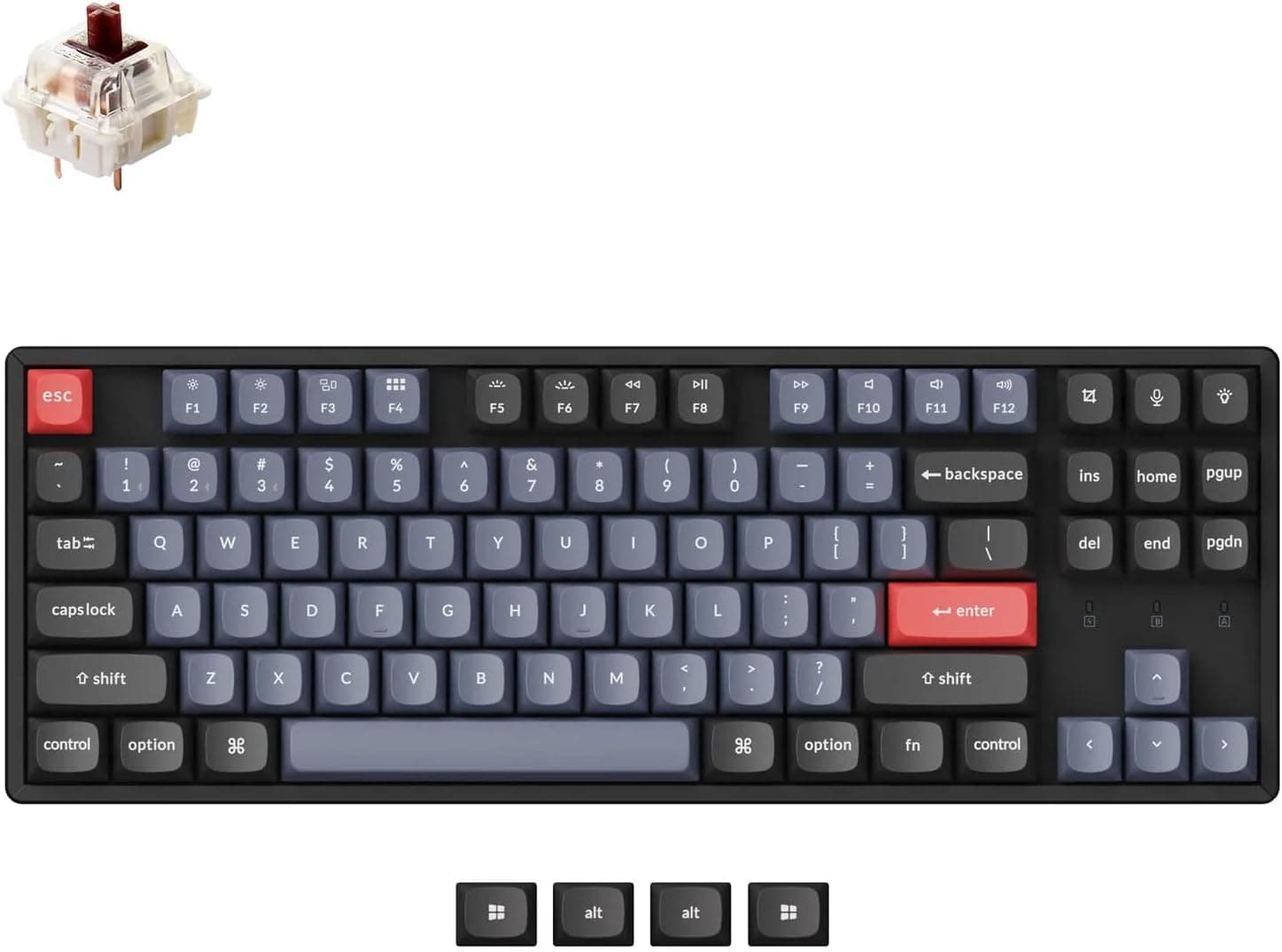
This article covers 「国内正規品」Keychron C1 Pro カスタム有線メカニカルキーボード USレイアウト Mac・Wins・Linux ホワイトバナナ軸 — a wired TKL mechanical keyboard that brings QMK/VIA and hot-swap sockets in under ¥10,000. Below we go past the spec sheet and into the things people notice only after the box is open.
Overview
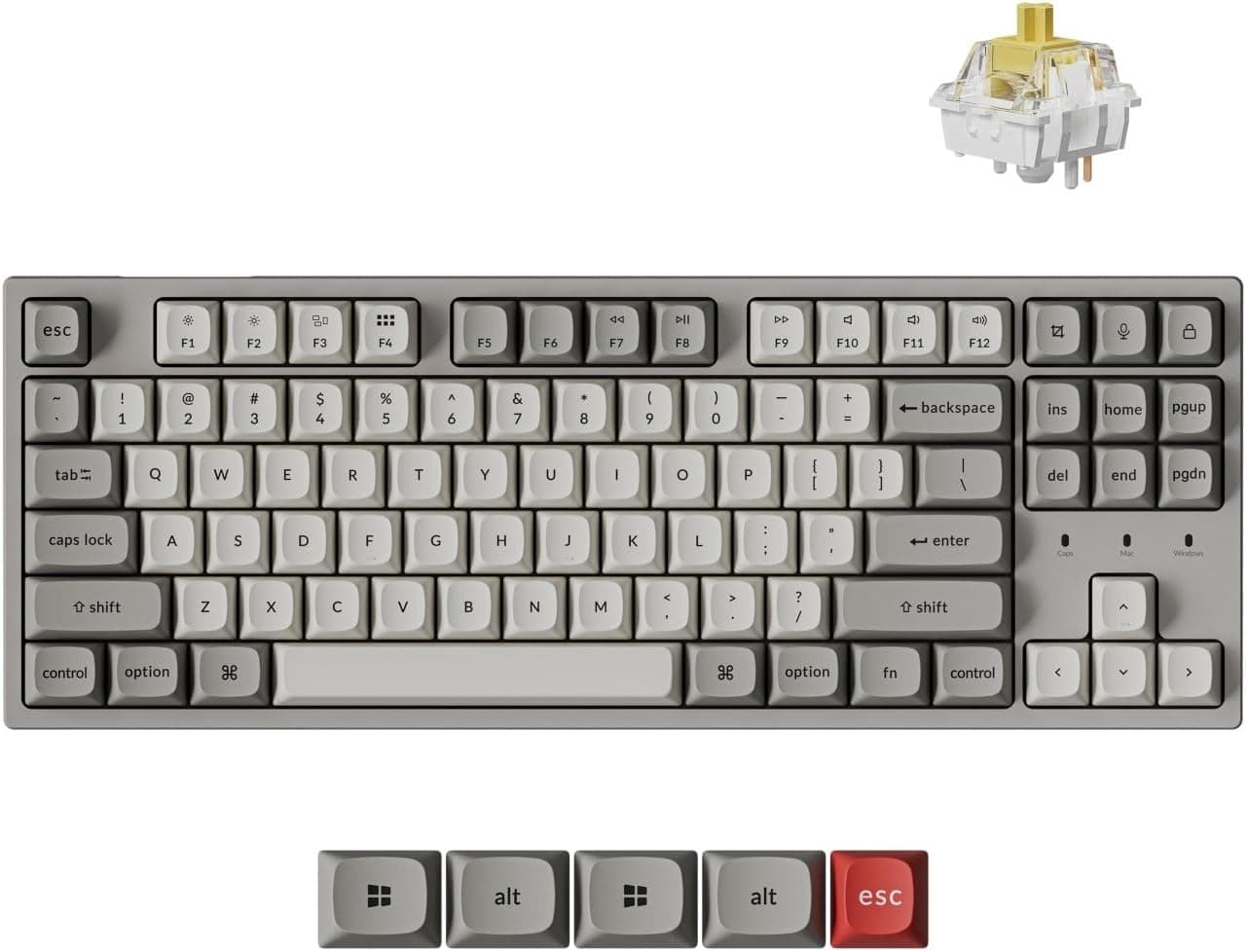
The short version: the Keychron C1 Pro is an entry point for people who want to rearrange their own keymap and swap switches later. It is a tenkeyless (80%) board in US ANSI layout, wired over USB only, listed at ¥9,900 on Amazon.co.jp as captured on 19 September 2026.
That puts it right on the border between entry-level and mid-tier.
The stock switch is the factory-lubed Keychron Super banana — a tactile with a clear bump partway down the travel. Because it does not slide straight to the bottom like a linear, each keystroke has an obvious boundary, which suits people who type prose and code more than people chasing raw actuation speed.
It is not a clicky switch, so there is no metallic click on every press.
The numbers: 50 million keystroke switch rating, 1000Hz polling (one report every millisecond), OSA-profile double-shot PBT keycaps, south-facing RGB with 22+ lighting modes, and three typing angles at 4.8° / 8.5° / 10.7°.
The 50-million figure is per key — hit the same key 3,000 times a day and the arithmetic still gives you over 40 years. You will want to change something long before the switches wear out, and hot-swap is exactly what absorbs that.
Amazon.co.Check the retailer's page for the latest user reviews.
The score is high, but 13 is a small sample — read the spec sheet against your own use case rather than the stars.
Compatibility Guide
Connection is USB wired (bus-powered) only, so any computer with a USB port should work out of the box. No pairing, no battery level to watch, and a steady 1000Hz report rate.
| Environment | Notes |
|---|---|
| Windows PC | Set the system toggle to Windows. Because the board is US ANSI, the OS keyboard layout must also be set to English |
| macOS | Set the toggle to Mac. Command/Option keycaps are included in the box |
| Linux | Officially supported. Layout switching happens on the board itself, so OS-side setup stays minimal |
| Laptops / USB hubs | Bus-powered. Full RGB raises current draw, so on a weak hub either lower the brightness or plug directly into the machine |
| Tablets and phones | Stated OS support is macOS/Windows/Linux only. It may work through an adapter, but treat that as unsupported |
The hot-swap sockets take Cherry MX-compatible switches. The common misunderstanding is that hot-swap means anything fits — optical and magnetic (Hall effect) switches use a completely different sensing method and will not work here.
If rapid trigger is what you are after, you should be shopping in the magnetic-switch category instead.
If you buy 5-pin (PCB-mount) switches, confirm compatibility first. Most hot-swap PCBs accept them, but the standard fix when they do not is to clip the two plastic legs and convert to 3-pin.
Also remember that moving from the factory-lubed stock switch to another brand changes both sound and weight, so test a few before committing to a 90-piece bag.
Keycap compatibility is worth a look too. A US ANSI TKL gives you a wide choice of aftermarket sets, with fewer odd-width Enter and Shift problems than a JIS board.
The south-facing LEDs are a practical plus: they avoid the interference that north-facing boards suffer when low-profile Cherry-profile caps hit the LED housing. Physical dimensions and weight are not in the data used here, so measure against your tray or keyboard slider using the product listing.
Customising the Keymap
QMK/VIA support at this price is the C1 Pro's real differentiator. VIA lets you remap every key, add layers, and record macros from a GUI, and the configuration is stored on the board.
Unlike a resident OS utility, your layout travels with the keyboard when you plug it into another machine.
In practice the useful moves are the ones that soften the US layout for your hands: put the IME toggle somewhere reachable, turn a spare bottom-row key into Esc or Delete, and stack media controls and arrows on an Fn layer. A TKL is weakest at number entry, so mapping a numpad cluster onto a layer keeps your hands on the home row.
Note that QMK support does not mean you must build firmware yourself. Everyday changes are entirely doable in VIA; a build environment only matters if you want behaviour the GUI does not expose.
That is a decision you can defer until well after purchase.
How It Compares
Several products sit on the same shelf while playing a different game. Magnetic Hall-effect boards with rapid trigger offer adjustable actuation in fractions of a millimetre and polling rates advertised up to the 8K class.
If competitive FPS input resolution is the priority, those win outright — but for a typing-heavy workload they are usually overspending. The C1 Pro's 1000Hz polling looks lower on paper, yet the situations where the difference is actually perceptible are limited.
Within Keychron's own range, the Q series spends money on CNC aluminium cases and wireless. If feel and build quality come first, that is the honest recommendation.
The C1 Pro is best understood as the board that keeps QMK/VIA and hot-swap while economising on case and switch selection. If near-silence matters most, compare against wired US-layout boards built around quiet linear switches instead of a tactile.
Product Info
Check the retailer's page for the latest price.co.jp.
The dataset also shows an "Amazon US" entry, but it points at the same Japanese listing with the same yen figure, so treat it as a single domestic price. The eBay entry is a search link with no quoted amount.
Prices move with sales, so check the listing before ordering.
The bundle includes a USB cable, keycap puller, switch puller, and extra Windows/macOS keycaps. Shipping both pullers in the box is a sensible touch for a hot-swap board.
Bundle contents and warranty terms vary by seller, so confirm the seller details if domestic warranty coverage matters to you.
In market terms it lands between entry and mid-tier: QMK/VIA, full remapping, layers, hot-swap sockets, and double-shot PBT are features usually discussed a price bracket higher. That makes it work both as a first mechanical keyboard and as a base for switch and keycap experiments.
Best Use Cases
- First-time mechanical keyboard buyers — with hot-swap and VIA, both the switches and the keymap are changeable later, so you do not have to guess right on the first try.
- Programmers and writers — the tactile bump and hard-wearing double-shot PBT pay off over multi-hour sessions, and three angle settings let you dial in wrist position.
- Mixed Mac/Windows desks — the system toggle plus both keycap sets means one keyboard instead of two.
- People already comfortable with US ANSI — the aftermarket keycap selection is broad, so nothing you buy later goes to waste.
- Anyone who does not need wireless — the wired-only decision is precisely what keeps the price and the stability where they are.
Before You Buy
The US layout is the real hurdle. There are no kana legends and none of the JIS-specific keys.
On Windows, the standard way to toggle Japanese input becomes Alt+` , which trips up almost everyone moving from a JIS board. QMK/VIA lets you relocate that function to a comfortable key, but do not expect to type exactly as before on day one — you also need to set the OS keyboard layout to English.
Wired-only is a trade-off. If you are trying to clear cables off the desk or move between a tablet and a PC, look elsewhere.
The upside is no battery, no re-pairing, and one fewer source of latency.
Do not overestimate hot-swap. Only Cherry MX-compatible switches fit; optical and magnetic switches do not.
Factory lubing applies to the switches, not the stabilisers — stabiliser rattle on the spacebar and Enter varies between units, and tuning or lubing them is the usual fix.
This is not a silent keyboard. A tactile is more audible than a linear.
For call-heavy rooms or late-night typing next to someone sleeping, a quiet-switch board is the better answer.
**Mind the sample size.
Listing metadata can disagree with itself. In this dataset the entry labelled "Amazon US" carries the same Japanese page and yen price.
Seller, supported OS, switch type, and colour are all fields that get mislabelled from time to time, so check the product photos and title for the white, US-layout, banana-switch variant before you order.
FAQ
Q. How do I switch Japanese input on and off? A.
There is no JIS toggle key on a US layout. On Windows the standard shortcut is Alt+` . If that is awkward, assign the function to a spare key in VIA so it sits where your hand already is.
Q. Can I fit any switch I like? A.
Cherry MX-compatible mechanical switches only. Optical and Hall-effect switches will not work.
Check 5-pin compatibility, and clip the two plastic legs to convert to 3-pin if needed.
Q. Is the missing numpad a problem? A.
For heavy numeric entry a full-size board is faster. Otherwise, map a numpad cluster to a VIA layer and you keep your hands on the home row — plus the mouse sits closer to your body.
Q. Is 1000Hz polling enough for gaming? A.
1000Hz means one report per millisecond, which is practical for general gaming. The 8K class and rapid trigger matter mainly for competitive FPS players chasing input resolution.
Q. Will aftermarket keycap sets fit? A.
Being a US ANSI TKL, ANSI sets generally fit — just confirm the set covers a TKL (87-key) layout. South-facing LEDs also mean low-profile caps are less likely to foul the LEDs.
Product Disclosure (Amazon)
- Manufacturer: Keychron
- Seller: Keychron Japan
- Fulfilled by: Amazon
- ASIN: B0FS13CV32
- Note: This article covers a manufacturer-made product based on Amazon listing details.