Overview
The Keychron V3 8K TKL 有線メカニカルキーボード 8000Hz ポーリングレート QMK is a keyboard that trades away wireless entirely in exchange for maximum responsiveness and customization. The short verdict: it's a strong pick for competitive players who care about input consistency, and for anyone who wants to swap switches and build their own keymap.
If you want a cable-free desk or you type numbers all day, rule it out now.
The headline feature is the 8000Hz (0.125ms) polling rate — eight times the reporting frequency of a standard 1000Hz board.
That shortens average input latency, but more importantly it reduces latency variance. Consistency is what competitive players actually feel, not the raw average.
That said, the chassis features — gasket mount, PBT double-shot keycaps, south-facing RGB, hot-swap PCB, and full QMK/VIA support — are what determine day-to-day satisfaction. Both sides are covered below.
How Much Does 8000Hz Actually Matter?
Polling rate is how often the keyboard reports its state to the PC. At 1000Hz that's once per millisecond; at 8000Hz, once per 0.125ms.
In theory the average wait before a keypress is reported drops from 0.5ms to about 0.0625ms.
Honestly, most people will not feel that difference. One frame at 144Hz is roughly 6.9ms; at 240Hz, about 4.2ms.
A 0.4ms saving is under a tenth of a frame.
- You play on a 240Hz-or-higher display
- Your genre rewards timing repeatability (FPS peeking, fighting-game links and combos)
- You've already eliminated the bigger bottlenecks — network, monitor, GPU
On a 60Hz panel, 8000Hz is not a reason to buy. That budget belongs in a monitor.
There's also a cost on the PC side. Eight times the reports means eight times the USB interrupt handling, and on weaker systems that can make frame pacing worse, not better.
Keychron's guidance points to an Intel Core i7 9th-gen or AMD Ryzen 7 2nd-gen CPU or newer. Below that, running at 1000Hz or 4000Hz is the more comfortable choice — and the rate is adjustable from the VIA web app, so start at 8K and step down if you notice hitching.
Typing Feel and Construction
A gasket mount suspends the plate on compressible material instead of screwing it to the case. The result is more give on each keystroke, less shock returned to the fingers, and a lower, softer sound signature instead of a metallic ping.
For long typing sessions this matters far more than polling rate.
Keycaps are PBT double-shot. PBT resists the shine that ABS develops from skin oils, and double-shot molding forms the legends from a second color of plastic rather than printing them, so they physically cannot wear off.
Over a multi-year ownership window, both are worth paying for.
The backlight is south-facing RGB with 22+ effects. South-facing means the LEDs sit toward the front of the switch housing, so shorter keycap profiles like Cherry don't block the light — a real advantage if you plan to swap keycaps.
Connectivity & Compatibility
Connection is USB-C wired only. No Bluetooth, no 2.4GHz receiver, and no way to add either.
That's a design consequence of running 8000Hz reliably, not an oversight — but if you need wireless, this board is simply not a candidate.
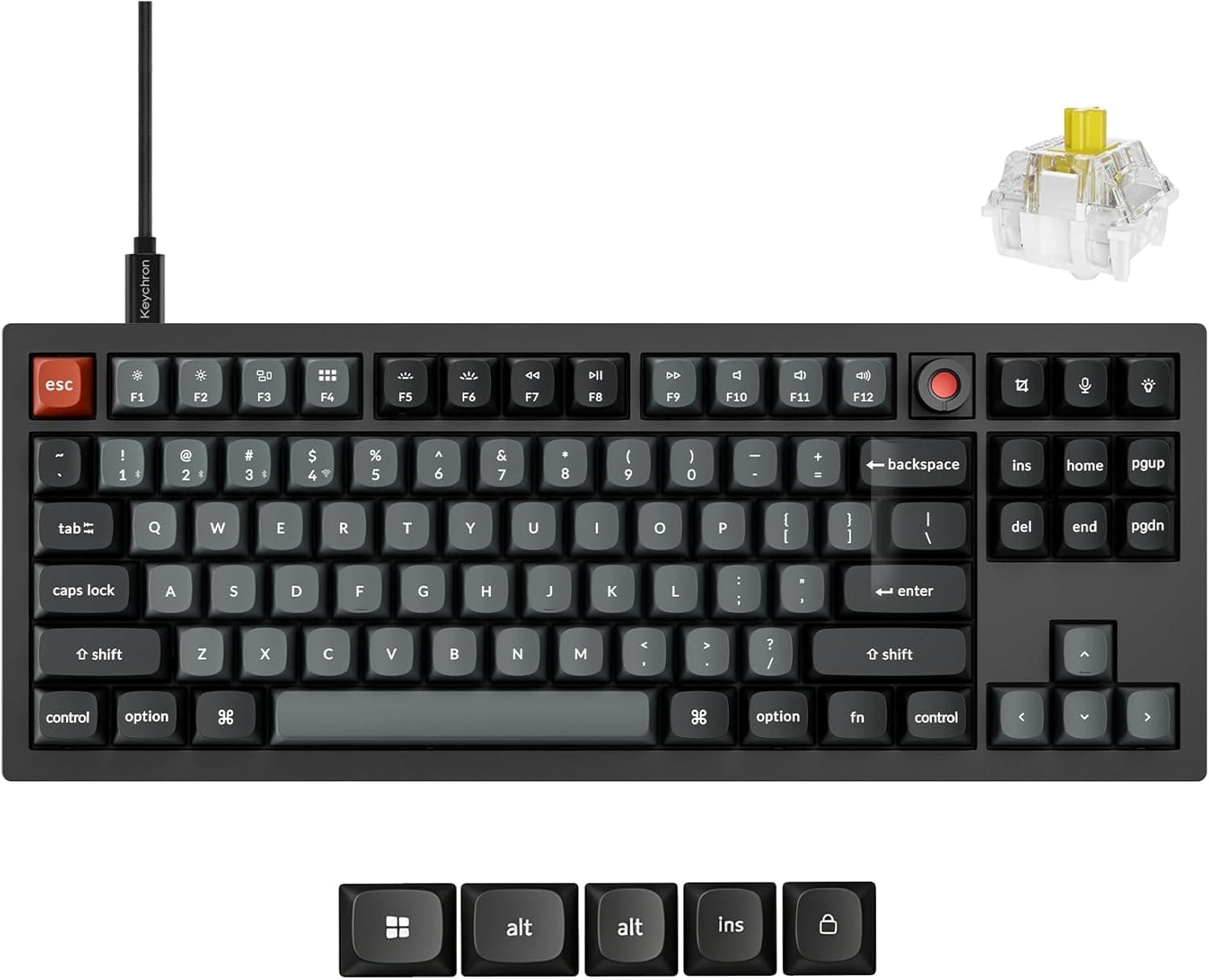
OS support covers Windows, macOS, and Linux, with a physical toggle on the side for Windows/Mac layouts and keycaps for both included. Because QMK stores the keymap on the keyboard itself, customization works without drivers, including on Linux.
The hot-swap sockets accept 3-pin and 5-pin Cherry MX-compatible switches, which covers Gateron, Kailh, Akko, TTC and most other mainstream brands. No soldering — just pull and replace with the included switch puller.
Optical switches (Razer Optical and similar) and Topre-style switches use different stems and will not fit.
Programming is via QMK/VIA. VIA runs in a browser with a GUI for remapping and macros, and settings live in the board's onboard memory, so they follow the keyboard to another PC.
Nothing needs to run in the background during gameplay.
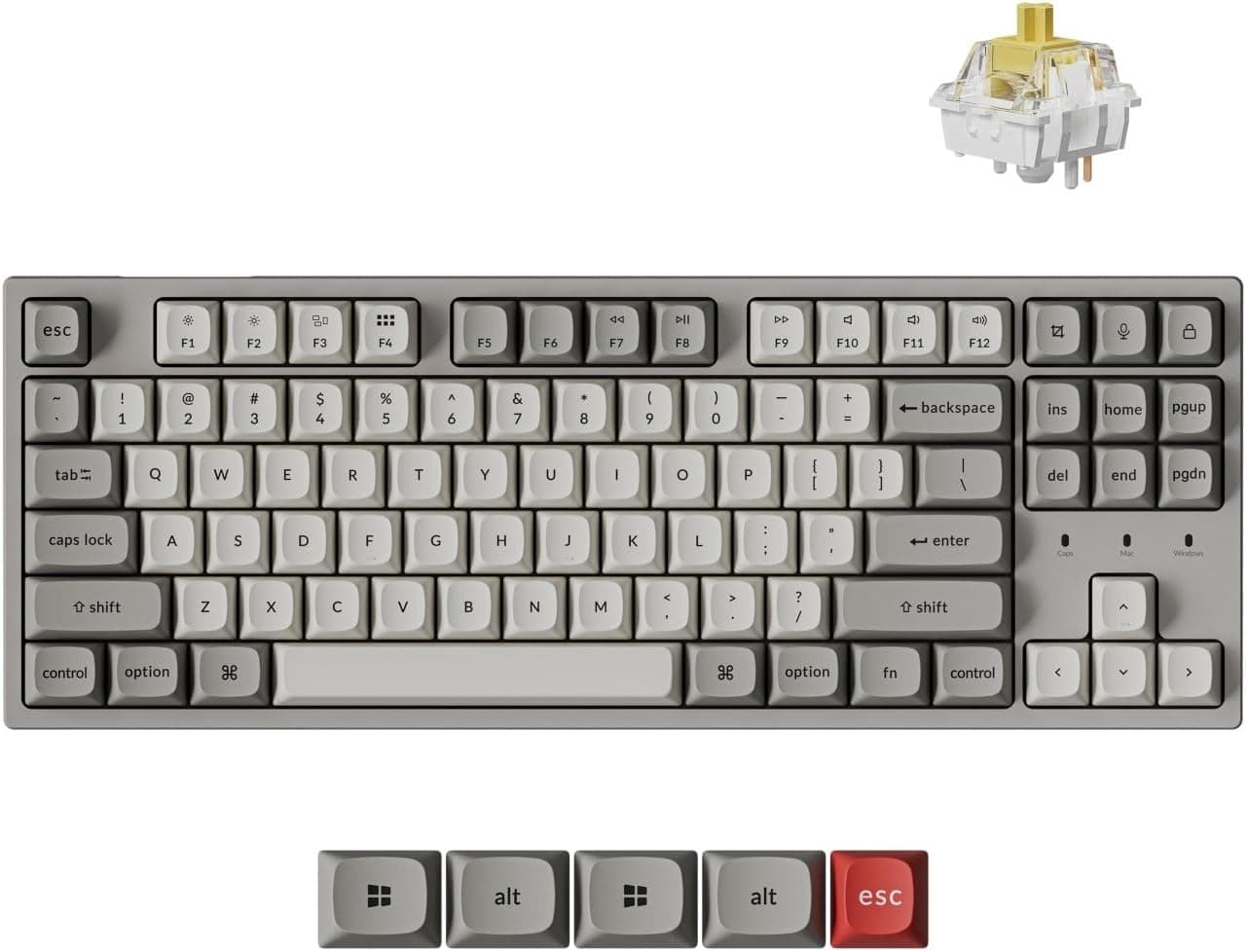
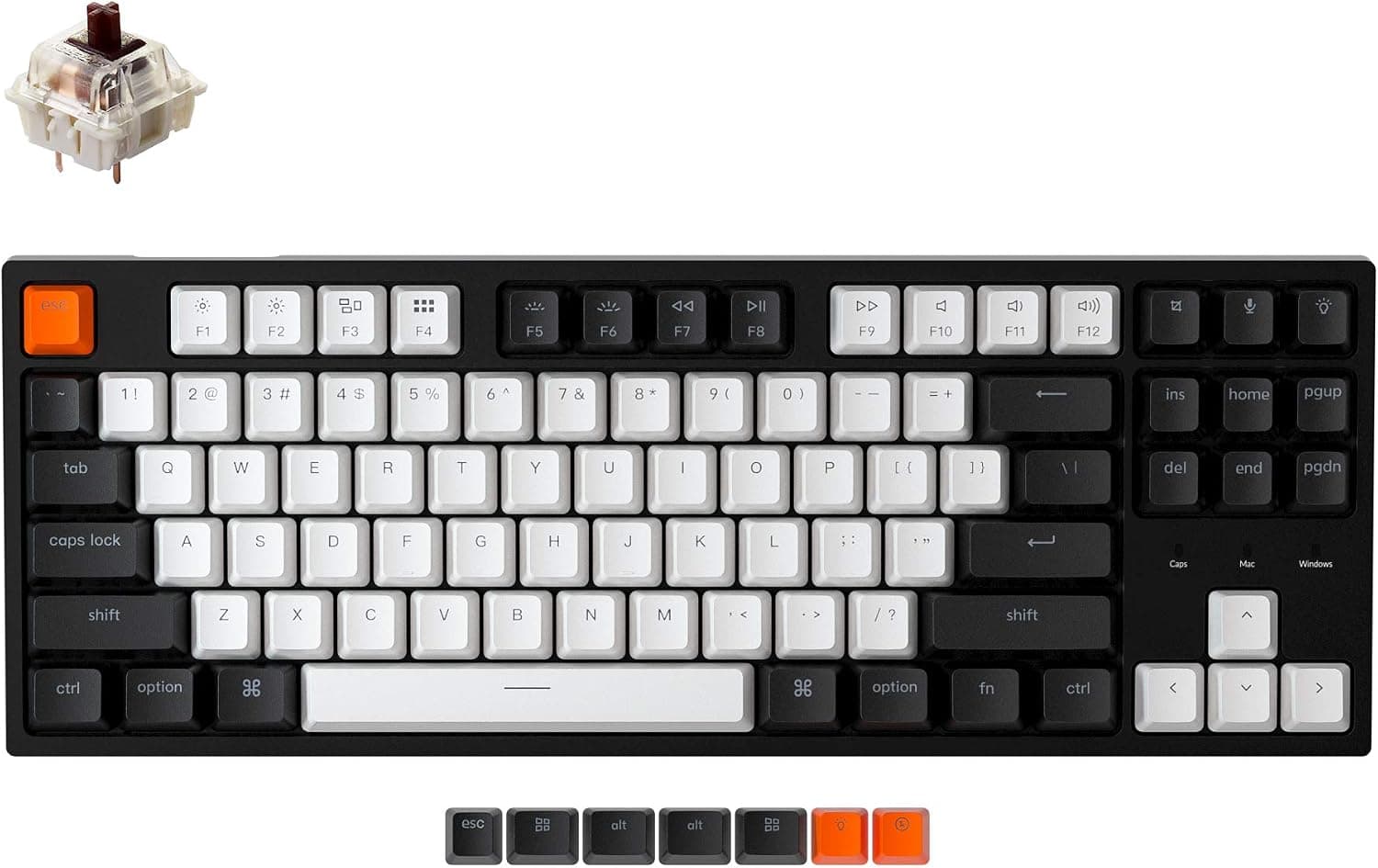
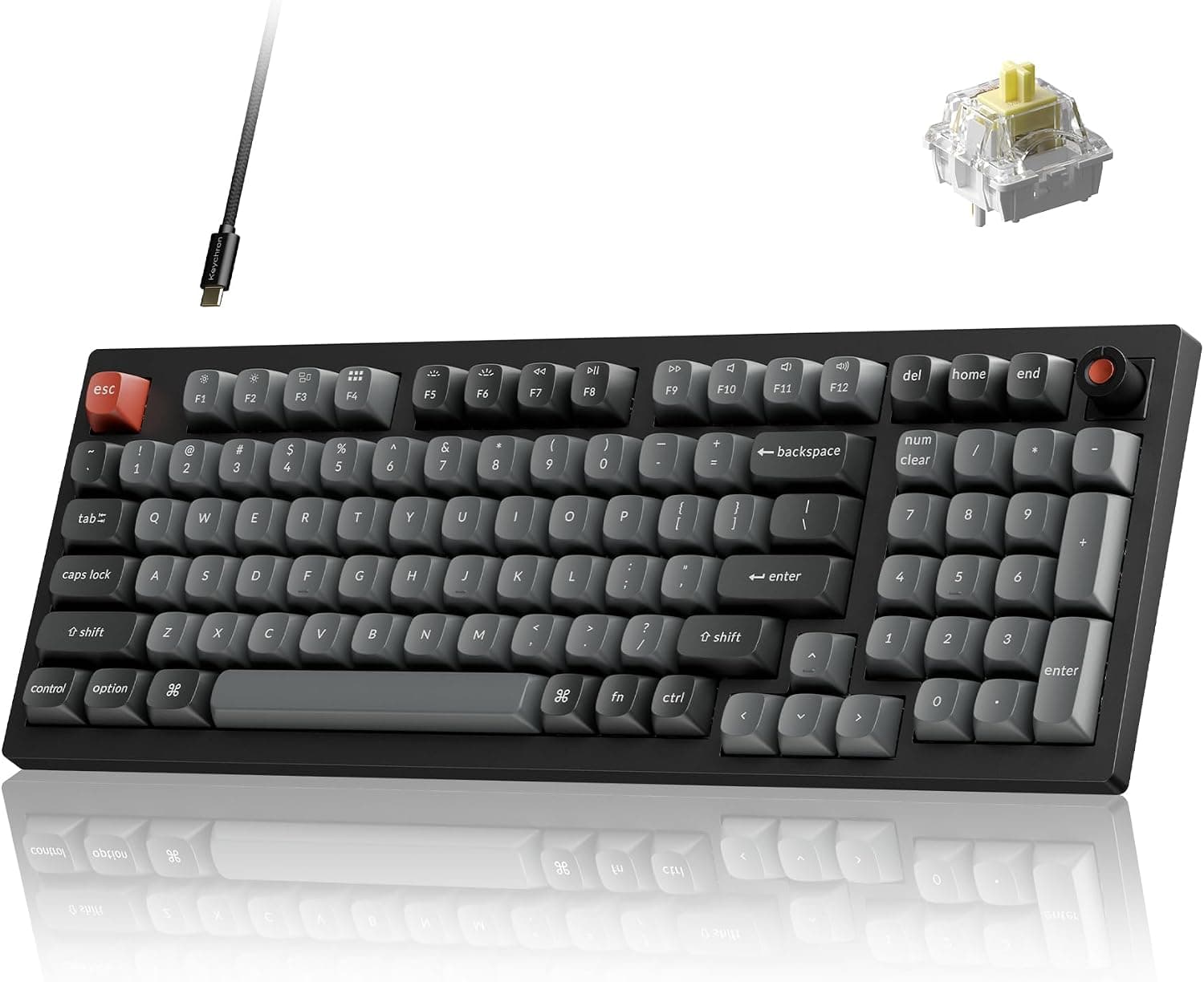
The layout is TKL (80%). Dropping the numpad frees meaningful mouse space while keeping arrow keys and the navigation cluster — so you avoid the Fn-layer cramping of 60% and 65% boards.
The flip side: no numeric entry.
Product Info
Check the retailer's page for the latest price.co.jp (captured 15 Jun 2026), ¥19,213 on the same listing (captured 26 Aug 2026), and $74.99 on eBay US (captured 12 Jul 2026).
Prices still move with sales and exchange rates, so check the product page for the current figure before buying. The eBay price may not be the bargain it looks like once import handling and warranty support are factored in.
Check the retailer's page for the latest user reviews. Read it as "new and well received," not "proven workhorse."
Key specs: 8000Hz (0.125ms) polling, TKL (80%) layout, USB-C wired, PBT double-shot keycaps, hot-swap sockets for 3/5-pin Cherry MX-compatible switches, QMK/VIA programmability via web app, south-facing RGB with 22+ effects, gasket mount, and Windows/macOS/Linux support.
In the box: USB-C cable, keycap puller, switch puller, and extra keycaps. Keychron offers a one-year warranty, though the support channel depends on where you buy.
Versus the Competition
This price bracket is crowded with Hall-effect (magnetic) boards offering rapid trigger. That's the real decision point.
| Aspect | Keychron V3 8K (mechanical) | Hall-effect boards |
|---|---|---|
| Response | 8000Hz polling, high consistency | Polling plus adjustable actuation |
| Rapid trigger | Not supported | Commonly supported |
| Switch swapping | Any Cherry MX-compatible switch | Proprietary magnetic switches only |
| Typing feel | Gasket + foam, well tuned out of box | Varies widely by model |
In short: if rapid trigger is your goal, buy a Hall-effect board instead. If you want to tune feel, rotate switches by mood, and build a serious QMK keymap, this does things Hall-effect boards can't.
8000Hz exists on both sides and shouldn't be the deciding factor.
Within Keychron's own lineup, the Q series (Q1 Ultra, Q5 Pro) sits above with wireless and metal cases. The V series uses a plastic case to keep cost down — that's exactly where the price gap comes from.
Best Use Cases
- Competitive gamers: 240Hz-plus displays, FPS or fighting games, where timing repeatability decides rounds. This is where 0.125ms polling earns its keep.
- Aspiring keyboard builders: hot-swap sockets for switch experimentation, plus real layer and macro work through QMK/VIA.
- Mac + Windows users: physical OS toggle and both keycap sets included, with no software to install.
- Heavy typists: the gasket mount and PBT caps pay off during work hours, not just gaming.
- Low-sensitivity mouse users: TKL keeps arrow keys while freeing desk width for large mouse sweeps.
Before You Buy
There is no wireless of any kind. No Bluetooth, no 2.4GHz dongle, no upgrade path.
If a cable-free desk or tablet pairing is on your list, stop here.
8000Hz is not a free speed upgrade. It raises host-side load, and on systems below the recommended CPU tier it can make frame pacing worse.
If things feel unstable after setup, drop to 1000Hz in VIA to isolate the cause, and plug directly into a motherboard port rather than a hub.
No rapid trigger. Many "8K" products on the market pair that number with Hall-effect switches and adjustable actuation; this one is a conventional mechanical board with a fixed actuation point.
Buying it for rapid trigger guarantees disappointment.
No numpad. TKL never has one. Accounting or data entry means adding a separate numpad or choosing full-size.
Treat the 17-review sample with caution. A 4.9 average is appealing but thin as evidence.
Confirm who handles defective units — the reseller or Keychron — before ordering.
Check the seller listing. The Amazon listing shows a parallel-import reseller as both seller and shipper, which can mean the domestic warranty doesn't apply and support routes overseas.
Amazon listing metadata (manufacturer, model, compatibility notes) also sometimes disagrees with the physical product, so verify from the product images and title that you're buying the 8K TKL variant — the V series also ships in 65%, 75% and full-size layouts, and older non-8K models are sold alongside it.
FAQ
Q. Will I actually feel 8000Hz? A.
Possibly, as steadier input timing, if you pair a 240Hz-plus display with a competitive title. At 60–144Hz in casual play, don't count on it.
Q. Does it support rapid trigger? A.
No. It uses Cherry MX-compatible mechanical switches with a fixed actuation point.
If rapid trigger is essential, look at Hall-effect boards.
Q. Can I change the switches? A.
Yes. The hot-swap sockets take 3-pin and 5-pin Cherry MX-compatible switches, swapped with the included puller — no soldering.
Optical and Topre-style switches don't fit.
Q. Does the configuration software need to run in the background? A.
No. VIA runs in a browser and settings are stored on the keyboard, so they travel with it to any PC.
Q. Is it as usable on macOS as on Windows? A.
Yes. A physical side switch changes the layout, and keycaps for both operating systems are included.
QMK/VIA work on macOS and Linux too.
Q. How quiet is it? A.
The gasket mount and dampening foam make it calmer than typical plate-mounted boards at this price, but it isn't silent. For calls or an office, pair it with silent switches.
Product Disclosure (Amazon)
- Manufacturer: Keychron
- Seller: 輸入品専門店|Hawaii Store
- ASIN: B0GJ6943DQ
- Note: This article covers a manufacturer-made product based on Amazon listing details.