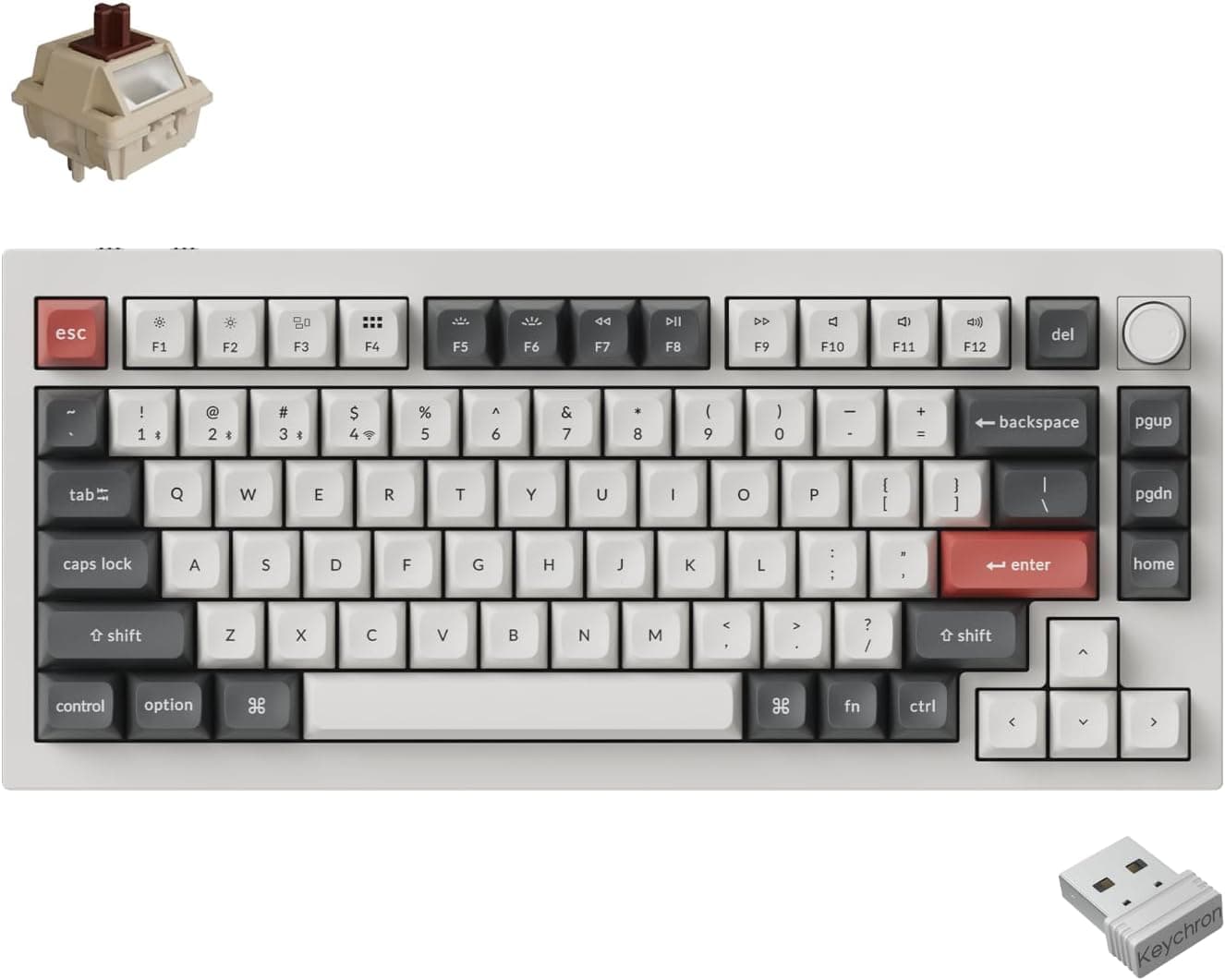
This article covers 「国内正規品」Keychron Q1 Ultra 8K メカニカルキーボード 2.4G, a 75% custom mechanical keyboard that reaches up to 8000Hz polling over USB-C and 2.4GHz wireless.
Below we go past the spec sheet: how much 8000Hz actually buys you, and what you have to accept to live with this board.
Overview
The Keychron Q1 Ultra 8K is a 75% mechanical keyboard with a polling rate of up to 8000Hz. A CNC-machined aluminum case is paired with a double gasket mount, aiming for rigidity and a controlled typing feel at the same time.
The 8000Hz rate works in both wired (USB-C) and 2.4GHz wireless modes, which is the configuration you want for shooters and rhythm games where input timing is measured.
It helps to name the trade-offs up front. Bluetooth drops polling to around 125Hz, the case weighs about 1.7kg, and the layout is US ANSI.
In other words, this is a desk-bound board for people who will run it wired or over 2.4GHz and are fine with an English layout.Check the retailer's page for the latest price.
On the software side it runs QMK firmware, so key assignments and macros are fully remappable, configured through the browser-based Keychron Launcher. Switches are Keychron Silk POM (tactile, broadly brown-switch feel) in hot-swap sockets, so no soldering is needed.
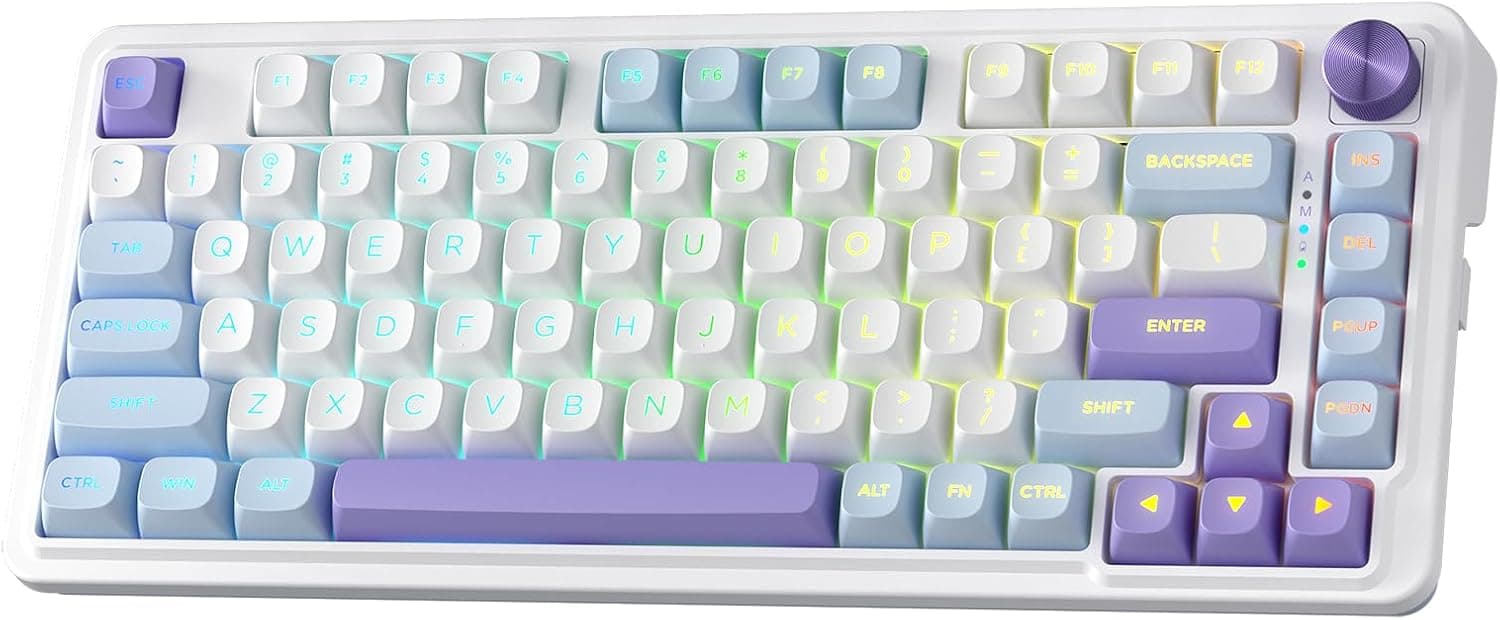
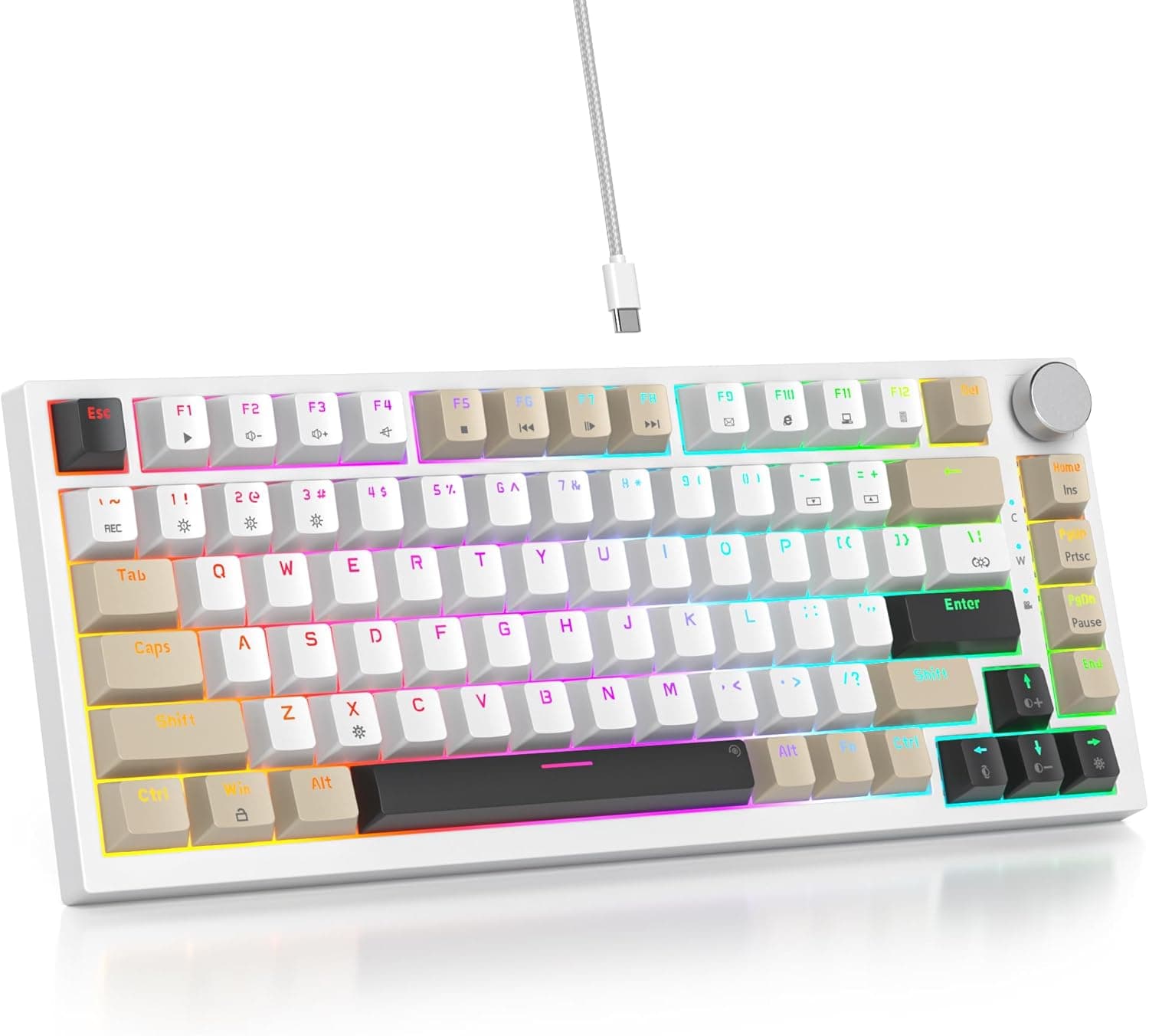
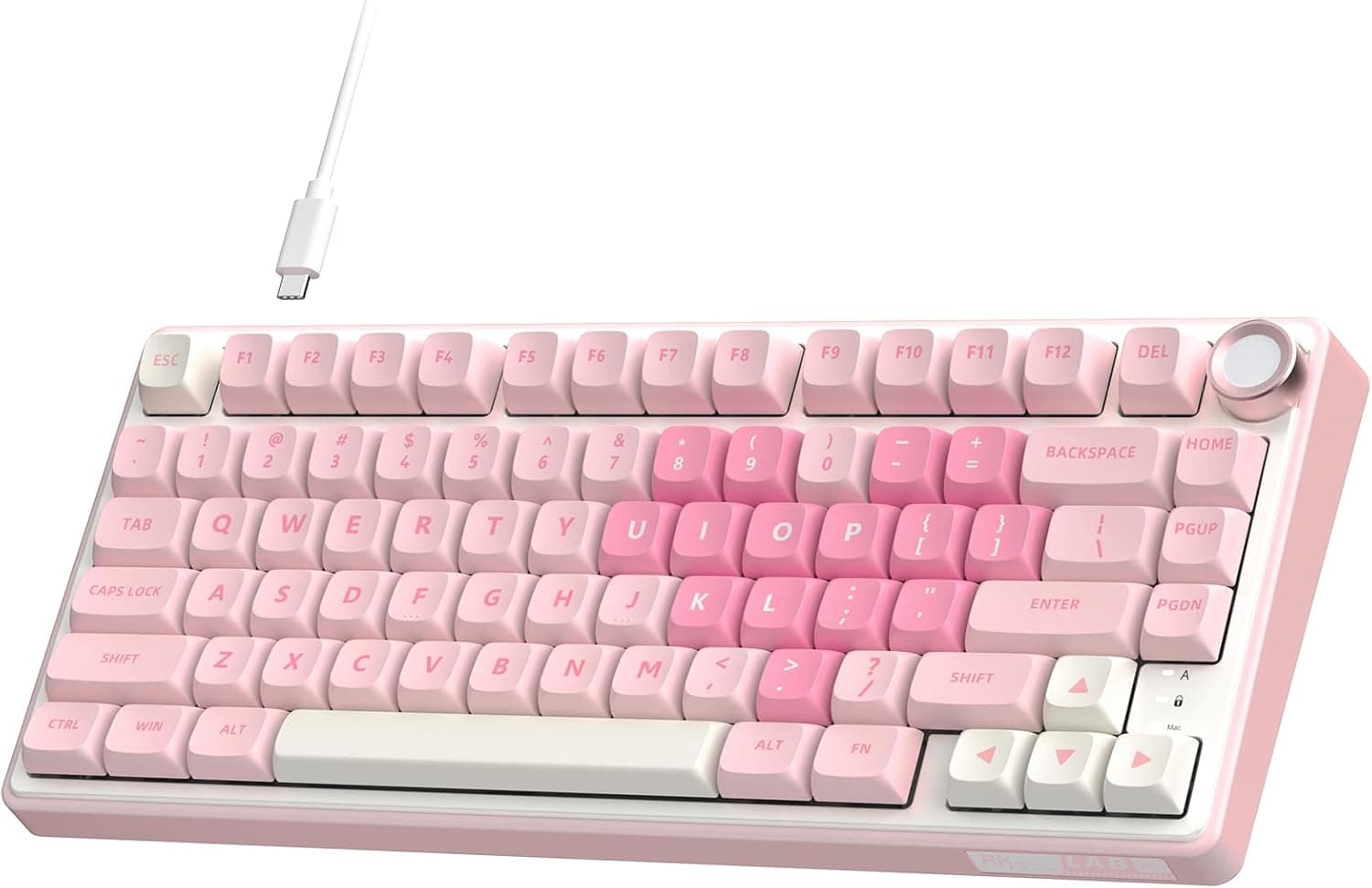
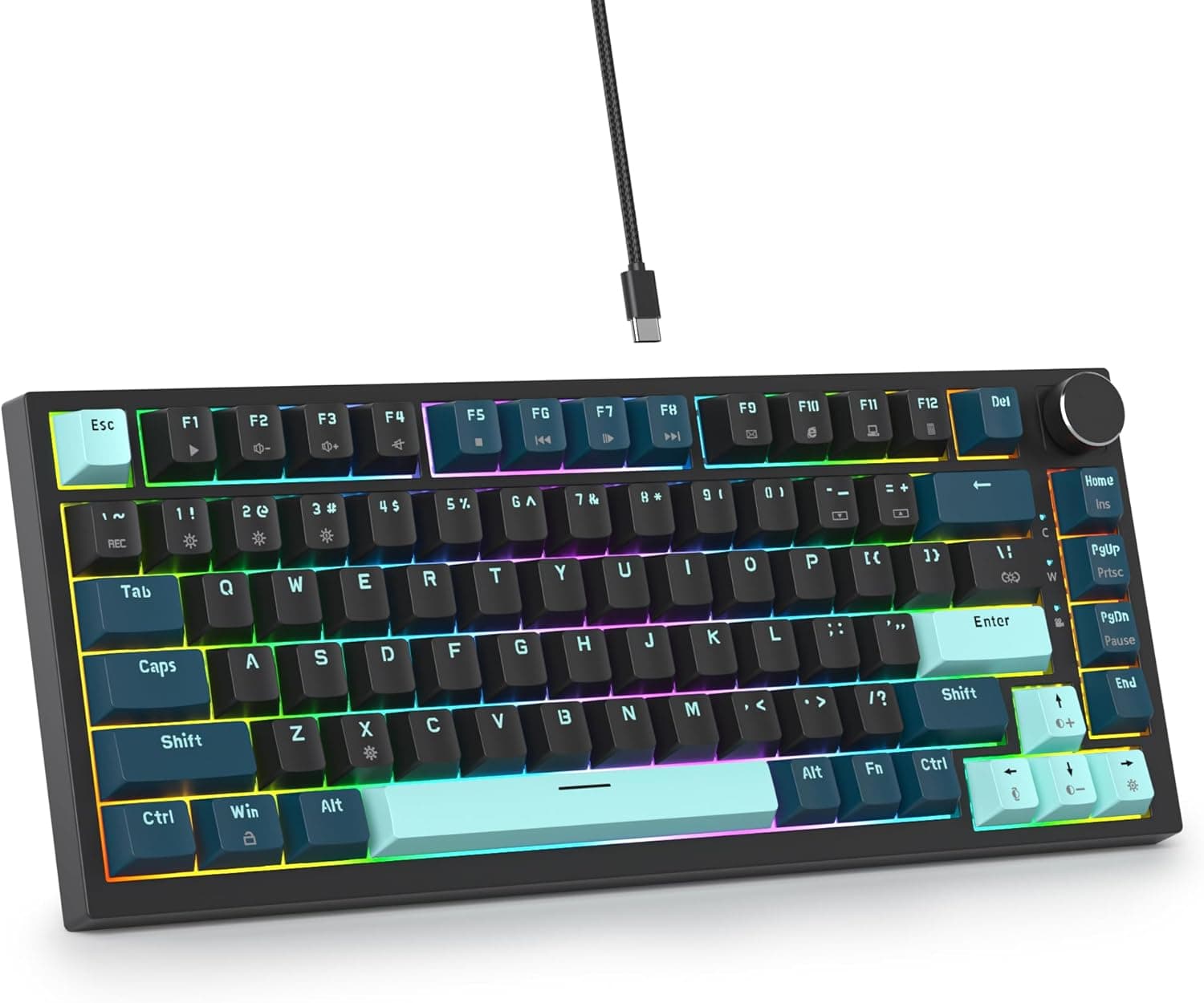
Keycaps are double-shot PBT in the OSA profile, and the backlight is north-facing RGB.
Compatibility Guide
Three connections are available: wired USB-C, Bluetooth 5.0, and 2.4GHz wireless.
It works with Windows, macOS, Linux, iOS, and Android. Bluetooth lets you pair several devices (three on typical Keychron models) and switch between them, but polling on that path falls to roughly 125Hz, so pick wired or 2.4GHz for gaming.
If you want 8000Hz to hold steady, cabling matters. Plug wired into a motherboard port rather than a hub, KVM, or a monitor USB port, where the rate may not behave as expected.
For the 2.4GHz dongle, an extension cable that brings it onto the desk usually beats a rear-panel port.
There is a load cost too. 8000Hz talks to the PC eight times as often as 1000Hz, which raises USB controller and CPU load.
On systems with little headroom this can make frame times worse, not better, so compare 1000Hz and 4000Hz before settling on a daily setting.
Physically, the 75% layout keeps the function row and packs a navigation column on the right edge, so it is narrower than a TKL. The weight is about 1.7kg: excellent stability on a desk, but awkward to slide under a monitor arm and not a board you carry.
Because the layout is US ANSI, Japanese users need to set the OS input source accordingly. Switching between English and Japanese input is usually mapped to Alt+` or Ctrl+Space, and QMK can redefine the keys themselves. The printed legends stay English, so if you need JIS legends, this is not your board.
Keycaps and switches are part of compatibility as well. Switches are MX-compatible and hot-swappable.
Because the LEDs are north-facing (above the switch), some keycap profiles such as Cherry can interfere and sit high or bind. The stock OSA profile, or taller-clearance shapes like SA and XDA, are safer.
How Far 8000Hz Polling Actually Goes
The math keeps expectations honest. 1000Hz reports once per millisecond; 8000Hz reports once per 0.125ms.
The most you can shave is just under 1ms, which is smaller than a single frame on a 240Hz monitor (about 4.17ms).
Network and in-game processing latency sit on top of that, so do not expect a transformed feel just from raising the rate.
What it does help with is missed inputs and the jitter that comes from polling intervals. In competitive titles where rapid taps and fast direction changes decide trades, consistency matters more than average latency.
For writing and programming you will not feel a difference at all.
Practically: use 8000Hz when your system allows it, and drop it without hesitation if CPU load or battery life bothers you. The value of this board is not the number alone but the combination of case, mount, QMK, and hot-swap sockets.
Typing Feel and Modding
A CNC aluminum case with a double gasket mount is designed to route vibration into the case while softening the impact against the PCB. Metal cases are stiff but can ring when the interior is hollow, which is why gaskets and foam matter; extra gasket spacers are included here.
Fit firmer spacers for a solid bottom-out, or softer ones for more give.
The stock Silk POM switches are tactile, so this board is not quiet. If you work in a shared space or spend the day on calls, budget for silent tactile or silent linear switches from the start.
Hot-swap sockets mean you only need the included puller.
QMK is a practical advantage as well. Layers that bring function keys and navigation under your fingers, or one-shot modifiers, are stored on the board itself with no background app.
Keychron Launcher runs in the browser, but it needs a browser with serial support (Chrome family).
Product Info
Key specifications:
| Item | Value |
|---|---|
| Layout | 75% |
| Polling rate | 8000Hz (wired/2.4GHz), 125Hz (Bluetooth) |
| Connectivity | USB-C, Bluetooth 5.0, 2.4GHz |
| Switches | Keychron Silk POM (tactile, hot-swappable) |
| Keycaps | OSA double-shot PBT |
| Backlight | North-facing RGB |
| Case | CNC aluminum |
| Mount | Double gasket |
| Key layout | US ANSI (QWERTY) |
| Weight | About 1.7kg |
co.jp as captured on 2026-09-15.
Street prices move with sales and exchange rates, so check the product page before ordering. In the box: USB-C cable, keycap puller, switch puller, and spare gasket spacers.
Check the retailer's page for the latest user reviews. Twenty is a small sample where a handful of posts move the average, so read what individual reviews are about (typing noise, software, shipping) rather than leaning on the star figure.
How It Compares
Within Keychron, the 96% V5 8K is the other 8000Hz option. The V series sits at a more accessible price point than the Q series, and it is the pick if you want to keep a number pad.
Case material and mounting differ across series, so confirm the specifics on each product page.
For competitive shooters, magnetic (Hall effect) keyboards are a different axis entirely: adjustable actuation points and rapid trigger, where the input releases the moment the key rises. The Keychron Q1 Ultra 8K uses mechanical switches and has none of that; it competes on typing feel and switch freedom instead.
Compared with a barebones kit (switches and keycaps sold separately), this arrives complete and is usable on day one, while hot-swap sockets still let you tune it later. It sits deliberately in the middle.
Best Use Cases
- Competitive FPS and rhythm game players: run it wired or over 2.4GHz to use 8000Hz and reduce input jitter, without expecting a night-and-day change.
- Keyboard modders: CNC aluminum case, double gasket mount, hot-swap sockets, and QMK give you plenty to tune with switches and spacers.
- Programmers and writers on US layout: the 75% form keeps symbols and the function row while freeing desk width for the mouse, and QMK layers pay off daily.
- People buying one board for years: double-shot PBT legends do not wear off, and worn switches can simply be replaced.
Before You Buy
Start with who should skip it. If your main mode is Bluetooth across a laptop and tablet, the headline 8000Hz feature is unavailable (Bluetooth is around 125Hz), and the same budget spent on typing feel or layout will satisfy you more.
Anyone planning to carry a keyboard should also stop at the 1.7kg weight.
The layout is a real commitment. US ANSI means no JIS legends and no dedicated conversion keys, so typists used to a Japanese layout will need time to adapt.
QMK can change what keys do, but not what is printed on them.
Running 8000Hz has side effects as well. Eight times the report rate is load on the PC, and over 2.4GHz it pushes battery drain up.
Rated battery life is not included in the data this article was given, so wireless-first buyers should check the product page. A sensible compromise is 1000Hz for daily use and a higher rate only for matches.
Noise is often underestimated. Aluminum and gaskets shape the sound; they do not silence it.
The stock tactile switches are audible, so plan for silent switches if you type at night or spend the day on calls.
Amazon listings sometimes carry errors in manufacturer, model, or seller fields, so confirm via the product images, title, and ASIN (B0G4MF4253) that you are buying the Keychron Q1 Ultra 8K itself, and check the seller if you want domestic warranty coverage.
FAQ
Q. Can I get 8000Hz over Bluetooth? A.
No. 8000Hz is available only wired (USB-C) or over 2.4GHz; Bluetooth is limited to roughly 125Hz.
Use wired or 2.4GHz for gaming.
Q. Does 8000Hz really make me faster? A.
The gap versus 1000Hz is under 1ms in theory, smaller than one frame on a 240Hz monitor (about 4.17ms).
Treat it as jitter reduction, not a transformation.
Q. Is there a Japanese (JIS) layout?
A. This model is US ANSI. QMK can remap key functions, but the printed legends remain English.
Q. Can I swap switches and keycaps? A.
Yes, the sockets are hot-swap and accept MX-compatible switches with no soldering. Because the LEDs are north-facing, some keycap profiles such as Cherry may interfere; the stock profile is OSA.
Q. Do I need to install software? A.
No resident app is required: Keychron Launcher runs in the browser, though it needs one with serial support (Chrome family). Settings are stored on the keyboard because it runs QMK.
Product Disclosure (Amazon)
- Manufacturer: Keychron
- Seller: Keychron Japan
- Fulfilled by: Amazon
- ASIN: B0G4MF4253
- Note: This article covers a manufacturer-made product based on Amazon listing details.