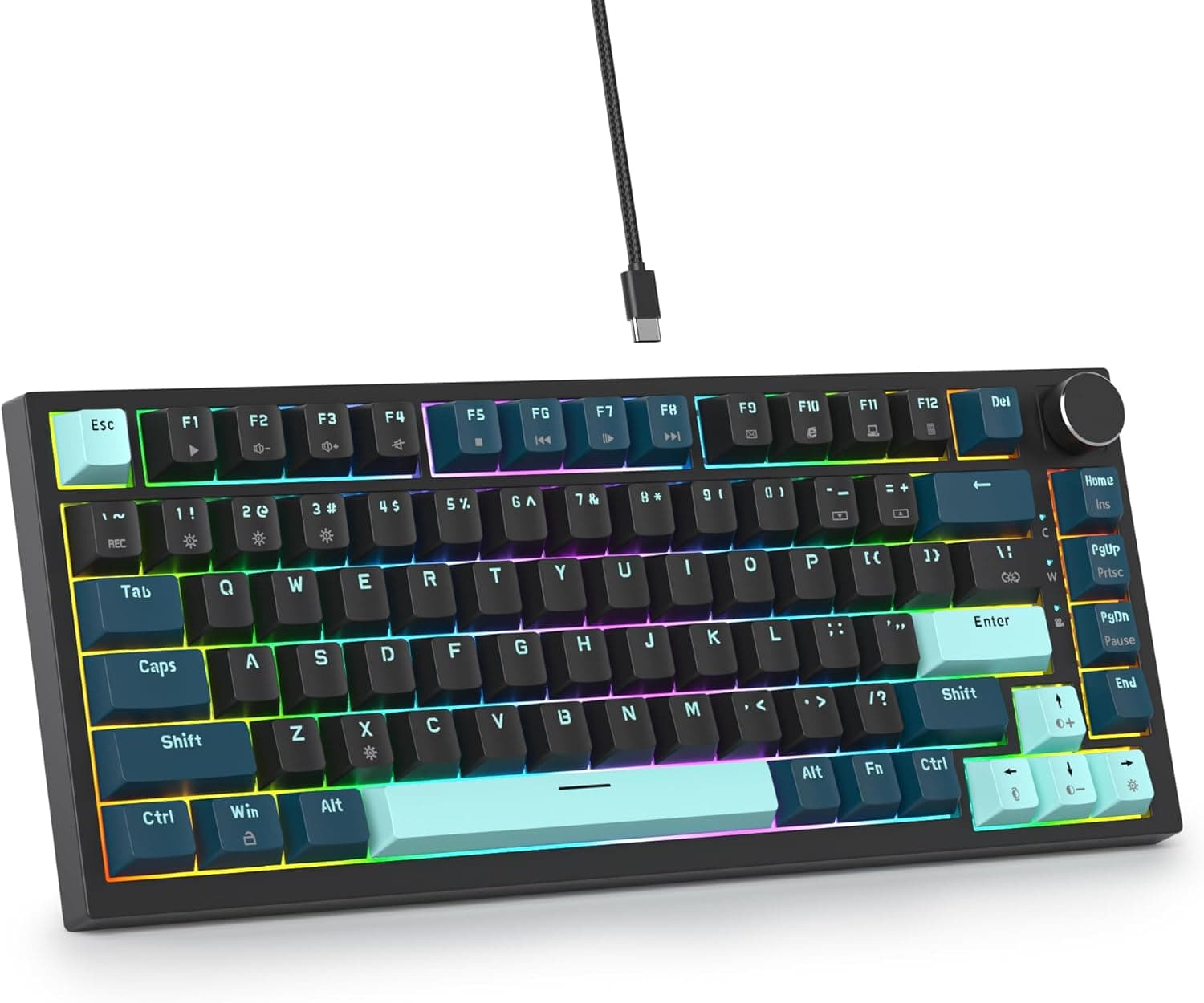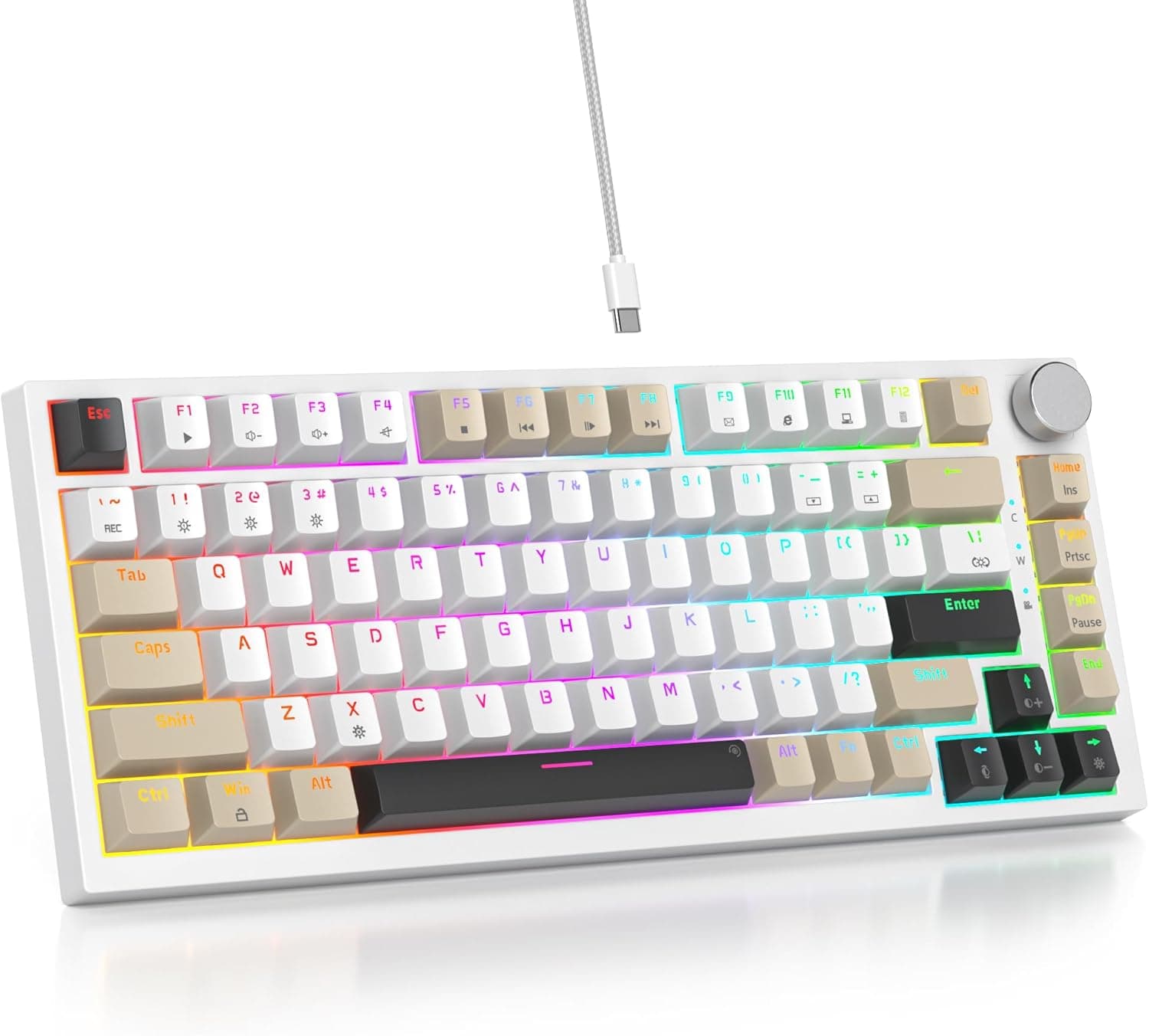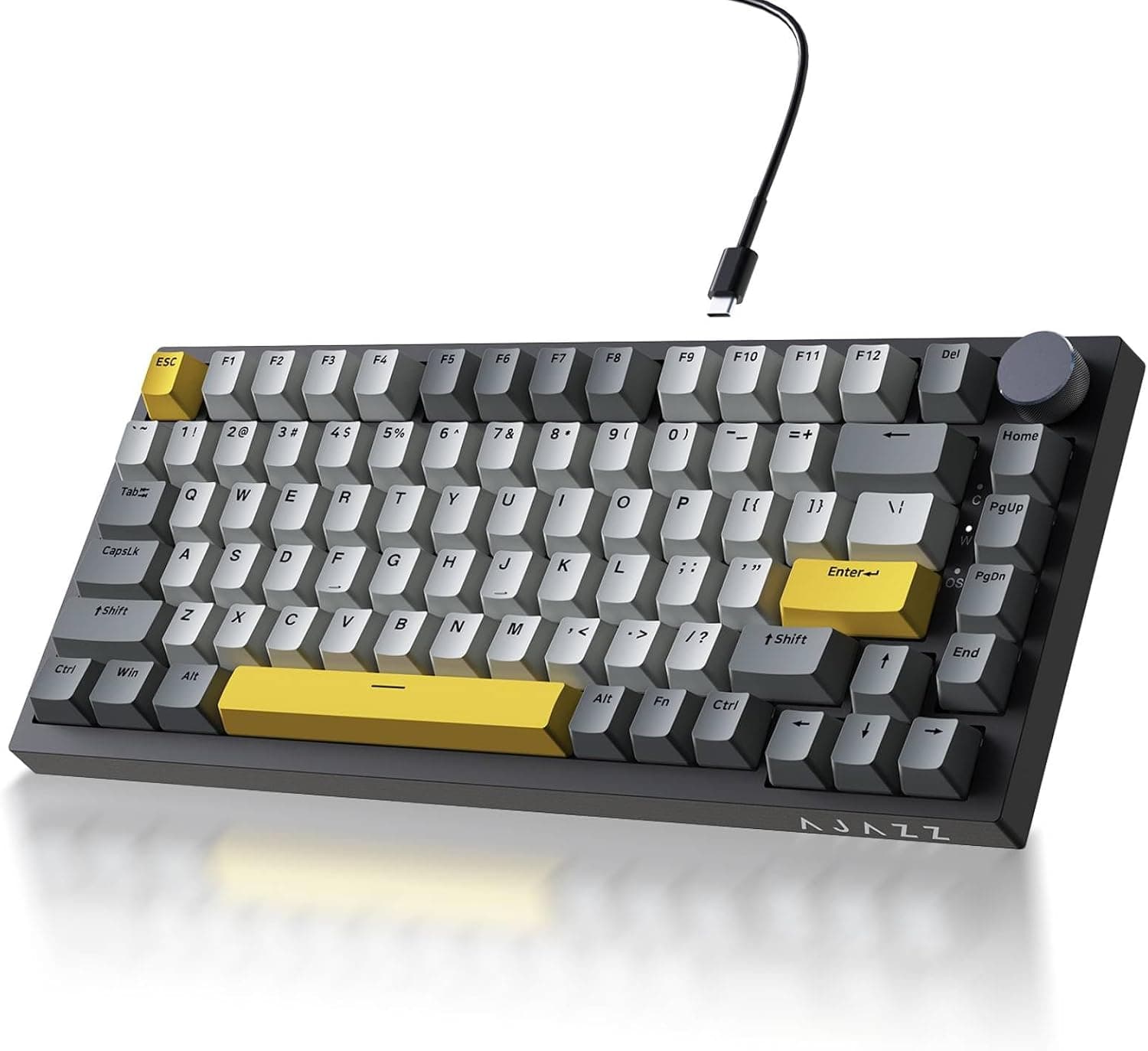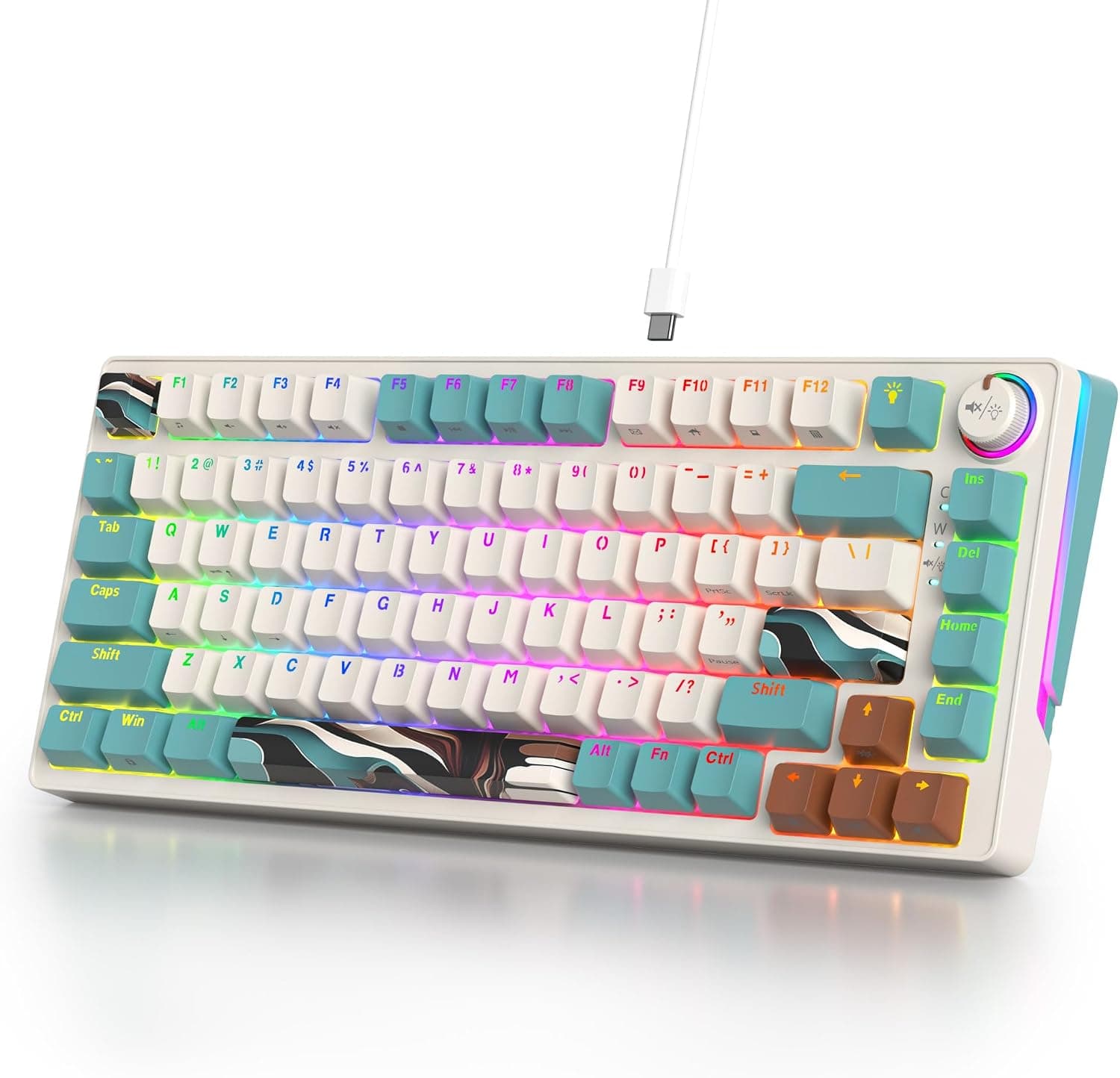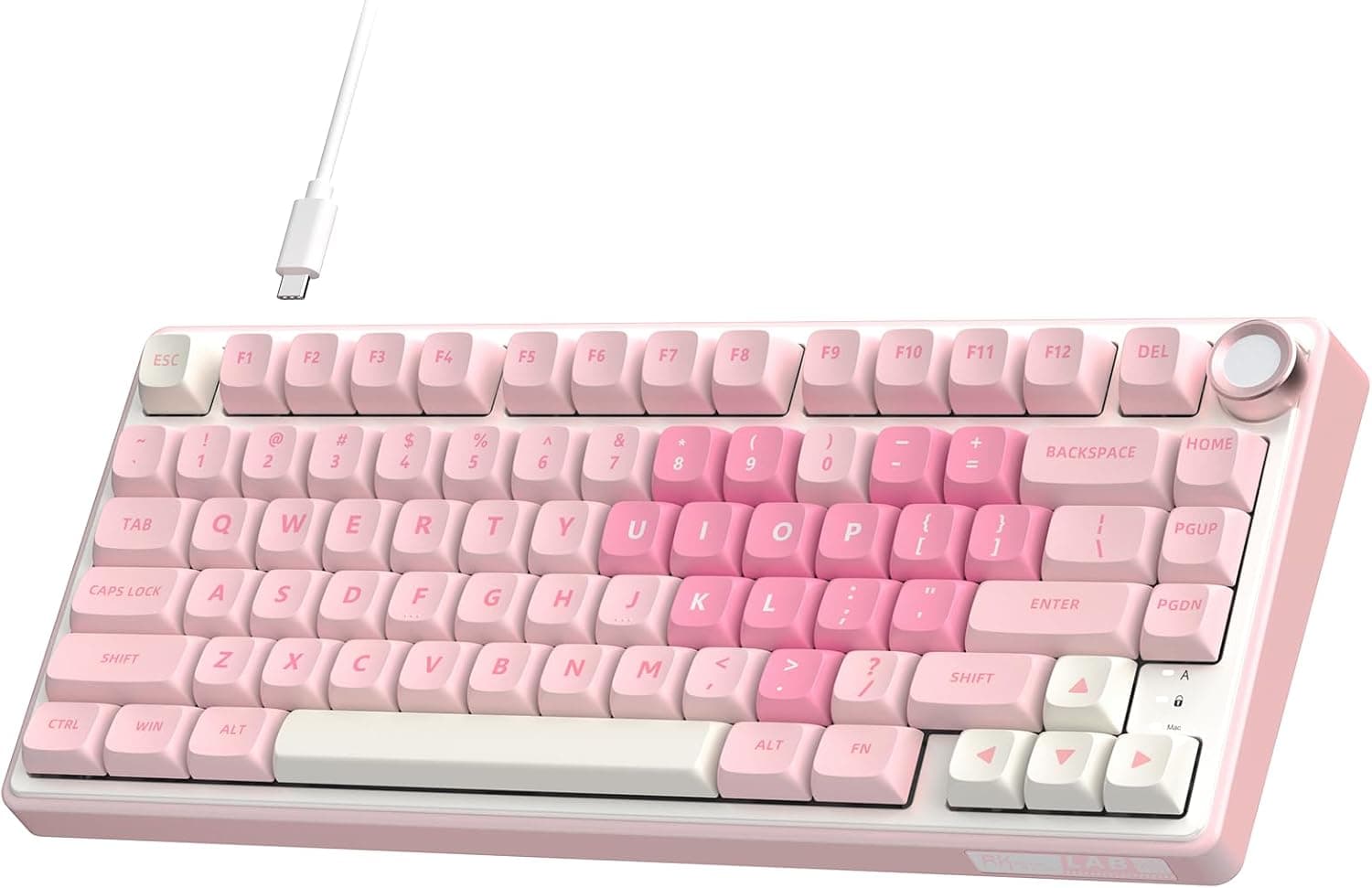
The RK ROYAL KLUDGE R75 packs the three pillars of custom keyboards — a 75% layout, a gasket mount, and hot-swap sockets — into a mass-produced wired board. This article digs into where it actually fits, and what you have to accept in return.
Overview
The R75 is a wired mechanical keyboard using an 82-key, 75% layout. It keeps the function row and dedicated arrow keys while dropping the numpad and navigation cluster, landing at 323 x 142 x 42 mm.
That is more than 100 mm narrower than a typical full-size board, which translates directly into mouse-swing room on the desk.
In character, it is aimed squarely at first-time custom-keyboard buyers. Linear cream switches, MDA-profile PBT keycaps, 18-mode RGB lighting, and a volume knob in the top right mean it arrives complete, with no extra spend required.
On Amazon.co.Check the retailer's page for the latest user reviews.
There are two clear compromises: no wireless, and a cable that is attached to the body. How you weigh those two decides whether this board is right for you.
Typing Feel and Sound
A gasket mount sandwiches soft material between the plate assembly and the case, letting the plate float. Compared with tray or top mounts, bottom-out is less sharp and the feedback reaching your fingertips is softer.
The R75 adds multiple layers of dampening foam, targeting the "creamy" sound signature — suppressed high-frequency ring, with a lower, fuller thock dominating.
The switches are linear, so there is no tactile bump or click anywhere in the travel. If you are coming from tactiles or clickies, the bottom-out point can feel hard to judge for the first few days.
If you are switching away from a loud blue-switch board because family or coworkers complained, this is a natural landing spot.
The MDA keycap profile sits taller than Cherry but shorter than SA, with deep, near-spherical dishes. Your fingers settle into the center easily, but the extra height angles your wrists more if you type without a palm rest.
PBT plastic resists the greasy shine that ABS develops over months of use.
Connectivity & Compatibility
Connection is USB-A wired only. It enumerates as a standard USB HID device, so Windows, macOS, and Linux all work without drivers.
If your laptop only has USB-C ports, you will need an adapter or hub. Because it is wired-only, it will not pair with tablets or phones that expect Bluetooth.
Switch compatibility is generous. The PCB accepts both 3-pin and 5-pin MX-style switches in hot-swap sockets, so you can change switches without soldering — linear, tactile, or clicky, with whatever spring weight you prefer.
Support for 5-pin switches also means the plastic legs are less likely to bend during installation, which is friendlier for beginners.
Keycap compatibility needs more care. Even among ANSI-based 75% boards, the widths of the right Shift, bottom-row modifiers, and keys around the arrows vary by model.
When buying a generic keycap set, confirm it includes a 1.75u right Shift and 1u bottom-row keys.
Sets built for Japanese layouts generally will not fit.
On placement, measure before you buy: 142 mm deep and 42 mm tall matters if you use a keyboard tray or a tight gap under a monitor arm. Because MDA caps are tall, plan your height budget assuming a palm rest will sit in front of the board.
Product Info
Check the retailer's page for the latest price. Keyboard prices move frequently with sales and stock, so check the product page for the current figure before buying.
That price sits mid-to-upper among mass-market gaming boards, but is reasonable for a board that ships with a gasket mount, hot-swap sockets, and PBT caps already included. Assembling an equivalent spec from separate case, PCB, plate, switches, and keycaps usually costs more in total.
Key specifications: 75% layout with 82 keys, linear cream switches, MDA-profile PBT keycaps, 18-mode RGB backlighting, USB-A wired connection, and dimensions of 323 x 142 x 42 mm.
On reception, Amazon.co.
With a sample that large, the negative reviews are worth ten minutes of your time: they cluster around specific themes (cable handling, stabilizer rattle, LED uniformity) and are the fastest way to calibrate expectations.
Warranty terms depend on the seller. Amazon's return policy applies to marketplace purchases, but the manufacturer warranty period and contact point are whatever the seller's page states.
Hot-swap sockets are a wear part, so the warranty terms are worth reading first.
Comparison With Alternatives
The usual cross-shopping target is a tri-mode (wired / 2.4 GHz / Bluetooth) 75% board.
Wireless clearly wins on flexibility, but battery and radio hardware eat into the budget, so at the same price something in the acoustics stack — foam layers, gasket quality, keycap material — usually gets thinner. By committing to wired, the R75 spends a larger share of its price on structure and materials.
Against 60% optical boards, the direction differs sharply. A 60% pushes arrows and the function row onto layers, which adds keystrokes for spreadsheet and video-editing work.
The 75% is the compromise that keeps both as physical keys — the right pick if you want a small board but refuse to give up F-keys.
If you are custom-curious, using this as a base and swapping only switches and keycaps later is the most cost-efficient path. The MX-compatible, hot-swap foundation means you replace only the parts you dislike.
Best Use Cases
Soft gasket-mounted feedback and a muted sound signature are available the moment you open the box, with no build required.
Second, anyone styling a coordinated desk. The pink chassis and MDA PBT caps color-match easily with mice, mousepads, and desk mats, and PBT keeps its finish over years of use.
Third, people who want a quieter linear. Moving from a clicky board is an audible, obvious improvement when you share a room or an office — though this is quiet, not silent.
Fourth, aspiring switch collectors. Hot-swap sockets let you reshape the typing feel with different linears or tactiles without ever replacing the board itself.
Things to Check Before Buying
The attached cable is the biggest compromise. It uses USB-C internally but cannot be swapped from the outside; replacing it requires disassembly.
A broken cable effectively ends the board's life. If you carry it in a bag, or tug cables under your desk, that single point is reason enough to look at another model.
For a stationary desk setup, it rarely matters.
There is no wireless mode. You cannot pair it with an iPad or phone, and you cannot switch between devices.
If reducing desk cables is your goal, buy a tri-mode board instead.
A 75% layout takes adjustment. Delete, Home/End, and PageUp/Down sit differently than on a full-size board, and keys like Insert and Print Screen typically move onto a layer.
If your job involves heavy numeric entry, the missing numpad can be a dealbreaker — buying this without prior TKL experience is not advisable. An external numpad works, but at that point a full-size board is the more honest answer.
MDA caps are tall, so moving from a flat low-profile keyboard changes your wrist angle. Budget for a palm rest alongside the keyboard.
Check widths before buying keycaps. As noted, right Shift and bottom-row widths vary.
A set labeled "for mechanical keyboards" that only includes a 2.25u right Shift will not fit.
Listing data can disagree with itself. In the data behind this article, an entry presented as an overseas price actually pointed at the Japanese product page in yen — currency and region did not match.
Prices, sellers, and warranty terms drift between captures, so verify them yourself. Amazon listing metadata (manufacturer, model number, ASIN) is also occasionally wrong for a given product; confirm the images and title match the item you intend to buy.
FAQ
Q. Is this a Japanese (JIS) layout? A.
No — it is an ANSI-based 75% layout. If you are used to JIS, the conversion keys are absent and several symbol positions differ, and you will need to set the OS to a US layout.
Q. How far can I take switch swaps? A.
The PCB is hot-swap and accepts both 3-pin and 5-pin MX-style switches with no soldering. Any standard MX-compatible linear, tactile, or clicky will fit.
Optical and proprietary switches will not.
Q. Is it genuinely quiet? A.
Compared with a clicky board, clearly yes, and the tone is lower rather than pingy. But these are not silent switches.
For true near-silence, plan on swapping in silent linears.
Q. Is it fine for gaming? A.
Wired connection means no wireless latency penalty, and linears suit rapid repeated presses. However, the spec sheet does not state N-key rollover support, so if you play fighting or rhythm games with many simultaneous inputs, confirm the rollover spec on the product page.
Q. What does it cost? A.
As captured on September 1, 2026, ¥17,738 on Amazon JP. Keyboards discount heavily and often, so treat that as a reference point and check the page at purchase time.
Product Disclosure (Amazon)
- Manufacturer: RK ROYAL KLUDGE
- Seller: エルセレクト
- Fulfilled by: エルセレクト
- ASIN: B0F2FCRLLS
- Note: This article covers a manufacturer-made product based on Amazon listing details.