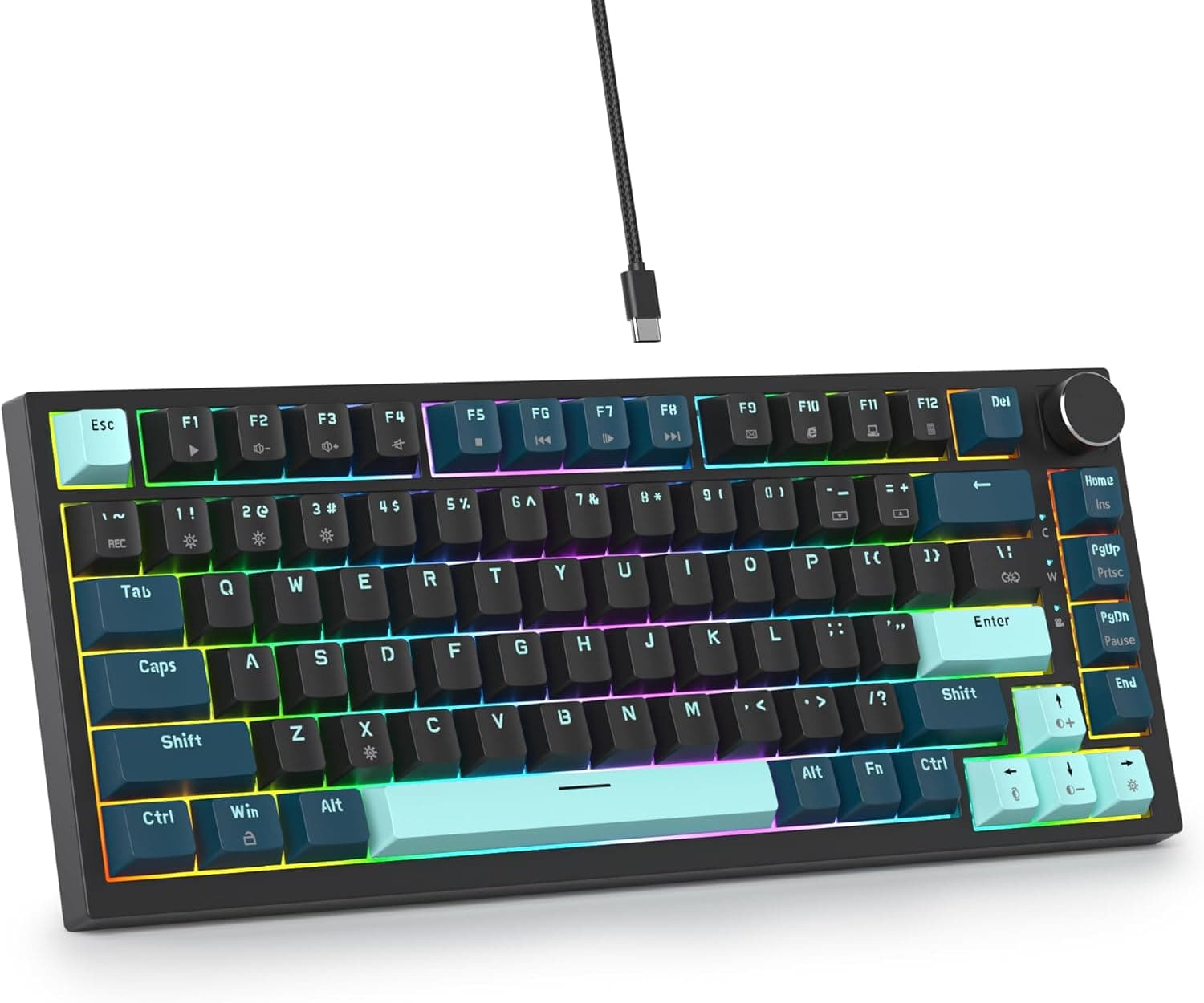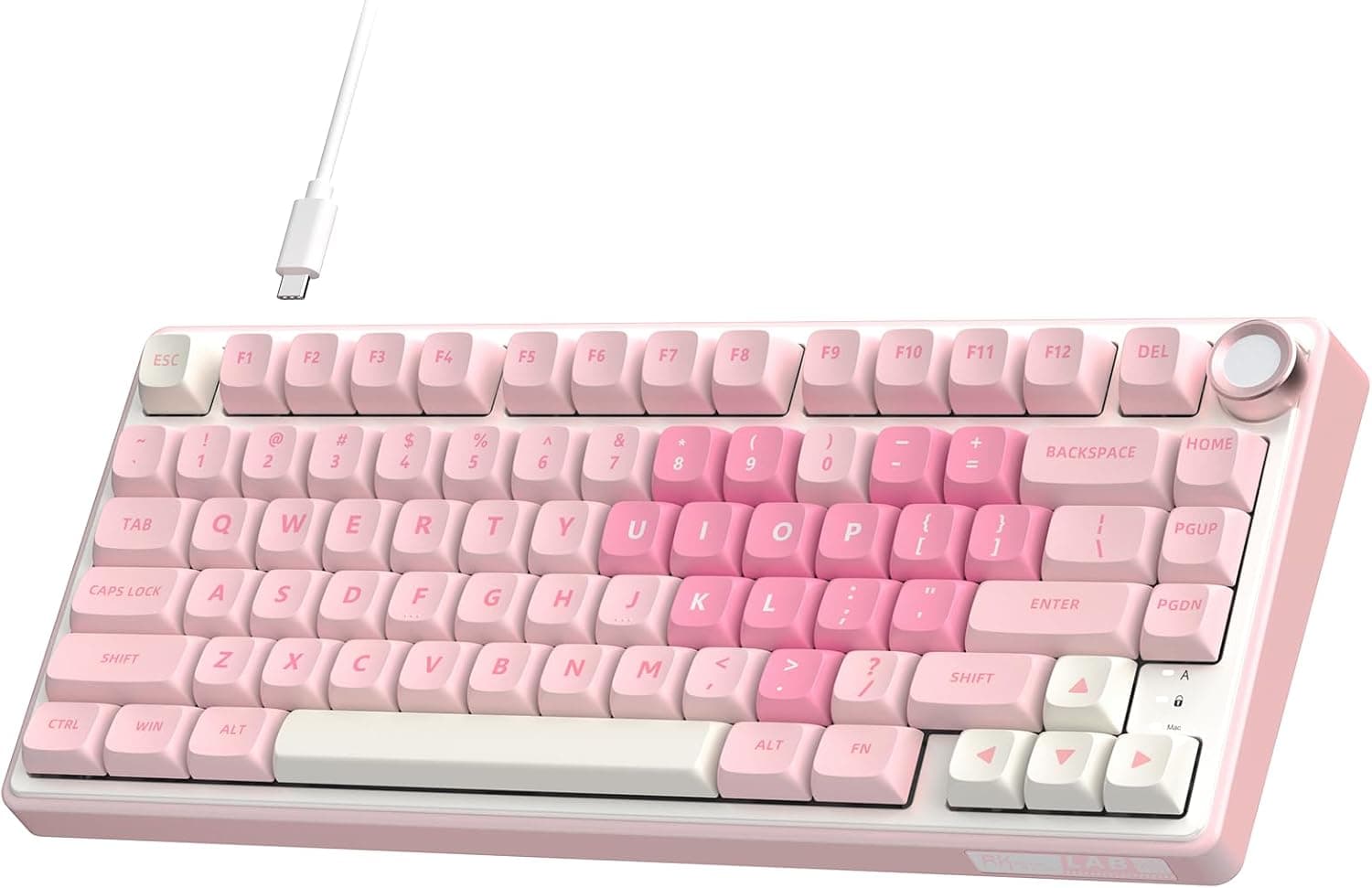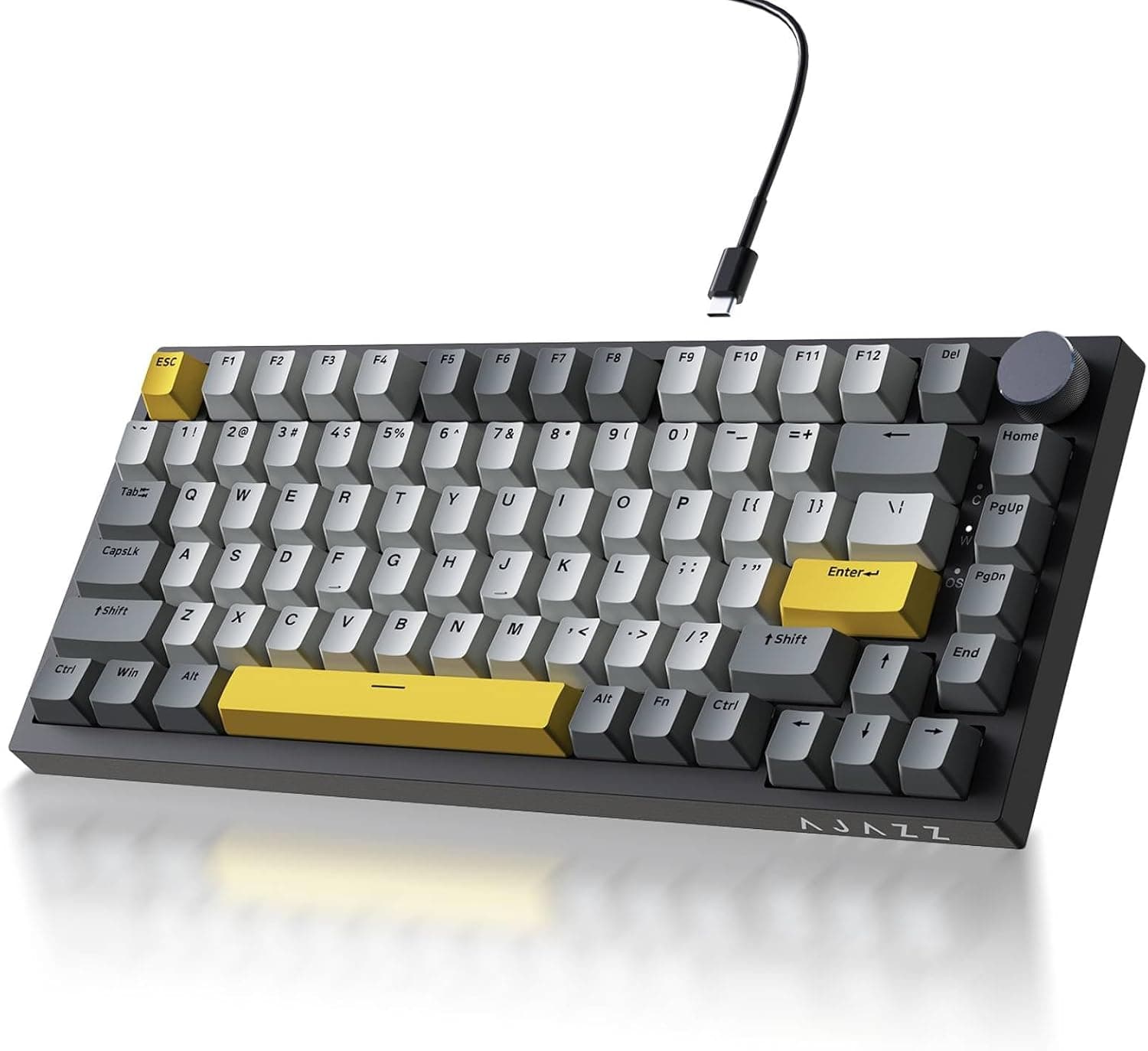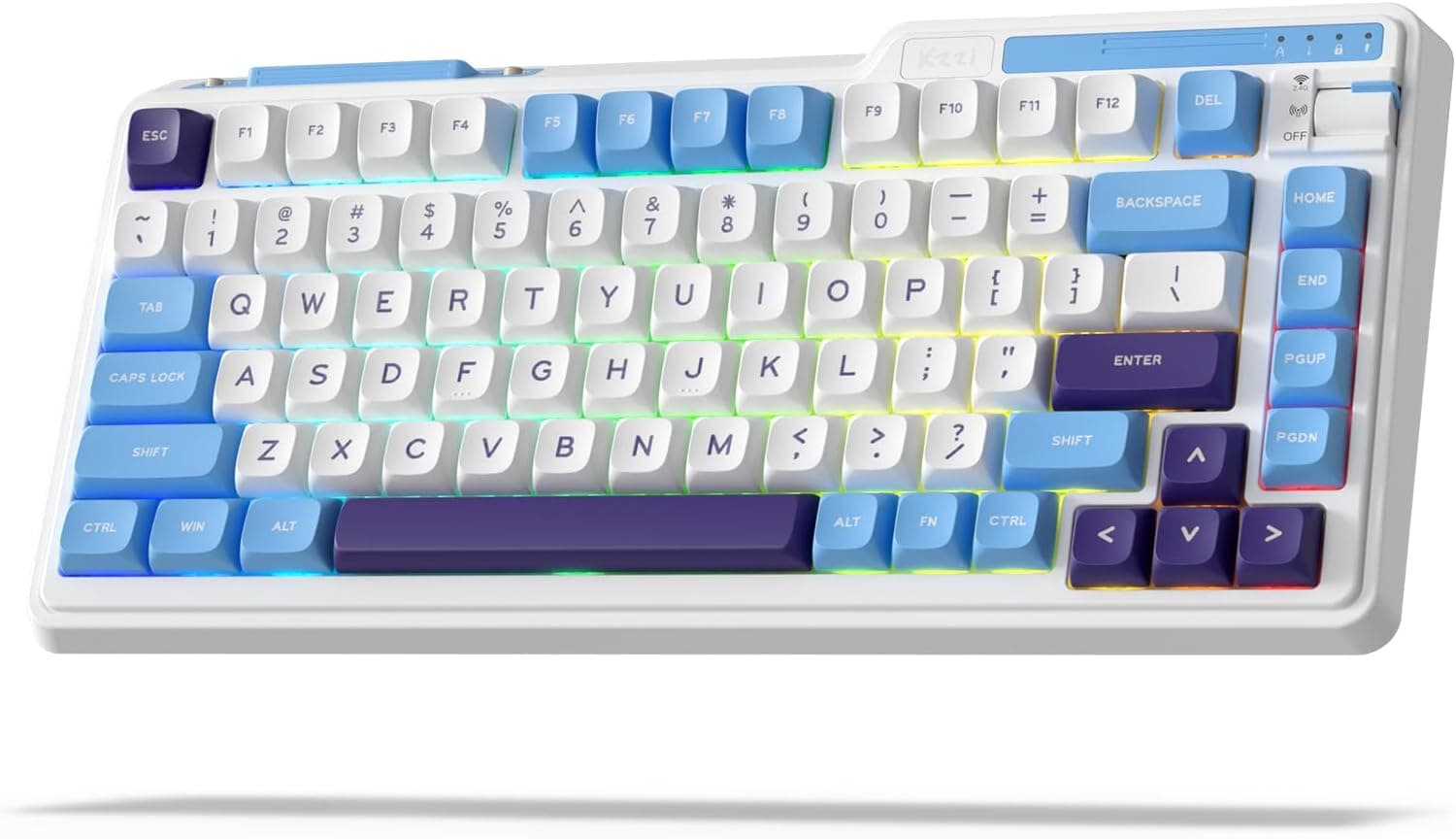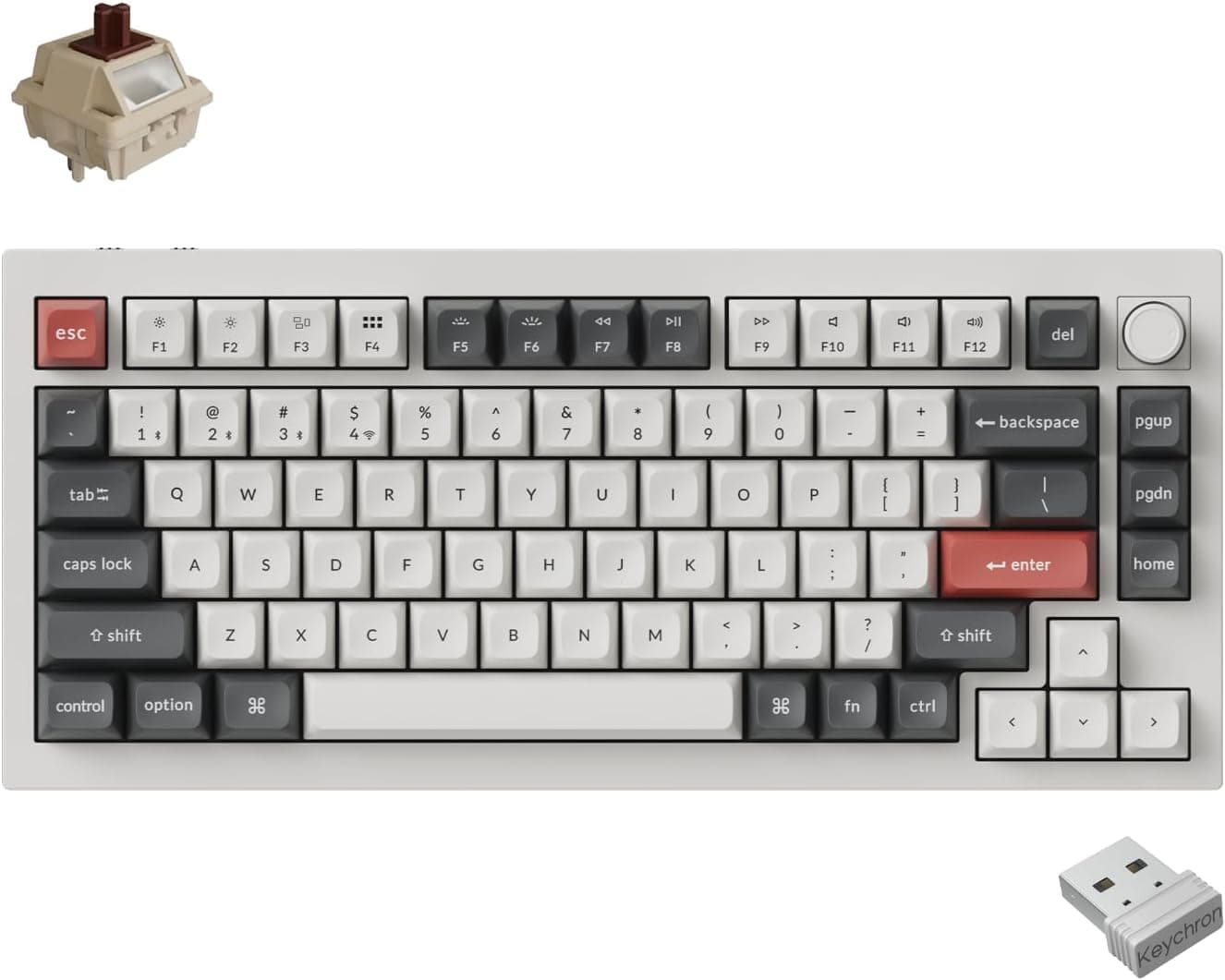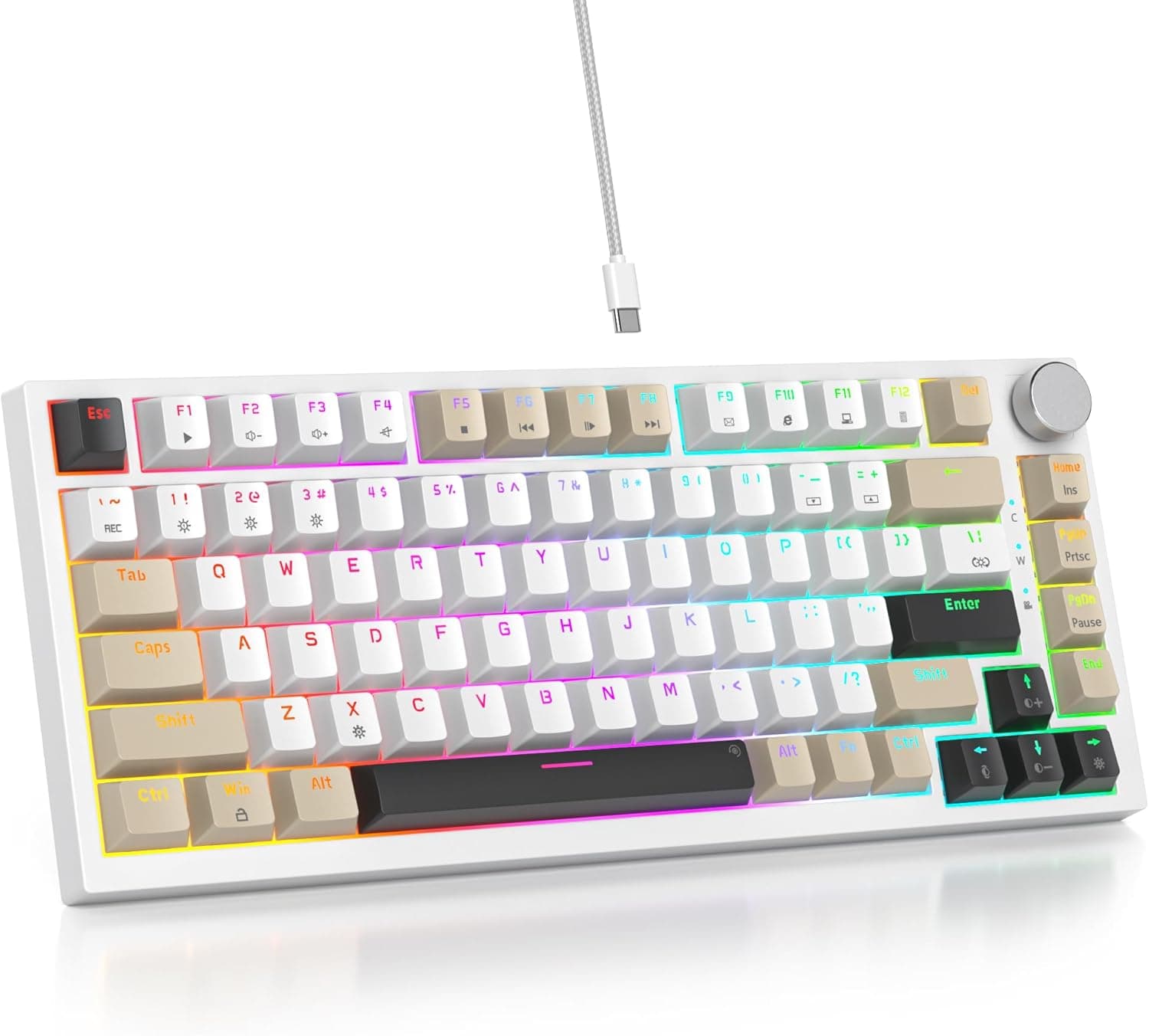
This article covers the SbocKeeb 75%キーボードガスケットマウント 吸音パッド付き 82キー コンパクト 有線 RGB メカニカル ゲーミングキーボード ホットスワップソケット Win用 グレー ブラック ホワイト, sold as the SbocKeeb V400. It packs gasket mount, hot-swap sockets and PBT keycaps into an entry-level price bracket.
Overview
The short verdict: the V400 is best for someone buying their first mechanical keyboard and wanting to try swapping switches. It is a poor fit for anyone who needs QMK/VIA firmware control or wireless connectivity.
Specs are an 82-key 75% layout, fixed USB-A wired connection, 3-pin/5-pin MX-compatible hot-swap sockets, PBT keycaps, gasket mount with built-in sound-dampening foam, full-key anti-ghosting, RGB backlight, and a rotary volume knob. Windows is the listed OS.
On the Amazon.co.Check the retailer's page for the latest price.
Treat every figure here as a snapshot and check the product page for the current price.
Check the retailer's page for the latest user reviews.
Quick Verdict by Use Case
| Use case | Verdict | Why |
|---|---|---|
| FPS / MOBA gaming | Great | Wired latency, full-key anti-ghosting, compact 82-key footprint |
| Long-form typing | Great | Gasket mount plus foam softens bottom-out; PBT resists shine |
| Trying different switches | Great | 3-pin/5-pin MX hot-swap, keycap and switch pullers included |
| Heavy numeric entry | Mixed | No numpad; you will need a separate number pad |
| Mac / Linux as primary OS | Mixed | Types fine as a standard USB device, but the RGB/macro software is Windows-only |
| Deep keymap customization | No | No stated QMK/VIA support |
| Wireless / multi-device | No | Fixed USB-A cable, wired only |
The table is a mechanical read of the spec sheet. Real satisfaction depends on what you can live without, so read the caveats below before deciding.
What 82 Keys Actually Means
A 75% layout compresses the editing cluster of a tenkeyless board into a single right-hand column while keeping the full F1–F12 row. That is where 82 keys comes from.
Unlike a 60% board, F2 in Excel, F5 in a browser and in-game F-key binds all remain directly pressable.
Coming from a full-size board, the real adjustment is not the missing numpad but the tightened right edge: Delete and PageUp sit adjacent to the arrow cluster, so mispresses are common for the first few days. Expect about a week of retraining.
Gasket Mount and Foam: What They Change
A gasket mount suspends the plate and PCB on compliant material instead of screwing them hard to the case. Bottom-out impact reaches your fingers softened, and the metallic ring in the sound signature drops.
The internal foam fills case cavities and kills the hollow echo.
Having both at this price is the V400's core value — a few years ago that construction meant a DIY kit or a much pricier prebuilt. It is a close approximation, not a match: aluminium cases and precision stabilisers still sound and feel more uniform.
Larger keys like the spacebar and Enter can rattle a little, which lubing or a band-aid mod will improve.
The pre-installed switches are linear reds — smooth travel, no tactile bump, well suited to gaming but less forgiving of typos. If you prefer tactile or clicky feel, treat swapping as part of the plan.
Compatibility Guide
OS. Windows is the listed OS, and the bundled software for RGB, macros and key remapping runs on Windows only.
Mac and Linux recognise the board as a standard USB keyboard with no driver, but customization features are unavailable. On macOS you will want to swap the modifier keys in system settings, since the layout is Windows-oriented.
Port. The cable is fixed USB-A.
Thin laptops with USB-C only need an adapter or hub, and because the cable cannot be detached, a frayed cable means a repair or replacement rather than a new cord.
Switches. 3-pin (plate-mount) and 5-pin (PCB-mount) MX-compatible switches fit.
Low-profile, Kailh Choc, optical and magnetic Hall-effect switches do not — different housings and different sensing. If rapid trigger is what you are after, this is the wrong category of board.
Keycaps. MX cross-stem sets fit physically, but 75% boards often use a 1.75u right Shift and non-standard bottom-row widths, so parts of a full-size set may be unusable.
Choose sets that explicitly state 65%/75% compatibility, and measure your keys if unsure.
Desk space. An 82-key 75% board is roughly a third narrower than a full-size layout, which directly becomes mouse room for low-sensitivity FPS players.
The rotary knob protrudes at the top right, so check clearance if you use a tight keyboard tray.
Product Info
The SbocKeeb V400 sells mainly through Amazon.co.jp in three colours: gray, black and white.
One note on our data: the international pricing entry is labelled "Amazon US" but actually points at the Amazon.co.jp yen price, so do not read it as an overseas figure.
The eBay entry is a search link only, with no confirmed sale price. All prices are capture-time snapshots and move during sales.
The pattern behind such a score in this bracket is usually "great feel for the money," with complaints clustering around software polish and unit-to-unit variance.
In the box: the keyboard, the fixed USB cable, a keycap puller and a switch puller. No spare keycaps or switches.
Compared With Alternatives
The obvious cross-shop is a QMK/VIA-capable 75% board such as the Keychron V1 (wired, knob versions available). If you want to redesign layers in a browser-based configurator, that capability is worth the price gap — the V400's customization stops at what its bundled software exposes.
If you need wireless, tri-mode boards like the ZORNHER ZH870 or the EPOMAKER X Aula EA75 MAX are the comparison. If you would rather build from a barebones kit, something like the GLORIOUS GMMK 2 fits better.
The V400 sits deliberately in the middle: usable out of the box, open enough to re-switch later.
Best Use Cases
- First-time mechanical buyers. The jump in feel from a membrane or cheap mechanical board is large, and the included tools mean no extra purchase before your first switch swap.
- People curious about switches. Try tactiles, clickies and silent linears a few at a time with no soldering iron involved.
- Gamers who want desk room. Several centimetres of extra mouse space, with no battery to monitor.
- Home-office users wanting quieter typing. The foam cuts hollow resonance; silent linears take it further.
- Enthusiasts wanting a second board. A cheap platform for mods and layout experiments without risking your main keyboard.
Before You Buy
The cable is fixed. This is the biggest long-term risk.
A detachable USB-C board survives a bad cable; this one does not. Avoid sharp bends at the strain relief and daily transport.
No stated QMK/VIA support. Remapping happens inside the bundled software.
If you expected layer design or firmware flashing, you will be disappointed — buy a board that advertises it instead.
Windows-only software. On Mac or Linux you get typing but no RGB or macro control.
Budget-bracket utilities also tend to have rough translations and unusual UI; keep expectations modest.
No numpad. Heavy numeric work means adding an external pad, at which point a full-size board may simply make more sense.
Stabiliser noise and unit variance. At this price, some rattle on large keys is normal.
Think "good base, tune if it bothers you," not "flawless out of the box."
Verify the listing yourself. Amazon listing metadata sometimes disagrees with the actual product.
Here the manufacturer name (SbocKeeb) matches the title, but our own price data carries a mislabelled "Amazon US" tag on a yen-denominated Amazon.co.jp entry — inconsistencies do occur.
Confirm the product images, title, colour and layout before ordering.
Read the negative reviews before committing.
FAQ
Q. Does swapping switches require soldering? A.
No. Pull the old switch with the included puller and press in a 3-pin or 5-pin MX-compatible replacement.
Check the pins are straight first — forcing a bent pin damages the socket.
Q. Does it support magnetic Hall-effect switches or rapid trigger? A.
No. It is a mechanical MX-compatible board only; the sensing method is entirely different.
Q. Can I use it on a Mac? A.
It types as a standard USB keyboard, but the RGB, macro and remapping software is Windows-only. Remap modifiers in macOS settings.
Q. Will aftermarket keycap sets fit? A.
MX cross-stem sets fit physically, but 75% boards often need a 1.75u right Shift and a non-standard bottom row.
Buy sets that state 65%/75% compatibility.
Q. Is it quiet? A.
Quieter than a typical mechanical at this price thanks to the foam and gasket mount, but not silent. Silent linear switches take it further.
Q. When were these prices captured?
A. ¥13,105 on 10 July 2026 and ¥13,761 on 24 August 2026. Check the listing for the current price.
Product Disclosure (Amazon)
- Manufacturer: SbocKeeb
- Seller: ゆみゆき
- Fulfilled by: ゆみゆき
- ASIN: B0D81DCPXT
- Note: This article covers a manufacturer-made product based on Amazon listing details.