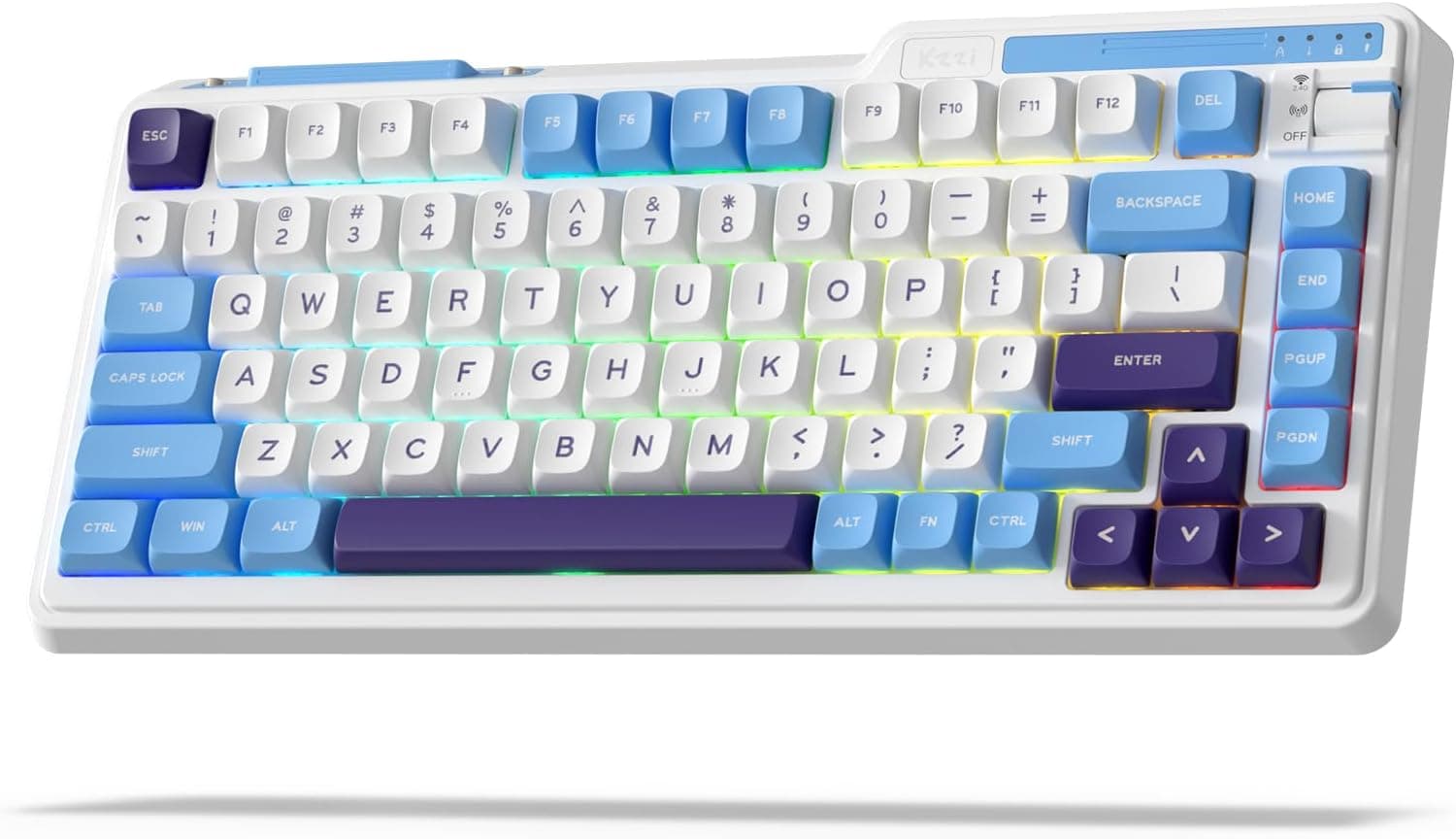
This article covers K75 Lite ワイヤレス メカニカル キーボード (the KZZI K75 Lite), from how to read its spec sheet to the pitfalls buyers notice only after unboxing.
Overview
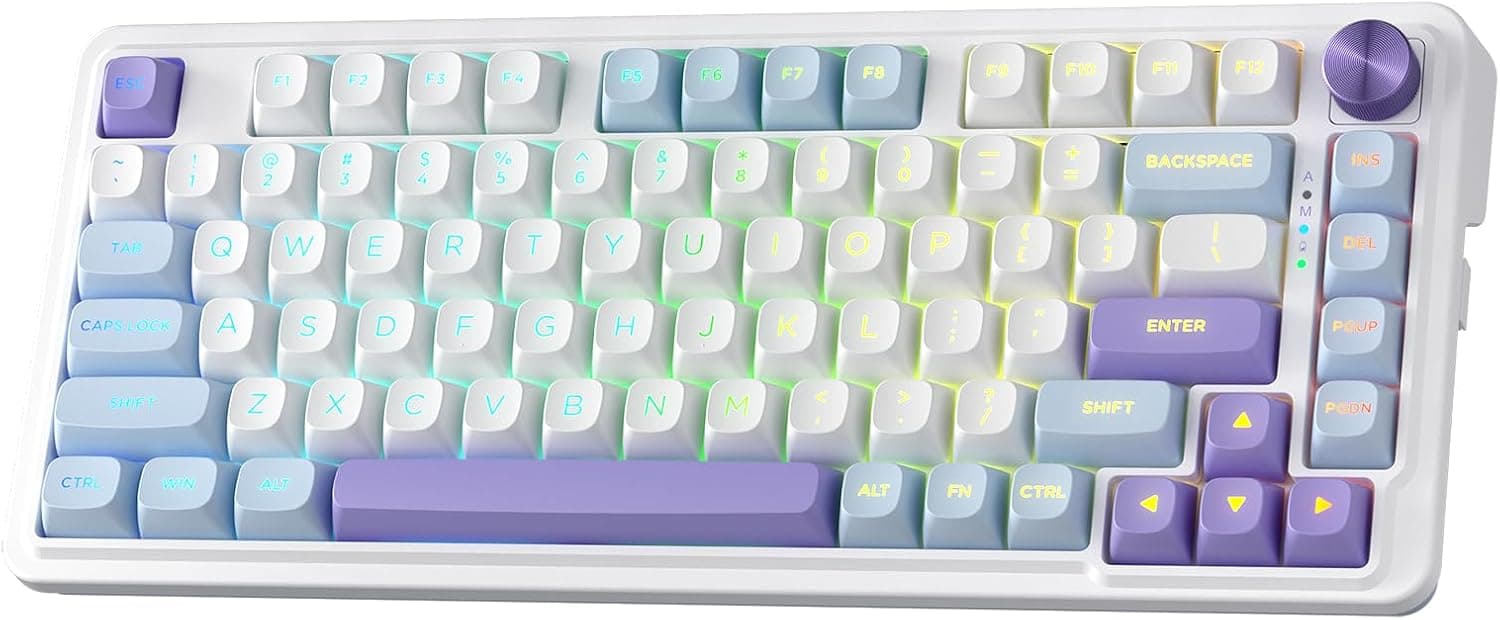
The KZZI K75 Lite is an 82-key, 75% wireless mechanical keyboard. It packs a gasket-mount structure, a five-layer sound stack (four damping mats plus a PET reinforcement film), factory-lubed creamy linear switches and hot-swap sockets — a feature list that not long ago belonged to the custom-build world.
In short, it suits people who tick three boxes: no numpad needed, quieter typing wanted, and an interest in swapping switches later.
A 75% layout trims the right side further than a tenkeyless board, keeping the function row, arrow keys and a single vertical column of editing keys such as Delete and PageUp/PageDown. Where a TKL often runs around 360mm wide, this board measures 336×155×43mm.
If you play at low mouse sensitivity or angle your keyboard, those few centimetres are genuinely noticeable.
Amazon.co.Check the retailer's page for the latest user reviews.
That is a reasonable sample size and a strong score for a gasket-mount board in this bracket — but an average smooths over unit variation, and it will not warn you about the linear-is-not-silent gap discussed below.
| Decision point | What this board offers |
|---|---|
| Footprint | 75% / 82 keys, 336×155×43mm — far narrower than full size |
| Sound | Gasket mount plus five-layer damping; linear still is not silent |
| Customisation | Hot-swap (3-pin / 5-pin compatible), PBT keycaps |
| Wireless | USB-C wired / 2.4GHz / Bluetooth 5.0, up to 5 paired devices |
| Battery | 3750mAh; rated up to 200h RGB off, up to 30h RGB on |
| Weight | About 850g without cable — a desktop board, not a travel one |
Typing Feel and Acoustics
A gasket mount suspends the plate and PCB between soft gaskets instead of screwing them straight into the case. Bottom-out shock no longer transfers directly to the shell, so the typing feel softens and metallic ping is less likely.
The K75 Lite layers four damping mats and a PET film on top of that, filling the hollow space inside the case. The cheap-mechanical rattle most people complain about is exactly what this construction targets.
The switches are factory-lubed creamy linears: no tactile bump, no click mechanism, and a straight travel to the bottom. Factory lube also tames the scratchiness untreated linears often have.
The easy misreading here is quiet equals silent. Linear removes click noise only — bottom-out and the upstroke still make sound.
If near-silence is the goal, swapping in silent switches is the realistic answer.
Keycaps are PBT. The surface is harder than ABS and resists the greasy shine that develops with heavy use.
It is a difference you notice over years rather than weeks, and PBT is still not a given at this price level.
Compatibility Guide
Supported systems are Windows, macOS, iOS and Android. Connectivity covers USB-C wired, 2.4GHz wireless via the bundled dongle, and Bluetooth 5.0 with up to five paired devices.
The rotary knob changes connection mode directly, so you never flip the board over hunting for a switch or open software just to move between machines.
| Mode | Best for | Watch out for |
|---|---|---|
| USB-C wired | Lowest latency, writing settings to the board | Cable clutter on the desk |
| 2.4GHz dongle | Gaming; the most stable wireless option | Occupies a USB port; the dongle is easy to lose |
| Bluetooth 5.0 | Tablets, phones, switching between machines | Generally higher latency and wake-from-sleep delay |
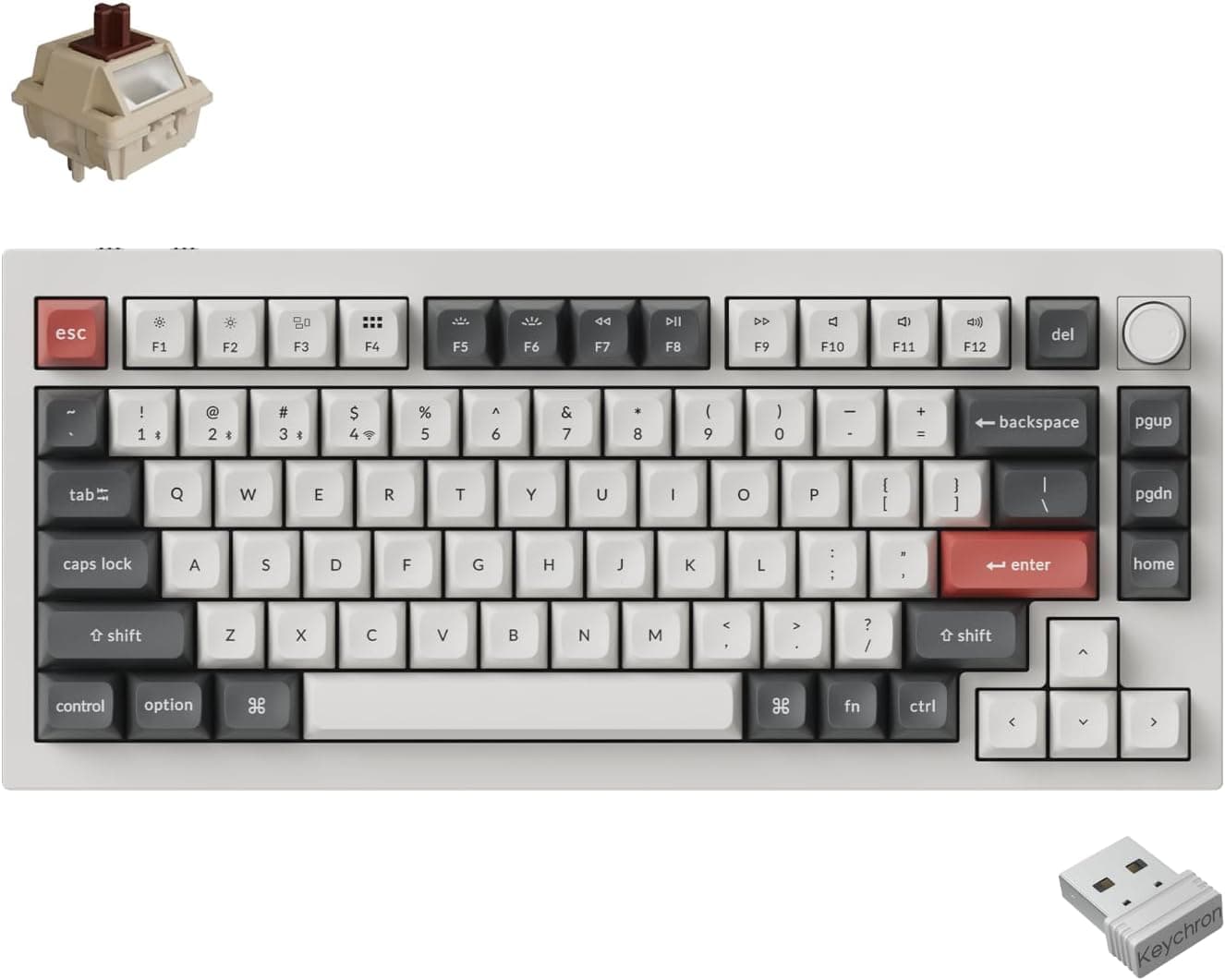
Hot-swap sockets accept 3-pin and 5-pin switches, so any standard MX-stem switch drops in without soldering. To quieten the board further, move to switches explicitly listed as silent and 5-pin compatible.
Note that 5-pin legs can foul some plates, so test a few before buying a full set.
The backlight uses south-facing LEDs. Because the LED sits on the front side of the switch rather than under the keycap skirt, low-profile keycap families such as Cherry profile are generally less prone to interference — good news if you plan to change caps.
That said, 75% boards vary in the width of the right shift, bottom row and right-hand column, so generic keycap sets sometimes leave gaps. Check the compatibility chart of any set before buying.
The KZZI companion software runs on Windows and macOS. Remapping, macros and RGB effects live there.
It is not available on iOS or Android, so tablet-first users should build their profile on a PC and store it in the board's onboard memory before heading out. Thanks to that onboard memory, your settings follow the keyboard to any other computer.
On the desk, mind the 43mm height alongside the 336mm width. With that much rake and thickness, typing with unsupported wrists gets tiring, so plan for a palm rest.
The roughly 850g mass cuts both ways: the board never slides while you type, but it is heavy to carry around.
Product Info
rmation
| Item | Detail |
|---|---|
| Layout | 75% (82 keys) |
| Switches | Creamy linear, factory lubed |
| Connectivity | USB-C wired / 2.4GHz / Bluetooth 5.0 |
| Hot-swap | Yes (3-pin / 5-pin compatible) |
| Keycaps | PBT, oil resistant |
| Backlight | RGB, south-facing LEDs |
| Battery | 3750mAh (up to 30h RGB on / up to 200h RGB off) |
| Damping | Five layers (four mats plus PET film) |
| Size / weight | 336×155×43mm / about 850g without cable |
Check the retailer's page for the latest price. A near-doubling in two weeks points to a sale ending, a seller change after a stock-out, or a different colour or switch variant being priced.
Both figures are snapshots, and this article will not update itself, so confirm the live price on the product page before ordering. The eBay entry is a search link only, with no confirmed price.
The board launched around 2024. In the box: a USB-C cable, keycap and switch pullers, the 2.4GHz dongle, a few spare switches and a manual.
A one-year manufacturer warranty applies, though terms can differ by retailer.
How It Compares
The closest rival in character is the GravaStar K1 Lite — also 75%, also gasket mounted, hot-swappable and Bluetooth 5.0.
Choosing between them comes down to styling and street price.
If you would rather pick the switches and caps yourself from day one, a barebones kit such as the Razer BlackWidow V4 75% is the alternative. The K75 Lite ships complete and usable out of the box, so it wins on cost and effort; a barebones kit wins if the first set of switches should already be your choice.
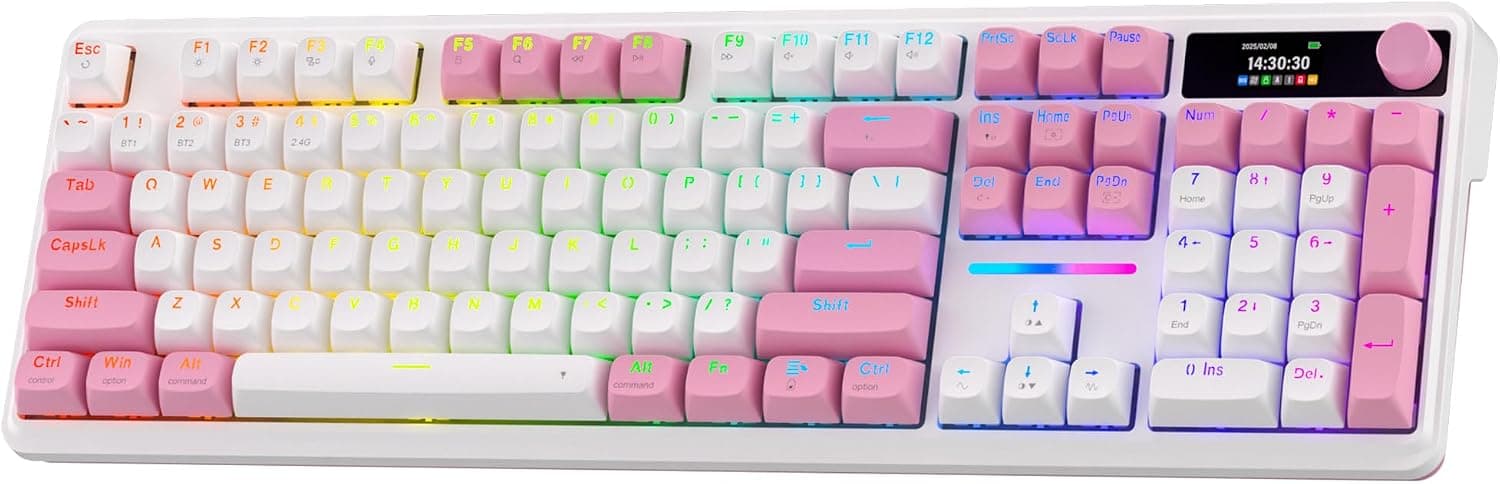
Willing to give up a little desk width? An 80% three-mode board like the ZORNHER ZH870 chases a similar creamy-linear, hot-swap brief with more breathing room around Delete and the arrows.
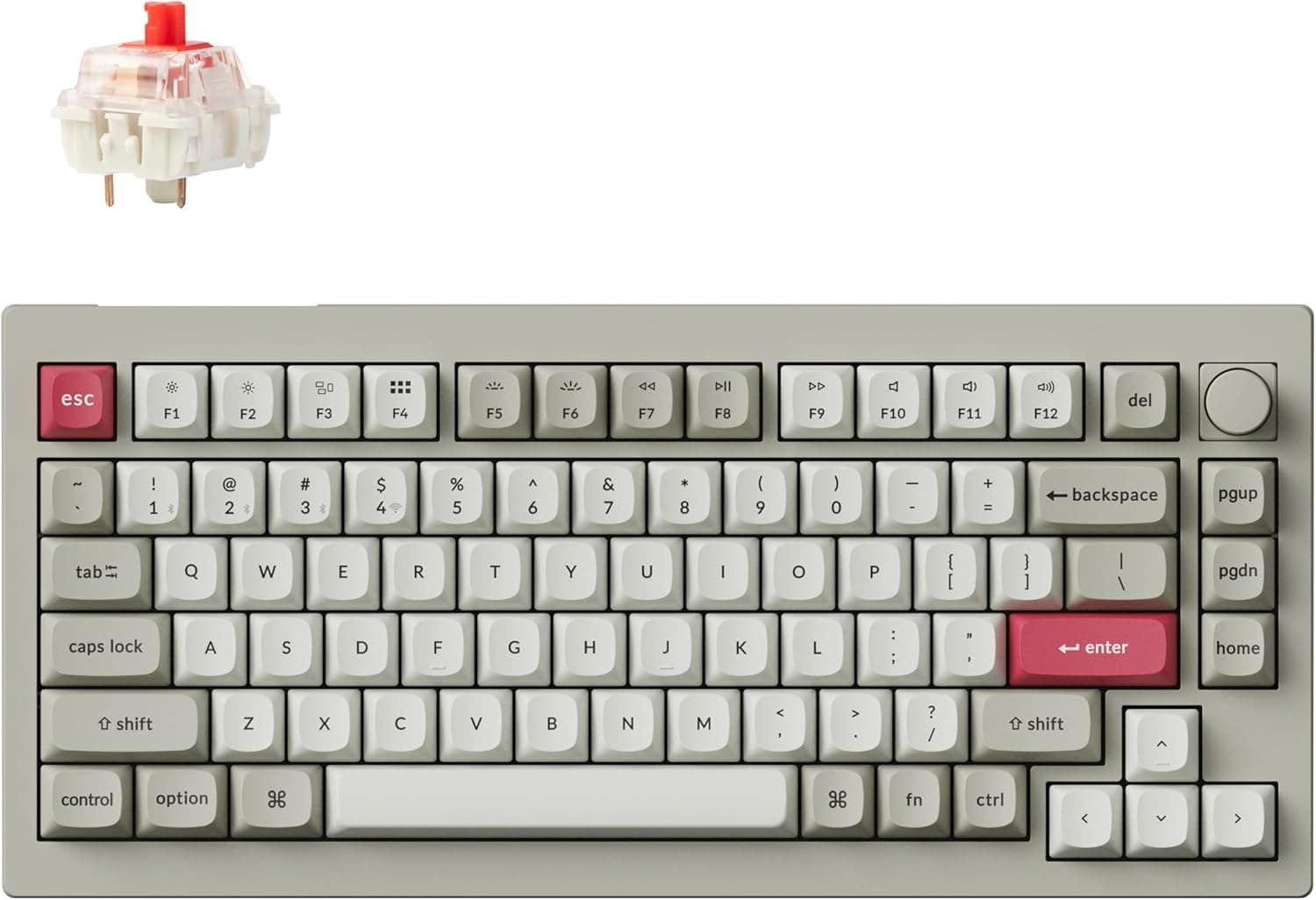
If you want an information display alongside the knob, a TFT-equipped model such as the AJAZZ AK980 V2 fits; if wireless is unnecessary and budget matters more, a wired board like the Keychron C1 Pro is the sensible fallback.
Who It's For
- Desk-space maximisers: 82 keys across 336mm. Drop the numpad and you gain real mouse room — most valuable for low-sensitivity FPS players who sweep their whole arm.
- People typing near others: gasket mount plus five damping layers kills most of the hollow rattle, and linear switches never click. Late-night sessions and typing during calls stay inoffensive.
- Switch-modding beginners: hot-swap sockets and the bundled puller let you change the feel without a soldering iron, while the board still works as a finished product in the meantime.
- Multi-device users: five Bluetooth pairings plus 2.4GHz and wired, all reachable by twisting the knob — one keyboard instead of three.
- Long-term owners: PBT caps resist the shine that ABS develops, which matters if you expect to keep the board for years.
Before You Buy
The price records disagree sharply. The same ASIN shows ¥14,980 on 2026-09-07 and ¥28,300 on 2026-09-22 — close to double.
A sale ending or a change of seller or variant is the likely cause. The collected pricing data also carried an Amazon US label while pointing at a yen-denominated Amazon.co.jp listing.
Listing metadata is wrong often enough that it is worth checking the images and title yourself to confirm the price, seller and variant before you order. Treat every figure here as a timestamped snapshot.
Linear does not mean silent. Only the click is gone; bottom-out and upstroke noise remain.
If you are buying this as a quiet keyboard, budget for silent switches as well, because the total cost is not just the board.
There are no dedicated media keys. The knob handles volume, but play, pause and track skip live on Fn-layer shortcuts.
Streamers and editors who hammer those controls will find this limiting.
The 75% layout takes adjustment. Arrows cluster in the bottom right and the Delete/Home/End group moves.
Spreadsheet and code-heavy users will type slower for the first few days, and some never adapt. If a numpad is part of your daily work, buy a TKL or full-size instead.
It is built to stay put. About 850g and 43mm tall means excellent stability and poor portability.
Without a palm rest your wrists will sit at an angle, so plan the desk layout first.
Software is Windows and macOS only. iPad and Android users cannot remap or record macros on the device itself; build the profile on a PC and save it to onboard memory beforehand.
The battery is a consumable. Published specs do not state whether the 3750mAh cell is user-replaceable, so assume runtime will fade over the years as with any wireless keyboard.
The 200-hour figure also applies with RGB off — switch the lighting on and even the rated figure drops to 30 hours.
Mind the dongle. Whether the board has a storage slot for it is not stated in the published specs.
Lose it and 2.4GHz mode goes with it, so pick a storage spot or keep a Bluetooth pairing ready as a fallback.
FAQ
Q. Why is a linear board described as quiet? A.
Because it has no click mechanism, and the gasket mount plus five damping layers suppress resonance. Bottom-out and upstroke noise still remain.
For near-silence, use the hot-swap sockets to fit silent switches.
Q. Which mode should I game on? A.
The 2.4GHz dongle or USB-C wired.
Bluetooth is convenient for device switching but generally adds latency and wake-up delay. Polling rate is not listed in the published specs, so check the product page if you need that number.
Q. Does it work on a Mac, and is it a JIS layout? A.
macOS is supported and the software runs on it. Legends and modifier order usually follow Windows convention, so swapping Command and Option may need a software or OS-level remap.
The published specs do not state whether a Japanese layout is offered, so check the listing photos if that matters.
Q. Can I change the keycaps and switches freely? A.
Switches swap out via the 3-pin/5-pin hot-swap sockets. Keycaps fit any MX-compatible stem, but 75% boards differ in right-column and bottom-row widths, so generic sets sometimes leave a few keys uncovered.
South-facing LEDs make low-profile caps less likely to foul.
Q. Will the battery really last 200 hours? A.
That rating assumes RGB off; with lighting on, the rated figure falls to 30 hours. Real runtime depends on brightness, connection mode and sleep settings, so treat 200 hours as a ceiling rather than an expectation.
Product Disclosure (Amazon)
- Manufacturer: KZZI
- ASIN: B0D7MPCKTL
- Note: This article covers a manufacturer-made product based on Amazon listing details.