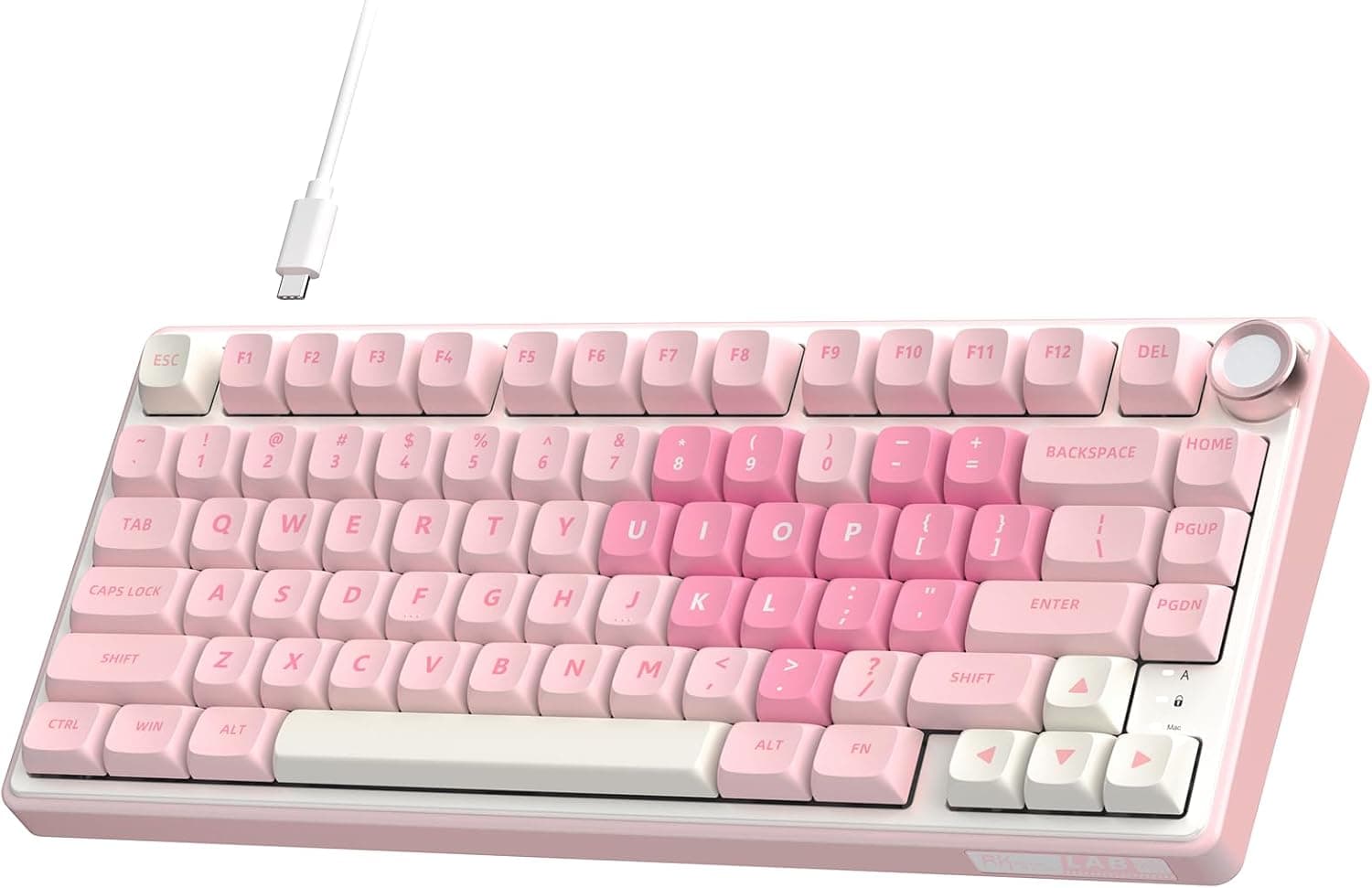
Overview
The LEOBOG A98 is a wireless mechanical keyboard with a 96% layout, which keeps the numpad while cutting down overall width. On Amazon Japan it is listed as 'LEOBOG A98 ワイヤレスゲーミングクリーミーメカニカルキーボード ナンバーパッドノブ付き', which translates roughly to a wireless gaming 'creamy' mechanical keyboard with a numpad and knob.
The short version: it suits people who want a numpad without a full-size footprint, a softer typing sound, and the freedom to swap switches later.
It connects three ways: Bluetooth 5.0, 2.4GHz wireless, and USB-C wired.
That adds up to five devices: three over Bluetooth, plus one each over 2.4GHz and the cable.
A gasket mount with five layers of internal dampening gives it the rounded, 'creamy' sound people describe and cuts metallic ping. The hot-swap PCB takes 3-pin and 5-pin MX-compatible switches, with no soldering needed.
The keycaps are double-shot PBT, so the legends are molded in and won't wear off. The built-in 8000mAh battery means you won't charge it often in wireless mode.
Real battery life, though, depends heavily on RGB brightness and effects, so treat 'weeks per charge' as a figure for modest backlight use.
What a 96% Layout Means (vs Full-Size and TKL)
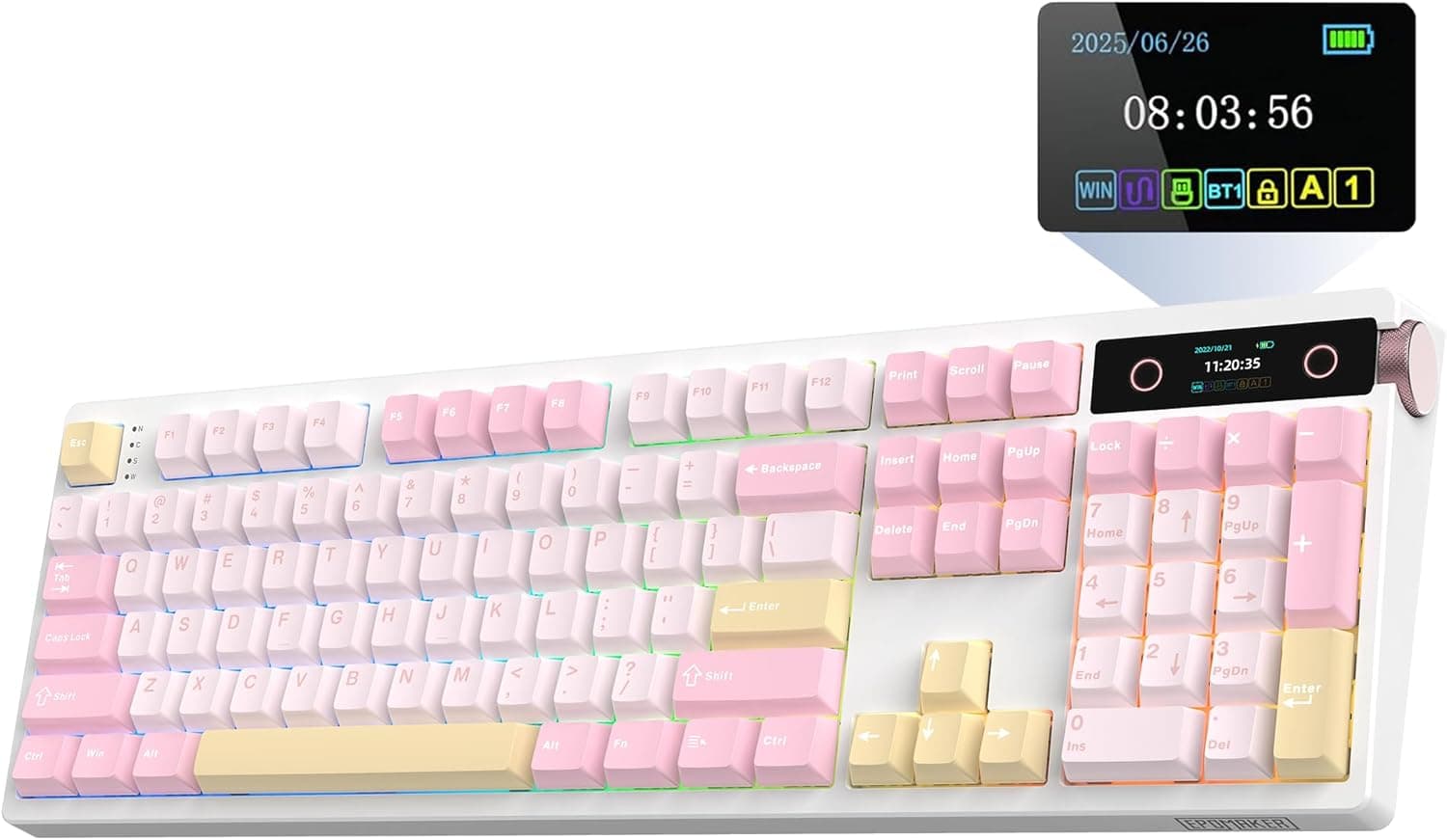
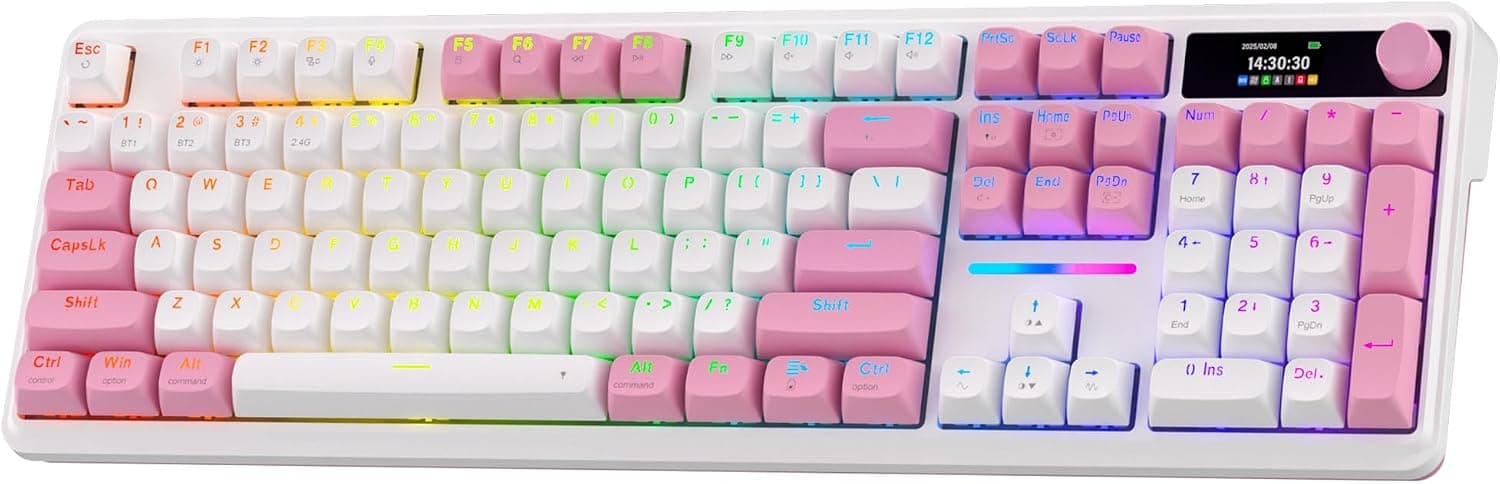
A 96% layout takes a full-size board, removes the gaps between key groups, and keeps the numpad. Most 96% boards move the navigation keys (Home, End, Page Up, Page Down) into a single column or above the numpad, and tuck the arrow keys next to its lower left.
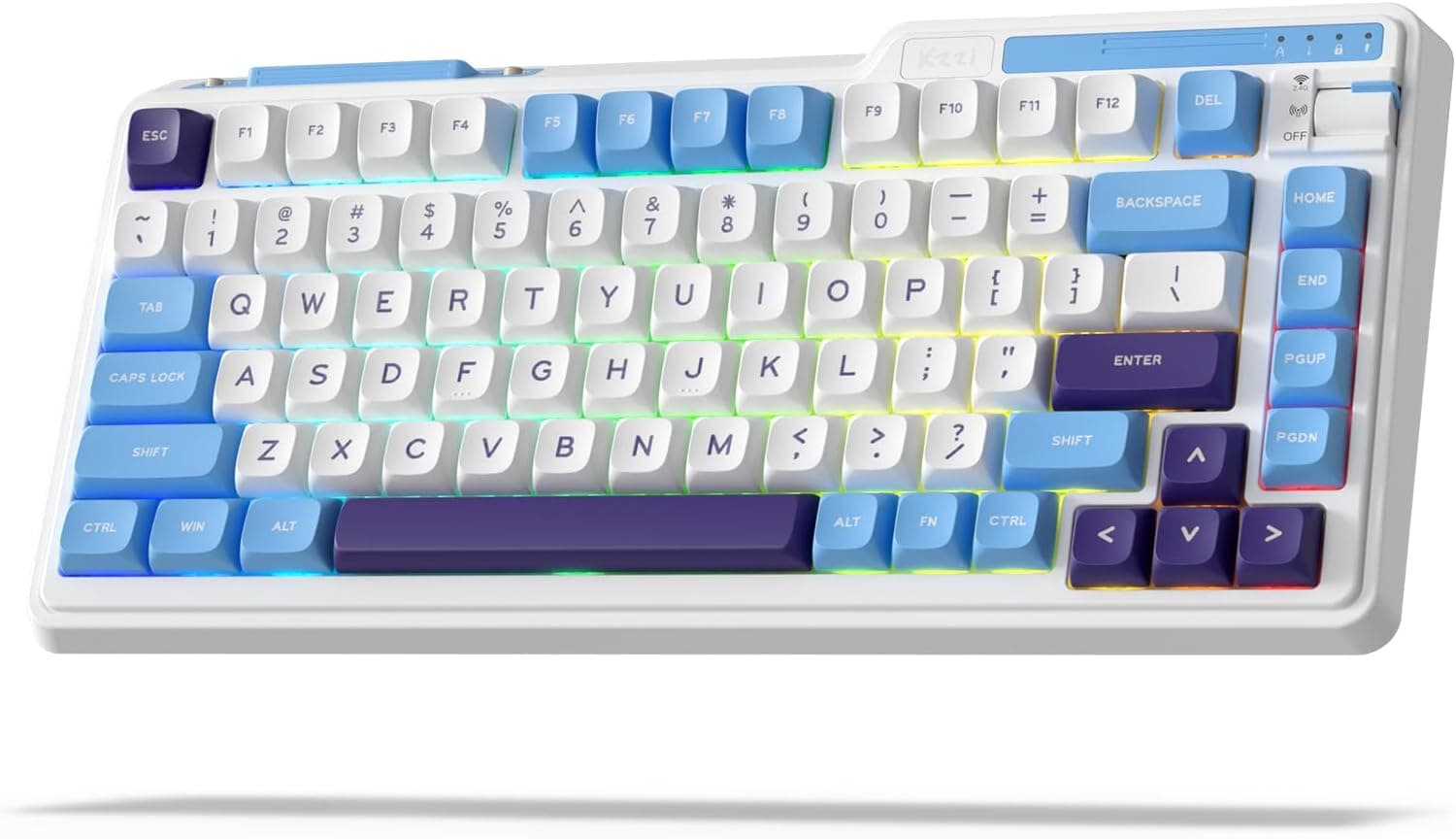
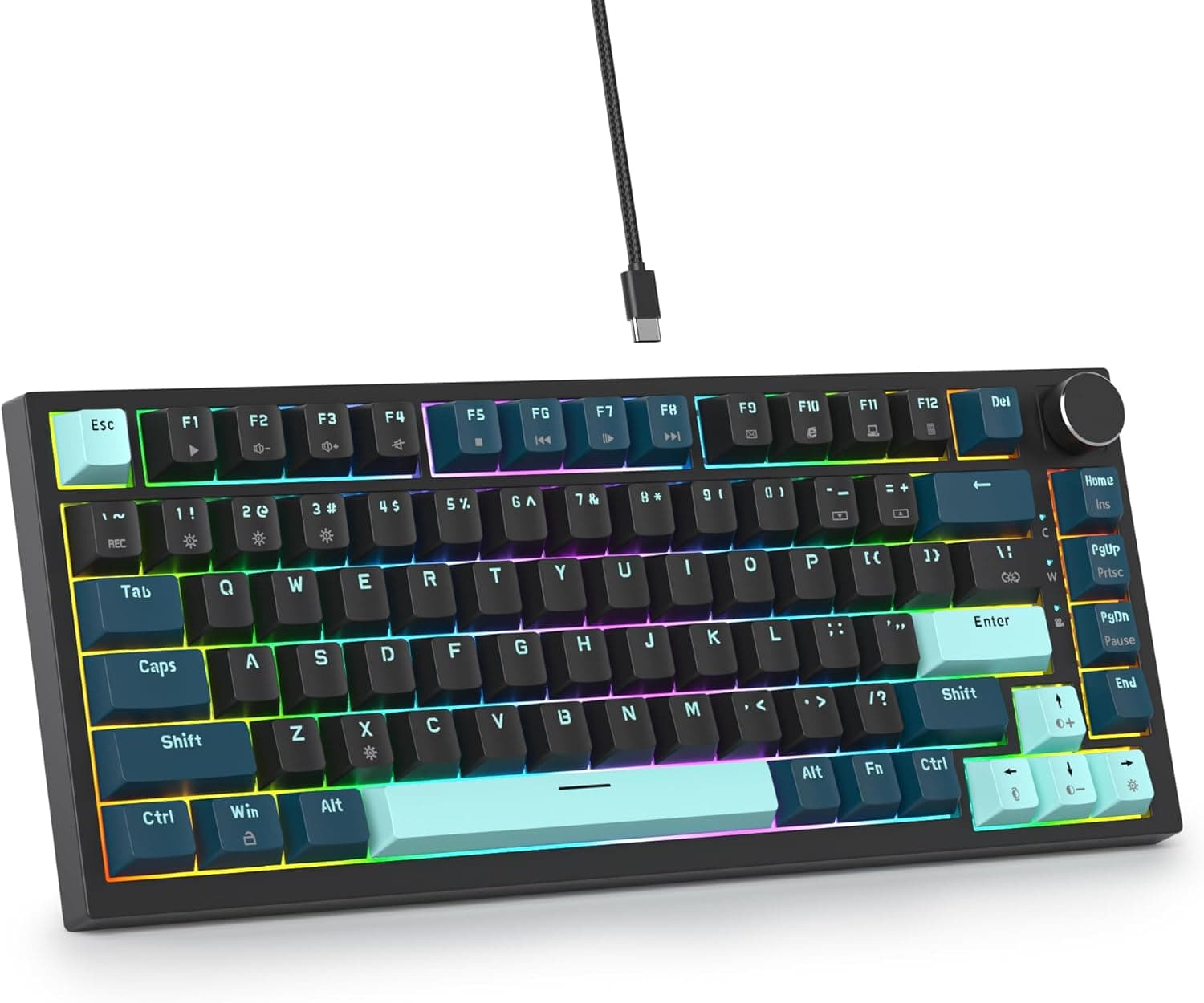
Check the product photos for the A98's exact arrangement.
| Layout | Numpad | Width | Navigation keys | Best for |
|---|---|---|---|---|
| Full-size (100%) | Yes | Widest | Separate cluster | People who want the standard layout |
| 96% | Yes | Narrower than full-size | Condensed into a column | Heavy number entry with limited desk space |
| TKL (~80%) | No | Medium | Separate cluster | Little number entry, wide mouse movement |
| 75% and below | No | Narrow | Mostly condensed or removed | Portability and minimal footprint |
The practical gain is that your mouse sits closer to your body without giving up the numpad. If you use spreadsheets or bind macros to numpad keys, dropping to TKL is a real sacrifice, and 96% is the compromise.
The cost is that the navigation keys move, so if you use Insert or Home/End a lot, expect some mistakes at first.
Compatibility Guide
| Platform | Connections | Features | Notes |
|---|---|---|---|
| Windows | BT / 2.4GHz / Wired | Typing plus driver software (macros, RGB) | The only platform with full features |
| macOS | BT / 2.4GHz / Wired | Typing | No driver software |
| iOS / iPadOS | Mainly Bluetooth | Typing | No driver software |
| Android | Mainly Bluetooth | Typing | No driver software |
Operating systems and software
The most important point: the driver software is Windows-only. Typing works fine on macOS, iOS, and Android, but you need a Windows PC to program macros or adjust RGB in detail.
Check the product page or manual to see whether settings are saved on the keyboard and carry over to other devices. If you only use a Mac, accept from the start that you won't get the advanced customization.
On a Mac, a Windows-style board usually has the Windows/Alt keys in the opposite positions from Command/Option. Use a layout switch on the keyboard if it has one, or remap the modifier keys in macOS System Settings.
Picking a connection mode
For gaming, use the 2.4GHz receiver or the cable.
Bluetooth makes switching devices easy, but it usually adds more latency than 2.4GHz, so keep it for tablets and phones that can't take a receiver.
Check the receiver's connector type on the product page; a laptop with only USB-C ports may need an adapter.
Switch and keycap compatibility
The hot-swap PCB takes 3-pin and 5-pin MX-compatible switches, including most Cherry MX, Gateron, and Kailh MX-style models. Low-profile switches such as Kailh Choc, and proprietary types such as magnetic Hall-effect switches, won't fit physically.
The keycaps use a standard Cherry MX stem, so aftermarket sets will mount. The catch is key sizes.
96% boards often shorten the right Shift and bottom-right modifiers, and many generic keycap sets don't include those sizes. Before buying keycaps, look for '96%' or '1800 layout' support.
JIS or US layout
The specs don't say whether the A98 uses a Japanese (JIS) or US (ANSI) layout. Mechanical keyboards from overseas brands usually ship in US layout, which puts symbols and the Enter key in different places from JIS.
Check the Enter key in the product photos: a wide horizontal key means US, a tall inverted-L key means JIS.
Product Info
rmation
| Item | Detail |
|---|---|
| Layout | 96% (compact with numpad) |
| Connectivity | Tri-mode (BT5.0 / 2.4GHz / USB-C) |
| Battery | 8000mAh |
| Keycaps | Double-shot PBT |
| Switch support | 3-pin/5-pin MX-compatible, hot-swap |
| Backlight | RGB (16.8M colors, 16 effects) |
| N-key rollover | Yes |
| Macros | Yes (Windows-only software) |
As of October 2026, Amazon Japan listed it at ¥18,726 at the time of capture. Prices change with sales and stock, so check the product page for the current price.
The listing is sold and shipped by a third-party seller, not an official LEOBOG store. If other sellers also offer the A98, compare price, shipping time, and return terms before buying.
In features, it sits in the mid-to-upper price tier: tri-mode wireless, gasket mount, hot-swap, PBT keycaps, RGB, and an 8000mAh battery cover most of what people look for in enthusiast-style boards. It's a fairly new model, and there are few detailed reviews in Japanese retail so far.
As of October 2026, Amazon reviews averaged 3.7 out of 5 from only 6 ratings.
With so few ratings, one or two can swing the average a lot. Read the low ratings and see whether they're about defects, layout surprises, or the software, then decide whether that would affect you.
The box usually includes a USB-C cable, a 2.4GHz receiver, a switch puller, and a keycap puller, sometimes with spare switches.
Confirm the exact contents on the listing. Warranty length and support contacts vary by seller, so find out who handles defects before you buy.
Typing Feel and Noise
A gasket mount holds the switch plate on soft material such as rubber. That cushions the impact when a key bottoms out and reduces high-pitched ringing.
With five dampening layers, the A98 aims to cut the hollow, pingy case noise that cheap boards often have.
Most of the final sound and feel, though, comes from the switches. Linear switches are quiet and smooth, tactile switches have a bump, and clicky switches click loudly however much the case is dampened.
The same A98 can feel like a different keyboard depending on the switch, so check which switch options the listing offers. Because the board is hot-swap, you can replace switches later if the ones you get don't suit you.
On 96% boards, the knob usually controls volume or mute. Check the manual for what the A98's knob does and whether you can remap it in the software.
Recommended Users
- Numpad users short on desk space: a good step down from full-size for office work and spreadsheets with lots of number entry.
- Home and office workers: the gasket mount and dampening take the edge off typical mechanical noise, and linear switches help more. It won't be silent, so if quiet matters most, also look at membrane boards or models with silent switches.
- People who switch between devices: up to five devices (three over Bluetooth, plus 2.4GHz and wired) lets one keyboard cover a work PC, a personal PC, and a tablet.
- Casual to intermediate gamers: 2.4GHz and N-key rollover keep inputs reliable when you press many keys at once. Competitive players who care about every millisecond should play wired or choose a wired-only board.
- Beginners curious about switches: solder-free swapping makes it an easy first step into customization, though you can't replace the plate or case like on a full custom build.
Before You Buy
The Amazon listing doesn't match the product
The Amazon listing names the product 'LEOBOG A98' but lists a different manufacturer (CORBOBO). This kind of mismatch happens with parallel imports and seller-created listings.
You'll see the same thing when you open the page, so check the photos, the title, and any branding on the unit to confirm it really is the LEOBOG A98 before ordering. If you're unsure, ask the seller first.
The software is Windows-only
Macros and detailed RGB settings need the Windows software. If you only use a Mac or iPad, expect to give up those features.
Software from overseas brands can also lack Japanese support or be hard to find, so check the listing or manual for where to download it.
Layout (JIS/US) and keycap sizes
The layout isn't stated. If you're not used to US layout, buying it by accident means long-term frustration with symbol keys.
If you plan to change keycaps, make sure the set includes the shorter keys a 96% board needs.
Battery and wireless trade-offs
8000mAh is large, but bright RGB left on will cut battery life a lot. Turn the backlight off or down if you want it to last.
The specs we have don't list wireless polling rate or latency, so check the product page if those numbers matter to you.
Very few reviews
With only six reviews as of October 2026, there isn't enough evidence yet on durability or unit-to-unit variation, such as chatter or stabilizer rattle. Test every key soon after it arrives so you can report any defect within the return window.
FAQ
Q. Does the LEOBOG A98 work with a Mac? A.
Yes, typing works over Bluetooth, 2.4GHz, or cable.
The software for macros and RGB is Windows-only, though, so you can't fully customize it from a Mac.
Q. What switches can I install? A.
3-pin and 5-pin MX-compatible switches, such as Cherry MX, Gateron, and Kailh MX-style models. Low-profile and magnetic switches won't fit.
Q. How many devices can it pair with?
A. Up to five: three over Bluetooth, one over 2.4GHz wireless, and one over USB-C.
Q. Is it good for gaming? A.
With 2.4GHz and N-key rollover, it handles most games well.
If you want the lowest possible latency, use it wired.
Q. Is it a Japanese layout? A.
The specs don't say. Check the Enter key shape in the photos to see whether it's JIS or US before buying.