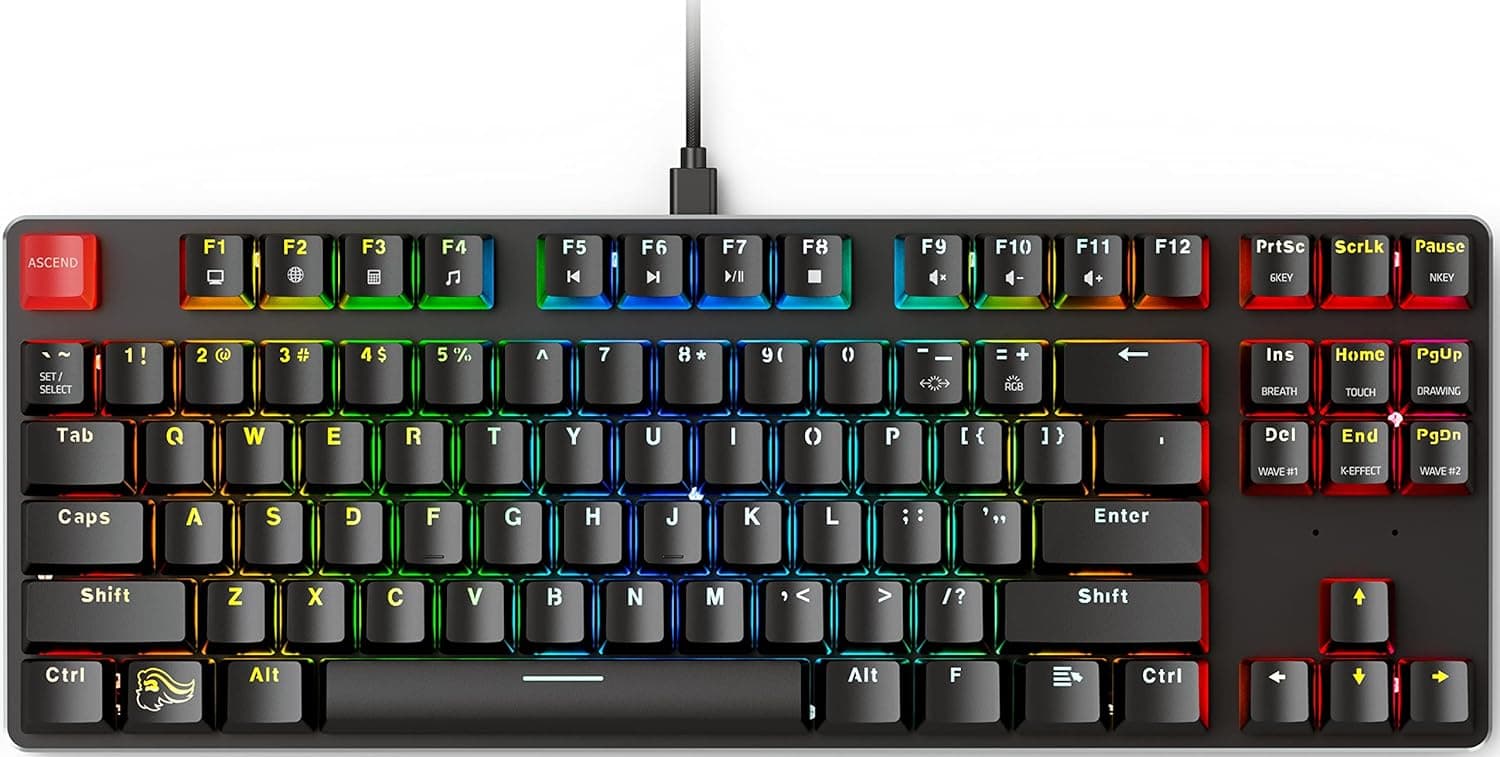
This article takes a close look at Glorious カスタムゲーミングキーボード — the GMMK 85% TKL wired USB-C mechanical keyboard with hot-swap switches and RGB — including the parts that decide whether it fits you.
Overview
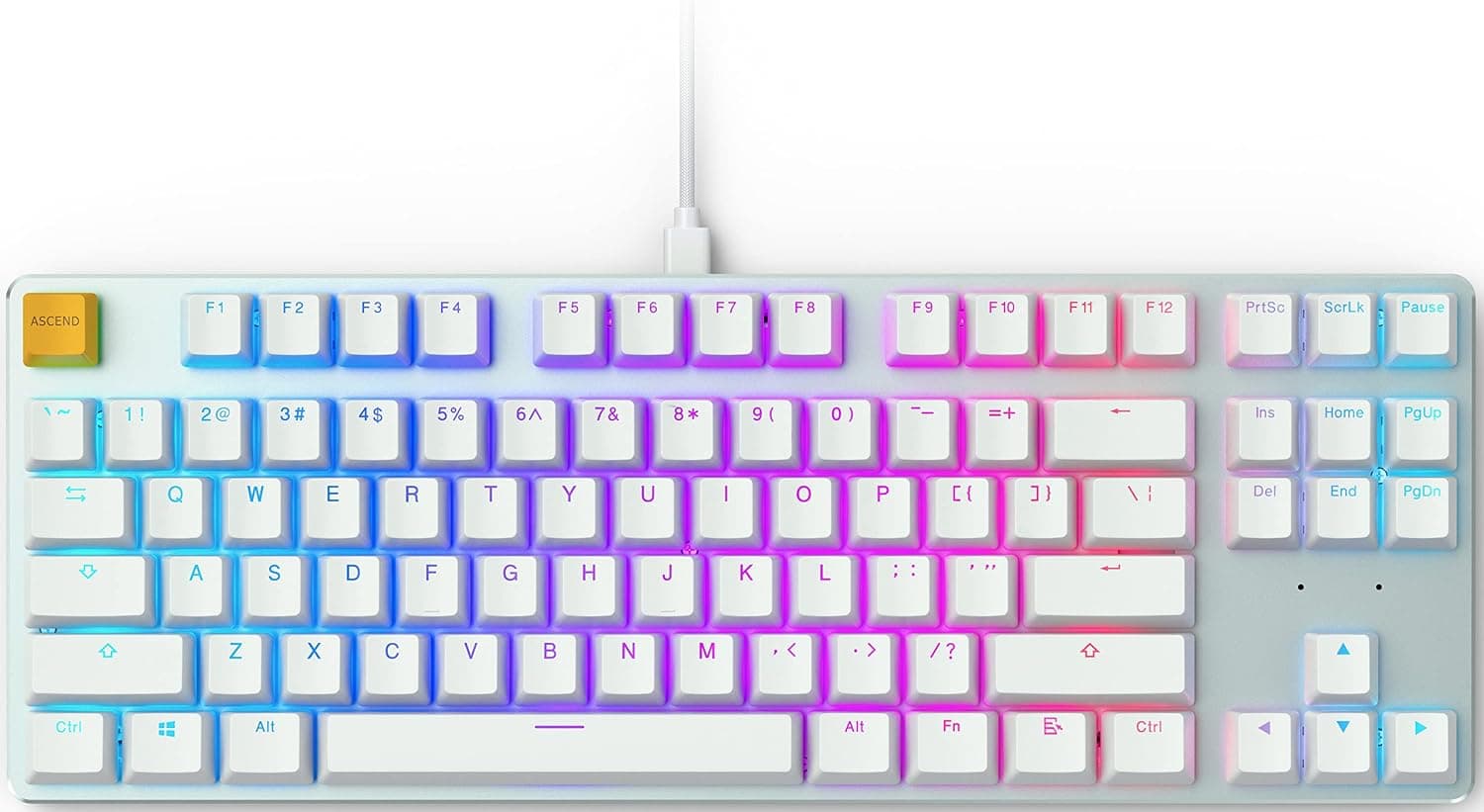
The short version: buy this as a platform you will modify, not as a finished gaming keyboard. The 85% tenkeyless (TKL) layout drops the numpad while keeping the function row and arrow keys, freeing up mouse space.
Amazon.co.Check the retailer's page for the latest user reviews.
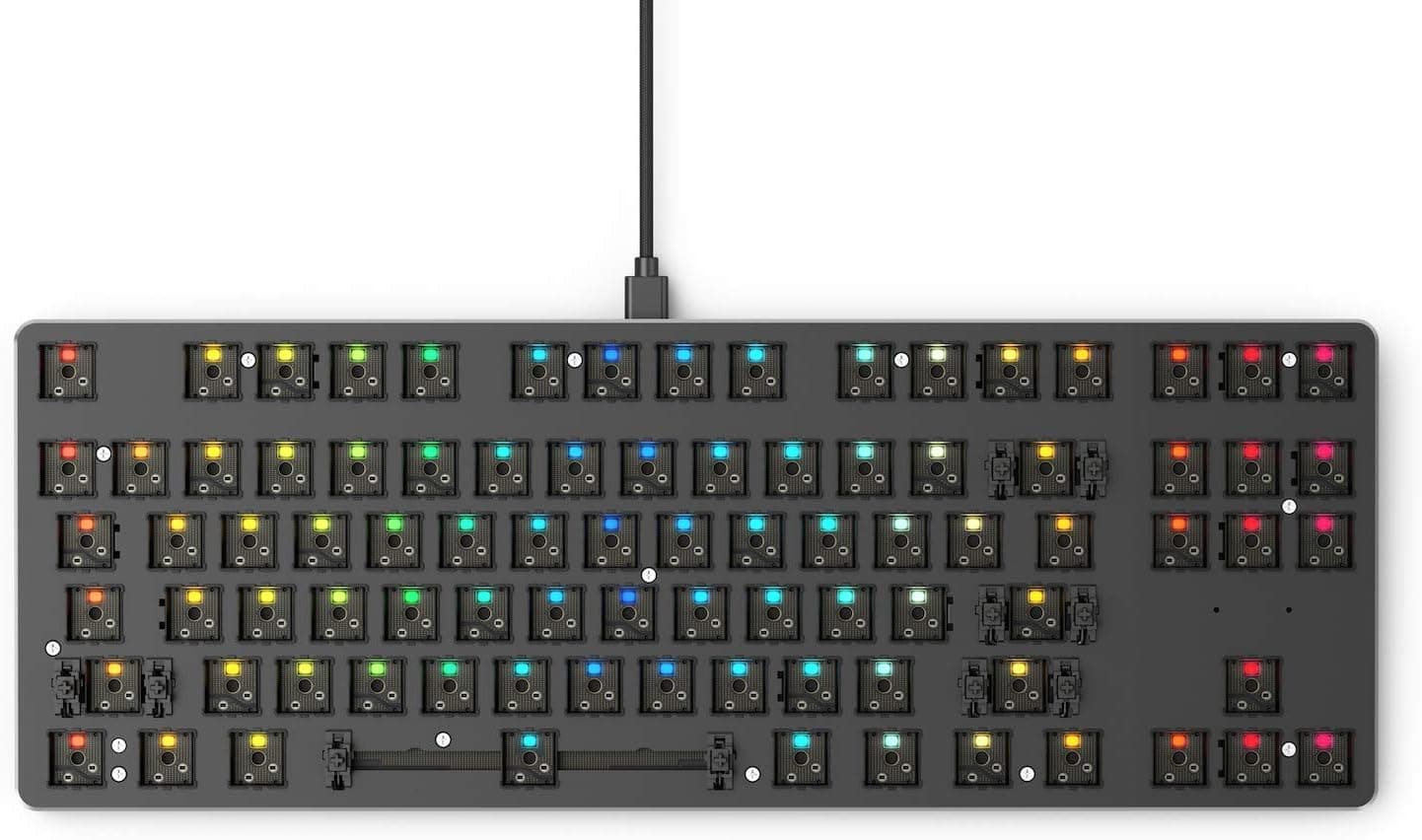
Core hardware: solder-free hot-swap sockets, an aluminum top plate, an ABS bottom shell, per-key RGB, and a detachable braided USB-C cable. It ships with Gateron Brown tactile switches, so it works straight out of the box — but those switches and the ABS double-shot keycaps are starting points, not the final state.
If you plan to swap them, the value is excellent. If you never will, a sealed pre-built in the same price range makes more sense.
Quick Fit Table
| Use case | Fit | Why |
|---|---|---|
| Learning mechanical keyboards | Excellent | 3-pin MX switches swap with the bundled puller alone |
| FPS and action games | Good | TKL frees mouse room, N-key rollover, wired signal path |
| Spreadsheets, heavy number entry | Poor | No numpad; you will need a separate tenkey pad |
| Switching across several devices wirelessly | Poor | USB-C wired only — no Bluetooth or 2.4GHz |
| Quiet late-night typing in a shared room | Mixed | Stock switches are tactile; silent switches cost extra |
The weak points are structural trade-offs — no numpad, no wireless — and neither can be fixed later. If either blocks your workflow, look elsewhere from the start.
Typing Feel and Hot-Swapping in Practice
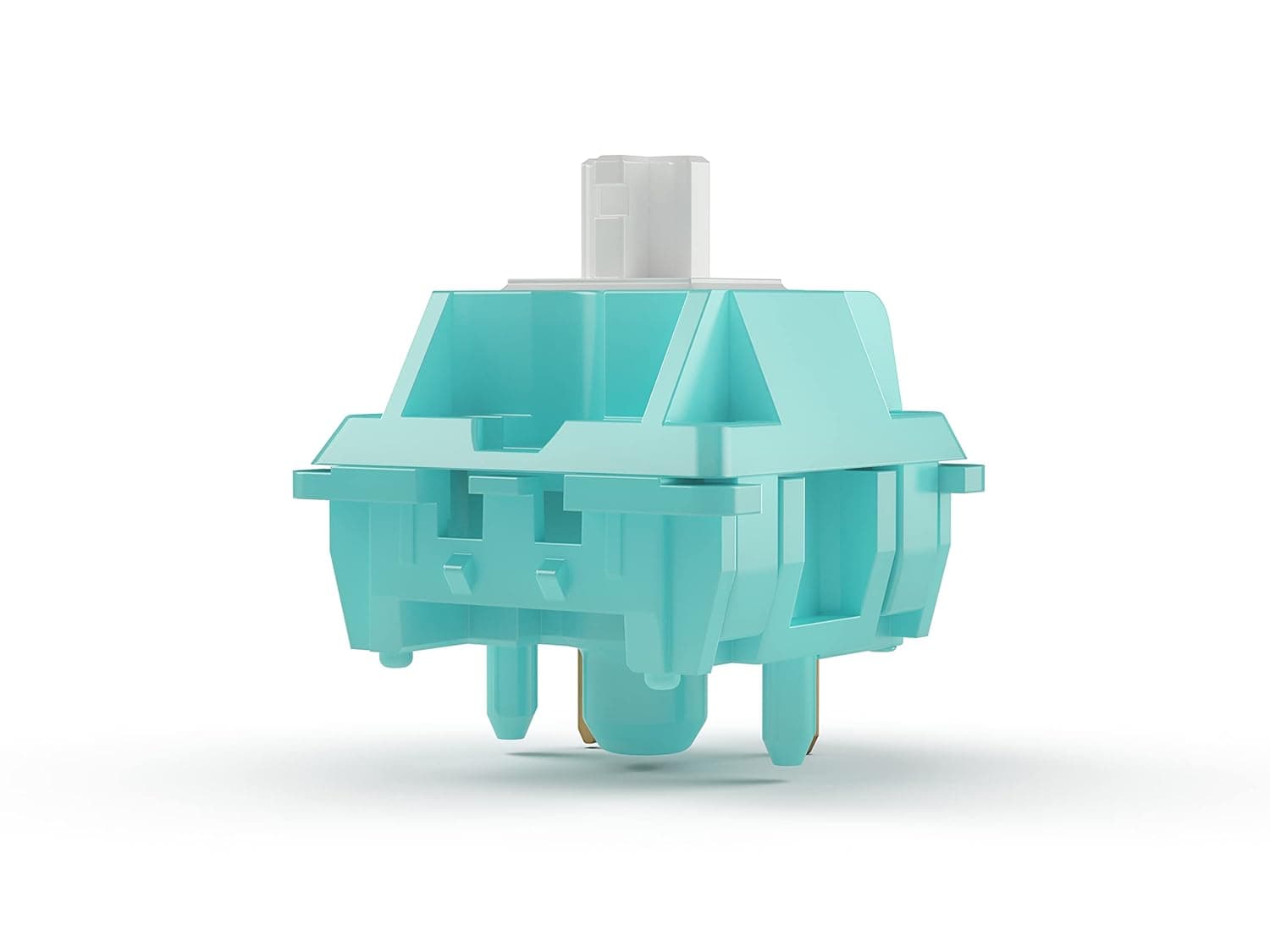
Gateron Brown is a tactile switch: you feel a small bump on the way down, but it does not produce the loud click of a clicky switch. That bump reduces accidental presses in games, while some people find it tiring over long documents.
Fixing that mismatch for the price of a switch set is exactly what a hot-swap board is for.
The aluminum top plate adds rigidity and keeps the bass from feeling mushy. The bottom shell is ABS plastic, though, so do not expect the mass or the low-pitched sound of a full-metal case.
If hollow resonance bothers you, the usual fix — a dampening sheet inside the bottom — is available to you here.
Swapping is simple: pull the old switch straight up with the included puller, then press the new one in vertically. Nearly every failure comes from a bent pin forced into the socket, producing one dead key.
Checking that both pins are parallel before insertion prevents almost all of it.
Connectivity & Compatibility
Connection is USB-C wired only, and the board works on Windows, macOS, and Linux. It behaves as a standard HID keyboard, so basic typing needs no driver.
There is no wireless mode, which rules out tablet or couch use.
The switch requirement is the most commonly missed detail: the sockets take 3-pin (plate-mount) MX-compatible switches from Gateron, Kailh, Cherry MX, and others, in linear, tactile, or clicky form. Many aftermarket switches ship as 5-pin (PCB-mount) parts with two extra plastic legs, and those legs must be clipped off before they will seat.
Check the pin count before you buy a switch set — "it says MX-compatible but it won't go in" is almost always this.
Keycaps use the standard MX profile with a conventional bottom row, so aftermarket sets drop on without layout headaches. What matters is whether the set covers TKL/85% key counts; a 60%-only set will leave gaps.
Because the cable is detachable, a damaged cable means buying a USB-C cable rather than replacing the keyboard.
Product Info
Specifications: 85% TKL layout, Gateron Brown (tactile) stock switches, hot-swap support for 3-pin MX-compatible switches, ABS double-shot keycaps, per-key RGB backlighting, detachable braided USB-C cable, aluminum top plate, ABS bottom shell, and N-key rollover. Double-shot molding keeps legends from wearing off, but ABS as a material tends to develop a shine with use — a PBT keycap set fixes that later if it bothers you.
On price: the Amazon.co.jp listing shows ¥17,930 as captured on 2026-08-26.
Sales and stock move that figure, so confirm on the product page before ordering. A separate record for the same ASIN (B0877BDC7P) lists ¥4,000 as captured on 2026-06-29.Check the retailer's page for the latest price.
In the box: keyboard, USB-C cable, keycap puller, switch puller, manual, and Glorious stickers.
Compared With Alternatives
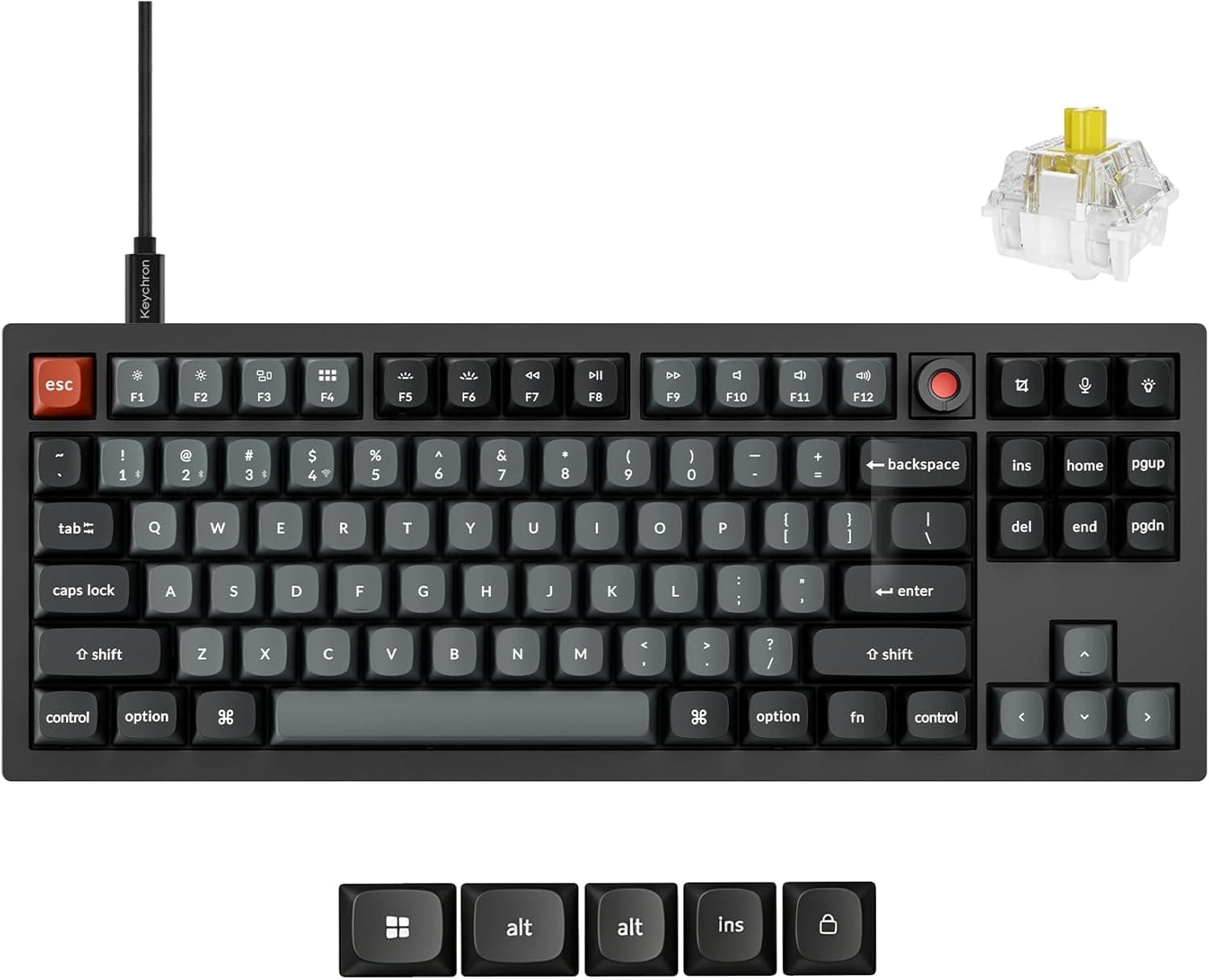
Against nearby options, this board occupies the "wired-only, meant to be modified" slot. Wireless custom boards such as the Keychron Q1 Pro switch between Bluetooth and USB and often use gasket mounting for a softer feel, at a higher price.
A pre-built wired TKL like the Logitech G G413 TKL SE gives up switch swapping entirely in exchange for zero setup.
The decision rule is simple. Never swapping switches?
Buy a pre-built. Need wireless?
Buy a wireless board. Want to tune feel and sound over time?
A hot-swap board like this one. Glorious's own GMMK 2 line offers other sizes and barebones (no switches or keycaps) configurations, which is the better comparison if you already own switches.
Best Use Cases
- Mechanical keyboard newcomers: solder-free swapping makes this a low-risk first board. Gateron Brown is quieter than clicky switches, so it survives an office or a call-heavy home setup.
- FPS and action gamers: the 85% TKL layout widens mouse travel, and N-key rollover avoids dropped simultaneous inputs. Wired-only also means no battery or interference worries.
- Typing-feel tinkerers: swap to linear for lighter actuation, silent switches for late nights, or PBT caps for a tighter sound — the rigid aluminum plate reflects each change honestly.
- Small-desk users: if you rarely need a numpad, adding an external tenkey pad only when required keeps the desk clear without losing capability.
Before You Buy
5-pin switches do not drop in. The sockets are 3-pin (plate-mount), and some popular switches are sold only in 5-pin form.
Clipping the legs works fine, but this is the number one source of "MX-compatible but it won't seat" complaints. Always check pin count when buying switches.
There is no path to wireless. USB-C wired only, with no add-on Bluetooth module.
Fine for one desktop; wrong if you switch between devices.
ABS keycaps will shine over time. Double-shot legends stay legible, but the surface gloss is inherent to the material.
Budget for a PBT set if long-term appearance matters.
The case is not full metal. Aluminum top plate, ABS bottom.
Compared with all-metal boards you will notice less heft and a higher-pitched sound. Treat internal dampening as an available upgrade rather than a defect.
Verify price and listing details yourself. As noted, the same ASIN carries two very different captured figures — ¥17,930 (2026-08-26) and ¥4,000 (2026-06-29) — and one entry is labeled "Amazon US" while quoting Japanese yen.
Amazon pages also bundle variants (sizes, switch types, barebones kits) and occasionally carry inaccurate registered details. Before ordering, confirm from the images, title, seller, and switch option that you are buying the configuration you intend.
FAQ
Q. What if I don't like the stock Gateron Brown switches? A.
Buy a different switch set and swap them. Linear for a lighter press, silent switches for quiet rooms.
They must be 3-pin plate-mount MX-compatible; 5-pin parts need their legs clipped.
Q. Is software required? A.
No. It works as a standard HID keyboard, and RGB patterns can be cycled with onboard hotkeys.
Use the manufacturer software for remapping and macros, and check the official site for current OS support.
Q. Does it work on macOS? A.
Yes — USB-C wired, with Windows, macOS, and Linux support. The modifier arrangement follows Windows convention, so swapping Command and Option in macOS keyboard settings makes it feel natural.
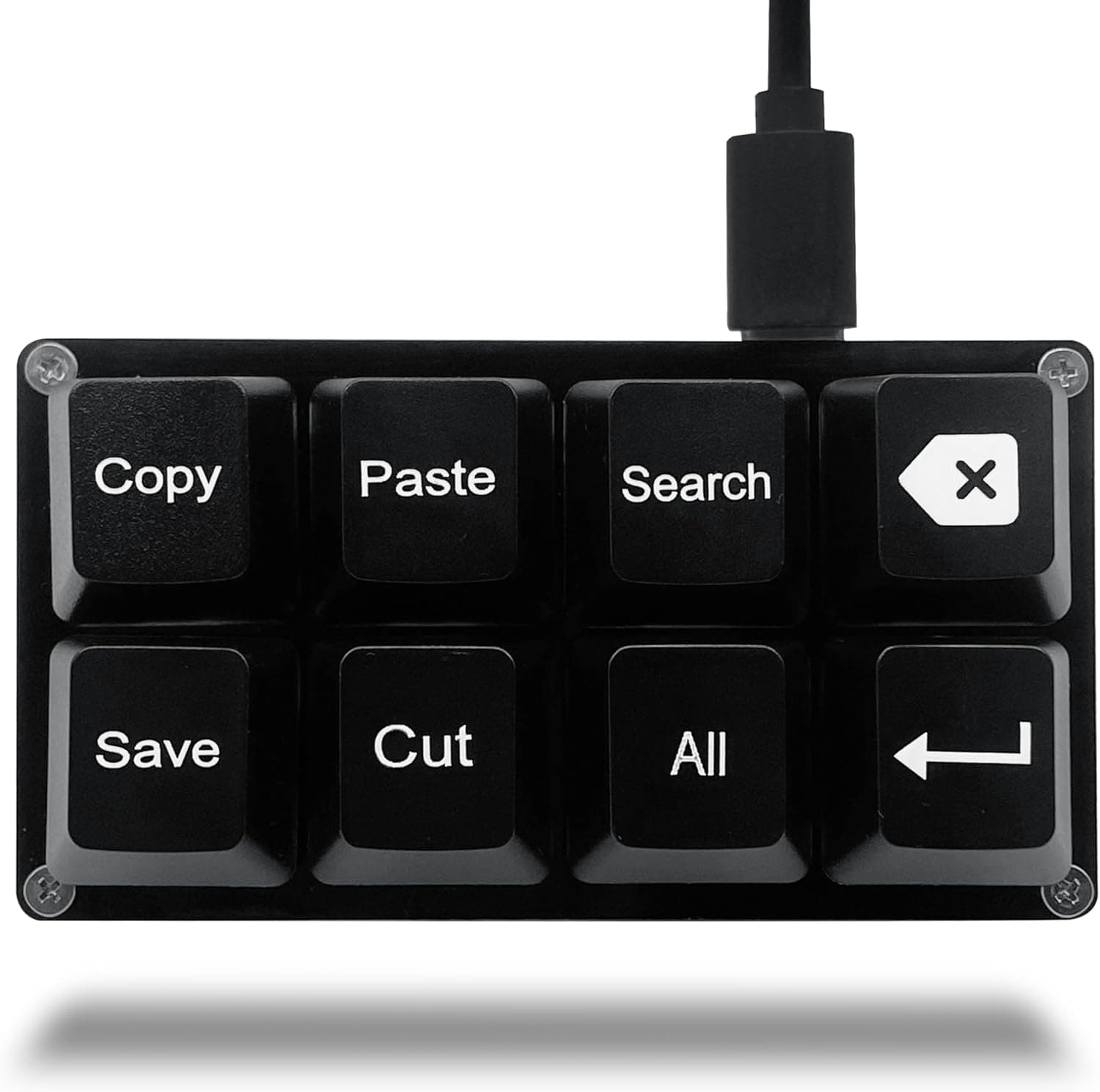
**Q. I sometimes need a numpad. A. Yes. Connecting a USB tenkey pad only when needed is the common approach and keeps the desk clear the rest of the time. Small macro pads serve the same role.
Q. Can I use third-party keycap sets? A.
Generally yes — standard MX profile and a conventional bottom row. Just confirm the set covers TKL/85% key counts; 60%-only sets will leave keys uncovered.
Product Disclosure (Amazon)
- Manufacturer: GLORIOUS
- ASIN: B0877BDC7P
- Note: This article covers a manufacturer-made product based on Amazon listing details.