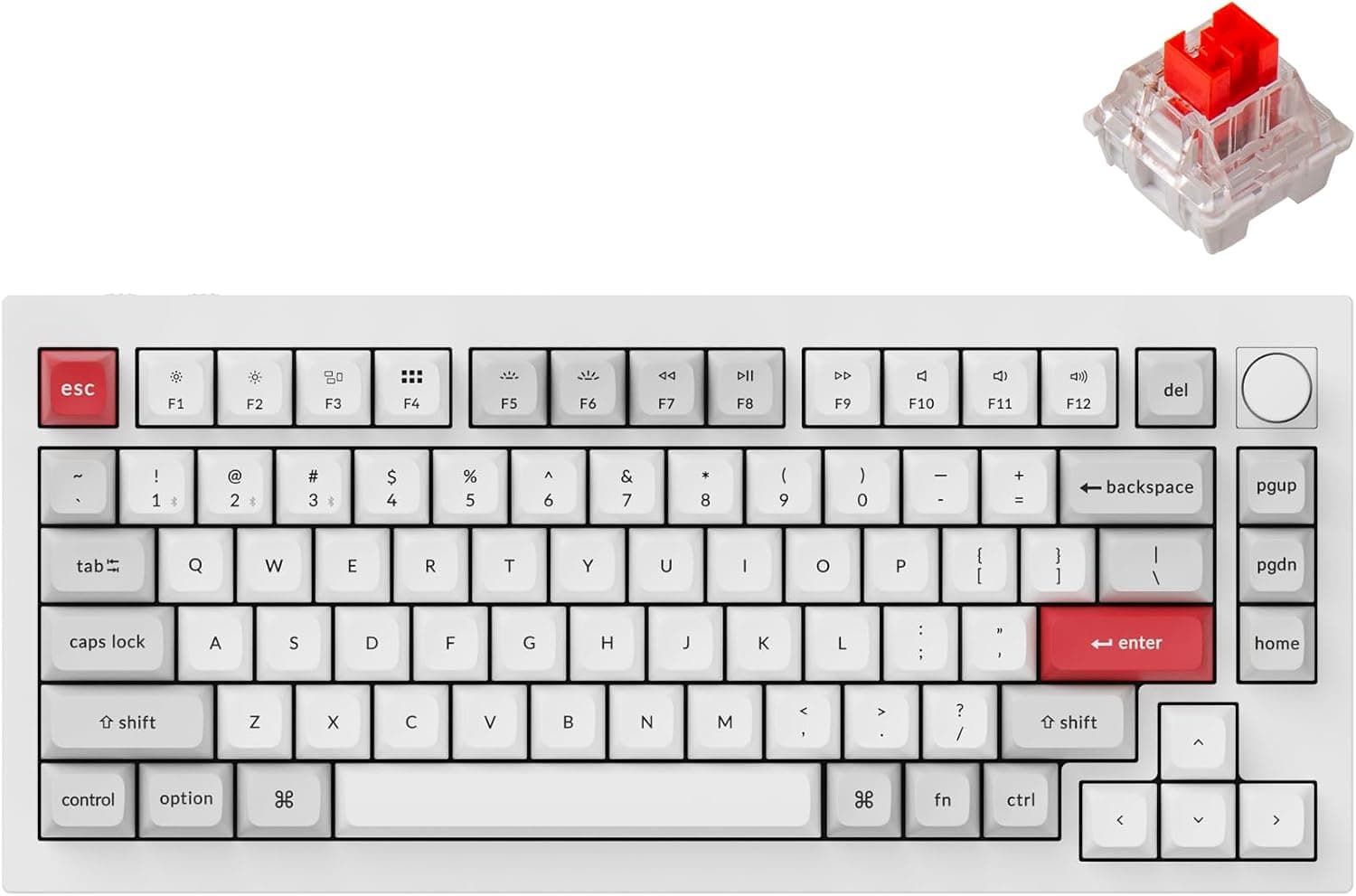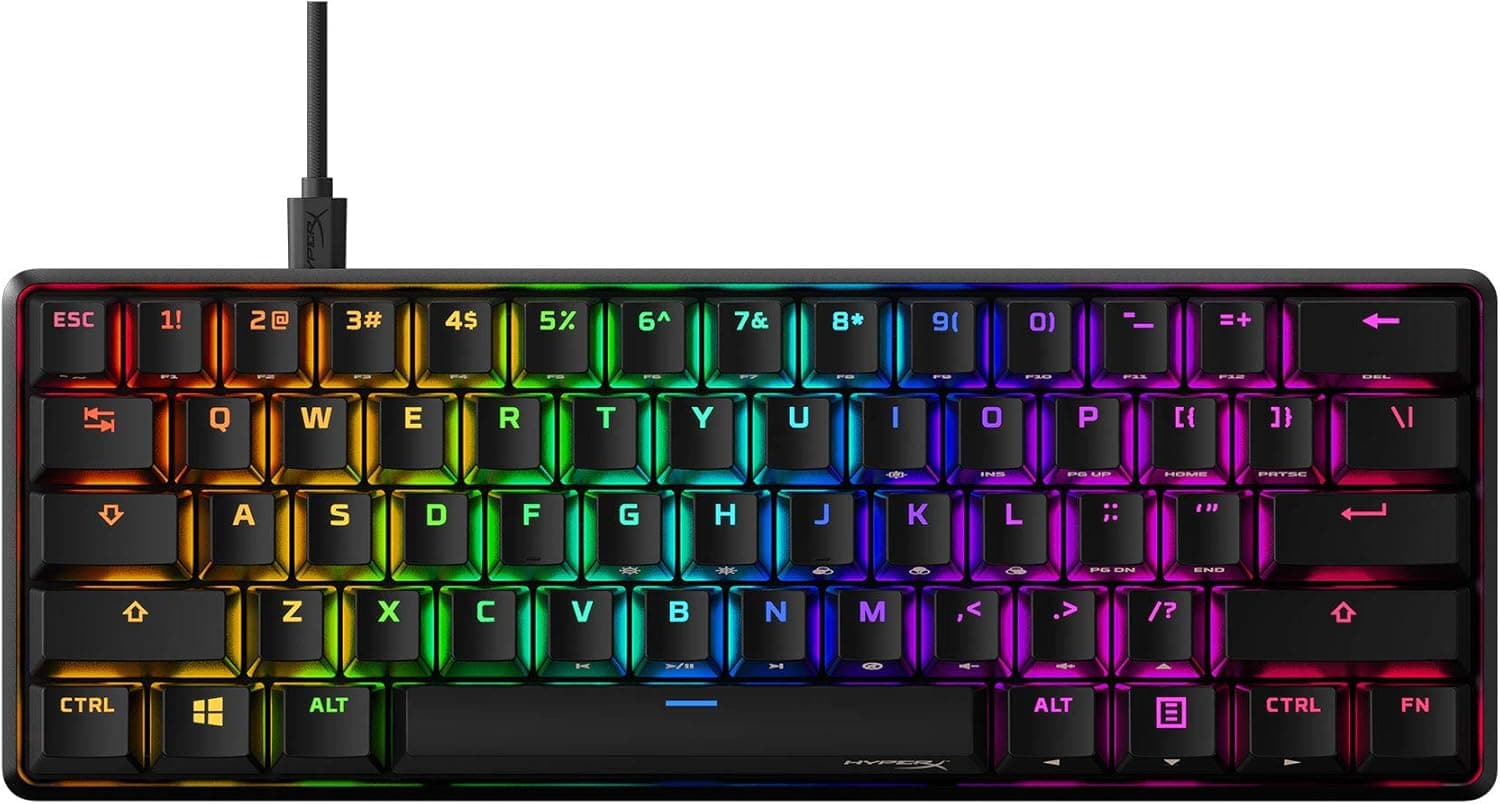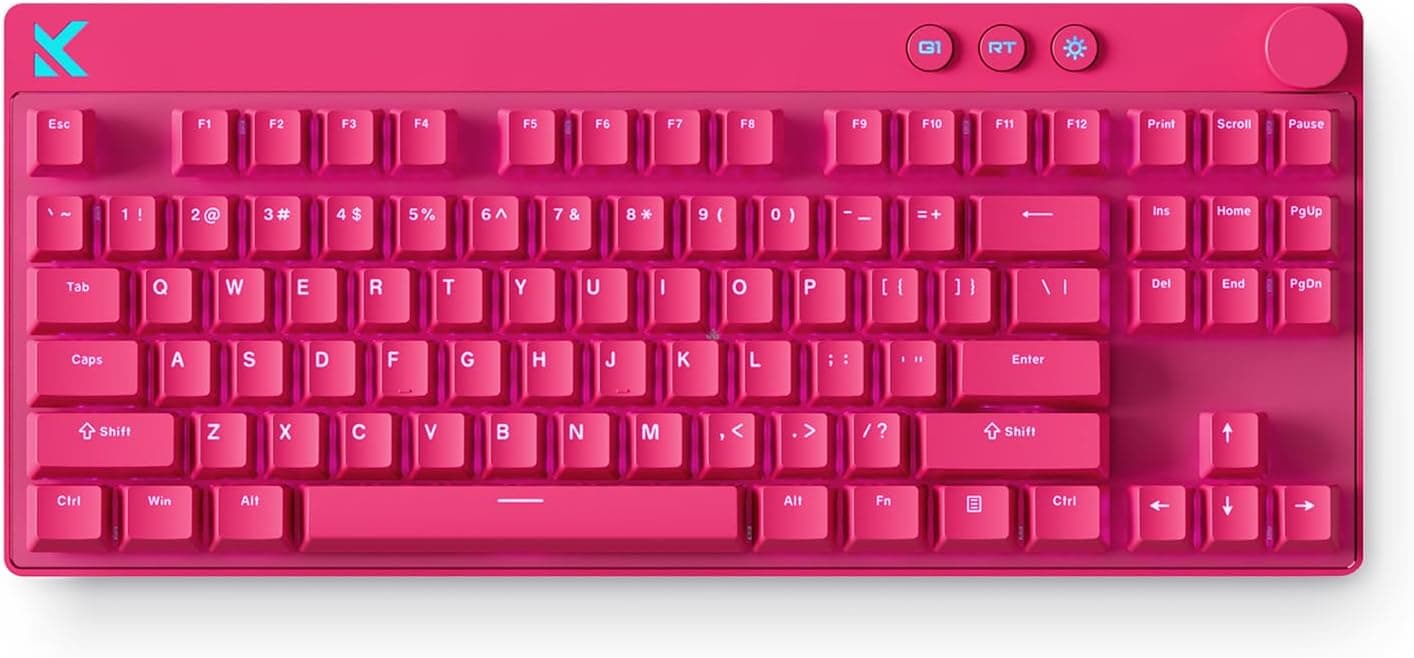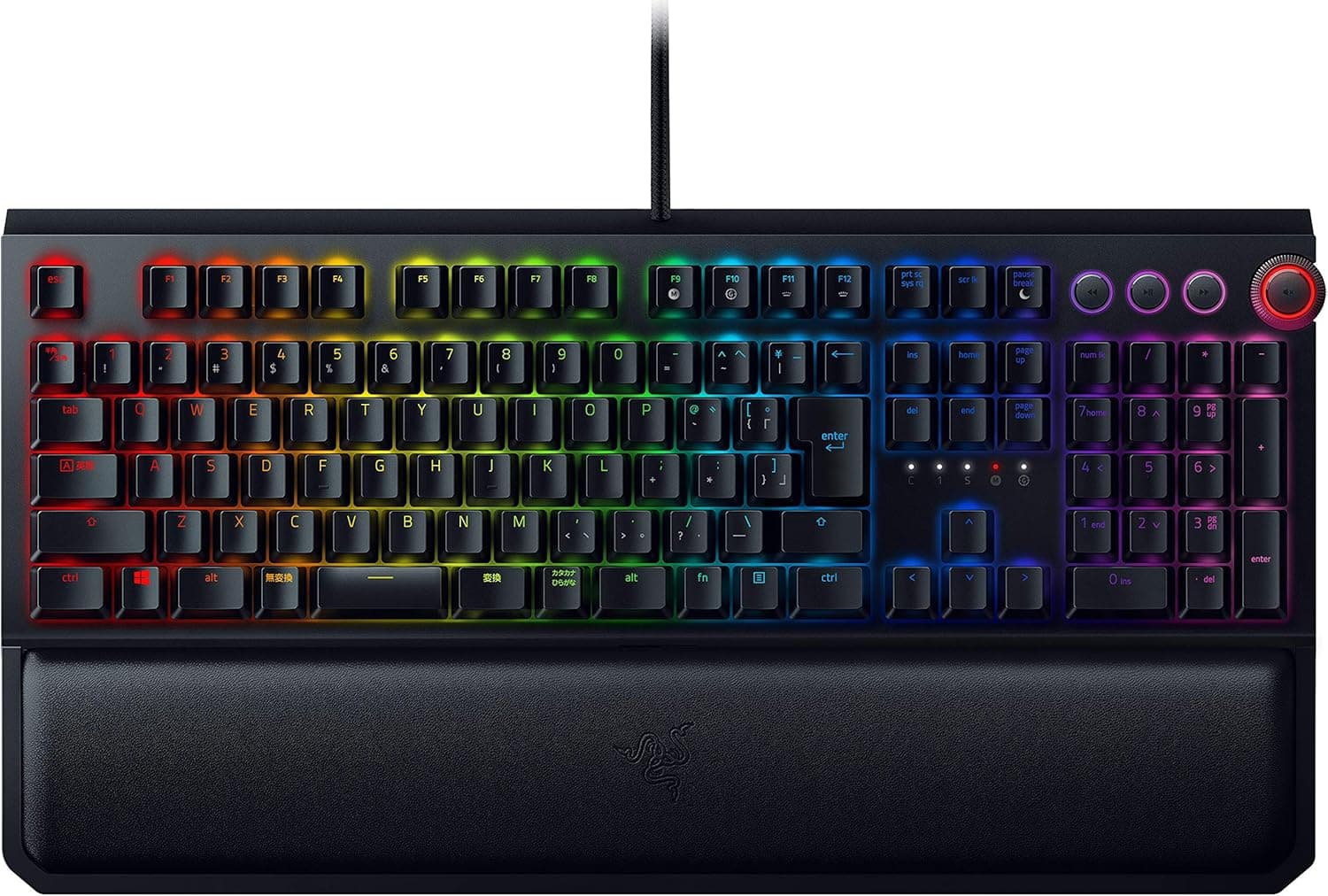
This article takes a closer look at the SteelSeries ゲーミングキーボード 青軸 有線 英語配列 有機ELディスプレイ搭載 Apex 7 US Blue Switch 64774 ブラック フルサイズ — not as a spec list, but as a buying decision: will it fit your desk, your room, and the way you actually play?
Overview
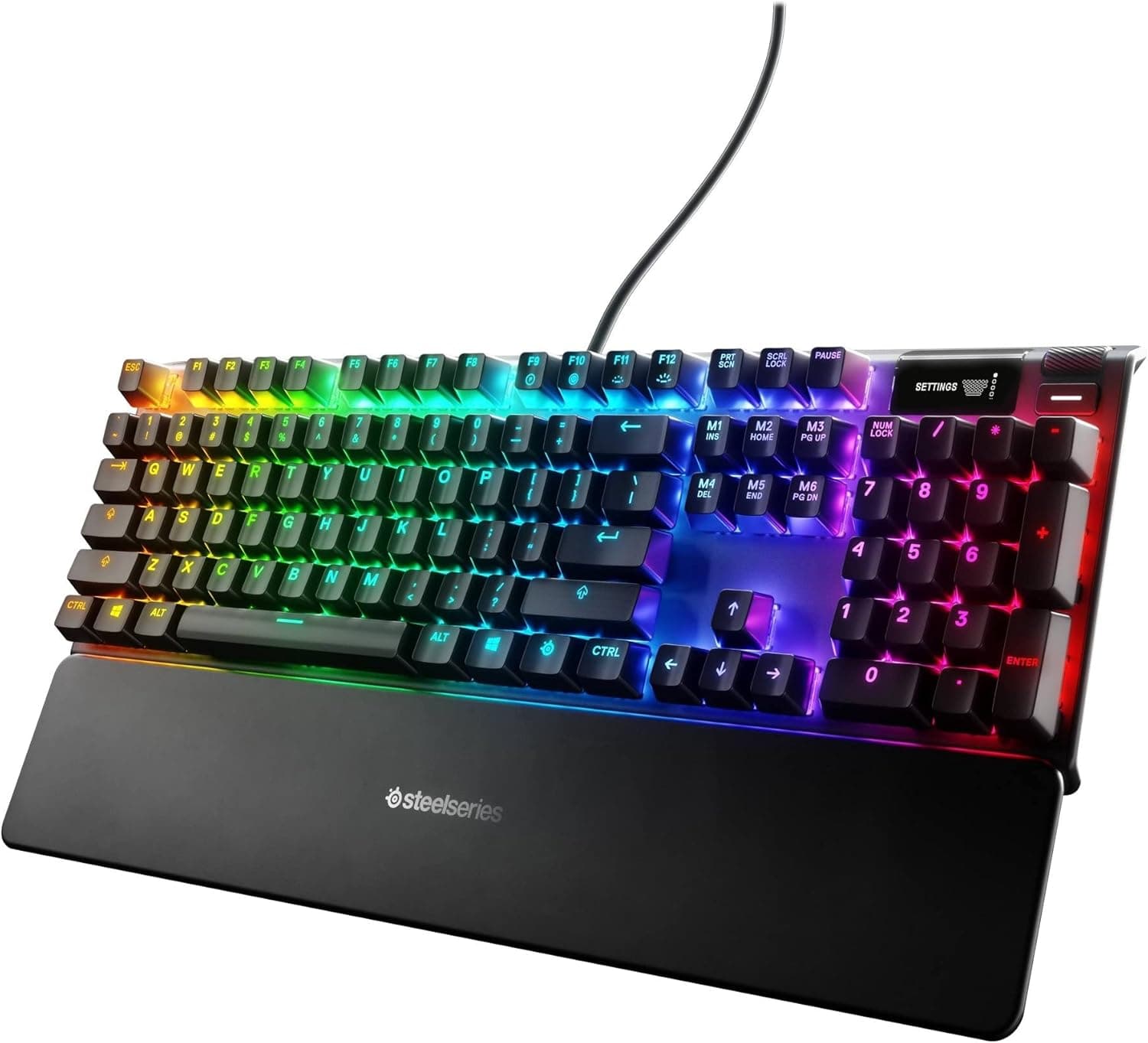
The SteelSeries Apex 7 US Blue Switch 64774 is a full-size (104-key) mechanical gaming keyboard built around an OLED Smart Display in the top-right corner. The honest summary: you buy this board for the screen and the chassis, not for the switch feel.
If the OLED panel and the aluminum frame don't appeal to you, nothing else here will close the deal.
The OLED can show in-game KDA for supported titles, Discord notifications, and system stats in real time, so you can check status without alt-tabbing. What it shows is configured through SteelSeries software — it is not a universal mirror for any app, a limitation covered below.
Switches are clicky Blue mechanicals rated for roughly 50 million keystrokes. The frame is aircraft-grade aluminum alloy, giving the board real weight and rigidity so it never shifts under aggressive input.
You also get per-key RGB, a magnetic detachable wrist rest, and a clickable metal roller plus dedicated media keys.
On Amazon.co.jp, the listing showed 4.7 out of 5 stars from 42 reviews (94% positive) as captured in June 2026.
That's a strong score, though 42 reviews is a small enough sample that unlucky units can hide inside it.
Compatibility Guide
Connection is USB wired only, with a fixed, non-detachable cable. There is no wireless or Bluetooth option.
Three routing channels underneath let the cable exit left, right, or straight back — a small detail that matters a lot if you use a monitor arm or a cable tray.
Supported operating systems are Windows and macOS. PlayStation and Xbox will accept it as an input device, but the OLED display, RGB profiles, and macro configuration all require a PC running the software.
Buying this for a console makes its headline feature essentially decorative. That's the single most important compatibility trap here.
The layout is US/ANSI English only, full size. There are no Japanese-layout conversion keys; input-method switching relies on shortcuts such as Alt+`. Set your OS keyboard layout to English after purchase, or the printed symbols won't match what you type — a settings issue, not a defect.
As a full-size board it occupies real desk width. Low-sensitivity FPS players who swing the mouse widely may find the numpad crowds their elbow compared with a TKL, 75%, or 60% board.
If your desk is under about 100 cm wide, measure before you buy — including the extra depth the wrist rest adds. The rest is magnetic, so you can pull it off to reclaim depth.
Product Info
Key specs: Blue mechanical switches rated around 50 million presses, USB wired with a fixed cable, per-key RGB illumination, an OLED smart display, an aircraft-grade aluminum alloy frame, US/ANSI full-size layout, a magnetic wrist rest, and multimedia control via a metal roller and media keys.
It launched in 2019. That makes it several generations old, but keyboards with a built-in OLED panel remain rare, which is why it still holds a place on shortlists.
Warranty is one year from SteelSeries. In the box: the keyboard, the magnetic wrist rest, the fixed USB cable, and a quick-start guide.
On price, the captured data is inconsistent and worth flagging: ¥8,573 as captured on 9 June 2026, and ¥21,350 as captured on 27 August 2026 — same listing, more than double the difference. That gap likely reflects sale pricing versus regular pricing, or third-party sellers filling in as first-party stock thins out.
Do not treat either figure as current. Older models often drift upward as supply dries up, so check the live price on the product page; if it's well above ¥10,000, re-compare against newer alternatives.
Overseas marketplaces list it too, but prices vary per listing with no stable reference figure.
How It Compares
| Aspect | Apex 7 US Blue Switch 64774 | What to weigh |
|---|---|---|
| Standout feature | OLED smart display | Nearly unique at this price |
| Switch | Blue (clicky) | Quiet use favors linear/silenced switches |
| Chassis | Aircraft-grade aluminum | More rigid than plastic-top rivals |
| Serviceability | No hot-swap, fixed cable | Poor fit for tinkerers |
| Size | Full-size, 104 keys | TKL/75%/60% for tight desks |
If you want adjustable actuation and faster response, a SteelSeries optical-switch model such as the Apex 9 TKL targets that need instead. If you want to swap switches yourself or go wireless, a hot-swappable wireless board is the more direct answer.
The Apex 7's case rests on the OLED and the build quality, not on flexibility.
Best Use Cases
First, players who want glanceable information mid-match. Seeing Discord pings, supported in-game stats, or system load without leaving fullscreen is the kind of convenience that's hard to give up, and streamers get fewer missed notifications out of it.
Second, users already comfortable with US ANSI who genuinely like clicky feedback. The symbol placement suits programming, and default keybinds in Western games map cleanly.
The click is polarizing — but if you like it, nothing else substitutes.
Third, people building a deliberate desk aesthetic. Aluminum frame, per-key RGB, and an OLED panel together punch above the price bracket visually, and the 4.7-star average from 42 reviews suggests buyers largely end up satisfied.
It is a poor fit for quiet rooms, Japanese-layout users, narrow desks, and console-first setups — detailed next.
Before You Buy
Blue switches are loud. This is the core trade-off.
Clicky switches make a distinct noise on every press by design. Sharing a room at night, sitting near a live microphone, or using it in an office all argue against this variant.
It will not turn out quieter than you expect. If noise matters, look at linear or silenced switches.
The cable cannot be replaced. A damaged cable means replacing the whole keyboard.
That hurts if you travel with your gear or rework your cabling often. Decide on a strain-free routing on day one.
The OLED is not universal. In-game stats appear only for supported titles and apps; elsewhere you get generic readouts like system info or a clock.
If you expect automatic scoreboards in every game, you'll be disappointed. Check whether the games you actually play are supported before buying.
Software must run in the background. The display and lighting sync depend on it.
If you keep background processes to a minimum, this board fights you.
No hot-swap. The feel you buy is the feel you keep, so it's worth testing Blue switches on a tester or in a store first.
Price swings are wide. As noted, captures recorded ¥8,573 and ¥21,350 at different dates.
Around ¥10,000 this is an easy recommendation for an OLED-equipped board; in the ¥20,000 range, compare seriously against newer designs.
Check the listing details yourself. Marketplace listings sometimes carry mismatched manufacturer, model, or accessory data.
This article covers model 64774 in the US-layout, Blue-switch configuration. Before checkout, confirm from the product images and title that the layout and switch color match what you want — the same product family often mixes switch and layout variants on one page.
Practical Setup Tips
Decide on one piece of information you actually want on the OLED at all times before configuring it. Cramming in more data costs more glances than it saves.
Discord notifications, CPU/GPU load, and current track name are the reliably useful choices.
The metal roller works best mapped to volume with push-to-mute. Having a physical instant mute is genuinely valuable in setups with frequent calls or voice chat.
The wrist rest is magnetic, so attaching it for gaming and removing it for desk work is a reasonable routine.
FAQ
Q. Can I type Japanese on it? A.
Yes, but it's a US/ANSI board with no dedicated conversion keys. Set the OS keyboard layout to English and switch input methods with a shortcut such as Alt+`. Not ideal if you depend on a Japanese layout.
Q. Does it work on PlayStation or Xbox? A.
It works as an input device, but the OLED display and RGB/macro customization require the PC software, so the main feature goes unused on consoles.
Q. How loud are the Blue switches? A.
Loud by design. In shared rooms or near a microphone the noise becomes a real issue.
Choose a different switch type if quiet operation matters.
Q. Are the switches hot-swappable?
A. No. Plan on keeping the stock Blue switches for the life of the board.
Q. What does it cost? A.
Captures varied sharply (¥8,573 on 9 June 2026; ¥21,350 on 27 August 2026). Prices change often — check the live product page.
Q. Can the cable be swapped?
A. No, it is fixed. Route it so the base isn't sharply bent to reduce the risk of failure.
Product Disclosure (Amazon)
- Manufacturer: SteelSeries
- ASIN: B07XV1V2SJ
- Note: This article covers a manufacturer-made product based on Amazon listing details.