This article covers 【NAS用拡張ユニット】Synology DX517 [5ベイ 拡張ユニット eSATA接続], an expansion enclosure that solves exactly one problem: your Synology NAS has run out of drive bays. It does nothing on its own, but for owners of a supported model it is the fastest way to add five bays without migrating a single byte of data.
Overview
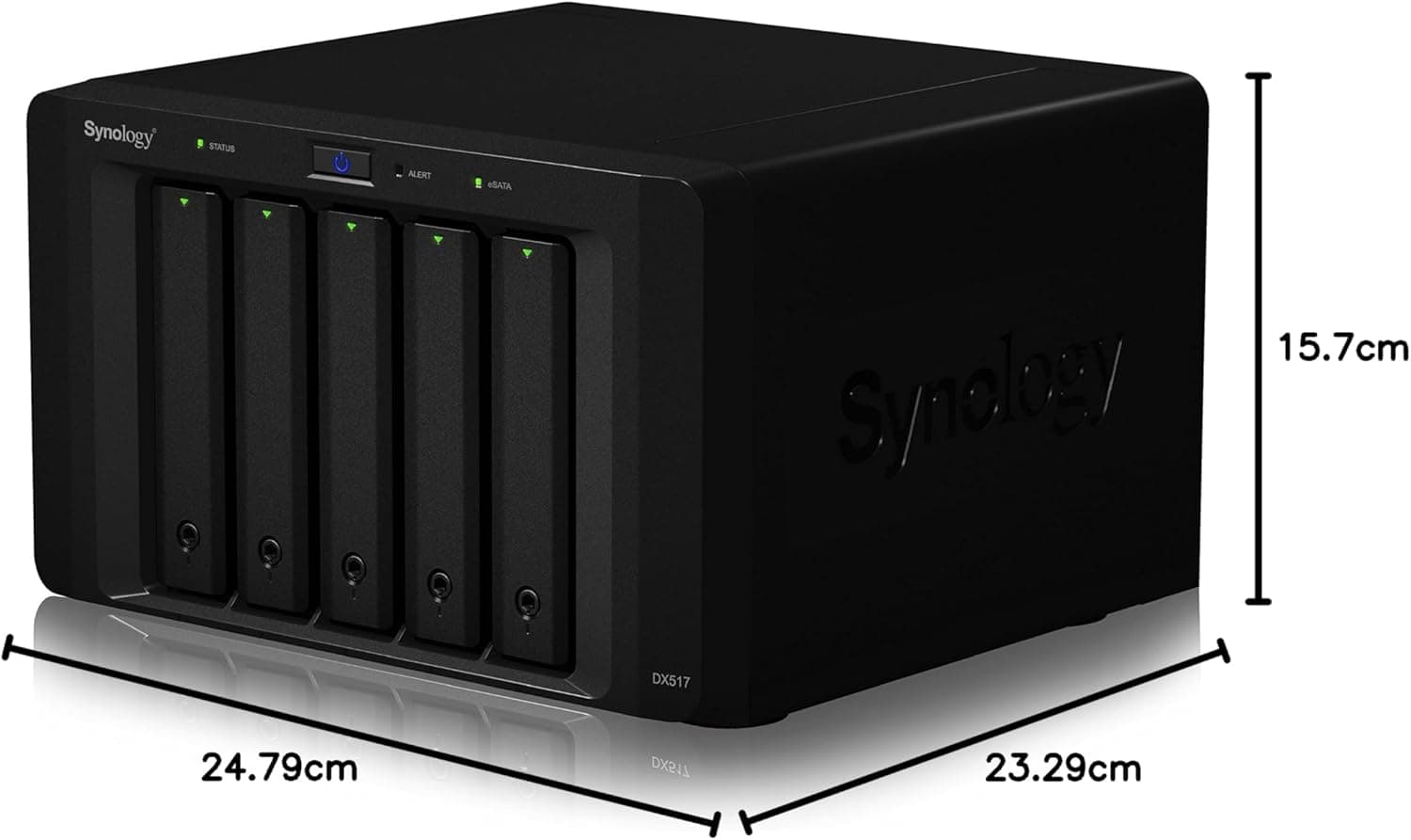
The Synology DX517 is a 5-bay expansion unit designed to seamlessly add storage capacity to compatible Synology DiskStation NAS devices. It supports both 3.5-inch and 2.5-inch SATA drives, allowing you to install up to five additional HDDs or SSDs.
Connection to the host NAS is via the included eSATA cable, and the unit is managed directly through DiskStation Manager (DSM). One of its key features is online volume expansion, which lets you add storage without interrupting active services.
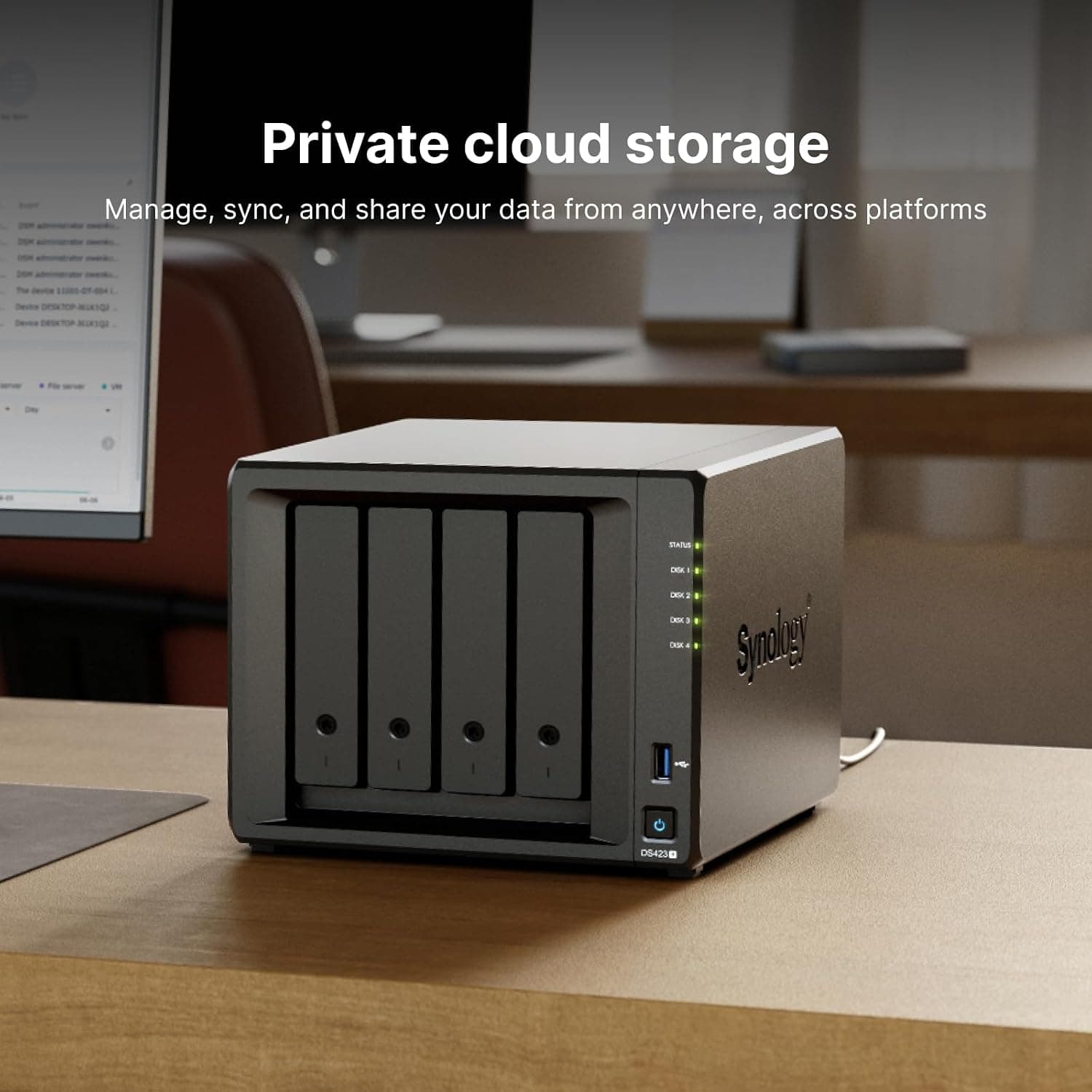
The key thing to understand is that this is an external bay array, not a NAS. There is no CPU, no memory and no network port, so powering it up by itself accomplishes nothing.
On Amazon.co.jp it holds a 4.8 out of 5 rating across 562 reviews (96% positive), which is unusually consistent — a reflection of a product that either works instantly or was bought for the wrong host NAS.
Compatibility Guide
The DX517 connects to the host NAS using a dedicated eSATA cable (included). It is compatible with a range of Synology models, including the DS1817+, DS1618+, DS1517+, DS918+, DS718+, DS1817, DS1517, and NVR1218.
Always verify compatibility with your specific NAS model before purchase — this is where nearly every bad outcome starts.
A warning worth repeating: "my NAS has an eSATA port" is not the same as "my NAS supports an expansion unit." Synology's expansion port uses the same physical connector but carries expansion-specific signalling, and plenty of models with eSATA ports do not support expansion units at all.
Check the official compatibility list on the product page rather than judging by the connector. J-series and value-line 2-bay models are generally not supported.
| Check | Where to look | Common mistake |
|---|---|---|
| Host NAS model | DSM Info Center | Confusing generations (DS918+ vs DS920+) |
| Expansion port | Rear panel + official spec | Mistaking eSATA for expansion support |
| Drives | Sold separately | Assuming HDDs are included |
| Space and power | Desktop footprint | No free outlet or cable too short |
Physically the DX517 is a desktop 5-bay chassis with its own power adapter, so plan for a second unit-sized footprint next to the NAS and one more free wall socket. If you need rack mounting, a rack-format expansion unit is the correct choice instead.
The drive trays are hot-swappable and tool-less, making drive installation and replacement quick and easy.
Power behaviour has a quirk. Because the expansion unit runs on its own supply, booting the NAS while the DX517 is off means DSM will not see the unit and any volume living on it goes missing.
Keep the DX517 powered at all times, and follow the manual for the correct power-on order after an outage.
Product Info
Launched in 2017, the DX517 remains a long-running current product in Synology's lineup. It was listed at ¥88,300 (tax included) on Amazon JP as captured on 4 September 2026.
Treat that as a snapshot only — expansion unit pricing moves with stock and exchange rates, so confirm the current figure on the product page. It carries a 3-year manufacturer warranty.
| Item | Value |
|---|---|
| Bays | 5 |
| Interface | eSATA (SATA III) |
| Warranty | 3 years |
The package includes the expansion unit, eSATA cable, power adapter, and quick installation guide. In the market, it sits as a mid-range expansion solution, ideal for users of mid-to-high-end Synology NAS models who need additional drive bays.
Note that HDDs/SSDs are not included — filling five bays with NAS-grade drives can easily cost as much as the enclosure itself, so budget for the pair, not the box.
Setup Walkthrough
The process is short: install the drives, connect the power adapter and switch the DX517 on, run the supplied eSATA cable to the host NAS expansion port, then confirm in DSM Storage Manager that the unit and its drives appear. From there you choose between extending an existing storage pool or creating a separate pool that lives entirely on the DX517.
If you are unsure, create a separate pool. Spanning a single storage pool across the NAS and the expansion unit means a loose cable or a powered-down enclosure puts the whole pool at risk.
Recommended practice varies by DSM version, so read the warnings Storage Manager shows you and check Synology's current documentation before committing.
Alternatives Worth Comparing
Two options deserve a look before you buy an expansion unit. The first is simply replacing existing drives with larger ones — slower because of RAID rebuilds, but it adds no power draw, no noise and no extra box.
The second is replacing the NAS itself with an 8-bay model, which upgrades CPU, memory and networking at the same time.
That matters because the DX517 adds bays and nothing else. Host performance stays exactly where it was.
If your NAS already struggles with virtual machines or simultaneous transcoding, an expansion unit will not fix it. The DX517 wins when you are happy with your NAS and simply refuse to spend a weekend migrating data.
Best Use Cases
- Existing Synology NAS users running out of storage: If you own a compatible model like the DS918+ or DS1618+, the DX517 provides an easy way to add five more drive bays. Online expansion means no downtime during setup.
- Users wanting a dedicated backup volume: You can configure the DX517 as a separate storage pool for local backups, keeping your primary NAS volumes unaffected — useful protection against accidental deletion, not just drive failure.
- Home office or small business environments with growing data needs: Adding five bays allows for RAID 5 or RAID 6 configurations, delivering both capacity and redundancy.
- Growing photo and video archives: Move cold data onto the DX517 pool and keep the main NAS volumes free for active work.
Before You Buy
Buying it for an unsupported NAS is the number one failure. The cable may fit, but the unit will not be recognised.
Confirm your exact model in DSM Info Center before ordering, and check the seller's return policy in advance rather than after the box arrives.
Drives are not included. Five NAS-grade HDDs represent a second major purchase. Plan the total, not the enclosure price.
RAID is not a backup. RAID 5 or RAID 6 on the DX517 protects against drive failure only.
Deletion, ransomware and a power surge hitting the same outlet will take everything with it. Keep an off-site or cloud copy of anything important.
Noise and power consumption go up. Five more spinning drives plus another fan is a real change if the NAS lives in a bedroom or study.
Decide where it goes before ordering.
It is useless on its own. If you arrived here looking for an affordable Synology NAS, this is not that product.
Listing details can be inconsistent. Amazon product pages are assembled by sellers and occasionally show model numbers or accessory lists that do not match the physical item.
Confirm the product images, title and Synology's official model designation agree before ordering, and treat the price above as a snapshot rather than today's figure.
FAQ
Q. Can the DX517 work as a standalone NAS? A.
No. It has no CPU and no network port; it only functions when attached to a supported Synology NAS.
Q. How do I confirm my NAS is supported? A.
Read the exact model in DSM Info Center and compare it against the compatibility list on Synology's official DX517 page. A rear eSATA connector proves nothing by itself.
Q. Can I expand an existing volume? A.
Online volume expansion is supported, but spanning one storage pool across the NAS and the expansion unit increases risk if a cable or power supply fails. A separate pool is the safer configuration.
Q. Are drives included?
A. No. You supply your own 3.5-inch or 2.5-inch SATA drives; NAS-rated models are the sensible choice.
Q. What is the warranty?
A. Three years from the manufacturer. Keep your receipt or order record.
Q. Do I need to shut down to swap a drive? A.
No, the trays are hot-swappable. Avoid heavy writes until the RAID rebuild finishes, since redundancy is reduced during that window.
Product Disclosure (Amazon)
- Manufacturer: Synology
- Seller: イートレンド [適格請求書発行事業者登録済]
- Fulfilled by: イートレンド [適格請求書発行事業者登録済]
- ASIN: B06Y4J9GR8
- Note: This article covers a manufacturer-made product based on Amazon listing details.