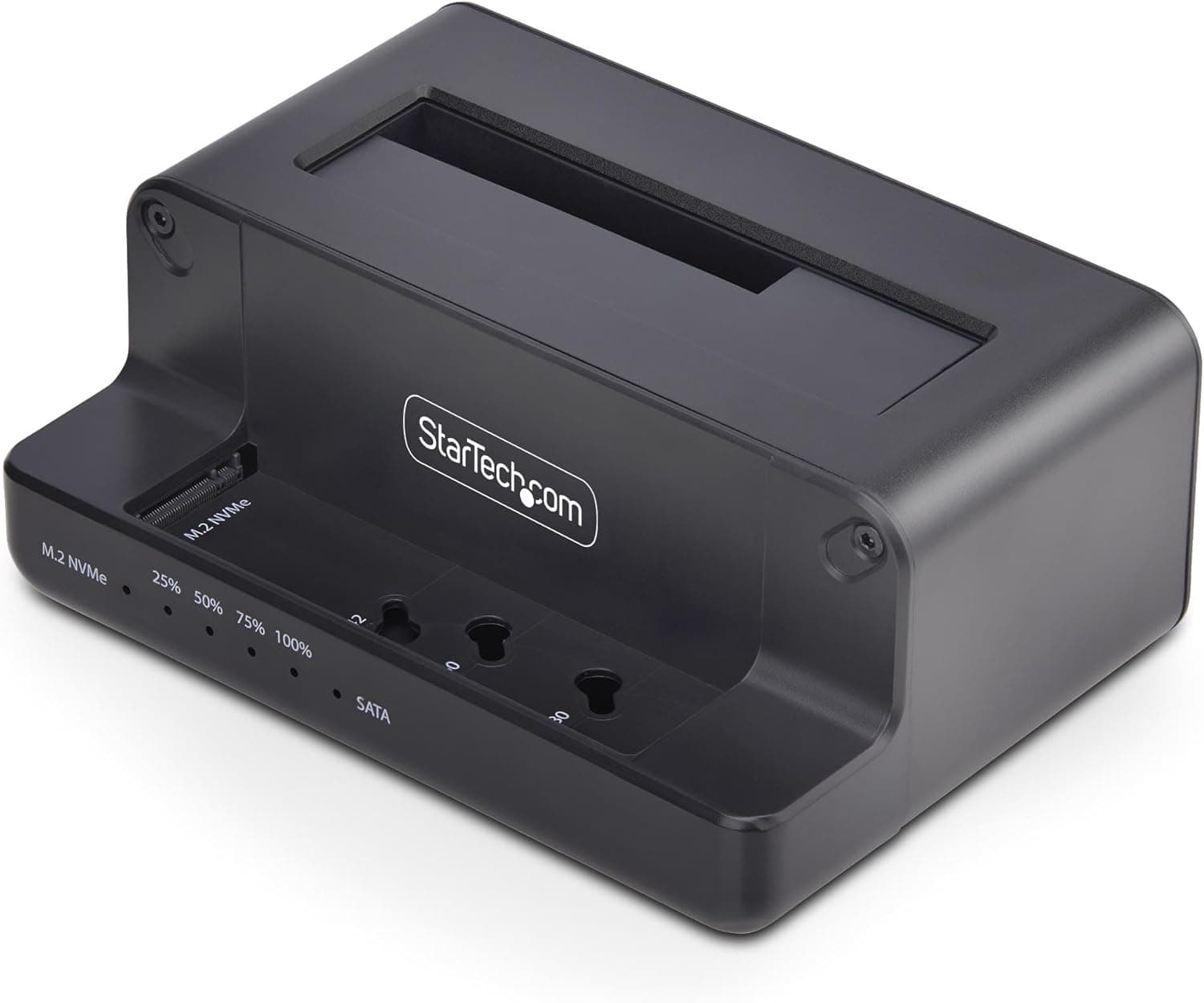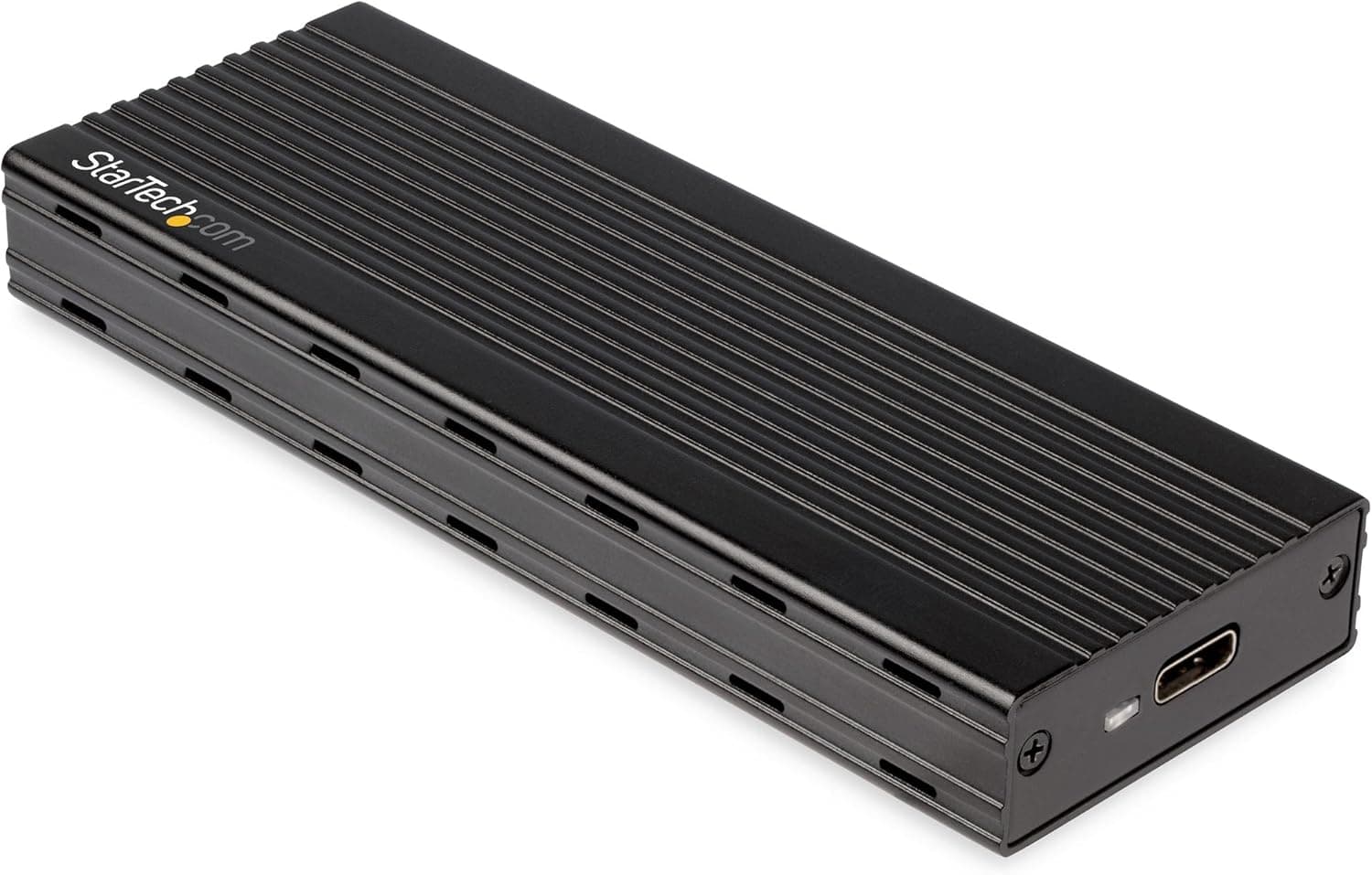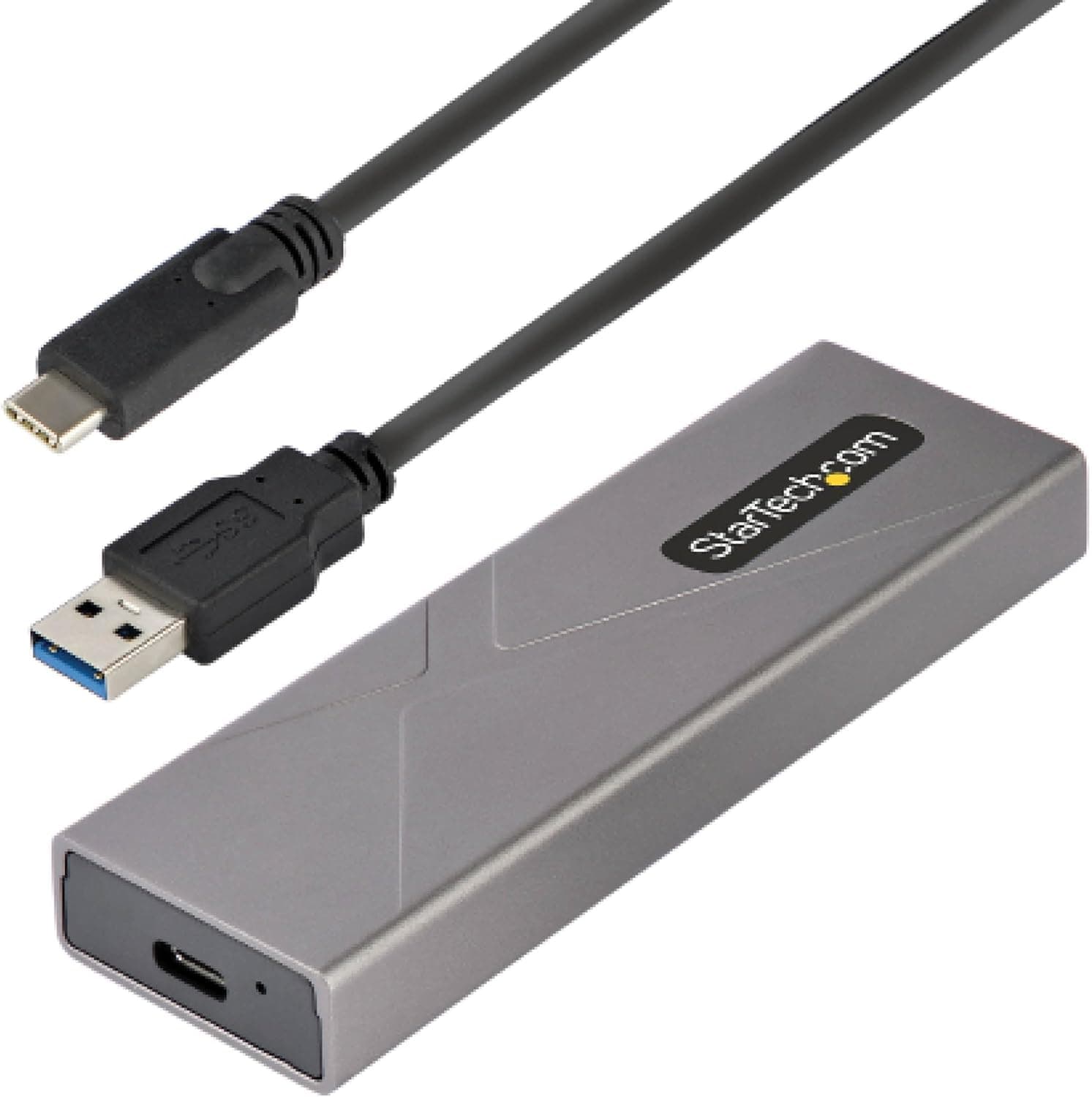
This article covers スターテック StarTech.com USB-C 10Gbps.
Overview
The StarTech.com M2-USB-C-NVME-SATA is an external enclosure that supports both M.2 NVMe and M.2 SATA SSDs. It uses a USB 3.2 Gen 2 (10Gbps) interface, delivering transfer speeds up to 1GB/s. Two cables are included — a USB-C to C and a USB-C to A — making it compatible with a wide range of host devices. What sets this enclosure apart is its tool-less design: you can install or swap SSDs without any screwdriver or tools. It supports M.2 sizes 2230, 2242, 2260, and 2280. The aluminum body acts as a heatsink, keeping the drive cool during sustained writes and maintaining consistent performance.
Connectivity & Compatibility
Interface: USB 3.2 Gen 2 (10Gbps) with UASP support, PCI Express 3.0 Supported SSDs: M.2 PCIe NVMe (M-key) and M.2 SATA (B+M-key) Supported sizes: 2230, 2242, 2260, 2280 (22110 is not supported) Compatible OS: Windows, macOS, Chrome OS, Linux, Ubuntu, iOS (iPhone 15 series and later) Cables included: USB-C to C (30cm) and USB-C to A (30cm) Bus-powered — no external power adapter needed
Product Info
Released around 2022, this enclosure typically retails for about $50–$60 USD (currently ¥9,139 on Japan). StarTech.com offers a standard 2-year warranty (check your region for specifics). The package includes the enclosure, two USB cables, and a quick-start guide. Market positioning is mid-range. The ability to handle both NVMe and SATA M.2 drives, combined with a tool-less aluminum body and a sub-$60 price tag, makes it a strong value proposition. Be aware that PCIe 4.0 SSDs will be limited to PCIe 3.0 speeds (~1GB/s) due to the bridge chip.
Best Use Cases
Repurposing old M.2 SSDs: If you have a spare M.2 SATA or NVMe drive from an old laptop or upgrade, this enclosure turns it into a fast external drive. The tool-less design and dual cables make setup painless on any computer. Creative professionals needing portable storage: Pair it with a fast NVMe SSD to work on 4K video or RAW photo projects directly from the external drive. The 10Gbps interface is fast enough for most editing workflows. * Travelers and mobile users: The compact aluminum shell (105×35×14mm) slips easily into a bag. You can connect it to a modern laptop or even an iPhone 15 for quick video backups without needing a power outlet. If you need to use a 22110 SSD or require full PCIe 4.0 speeds externally, look elsewhere. ## Alternatives
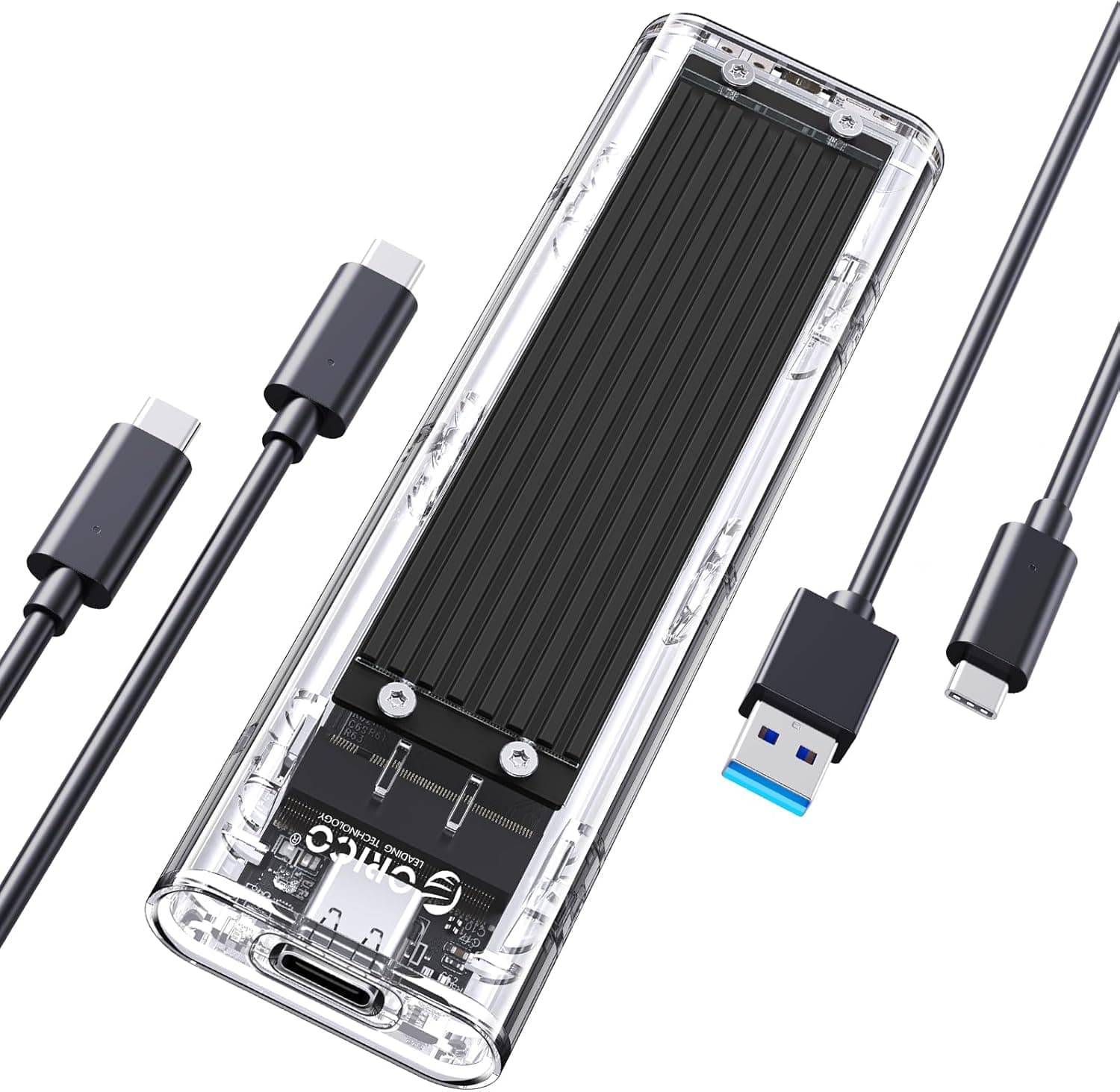
Competitors in the same price bracket include the ORICO M2PV-C3 and the UGREEN CM559. The ORICO unit is often cheaper, but some versions only support SATA M.2 SSDs — not NVMe. The UGREEN CM559 is NVMe-only and does not work with SATA M.2 drives. Where the StarTech enclosure shines is its dual-format support: it accepts both NVMe and SATA M.2 drives in a single case, making it a safer bet if you have mixed or unknown drive types. ORICO and UGREEN models may offer slightly better build quality or lower price, but the StarTech unit offers the best compatibility for the money.
Things to Consider
PCIe 4.0 SSDs will run at PCIe 3.0 speeds (around 1GB/s) in this enclosure. It uses a PCIe 3.0 bridge, so the full potential of newer drives is not utilized. It does not support 22110-length M.2 SSDs. Double-check your drive's length before buying. Bus power may be insufficient for some power-hungry NVMe SSDs. If you experience disconnects, try using a powered USB hub or a cable with an auxiliary power input. The included cables are only 30cm long. For desktop use, you may want to purchase longer USB-C cables.
Product Disclosure (Amazon)
- Manufacturer: StarTech.com(スターテック)
- Seller: Startech Japan KK
- Fulfilled by: Amazon
- ASIN: B09XWLGD48
- Note: This article covers a manufacturer-made product based on Amazon listing details.