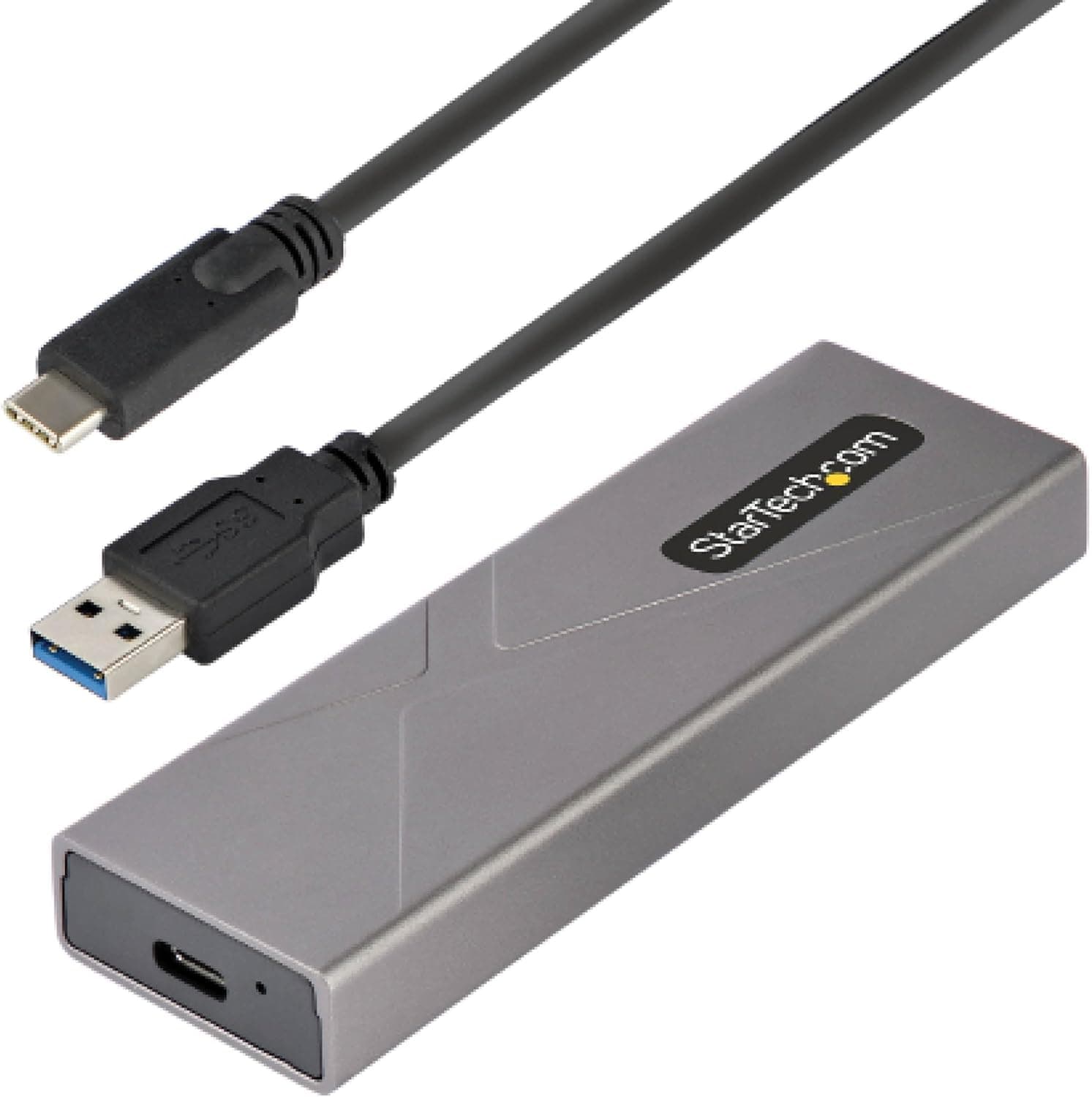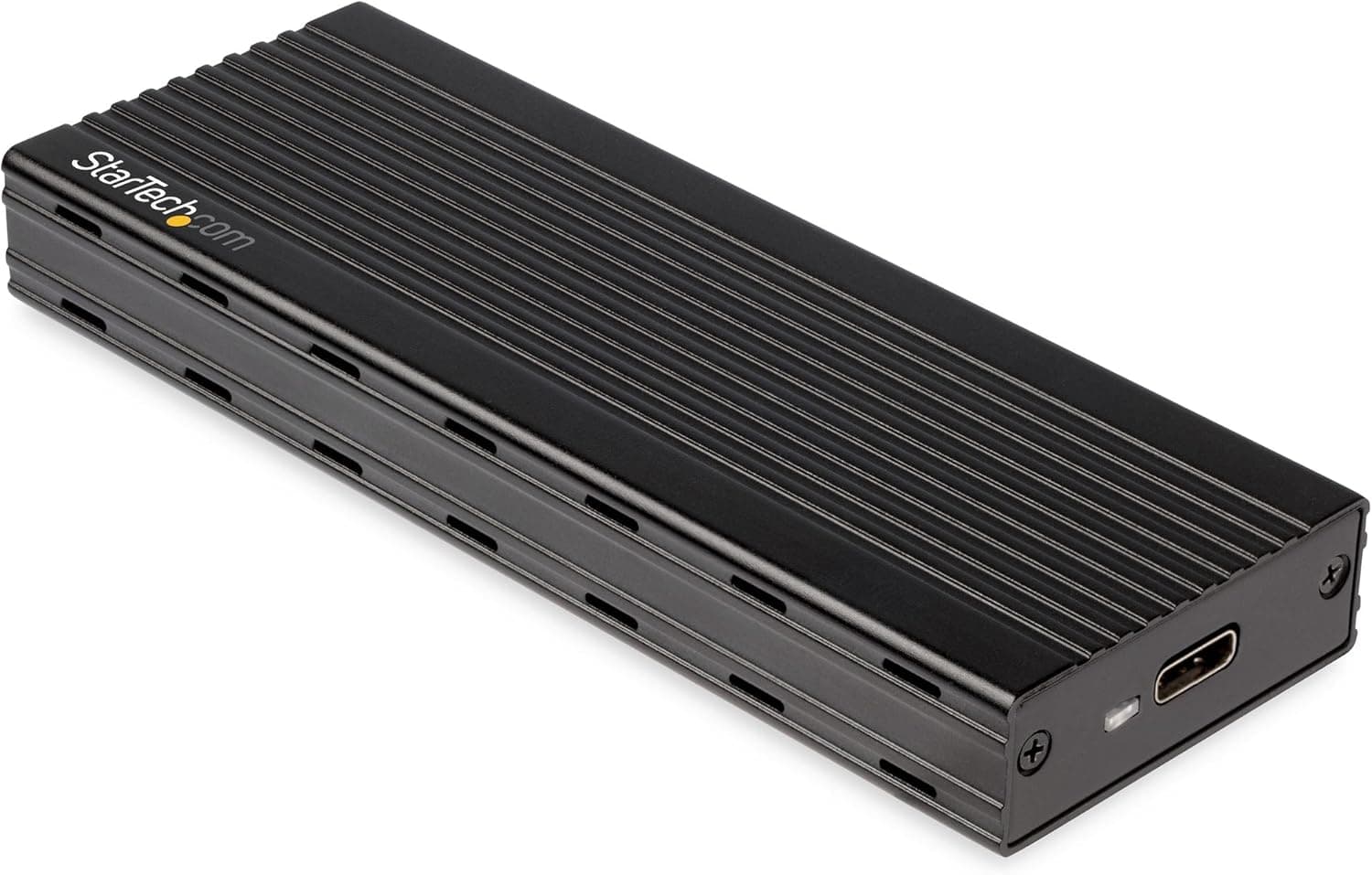
This article covers StarTech.com NVMe M.2 SSDケース PCIe接続タイプ限定 ASMedia社開発USB 3.1 Gen 2.
Overview
The StarTech.com M2E1BMU31C is an external enclosure designed to turn an M.2 NVMe SSD into a fast, portable USB-C drive. It uses USB 3.1 Gen 2 (10 Gbps) and a PCI Express 3.0 interface, so it can saturate the bandwidth of most NVMe drives. The enclosure is bus-powered, meaning no external power adapter is required—just plug it into a USB-C or Thunderbolt 3 port. Its ventilated aluminum body helps dissipate heat during sustained transfers, making it a solid choice for on-the-go storage expansion.
Connectivity & Compatibility
This enclosure works with any host device that has a USB Type-C port supporting USB 3.1 Gen 2 or Thunderbolt 3. It is backward compatible with USB 3.1 Gen 1 (5 Gbps) and works on Windows, macOS, and Linux without additional drivers. Note that the M2E1BMU31C is strictly for PCIe NVMe M.2 SSDs—M.2 SATA drives are not supported. The enclosure accepts standard M.2 2280 drives (and likely shorter form factors, though official specs do not list exact lengths). Installation is tool-less thanks to the included screwdriver and mounting screw.
Product Info
Released around 2019, the M2E1BMU31C sits in the mid-range to upper-mid-tier segment for NVMe enclosures. It retails for roughly ¥9,900 in Japan. StarTech.com backs it with a 2-year warranty and unlimited technical support. The package includes a USB Type-C cable (USB 3.1 Gen 2 rated), mounting screw, screwdriver, and quick-start guide. Buyers can find it on Japan and other major online retailers. Its key differentiator is the ASMedia controller, which offers reliable performance and broad compatibility.
Best Use Cases
Laptop users needing extra storage: If your laptop's internal SSD is full, you can repurpose a spare NVMe drive with this enclosure for fast external storage. Its compact size and bus-power operation make it ideal for travel. Not suitable if you own only SATA SSDs. Content creators and video editors: For 4K video work, a 10 Gbps connection is usually sufficient for proxy files or direct editing of ProRes 422. The aluminum chassis helps keep the drive cool during long exports. If you handle massive raw files daily, consider a Thunderbolt 3/4 enclosure for faster transfers. * PC gamers looking to speed up load times: Installing games on an external NVMe drive via this enclosure dramatically reduces loading compared to a traditional external HDD. While not as fast as an internal PCIe 4.0 drive, the difference is minimal for most titles. Note: consoles like PS5 restrict external NVMe usage, so this is best for PC gamers.