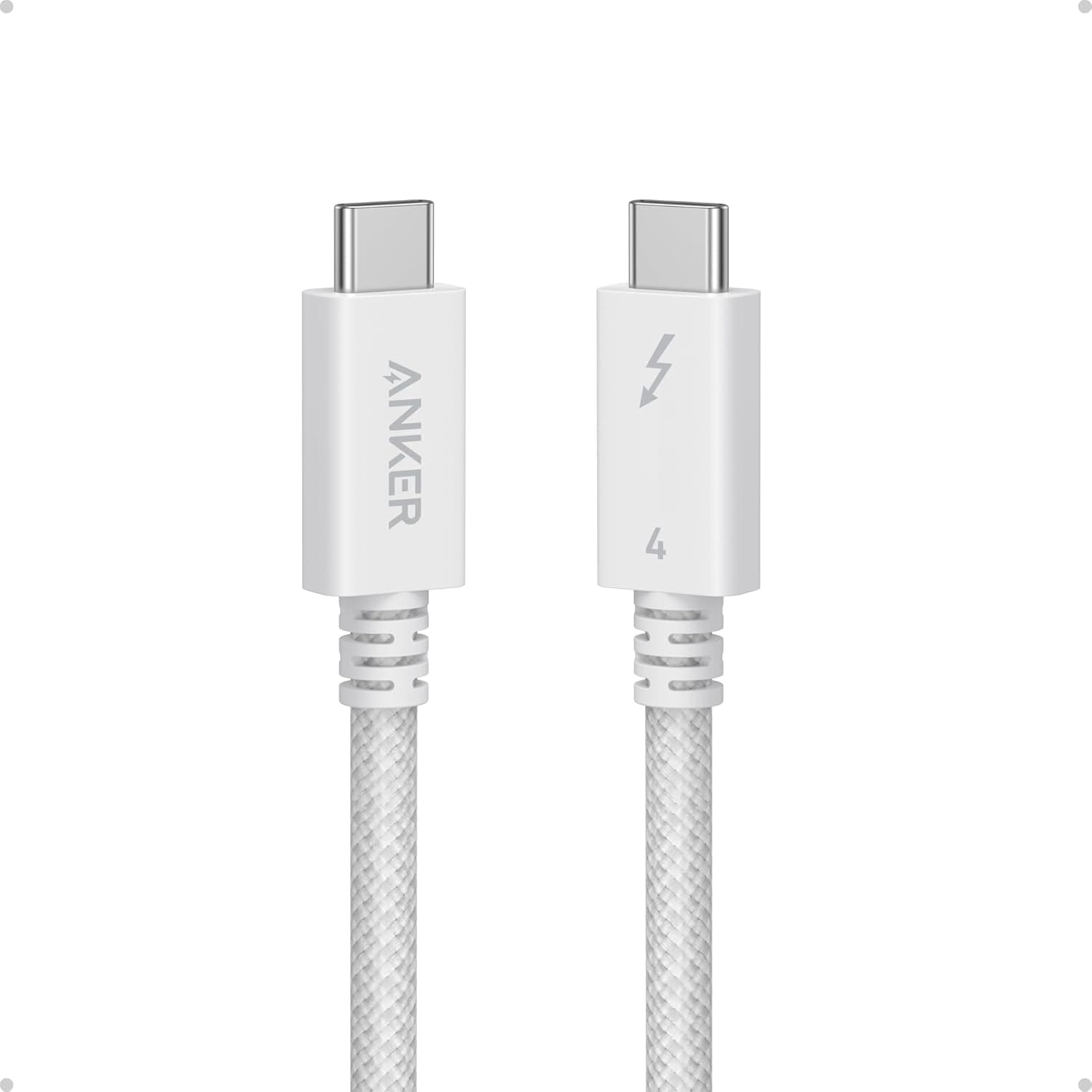
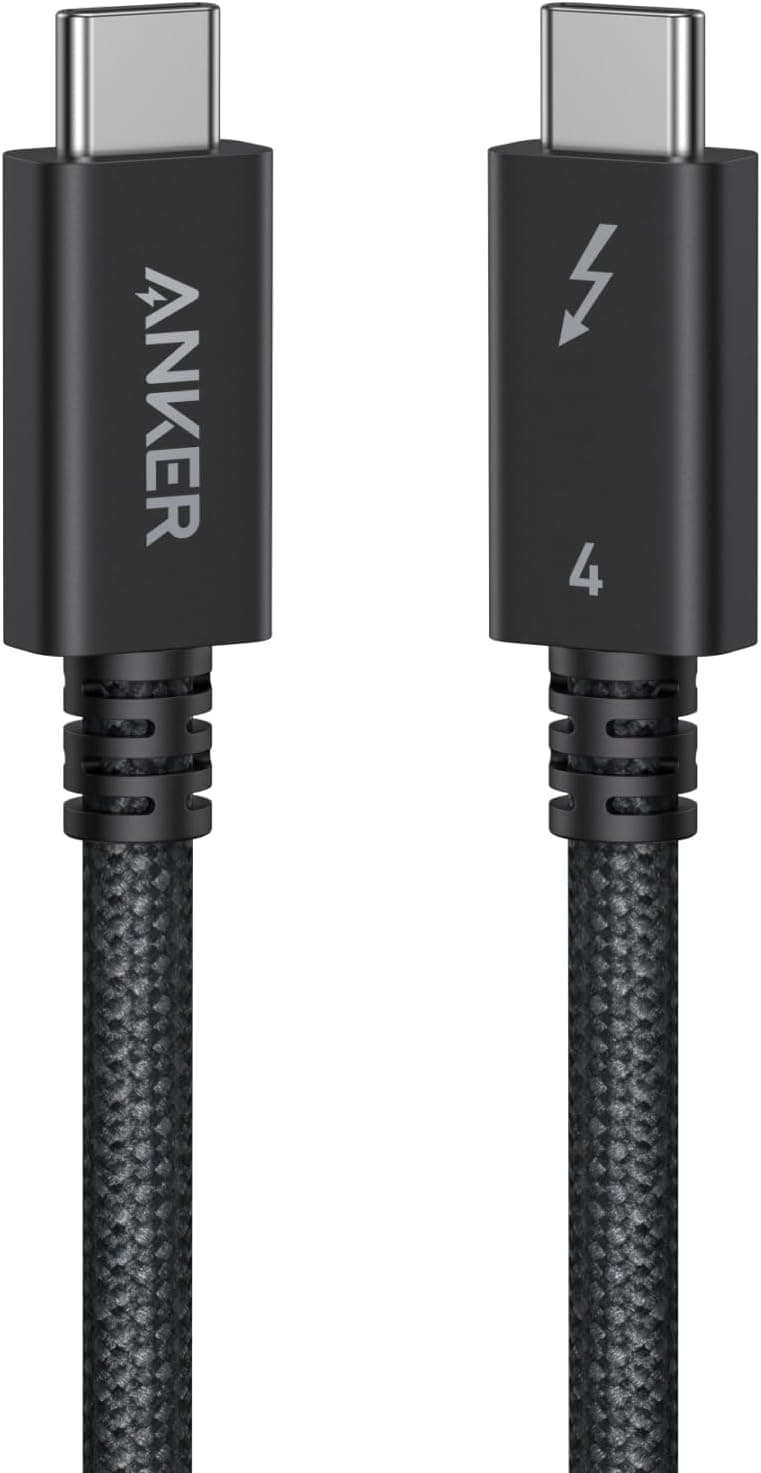
This article covers the Anker Prime Thunderbolt 4 Cable 3.3ft — High-speed 240W charging and 40Gbps data transfer cable.
Beyond the spec sheet, it explains which setups can actually use that performance and which ones will leave most of it on the table.
Overview
The short answer: this cable is for people with Thunderbolt 4 / USB4 laptops, docks, or external SSDs who want charging, fast data, and video on a single cable. If you only charge phones or use ordinary USB-C devices, most of its capability goes unused.
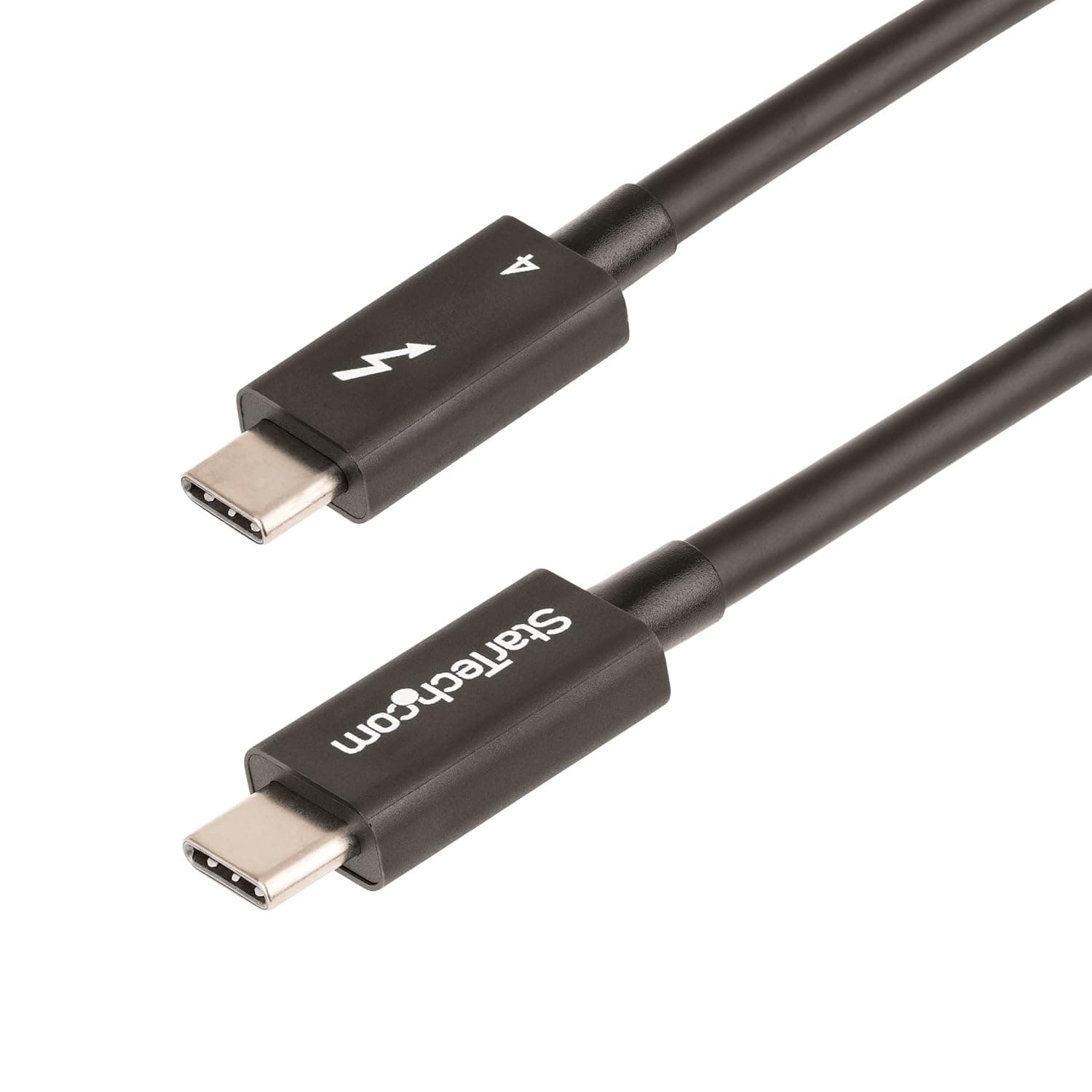
The Anker Prime Thunderbolt 4 Cable is a USB-C to USB-C cable with Thunderbolt 4 certification and USB4 compliance. Its rated maximums are 240W charging, 40Gbps data transfer, and video output at single 8K or dual 4K.
At 3.3 feet (about 1m), it is a comfortable length for connecting a laptop to a dock or monitor on a desk.
It belongs to Anker's premium Prime line and comes with an 18-month warranty.
Its value is not that one number is exceptional. What sets it apart is that it covers charging, data, and video in one cable.
Typical USB-C cables compromise somewhere, either fast charging with USB 2.0 data or fast data with a 60W charging limit.
This cable is for people who no longer want to swap cables depending on the task.
Compatibility Guide
Both ends are USB Type-C and reversible. But a connector that fits is not the same as a connection that performs.
Here is what to expect from each kind of port.
| Port on the other end | What to expect |
|---|---|
| Thunderbolt 4 / USB4 (40Gbps) | Full 40Gbps transfer and multi-display setups through a dock |
| Thunderbolt 3 | Backward compatible; features follow the Thunderbolt 3 port |
| Typical USB-C such as USB 3.2 Gen 2 | Runs at the port's limit (e.g. 10Gbps) |
| USB 2.0 USB-C (charging ports, etc.) | Runs at 480Mbps; perfectly fine for charging |
Data speed is set by the slowest part of the chain: the cable, the computer's port, or the device at the other end. To get 40Gbps, both the computer and the other device (SSD enclosure, dock, or monitor) must support Thunderbolt 4 or USB4.
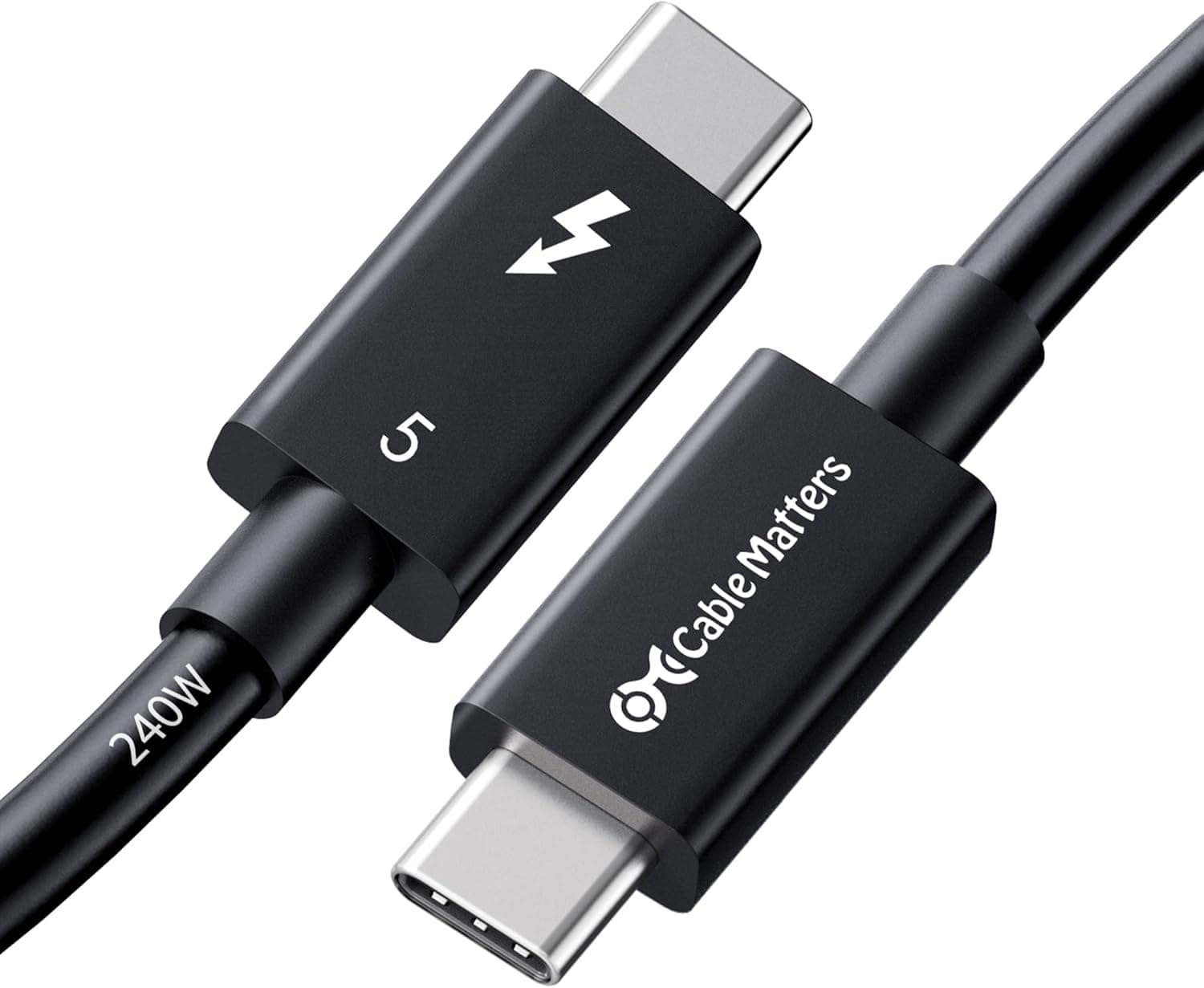
On a Thunderbolt 5 port, expect a 40Gbps ceiling because the cable itself is Thunderbolt 4.
The 240W figure is the most power the cable can carry. The actual power is negotiated between the charger and the device being charged.
Charging at 240W requires a 240W charger that supports USB PD 3.1 Extended Power Range (EPR) and a device that accepts that much power.
Most laptops draw less than that, so it is more realistic to see 240W as headroom that keeps the cable from ever being the bottleneck.
Video works the same way. Whether you get 8K or dual 4K depends on the computer's GPU and port specifications.
Even among Macs, the number of supported external displays varies by chip. A better cable cannot raise the computer's own limit.
Anker says the cable can charge a 14-inch MacBook Pro (M3) from 0% to 50% in about 29 minutes. That is the manufacturer's figure with a compatible charger.
Your results will depend on the output of your own charger.
Product Info
rmation
Key specifications:
| Item | Detail |
|---|---|
| Connector | USB Type-C (both ends) |
| Length | 3.3ft (about 1m) |
| Max charging power | 240W |
| Max data transfer | 40Gbps |
| Max resolution | 8K (single) / dual 4K |
| Certification | Thunderbolt 4 certified, USB4 compliant |
| Warranty | 18 months |
On Amazon.co.jp, the price was ¥16,236 when captured in late August 2026 (¥17,089 when captured in June 2026).
Prices change often and move during sales, so check the product page for the current price before buying. An overseas marketplace price captured around the same time was far out of line for a single cable, so this article does not use it.
As of June 2026, the Amazon listing had 67 reviews averaging 4.5 out of 5 stars.
That is still a small sample, so judge the cable by whether its specs match your use case rather than by individual reviews.
Among USB-C cables, this one is clearly at the high end of the price range. It serves a different role from the inexpensive charging cables that cost a few hundred to a few thousand yen, so the fair comparison is with other Thunderbolt 4 / USB4 cables.
Comparison with Competitors
Here are cables that often come up for the same job, listed using only what their product names state.
| Product | Charging | Data | Length |
|---|---|---|---|
| Anker Prime Thunderbolt 4 Cable | 240W | 40Gbps | about 1m |
| Belkin Thunderbolt 4 Cable | 100W | 40Gbps | 1m |
| Cable Matters 40Gbps USB4 Cable | Check product page | 40Gbps | 0.8m / 0.3m |
| Belkin BoostCharge 240W Cable | 240W | Check product page | 2m |
As the table shows, this cable stands out by meeting both 40Gbps and 240W. The Belkin Thunderbolt 4 cable matches it on data but tops out at 100W for charging.
If your laptops never need more than 100W, the difference between the two shrinks.
240W charging cables such as Belkin BoostCharge are built mainly for power. Cables of this type often carry only USB 2.0 data, so check the specs before using one with a dock or an SSD.
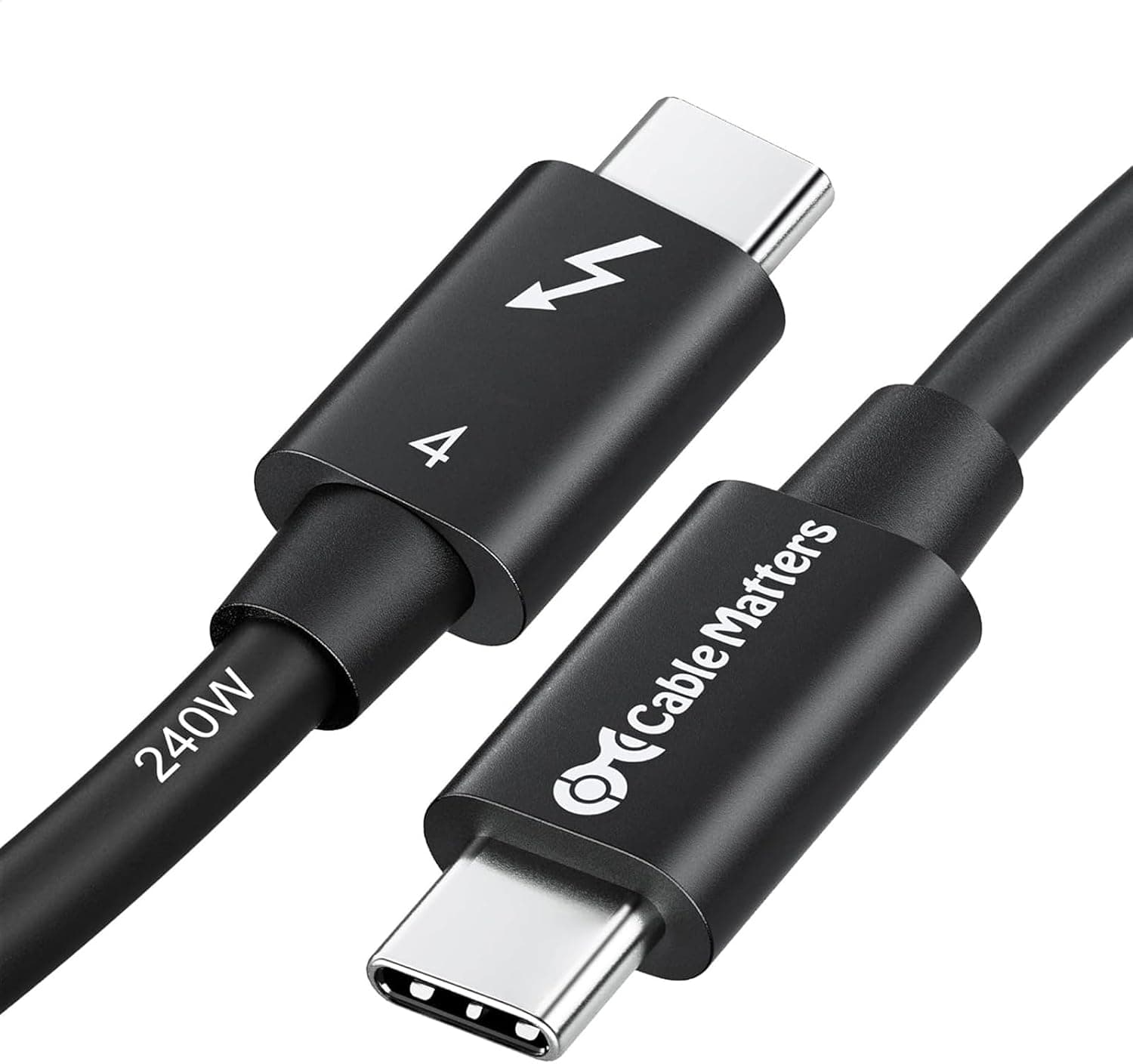
Short USB4 cables from Cable Matters are convenient when the SSD sits right next to the computer. Apple's Thunderbolt 4 Pro cable is another option for the same job.
Where It Pays Off
The cable is most useful in situations like these:
- One-cable laptop docking: Charging, external monitors, wired Ethernet, and USB devices all go through a Thunderbolt 4 dock, and only this cable connects to the laptop. The power the dock sends to the laptop also runs through this one cable.
- Large transfers with external NVMe SSDs: Paired with a USB4 / Thunderbolt enclosure, it can greatly cut transfer times for video footage and RAW photos.
- High-wattage laptops with a 240W charger: For devices that draw a lot of power, you no longer have to worry about the cable setting the limit.
On the other hand, if you only charge a phone, use a charger of around 65W, or have no Thunderbolt / USB4 port, you will barely notice any difference from a cheaper cable.
Recommended Users
- Owners of Thunderbolt 4 / USB4 laptops: MacBook Pro or Thunderbolt 4 Windows laptop users who want to connect to a dock or monitor with one cable.
- Creators: People who often move video files or RAW photos to and from external SSDs and can actually fill 40Gbps. It also suits 8K or dual 4K monitor setups.
- People cutting down on cables: Those who want to replace separate charging, data, and video cables with one cable and not worry about performance.
If you mainly charge an iPhone or Android phone, a much cheaper USB-C cable is enough.
Before You Buy
Confirm you can use the performance. The most common regret with this cable is paying extra and seeing no speedup.
The cause is usually the port on the computer or device, not the cable. Before buying, check the spec sheet or look for a Thunderbolt logo or USB4 label next to the port you plan to use.
Phones leave most of it unused. The original listing names the iPhone 16 series and Galaxy phones as compatible devices.
However, the USB-C port on non-Pro iPhone 16 models is limited to USB 2.0 speeds, and even the Pro models top out at 10Gbps.
Phone charging power is also far below the cable's limit, so there is no reason to choose this cable just for a phone.
240W charging needs a 240W charger. With a 60W to 100W charger, charging speed stops at the charger's output.
Swapping the cable alone will not charge faster.
About 1m can be too short. It may not reach a desktop under the desk or a device on a monitor arm.
Putting an extension cable or a cheap hub in between can disable 40Gbps or video output, so it is safer to buy the length you need from the start.
Check the seller. On the Amazon page we referenced, the seller and shipper are listed as イーストヒル, not Anker directly.
Check the product page before buying to see who will handle claims under the 18-month warranty.
The price data is inconsistent. One of the collected prices, from an overseas marketplace, was unnaturally high for a single cable.
Listings sometimes mix in details or prices from other products, so use the photos and product name to confirm you are buying this cable.
FAQ
Q. Can I use it to charge ordinary USB-C devices? A.
Yes. Thunderbolt 4 cables work with standard USB-C devices and charge them normally.
The charging power depends on the charger and the device.
Q. Does it work with Thunderbolt 3 Macs and docks? A.
Yes, it is backward compatible. It will work within the limits of the Thunderbolt 3 port.
Q. Do I need USB4 or Thunderbolt 4? A.
The cable claims both Thunderbolt 4 certification and USB4 compliance, so either kind of port can reach 40Gbps. The device at the other end must support the same standard.
Q. Will it be faster on a Thunderbolt 5 computer? A.
It will connect, but because the cable is Thunderbolt 4, expect a 40Gbps ceiling. You need a separate Thunderbolt 5 cable for Thunderbolt 5 speeds.
Q. Can it drive an 8K monitor? A.
The cable supports single 8K or dual 4K, but whether you actually get it depends on your computer's GPU and port. Check your computer's external display specifications first.
Product Disclosure (Amazon)
- Manufacturer: Anker
- Seller: イーストヒル
- Fulfilled by: イーストヒル
- ASIN: B0DG8SJHC8
- Note: This article covers a manufacturer-made product based on Amazon listing details.
![Cable Matters [Intel Certified] Braided 40Gbps Active Thunderbolt 4 Cable 6.6ft White, 100W Charging and 8K Video](/_next/image?url=https%3A%2F%2Fm.media-amazon.com%2Fimages%2FI%2F61EmRQMWxCL._AC_SL1500_.jpg&w=1920&q=75)