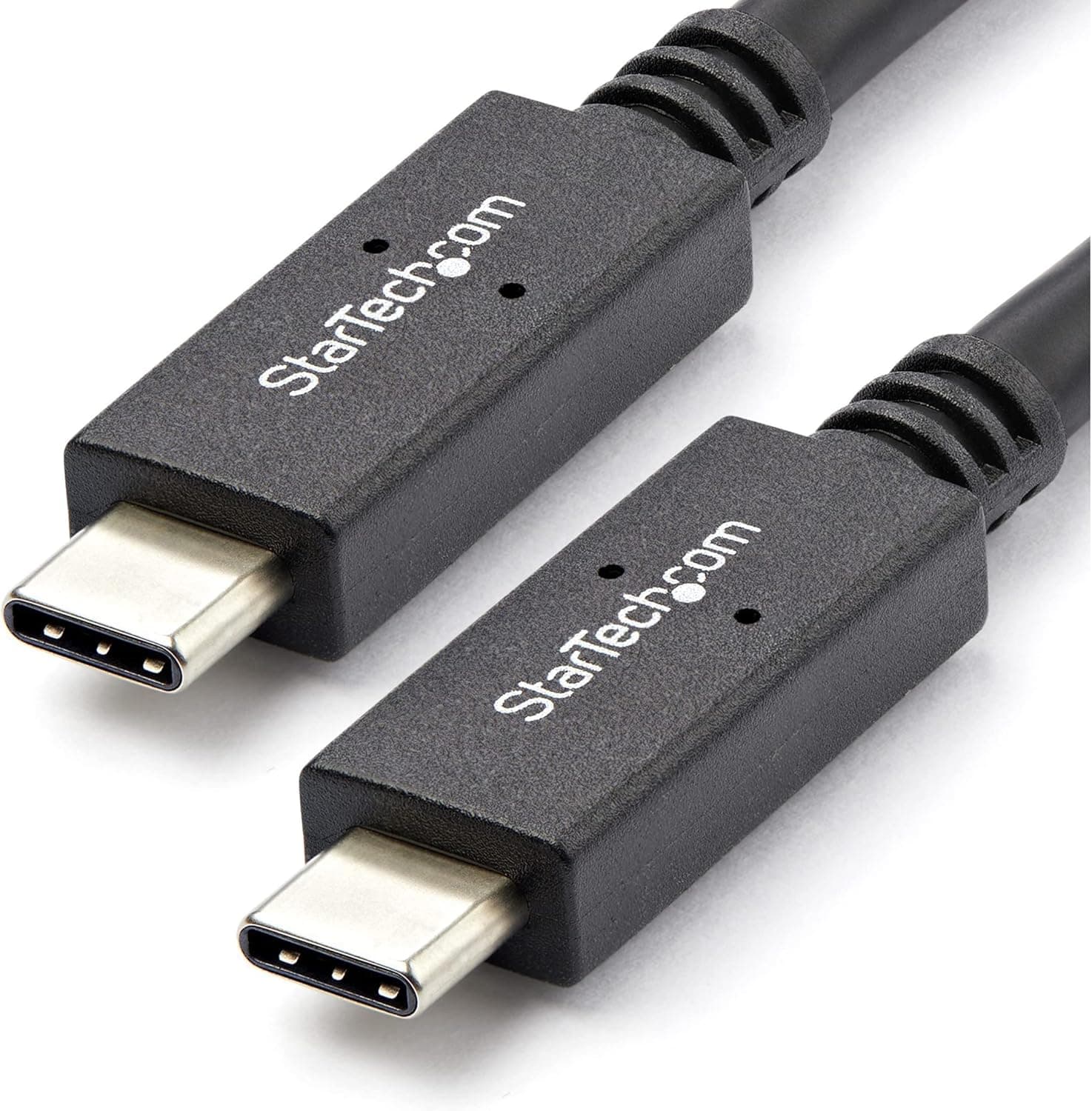
This article takes a closer look at the Belkin Thunderbolt 3 Cable (F2CD084BT0.8MBK), using its published specifications along with captured pricing and review data.
Overview
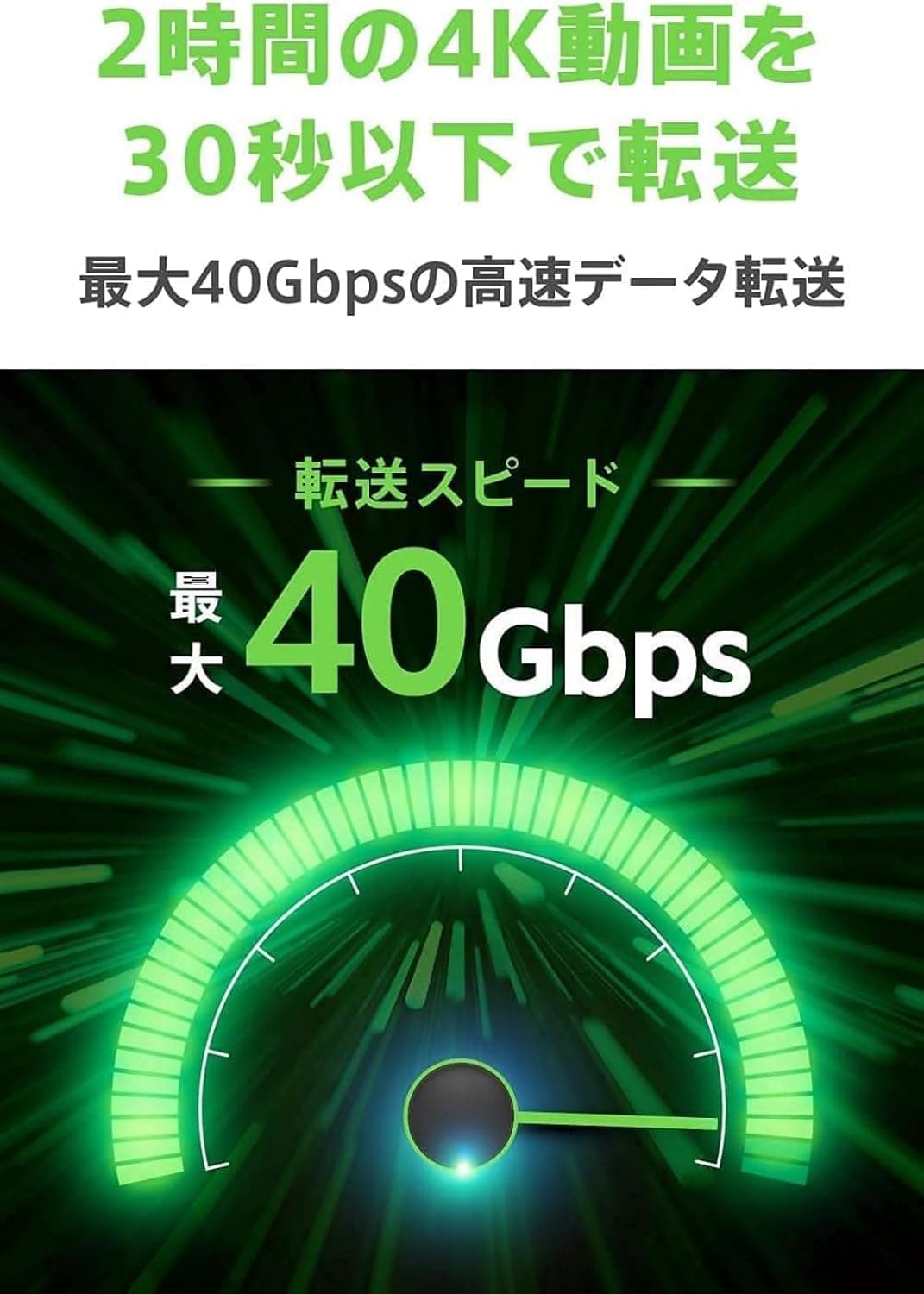
The Belkin Thunderbolt 3 Cable (F2CD084BT0.8MBK) is an Intel-certified USB-C to USB-C cable rated for up to 40Gbps data transfer, up to 100W power delivery, and 5K (5120×2880) or Ultra HD (3840×2160) video output.
It is 0.8m long, which is short by cable standards.
The short version of the verdict: this is a cable for people who already own Thunderbolt 3 gear and need a short, reliable run across a desk.
As a general-purpose charging cable it is expensive. As insurance against the classic uncertified-cable problems — transfers dropping to 10Gbps, or a display simply not lighting up — the Intel certification is the product.
Amazon shows 2,749 reviews at a 92% positive rate (4.6 of 5 stars, captured May 2026), which is a stable score for this category.
Compatibility Guide
Both ends are USB Type-C, so the cable physically fits most USB-C ports. Its full 40Gbps, however, only appears when both ends are Thunderbolt 3 ports.
The published spec lists backward compatibility with USB 3.1 Gen2 (10Gbps), USB 3.0 (5Gbps), and USB 2.0 (480Mbps).
Thunderbolt 3 devices can also be daisy-chained up to six deep, which matters on thin laptops with only one or two ports.
One thing worth checking before you buy: as a general rule, Thunderbolt 3 cables that hold 40Gbps at 0.8m are active rather than passive designs, and some active cables limit throughput when connected to non-Thunderbolt USB devices.
The data for this cable lists USB 3.1 Gen2 backward compatibility, but if you plan to use it with a plain USB external SSD where real-world speed matters, confirm the wording on the product page first.
Power delivery tops out at 100W. Laptops that draw up to 100W over USB PD — most 13 to 14 inch machines and some 15 to 16 inch ones — can run power, video, and data over this single cable.
Machines that ask for 140W or 240W will charge more slowly, and you will end up keeping the bundled adapter nearby. That is a generation limit, not a defect; if charging is the priority, a PD3.1 240W cable is the cleaner answer.
On video, expect a single 5K display or Ultra HD class output. If you need guaranteed 8K or dual 4K, a Thunderbolt 4 or USB4 cable matches your requirements better.
How It Compares
Several cables share the 0.8m / 40Gbps / 100W spec sheet, so the real decision comes down to generation and certification.
| Option | Key difference | Who it suits |
|---|---|---|
| This cable (Thunderbolt 3, 0.8m) | 5K output, 100W, Intel certified | Already on TB3 and needs a short run |
| Thunderbolt 4 cable (1m) | 8K capable, USB4 compliant | Building a setup meant to last |
| USB4 40Gbps cable | 40Gbps guaranteed by the USB4 spec | Not tied to the Thunderbolt brand |
| 240W PD3.1 cable | Charging focused, not for high-speed data or video | Only needs fast charging |
If you are buying fresh today, a Thunderbolt 4 cable is the more future-proof purchase. This one makes sense when your gear is Thunderbolt 3, when 0.8m is exactly the length you measured, or when the price gap is clearly in its favor.
Product Info
The specifications: USB Type-C connectors on both ends, 0.8m (80cm) length, up to 40Gbps transfer, up to 100W power delivery, 5K (5120×2880) / Ultra HD (3840×2160) video, daisy-chaining up to six devices, and a 2-year warranty.
Manufacturer is Belkin; the ASIN is B07T32J5DM. Belkin's Japanese-language support means there is a clear place to go when something goes wrong.
On pricing: Amazon.co.jp showed ¥4,255 as captured on 30 May 2026, and eBay showed $23.95 as captured on 8 July 2026.
Both are point-in-time figures that move with sales, exchange rates, and stock. A Rakuten marketplace listing was also captured at ¥17,100, which is far outside the going rate for a 0.8m cable and most likely reflects a different product or an unusual listing; this article does not treat it as the market price.
Always check the current price and seller on the product page.
Reviews stand at 2,749 with a 92% positive rate (4.6 of 5 stars, captured May 2026).
With that volume the score is stable, and in this category negative reviews usually come from mismatched expectations — "shorter than I thought" or "too expensive" — rather than reliability problems.
Living With It
The 0.8m length dictates where this cable works.
Laptop on the desk with a dock or monitor beside or behind it? Ideal — no slack, very tidy.
Trying to reach a tower PC under the desk or a monitor across the room? It will not reach.
Measure before you buy; length is one of the top reasons cables get returned.
Cables rated at 40Gbps also tend to be thick and stiff. Combined with the short length, forcing a tight bend in a cramped space puts strain on the connector housing.
If cable routing is pushing you toward sharp bends, a slightly longer cable will last longer in practice.
Best Use Cases
- Connecting a Thunderbolt 3 laptop to an external monitor or dock with one cable
- Driving external SSDs or RAID storage where 10Gbps is not enough
- Running a 5K or Ultra HD display while charging at up to 100W over the same cable
- Keeping desk cabling short, when you have confirmed 0.8m actually reaches
- Avoiding the speed and display failures common with uncertified cables
Before You Buy
Length first. 0.8m sits right on the line between "neatly short" and "does not reach." It assumes the laptop and the dock share a desk surface.
Get this wrong and every other spec becomes irrelevant.
Then the power ceiling. 100W.
If your laptop asks for more, this cable alone will not keep up under load and the battery will drain while plugged in. For charging-first use, buy a PD3.1 240W cable separately.
Then the generation. Thunderbolt 3 is practical up to 5K and dual 4K.
If 8K is on your list, buy a Thunderbolt 4 or USB4 cable. When the price gap is small, the newer generation is the choice you are less likely to regret.
Watch the listed price, too. As noted, a clearly out-of-range ¥17,100 figure was captured for the same product.
Marketplace pages often carry multiple sellers and even different products under one listing, and the listing metadata itself — manufacturer, model number, compatibility notes — is sometimes wrong. Check the product image, title, and seller to confirm you are buying the Belkin F2CD084BT0.8MBK.
Finally, USB device speed. As covered above, active Thunderbolt 3 cables can throttle non-Thunderbolt USB connections.
That is a non-issue if you treat this as a Thunderbolt-only cable, but verify it first if you want one cable to do both jobs.
FAQ
Q. Will it work in a Thunderbolt 4 port? A.
Yes — Thunderbolt 4 ports are backward compatible with Thunderbolt 3. Performance stays within Thunderbolt 3 limits (40Gbps, 5K class).
For Thunderbolt 4 specific features such as 8K output, you need a Thunderbolt 4 cable as well.
Q. Can I charge a phone with it? A.
Yes, it is a PD-capable USB-C to USB-C cable. But for charging alone, a longer and cheaper charging cable is more practical, and 0.8m is often too short for phone use.
Q. How fast will my external SSD be? A.
The cable allows up to 40Gbps, but real throughput depends on the drive and host controller. Thunderbolt 3 SSDs typically land around the 2,000MB/s class; a USB drive is capped by its own interface.
Q. How many devices can I daisy-chain? A.
Up to six per the spec. Bandwidth is shared across the chain, so a fast SSD plus a 5K monitor will divide the available headroom between them.
Q. What about the warranty? A.
A 2-year manufacturer warranty applies. Belkin offers Japanese-language support, so keep your proof of purchase if you need to raise a defect claim.
Product Disclosure (Amazon)
- Manufacturer: Belkin
- ASIN: B07T32J5DM
- Note: This article covers a manufacturer-made product based on Amazon listing details.