This article covers Beelink EQ12 Mini PC Intel 12th Lake N100(最大3.4GHz 4C.
Overview
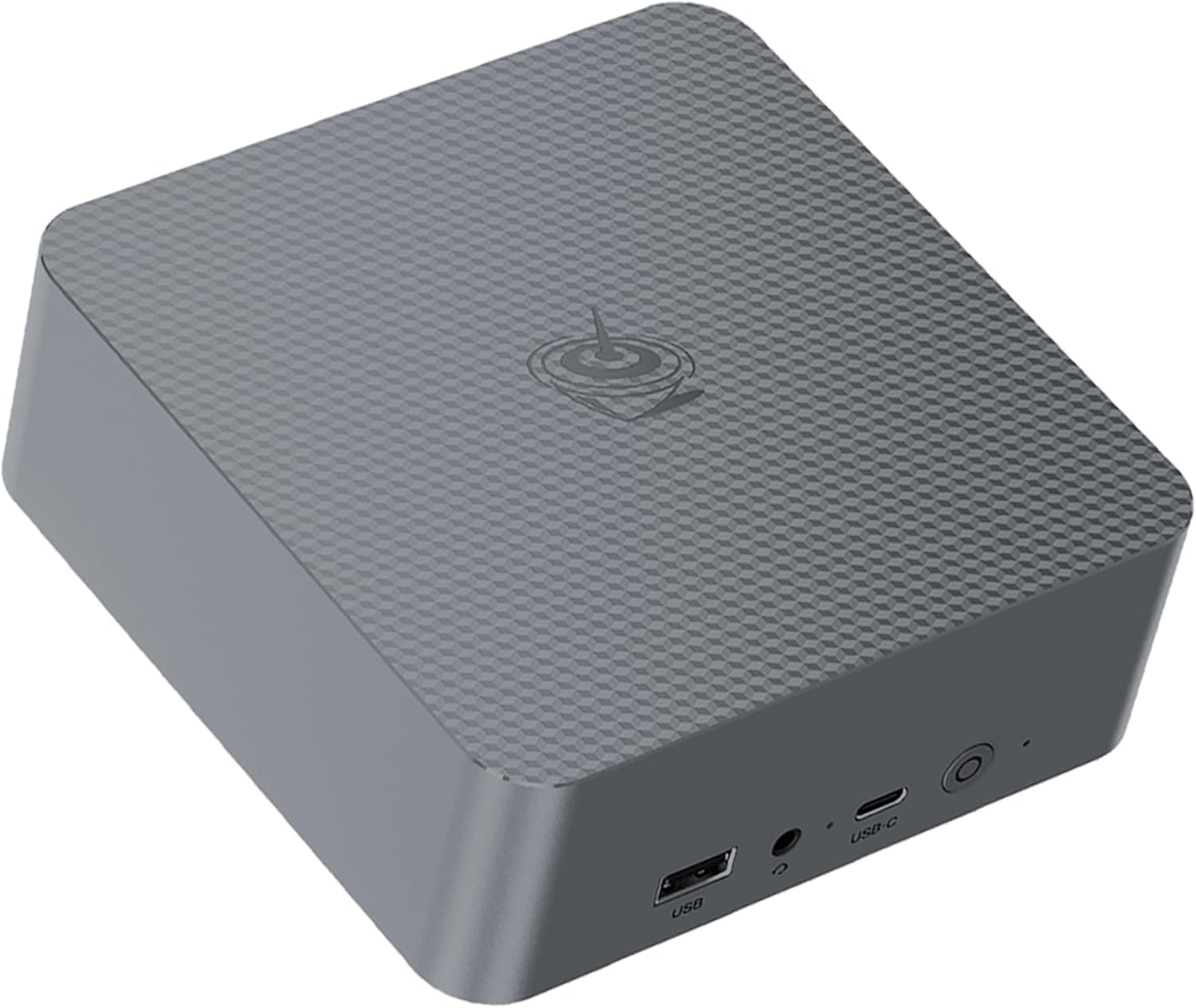
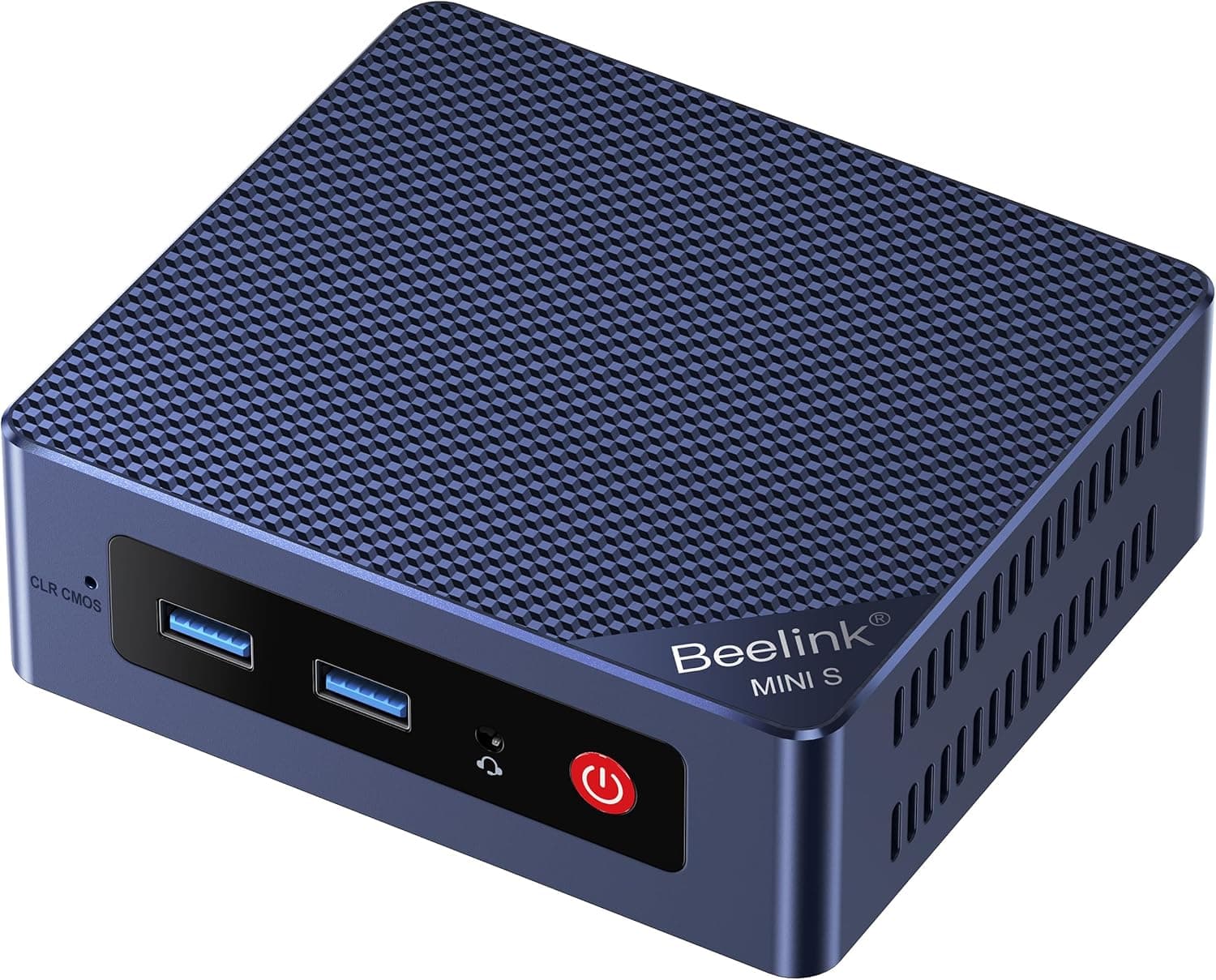
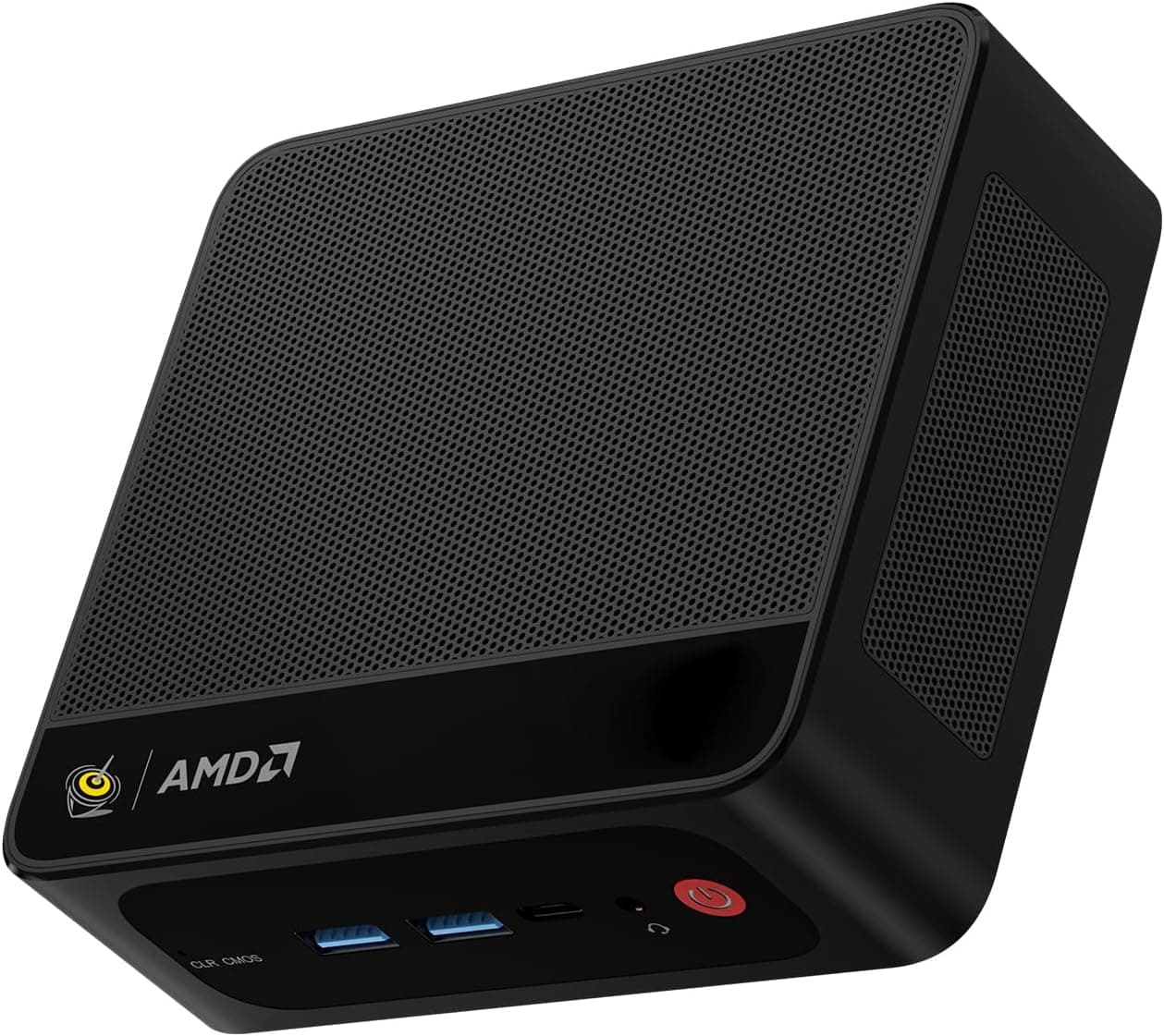
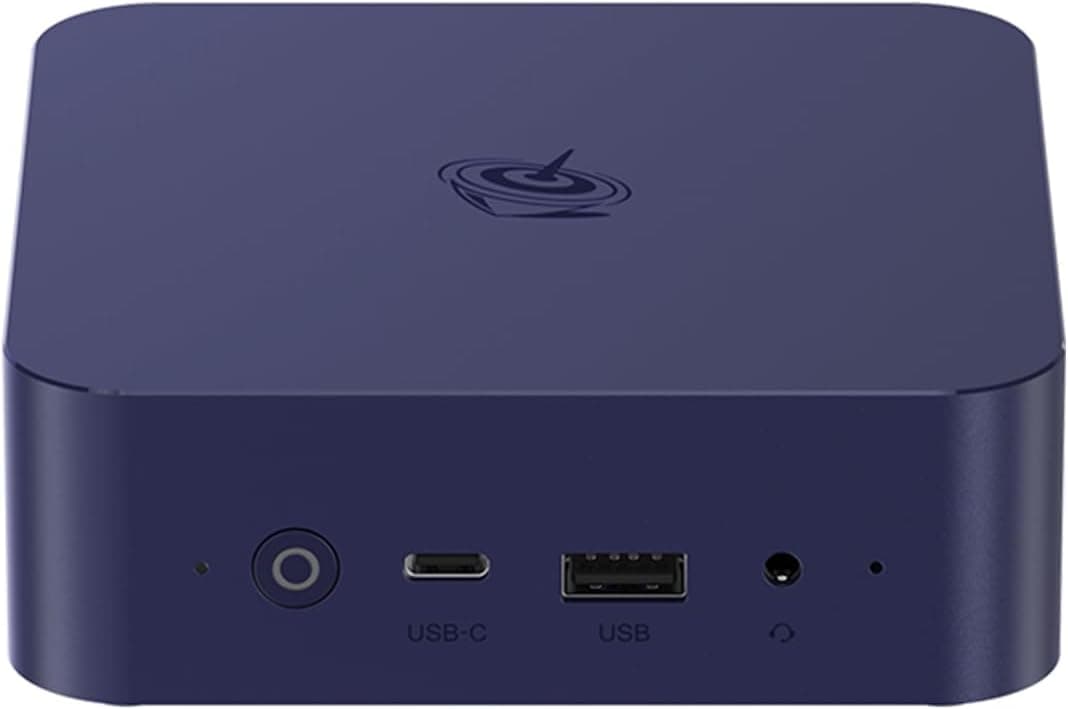
The Beelink EQ12 is a compact mini PC powered by the Intel Alder Lake-N100 processor, offering an excellent balance of size, power efficiency, and connectivity. Measuring just 126×126×45.5mm, it can easily sit behind a monitor or on a small shelf without cluttering your desk. The quad-core N100 clocks up to 3.4GHz, sufficient for everyday office work, web browsing, and 4K video playback. What sets the EQ12 apart is its dual 2.5GbE LAN ports — a rare feature at this price point. This makes it an ideal candidate for lightweight server deployments, router OS (OpenWrt, pfSense), or as a home NAS gateway. It ships with 16GB DDR4 memory and a 500GB M.2 SSD, ready to use out of the box.
Connectivity & Compatibility
The front panel houses three USB 3.2 Gen2 (10Gbps) Type-A ports and one USB-C port at the same speed, plus a 3.5mm audio jack. Around the back, you get two HDMI 2.0b outputs (4K/60Hz each), two 2.5GbE RJ45 ports, and the DC power input. Triple-display setups are supported via the two HDMI ports combined with the USB-C (DisplayPort Alt Mode) output. Wireless connectivity is covered by an Intel AX200 module supporting Wi-Fi 6 and Bluetooth 5.2. For storage, the EQ12 includes a single M.2 slot — compatible with PCIe 3.0 x1 or SATA 3 SSDs, supporting up to 2TB. Note that the PCIe link is limited to x1, capping NVMe SSD speeds to around 1GB/s.
Product Info
Released in early 2023, the Beelink EQ12 sits firmly in the entry-level to mid-range mini PC segment. Its asking price of around $200–$250 (varies by configuration and seller) offers strong value for the feature set. The package includes an HDMI cable (100cm), a 12V/3A power adapter, and a user manual. The manufacturer provides a 1-year warranty, though local retailer policies may differ.
Best Use Cases
First and foremost, the EQ12 excels as a low-power home server or network appliance. The dual 2.5GbE ports enable fast inter-VLAN routing or direct connection to a NAS without a separate switch. Idle power consumption hovers around 10W, making it economical to run 24/7 — ideal for Plex Media Server, Pi-hole, or Home Assistant setups. It’s also a capable secondary desktop for light office tasks — think document editing, spreadsheets, email, and video conferencing. The compact footprint and 4K triple-display support make it a space-saving workstation for multi-tab browsers and basic productivity. However, the EQ12 is not suited for heavy workloads like video editing, 3D rendering, or gaming. The integrated UHD Graphics (N100) can decode AV1 and handle casual titles, but don’t expect smooth performance in demanding creative apps or modern AAA games. ## Alternatives
Direct competitors in the N100 mini PC space include the Minisforum UN100L and the ASUS ExpertCenter PN42. The EQ12’s standout advantage is its dual 2.5GbE LAN — most rivals offer only a single 2.5GbE port or stick with 1GbE. If networking throughput is critical, the EQ12 is the clear winner. On the flip side, some alternatives offer user-upgradable RAM or additional storage slots.
Things to Consider
The M.2 slot is limited to PCIe 3.0 x1, so peak NVMe read/write speeds top out around 1GB/s. Pairing the EQ12 with a high-end Gen4 SSD would be wasted — stick with a budget Gen3 or SATA drive to save money. The plastic chassis provides adequate cooling for light loads, but sustained heavy tasks (e.g., CPU encoding) may trigger thermal throttling. The fan is generally quiet, but under prolonged load you’ll hear it spin up. RAM is a single SO-DIMM slot fixed at 16GB non-upgradable — confirm your memory needs before buying. Finally, the EQ12 typically ships without an operating system or with Linux. Be sure to check the listing for OS pre-installation before purchasing.